





 MineCourtCourt and venue operations
User guide · Support / Demo access
Support:inspect Switch User
Identify the account and role before an authorised support session. The example stops at the directory.
- Use support access explicitly granted for the account. Screens were captured with OS Trial, not Admin.
Support / Demo accessStep-by-step instructions
Review the Switch User directory
Support / Demo access
1Step 1 of 2
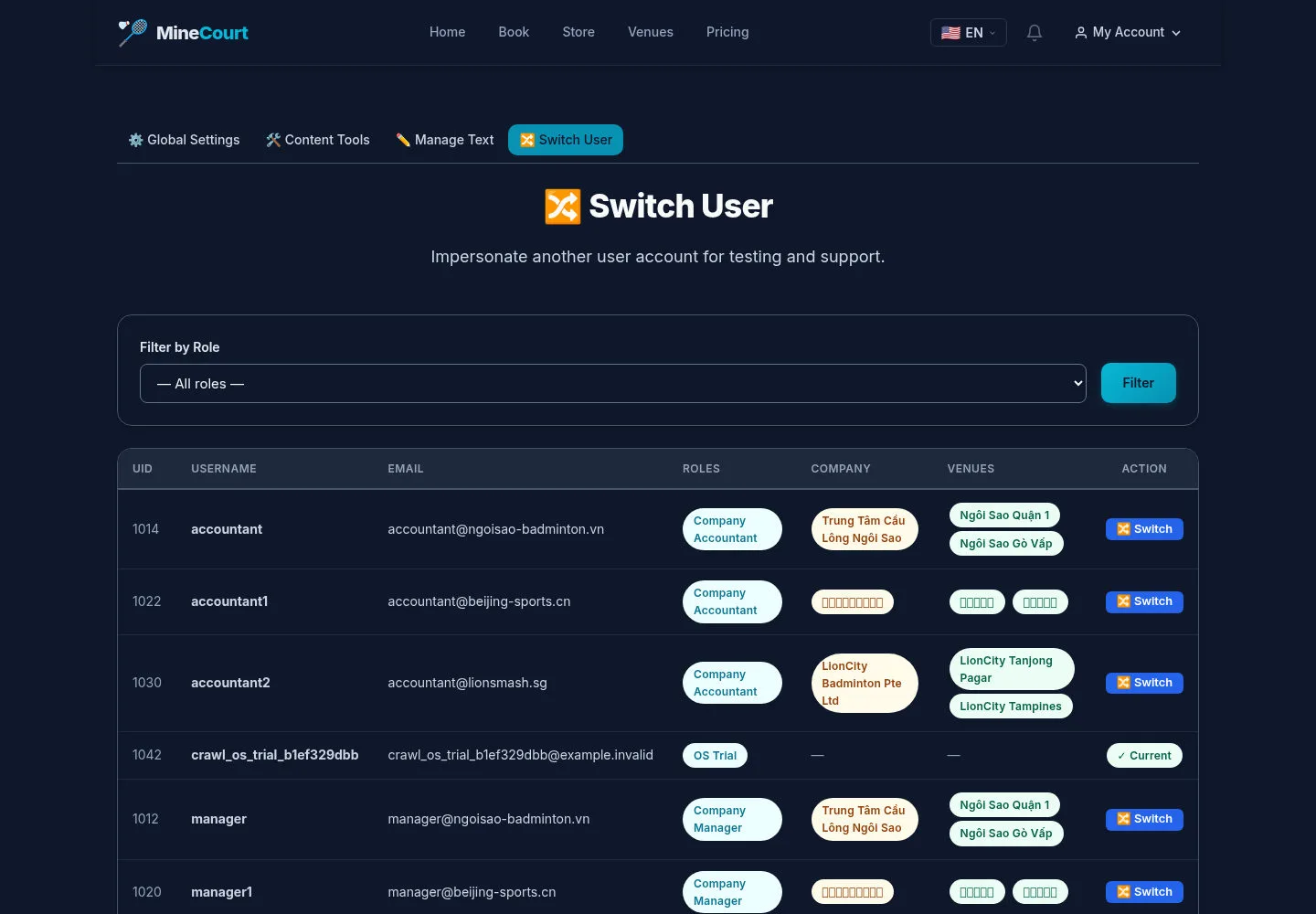
The captured front-end Switch User page is accessible to the OS Trial account.
- Use Filter by Role to locate the intended account, then verify its company and venue labels.
Open on site ↗sign-inFull-page screenshot ↗
What you should see
The directory identifies possible support targets. No Switch action was followed in the crawl.
Understand the role boundary
Support / Demo access
2Step 2 of 2
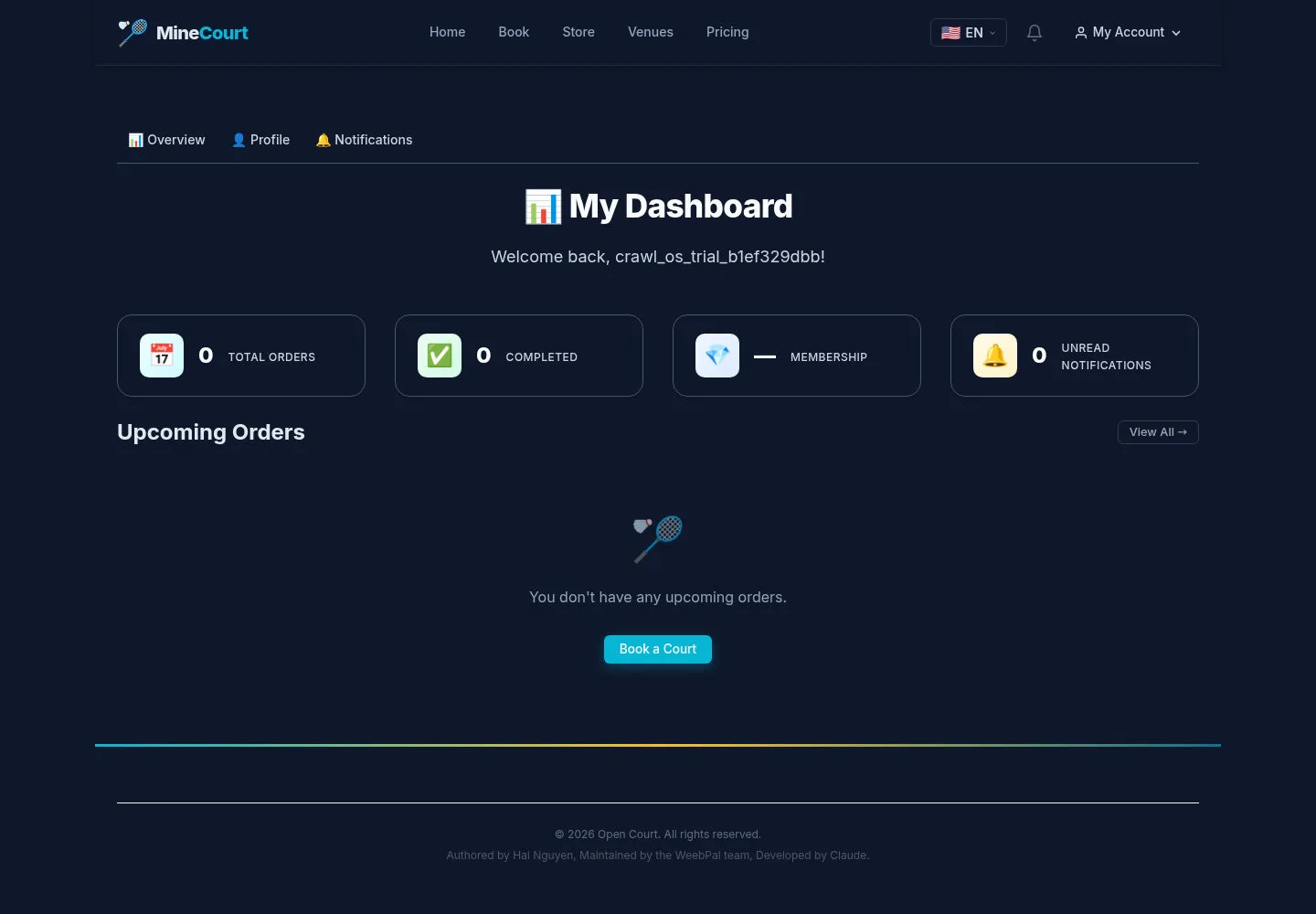
The solution gives the technical Admin a Switch User entry; this screenshot is the OS Trial personal dashboard.
- Use only the support access granted for the task, and verify the active user before business actions.
Open on site ↗sign-inFull-page screenshot ↗
What you should see
This guide does not verify switching back, audit attribution or administrator access.
1 / 3