





 MineCourtCourt and venue operations
User guide · Company Staff
Company Staff:venues and people
Use the company directory while recognising the difference between the captured interface and planned financial restrictions.
- Use an account with access to this workspace.
Locate the company venues
Company Staff
1Step 1 of 3
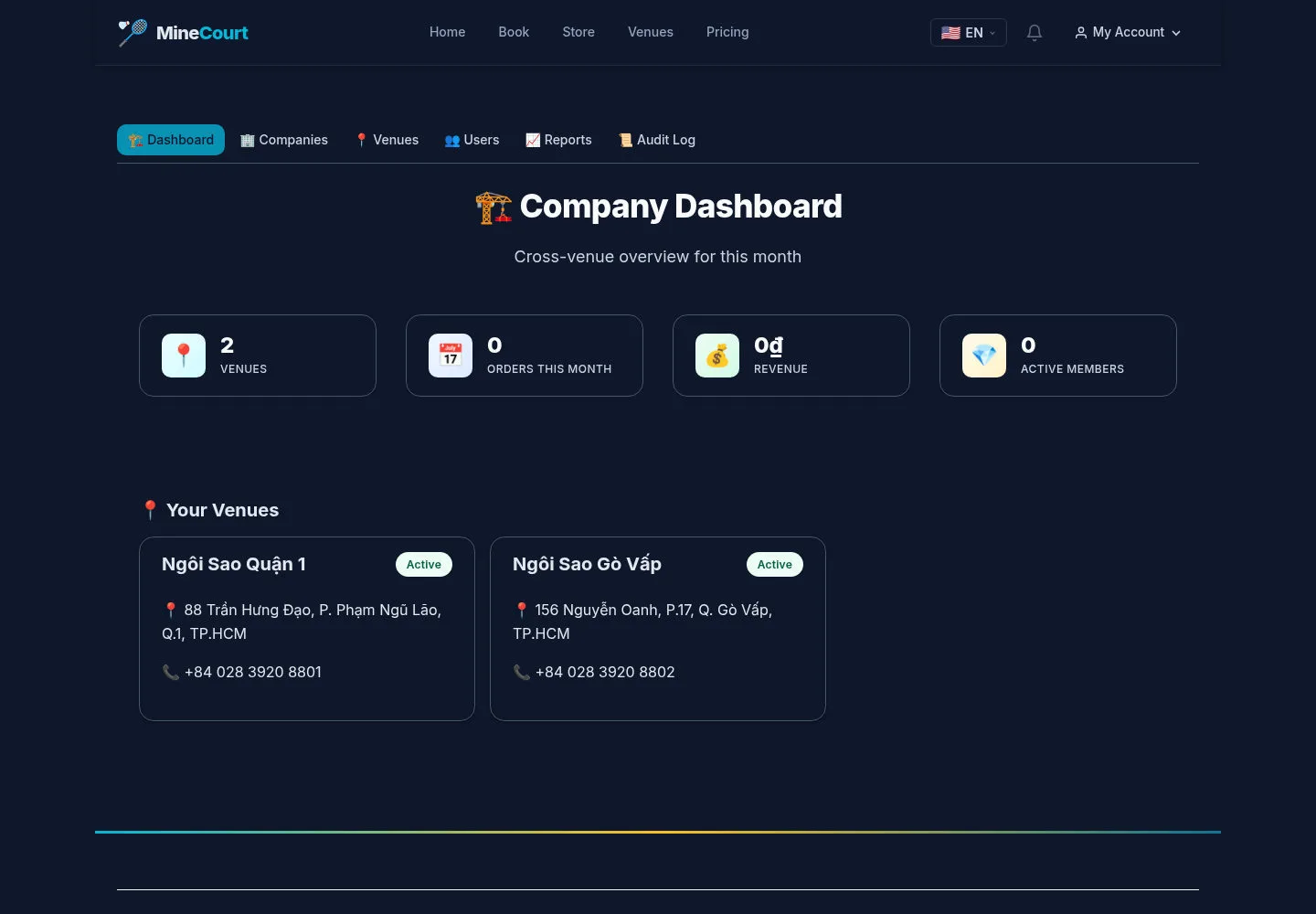
The captured Company Staff dashboard displays venue cards and financial summary tiles.
- Use the venue cards to locate contact and location information.
Open on site ↗sign-inFull-page screenshot ↗
Planned Company Staff excludes money, reports and Audit Log. Their visibility here is a recorded source difference, not the intended permission rule.
Review the venue directory
Company Staff
2Step 2 of 3
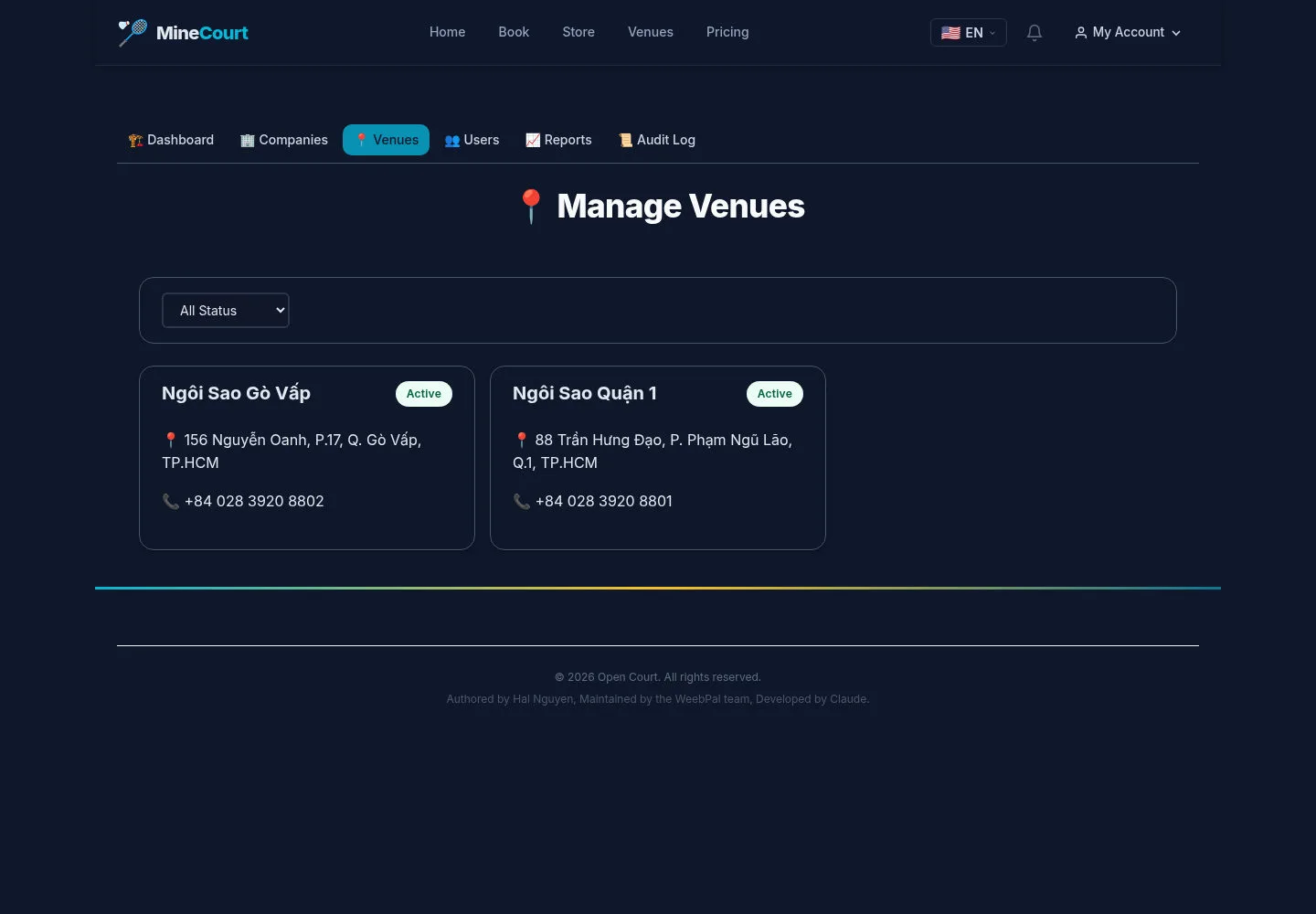
Venues is the directory of company locations.
- Find the venue whose contact information you need.
Open on site ↗sign-inFull-page screenshot ↗
Read the intended venue record. A directory capture does not establish edit permission.
Review staff lookup
Company Staff
3Step 3 of 3
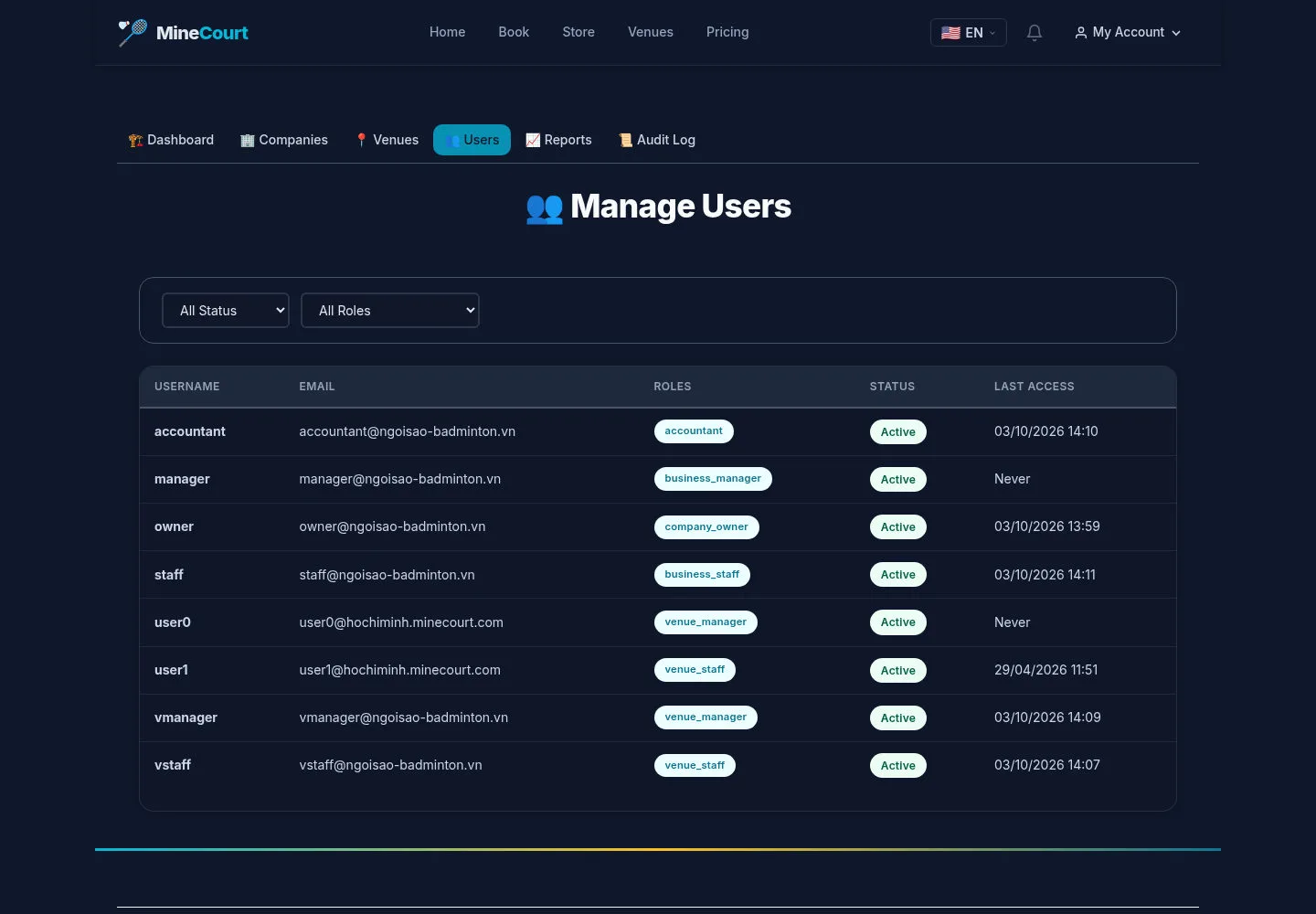
The captured user list has role and status filters.
- Filter to find an existing staff account before requesting a change.
Open on site ↗sign-inFull-page screenshot ↗
The planned Staff scope is Venue Staff invitations and maintenance; the capture does not validate that restriction or an invitation result.