





 MineCourtCourt and venue operations
User guide · Product Sales
Product Sales:check available access
Find the pages available in the captured account and identify the missing business workspace.
- Use an account with access to this workspace.
Product SalesStep-by-step instructions
Review your available workspace
Product Sales
1Step 1 of 2
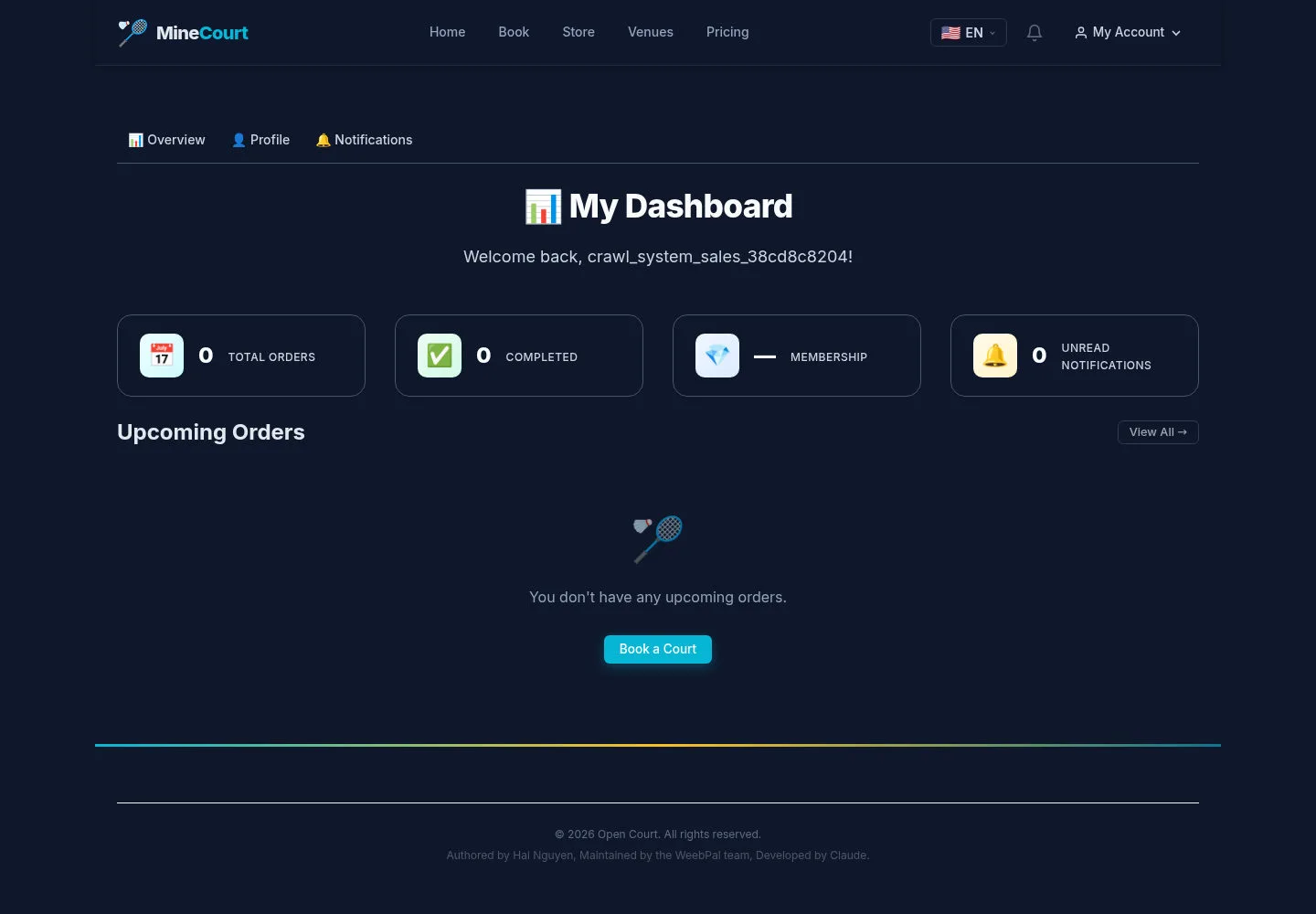
The captured account lands on My Dashboard with personal navigation.
- Check your account menu for the workspace you have been assigned.
Leads, company onboarding and trials belong to the planned Sales workspace.
Open on site ↗sign-inFull-page screenshot ↗
What you should see
Personal navigation is visible here. The capture does not demonstrate the dedicated product business features.
Confirm your own account context
Product Sales
2Step 2 of 2
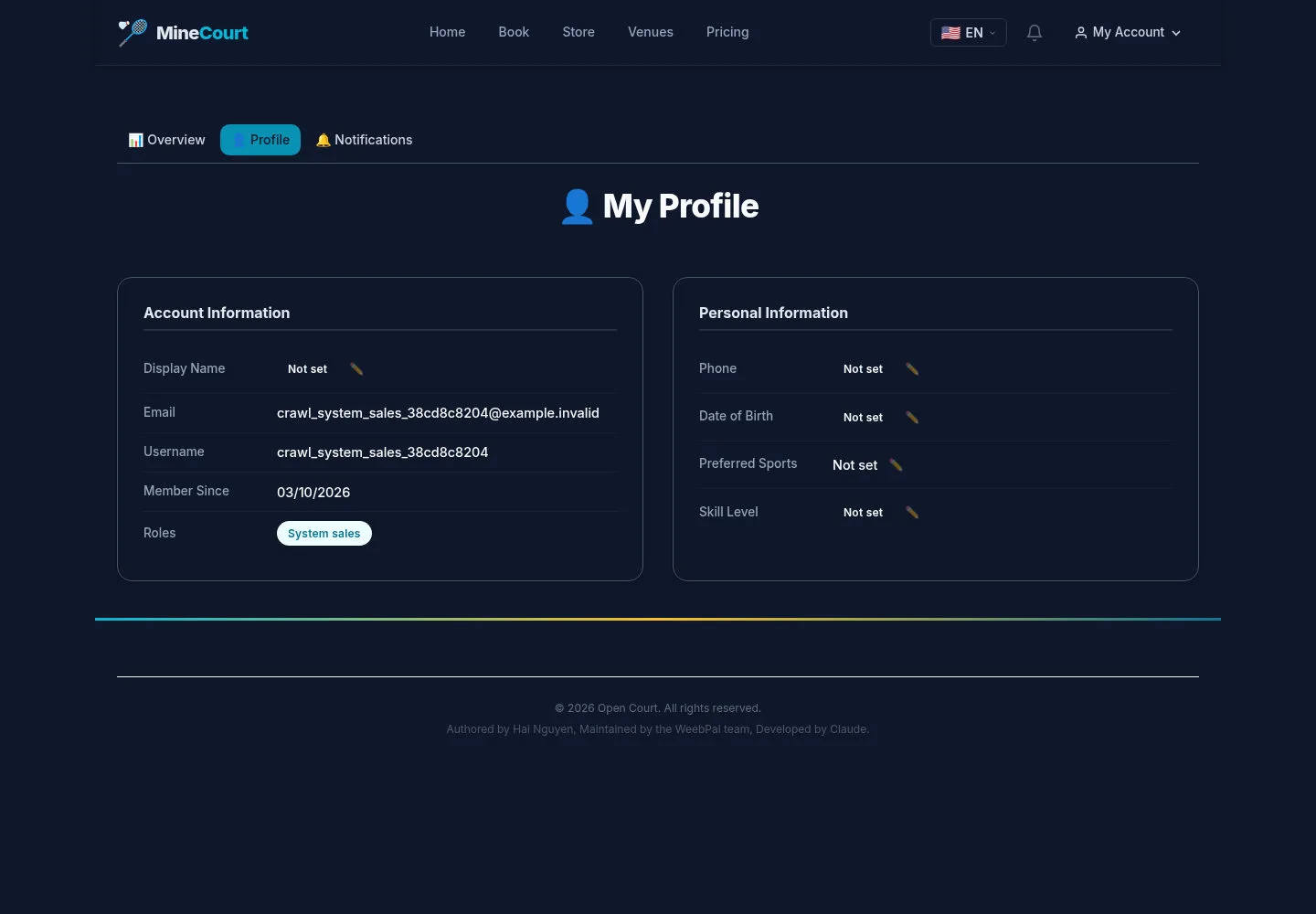
The available profile identifies the current personal account.
- Review your profile and request the intended business access from the administrator if it is missing.
Open on site ↗sign-inFull-page screenshot ↗
What you should see
This account view does not establish access to other companies’ bookings, payments or customer records.
1 / 3