





 MineCourtCourt and venue operations
User guide · Content Editor
Content:FAQ and interface text
Review FAQ fields and the editable text groups used by the MineCourt interface.
- Use an account with access to this workspace.
- The screenshots show the form before submission. Review the saved record on your site after saving.
Review the FAQ list
Content Editor
1Step 1 of 3
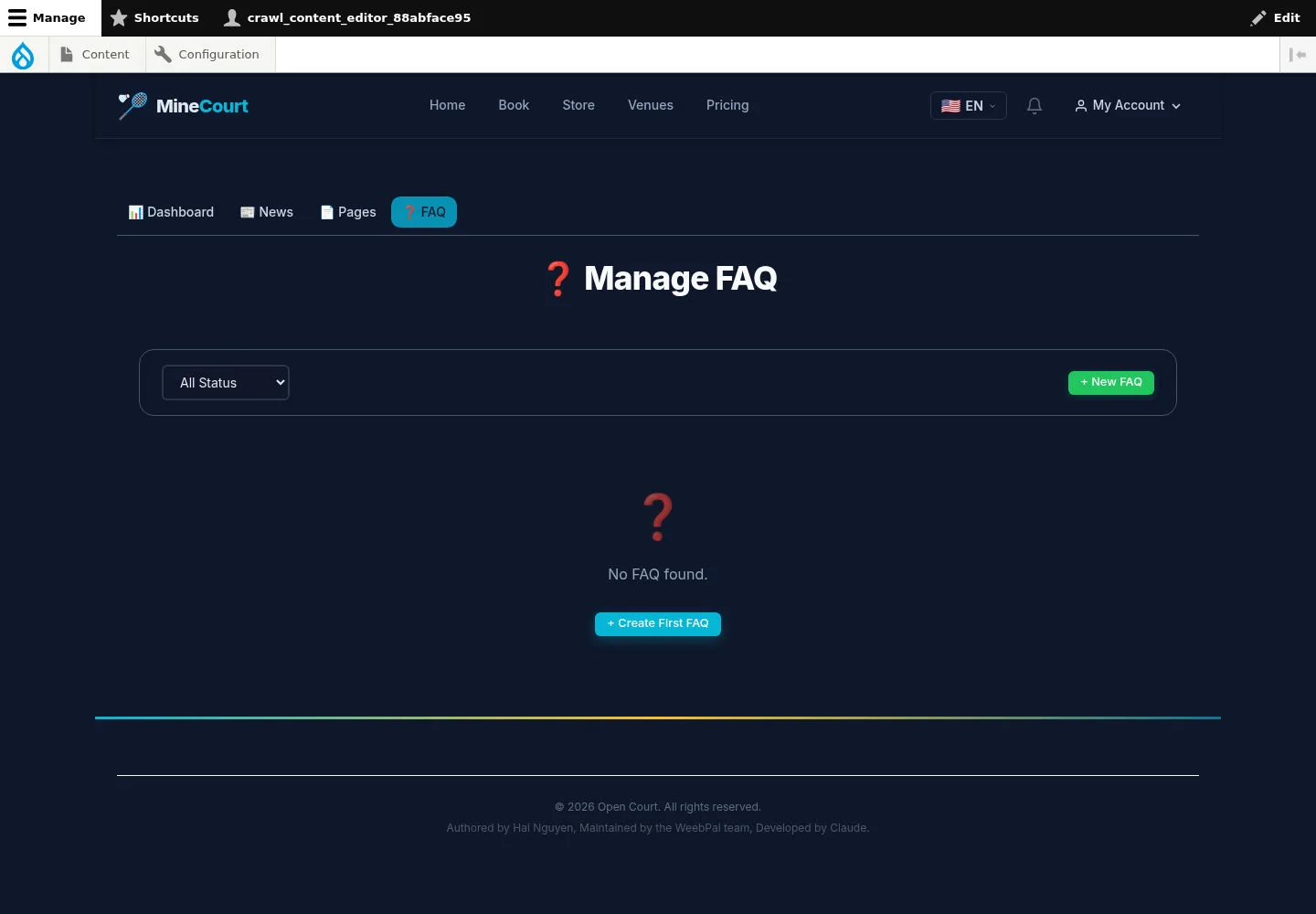
Manage FAQ has a status filter and an add option.
- Review the questions already present before adding a new one.
Open on site ↗sign-inFull-page screenshot ↗
Use the current list to avoid duplicate answers.
Prepare a FAQ entry
Content Editor
2Step 2 of 3
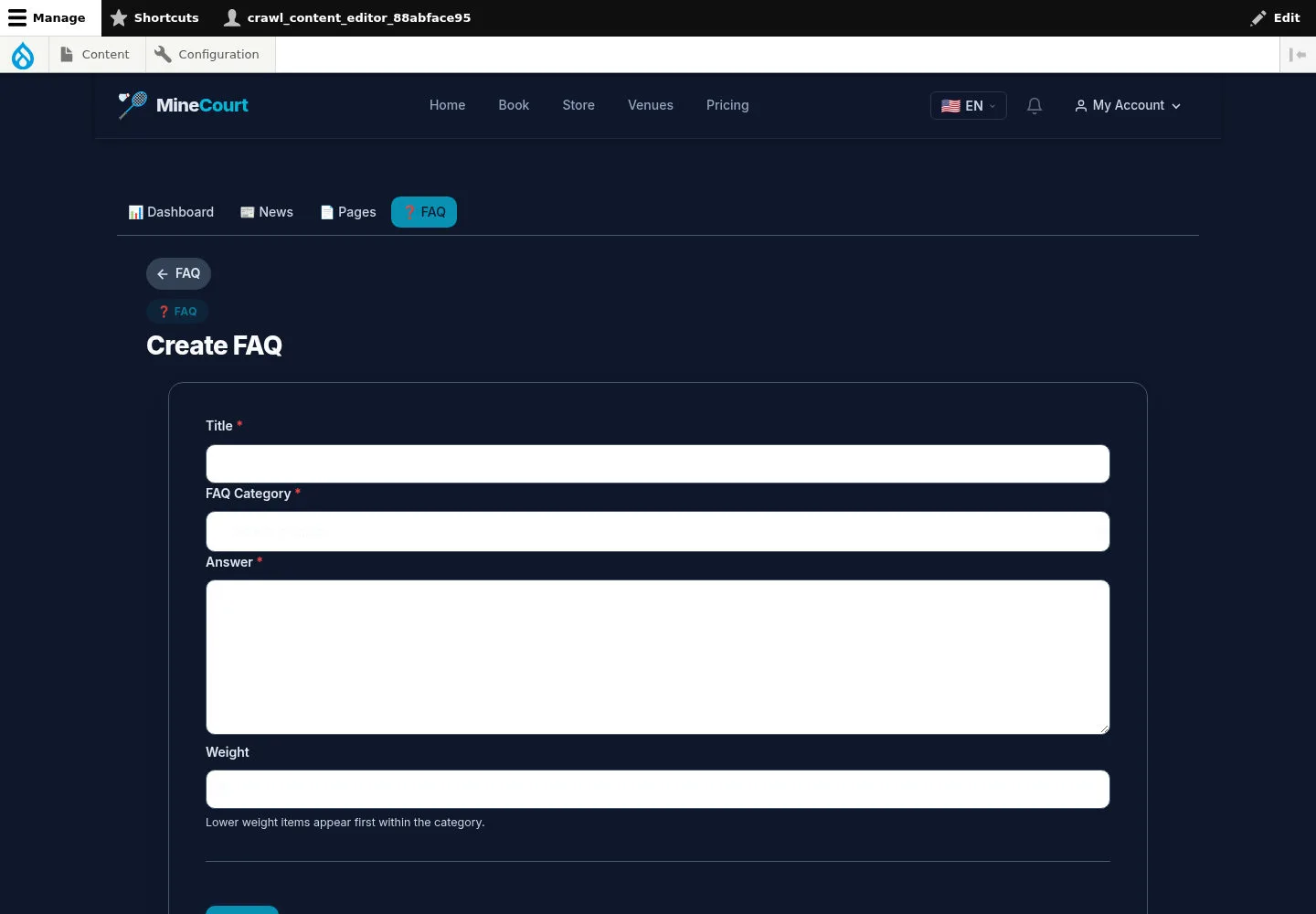
Create FAQ has title, category, answer and weight fields.
- Choose a category, write the answer and review weight before Save.
Open on site ↗sign-inFull-page screenshot ↗
After saving, review the entry and ordering on your site. No saved entry is shown here.
Review editable interface text
Content Editor
3Step 3 of 3
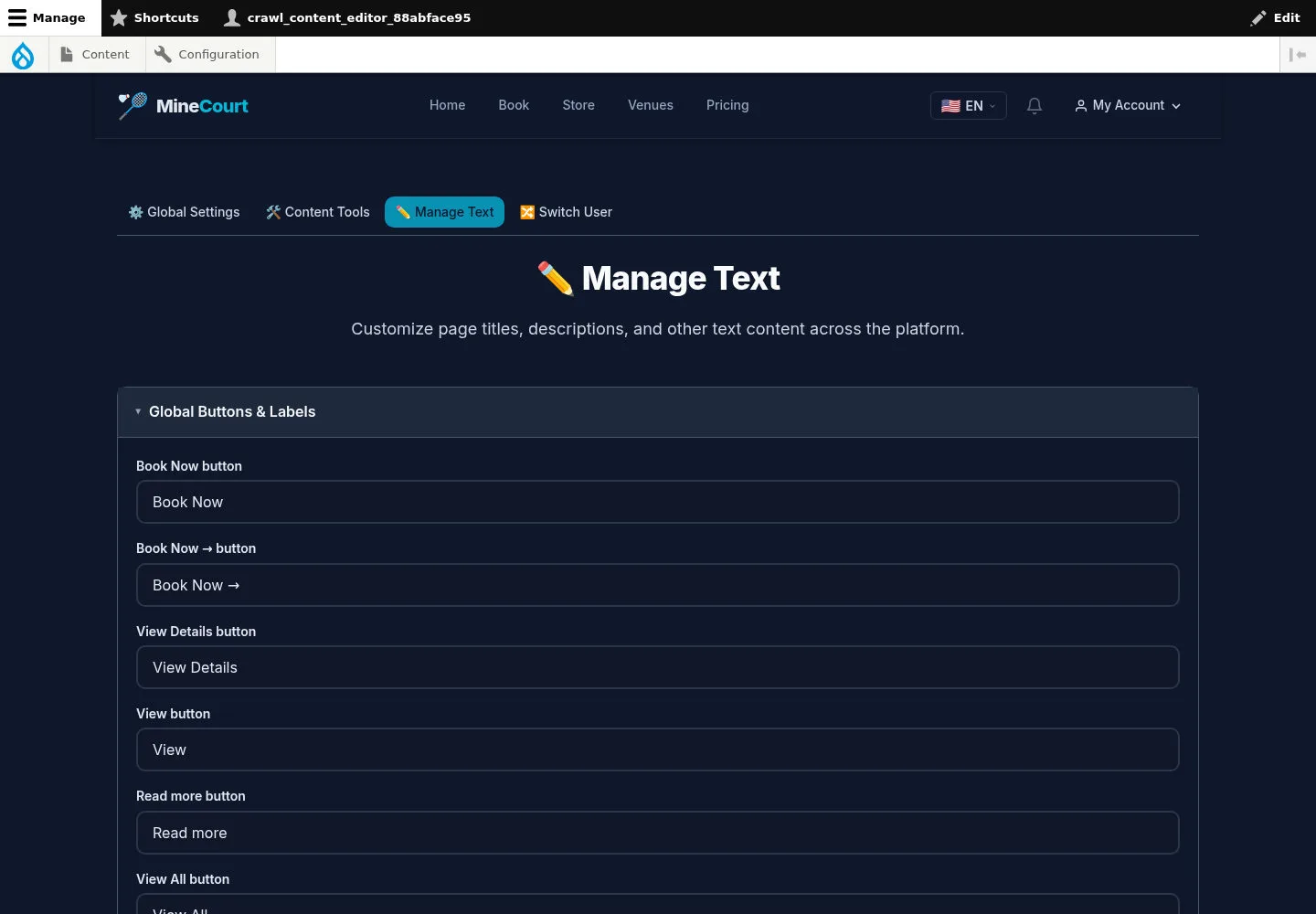
Manage Text groups labels and page text, including common button labels and home-page content.
- Locate the intended field and language context before using Save configuration.
Open on site ↗sign-inFull-page screenshot ↗
Review the affected page on your site after saving. The screenshot does not prove a language switch or configuration update.