





 MineCourtCourt and venue operations
User guide · Company Manager
Company Manager:daily review
Find the company’s venues, user list and current report.
- Use an account with access to this workspace.
Review company context
Company Manager
1Step 1 of 4
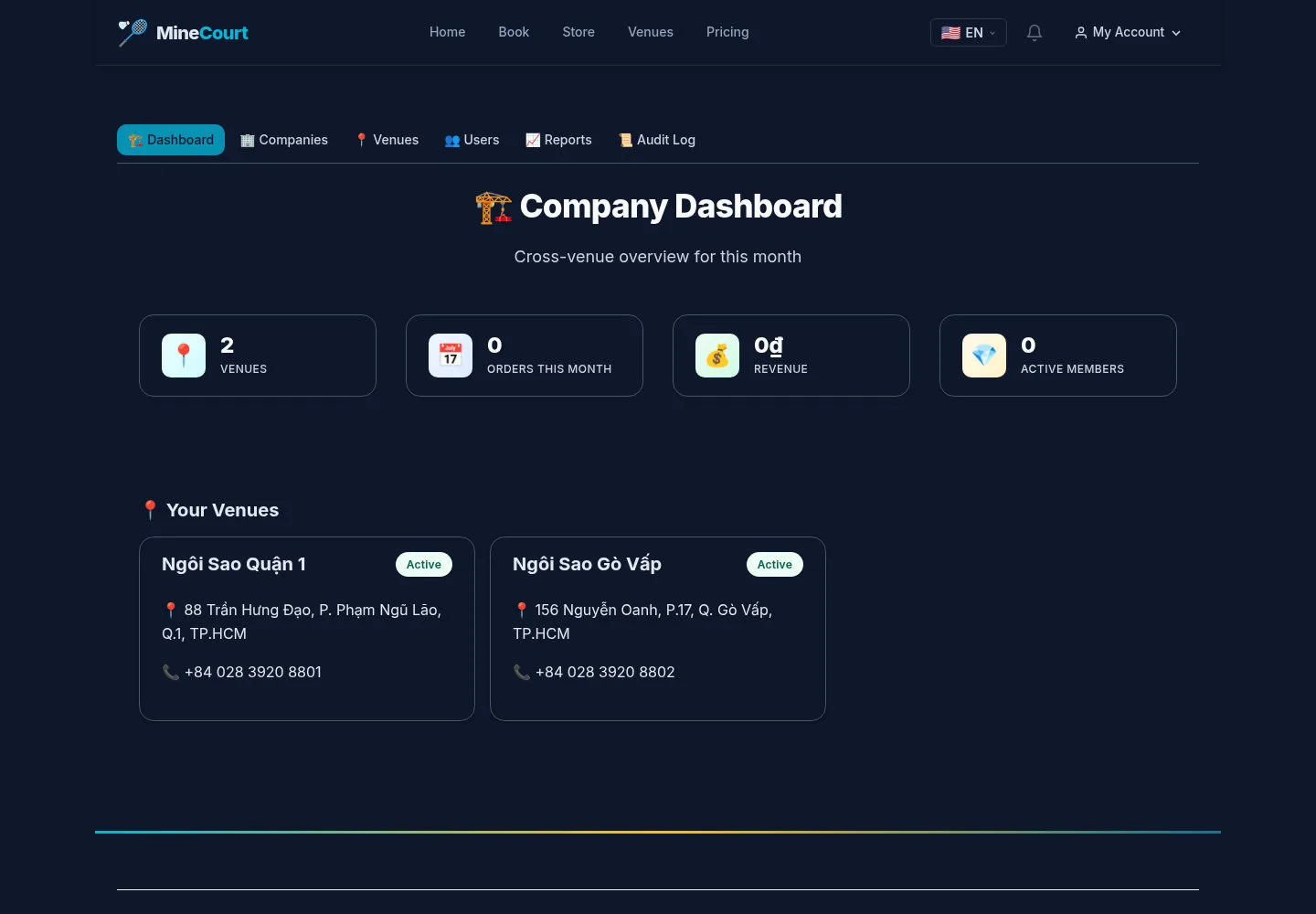
Start with the company dashboard and its venue cards.
- Confirm the company you are working with.
Open on site ↗sign-inFull-page screenshot ↗
Use the company navigation for the relevant operational view.
Find a venue
Company Manager
2Step 2 of 4
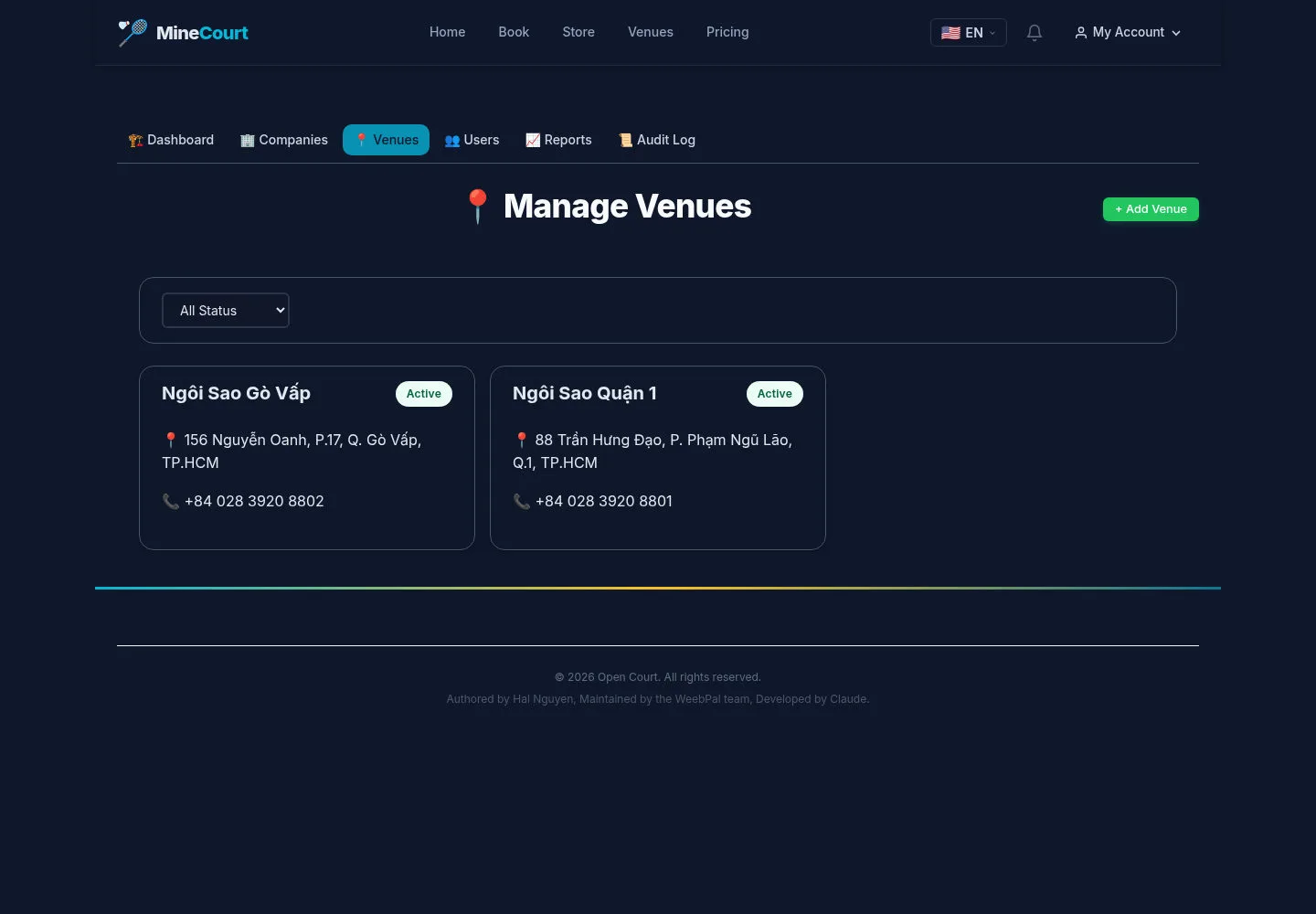
The venue list groups company locations.
- Open the venue you need to review.
Open on site ↗sign-inFull-page screenshot ↗
Review the intended venue record before changing operational information.
Review users
Company Manager
3Step 3 of 4
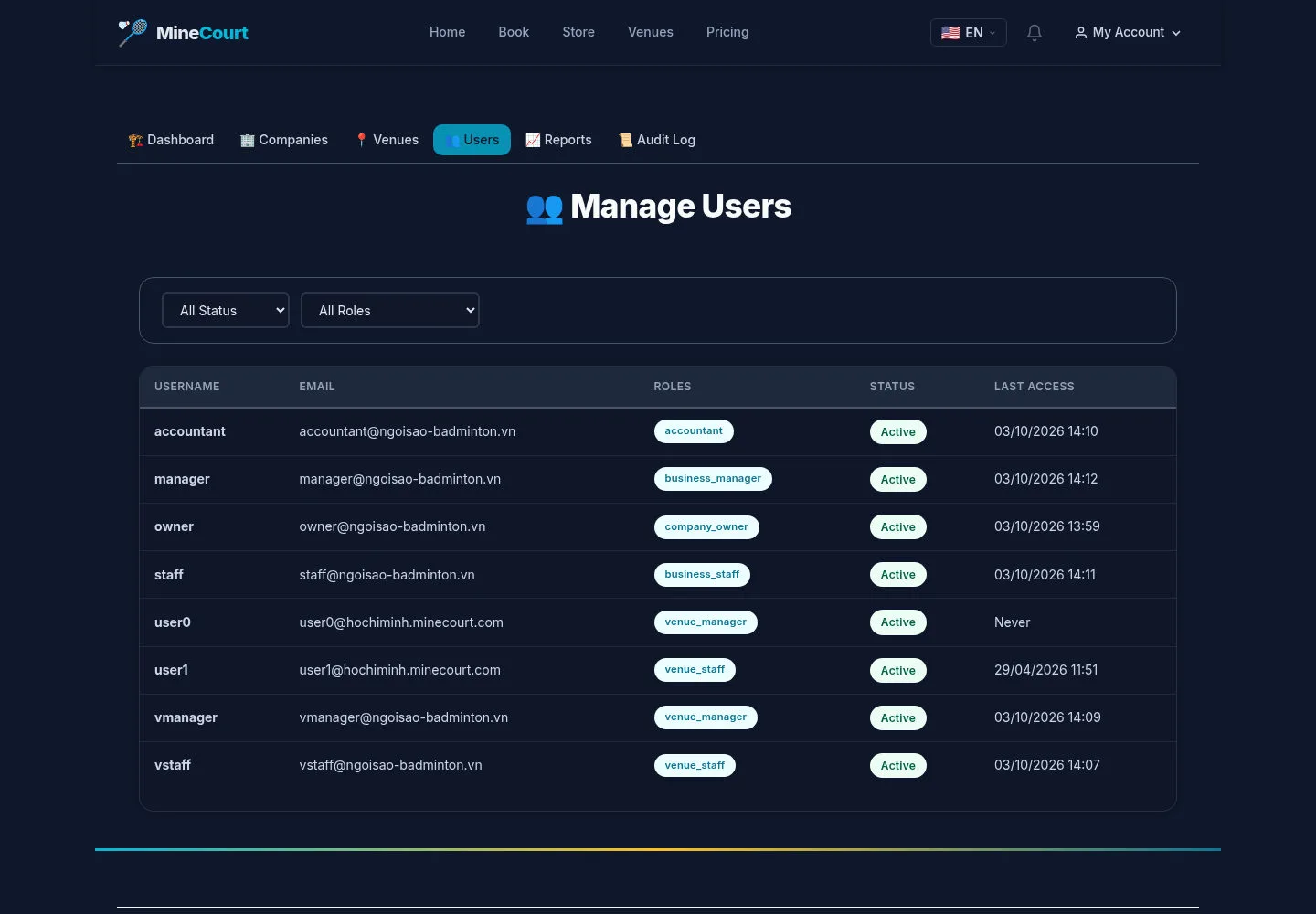
The user list includes role and status filters.
- Use the filters to find a relevant account.
Open on site ↗sign-inFull-page screenshot ↗
A visible list does not itself verify invitation delivery or tenant isolation.
Review company reports
Company Manager
4Step 4 of 4
The report includes a current-month summary and venue comparison.
- Read the report with its period and check relevant orders.
Open on site ↗sign-inFull-page screenshot ↗
Use actual company data for decisions; the captured values are illustrative.