






 MineCourtCourt and venue operations
User guide · Company Owner
Company:venues and people
Locate company venues and users, then review the forms used to prepare a new record.
- Use an account with access to this workspace.
- The screenshots show the form before submission. Review the saved record on your site after saving.
Start in the company workspace
Company Owner
1Step 1 of 5
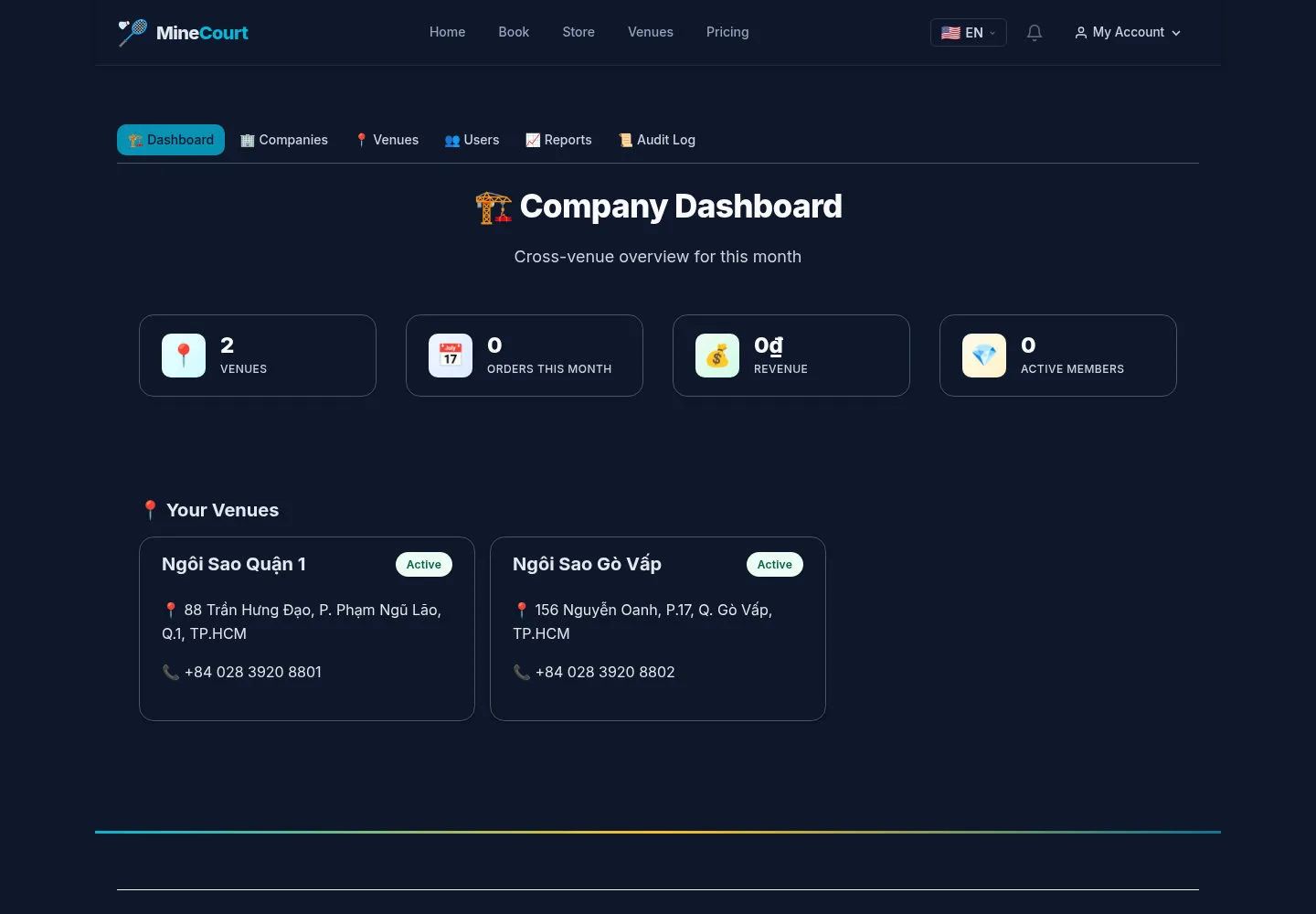
The company dashboard groups the company’s venues and monthly summary.
- Confirm the company context before opening Venues or Users.
Open on site ↗sign-inFull-page screenshot ↗
Review the venues belonging to the selected company.
Review venue records
Company Owner
2Step 2 of 5
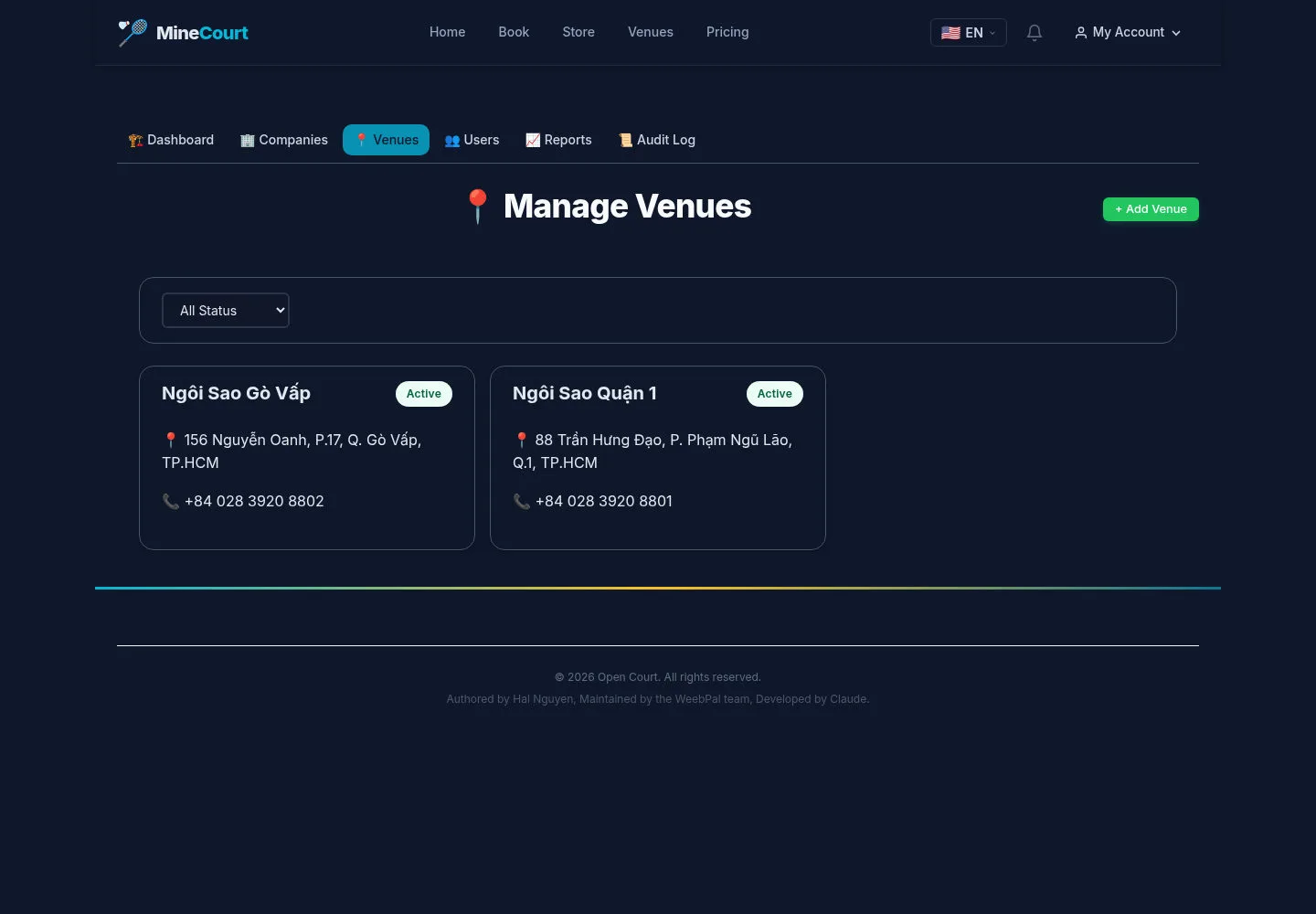
Venues lists the company’s locations.
- Review existing venues before using the add option.
Open on site ↗sign-inFull-page screenshot ↗
Choose the existing record for an update or prepare a new venue when needed.
Prepare a venue
Company Owner
3Step 3 of 5
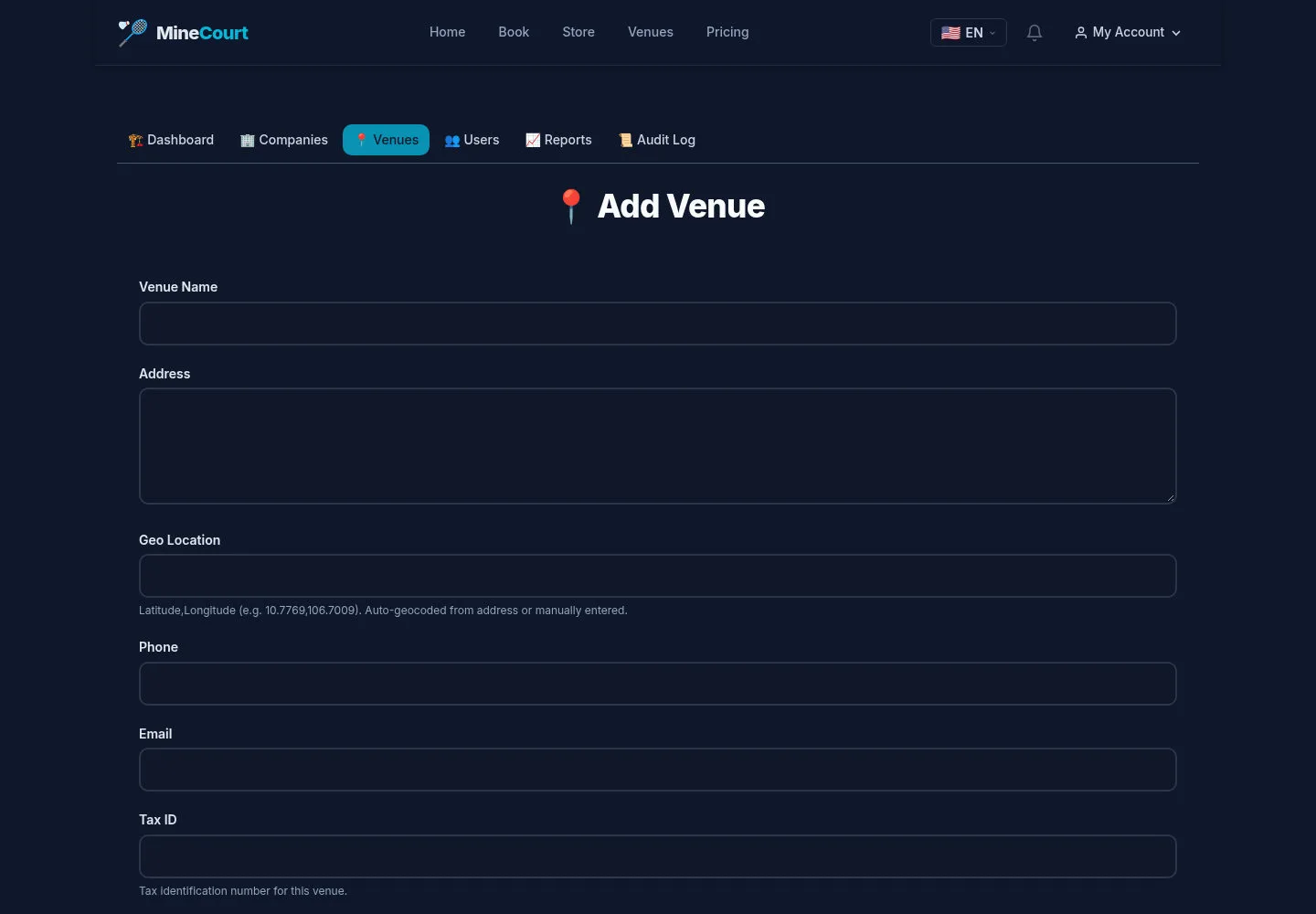
The form covers venue identity, address, currency, timezone, payment details and booking policy.
- Review identity and operating settings, then the cancellation and rescheduling fields before Save.
Open on site ↗sign-inFull-page screenshot ↗
The form shows configurable fields; it does not prove payment-provider operation or a saved policy.
Find company users
Company Owner
4Step 4 of 5
Manage Users offers role and status filters.
- Search the existing user scope before adding another account.
Open on site ↗sign-inFull-page screenshot ↗
The list is the starting point for reviewing the users visible to the account.
Review the add-user form
Company Owner
5Step 5 of 5
The captured form shows email, password and confirmation, display name and Create new account.
- Confirm the account information and password fields before using the create action on your site.
Open on site ↗sign-inFull-page screenshot ↗
This form does not demonstrate the planned invitation, scoped role assignment or 2FA flow.