






 MineCourtCourt and venue operations
User guide · Company Owner
Company:prepare membership plans
Review plans and the fields that define their price, scope and booking allowances.
- Use an account with access to this workspace.
- The screenshots show the form before submission. Review the saved record on your site after saving.
Company OwnerStep-by-step instructions
Review current plans
Company Owner
1Step 1 of 2
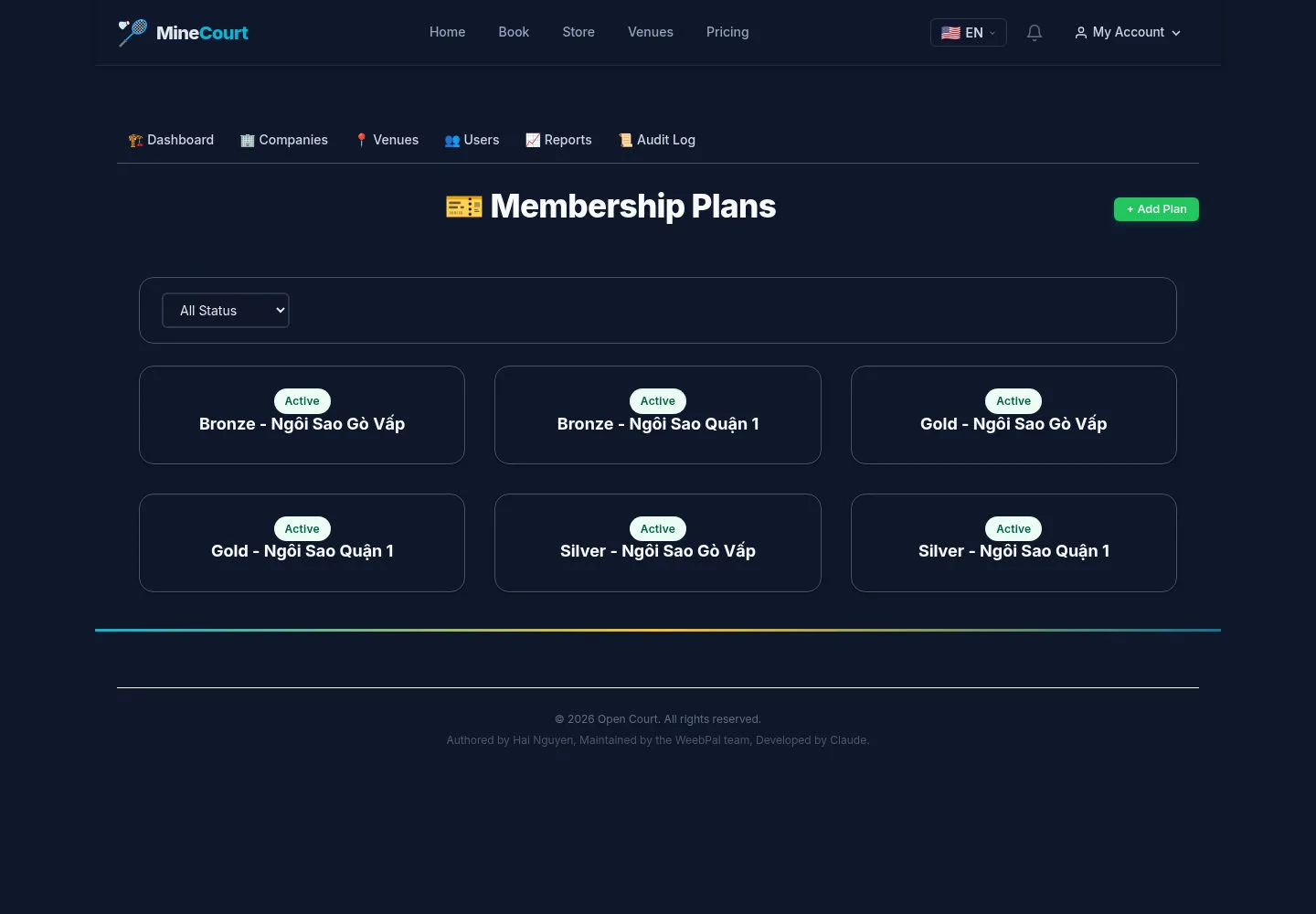
Membership plans belong to the company configuration.
- Review the existing plan list before adding a plan.
Open on site ↗sign-inFull-page screenshot ↗
What you should see
Check the intended scope to avoid duplicate or conflicting plans.
Prepare plan scope and allowances
Company Owner
2Step 2 of 2
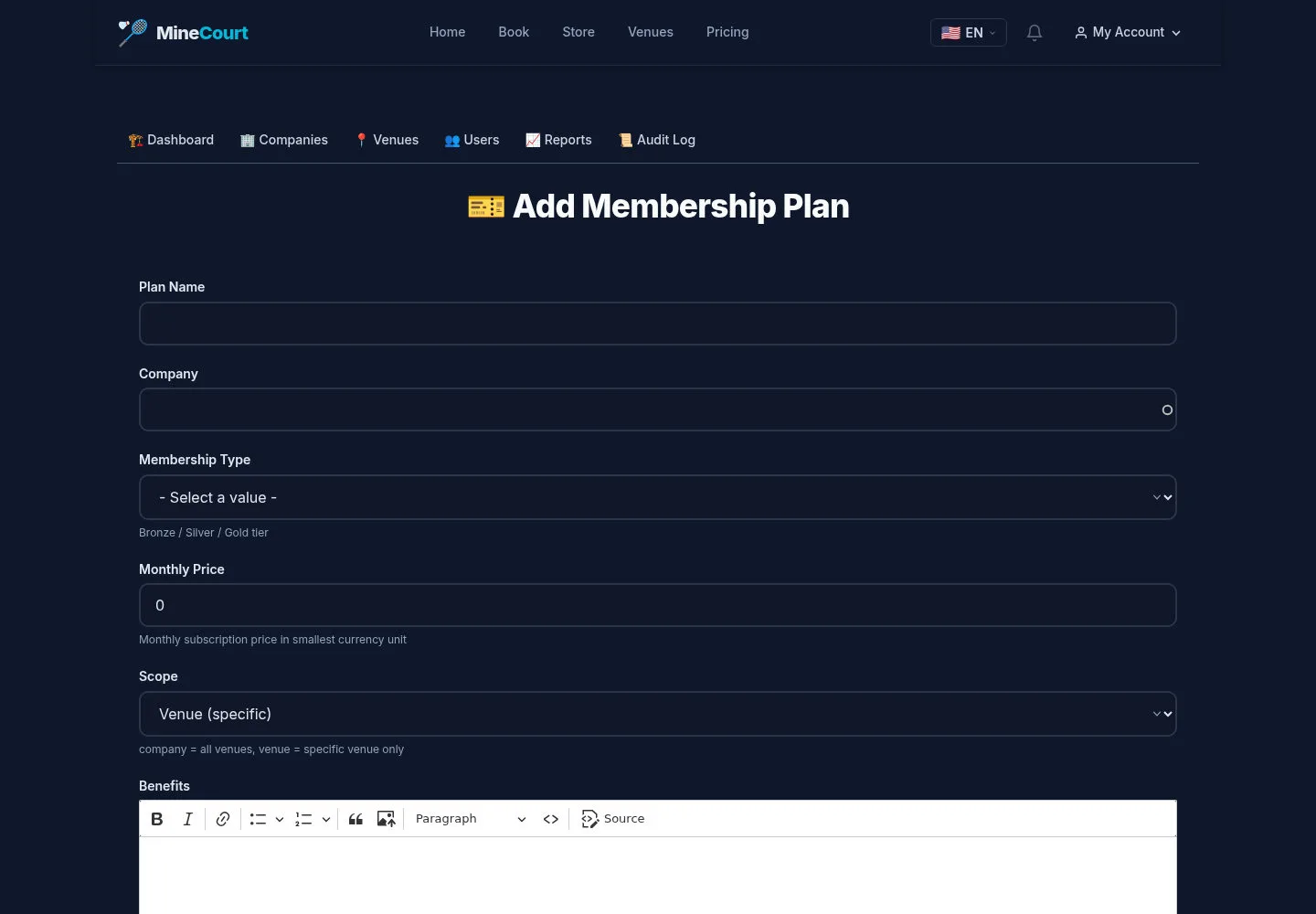
The form includes membership type, scope, venue, monthly/annual prices and hour limits.
- Review the scope, prices, advance-booking days and active state before Save.
Open on site ↗sign-inFull-page screenshot ↗
What you should see
Review the saved plan on your site before offering it. The screenshot is the unsubmitted form.
1 / 3