Phone and mobile app

Phone browser, menu, mobile app

  • A phone or tablet with a web browser
  • For the app: the EverLMS app
Public

On a phone

Public

On a phone

1Step 1 of 4

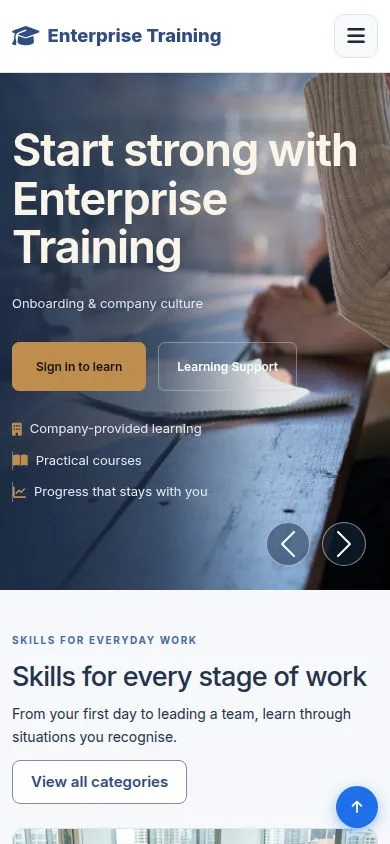
  1. The same site in the phone browser; nothing to install.

Enlarge, then scroll

Open illustrated screen ↗Full image ↗

Public · Phone and mobile app01

The menu

Public

The menu

2Step 2 of 4

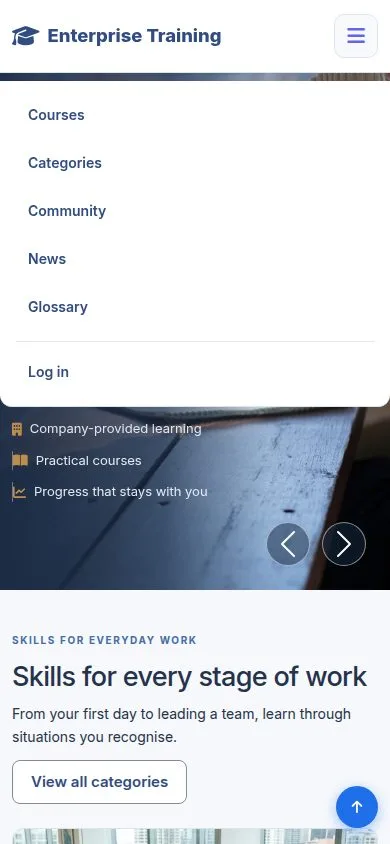
  1. The menu button ☰, at the top right, opens Courses, Categories, Community, News, Glossary and Log in.

Open illustrated screen ↗Full image ↗

Public · Phone and mobile app02

A course on a phone

Public

A course on a phone

3Step 3 of 4

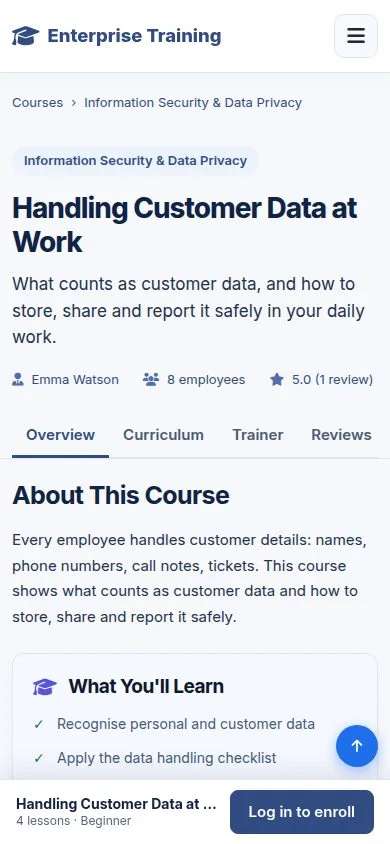
  1. The tabs stay in one row; Log in to enroll stays at the bottom while you read.

Enlarge, then scroll

Open illustrated screen ↗Full image ↗

Public · Phone and mobile app03

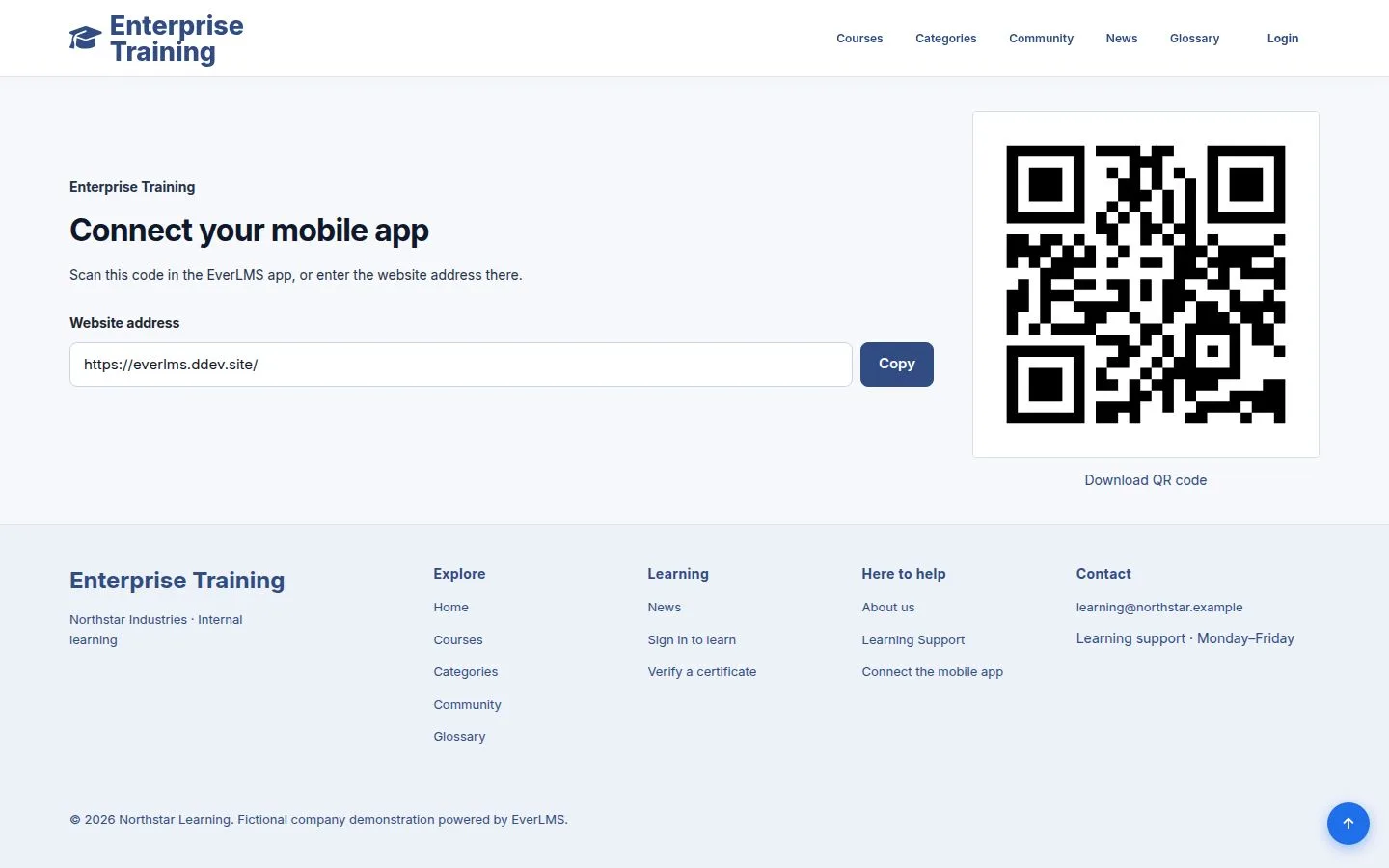
Connect the mobile app

Public

Connect the mobile app

4Step 4 of 4

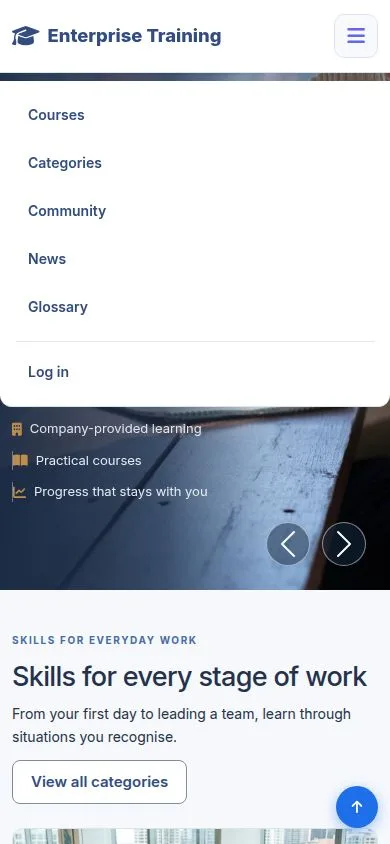
  1. Connect the mobile app, in the footer: scan the code with the EverLMS app, or copy the website address.

Open illustrated screen ↗Full image ↗

Check

The site works on a phone or tablet; the app connects to the same site and account

Public · Phone and mobile app04
1 / 5
Privacy Terms