









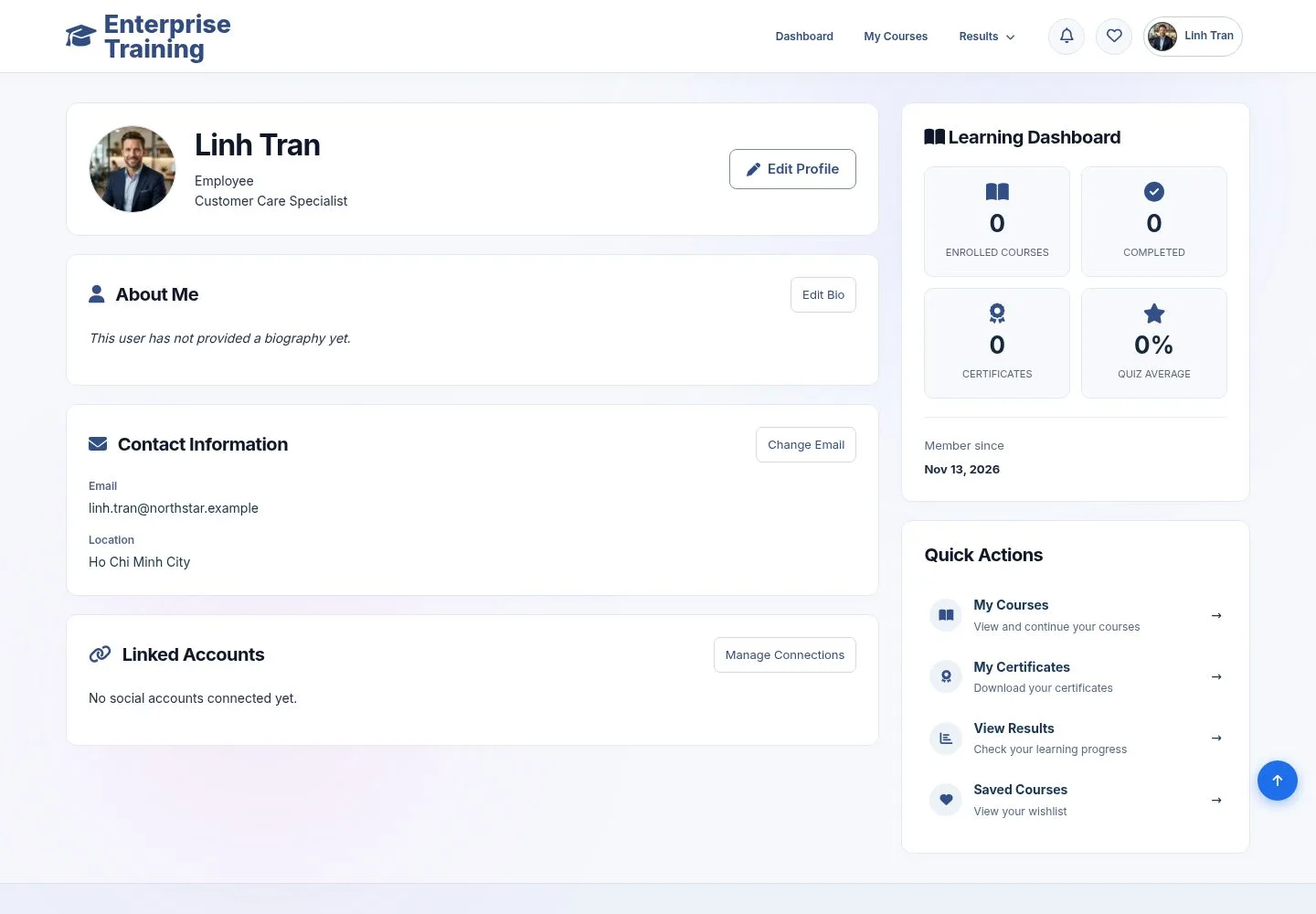
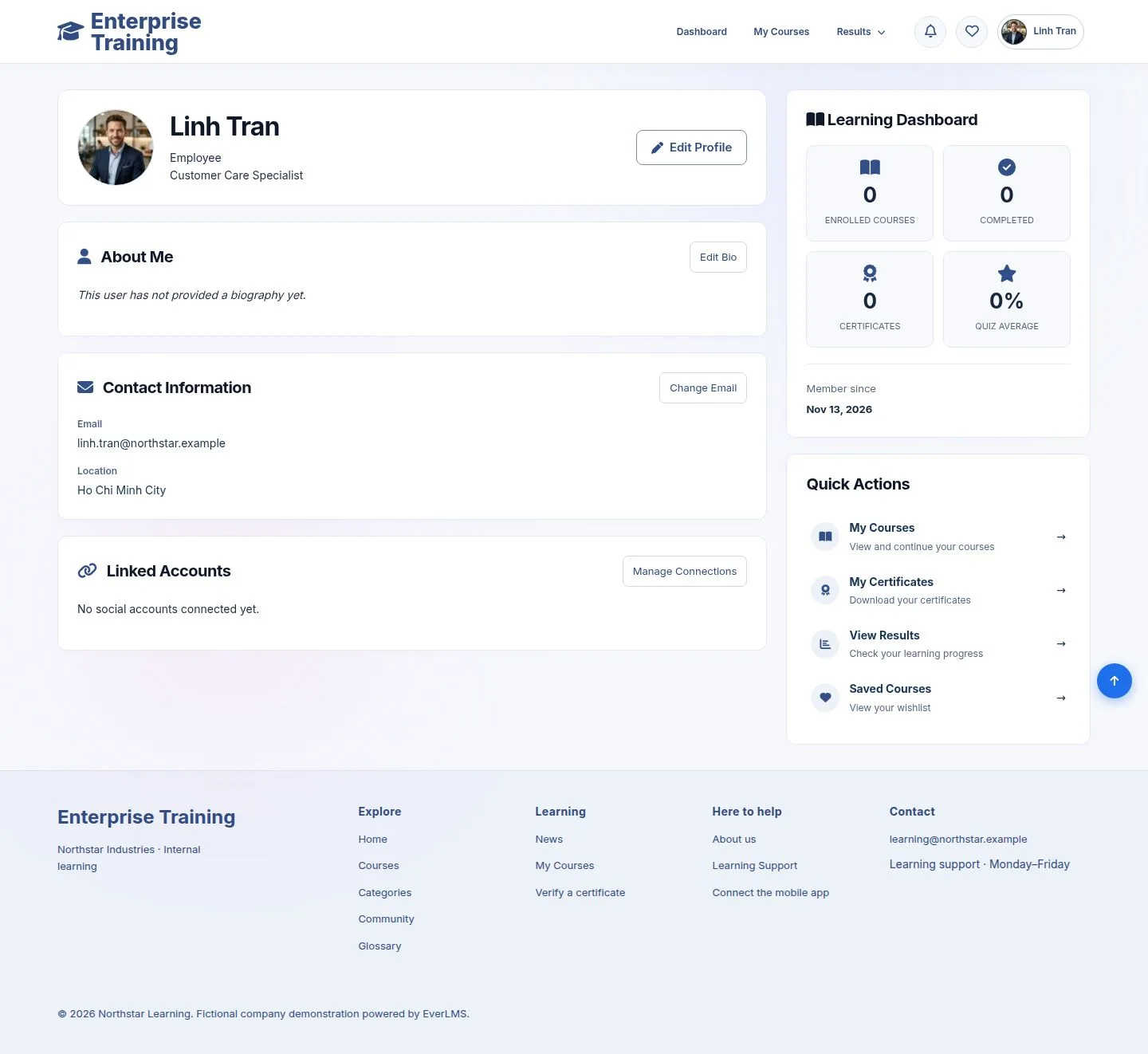
Your profile
Profile, account settings, password
- Signed in
Employee
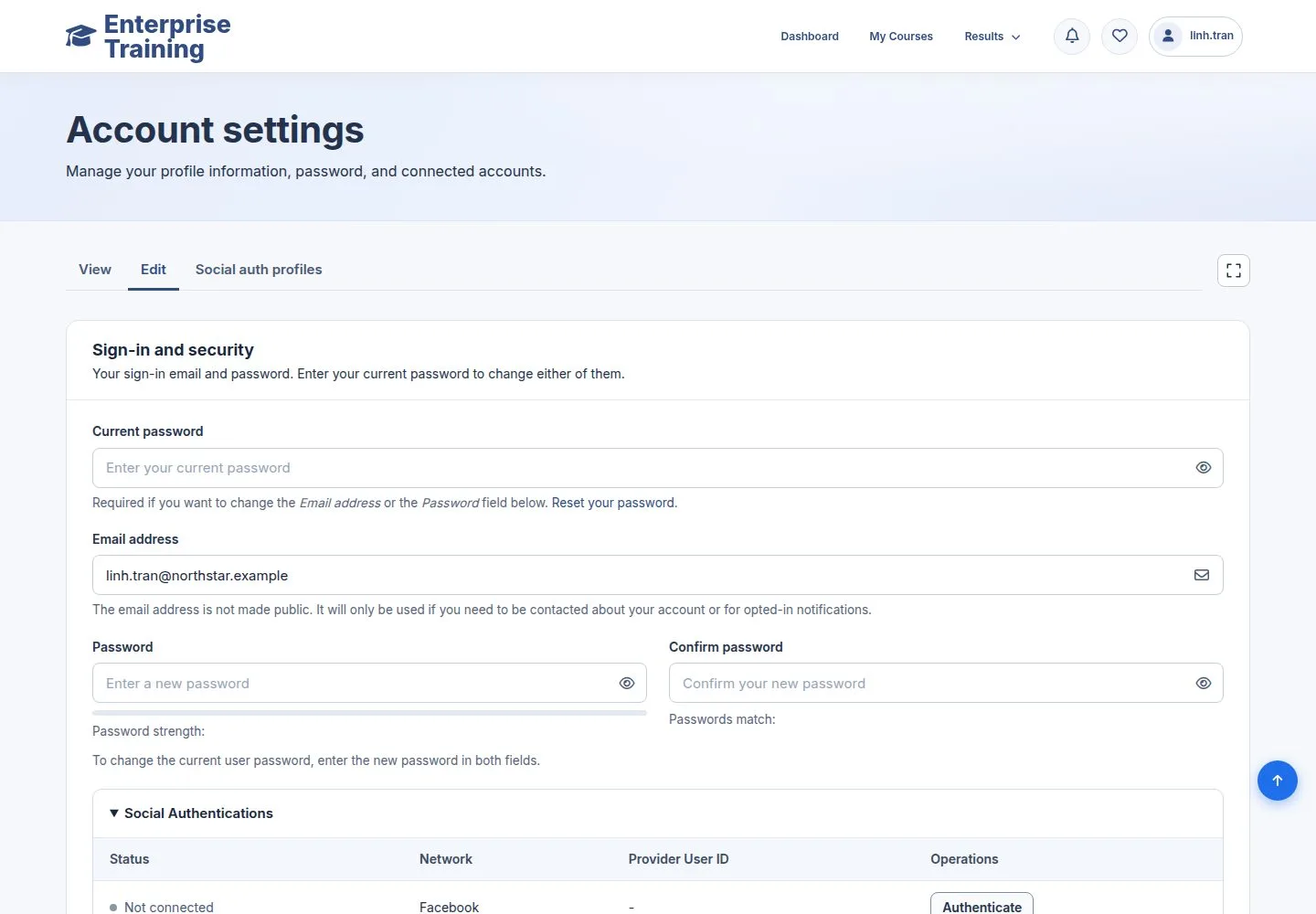
Account settings
Employee
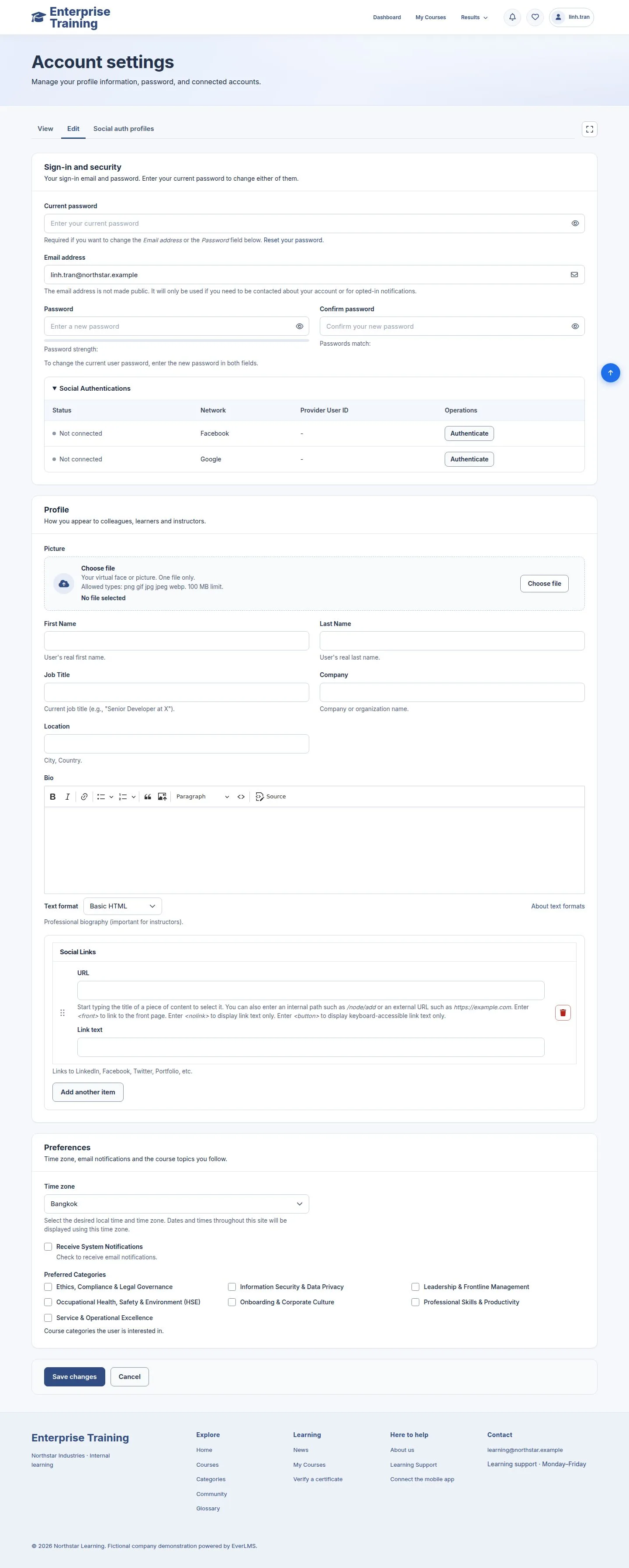
2Step 2 of 2
- Name, job title, picture, time zone and the topics you follow.
- Changing the email or the password needs your current password.
Enlarge, then scroll
Open illustrated screen ↗Full image ↗
Check
Your profile is up to date, and your password is yours to change
1 / 3