Check a certificate

Certificate code, valid, not found, revoked

  • The code printed on the certificate
Public
Verify a certificate

Public

Verify a certificate

1Step 1 of 4

  1. Verify a certificate, in the footer of every page.
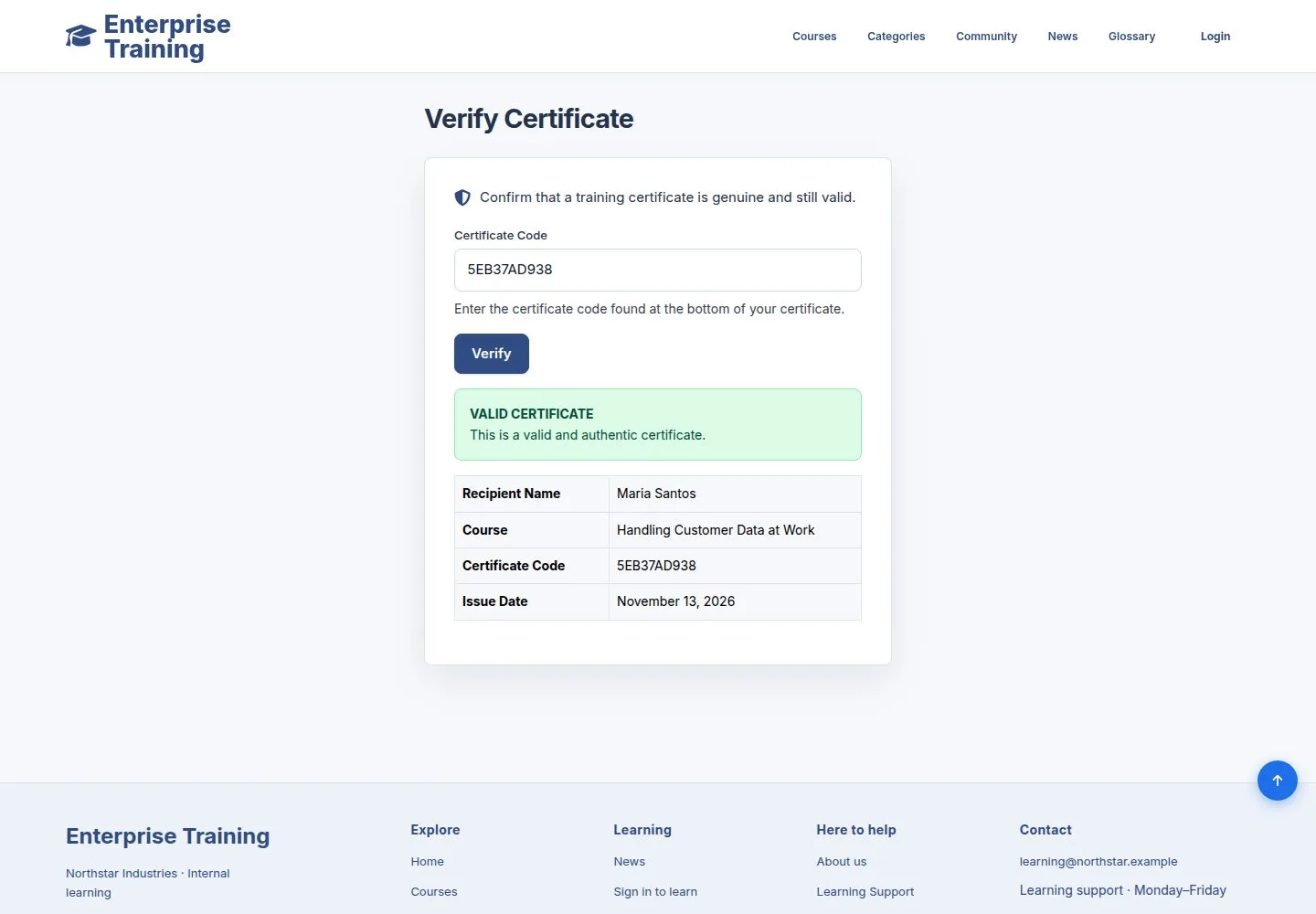
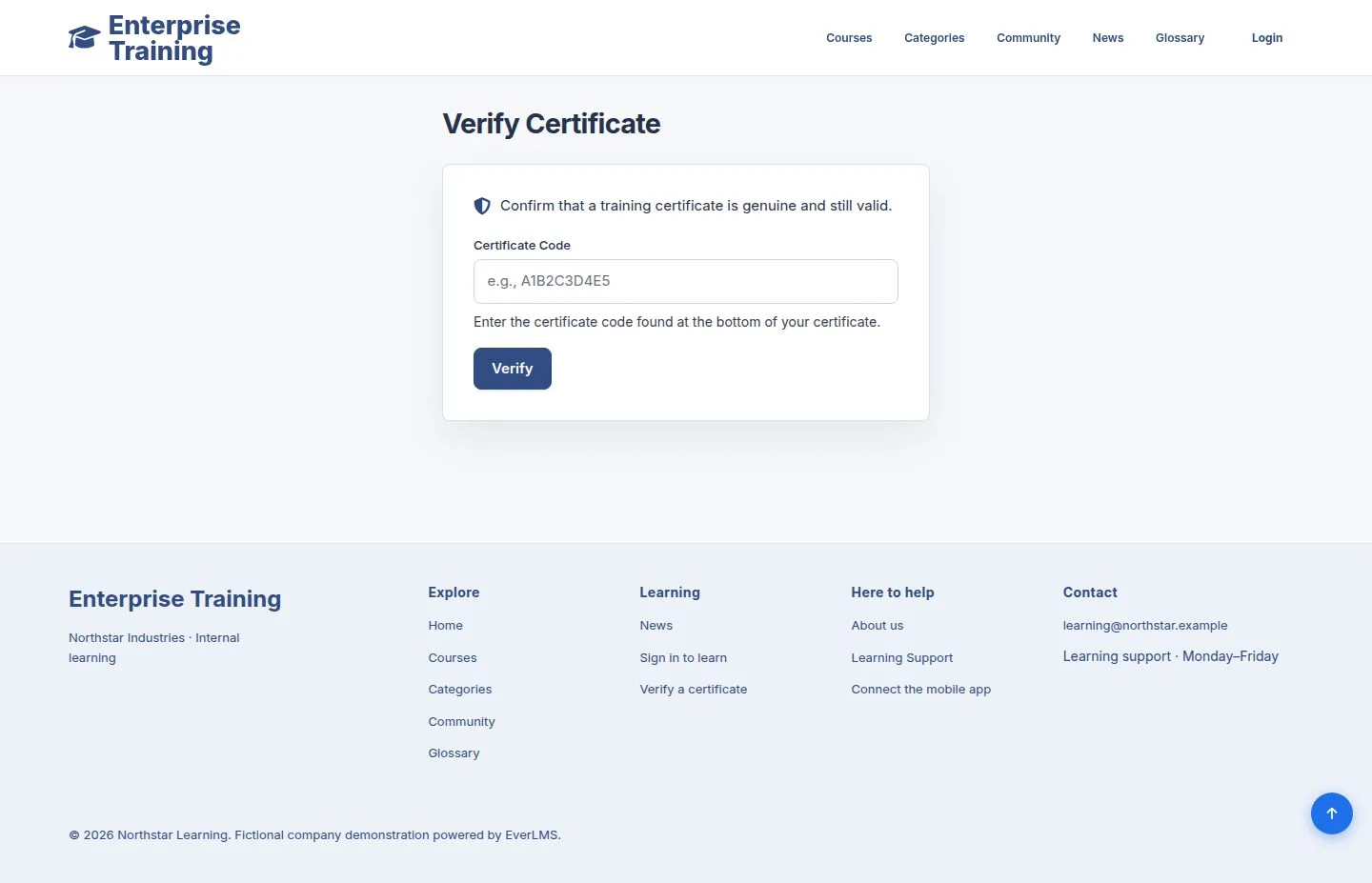
  2. Enter the code from the certificate, then Verify. No account is needed.

Open illustrated screen ↗Full image ↗

Public · Check a certificate01

Valid

Public

Valid

2Step 2 of 4

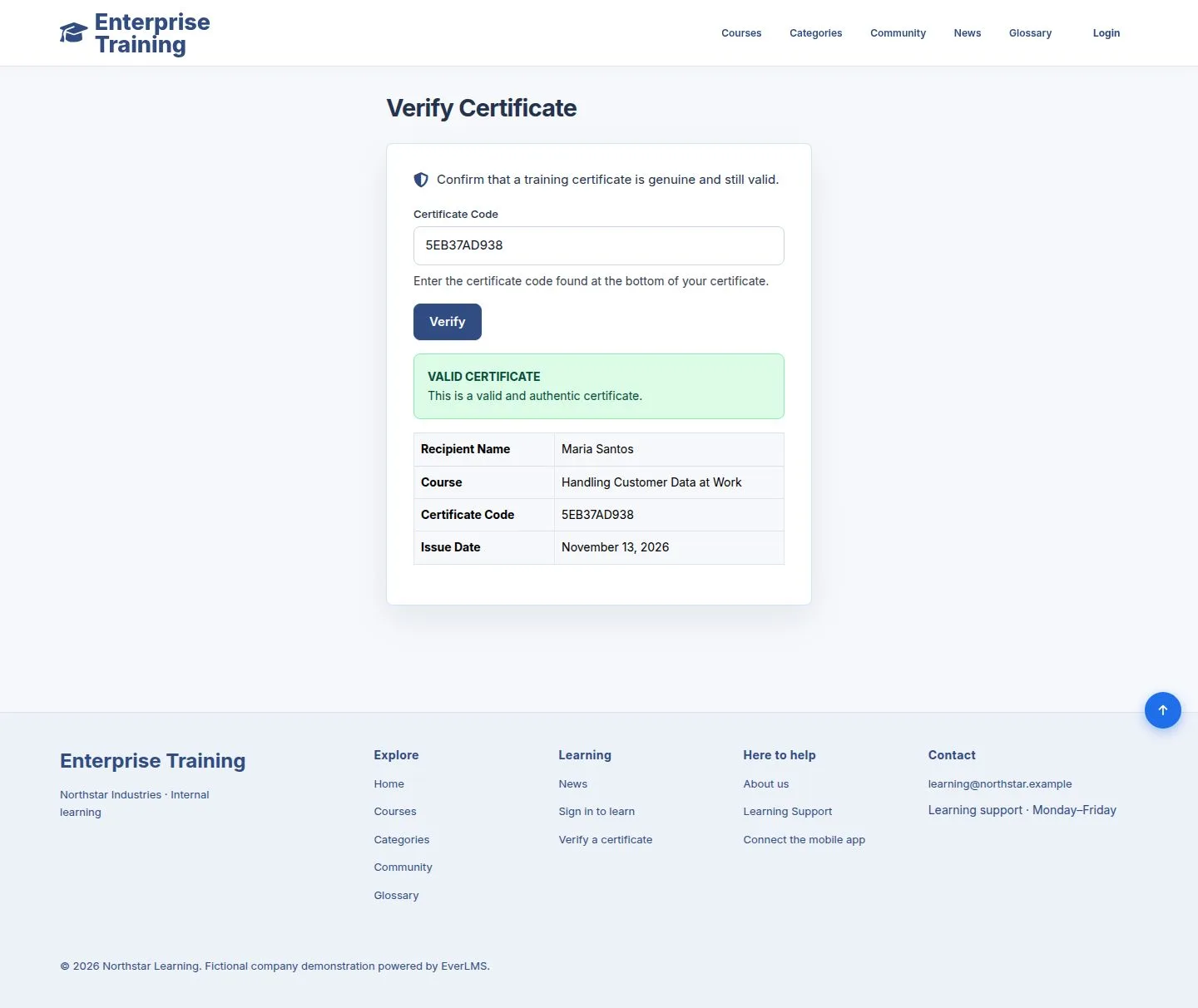
  1. Valid certificate: the recipient, the course, the code and the issue date.

Enlarge, then scroll

Open illustrated screen ↗Full image ↗

Public · Check a certificate02

Not found

Public

Not found

3Step 3 of 4

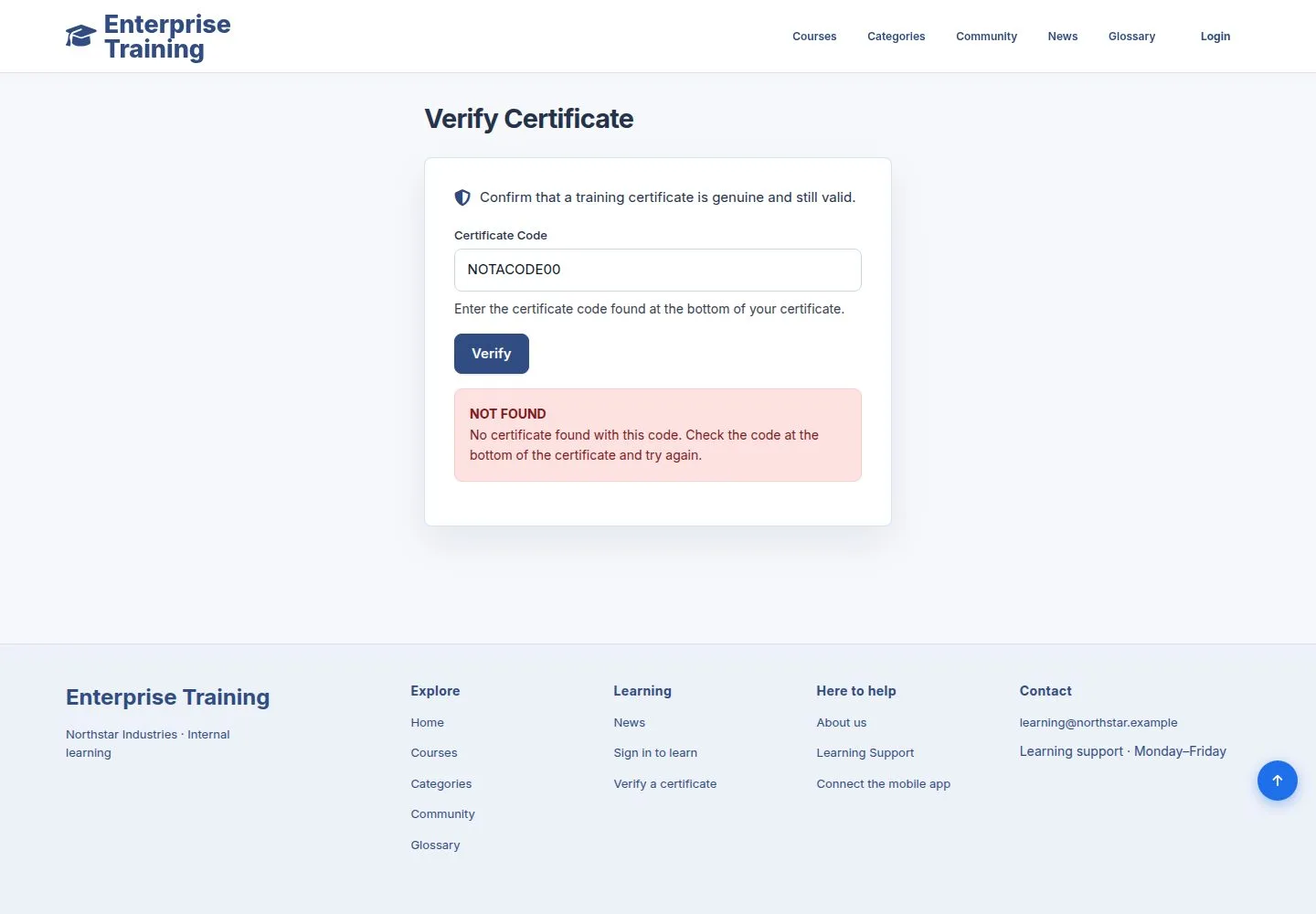
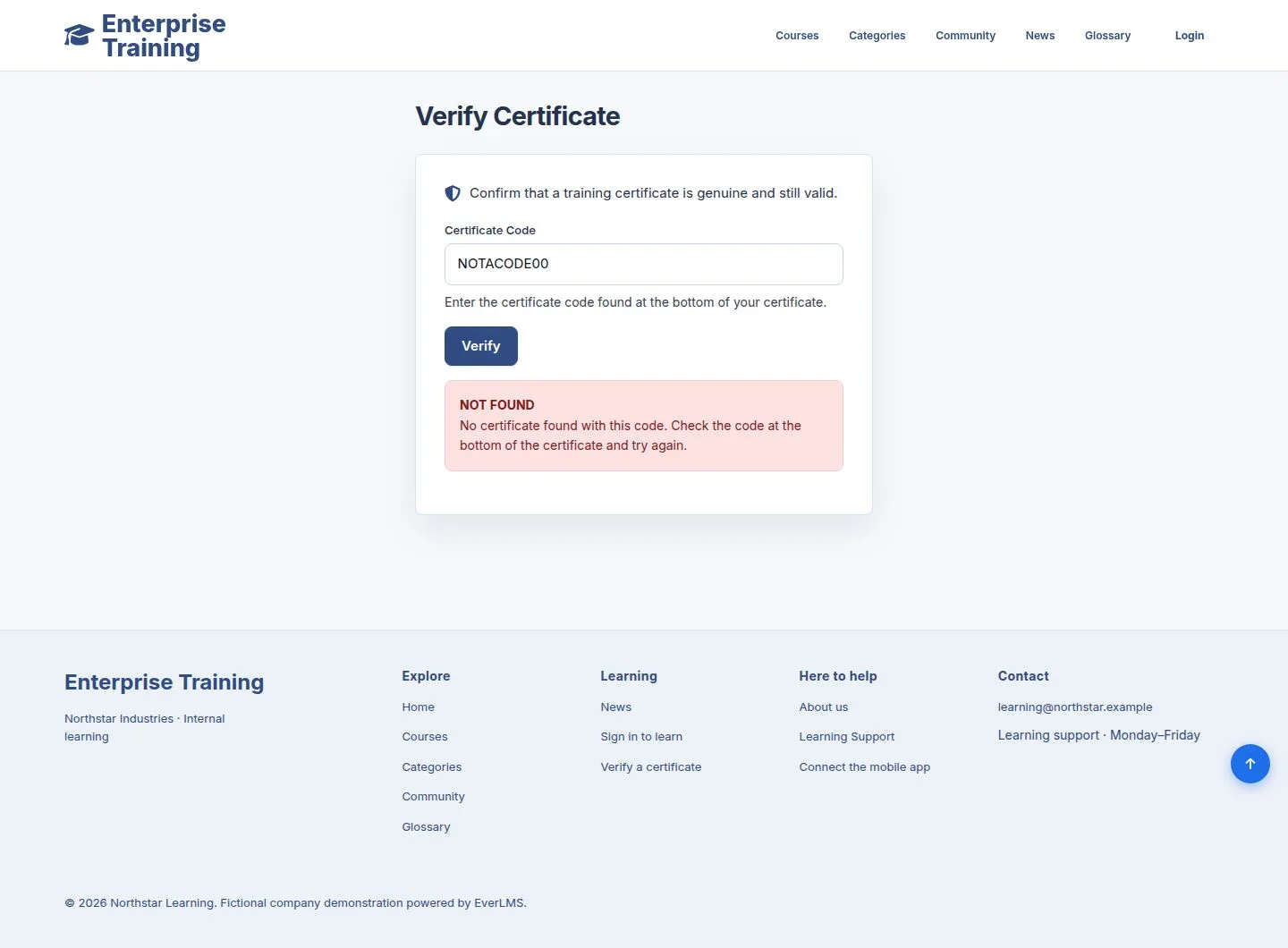
  1. A code that does not exist shows NOT FOUND: check the code on the certificate and try again.

Enlarge, then scroll

Open illustrated screen ↗Full image ↗

Public · Check a certificate03

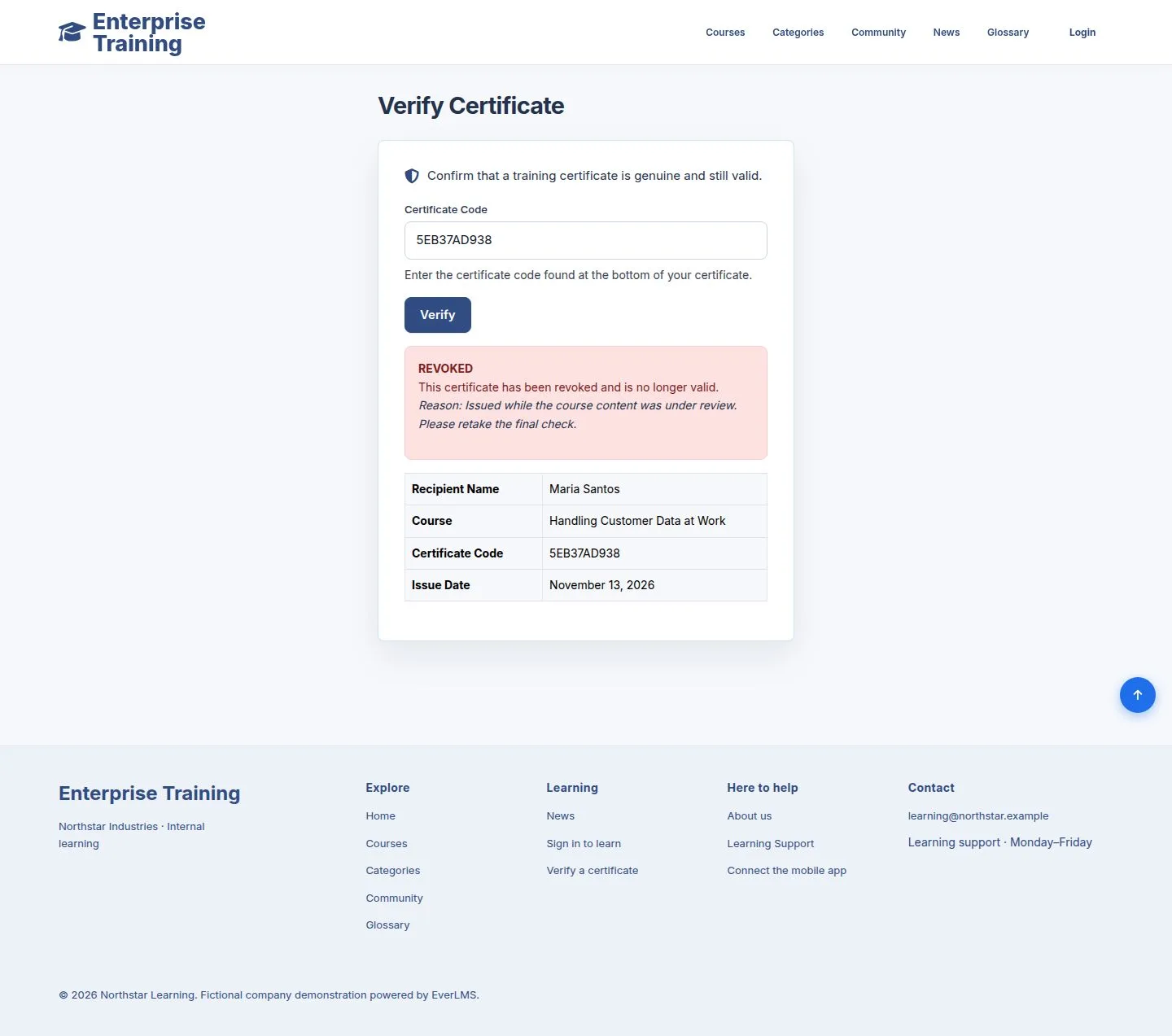
Revoked

Public

Revoked

4Step 4 of 4

  1. A revoked certificate is no longer valid; the page gives the reason.

Enlarge, then scroll

Open illustrated screen ↗Full image ↗

Check

You know whether a certificate is genuine and still valid

Public · Check a certificate04
1 / 5
Privacy Terms