Build a quiz

Pass mark, time, attempts, eight question types

  • The Manager role, or a trainer on the course
Manager
Quiz Management

Manager

Quiz Management

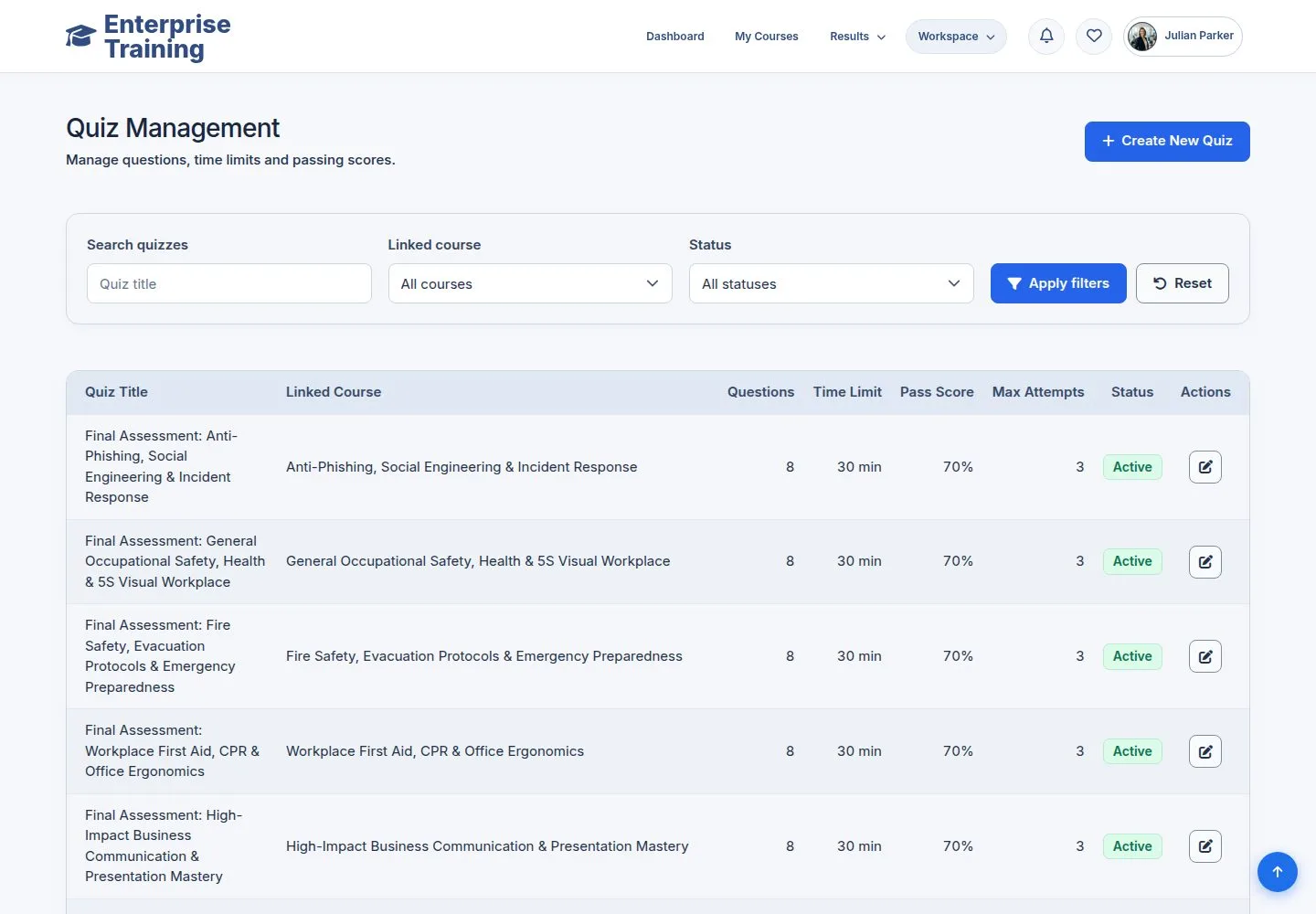
1Step 1 of 7

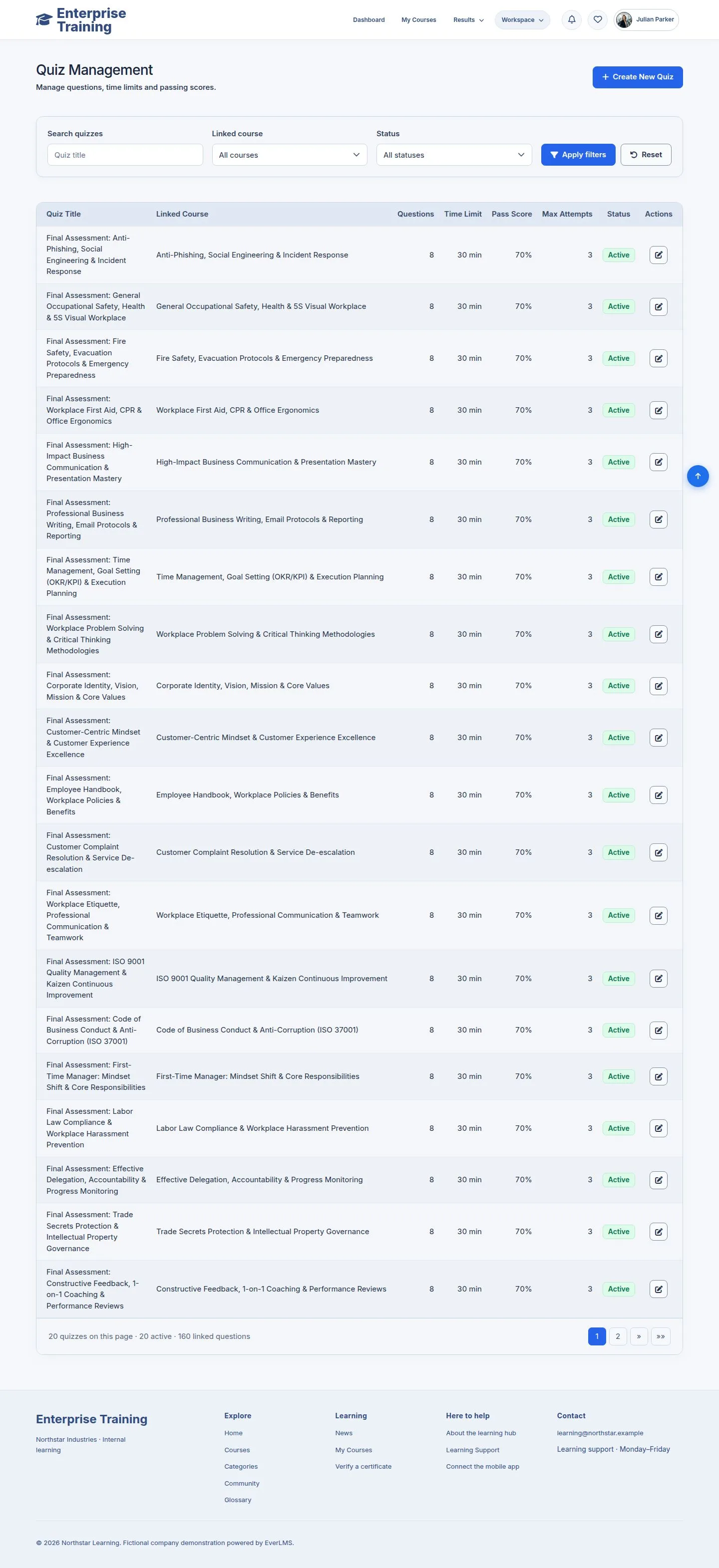
  1. Workspace → Manage Quizzes.

Enlarge, then scroll

Open illustrated screen ↗Full image ↗

Manager · Build a quiz01

Settings

Manager

Settings

2Step 2 of 7

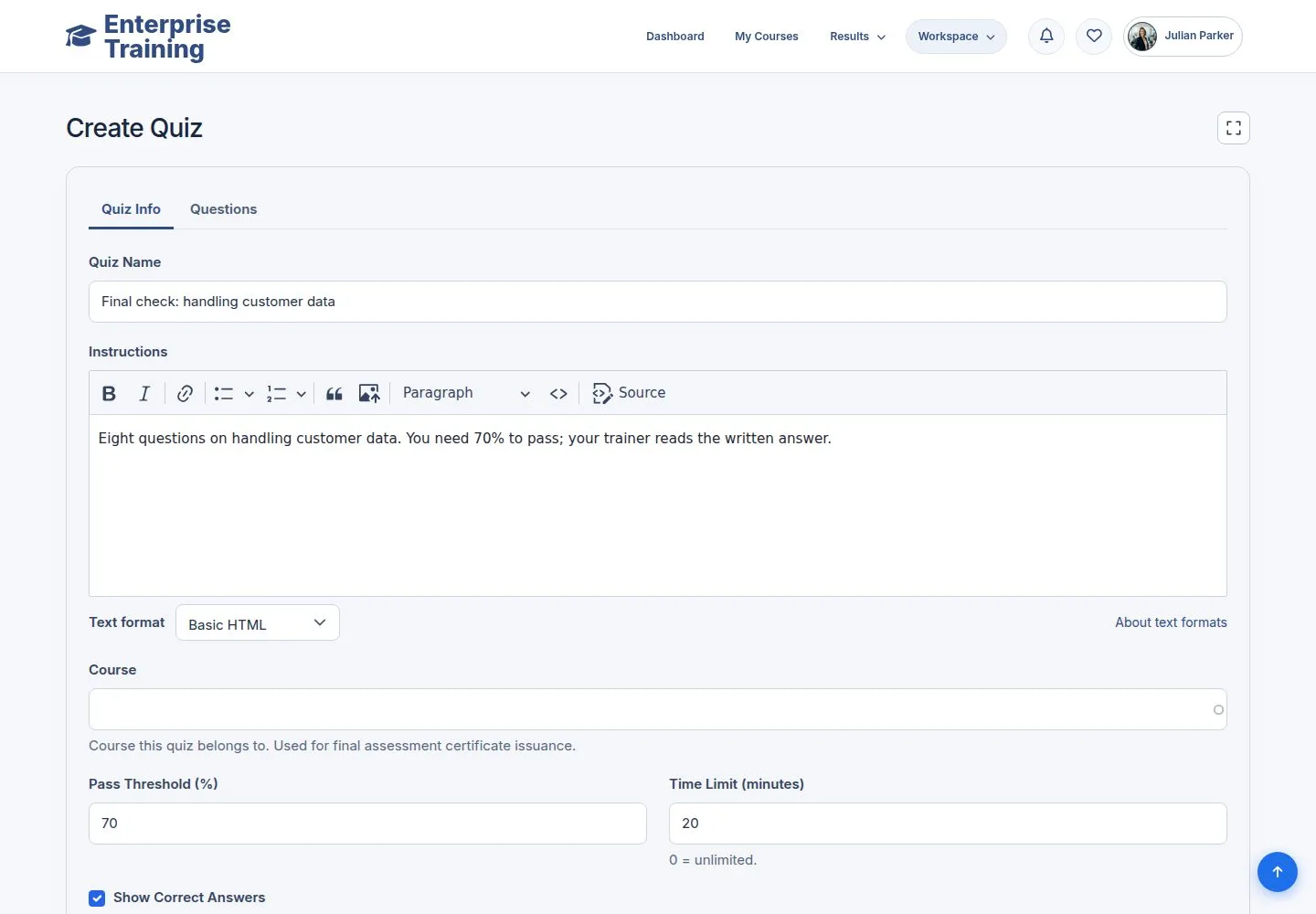
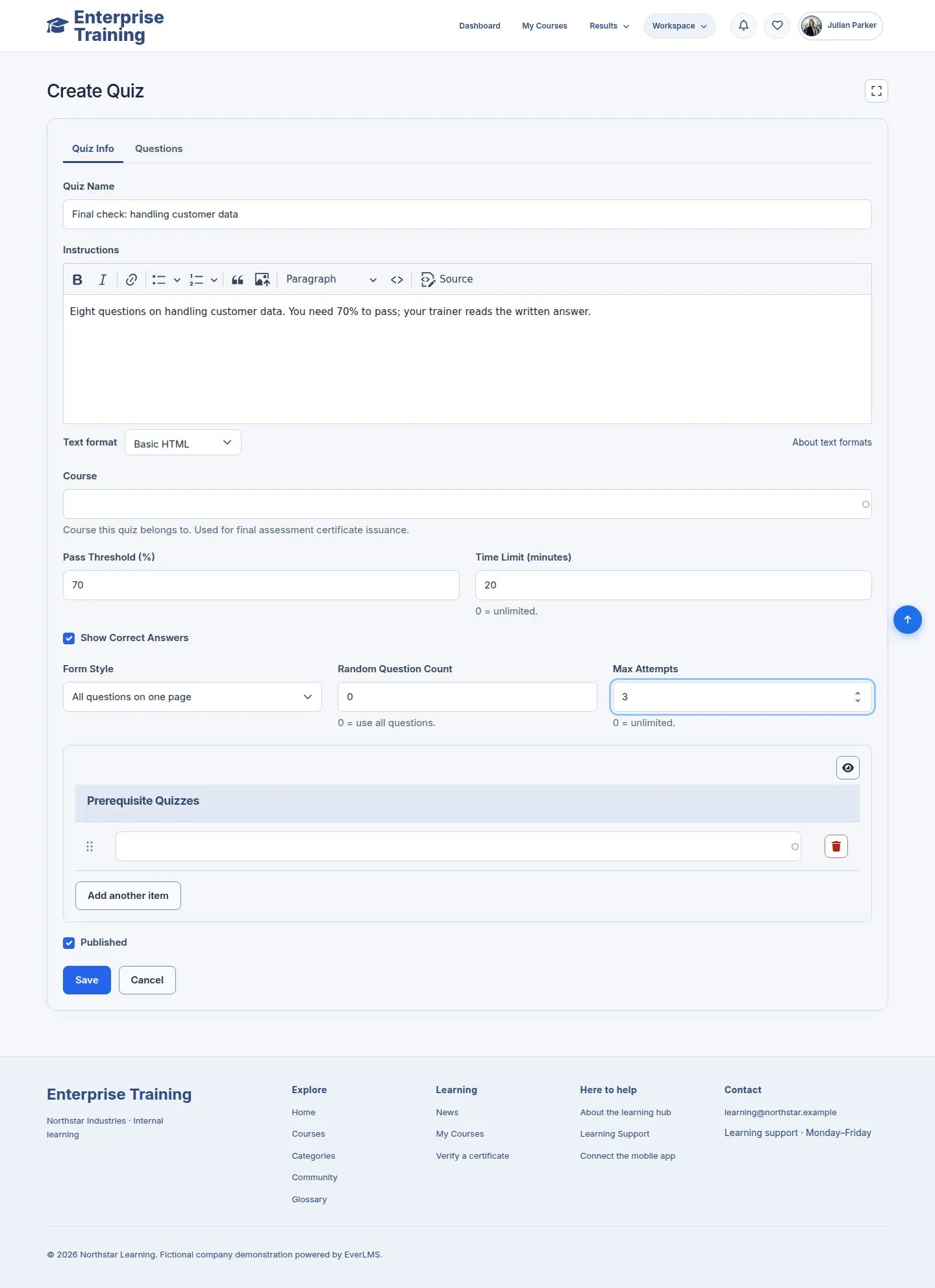
  1. Name, instructions, pass threshold, time limit, show correct answers, max attempts, random question count.

Enlarge, then scroll

Open illustrated screen ↗Full image ↗

Manager · Build a quiz02

Add questions

Manager

Add questions

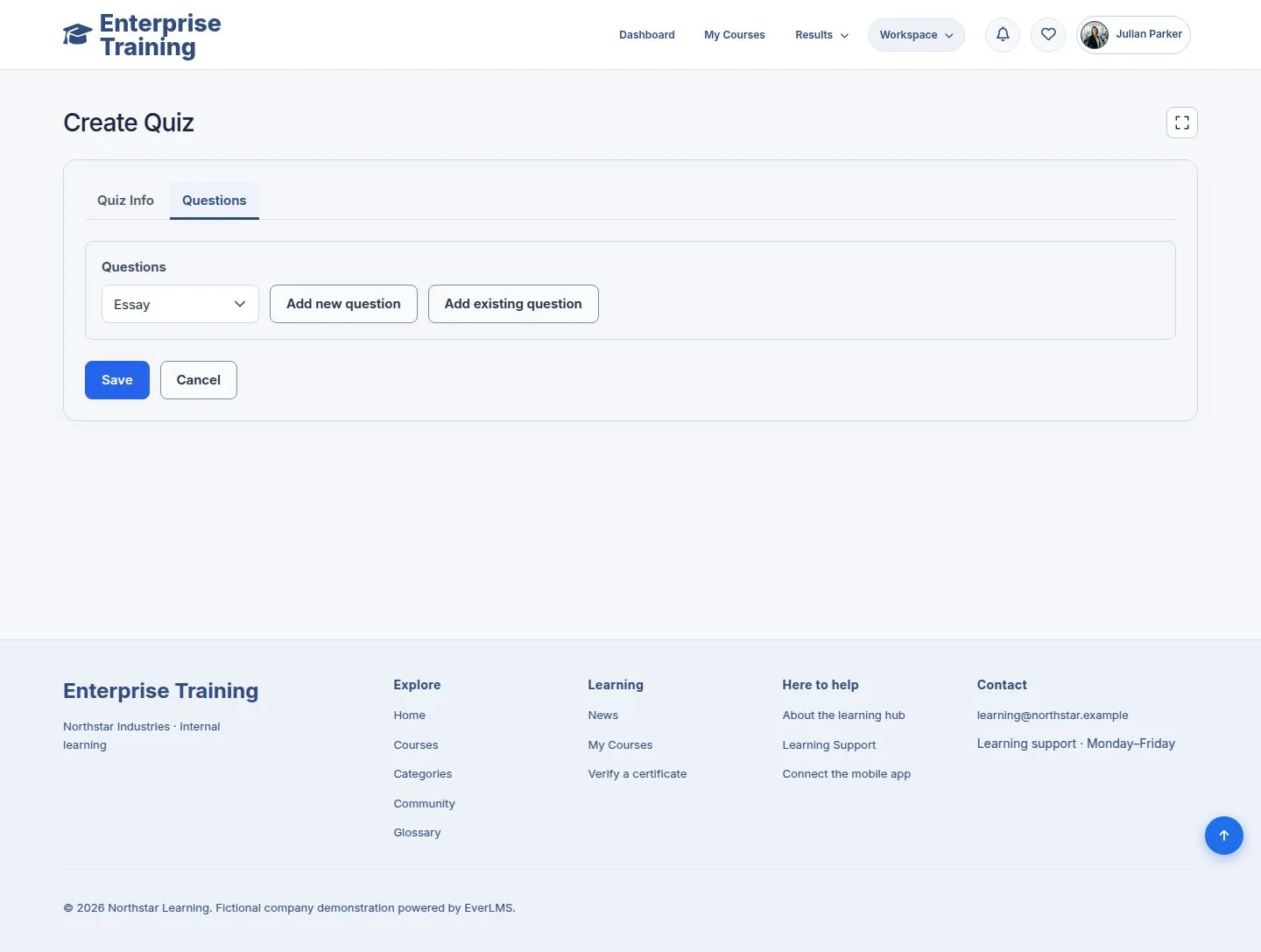
3Step 3 of 7

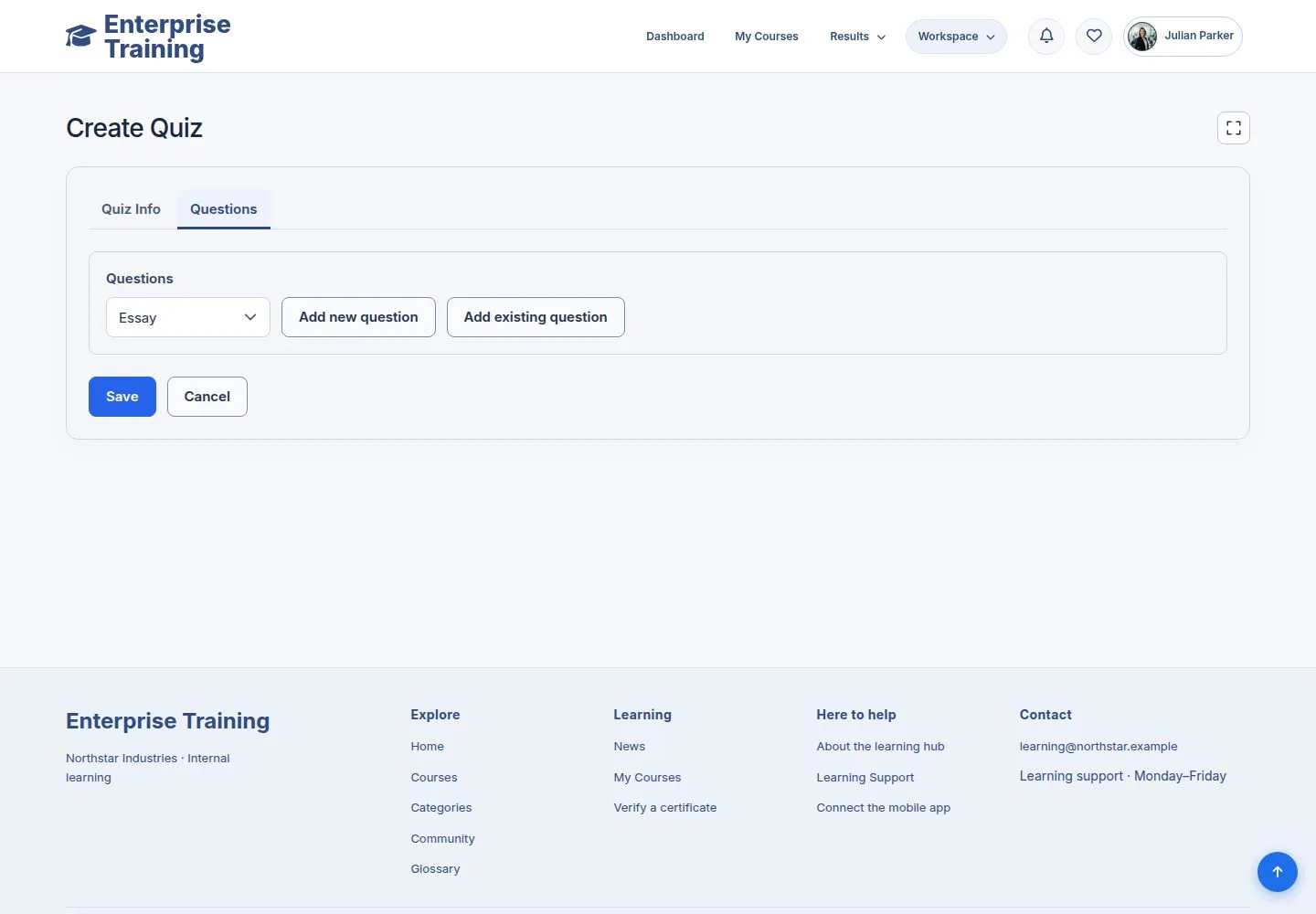
  1. Questions tab: choose a type, Add new question.

Enlarge, then scroll

Open illustrated screen ↗Full image ↗

Manager · Build a quiz03

Choices

Manager

Choices

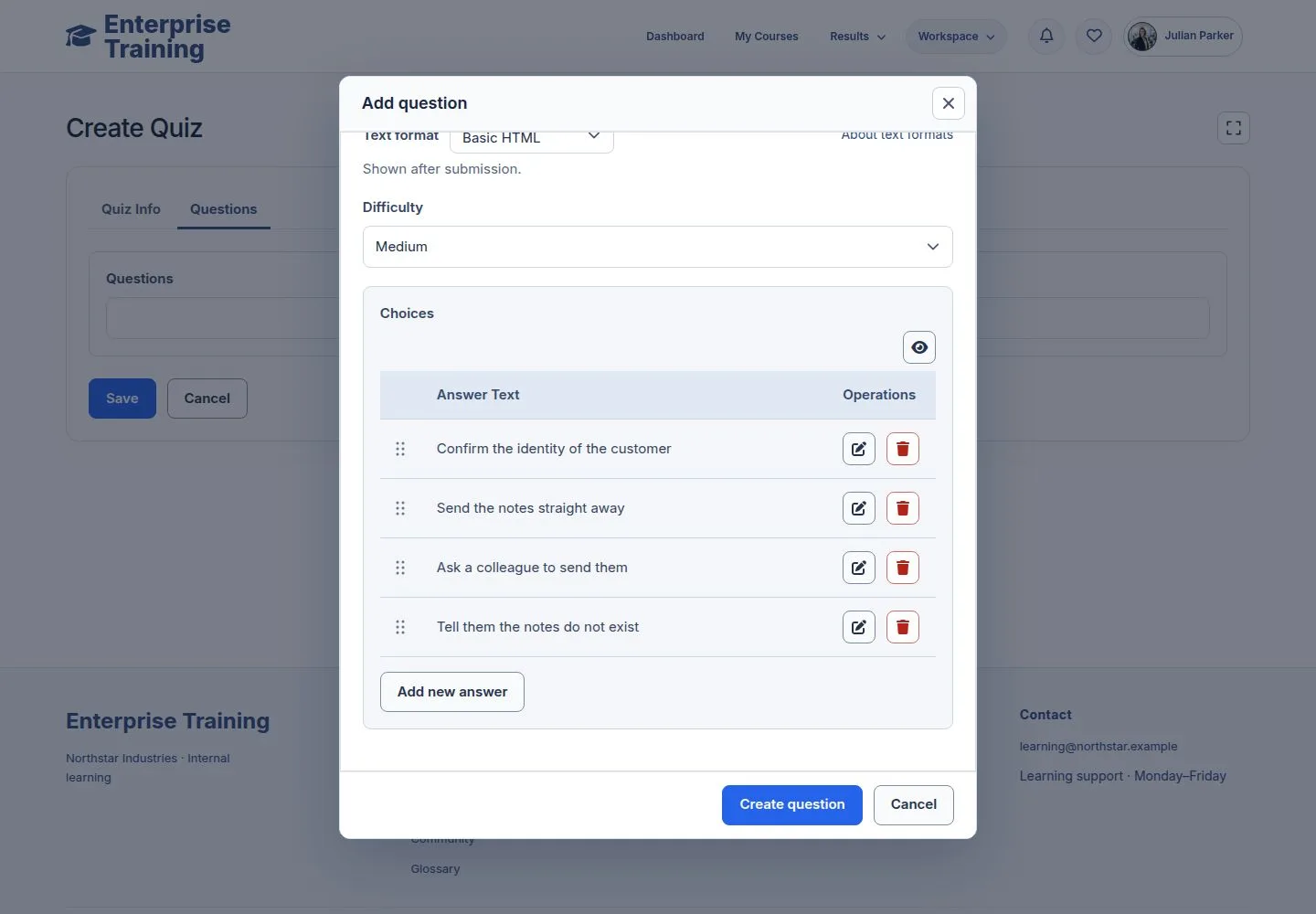
4Step 4 of 7

  1. Question, explanation, difficulty, answers with the right ones ticked.

Open illustrated screen ↗Full image ↗

Manager · Build a quiz04

Matching

Manager

Matching

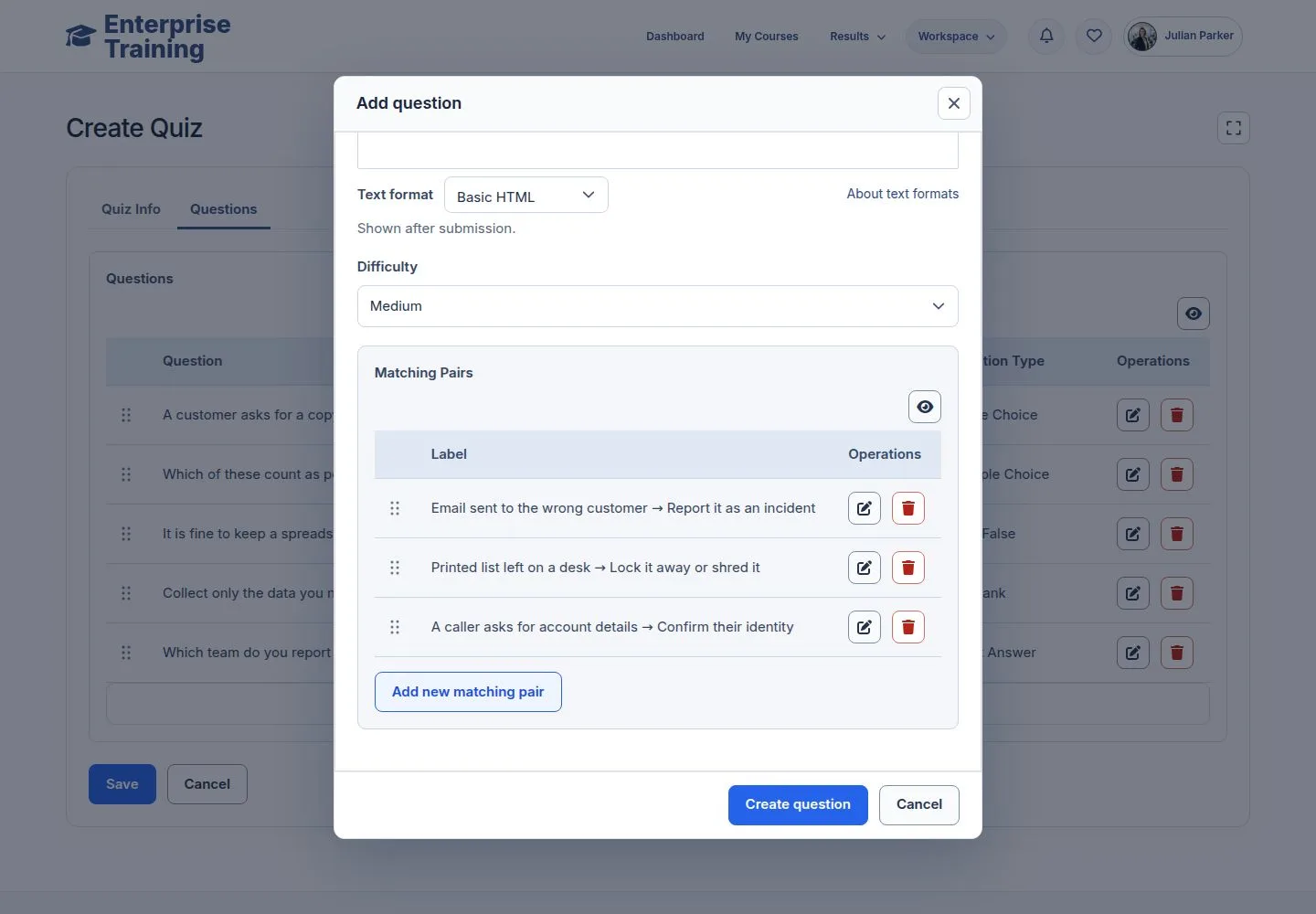
5Step 5 of 7

  1. Each pair shows both sides.

Open illustrated screen ↗Full image ↗

Manager · Build a quiz05

Essay

Manager

Essay

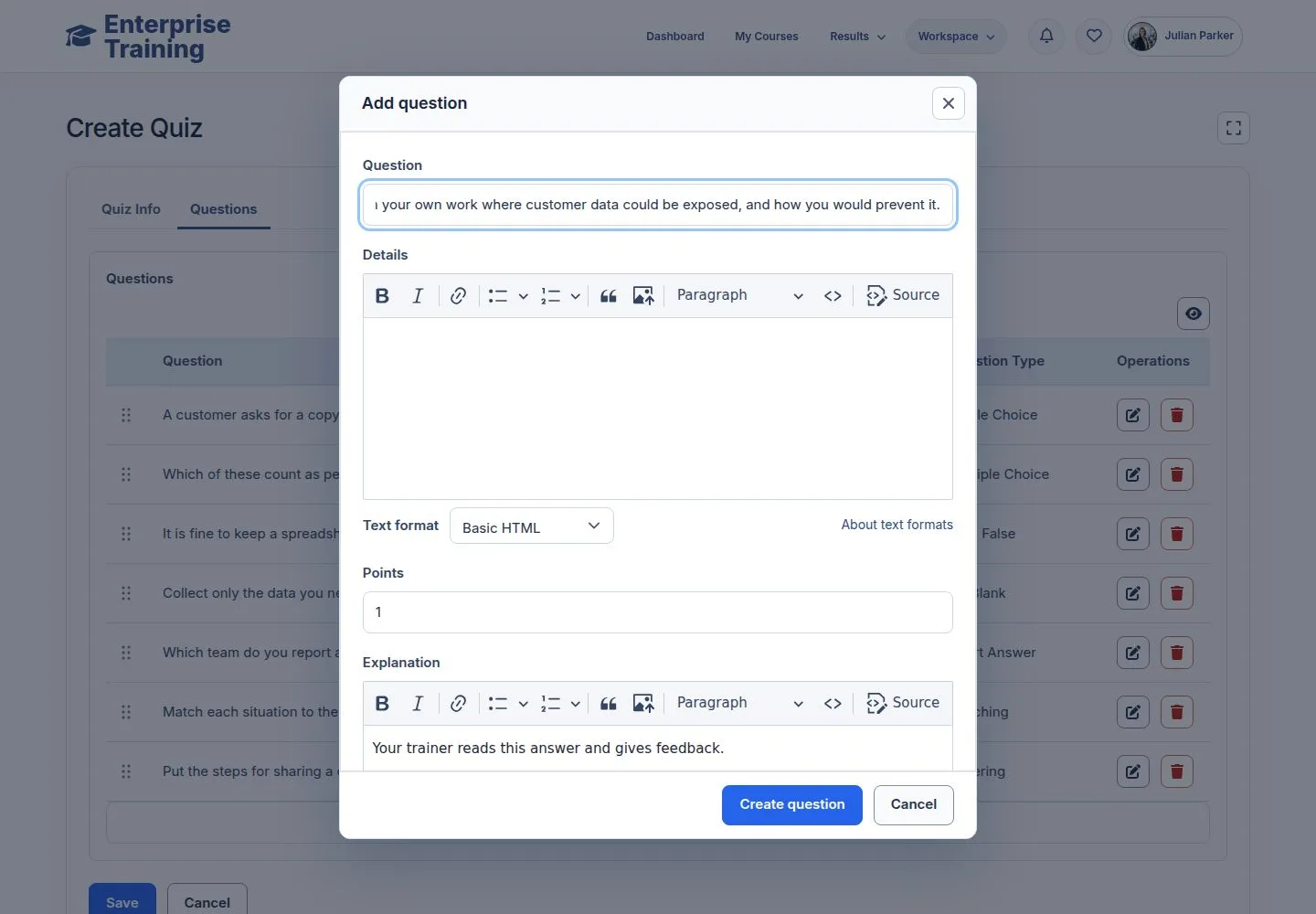
6Step 6 of 7

  1. Word limits; a trainer grades it.

Open illustrated screen ↗Full image ↗

Manager · Build a quiz06

Ready

Manager

Ready

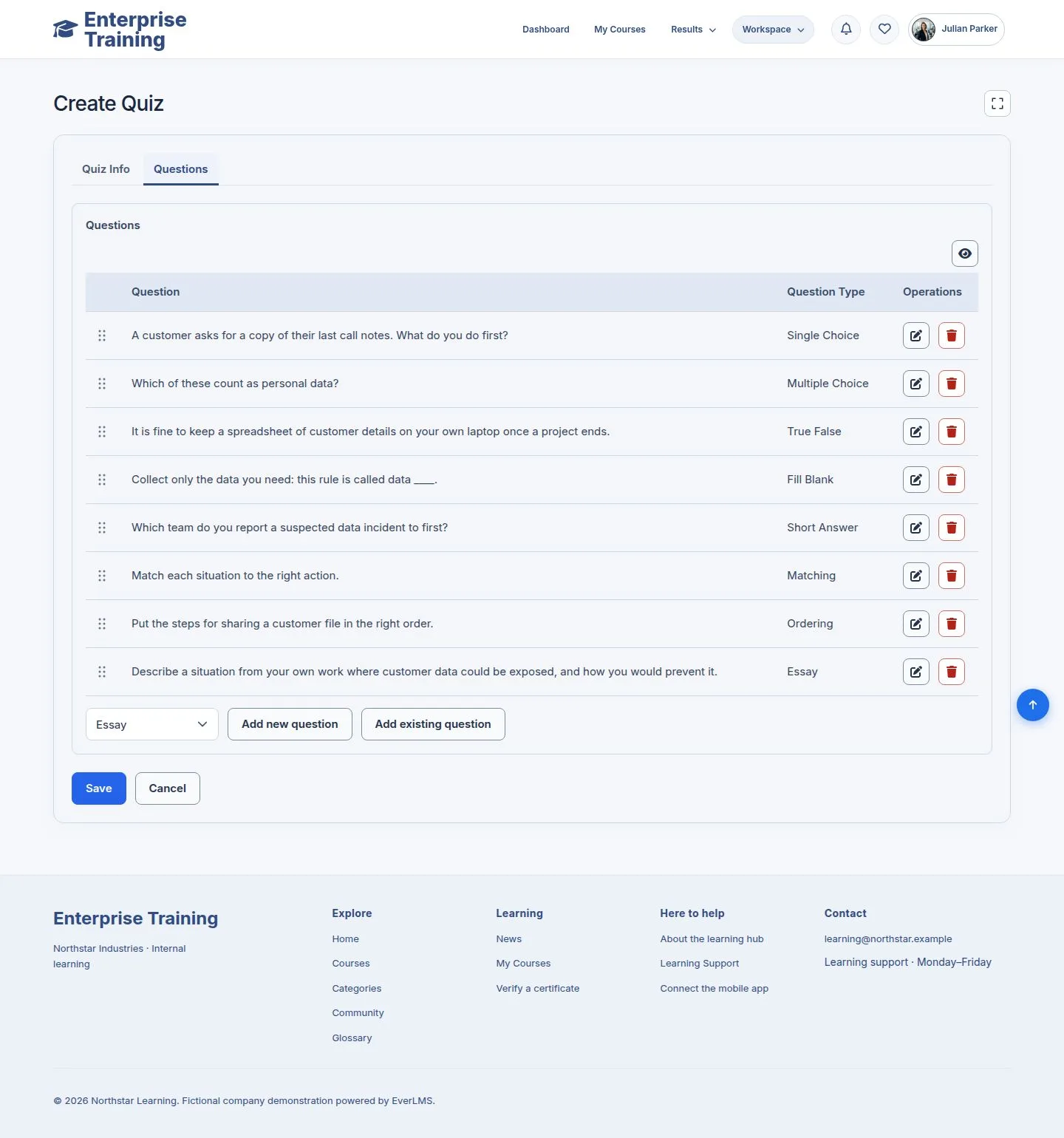
7Step 7 of 7

  1. Drag to reorder, edit in place, Save.

Enlarge, then scroll

Open illustrated screen ↗Full image ↗

Check

The quiz is ready to attach to a lesson

Manager · Build a quiz07
1 / 8
Privacy Terms