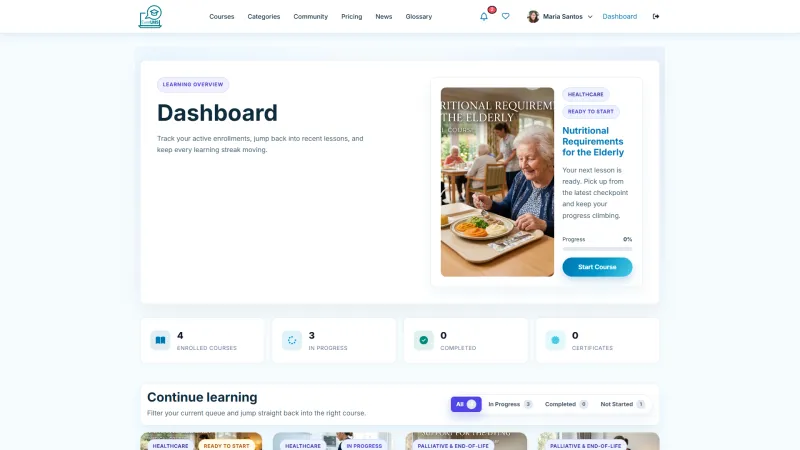
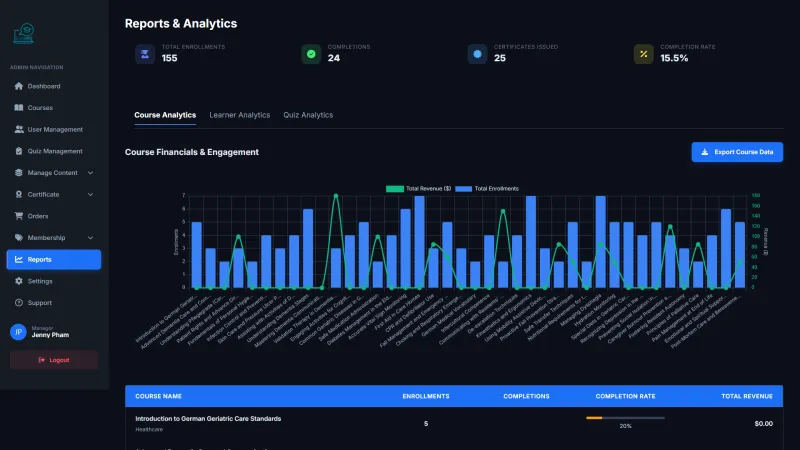
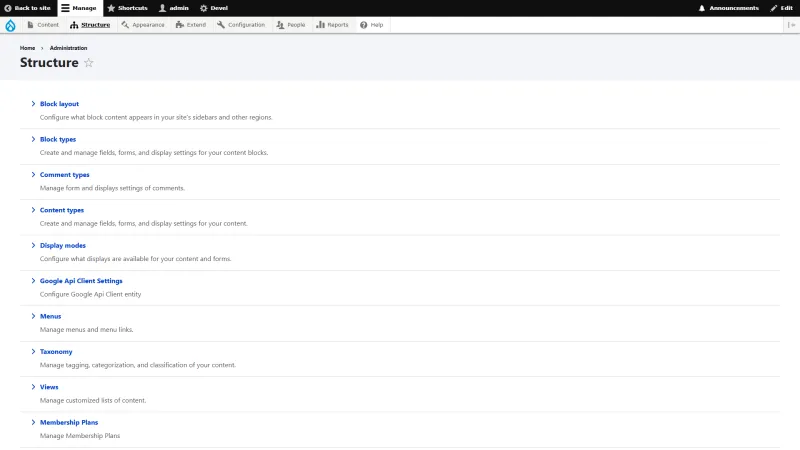
Homepage & Interface
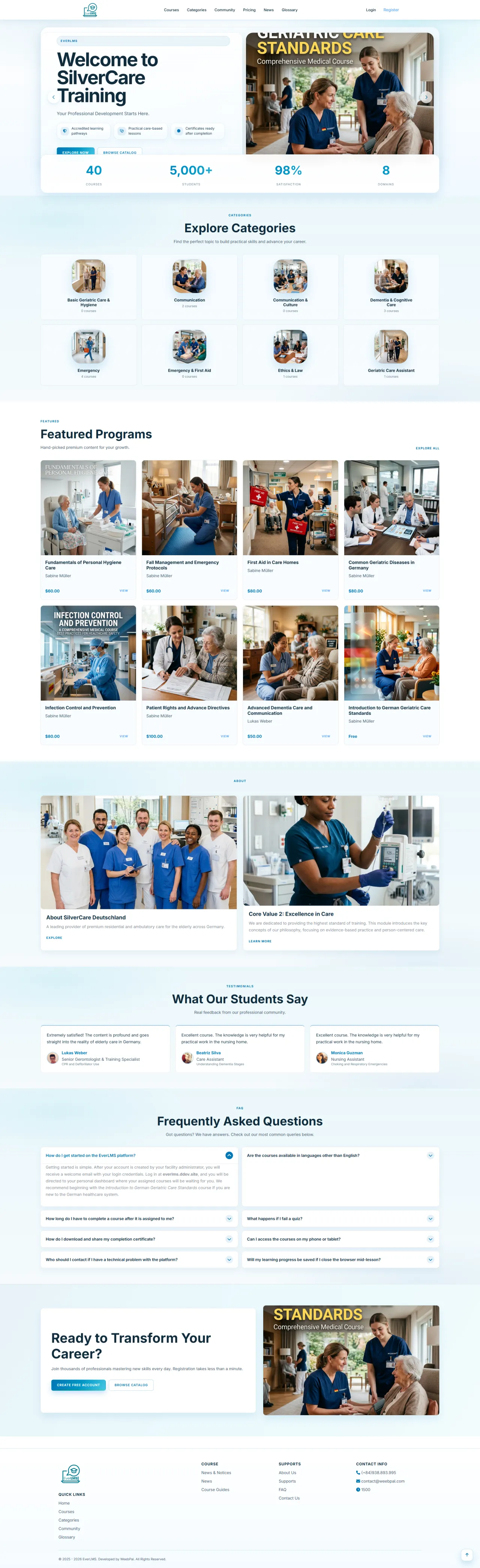
About this screen: The homepage presents the platform with featured courses, categories, and search to start exploring.
Navigation: Homepage
Main sections:
- Search by topic or keyword
- Browse featured courses
- Browse categories
- Read latest updates
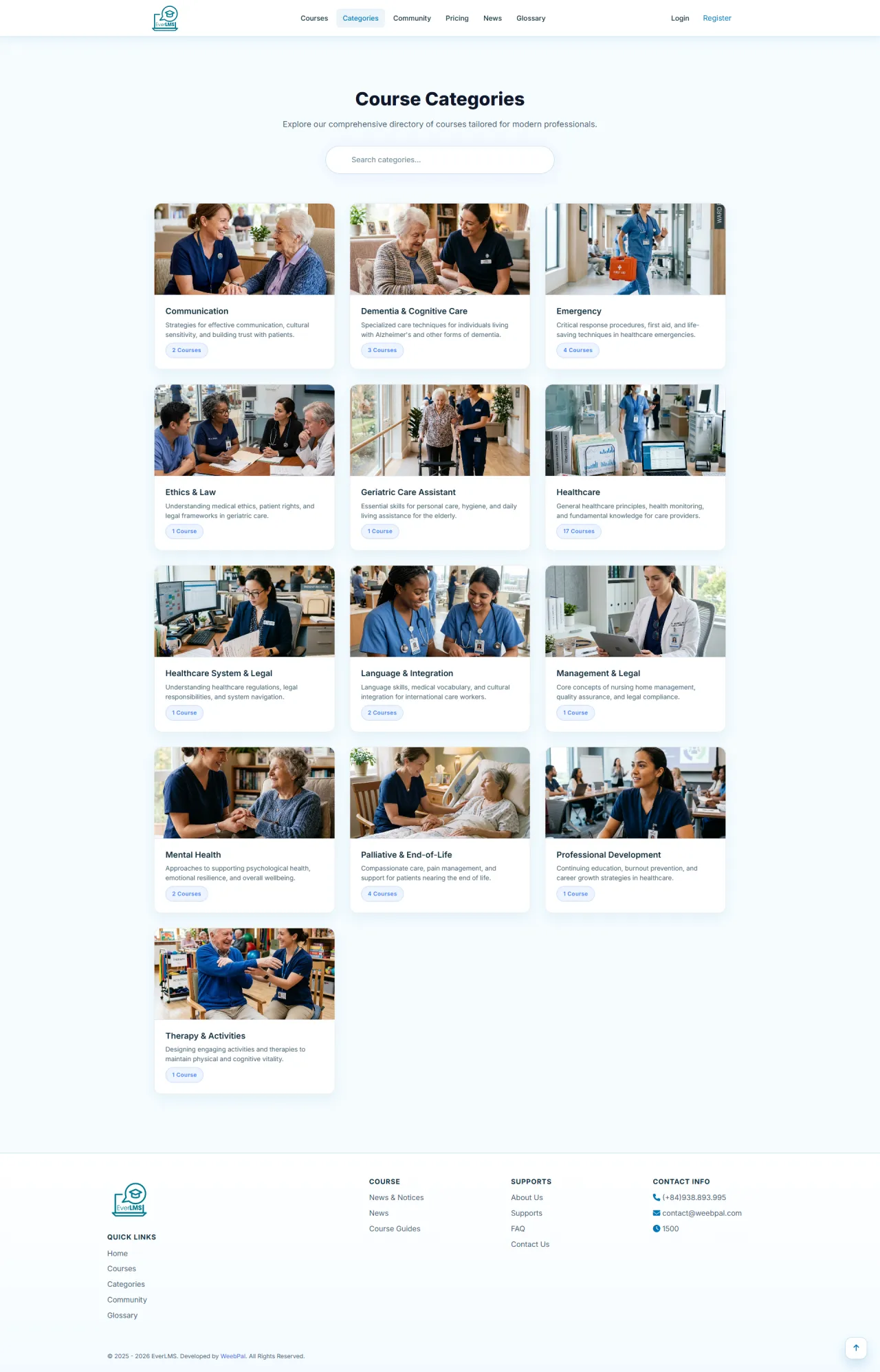
Course Categories
About this screen: Browse all course categories organized by field to find learning tracks that match your interests.
Navigation: Top Menu → Categories
- Browse categories by field
- See course count per category
- Filter to a category
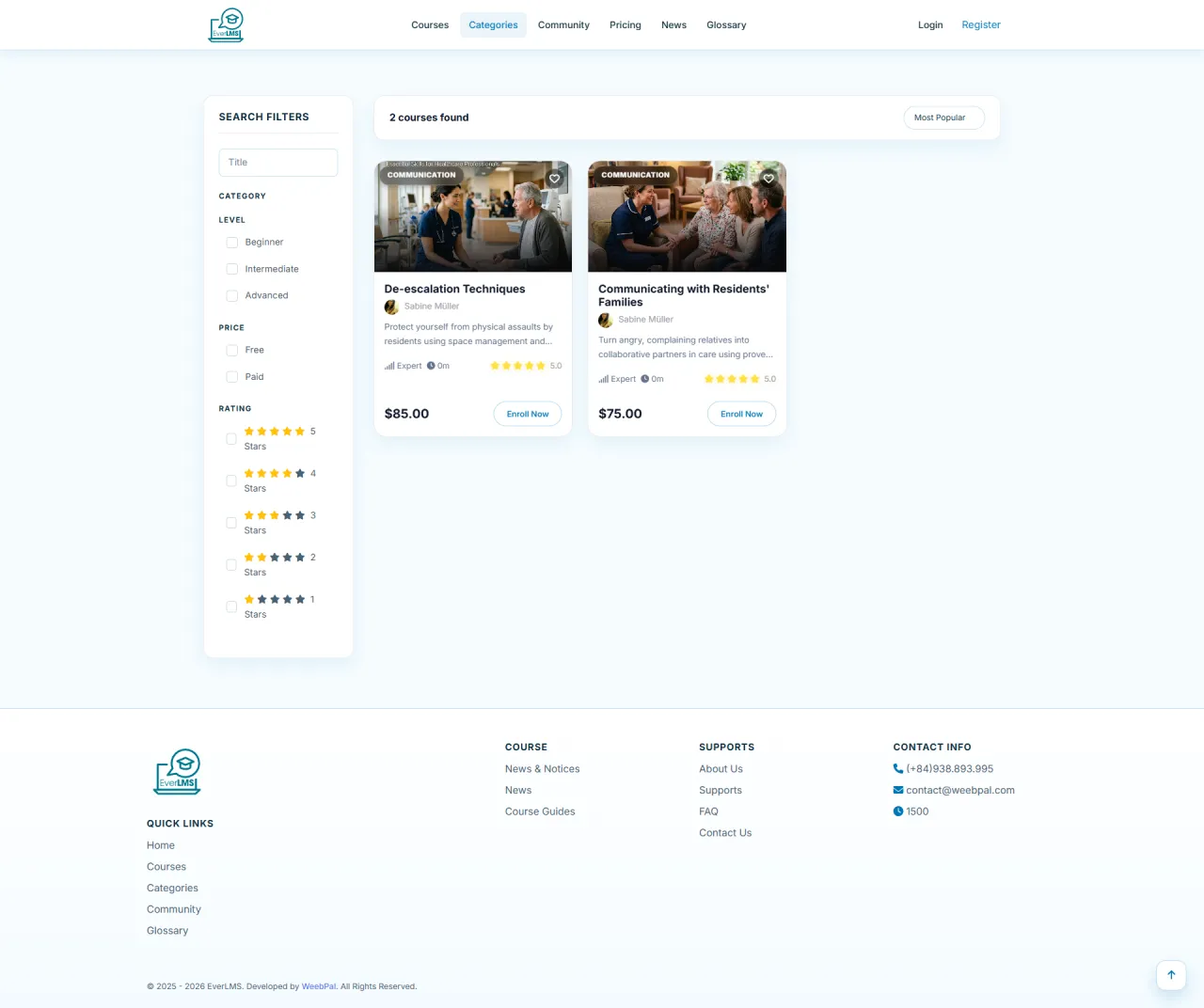
Courses by Category
About this screen: View all courses in a selected category with filters to find the right skill level and topic.
Navigation: Categories → Select a specific category
- Filter by category and level
- Sort results
- View course details
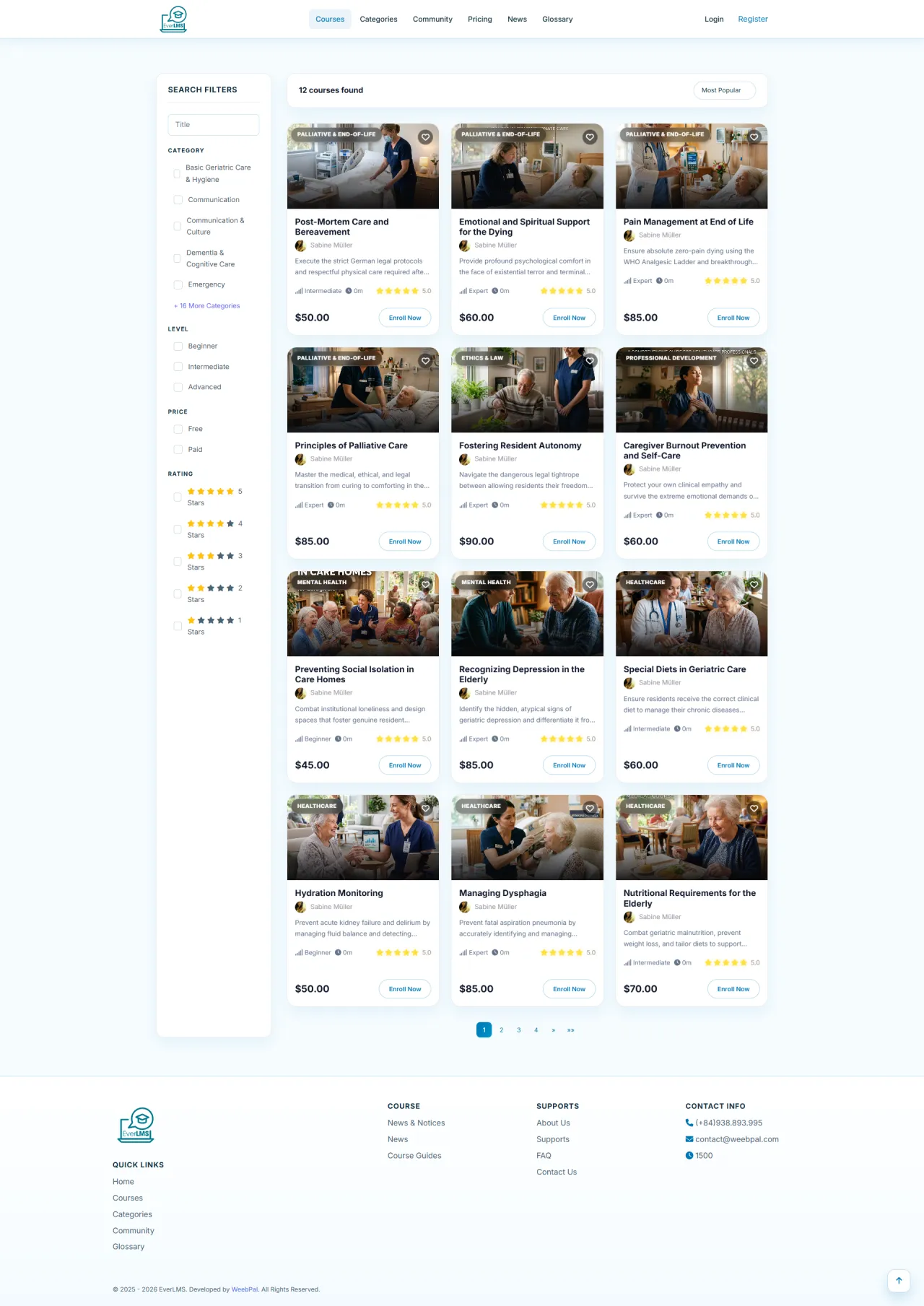
Course List
About this screen: Search and filter the complete course catalog to discover learning opportunities that fit your goals.
Navigation: Top Menu → Courses
- Search by keywords
- Filter by category and level
- View rating and price
- Click card for details
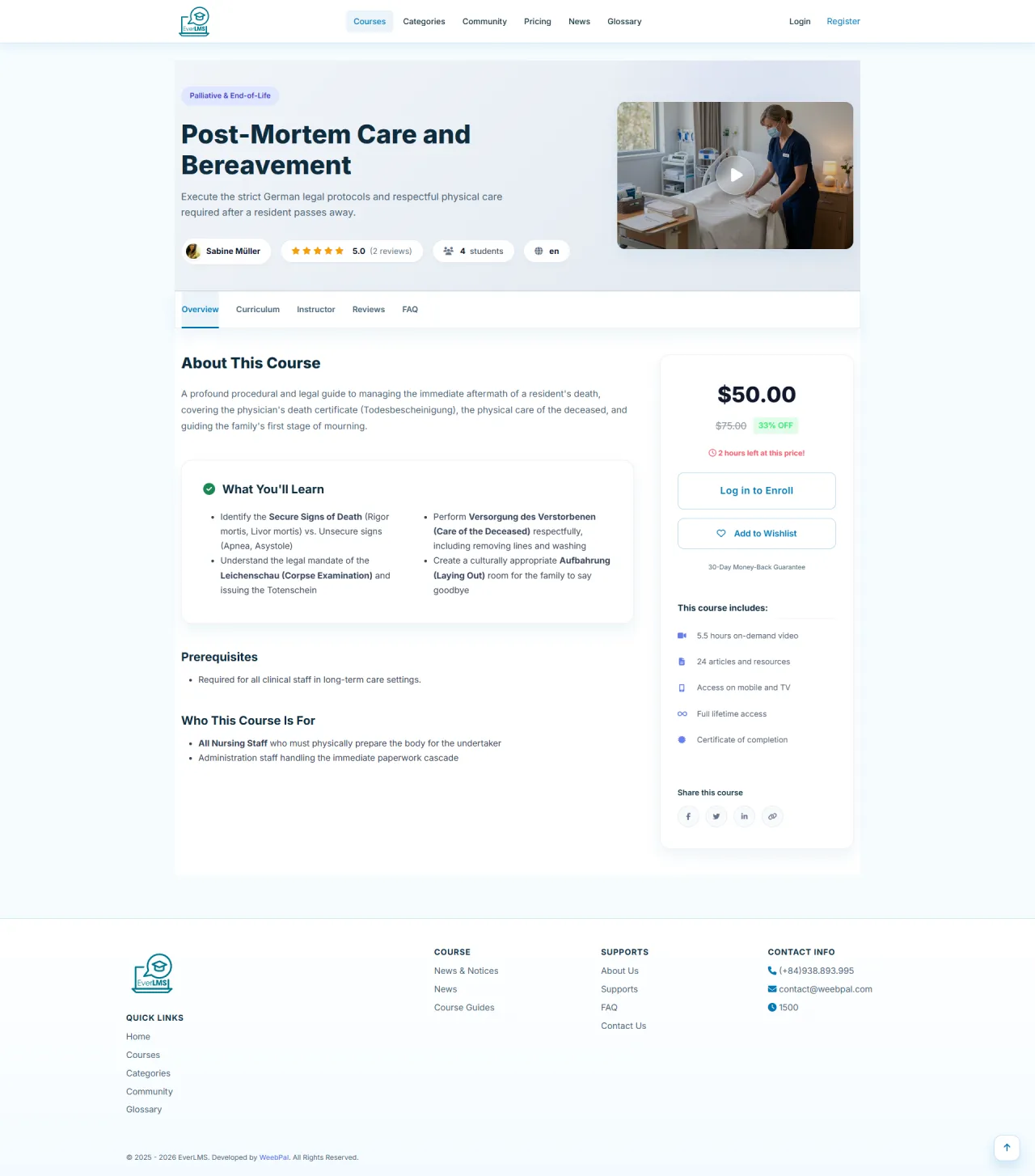
Course Details
About this screen: View comprehensive course information including instructor, curriculum, price, and reviews before enrolling.
Navigation: Course list → Select a course
About this screen:
- Course overview and objectives
- Instructor and review info
- Price and Enroll button
- Curriculum preview tab
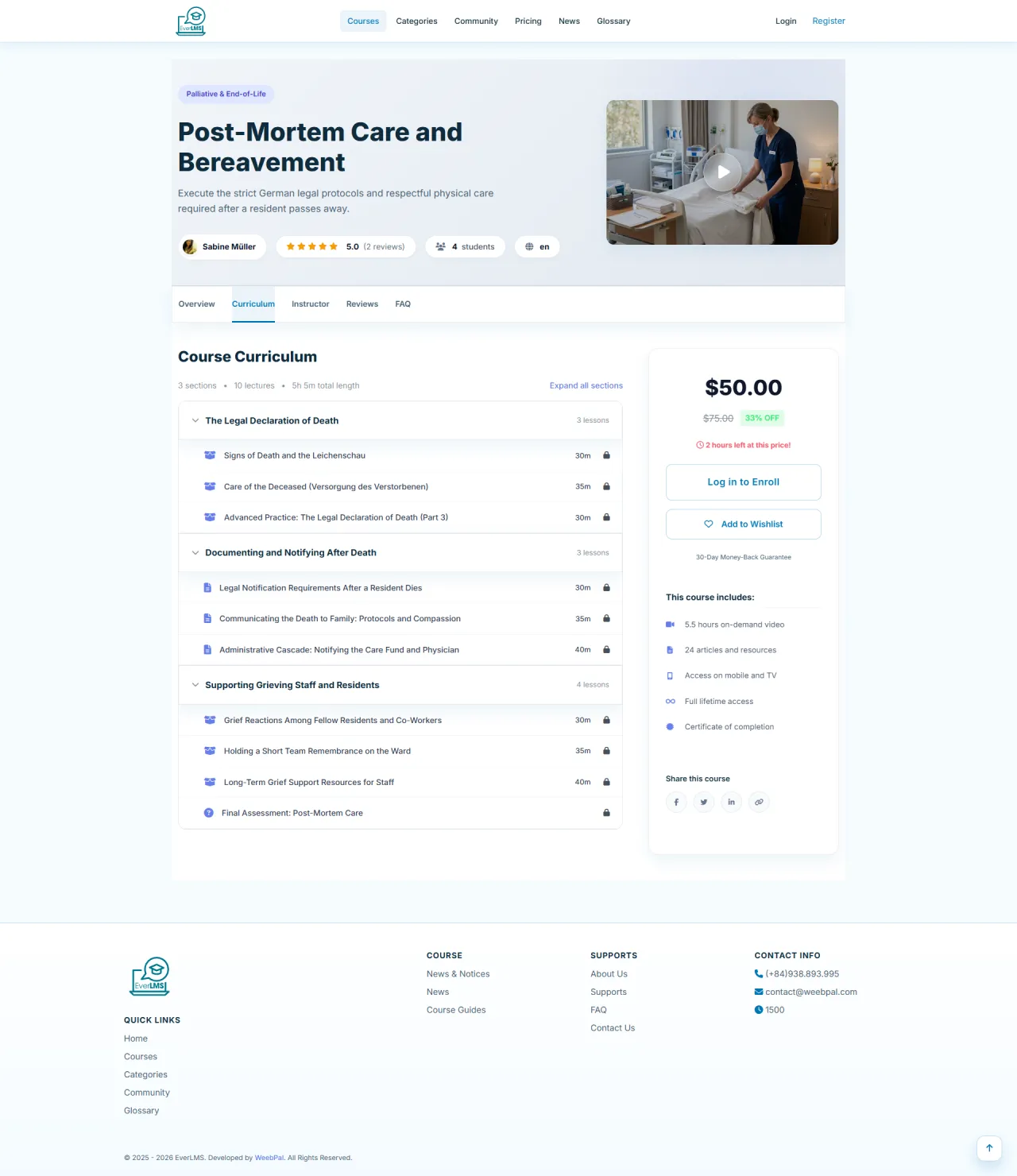
Curriculum
About this screen: Preview the complete lesson structure, chapters, and content duration to evaluate the course.
Navigation: Course details → Curriculum Tab
- View sections and lessons
- Check duration and count
- Preview free lessons
- Evaluate before enrolling
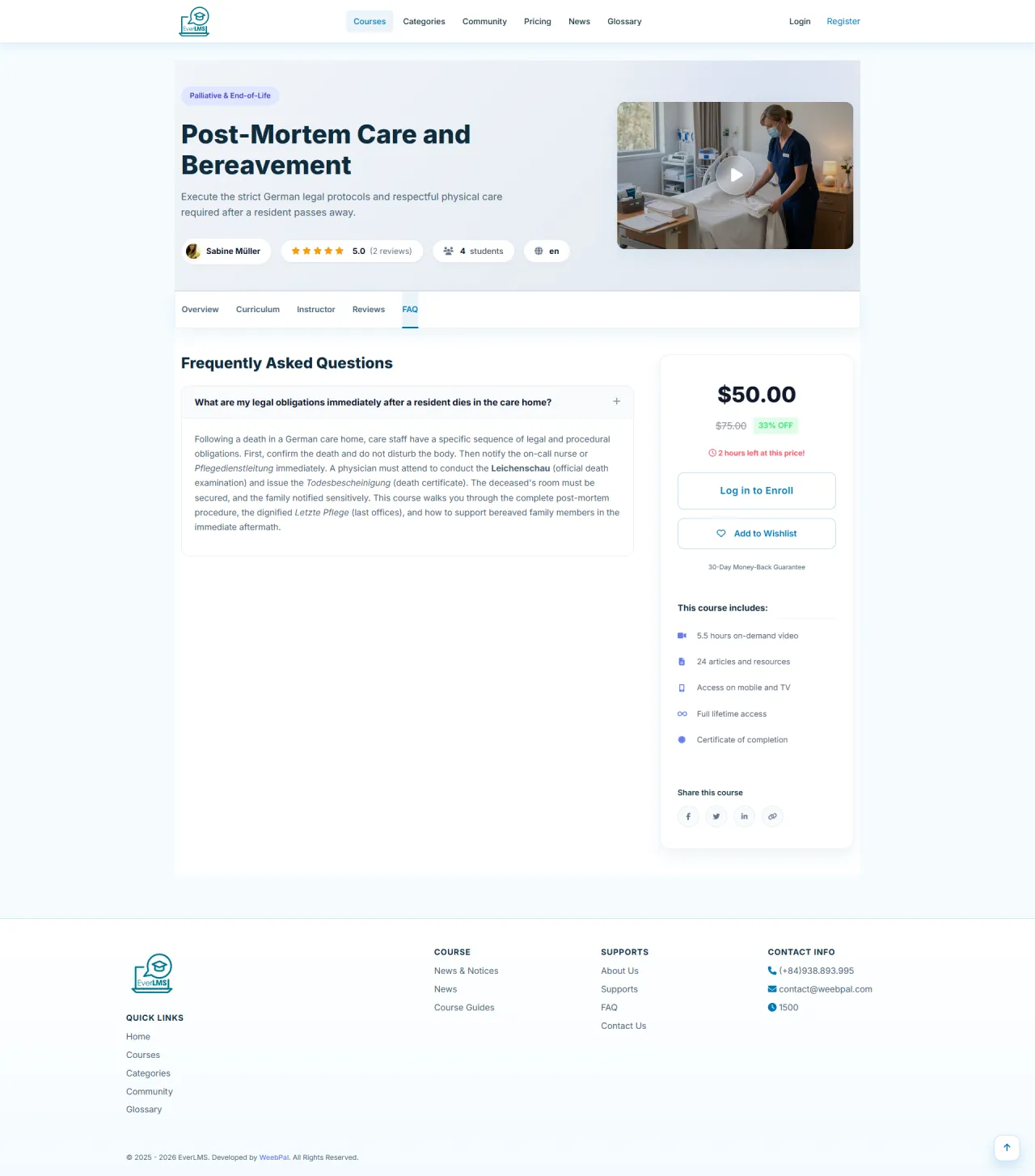
Course FAQ
About this screen: Find answers to common questions about course content, prerequisites, and refund policies.
Navigation: Course details → FAQ Tab
- Browse Q&A by topic
- View prerequisites
- Check refund policy
- Contact instructor
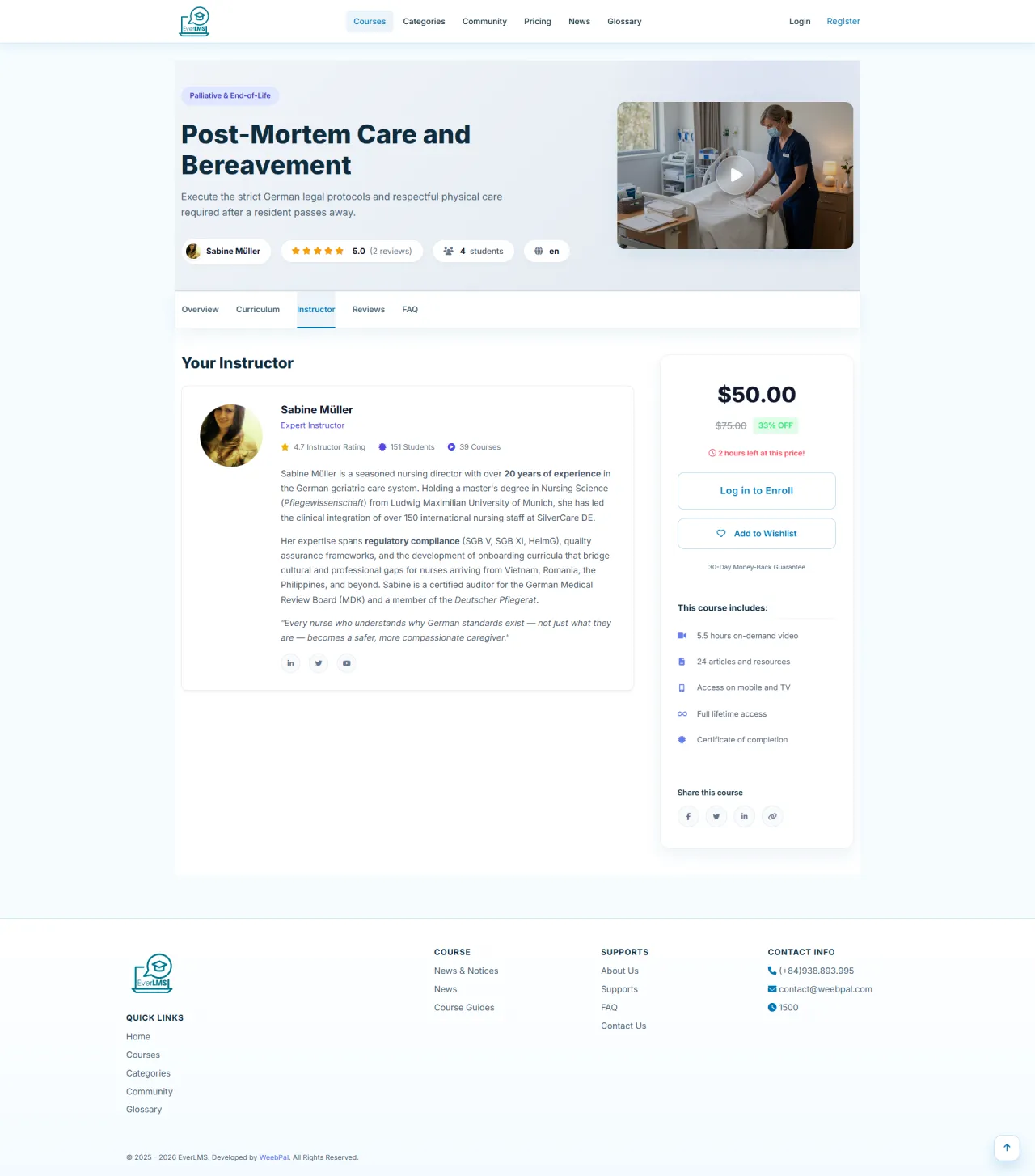
Course Instructor
About this screen: Learn about the instructor's background, expertise, and teaching experience directly on the course page.
Navigation: Course details → Instructor Tab
- View instructor profile
- Check student count
- Read instructor reviews
- See other courses
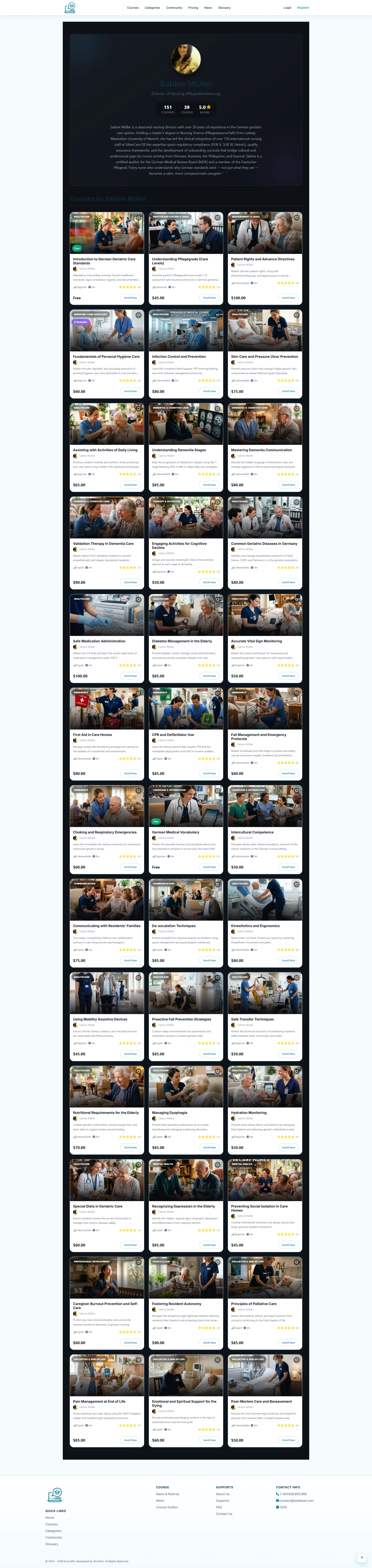
Instructor Profile
About this screen: Explore an instructor's full bio, all courses they teach, and reviews from their students.
Navigation: Course details → Instructor name → View Profile
- View full bio and expertise
- See courses and ratings
- Browse all courses
- Check reviews
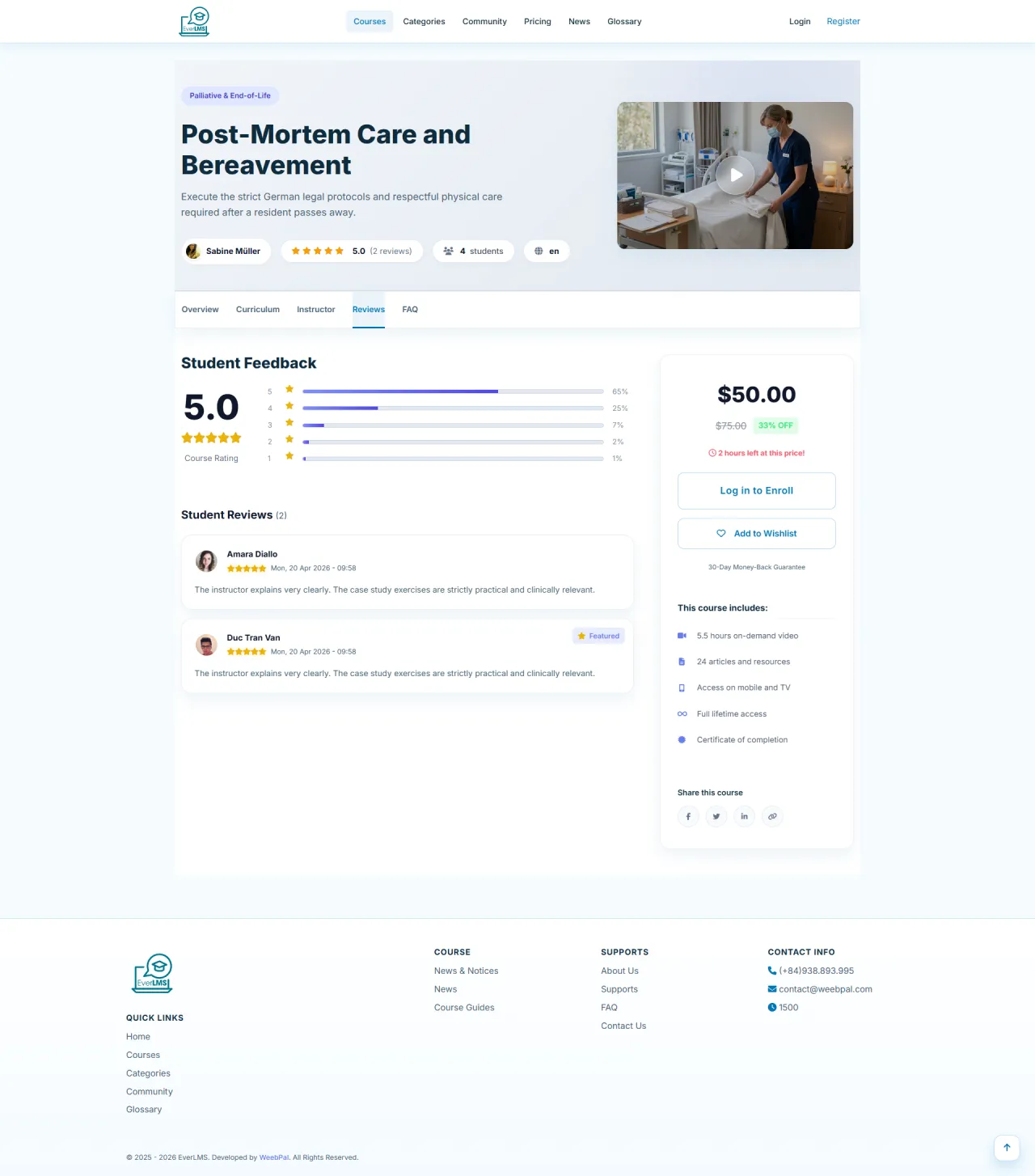
Course Reviews
About this screen: Read student ratings and reviews to assess course quality and instructor teaching style.
Navigation: Course details → Reviews Tab
- View average rating
- Read student reviews
- Filter by rating
- Leave your own review
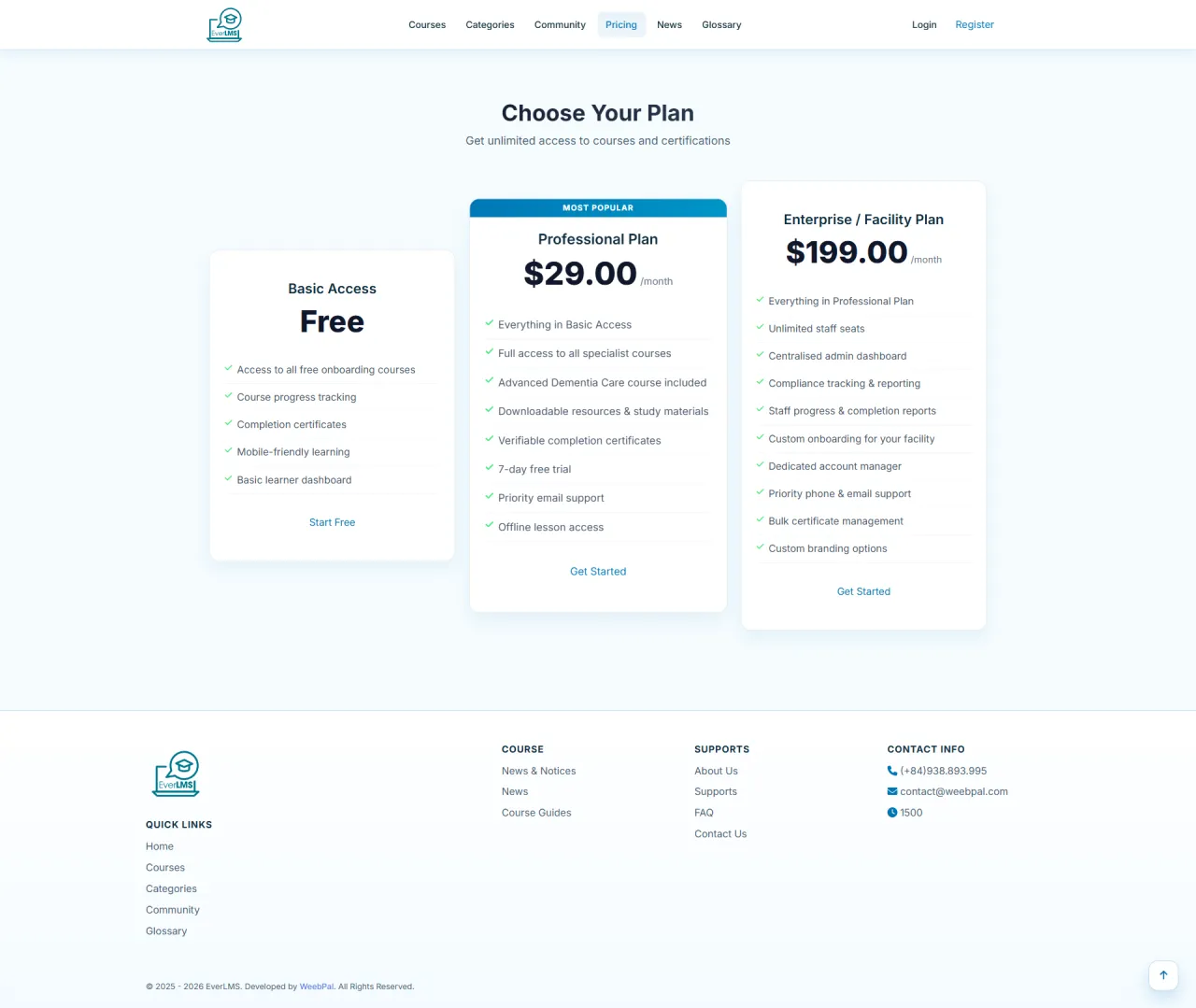
Membership Pricing
About this screen: Compare membership plans with different privileges to choose the best fit for your learning goals.
Navigation: Top Menu → Pricing
- Compare the three plans
- View features
- Choose best fit
- Click Subscribe Now
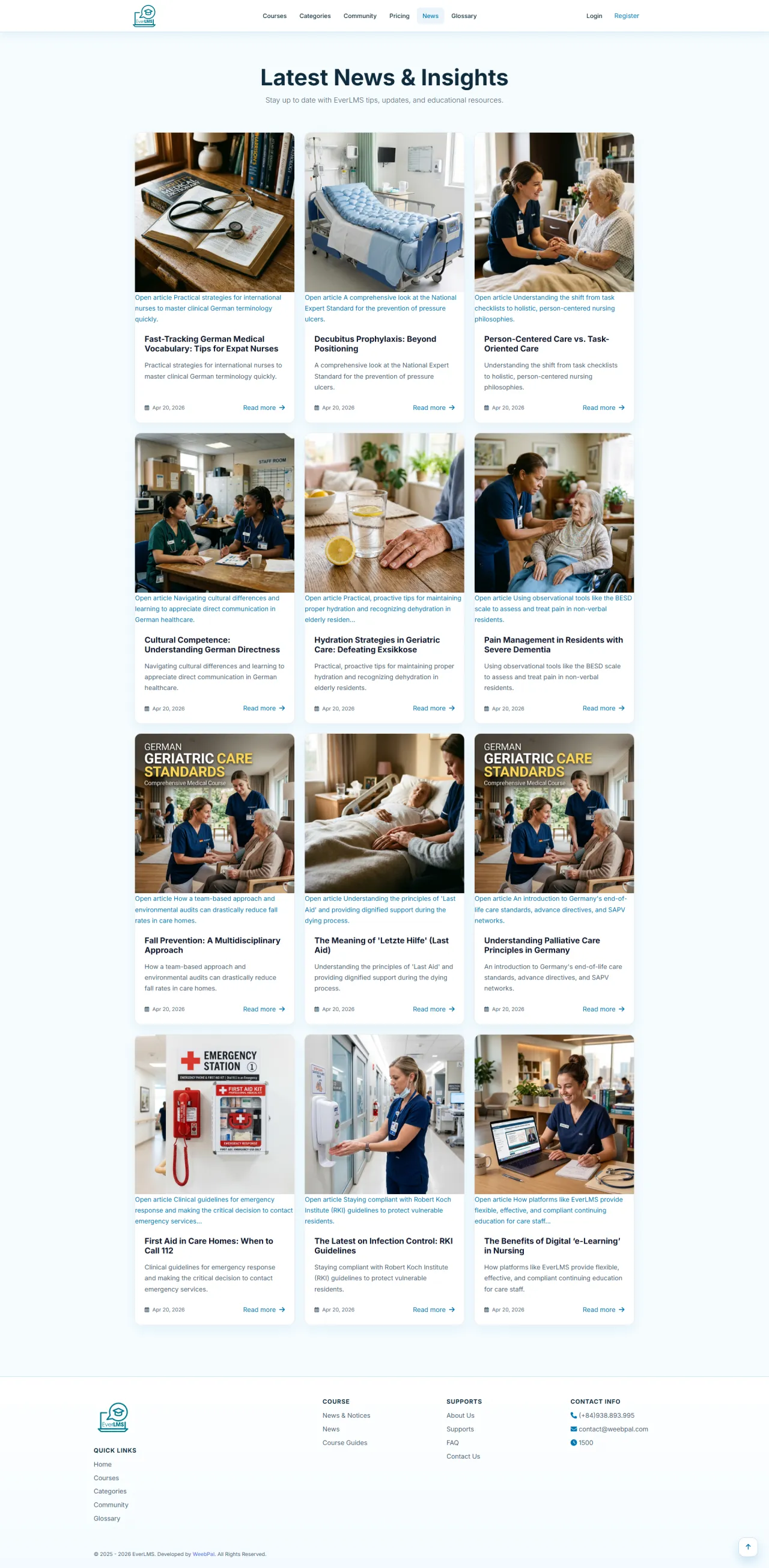
News & Resources
About this screen: Browse educational articles, trends, and platform updates organized by field and searchable by keywords.
Navigation: Top Menu → News
- Browse articles by field
- Search by keywords
- Share with community
- Read full content
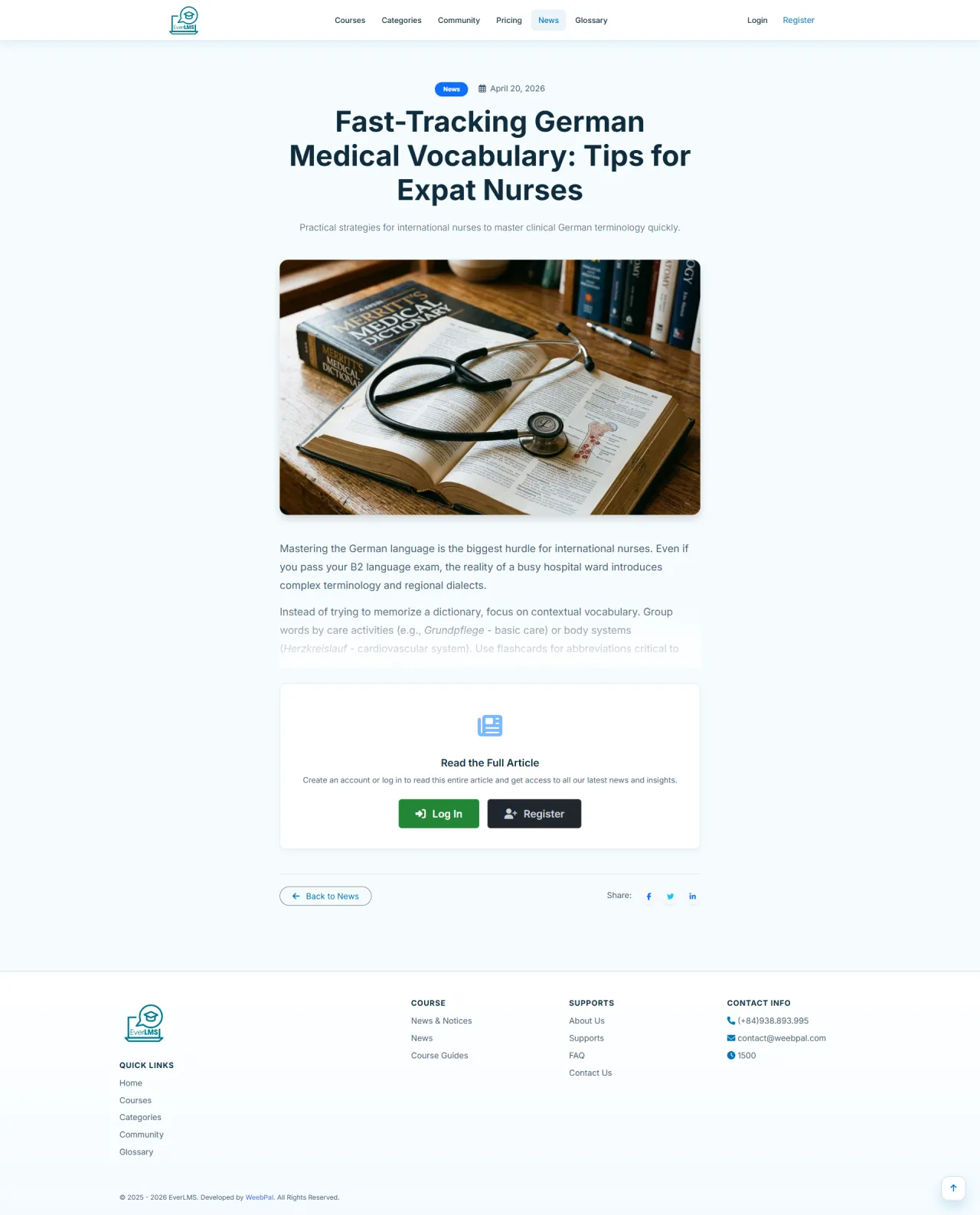
Article Details
About this screen: Read rich content articles with images, author information, and the ability to share with your network.
Navigation: News → Click an article
- Read with images and formatting
- View author and date
- Share on social media
- See related articles
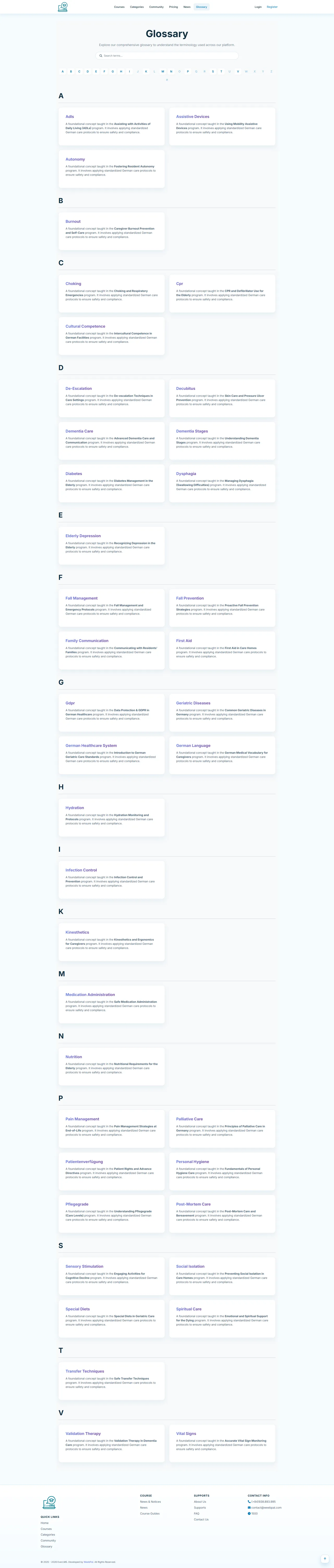
Glossary
About this screen: Search a comprehensive glossary of specialized terms and definitions relevant to your learning path.
Navigation: Top Menu → Glossary
- Search by keywords
- View definitions and examples
- Filter by field
- Understand course terms
Learning Community
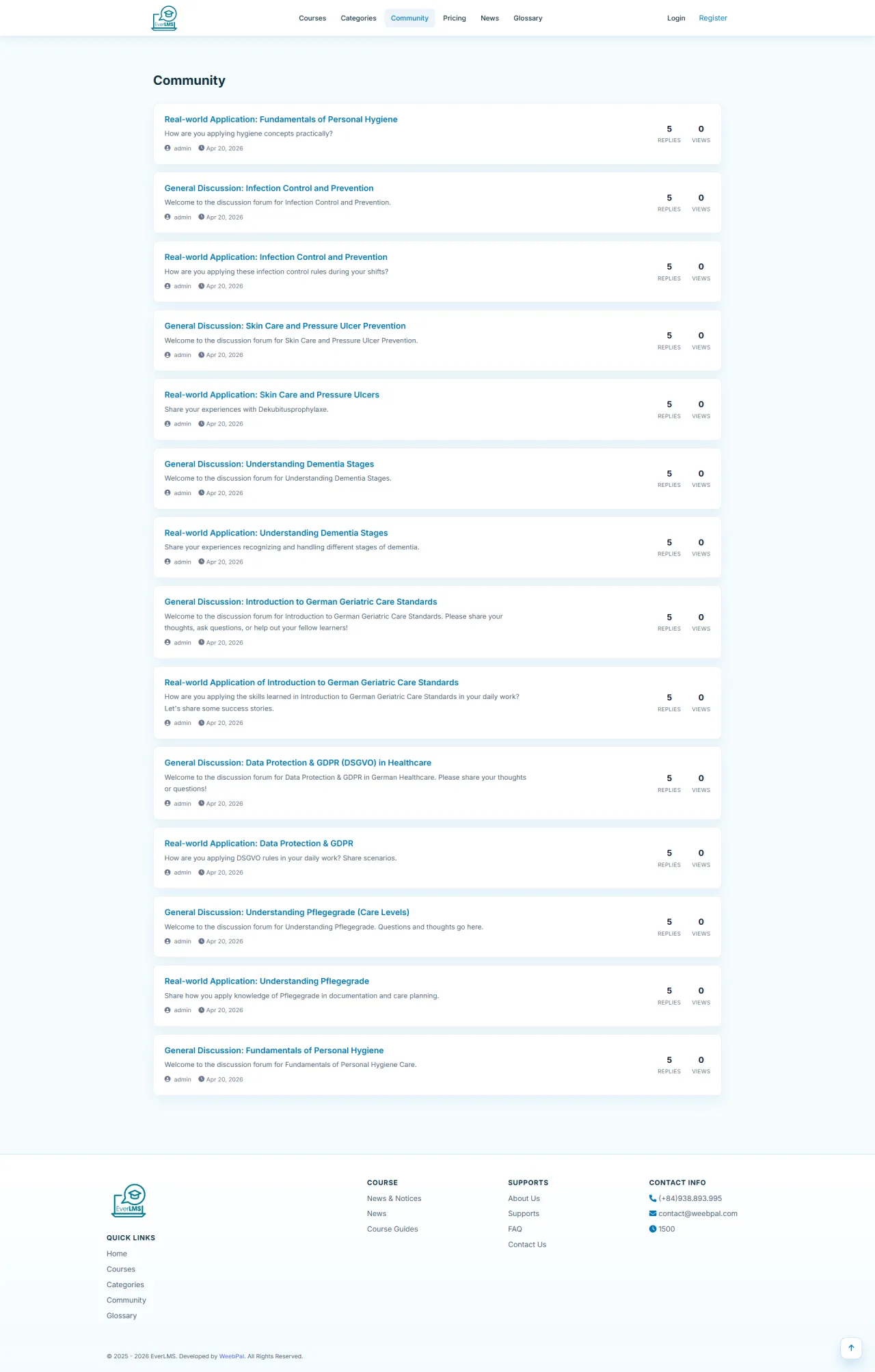
About this screen: Join discussions with other learners, ask questions, and share experiences in the community forum.
Navigation: Top Menu → Community
- Participate in discussions
- Ask questions
- Share experiences
- Connect with peers
Discussion Topic Details
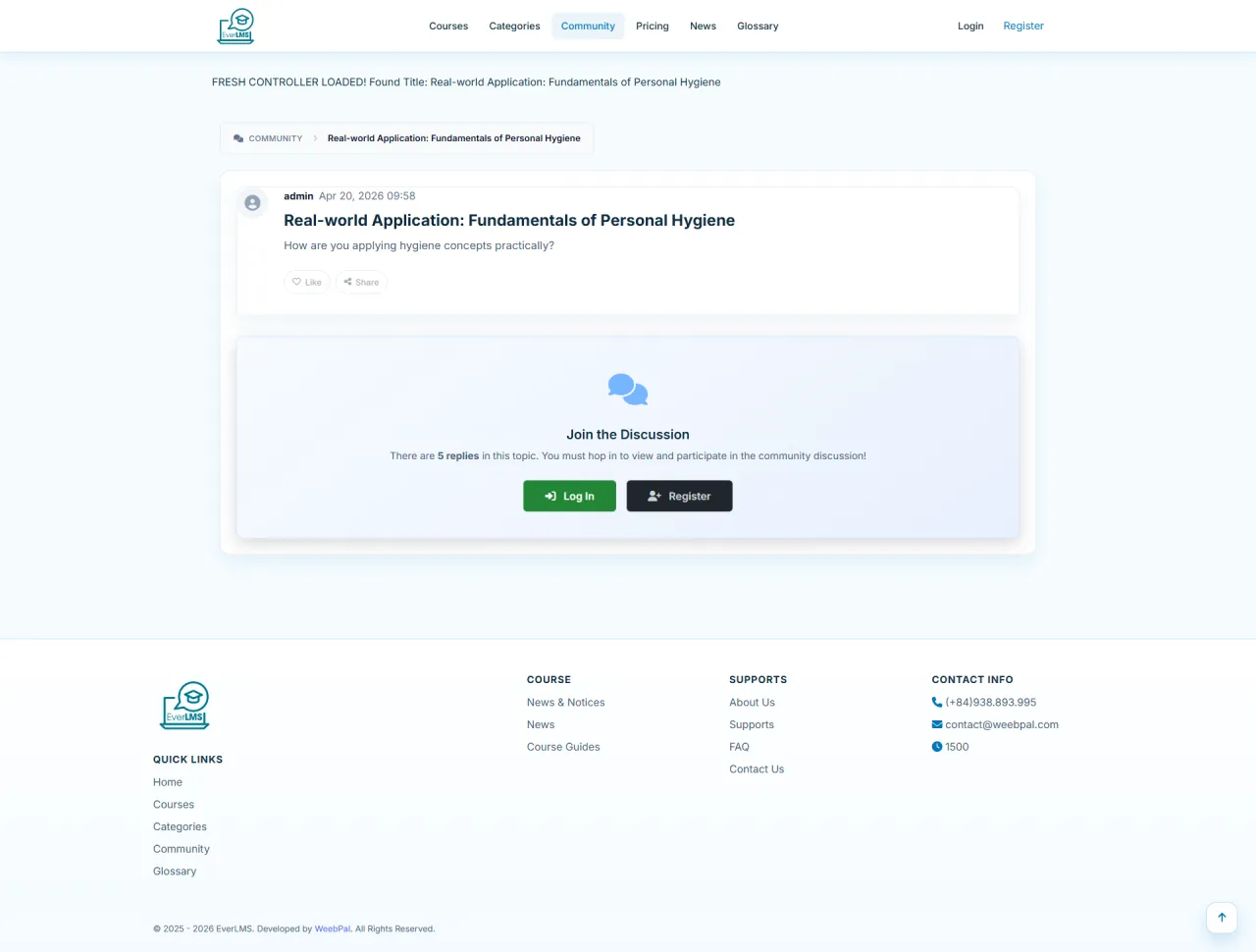
About this screen: Follow a complete discussion thread with all replies, comments, and upvoted helpful answers.
Navigation: Community → Click a topic
- Read full thread content
- View all replies
- Add a comment
- Upvote helpful answers
About Us
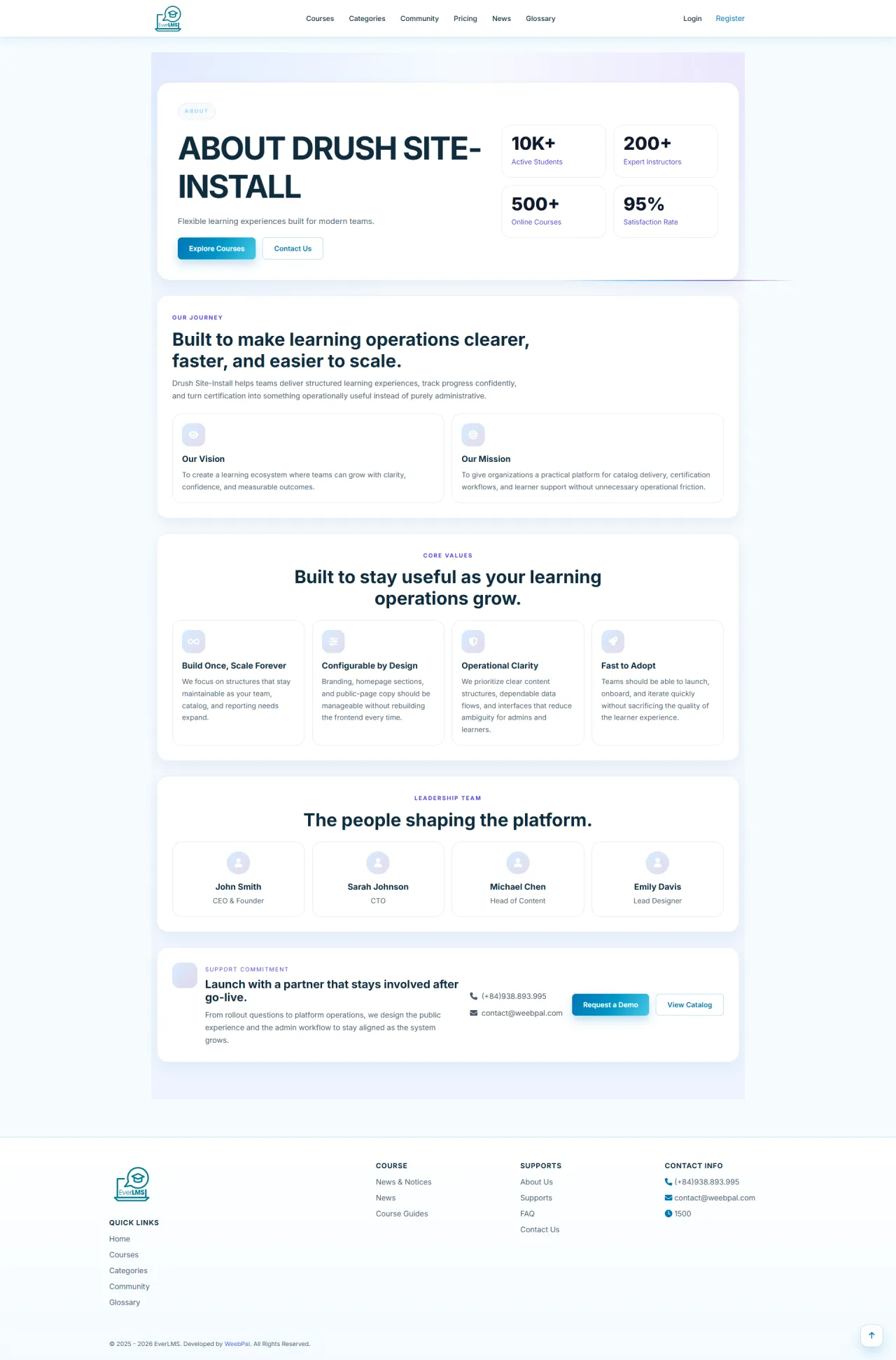
About this screen: The About page introduces the platform's mission, vision, and team behind EverLMS.
Navigation: Footer → About Us
- Learn our mission
- View core values
- Meet the team
- See achievements
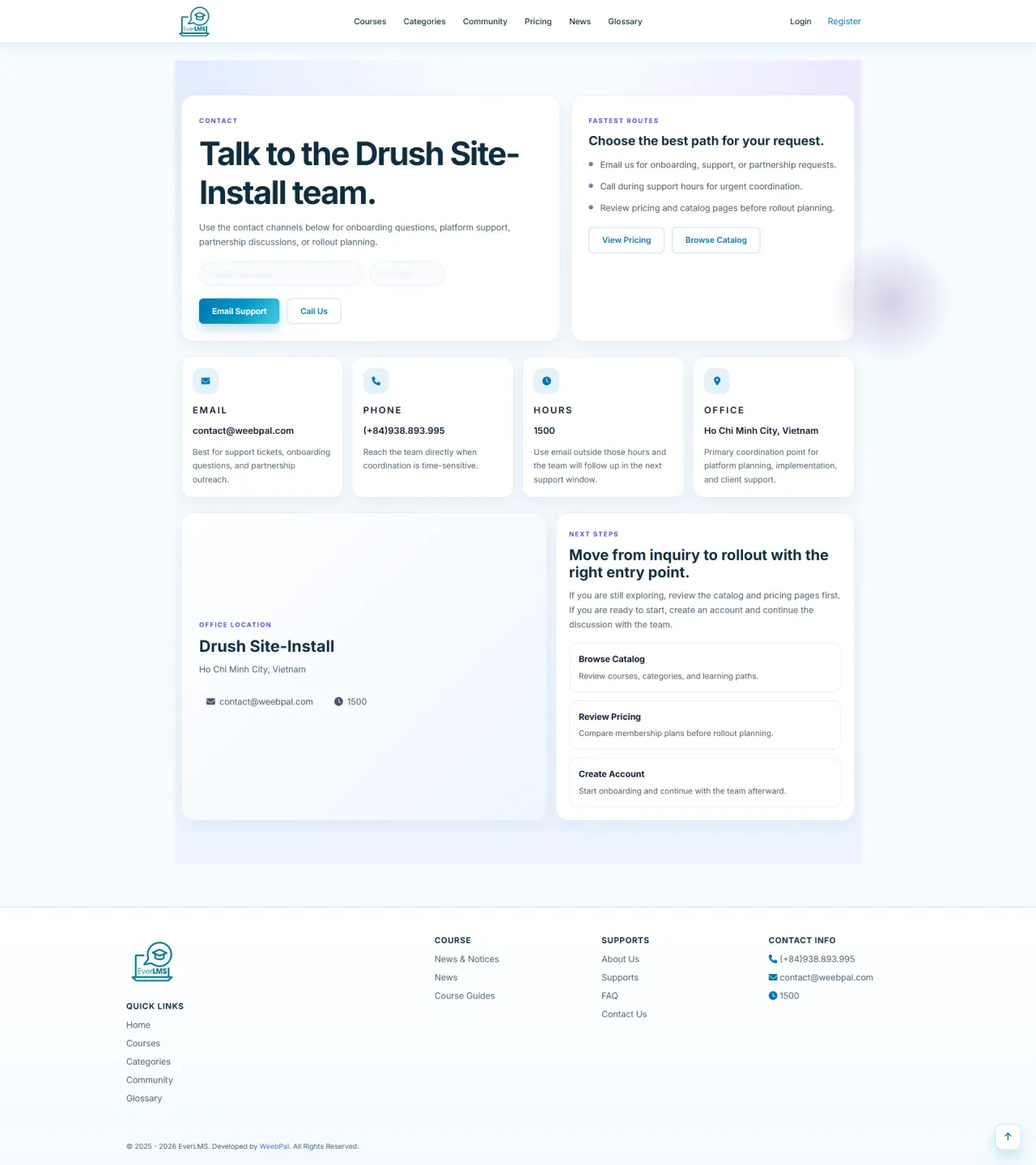
Contact Us
About this screen: The Contact page provides multiple ways to reach the support team and submit inquiries.
Navigation: Footer → Contact Us
- Submit support request
- View contact details
- Get pre-sale answers
- Follow social media
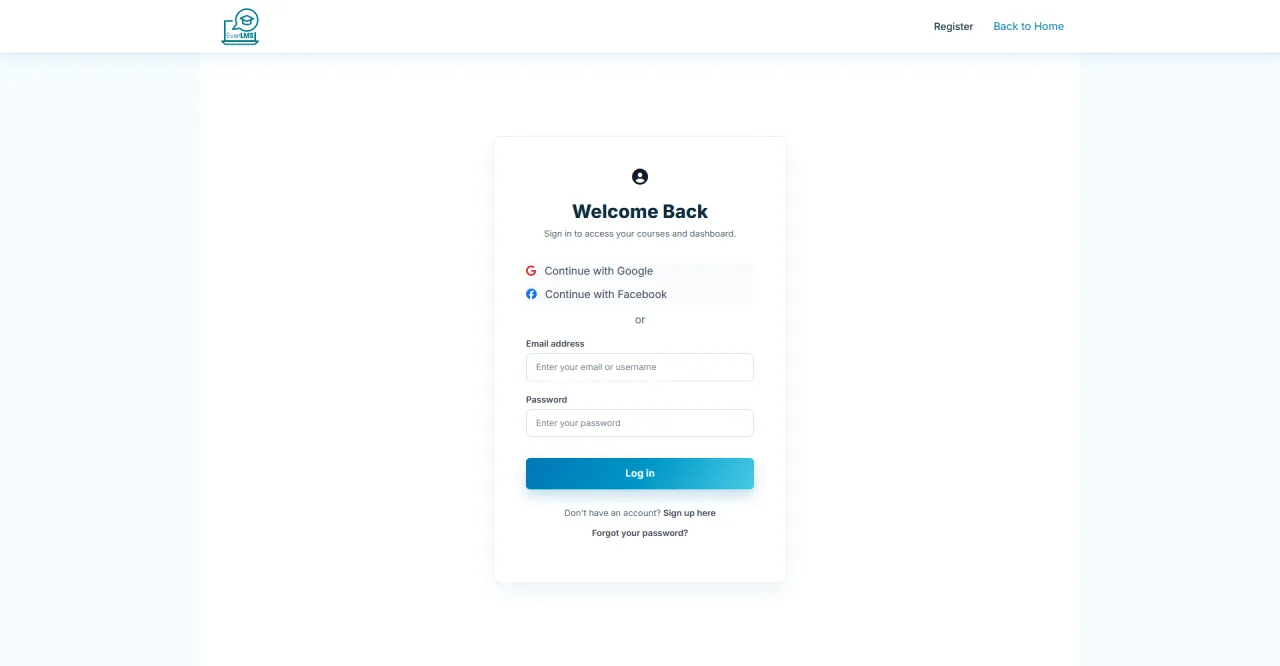
Account Login
About this screen: The Login page allows existing users to access the system.
Navigation: Top Menu → Login
- Enter username or email
- Enter password
- Click Log in
- Reset forgotten password
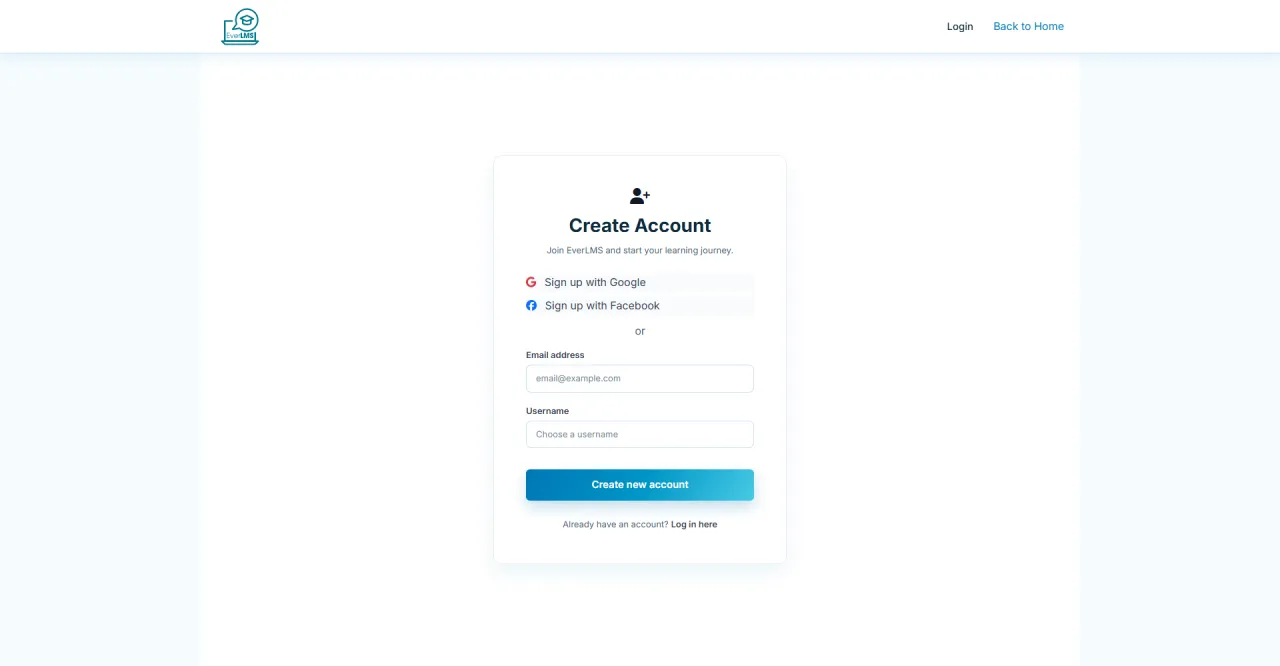
Account Registration
About this screen: The Register page allows new users to create a free account.
Navigation: Top Menu → Register
- Enter username
- Enter email
- Create password
- Confirm account
Running EverLMS in your own organisation
Names, prices and plans on these screens are set up differently for each deployment. We deploy EverLMS on your domain and adapt it to how you work, and you receive the running system and its source code.