For visitors: discover EverLMS
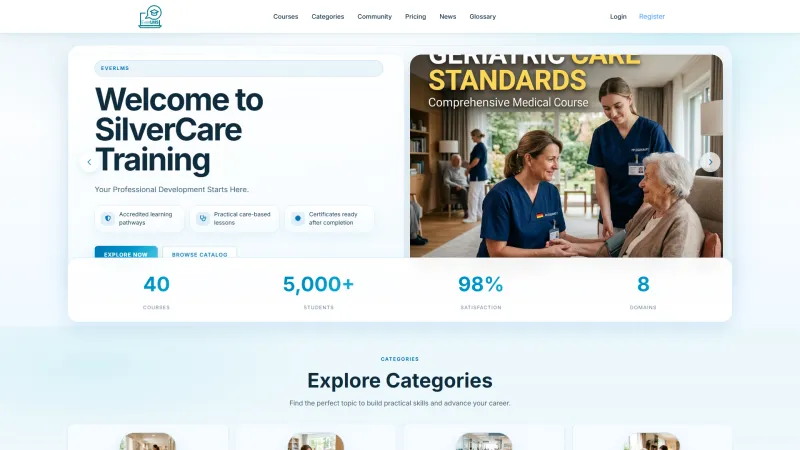
Explore courses, compare learning options, and register for EverLMS.

Product guides
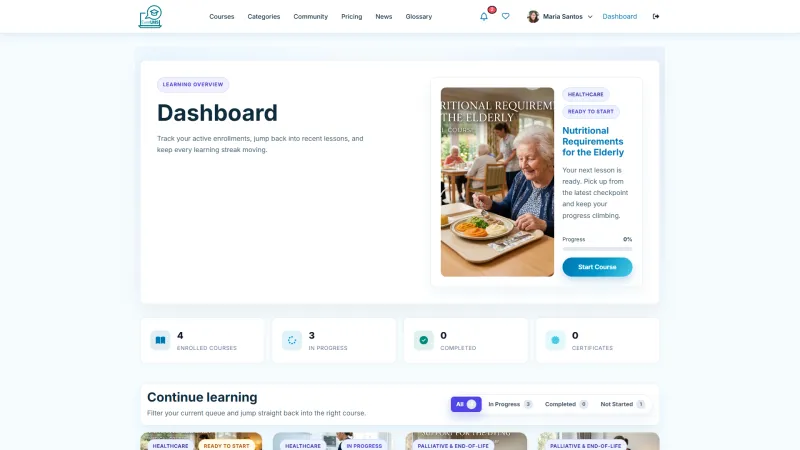
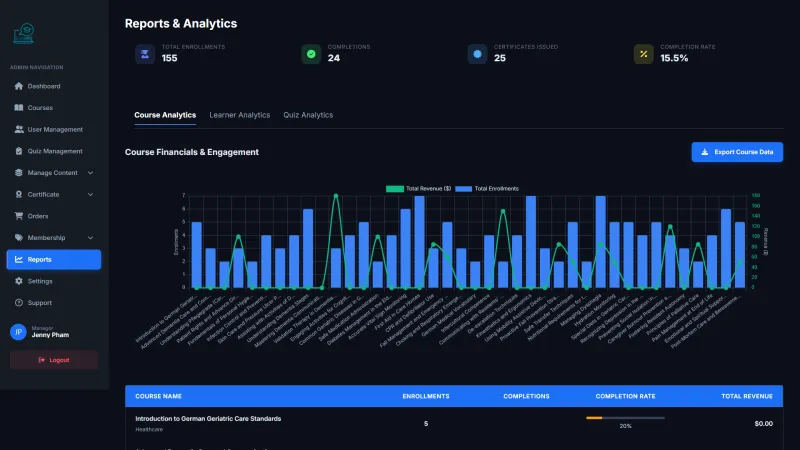
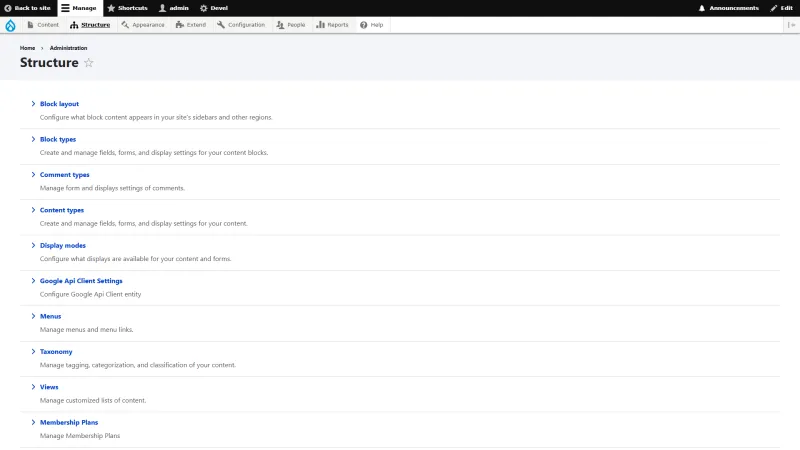
A guide for each EverLMS role, from visitor to administrator, walking through the screens of the running platform with sample data.
An engineer reads it and replies within one business day.
Start with the guide for your own role. If you are looking at EverLMS for a project of your own, read the visitor guide first for the public side, then the admin guide for how the platform is set up and run.
Who EverLMS is for, where it runs and what it costs to deploy are on the EverLMS platform page. How we deploy a platform and adapt it to your organisation is set out in how a platform implementation runs.
The list runs from the public side inwards, which is the order to read the guides in if you want to see the whole platform. Sandbox accounts are issued on request: to see EverLMS set up around your own courses, request a guided demo.
Tell us your use case and roughly how many users. We set your case up on the version in production and go through it with you one role at a time, before anything is signed.