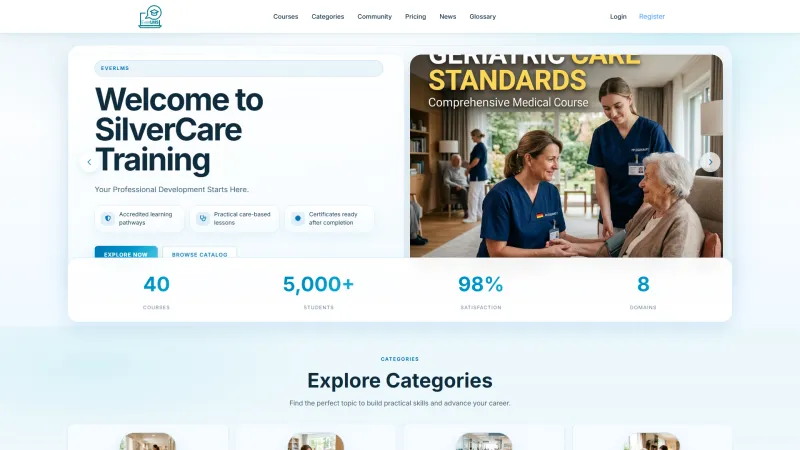
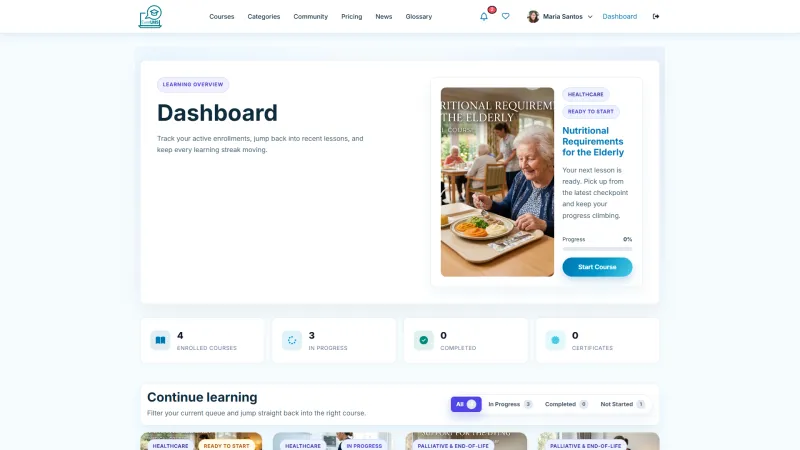
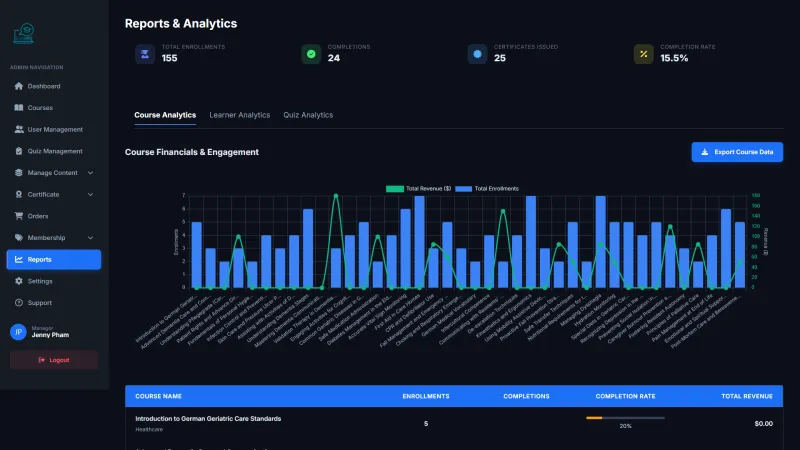
System Login
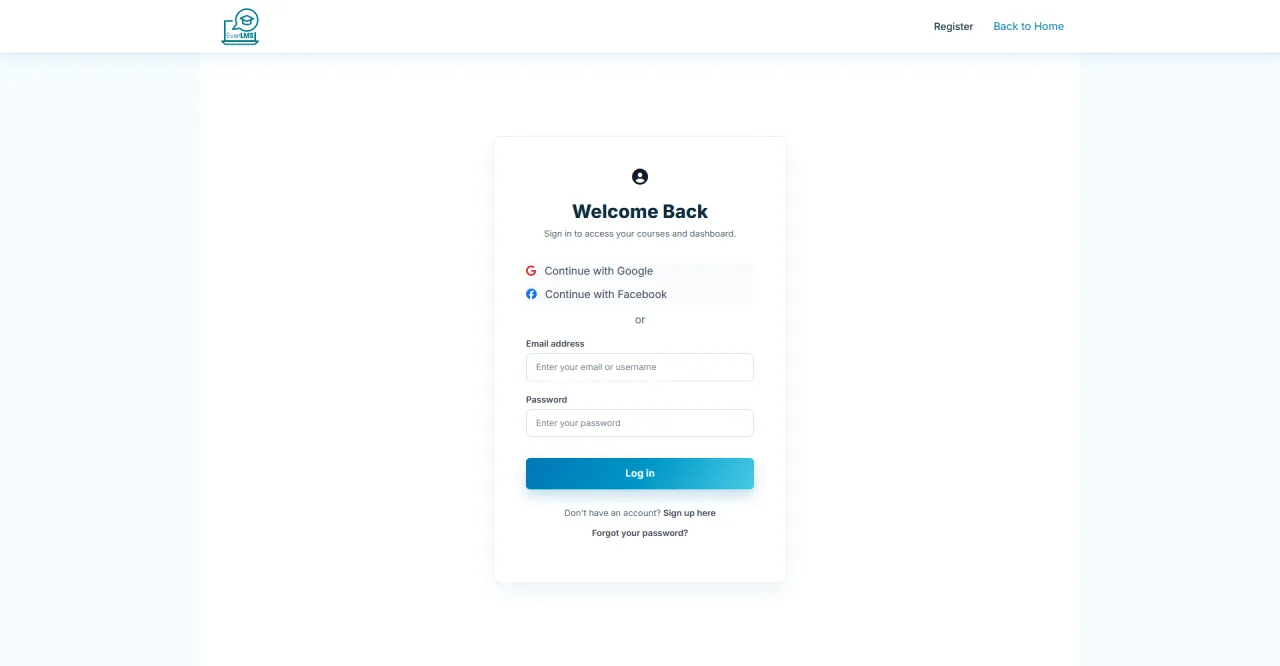
About this screen: Secure entry point for Administrators.
Navigation: Homepage → Log In
- Enter Username/Email and Password
- Access restricted to Administrator role
- All actions are logged for audit
Security: Never share Admin credentials.
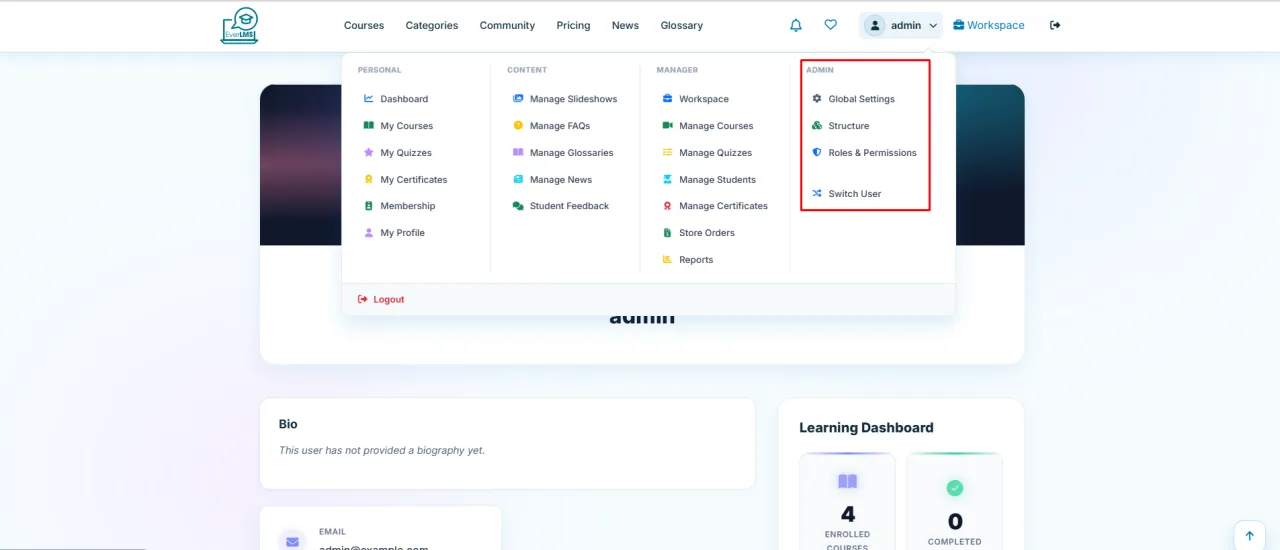
Admin Account Menu
About this screen: The account menu provides quick access to key areas for the logged-in admin.
Navigation: Click avatar/name in top right corner
- Workspace: Return to management area
- My Courses: Enrolled courses
- My Certificates: Earned certificates
- Profile: Edit personal info
- Switch to Learner: Student view
People & Permissions
About this screen: Manage which actions each user role can perform across the platform.
Navigation: Admin → People → Permissions
- Toggle permissions per role and per module
- Covers all roles: Admin, Manager, Instructor, Student
- Changes apply instantly across the platform
Caution: Test changes in staging before applying live.

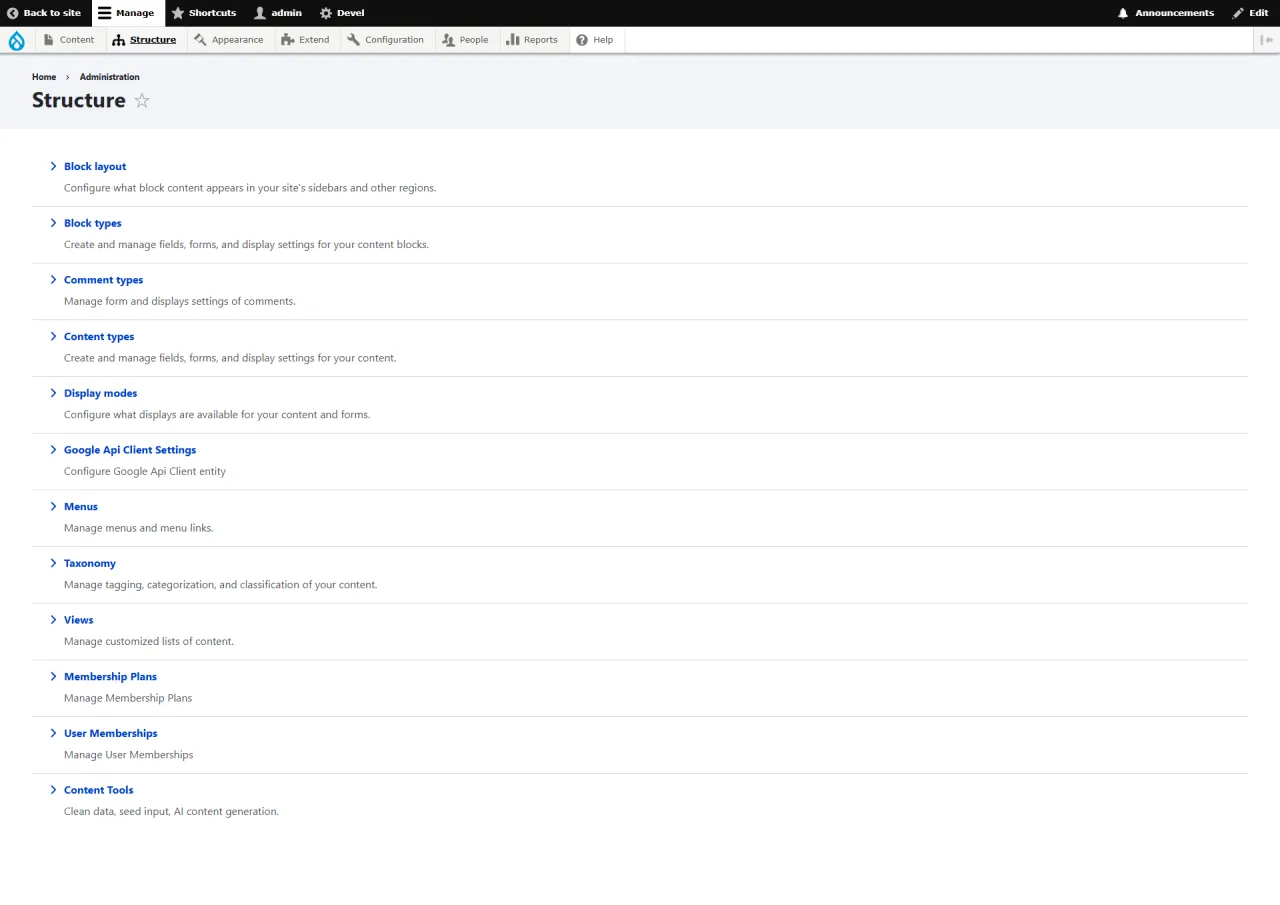
Content Structure
About this screen: The Structure menu manages content type definitions, fields, and taxonomies used across the platform.
Navigation: Admin → Structure
- Content Types: Define fields for each content type
- Taxonomy: Categories and classification terms
- Block Layout: Page regions and block placement
- Display Modes: View and form display per context
Note: Changes here may require cache clearing to take effect.
Running EverLMS in your own organisation
Names, prices and plans on these screens are set up differently for each deployment. We deploy EverLMS on your domain and adapt it to how you work, and you receive the running system and its source code.