System Access
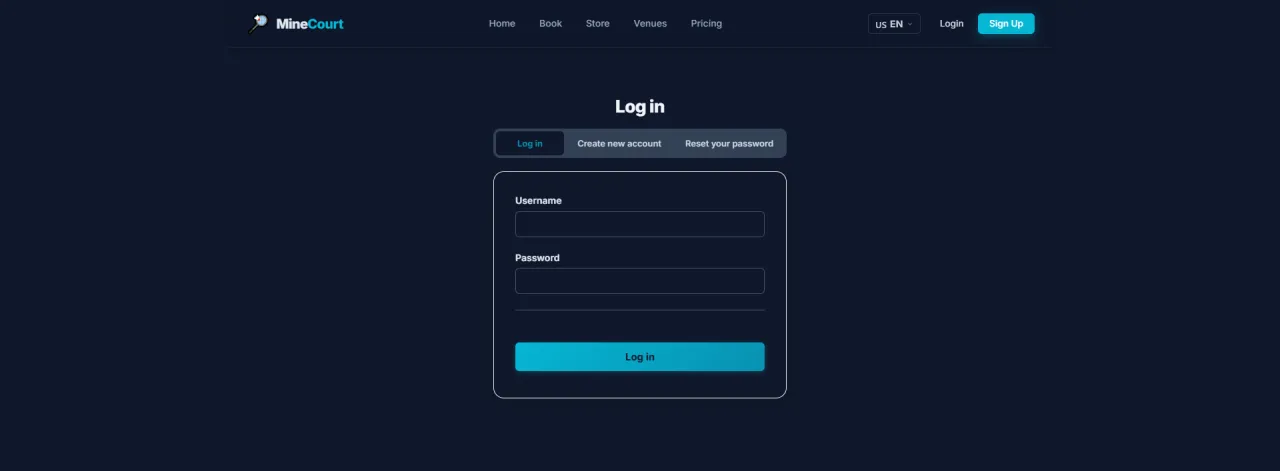
About this screen: Administrator login form with email and password fields, plus security notice restricting access to Administrator role accounts.
Navigation: Menu → Login
- Enter your Admin Email and Password
- Access is restricted to accounts with the Administrator role
- Multi-factor authentication (MFA) is recommended for all Admin accounts
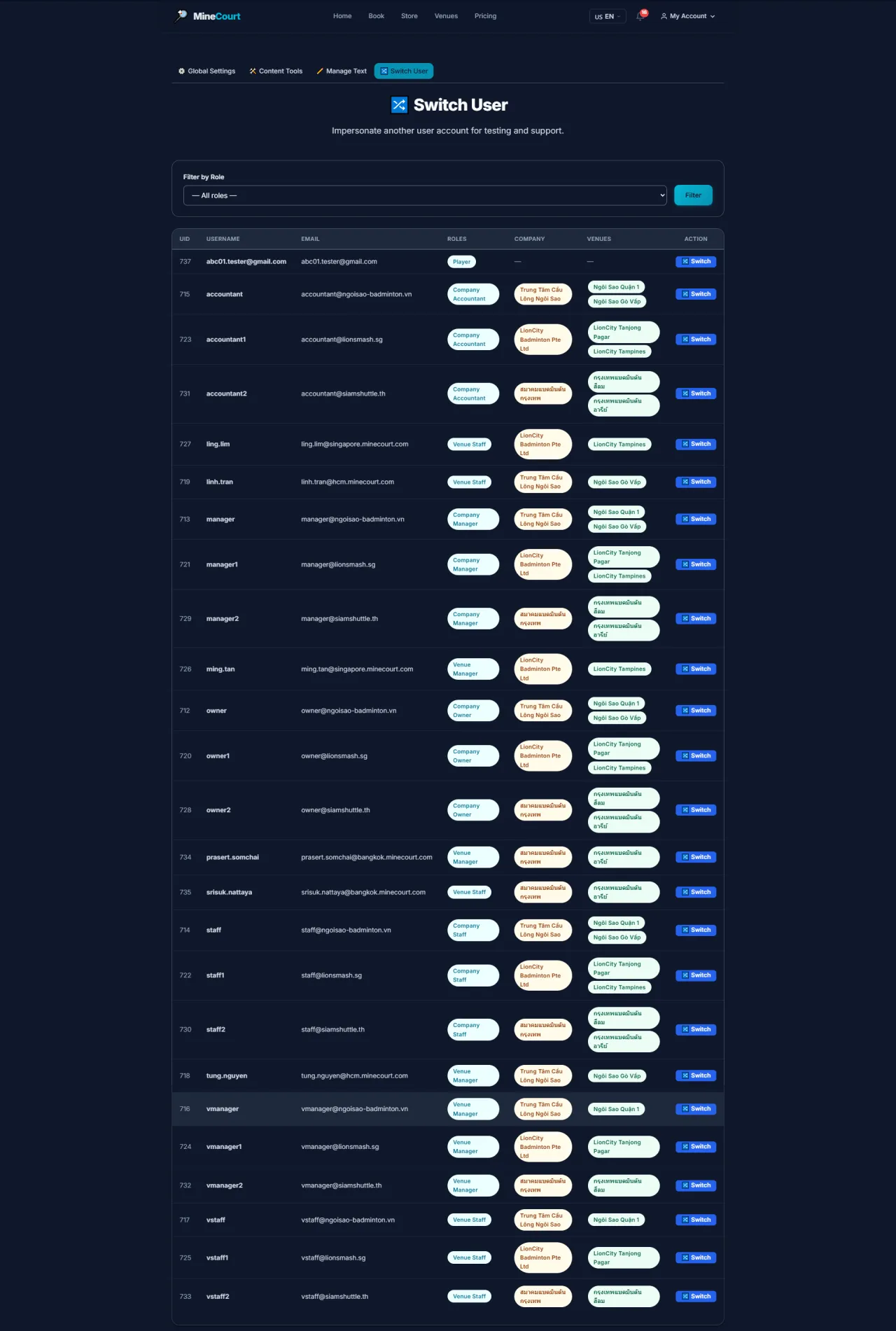
Switch User (Impersonate)
About this screen: Instantly switch to another user's perspective for troubleshooting.
Navigation: Account Icon (Top Right) → Switch User
- Search for any user account by Name or Email
- Experience the platform exactly as that user sees it
- Essential for verifying permissions or resolving customer ticket issues
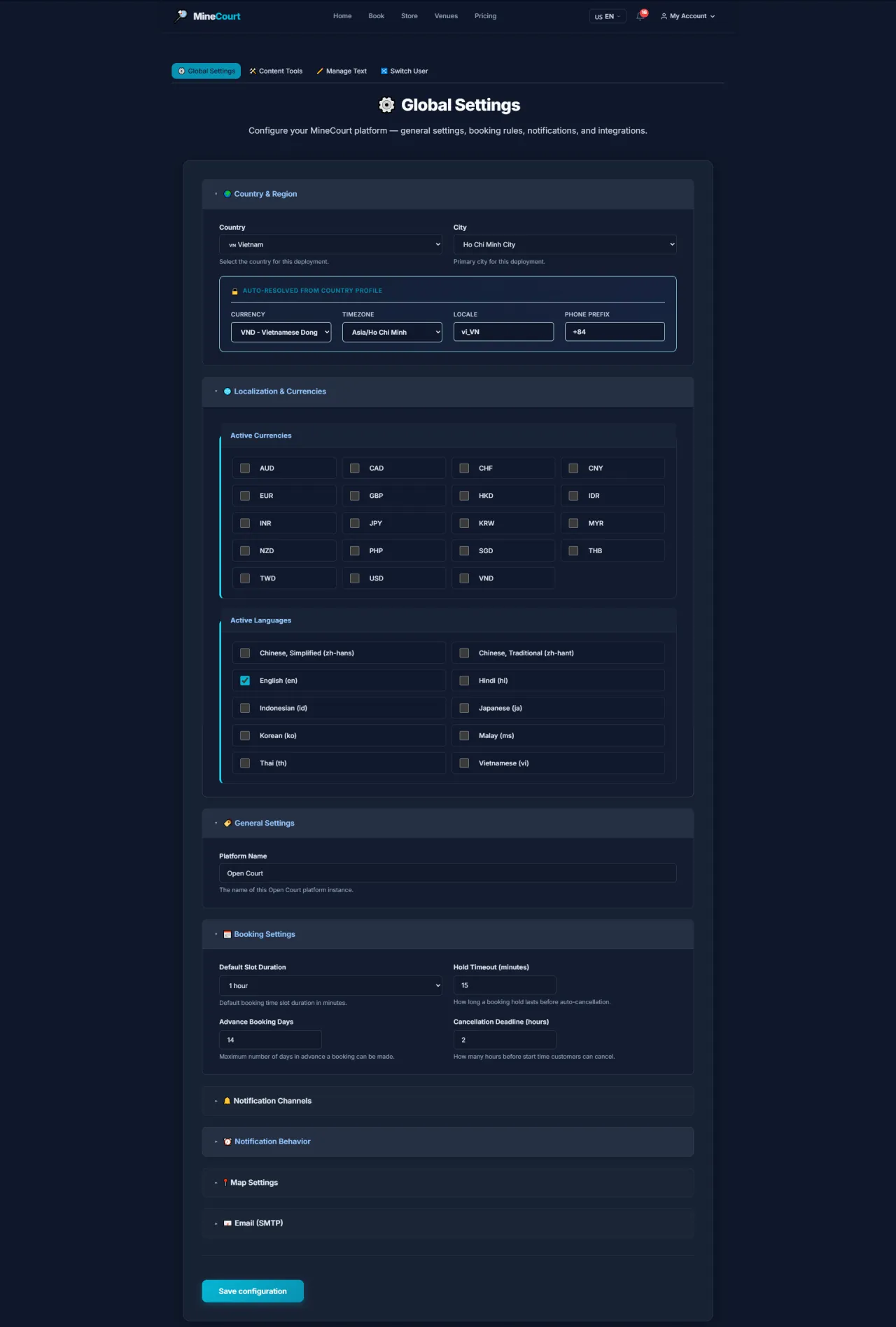
Global Settings
About this screen: Configure global parameters for the entire MineCourt platform.
Navigation: Sidebar → Global Settings
- Configure: platform name, logo, brand colors, default language
- Settings: timezone, currency, date/time formats
- Configure system notification email
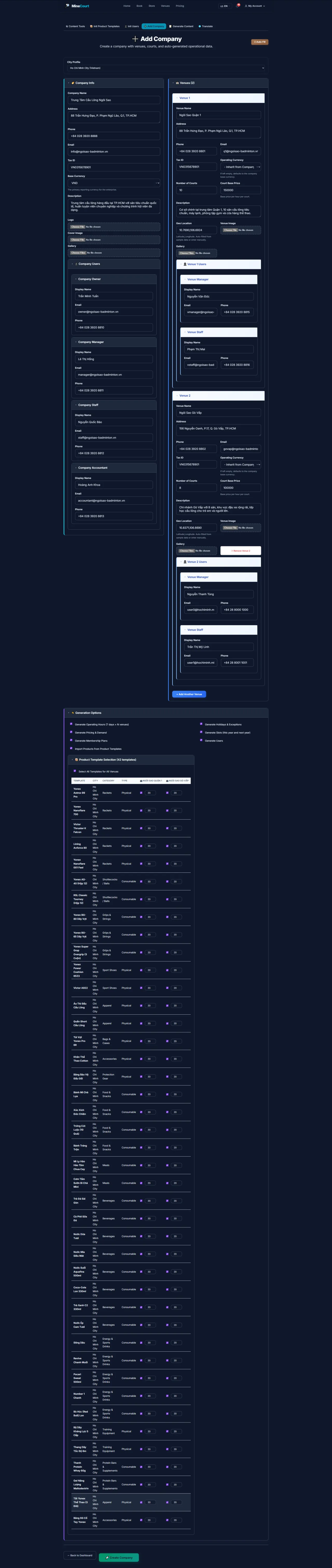
Add New Company
About this screen: Onboard a new business organization on the MineCourt platform.
Navigation: Sidebar → Content Tools → Add Company
- Configure legal name, base currency, and default timezone
- Upload organization branding (Logos, Banners)
- Assign parent company for multi-entity reporting hierarchies
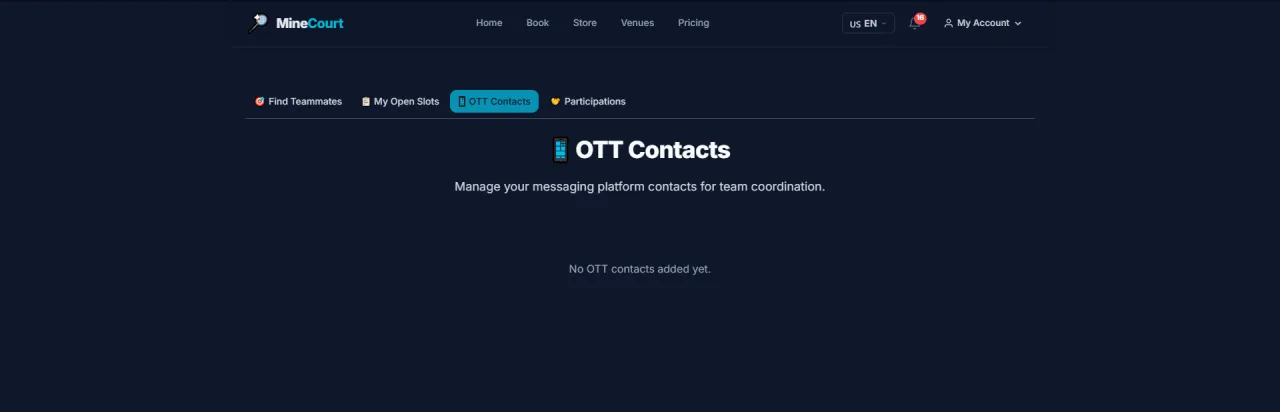
OTT Contacts
About this screen: Manage business contacts for the OTT (Over-The-Top) communication and partner registry.
Navigation: Sidebar → Admin → OTT Contacts
- Directory of external partners, operators, and integration contacts
- View contact name, organization, email, and role
- Click Add Contact to register a new OTT partner entry
- Edit or remove existing entries as partnerships change
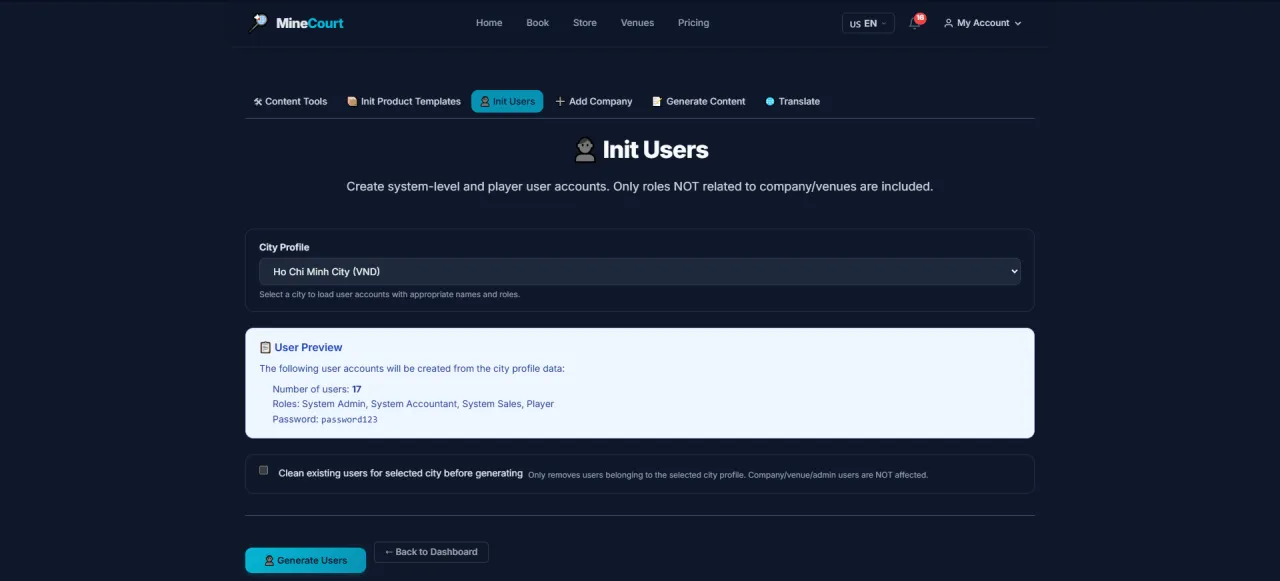
Init Users (Bulk)
About this screen: Rapidly create sample user accounts by role.
Navigation: Admin Tools → Content Tools
- Select quantity and target role: Player, Venue Manager, Company Owner...
- System auto-generates sample credentials (username, email, password)
- Use for testing or platform demonstrations
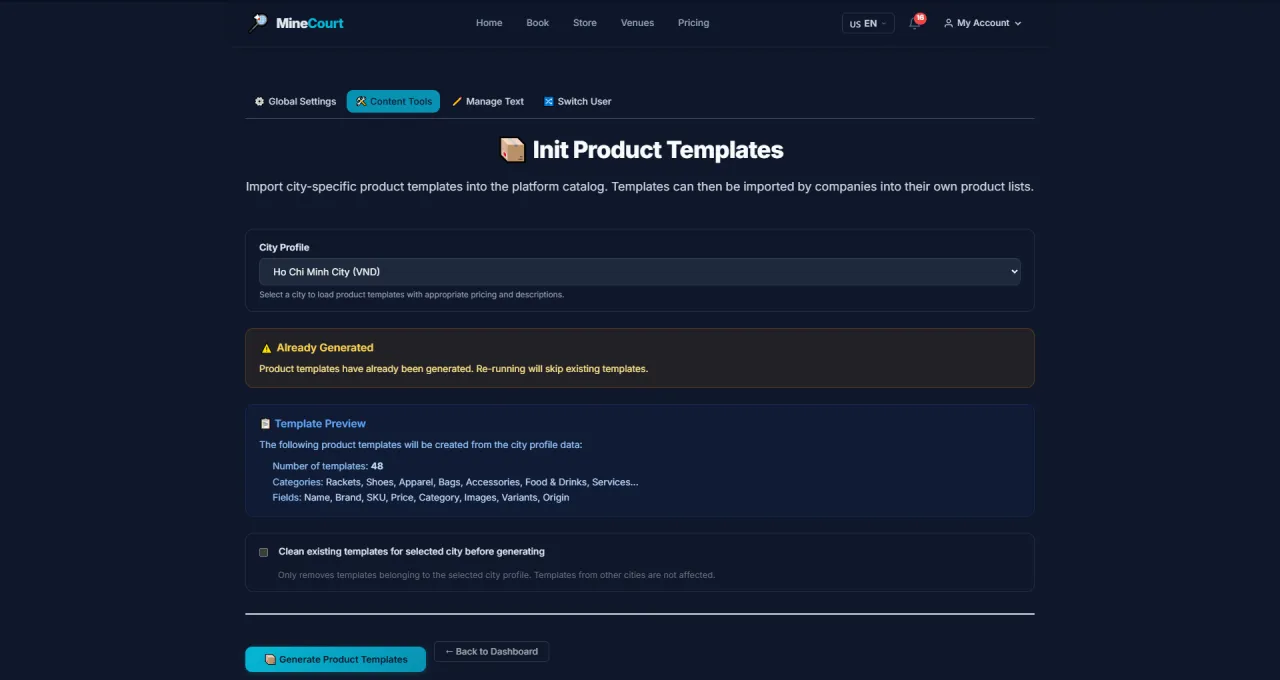
Init Product Templates
About this screen: Create sample product categories and items for store demos.
Navigation: Admin Tools → Content Tools
- Select template category: Sports Equipment, Food & Drinks, Services
- System creates categories, products, and sample prices automatically
- Venue Managers can edit after initialization
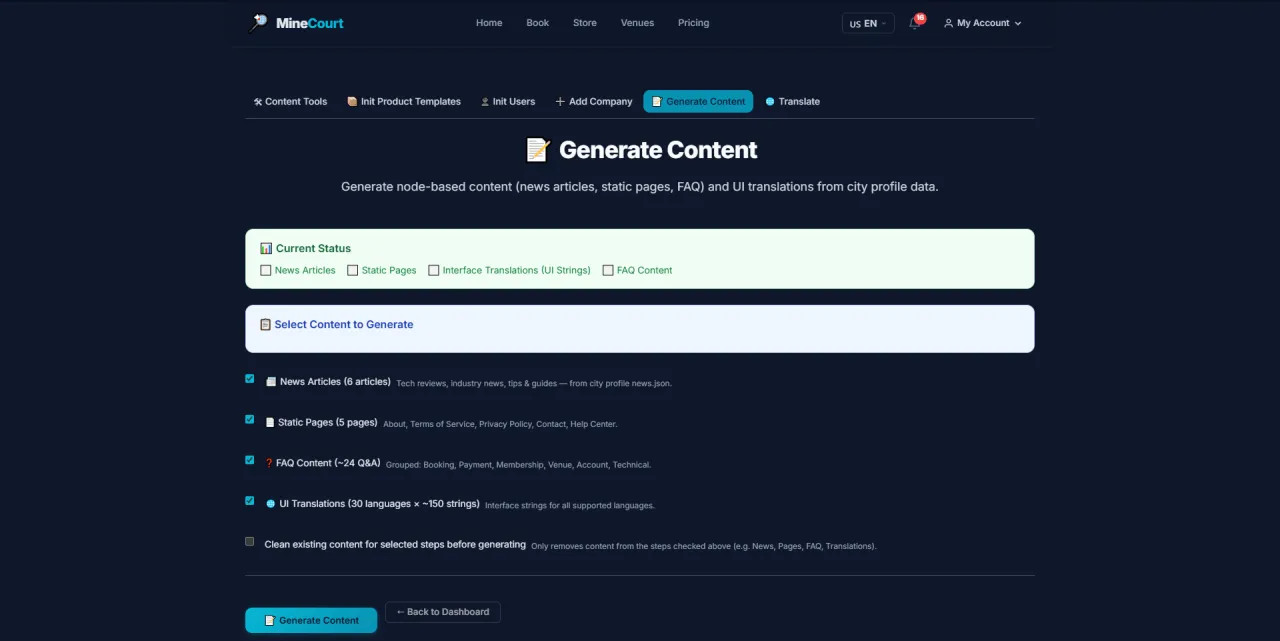
Generate Content
About this screen: Comprehensive demo data generation tool for the entire system.
Navigation: Admin Tools → Content Tools
- Generate by module: Companies, Venues, Courts, Pricing, Users...
- Select module and number of records to generate
- Results appear immediately in the interface
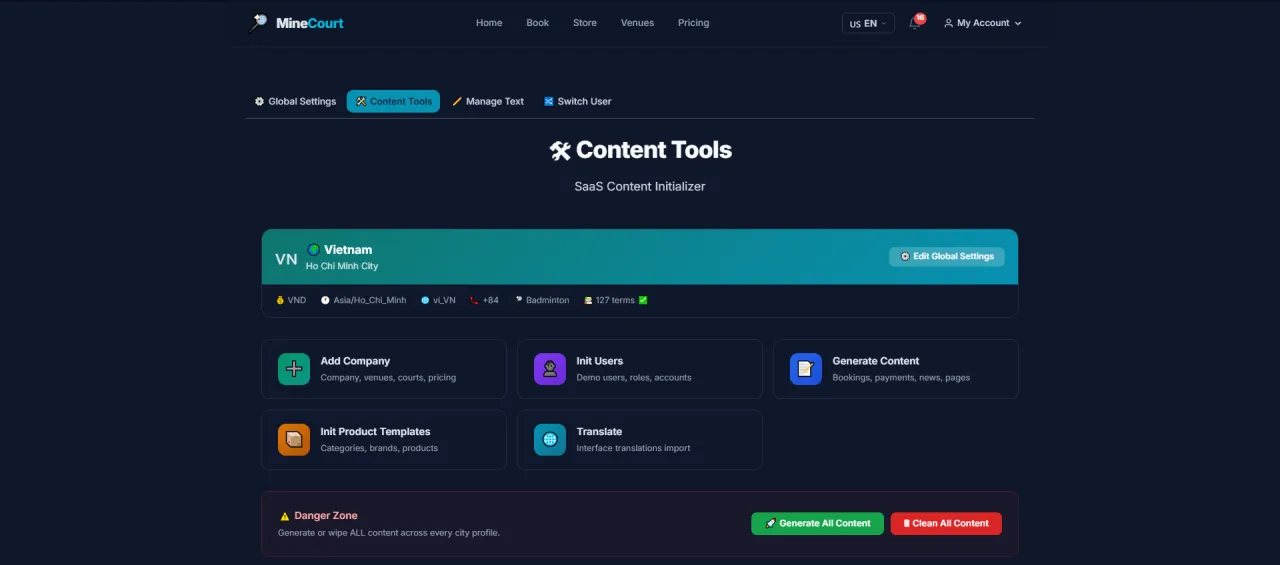
Content Tools
About this screen: Content management dashboard with sections for translating platform UI strings, managing text labels, and bulk import/export operations.
Navigation: Sidebar → Content Tools
- Translate platform UI strings between supported languages
- Manage system-wide text labels and notification templates
- Bulk operations: export strings, import translations
Manage Translations
About this screen: Manage interface translations for all supported platform languages.
Navigation: Sidebar → Content Tools → Translate
- Search for any UI string by key or content
- Edit translations for each language inline
- Save and publish: changes take effect immediately
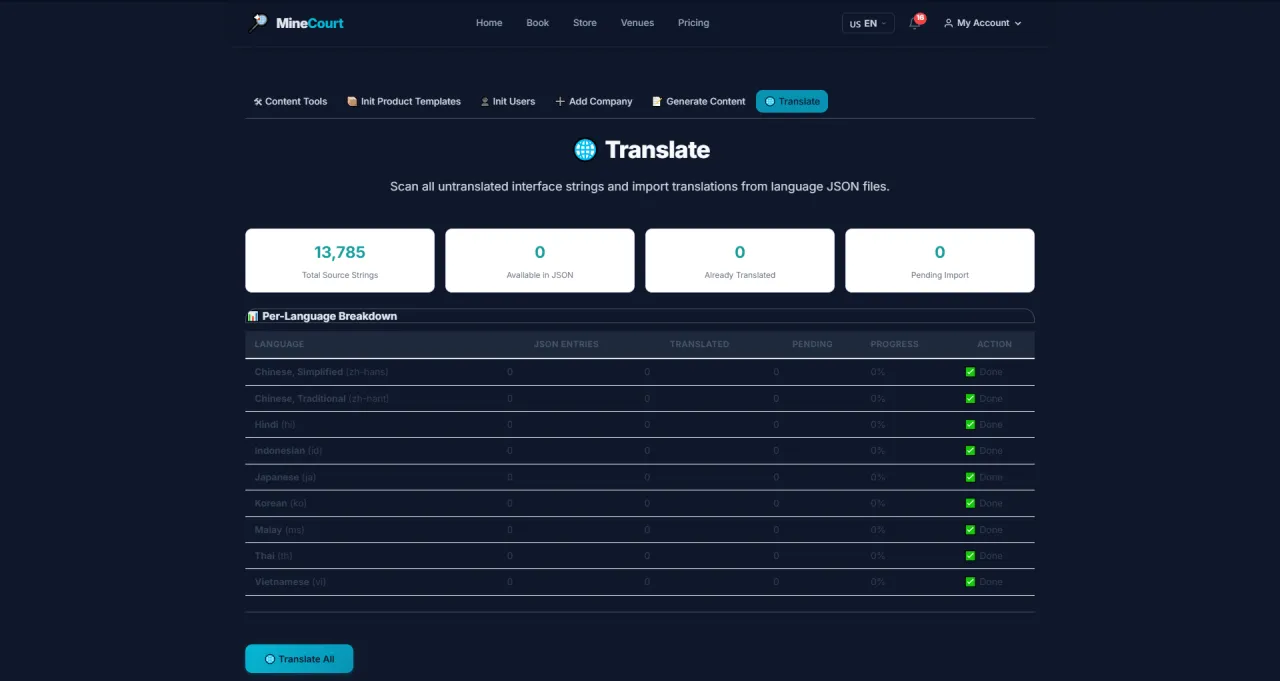
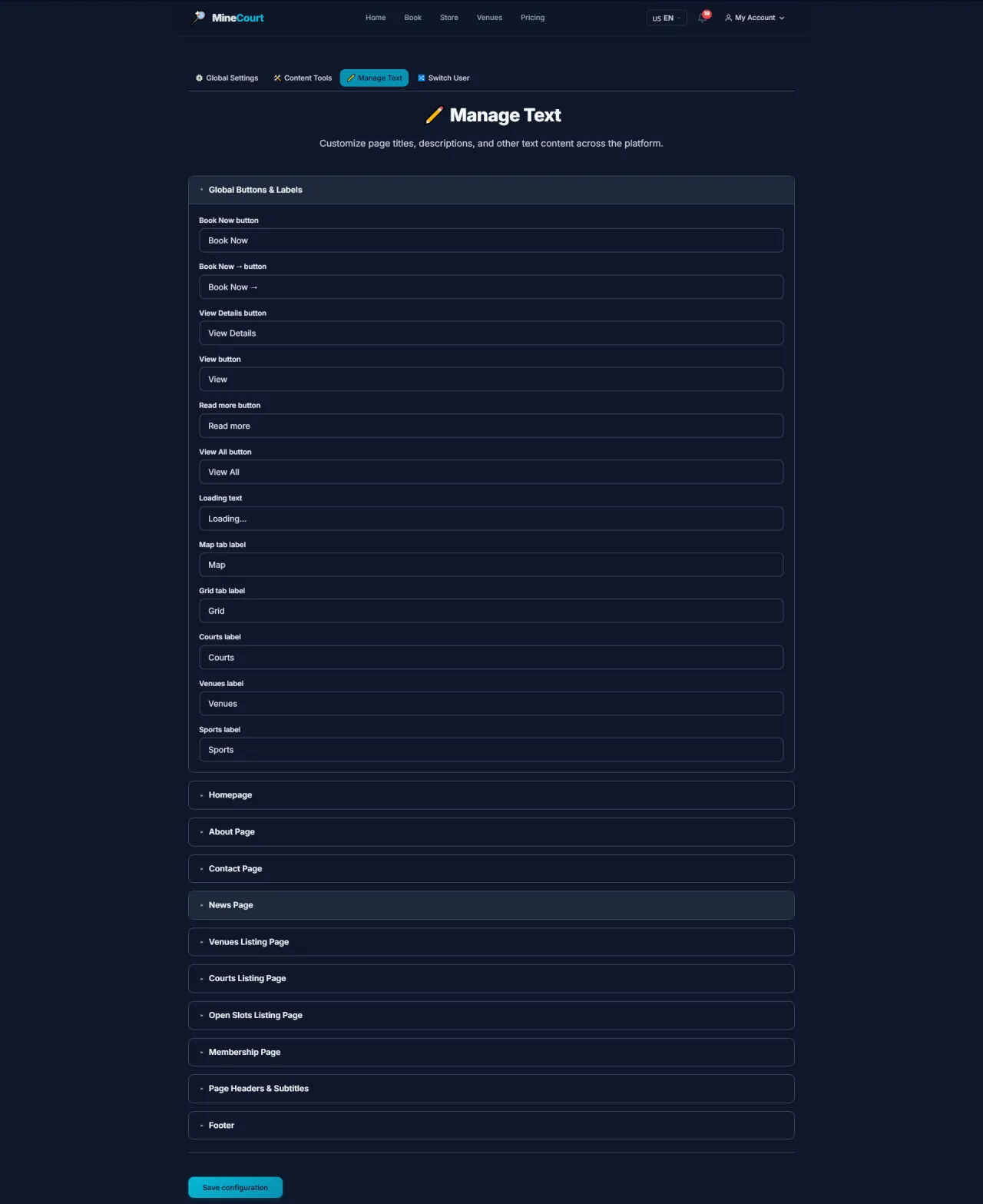
Manage Text
About this screen: Manage system-wide text labels displayed in the interface.
Navigation: Sidebar → Manage Text
- Edit button labels, placeholder text, and notification messages
- Changes apply across all instances of that UI element
- Use to customize terminology to match your brand's language style
Running MineCourt in your own organisation
Names, prices and plans on these screens are set up differently for each deployment. We deploy MineCourt on your domain and adapt it to how you work, and you receive the running system and its source code.