Sign in and your account

Create an account, sign in, profile, password

  • A work email
Employee

Log in

Visitor

Log in

1Step 1 of 8

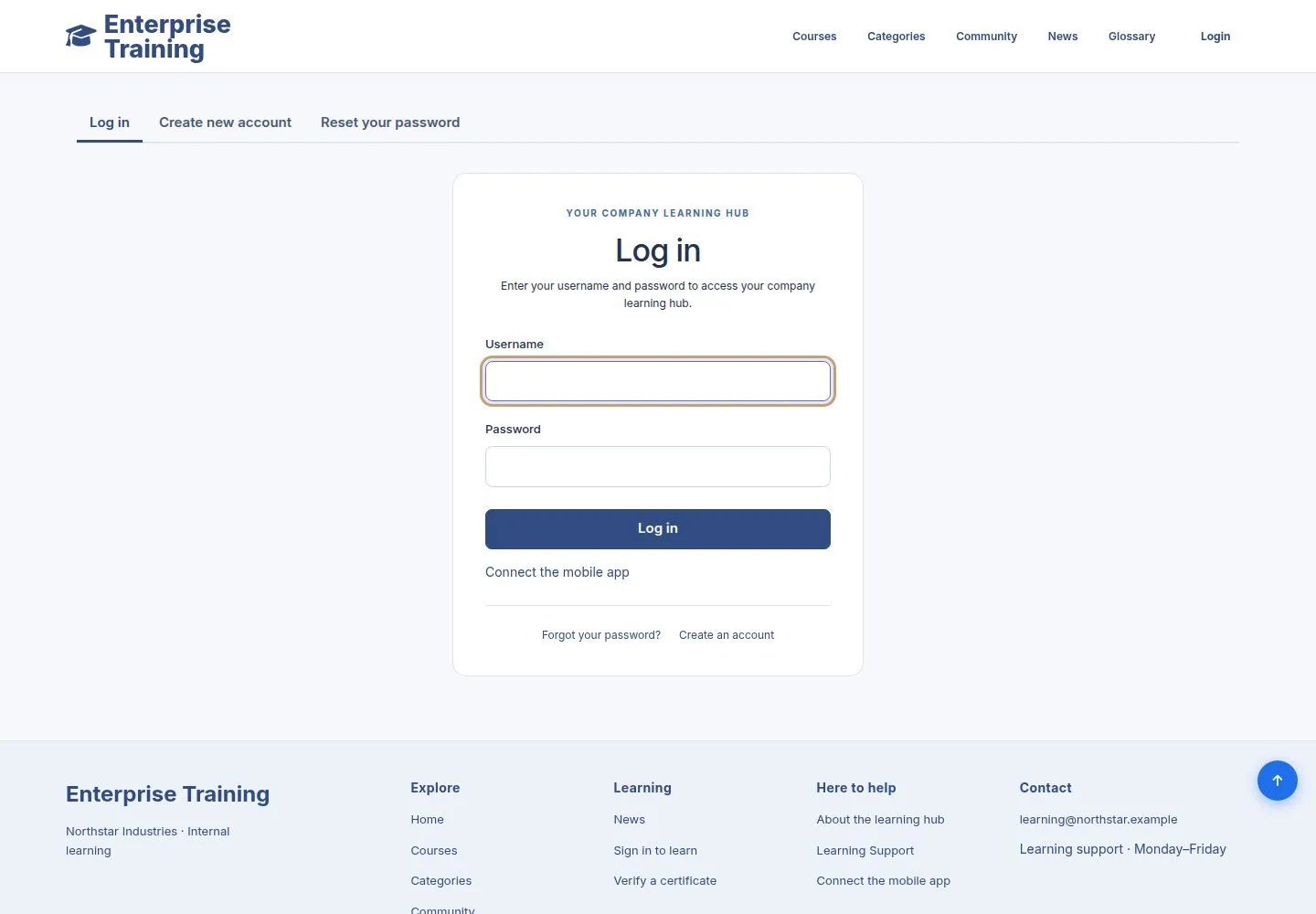
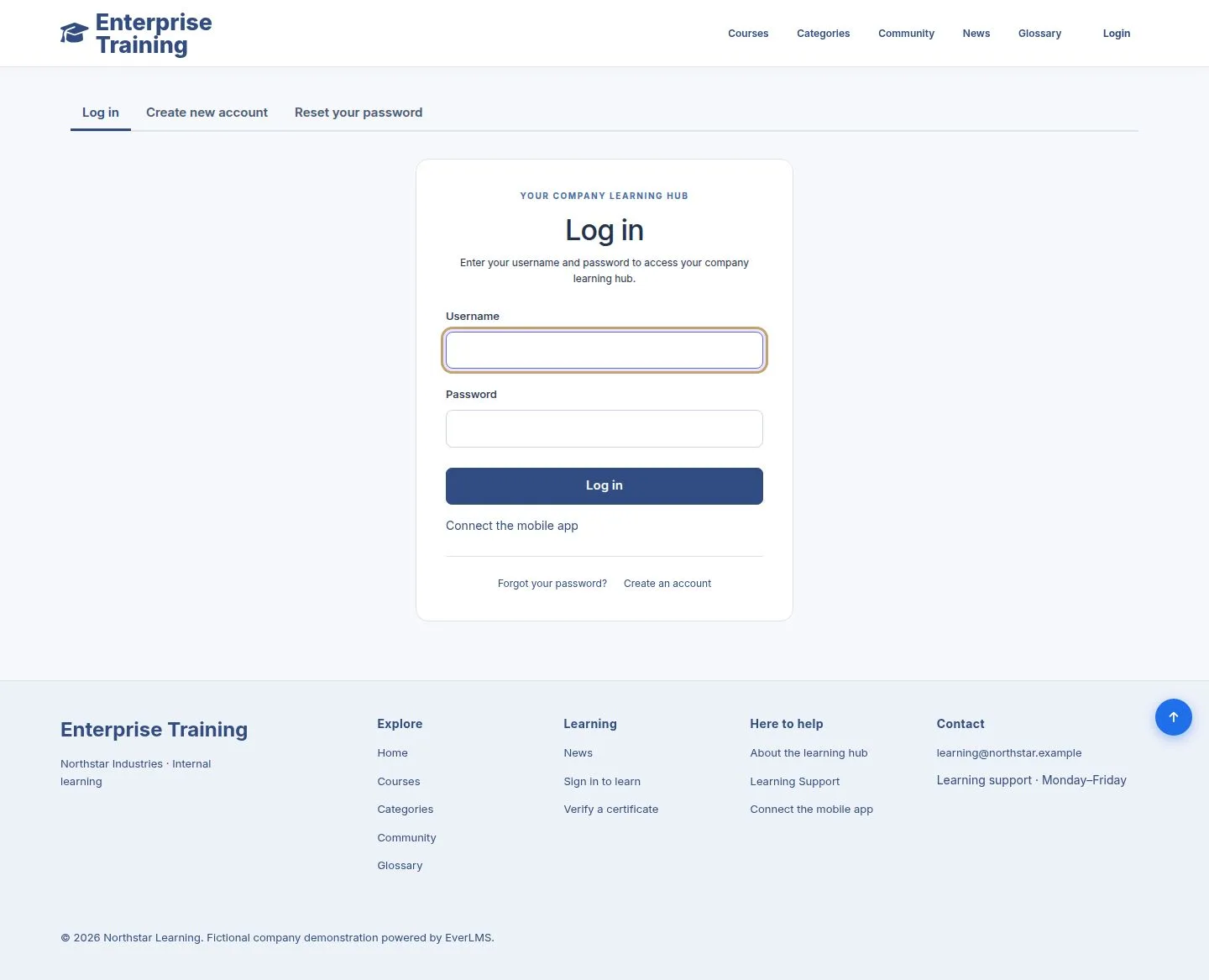
  1. Username and password.
  2. Links to create an account and reset a password.

Enlarge, then scroll

Open illustrated screen ↗Full image ↗

Employee · Sign in and your account01

Create an account

Visitor

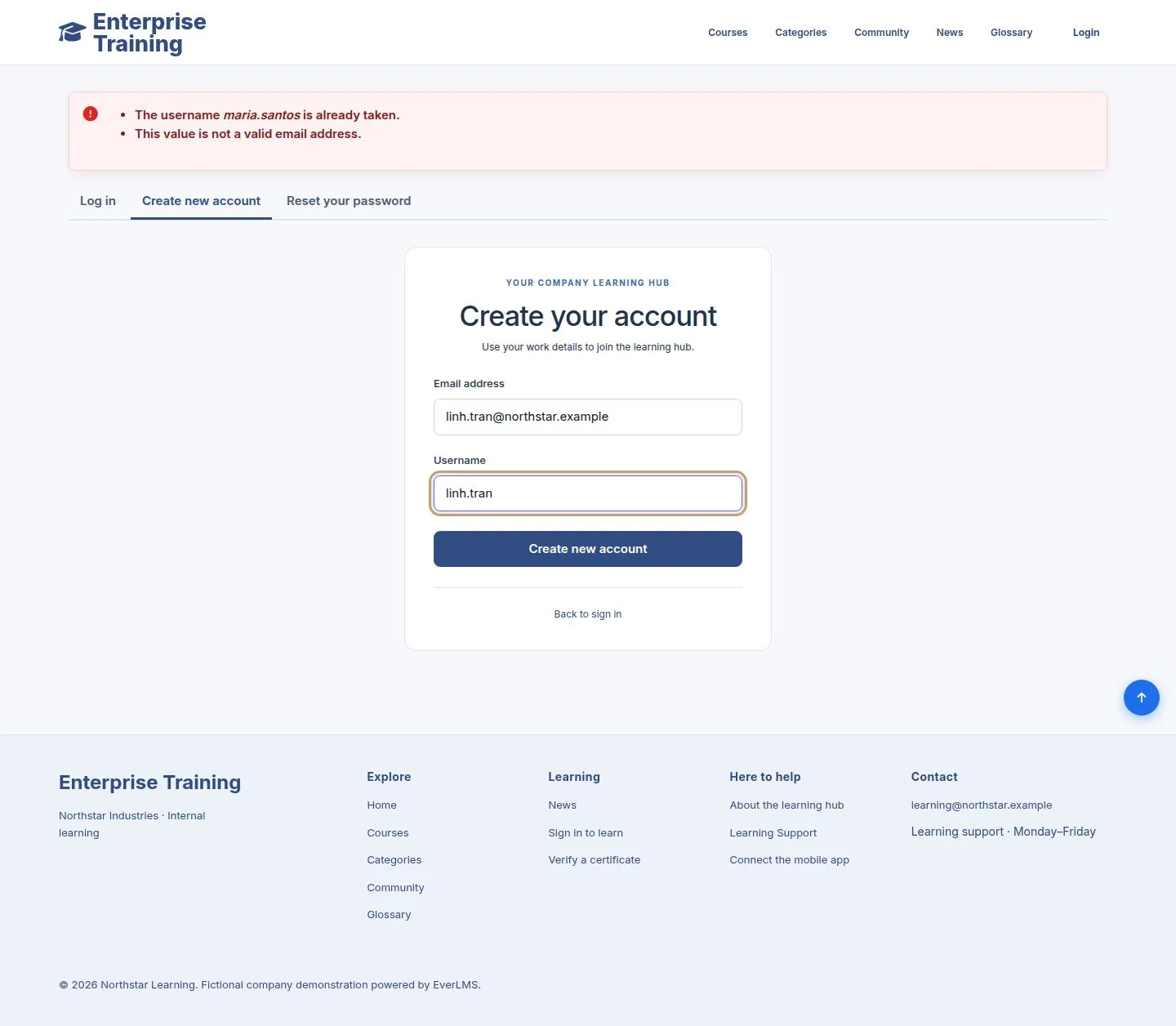
Create an account

2Step 2 of 8

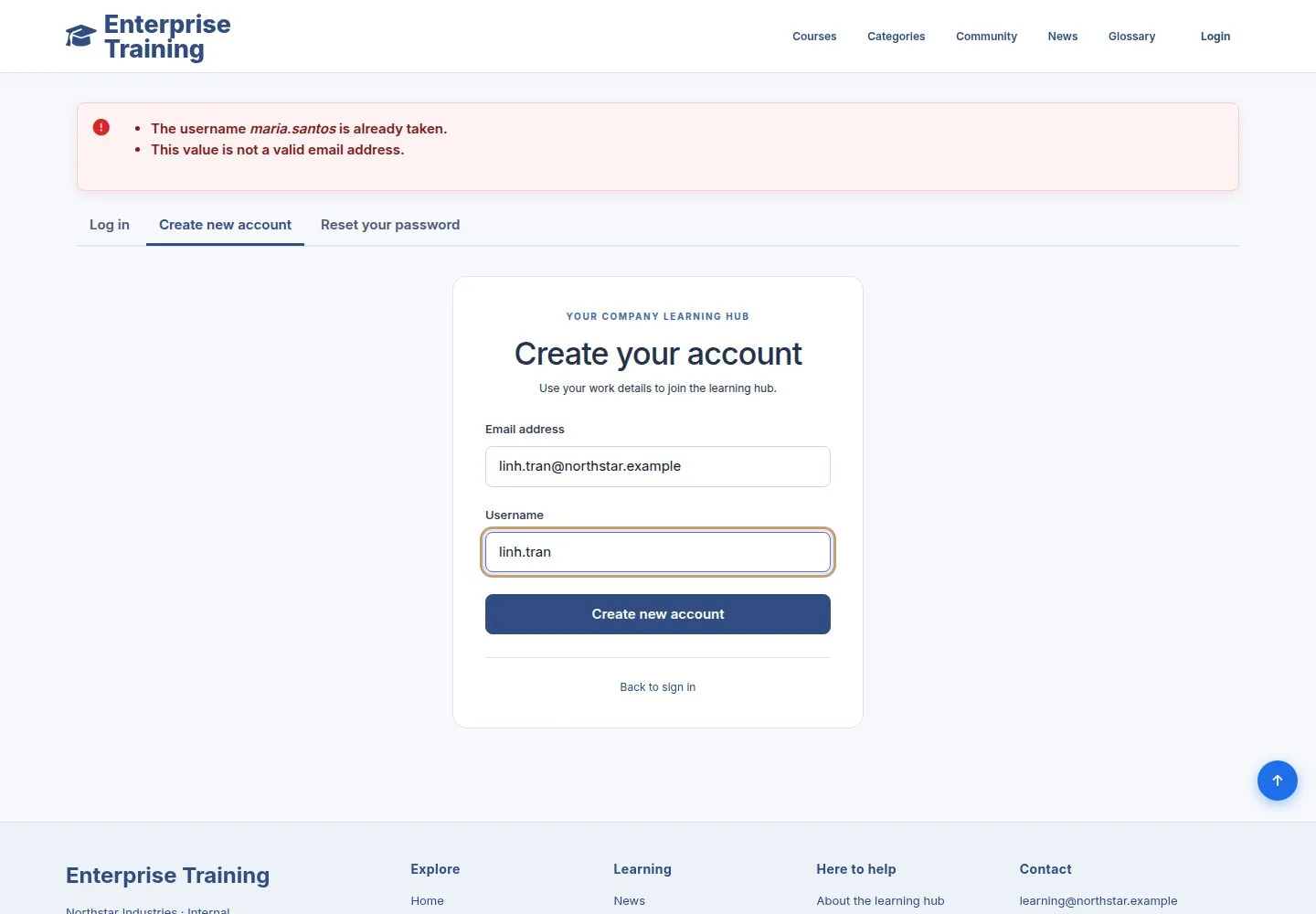
  1. Email address and a username.

Enlarge, then scroll

Open illustrated screen ↗Full image ↗

Employee · Sign in and your account02

The mail

Visitor

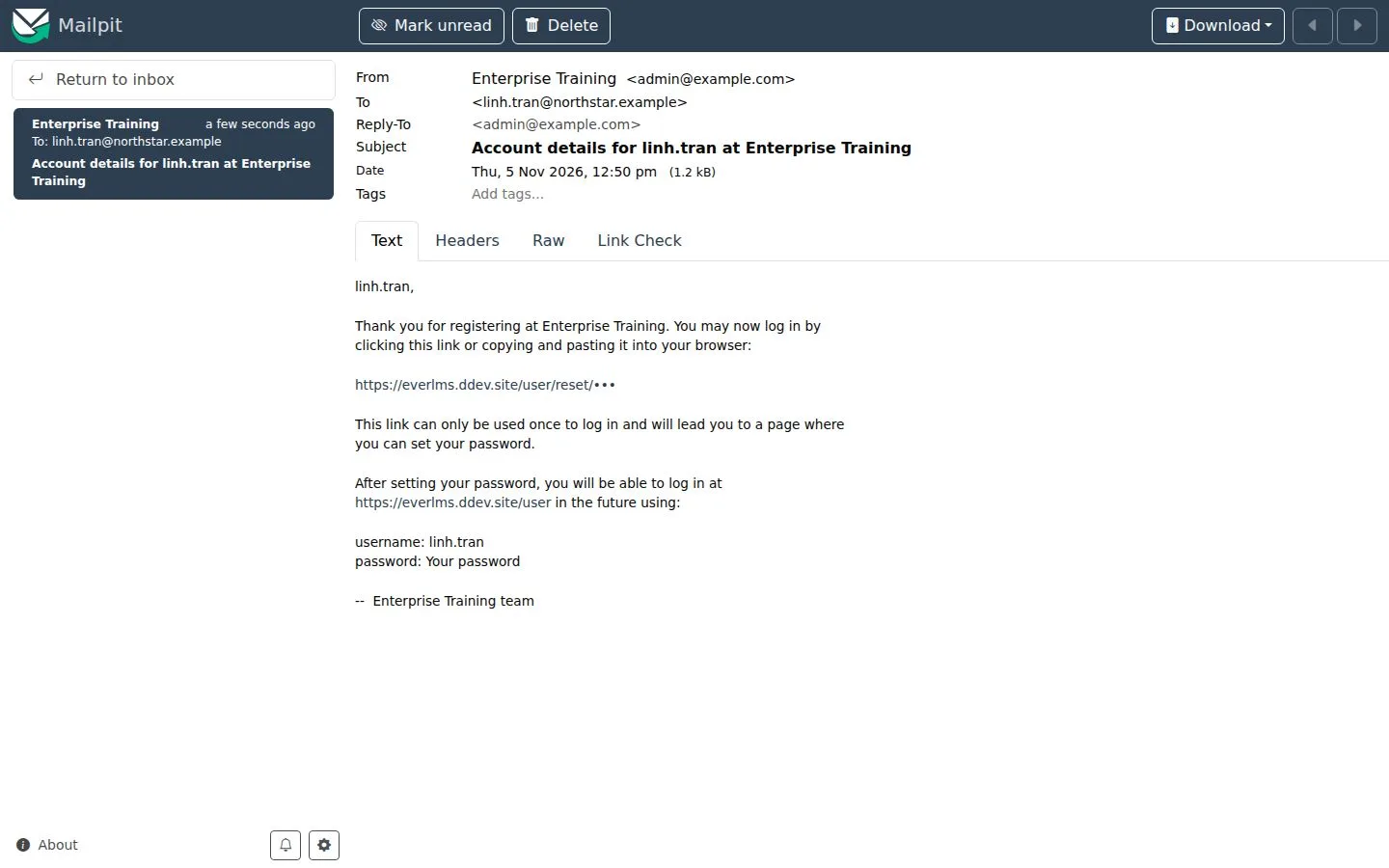
The mail

3Step 3 of 8

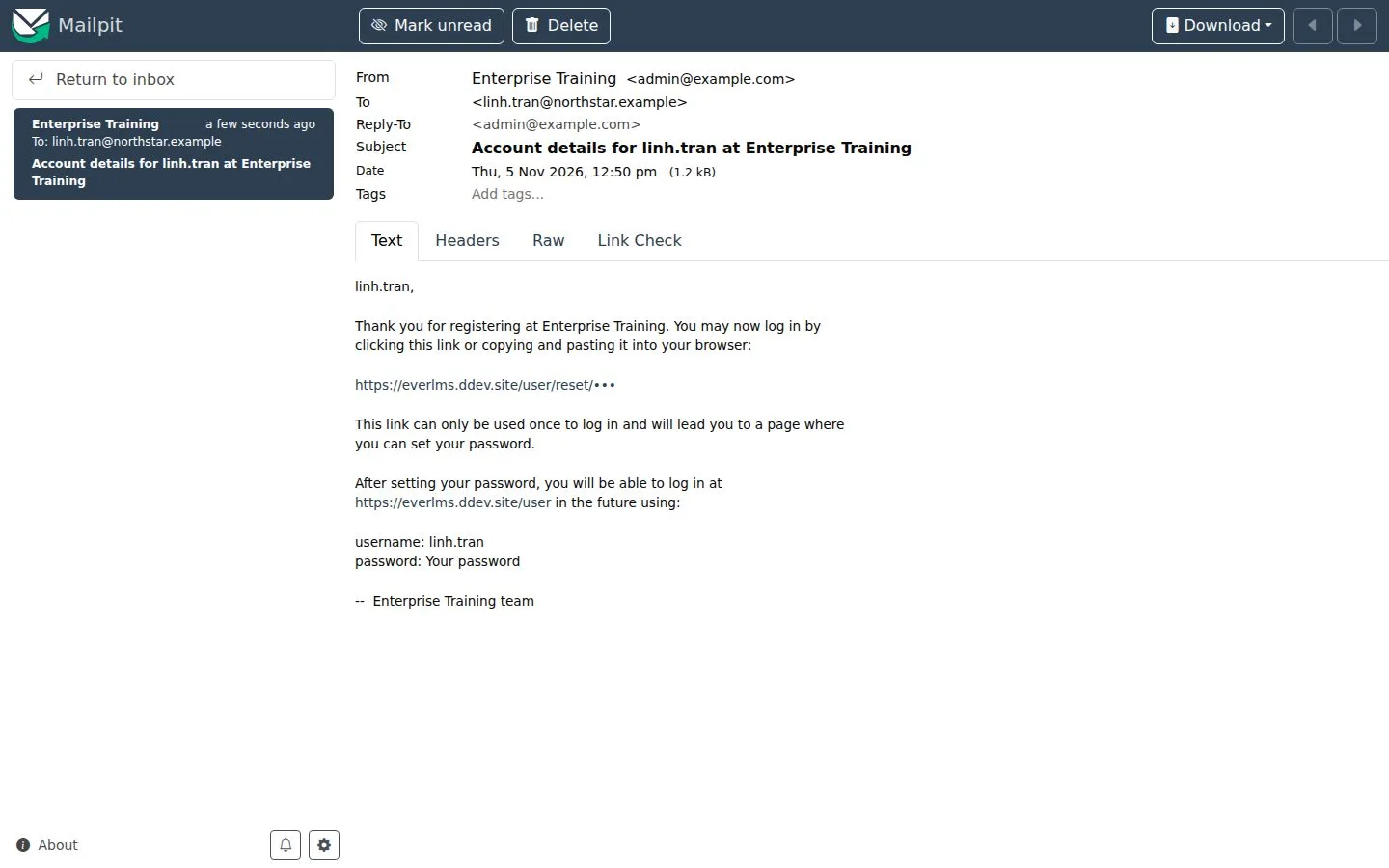
  1. A one-time link to sign in and set your password.

Full image ↗

Employee · Sign in and your account03

Set your password

Employee

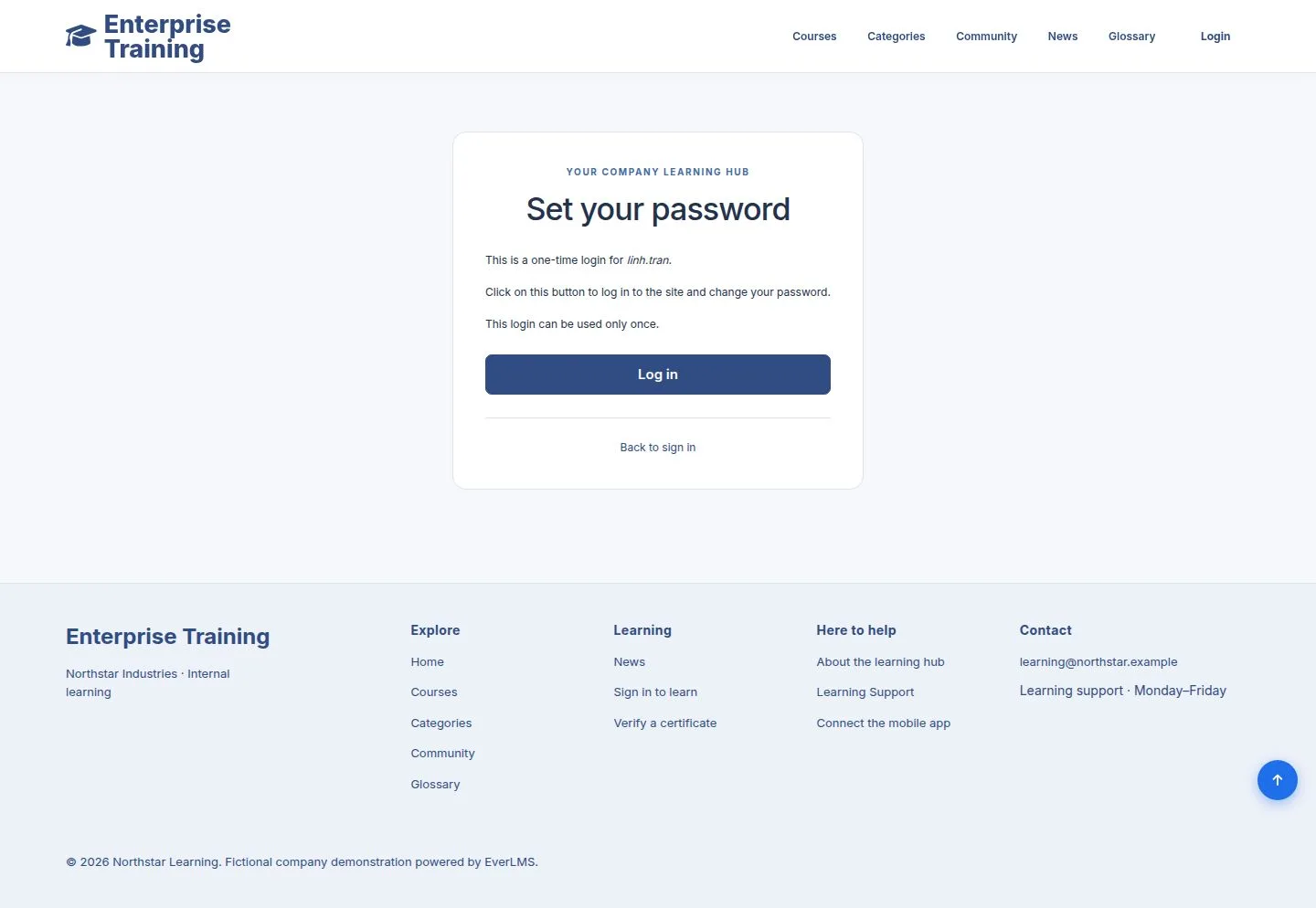
Set your password

4Step 4 of 8

  1. Log in, then choose a password in Account settings.

Full image ↗

Employee · Sign in and your account04

Your dashboard

Employee

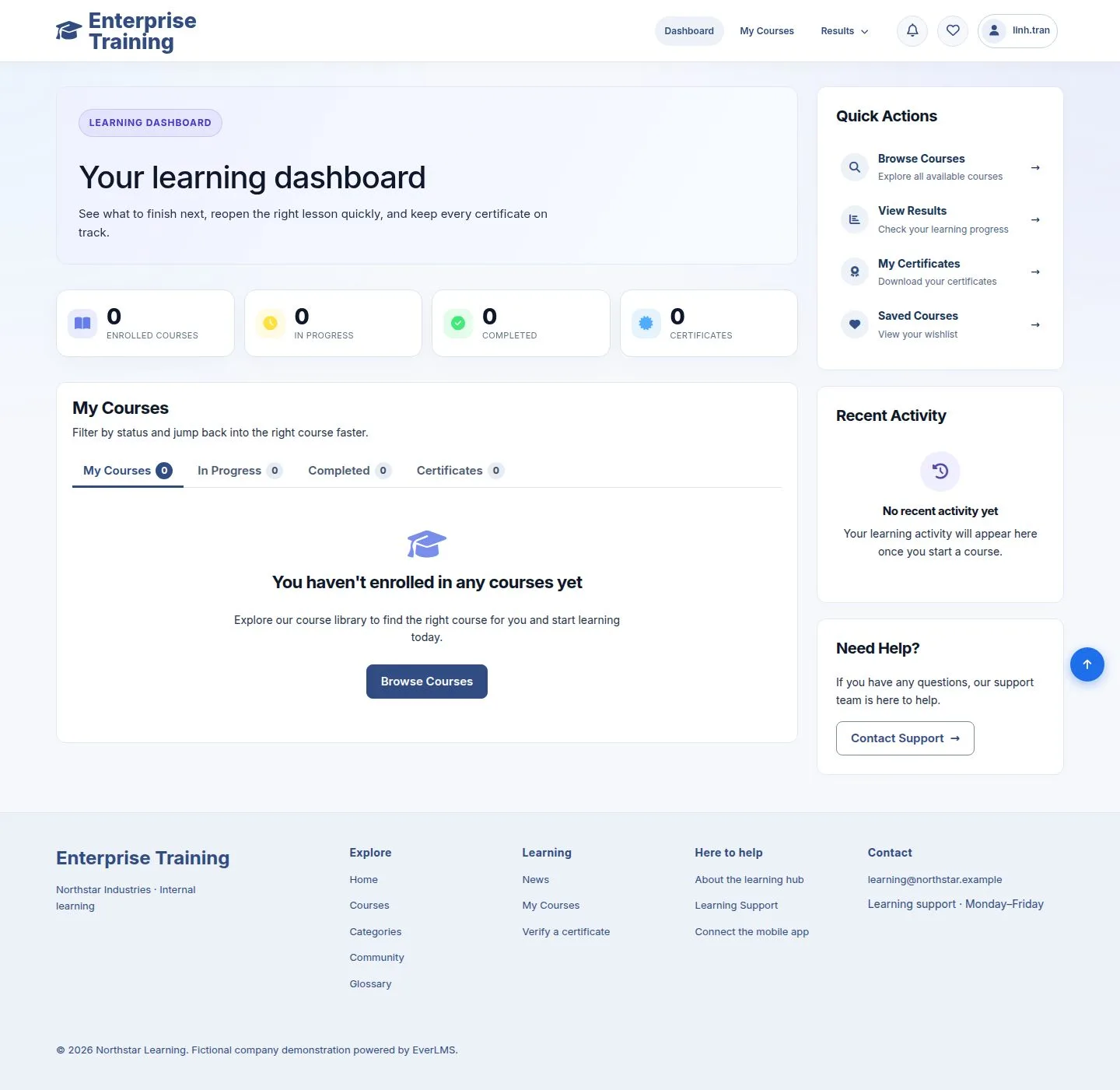
Your dashboard

5Step 5 of 8

  1. A new account starts here, ready to browse courses.

Enlarge, then scroll

Open illustrated screen ↗Full image ↗

Employee · Sign in and your account05

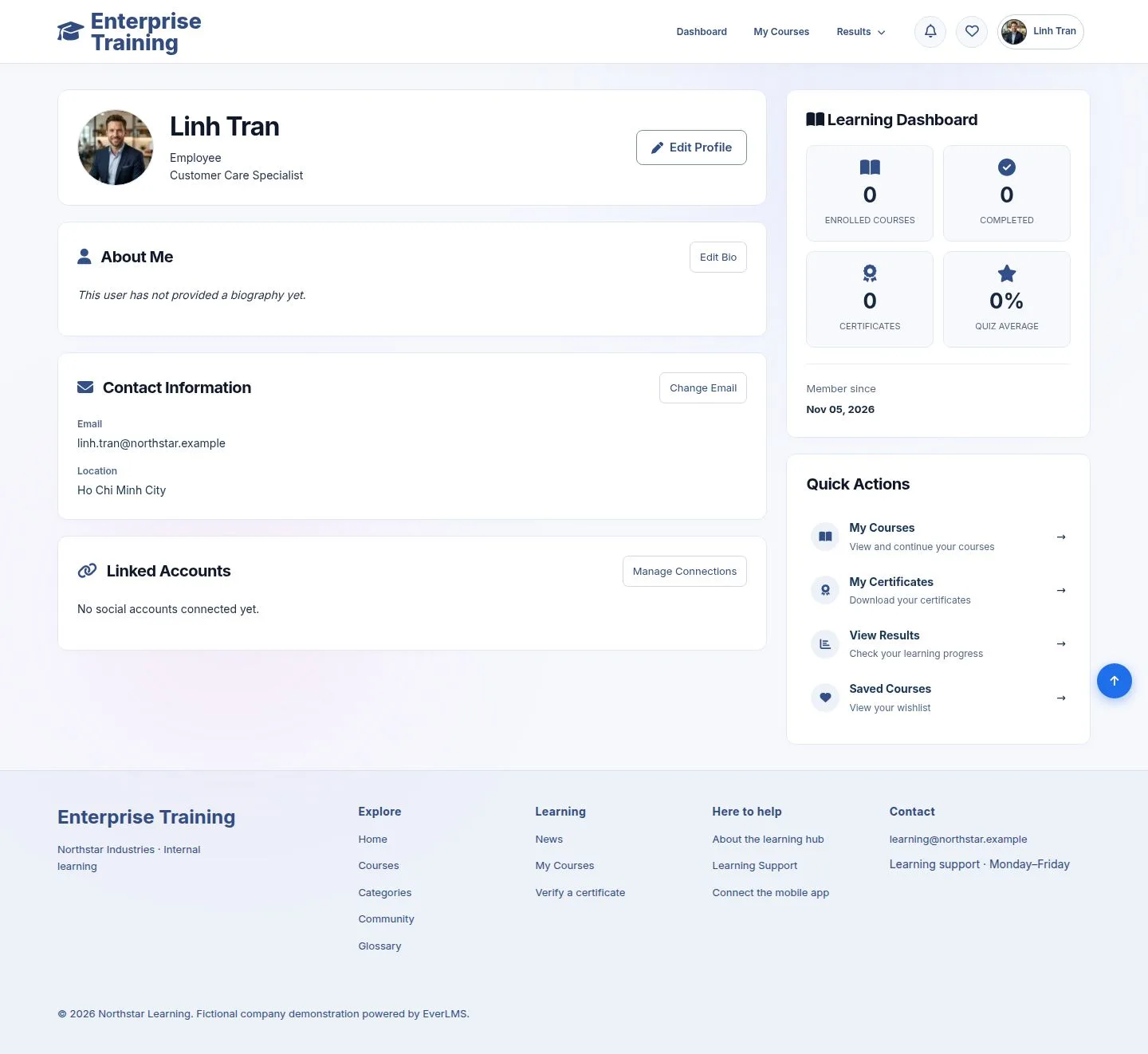
Your profile

Employee

Your profile

6Step 6 of 8

  1. Picture, job title, location, learning summary.
  2. Edit Profile opens Account settings.

Enlarge, then scroll

Open illustrated screen ↗Full image ↗

Employee · Sign in and your account06

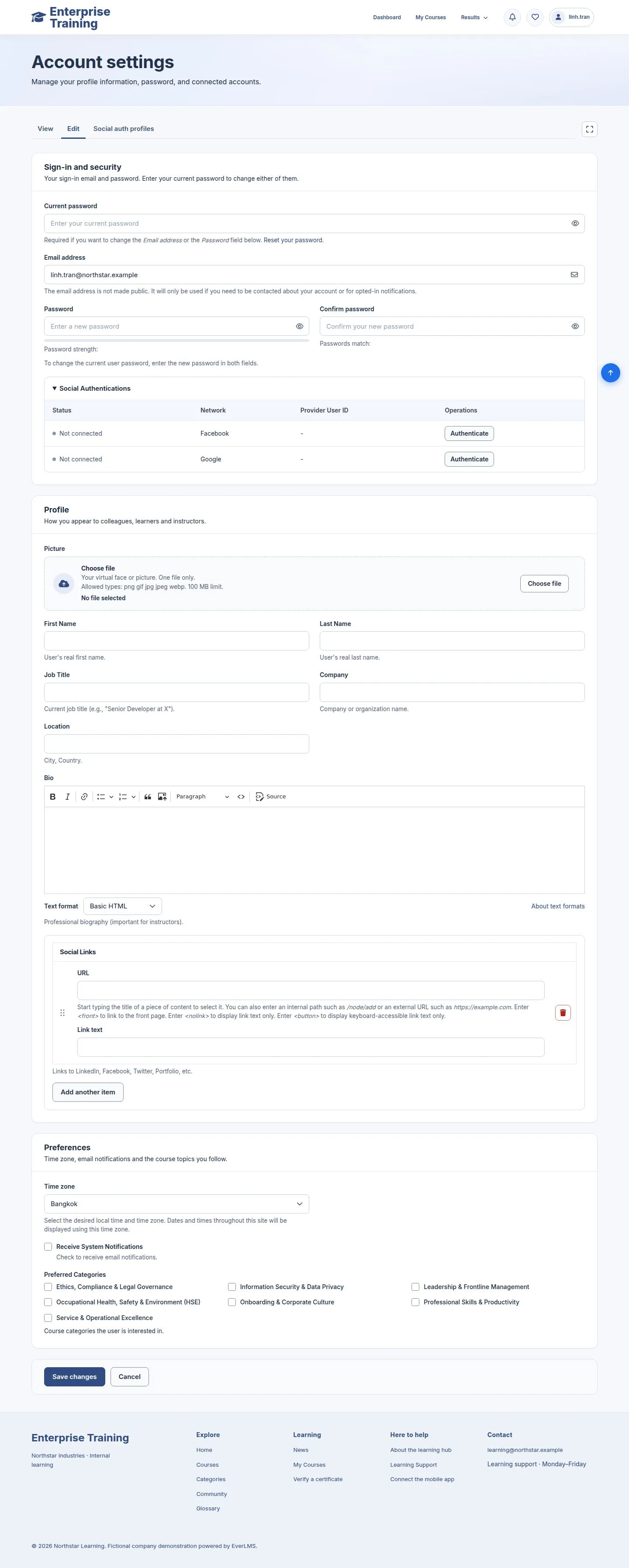
Account settings

Employee

Account settings

7Step 7 of 8

  1. Email and password need your current password.
  2. Name, job title, picture, time zone, topics you follow.

Enlarge, then scroll

Open illustrated screen ↗Full image ↗

Employee · Sign in and your account07

Forgot your password

Visitor

Forgot your password

8Step 8 of 8

  1. Your username or email; a mail with a one-time link follows.

The page does not reveal whether an address has an account.

Enlarge, then scroll

Open illustrated screen ↗Full image ↗

Check

You can sign in, keep your profile up to date and recover your password

Employee · Sign in and your account08
1 / 9
Privacy Terms