





 Child development training
User guide · Visitor
Find a Course for your learning needs
Compare caregiver training topics and read what a Course offers before you sign in.
Explore the programme
Visitor
1Step 1 of 4
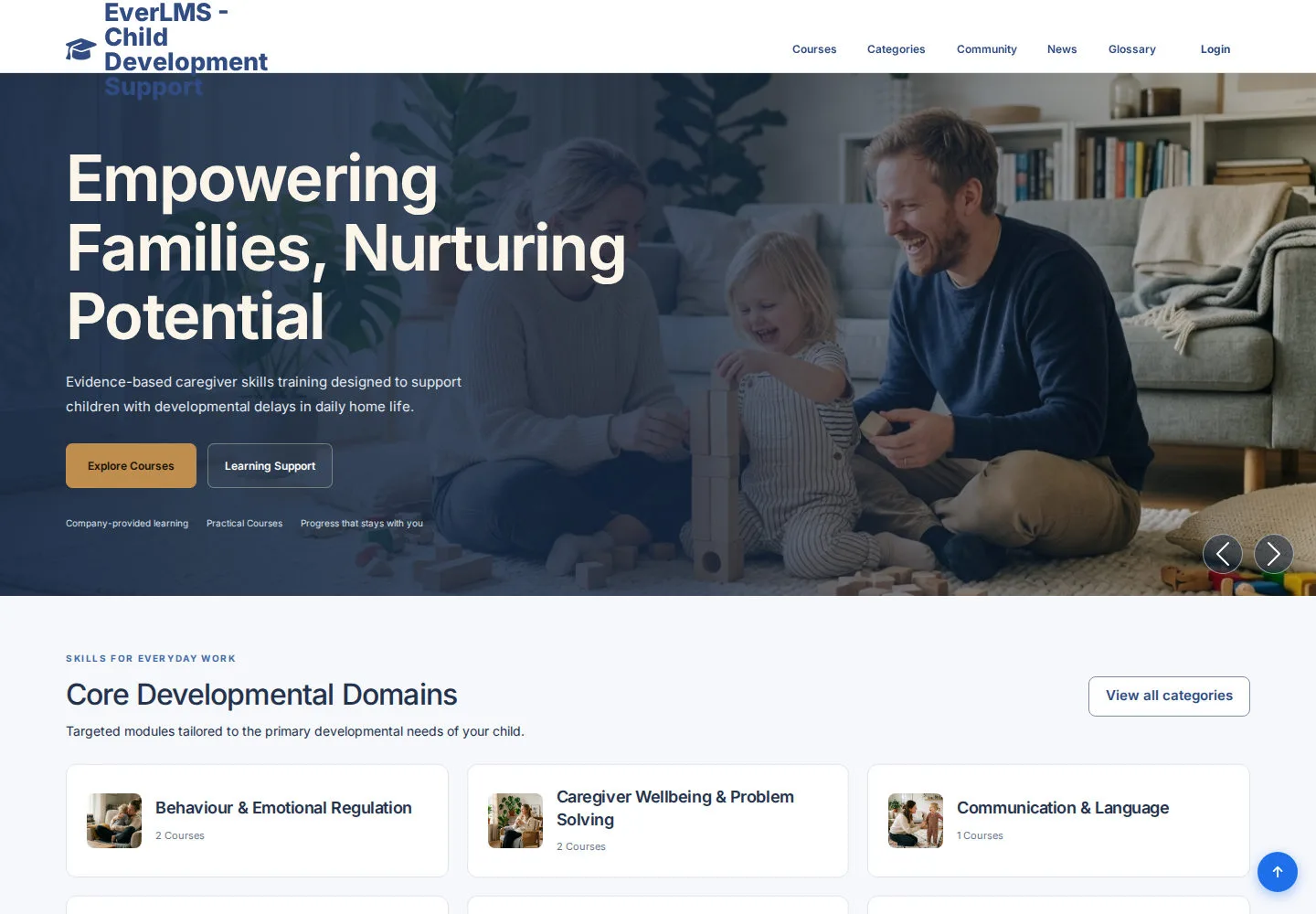
Home introduces the child development training programme and links to the learning library.
- Choose Courses for the library or Categories for developmental topics.
Open on site ↗Full-page screenshot ↗
You reach published training content.
Choose a topic
Visitor
2Step 2 of 4
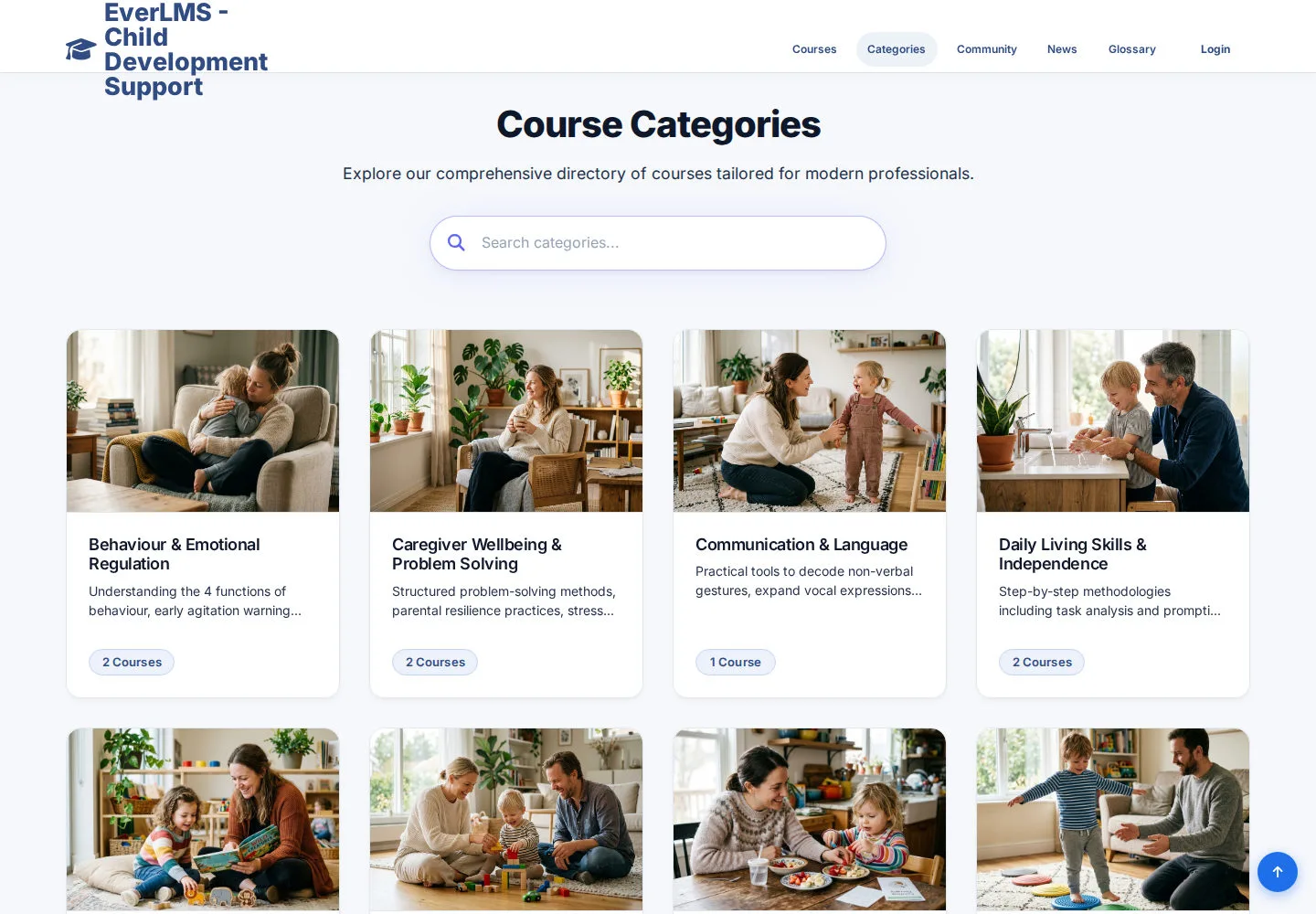
Categories group Courses such as engagement, communication and caregiver wellbeing.
- Choose the topic relevant to your learning needs.
Open on site ↗Full-page screenshot ↗
You can compare the Courses in that topic.
Compare Courses
Visitor
3Step 3 of 4
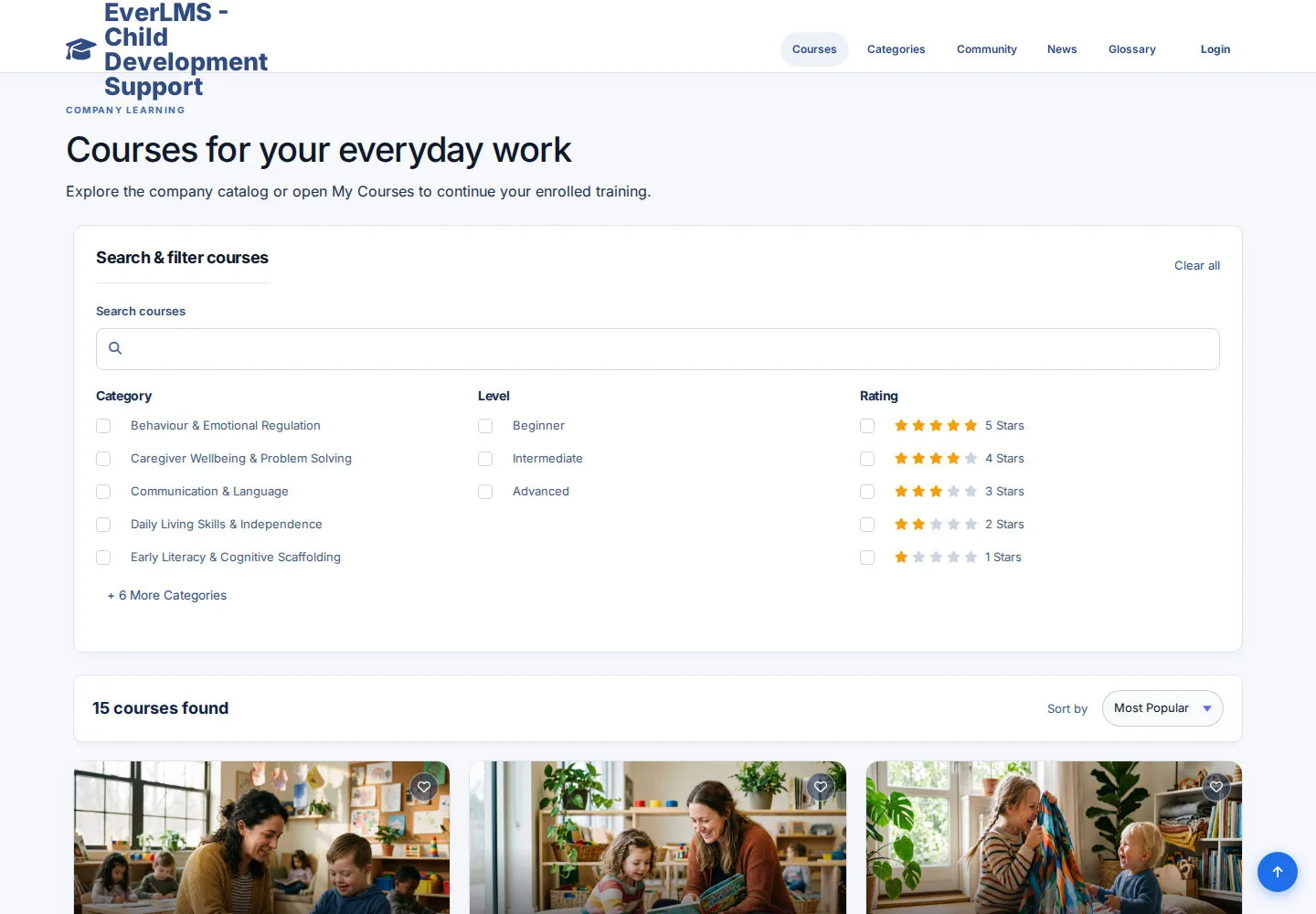
The catalogue shows each Course and the available filters.
- Read the Course titles and summaries.
- Use the search or filters shown, then open a Course.
Open on site ↗Full-page screenshot ↗
You open the Course you want to review.
Read the overview and curriculum
Visitor
4Step 4 of 4
The Course page explains its goals, audience and prerequisites.
- Read What You'll Learn, Prerequisites and Who This Course Is For.
- Open Curriculum to review the Chapters and Lessons; choose Log in to Enroll when ready.
Open on site ↗Full-page screenshot ↗
You know what the training covers and how to begin.