





 Child development training
User guide · Authenticated user
Find your personal learning and account pages
Move between public information and your own records.
- Sign in with your assigned account.
Enter your own learning area
Authenticated user
1Step 1 of 5
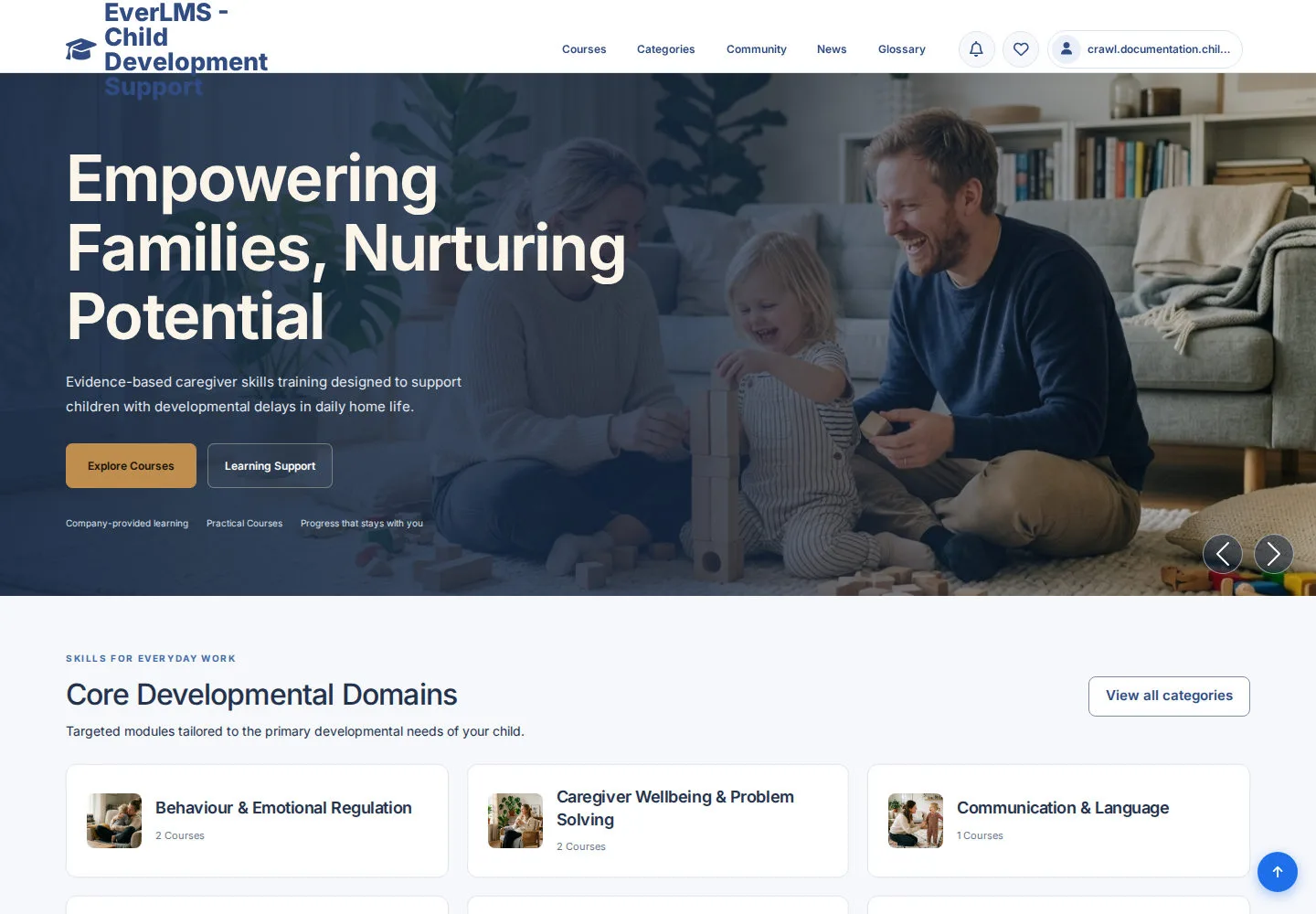
The signed-in header shows your account name.
- Click your name to open the permitted work area.
- Use the back-office Home control when you want to return to the public site.
Open on site ↗sign-inFull-page screenshot ↗
You keep the same account while moving between areas.
Choose a personal learning task
Authenticated user
2Step 2 of 5
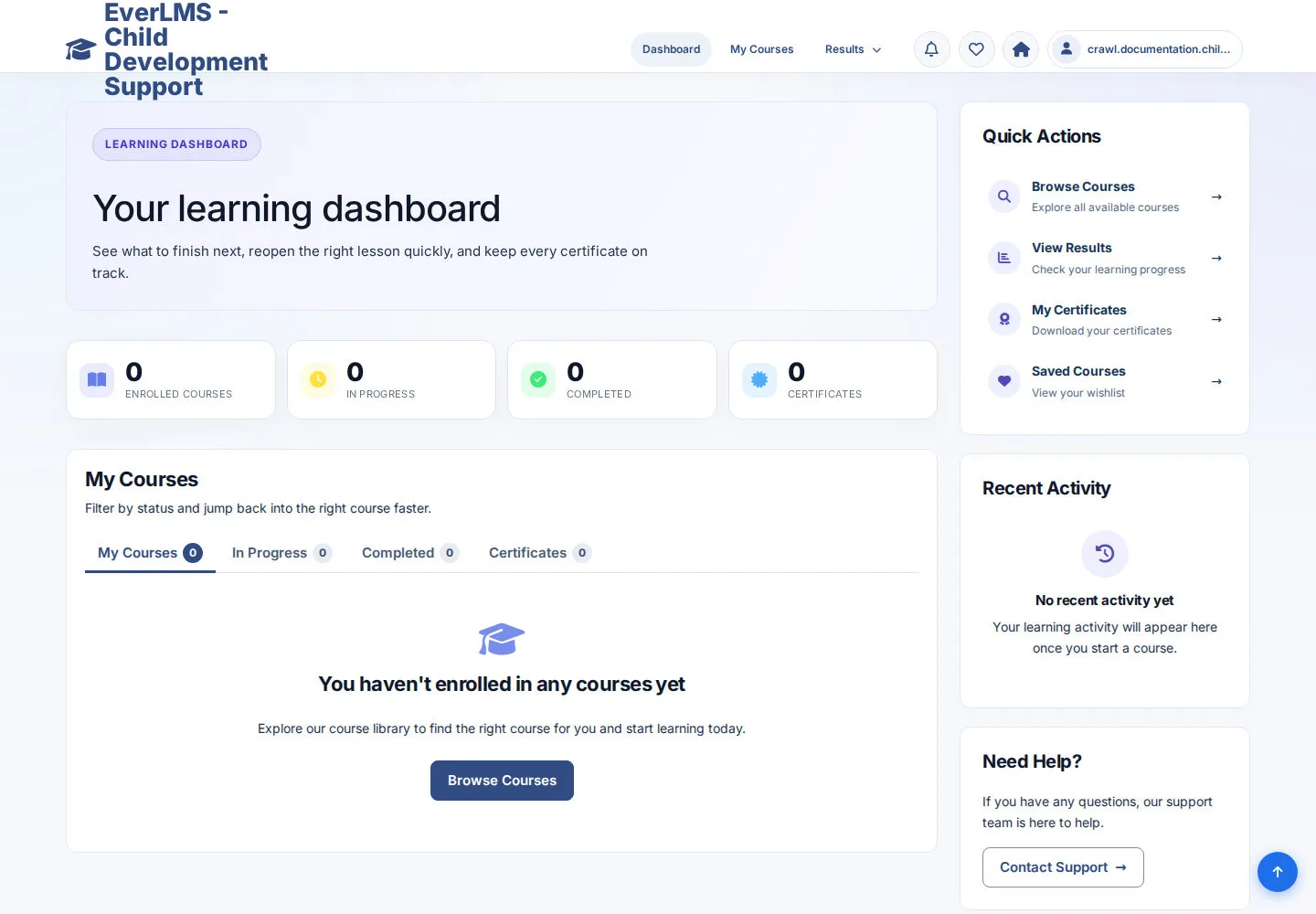
Dashboard provides available learning shortcuts.
- Open My Courses, results or Certificates for the task you need.
Open on site ↗sign-inFull-page screenshot ↗
You reach your personal learning records.
Review your learning queue
Authenticated user
3Step 3 of 5
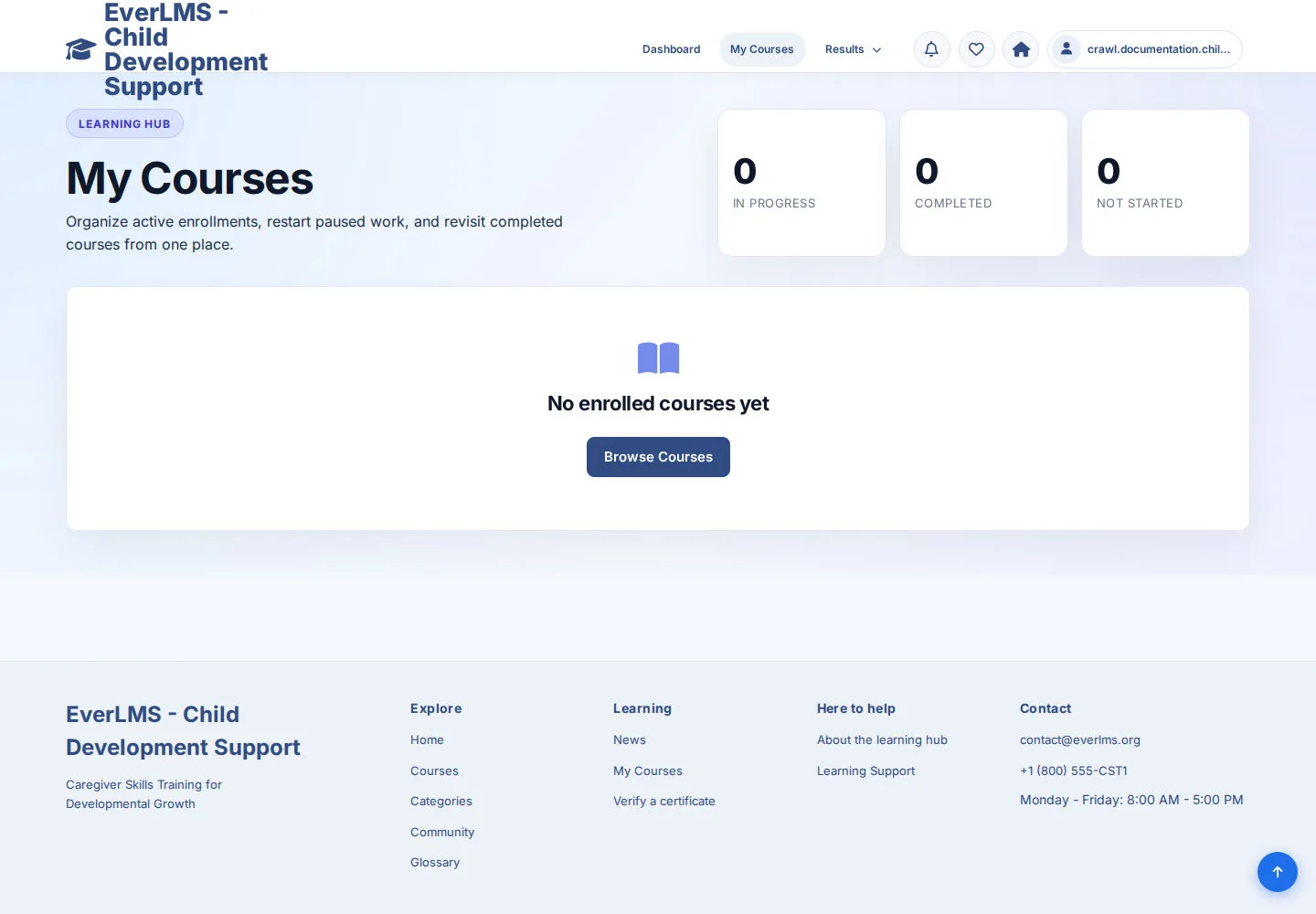
My Courses contains Courses you have joined or been assigned.
- Choose a Course action when a record is present.
- If the queue is empty, browse the catalogue or ask your coordinator which Course to start.
Open on site ↗sign-inFull-page screenshot ↗
You work with your own enrolled Course list.
Review your profile
Authenticated user
4Step 4 of 5
Your profile displays the information available for your account.
- Read your profile details.
- Use an edit action only if available and you need to change your own information.
Open on site ↗sign-inFull-page screenshot ↗
You recognise your account and permitted profile actions.
Read your notifications
Authenticated user
5Step 5 of 5
Notifications contain messages addressed to your account.
- Open a message and follow its learning link when relevant.
Open on site ↗sign-inFull-page screenshot ↗
You reach the destination mentioned in your notification.