
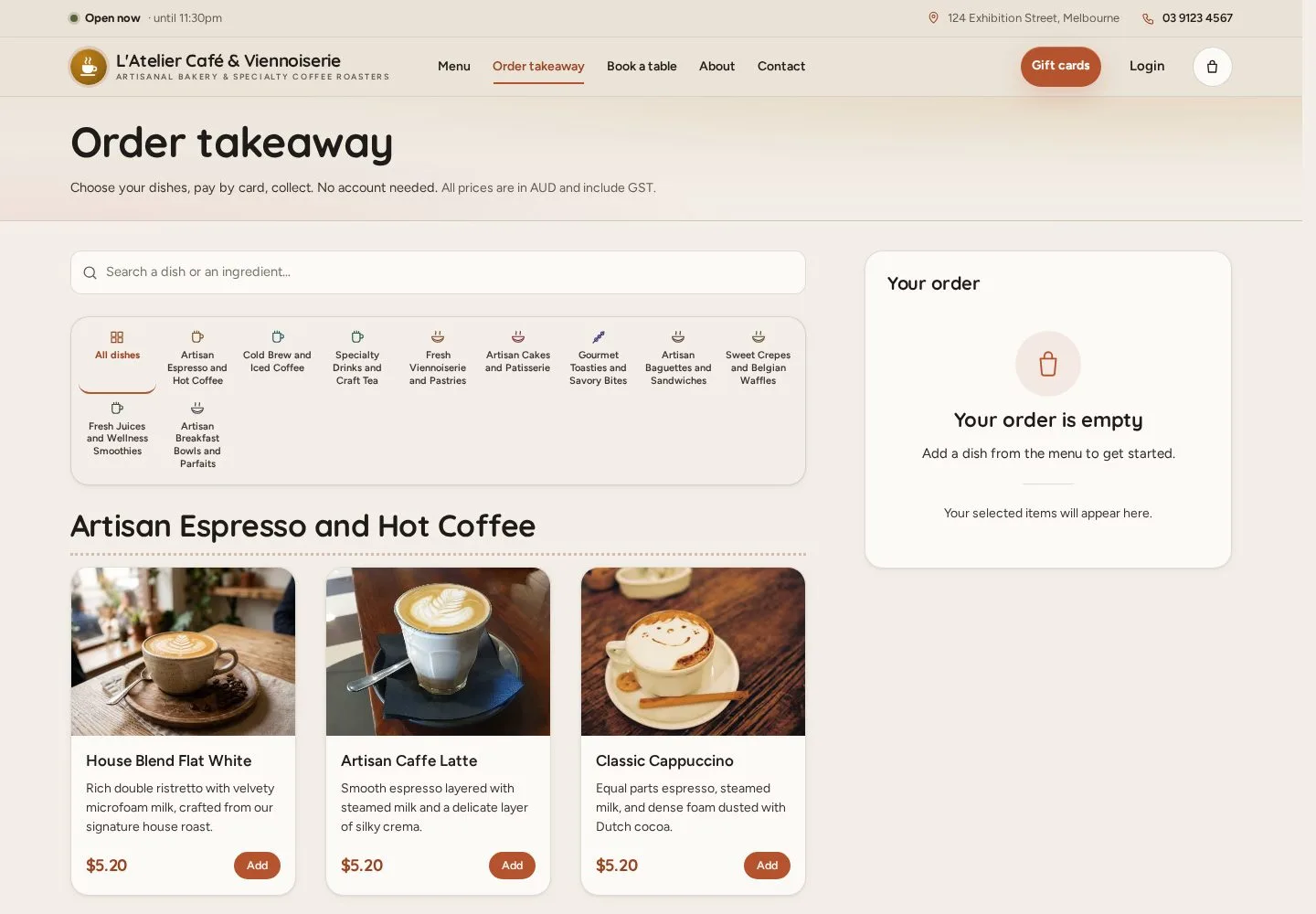
Order takeaway
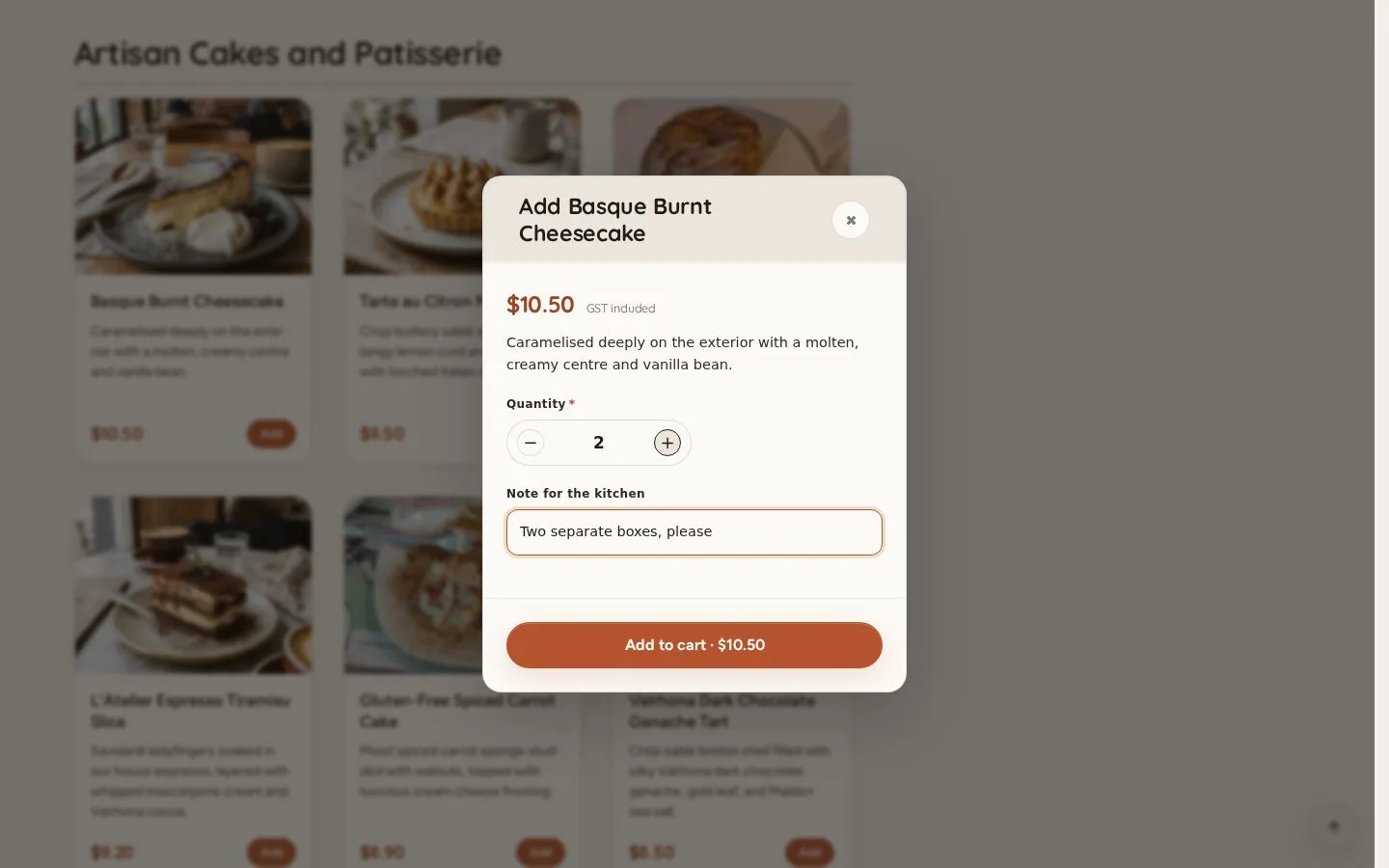
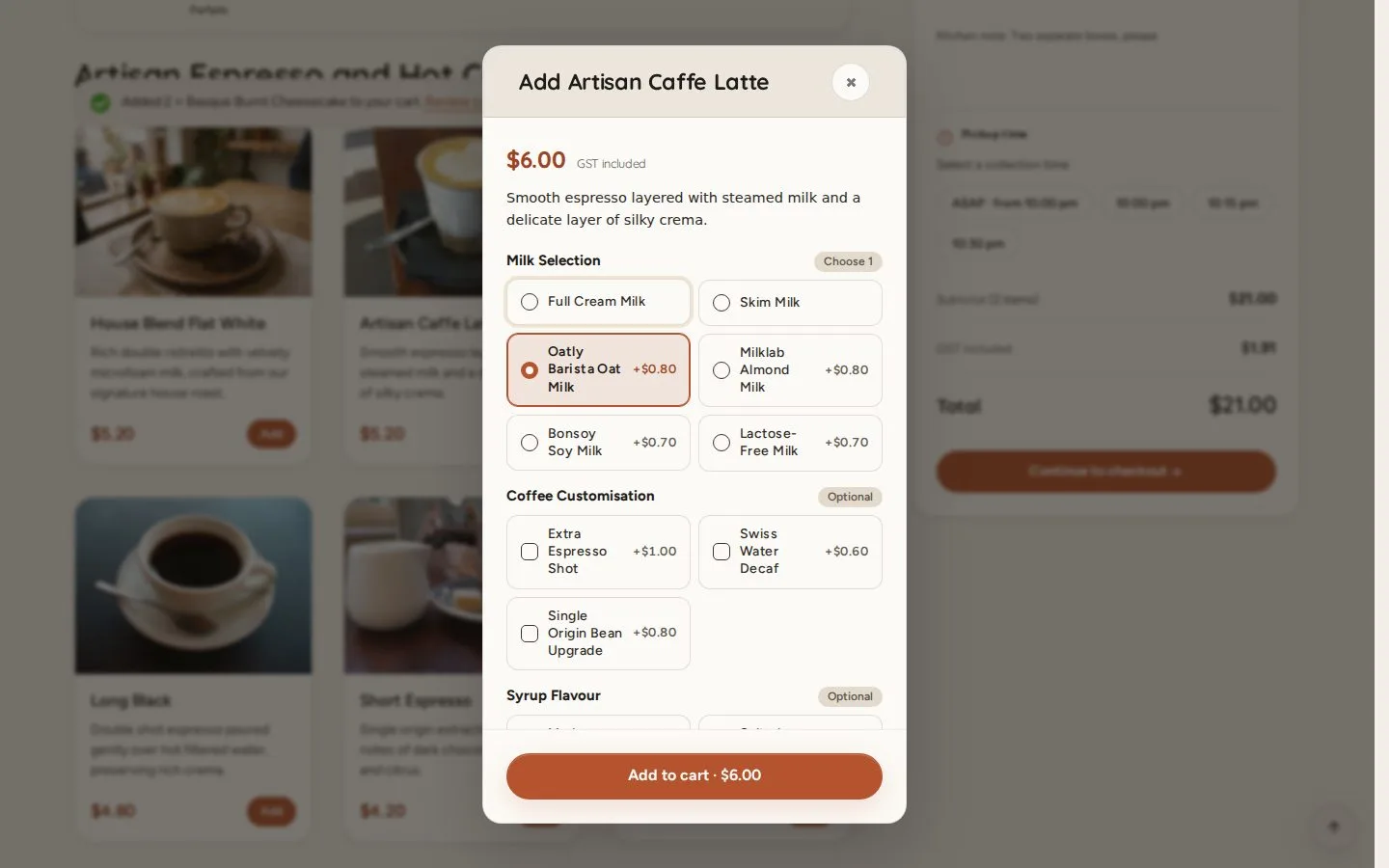
Order takeaway · Your order · Checkout · Pay at the counter
- No account needed
- A phone number
Visitor


1 / 8

 MenuNerds Café
User guide
Choose a product for step-by-step instructions for each role.
 User guide
EverLMS Enterprise
Step-by-step EverLMS Enterprise guides for every role, from visitors and employees to trainers, content editors, managers and…
 User guide
EverLMS Children
Step-by-step EverLMS Children guides for every role, from visitors and learners to instructors and the managers who run the programme.
 User guide
MenuNerds
Step-by-step MenuNerds guides for every role, from guests ordering and booking a table to waiters, managers and the restaurant…
User guide
MenuNerds Café
Step-by-step MenuNerds Café guides for every role, from guests ordering and booking a table to waiters on the floor and the café manager.
 User guide
MineRooms
Step-by-step MineRooms guides for every role, from guests booking a stay to reception, housekeeping, the kitchen and managers.
 User guide
MineCourt
Step-by-step MineCourt guides for every role, from players booking a court to venue staff, managers, company owners and the platform team.
 User guide
Substitutoo
Step-by-step Substitutoo guides for every role, from a visitor's enquiry to the office, operatives, franchise owners, the franchisor and…
 User guide
WReader.IO
Step-by-step WReader.IO guides for every role, from visitors and creators reading their PDFs to the content admin and the administrator.
 User guide
Fabodi
Step-by-step Fabodi guides for every role, from visitors and workers to the warehouse, supervisors, the office and directors.
Order takeaway · Your order · Checkout · Pay at the counter