









Website pages
Website content · About · Contact · Privacy · Terms
- Signed in as a Manager
Manager
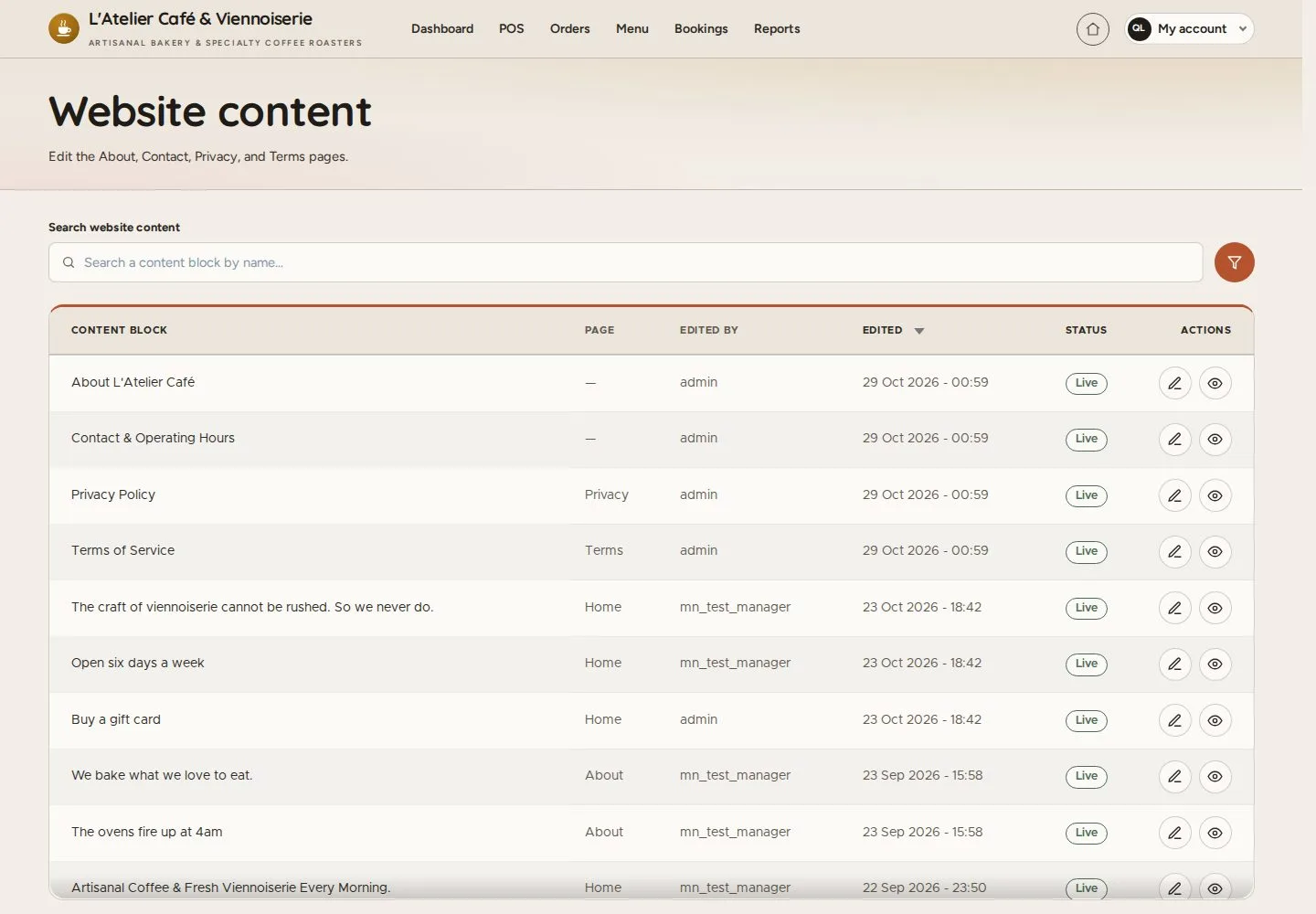
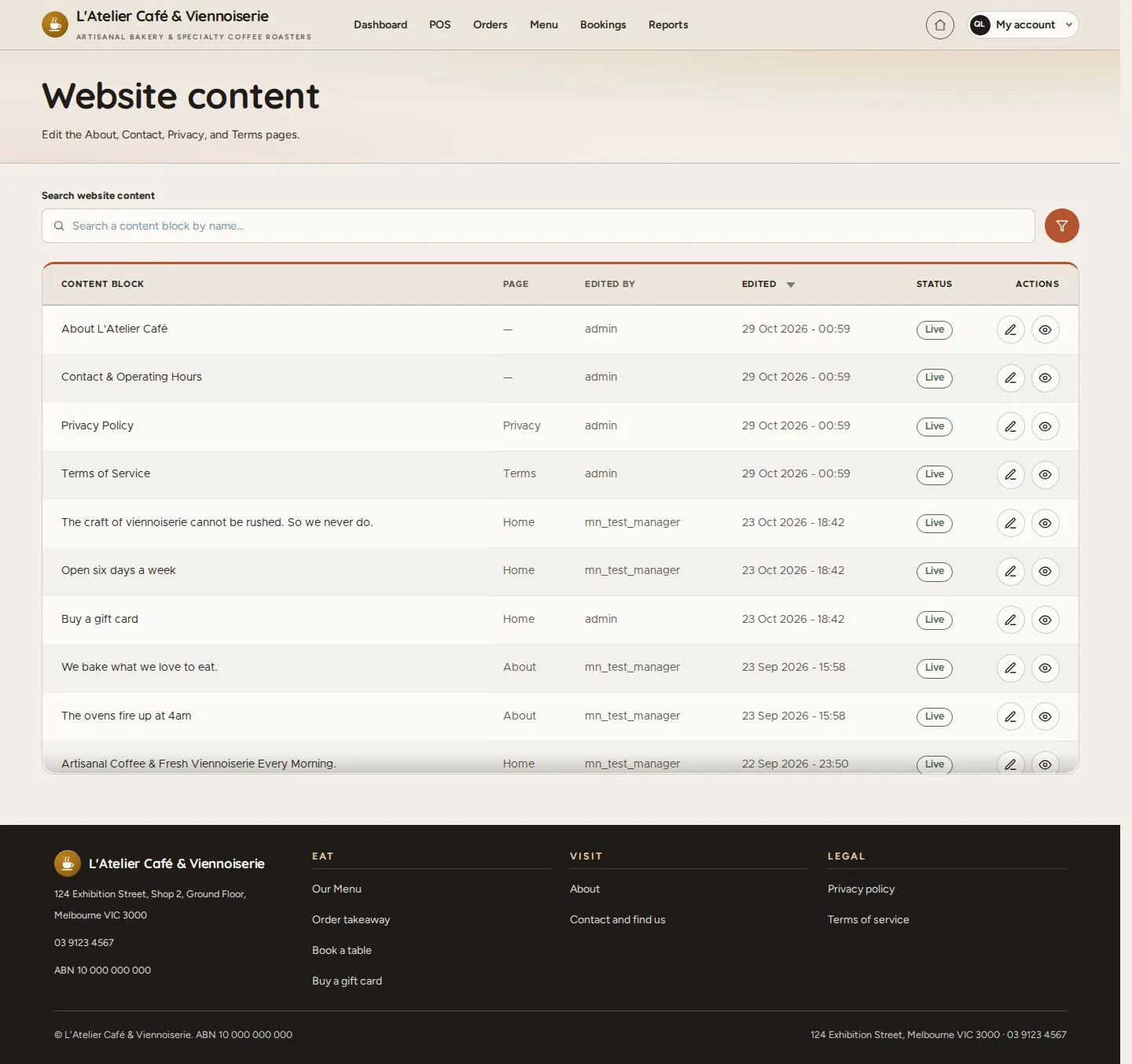
Edit a page
Manager
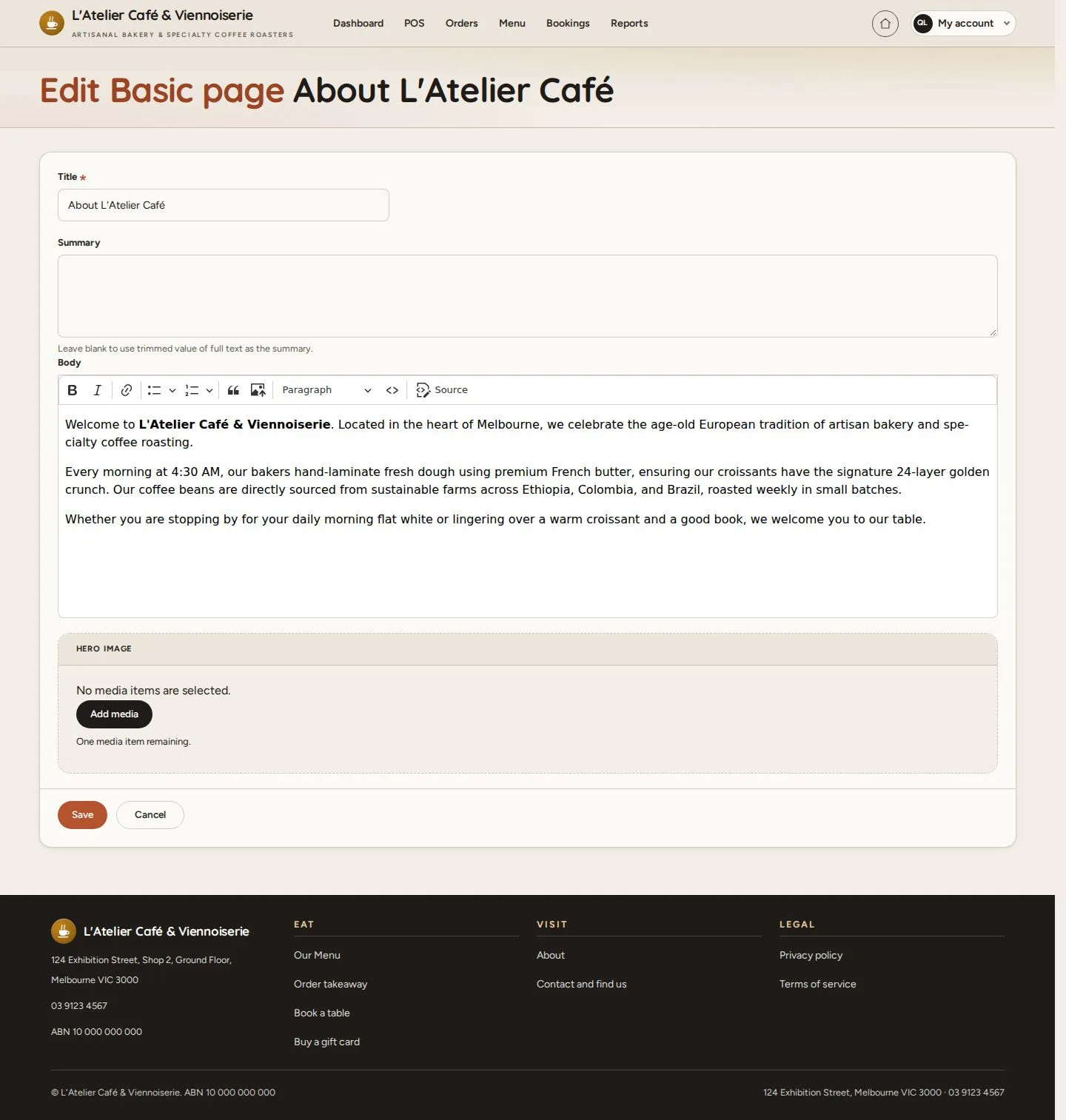
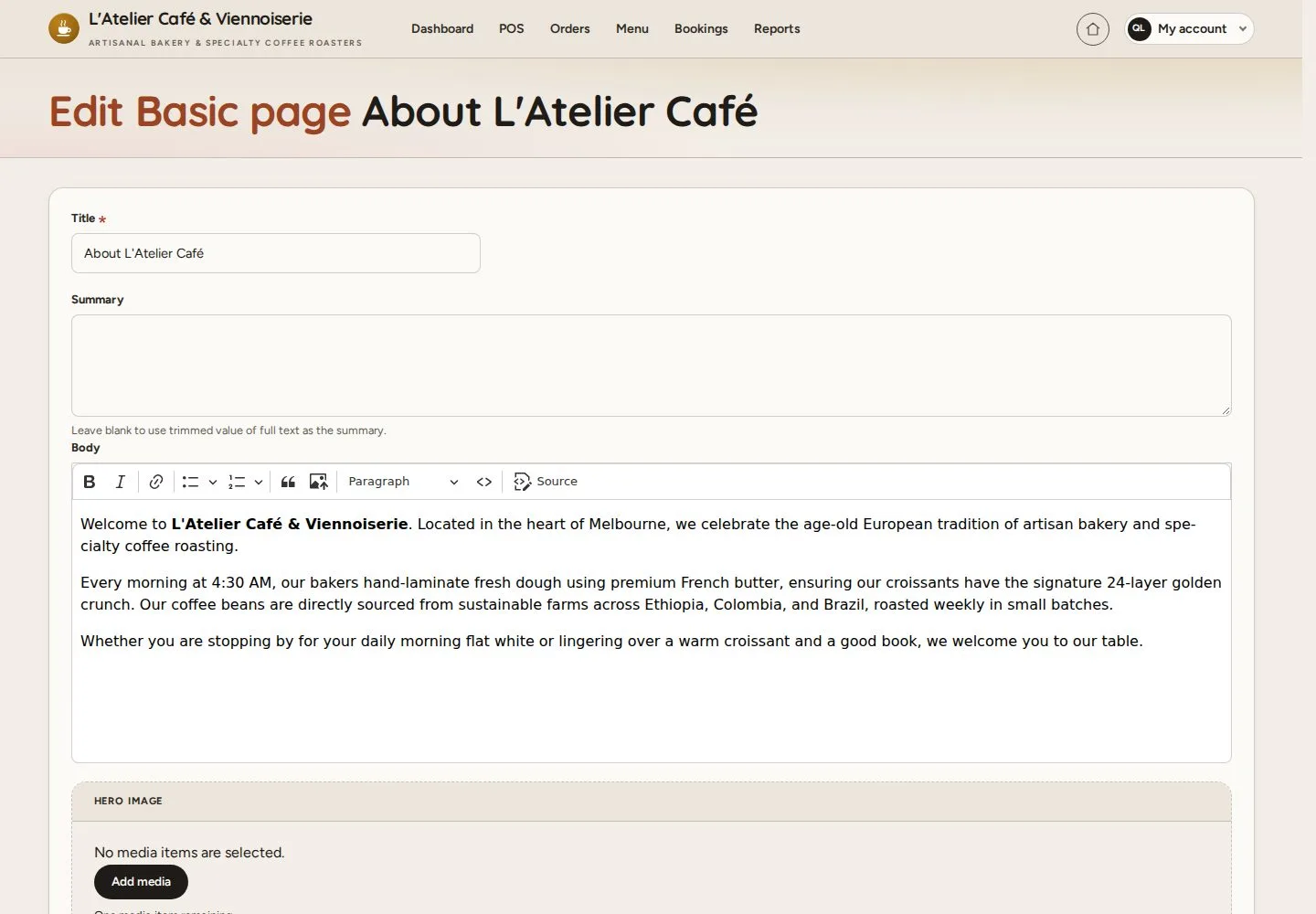
2Step 2 of 2
- Title, summary and body; format in the editor
- Add media for the page's photo
- Save: the website shows it at once
Enlarge, then scroll
Open illustrated screen ↗Full image ↗
Check
The page is updated on the website
1 / 3