Gift cards and promotions

Gift cards · Gift card amounts · Promotions · Add promotion

  • Signed in as a Manager
Manager

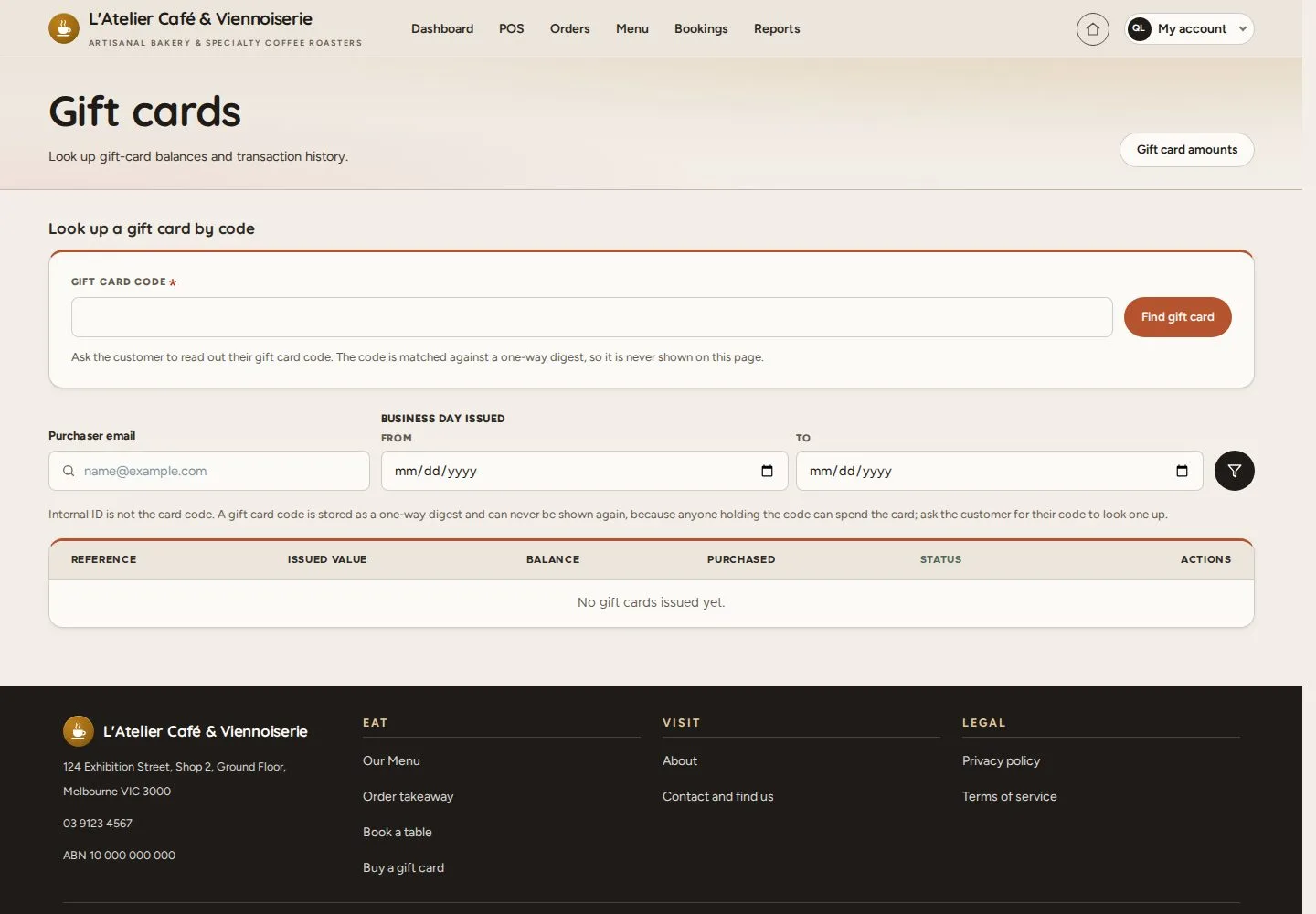
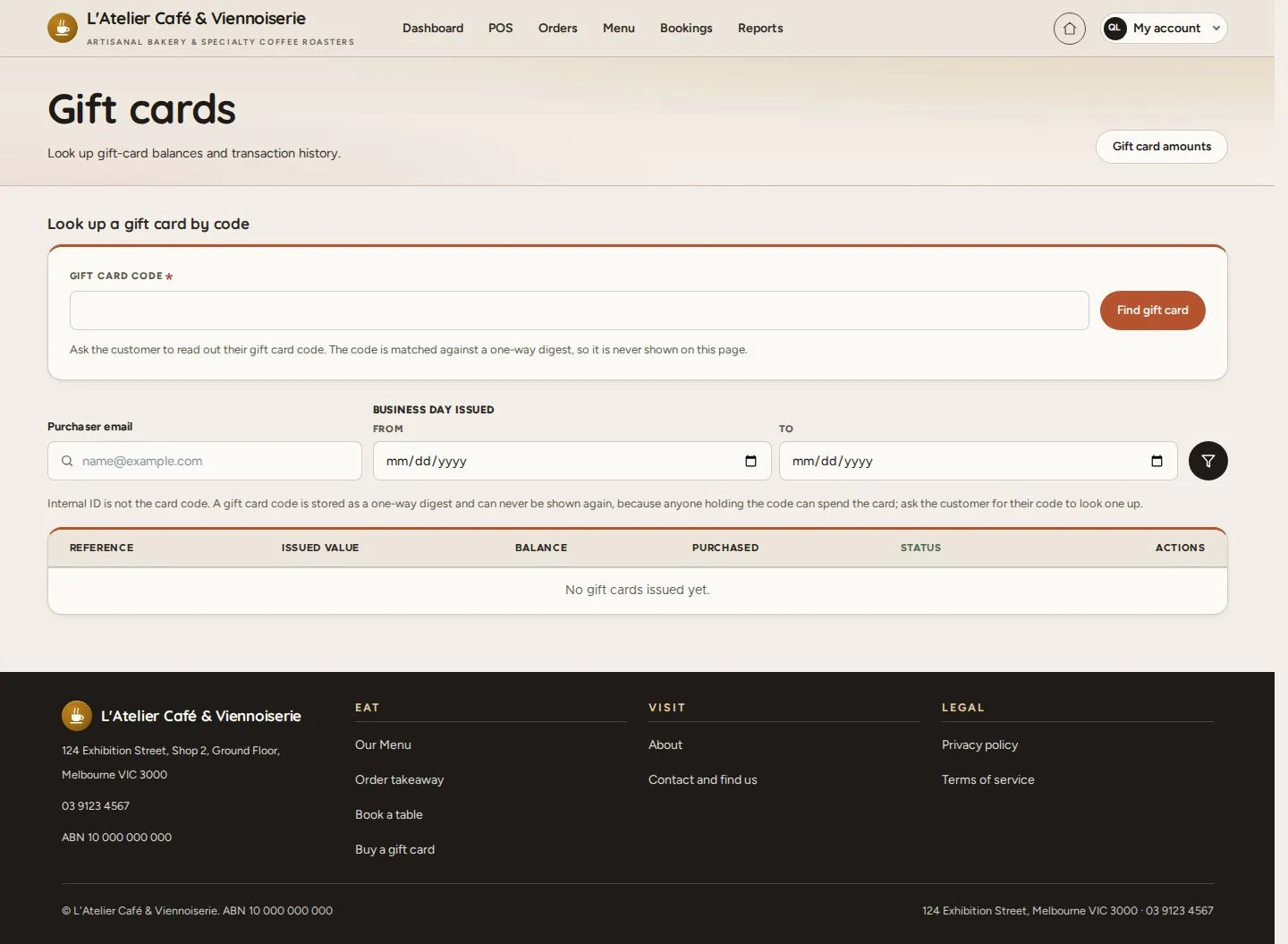
Gift cards

Manager

Gift cards

1Step 1 of 5

  1. Look up a gift card by code
  2. Issued cards · Balance · Status

Enlarge, then scroll

Open illustrated screen ↗Full image ↗

Manager · Gift cards and promotions01

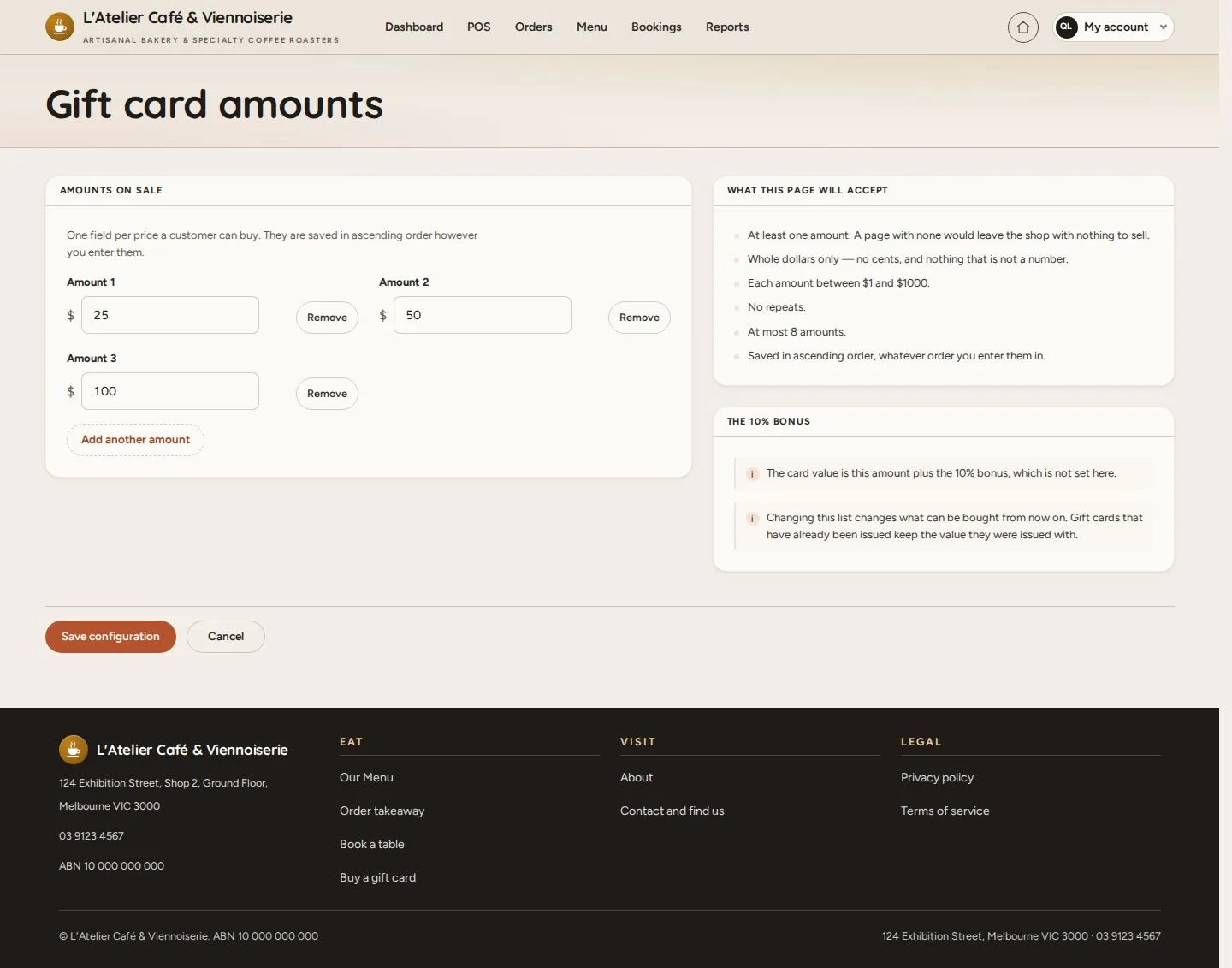
Gift card amounts

Manager

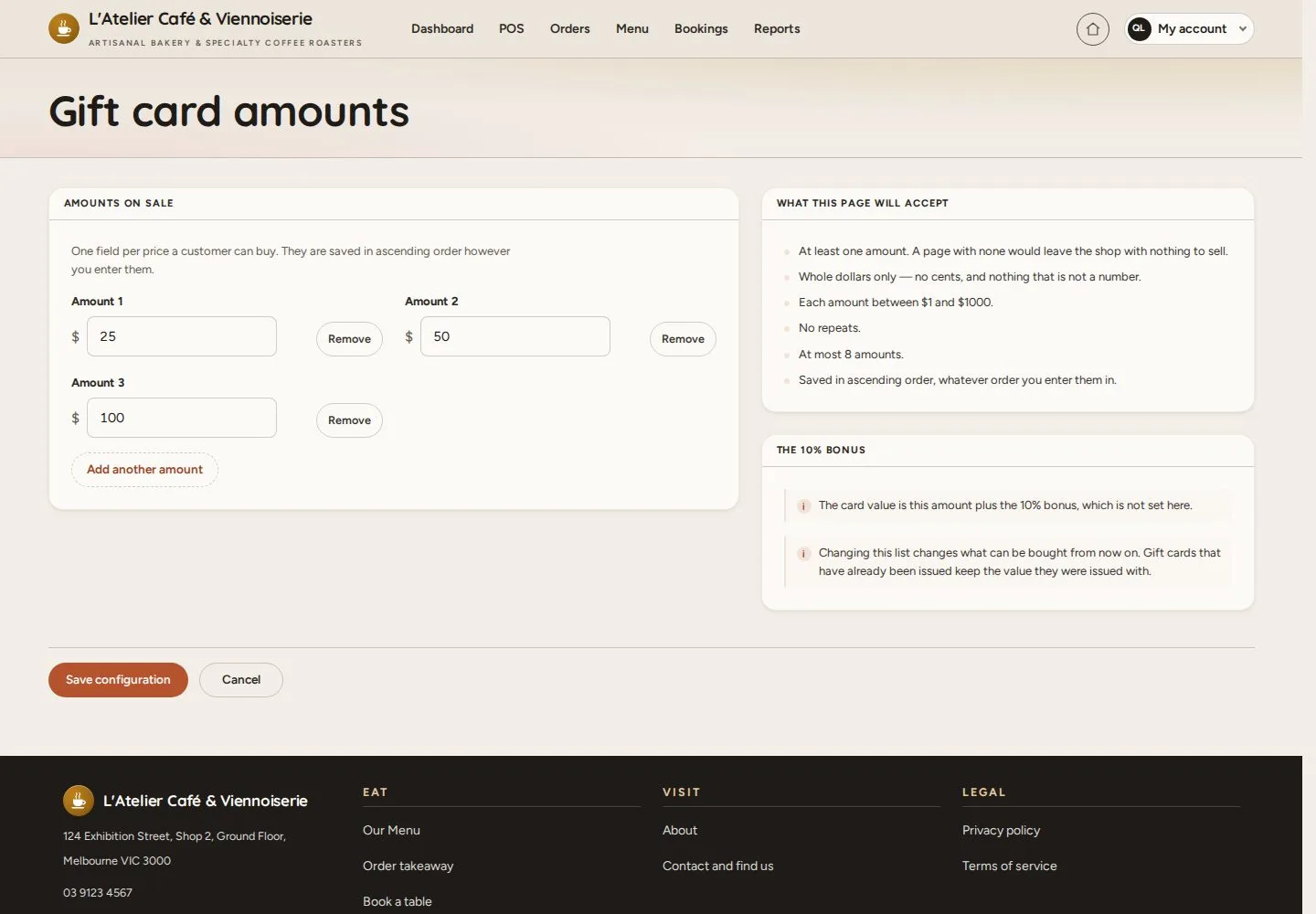
Gift card amounts

2Step 2 of 5

  1. Amounts on sale
  2. Add another amount
  3. Save configuration

Enlarge, then scroll

Open illustrated screen ↗Full image ↗

Manager · Gift cards and promotions02

A gift card at payment

Manager

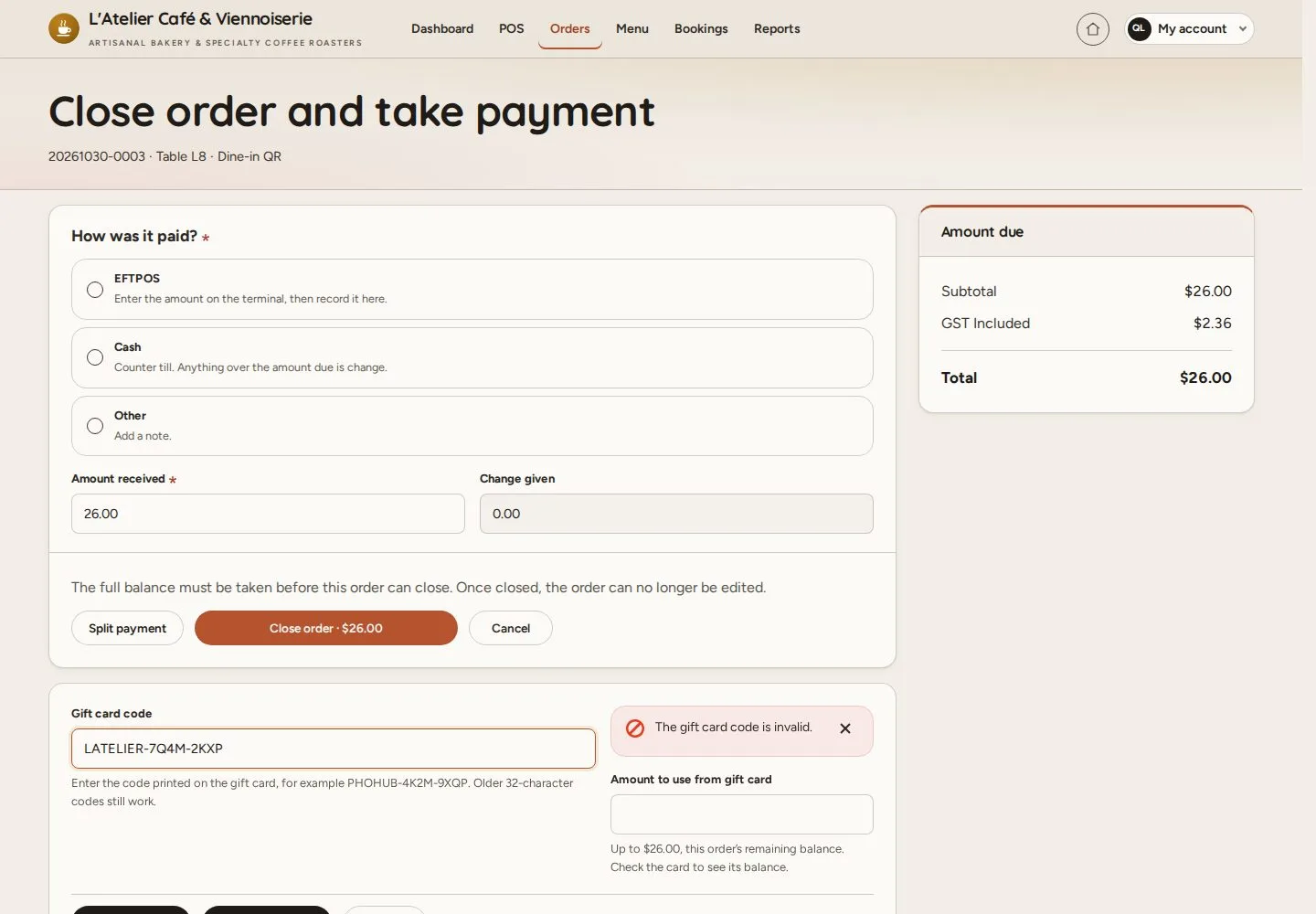
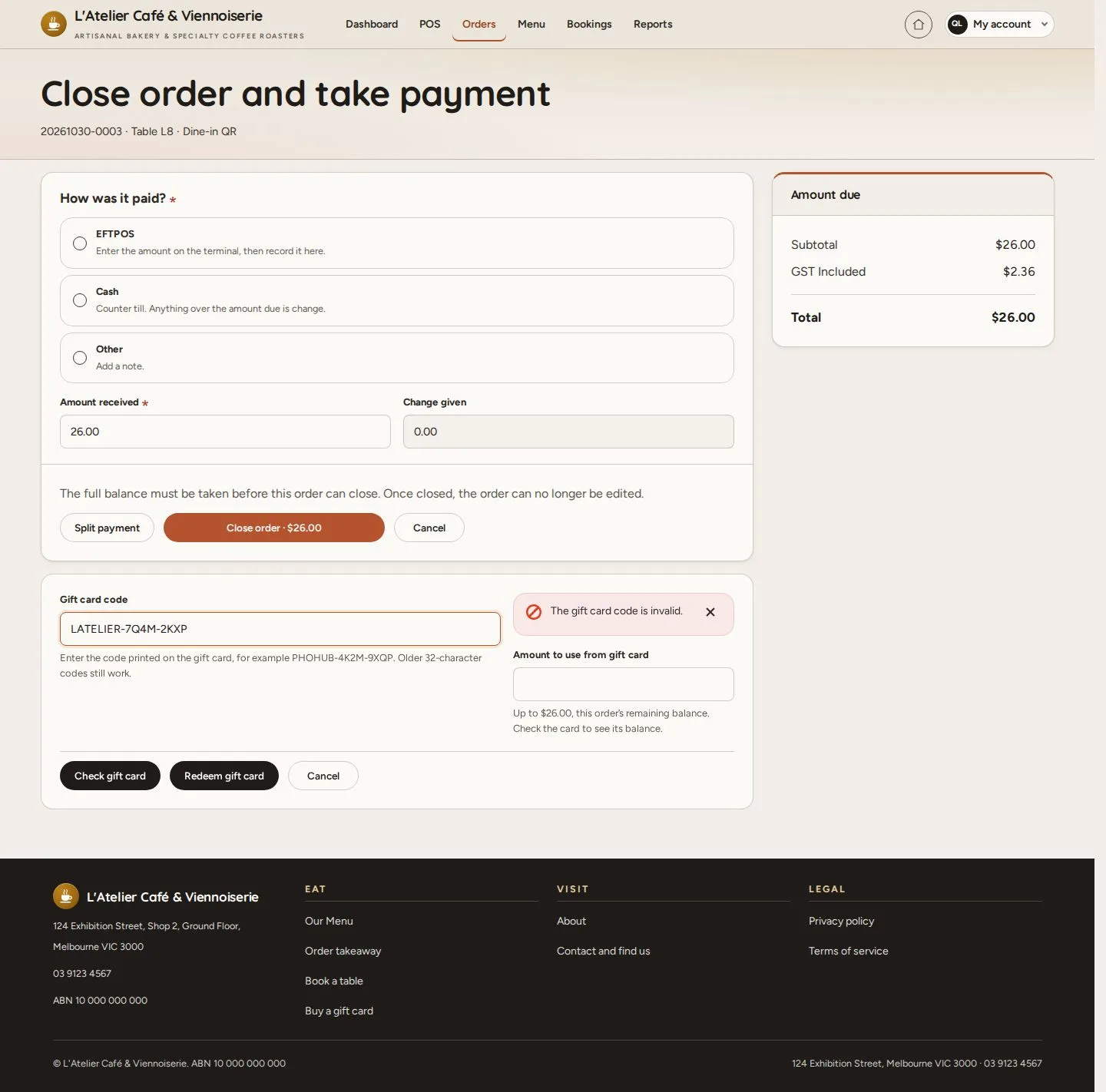
A gift card at payment

3Step 3 of 5

  1. Take payment and close
  2. Gift card code · Check gift card

A code is checked before anything is redeemed.

Enlarge, then scroll

Open illustrated screen ↗Full image ↗

Manager · Gift cards and promotions03

Promotions

Manager

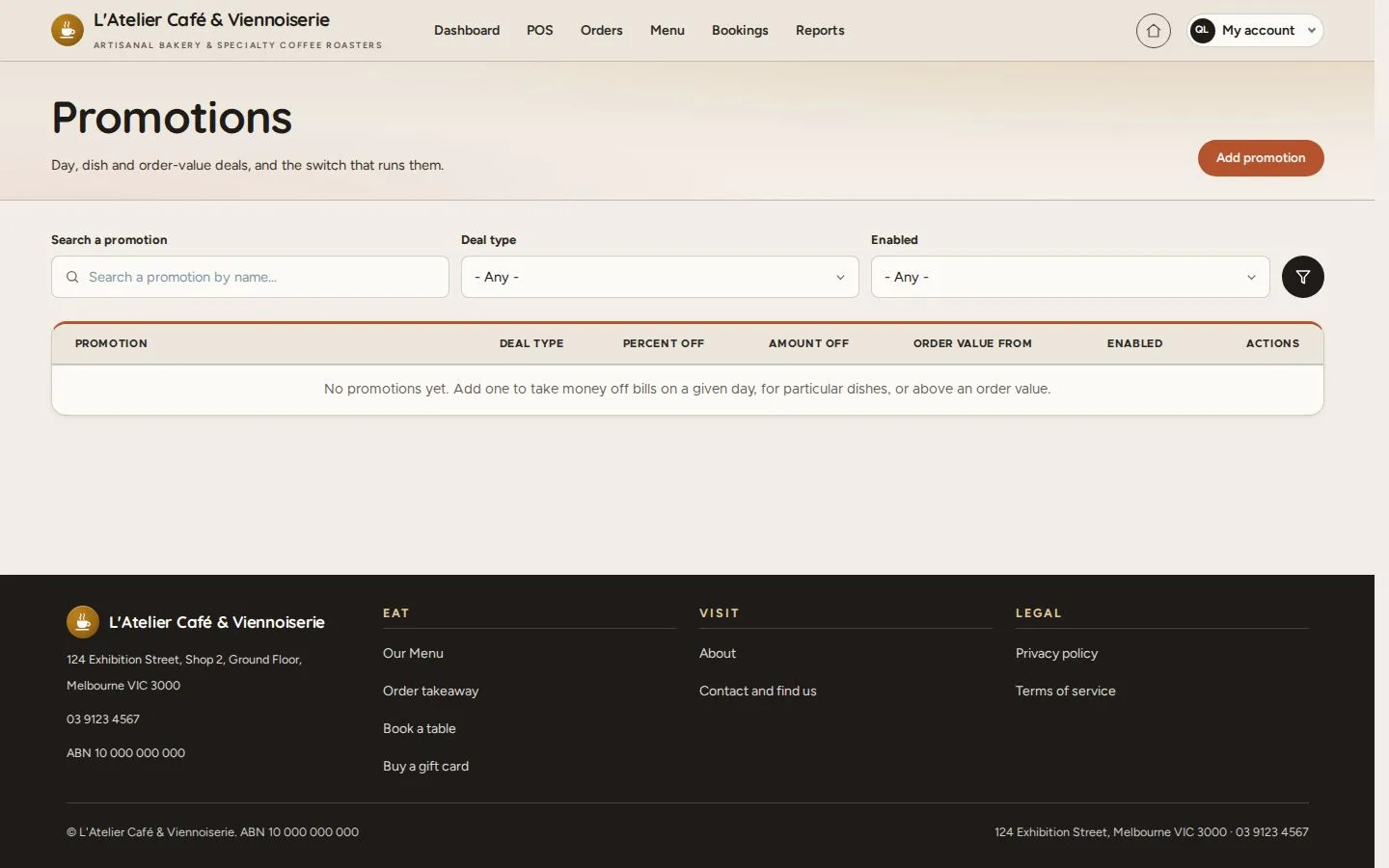
Promotions

4Step 4 of 5

  1. Day or happy hour · Particular dishes · Order value
  2. Add promotion

Open illustrated screen ↗Full image ↗

Manager · Gift cards and promotions04

Add promotion

Manager

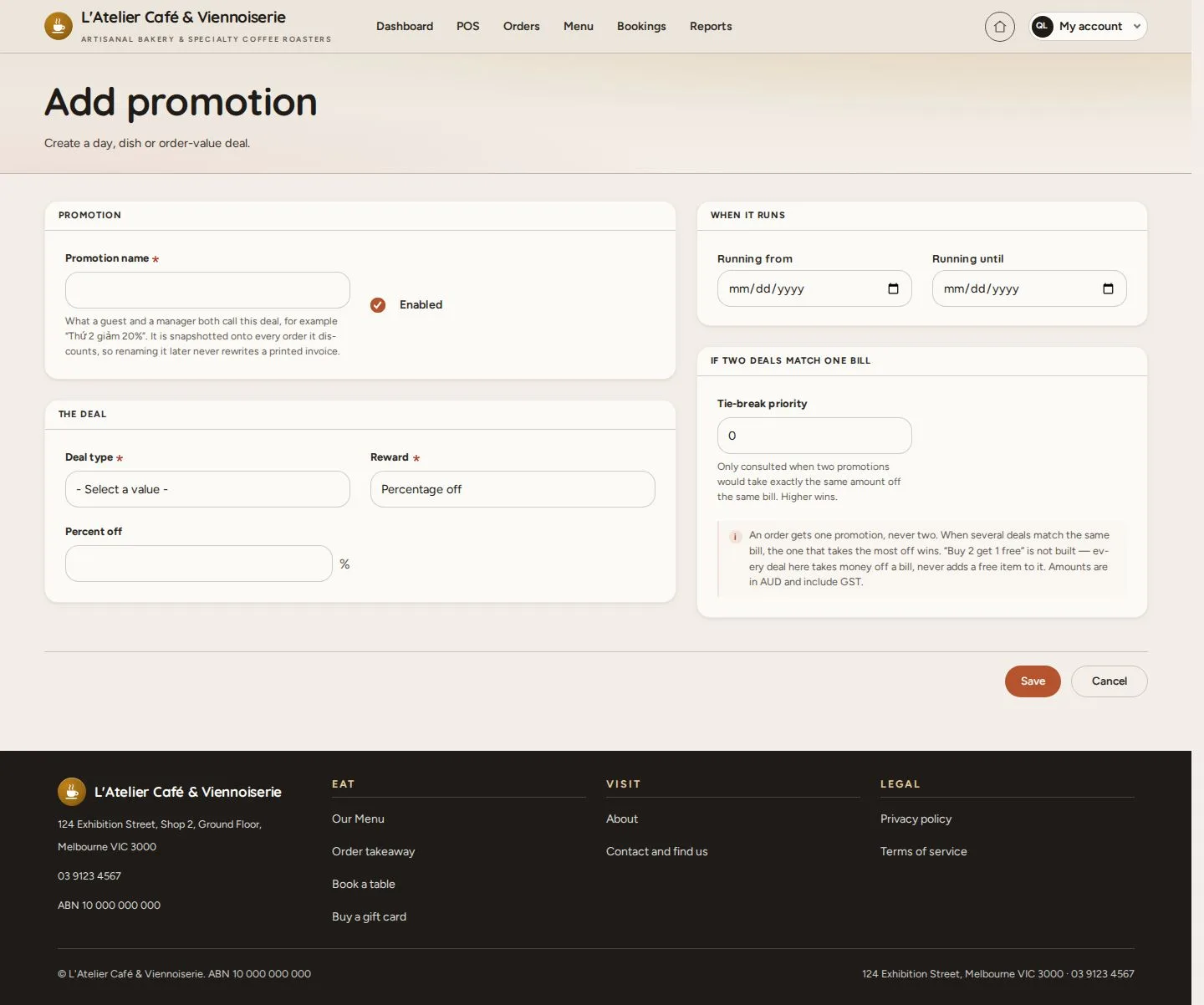
Add promotion

5Step 5 of 5

  1. Promotion name · Enabled
  2. Deal type · Reward
  3. Running from · until

Enlarge, then scroll

Open illustrated screen ↗Full image ↗

Check

The amounts on sale and the deals are set; gift cards are checked at payment

Manager · Gift cards and promotions05
1 / 6
Privacy Terms