Sign in and your password

Log in, reset, stay safe

  • An account (Start from your website)
Owner
Log in

Visitor

Log in

1Step 1 of 8

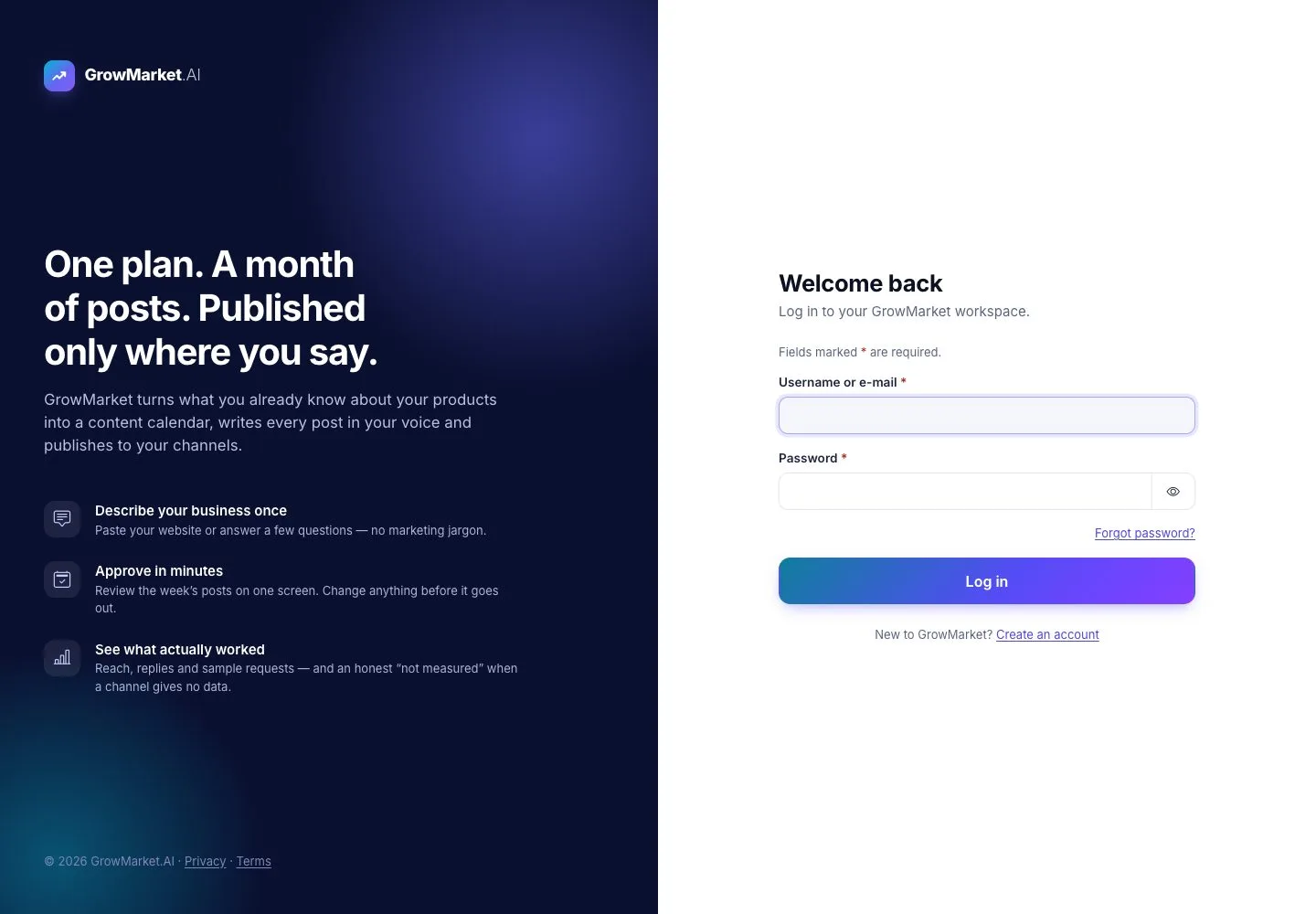
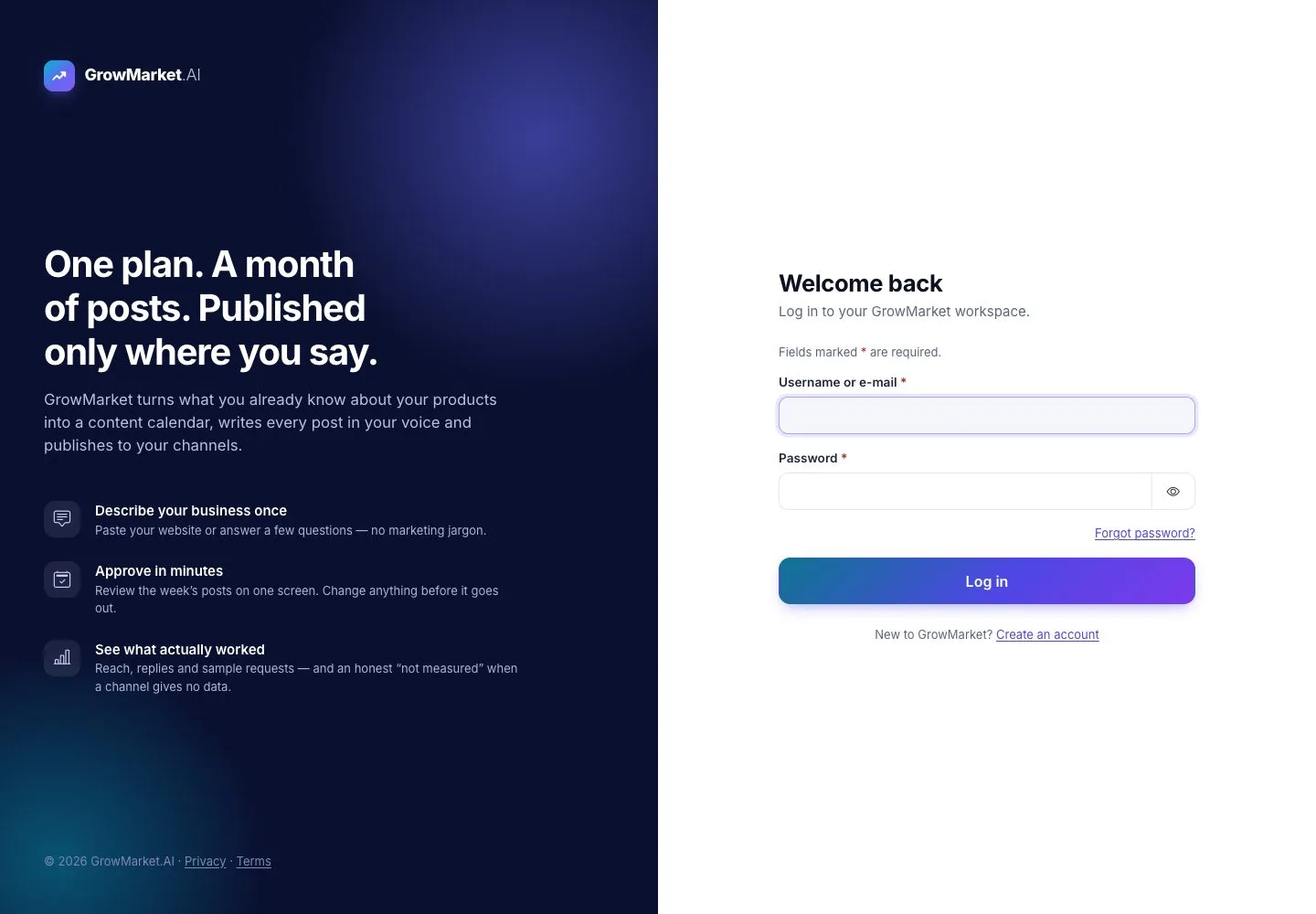
  1. Log in: your username or e-mail and your password; the eye shows what you typed.
  2. New to GrowMarket? Create an account.

Open illustrated screen ↗Full image ↗

Owner · Sign in and your password01

A wrong password

Visitor

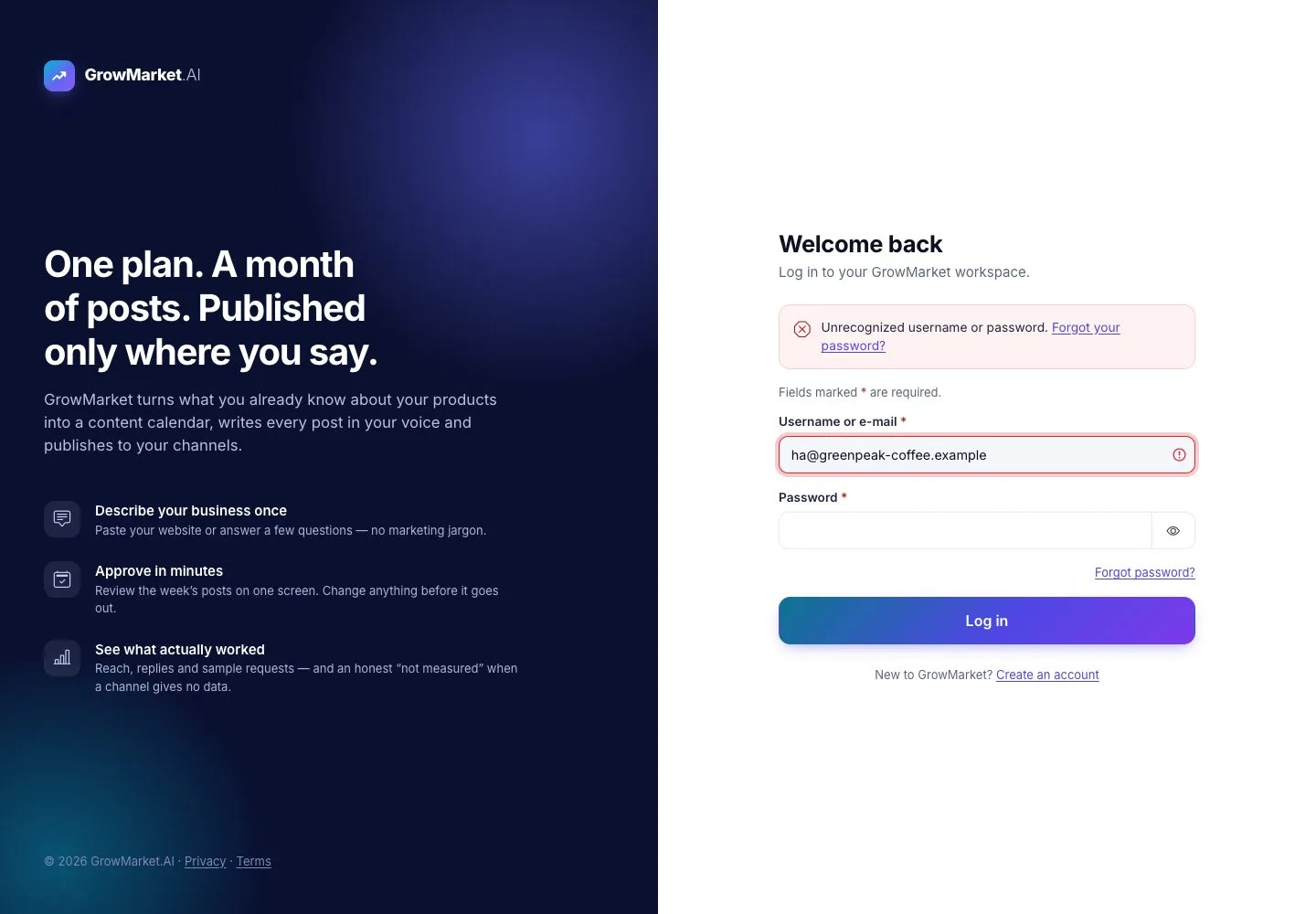
A wrong password

2Step 2 of 8

  1. A wrong password says so, with a link to reset it; it never says whether the account exists.

Open illustrated screen ↗Full image ↗

Owner · Sign in and your password02

A link opens after you log in

Visitor

A link opens after you log in

3Step 3 of 8

  1. A link to a workspace page opens Log in first when you are signed out; after you log in you land on that page.

Open illustrated screen ↗Full image ↗

Owner · Sign in and your password03

Forgot your password

Visitor

Forgot your password

4Step 4 of 8

  1. Forgot password? sends a reset link to your e-mail.
  2. The answer is the same whether or not the address has an account.

Open illustrated screen ↗Full image ↗

Owner · Sign in and your password04

Set a new password

Visitor

Set a new password

5Step 5 of 8

  1. The link opens Set a new password; it works once.
  2. The checklist shows what the password still needs; Save new password.

Open illustrated screen ↗Full image ↗

Owner · Sign in and your password05

After a long pause

Visitor

After a long pause

6Step 6 of 8

  1. After 60 minutes without activity you are signed out; log in again to continue where you were.

Open illustrated screen ↗Full image ↗

Owner · Sign in and your password06

Confirm it's you

Owner

Confirm it's you

7Step 7 of 8

  1. Steps that change where your business posts, what you pay or who can act for it ask for your password again after 10 minutes.

Open illustrated screen ↗Full image ↗

Owner · Sign in and your password07

Your account menu

Owner

Your account menu

8Step 8 of 8

  1. The avatar opens your account: your plan, My profile, notification preferences, Help & support and Log out.

Open illustrated screen ↗Full image ↗

Check

You are signed in to your workspace, or you set a new password

Owner · Sign in and your password08
1 / 9
Privacy Terms