









Plans & pricing
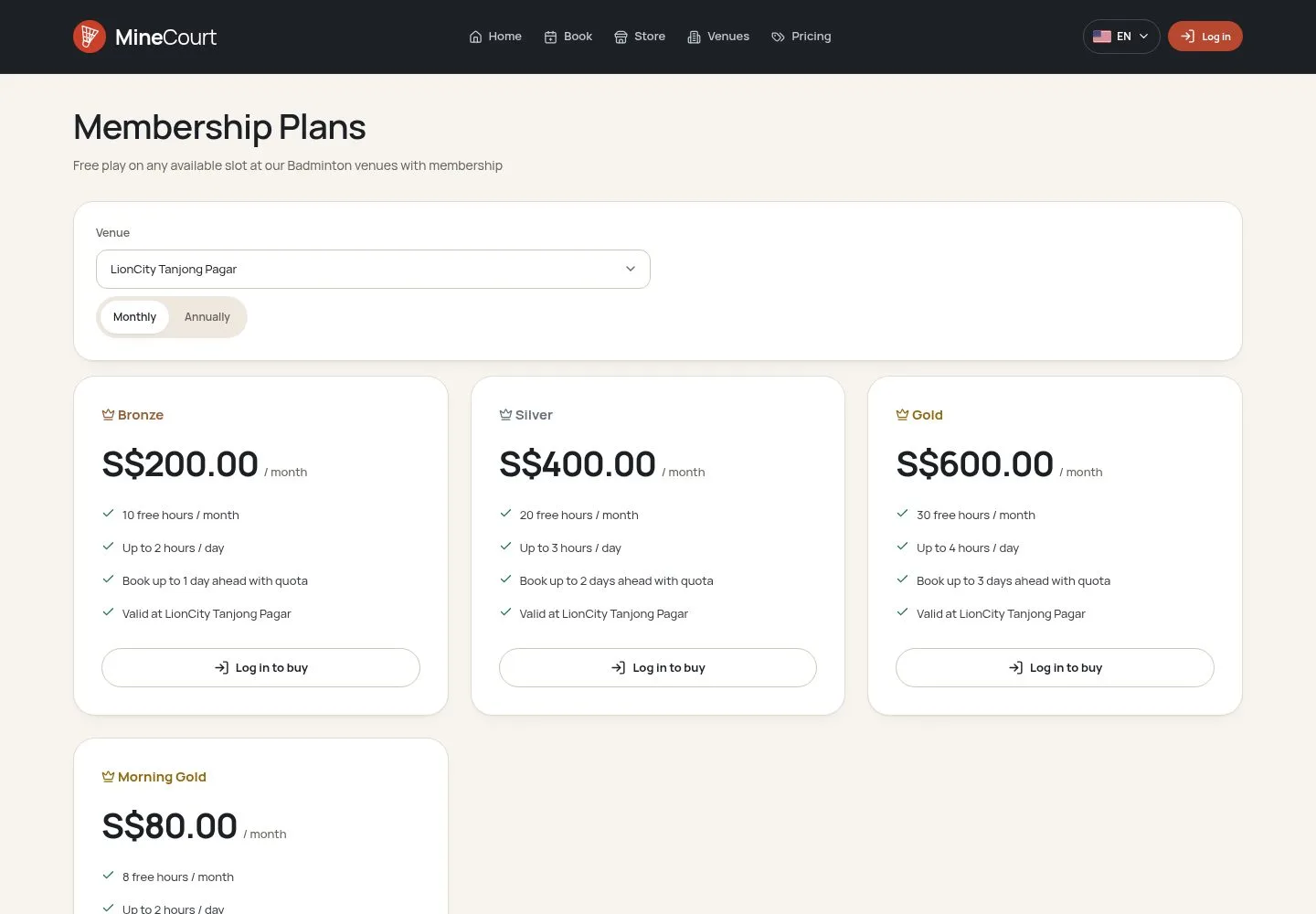
Membership plans of a venue, and the MineCourt packages
- No account needed
Visitor

Pricing Plans
Visitor

2Step 2 of 3
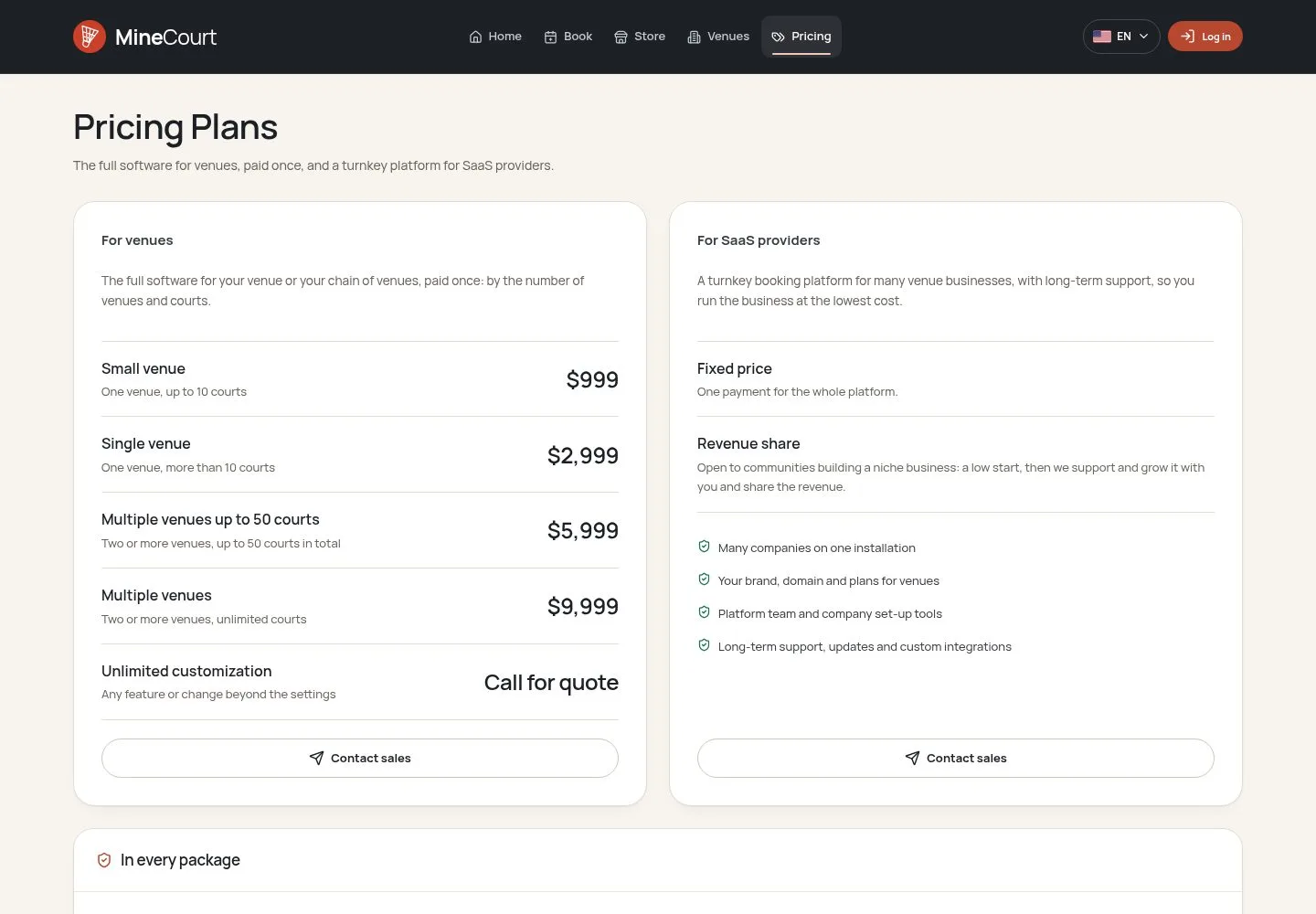
- Pricing Plans lists the MineCourt packages: for venues, paid once by the number of venues and courts; for SaaS providers, a fixed price or a revenue share.
- In every package, further down, lists what each package includes; Contact sales opens Contact Us.
A SaaS platform shows Pricing Plans and Platform Overview; a venue site does not (Global Settings, Site package).
Enlarge, then scroll
Platform Overview
Visitor

3Step 3 of 3
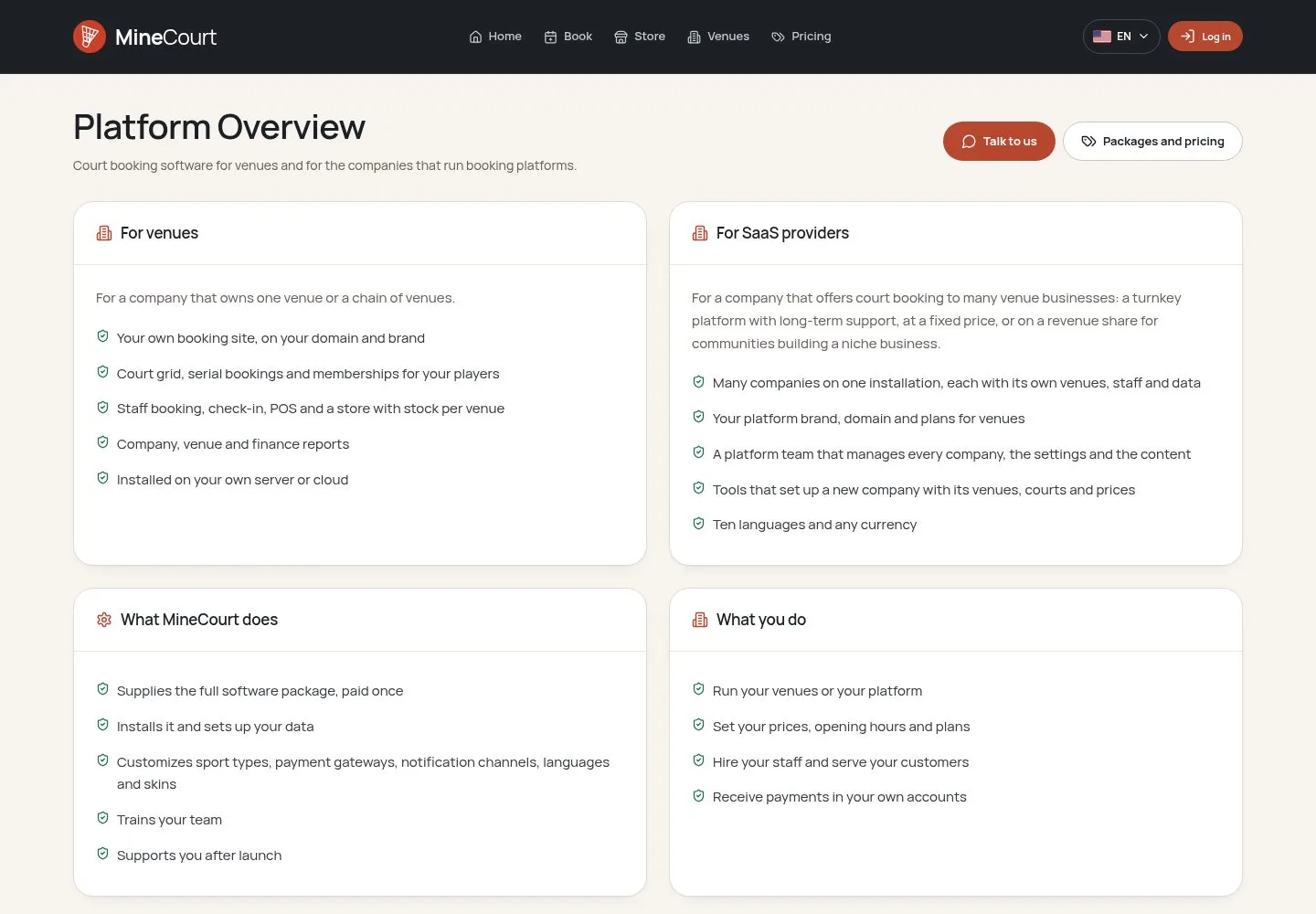
- Platform Overview shows what MineCourt offers venues and SaaS providers, what MineCourt does and what the customer does.
- Talk to us opens Contact Us; Packages and pricing opens Pricing Plans.
Enlarge, then scroll
Open the function ↗Full image ↗
Check
Plans compared before buying; the MineCourt packages known
1 / 4