









Payments
Card, bank transfer, deposit or pay at the venue
- An order at checkout
Player
How to pay
Player
1Step 1 of 8
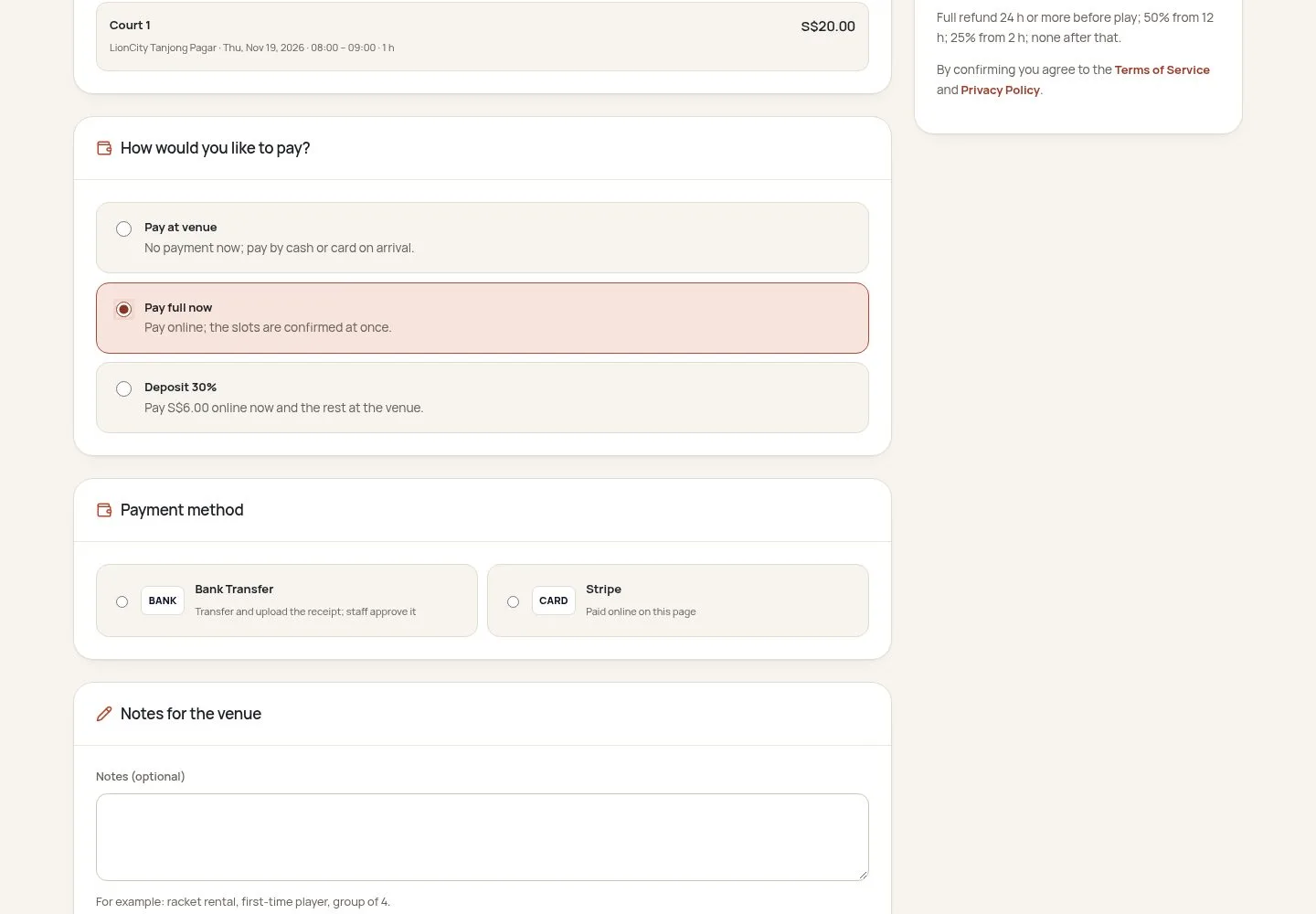
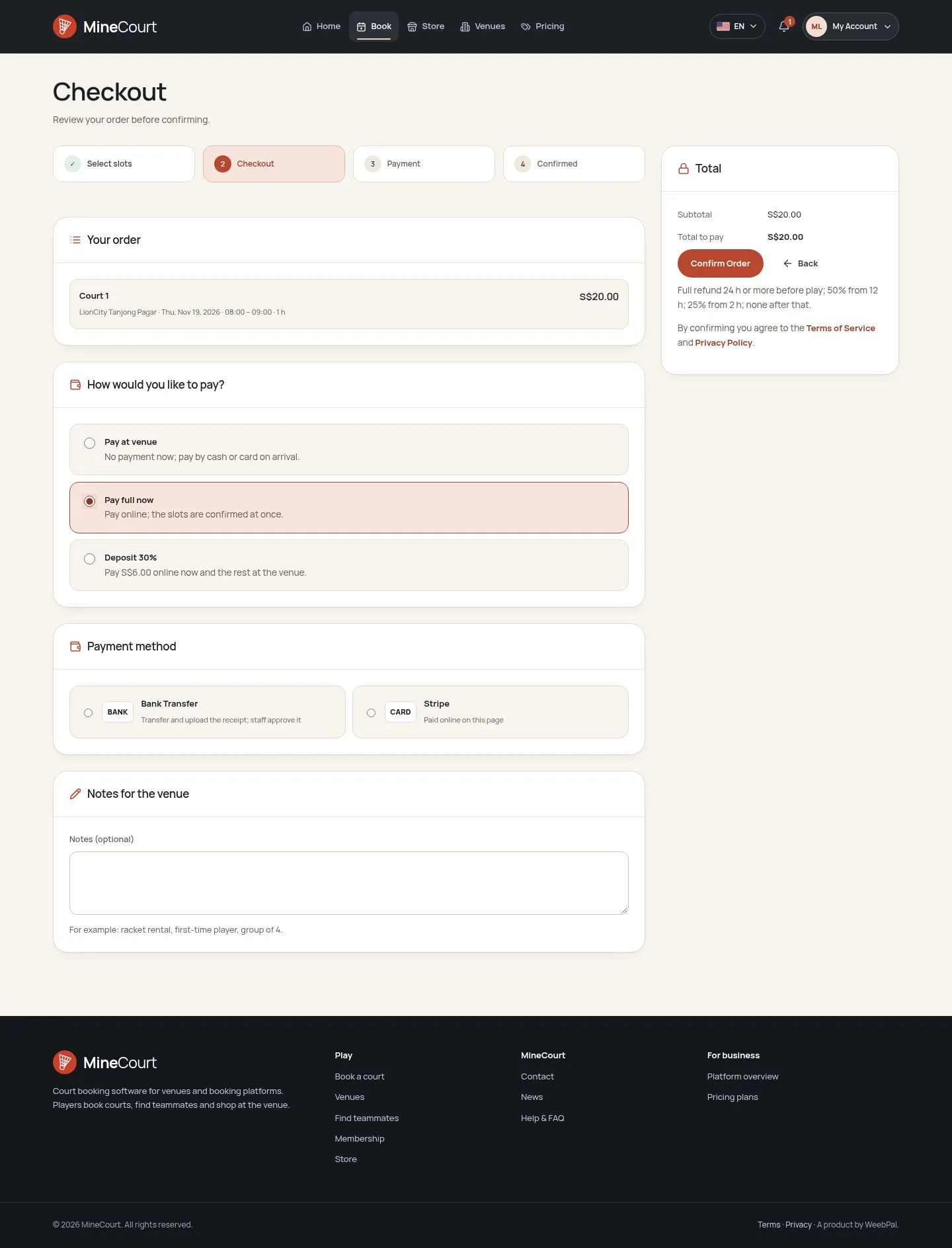
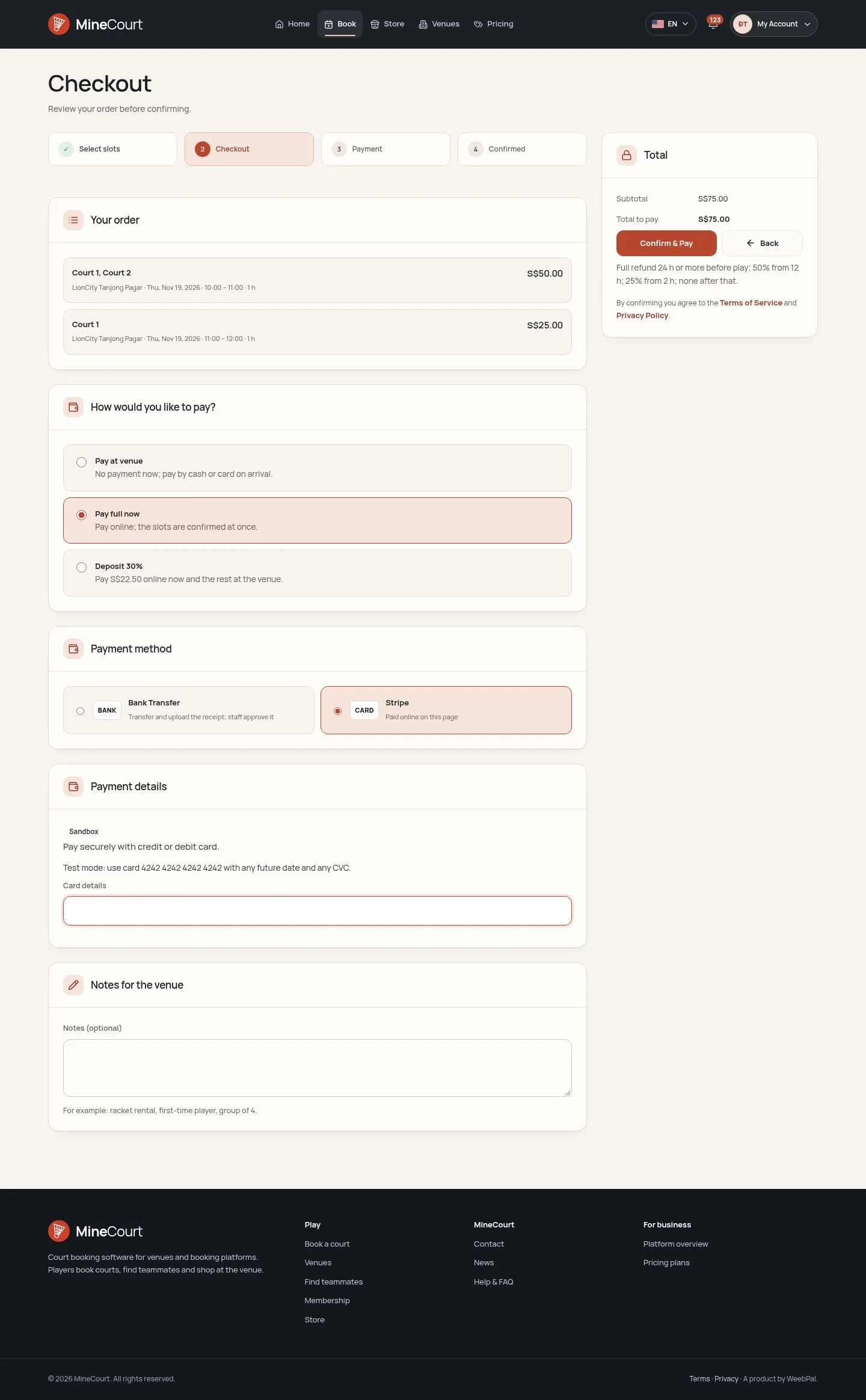
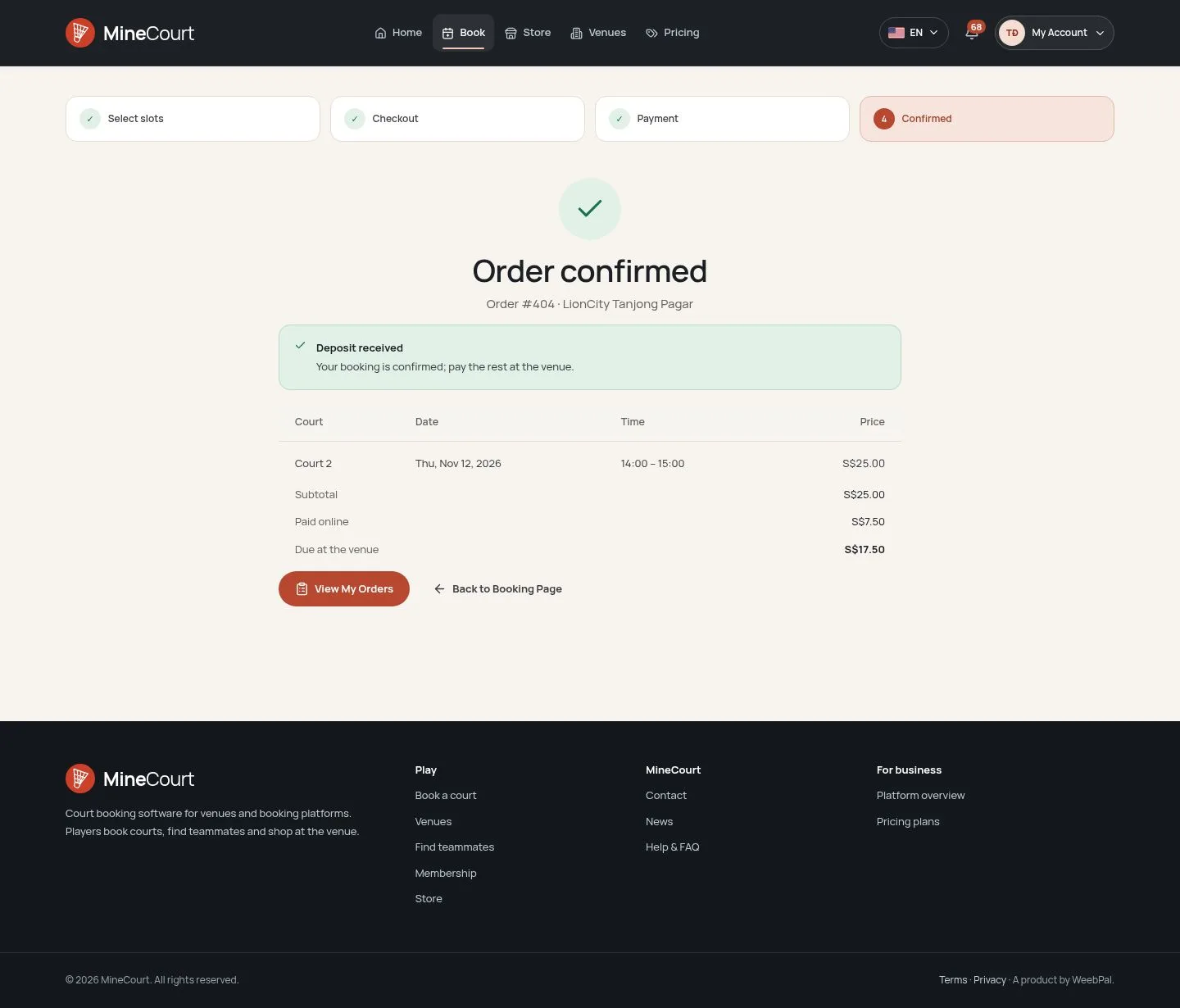
- Under How would you like to pay?, choose Pay full now, Deposit 30% or Pay at venue, as the venue allows; a member whose plan covers the order sees Membership reservation instead.
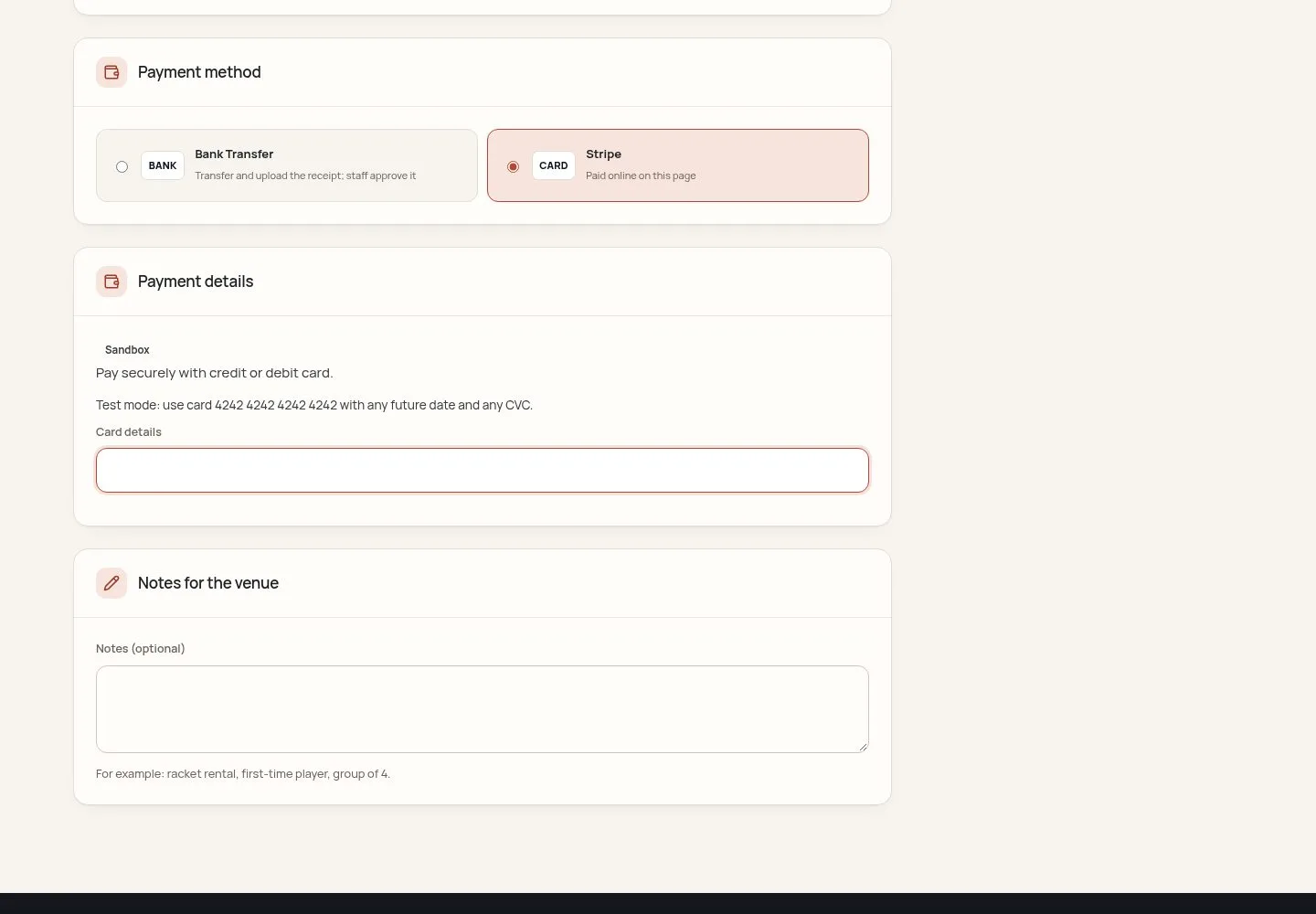
- Payment method lists the ways to pay online, such as Stripe for a card and Bank Transfer.
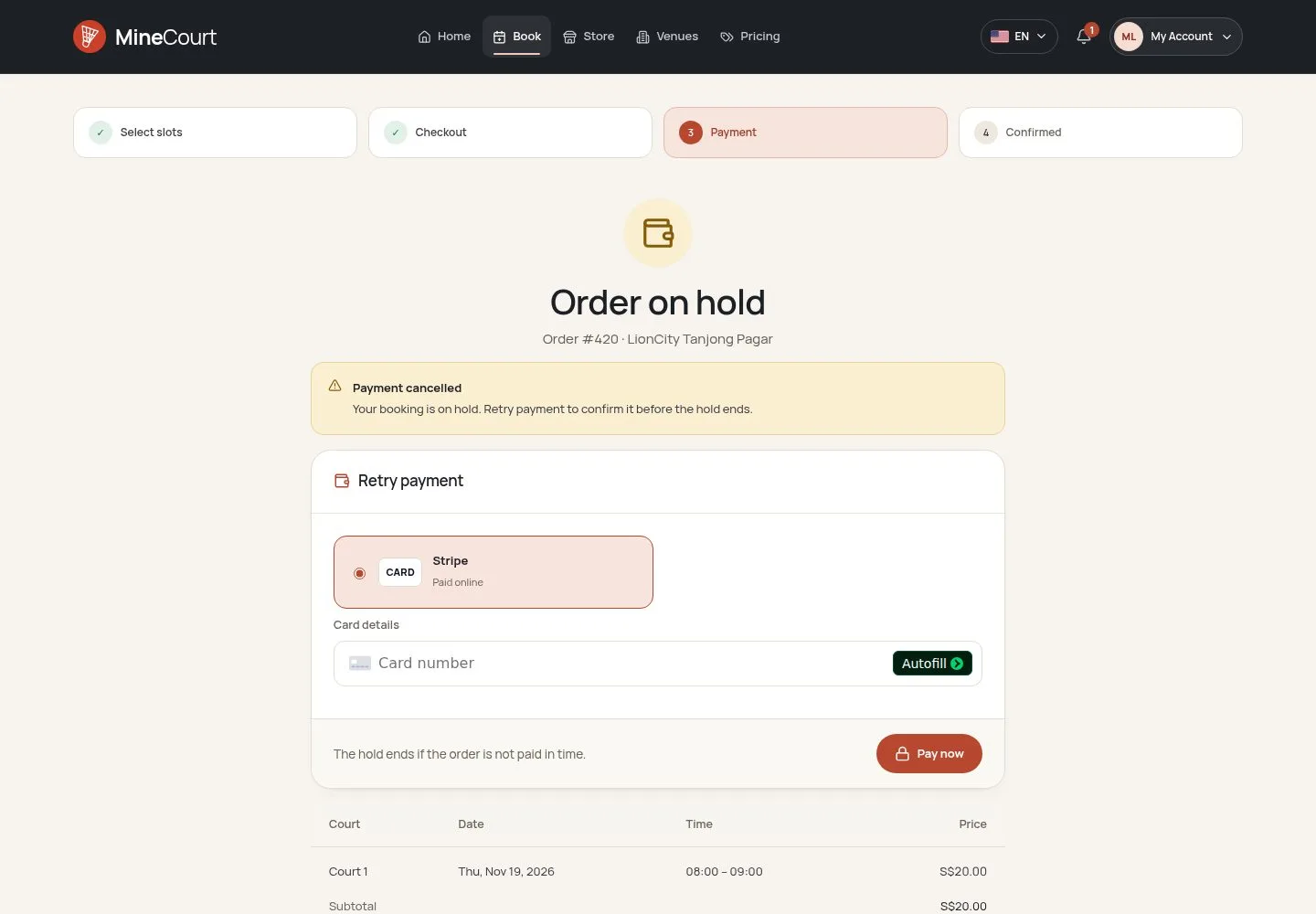
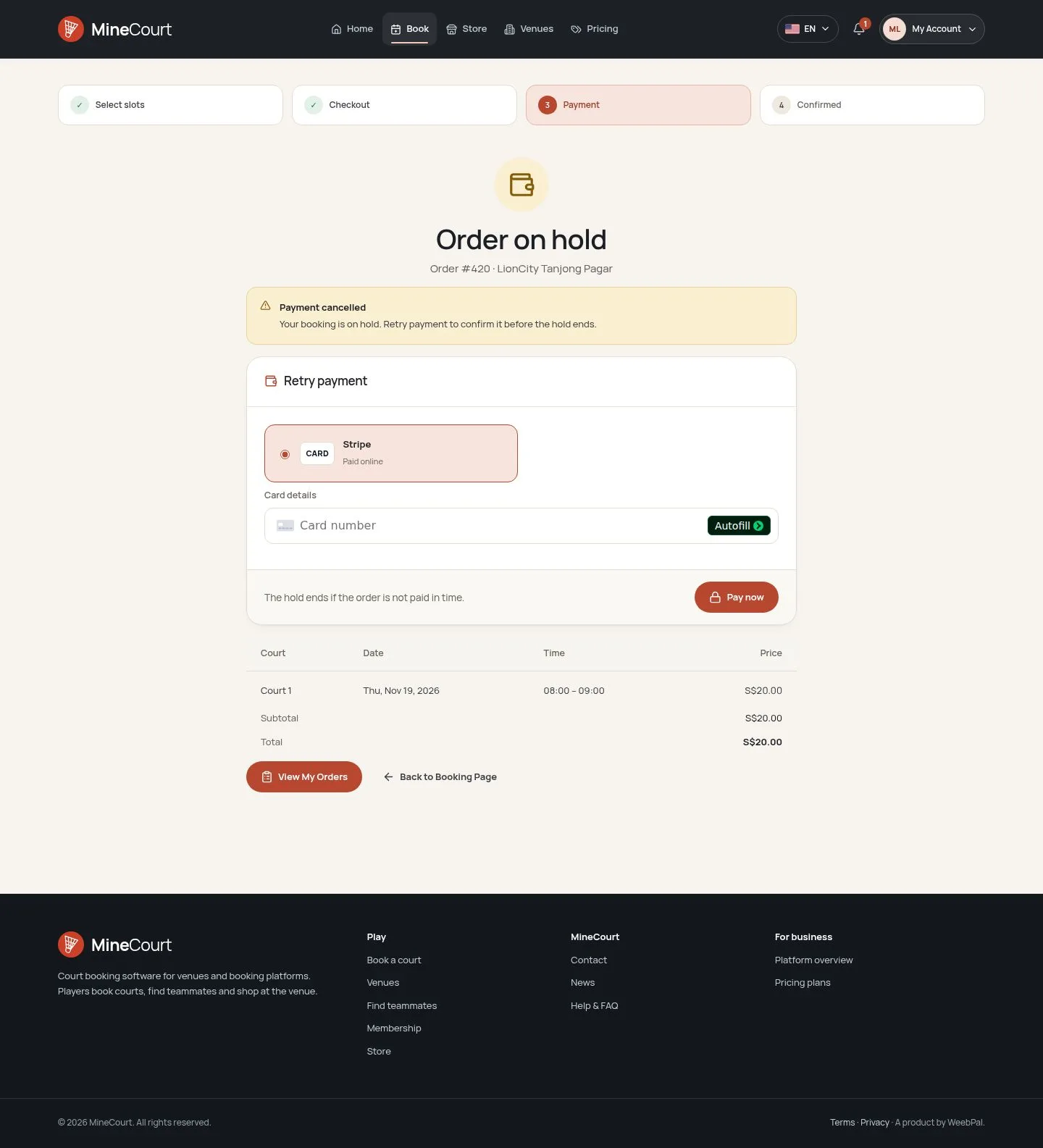
Card payments go to the site's gateway account, transfers to the bank account shown. PayPal, VNPay, MoMo and others are built in and set up per installation; memberships and store orders use the same.
Enlarge, then scroll
Bank transfer
Player
4Step 4 of 8
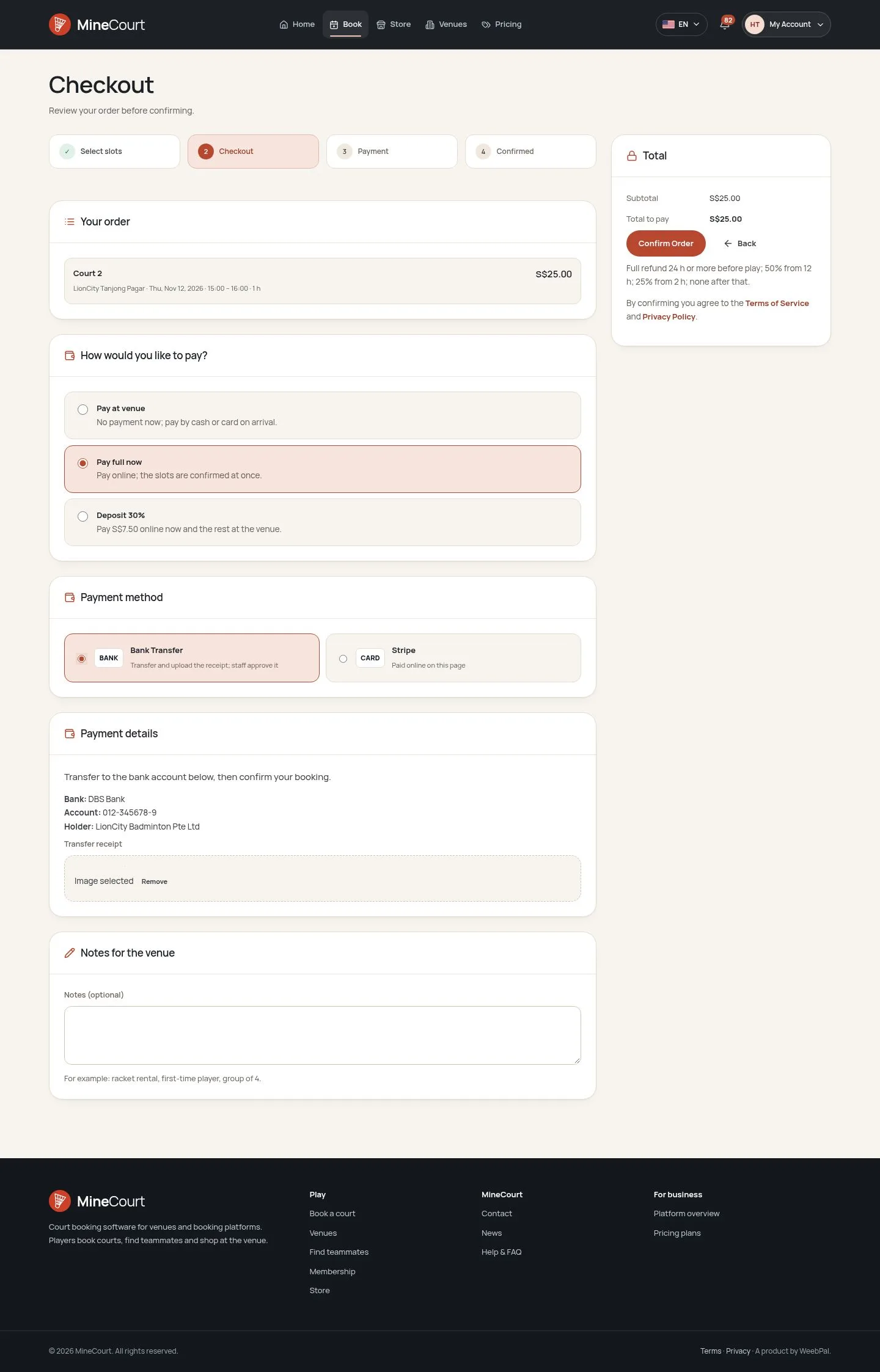
- Choose Bank Transfer: Payment details shows the bank account of the venue, or of its company when the venue has none, with its QR code when one is uploaded.
- Transfer the money, add a photo of the receipt under Transfer receipt, then Confirm Order.
- The order is confirmed and shows Waiting for transfer approval until staff approve it.
Enlarge, then scroll
Mark Paid
Venue Manager

8Step 8 of 8
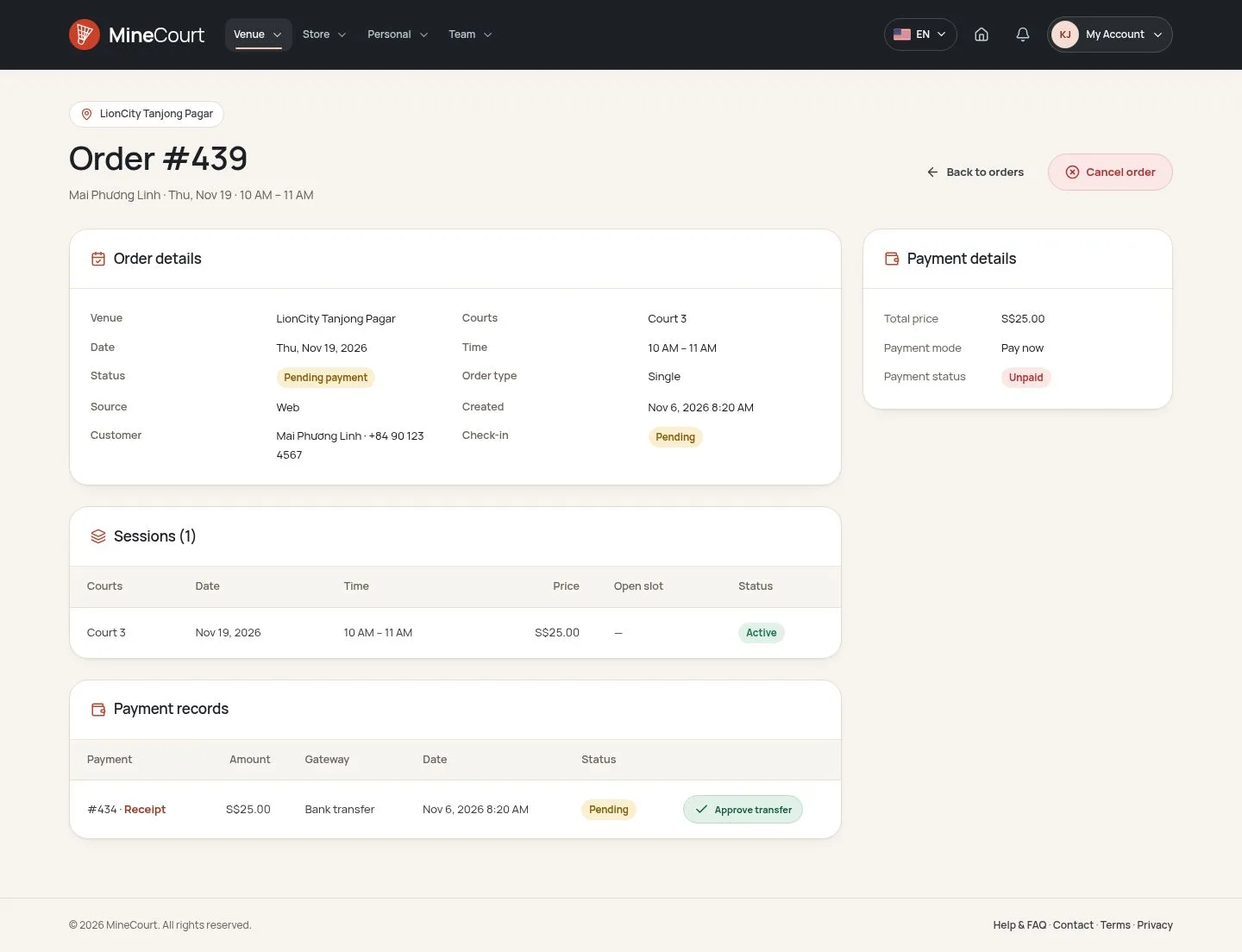
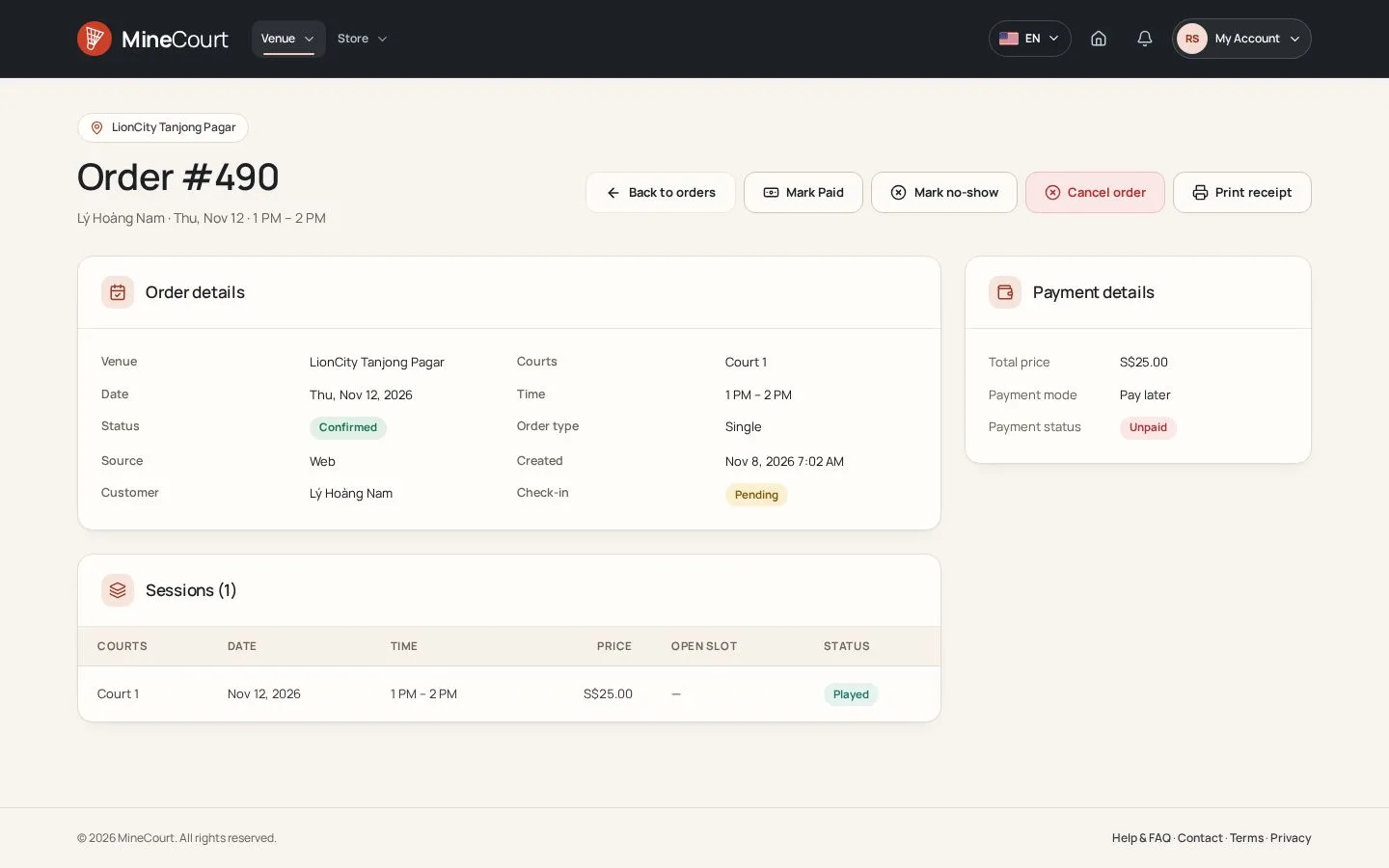
- When the money is received, Mark Paid records it: Cash, Bank transfer or Card, with a reference.
- The order becomes completed and paid, and the payment appears under Payment records; cash goes into the open shift of the person who takes it.
Enlarge, then scroll
Open the function ↗Full image ↗
Check
Every payment is recorded on its order: paid, part paid or waiting for approval
1 / 9