










Court booking
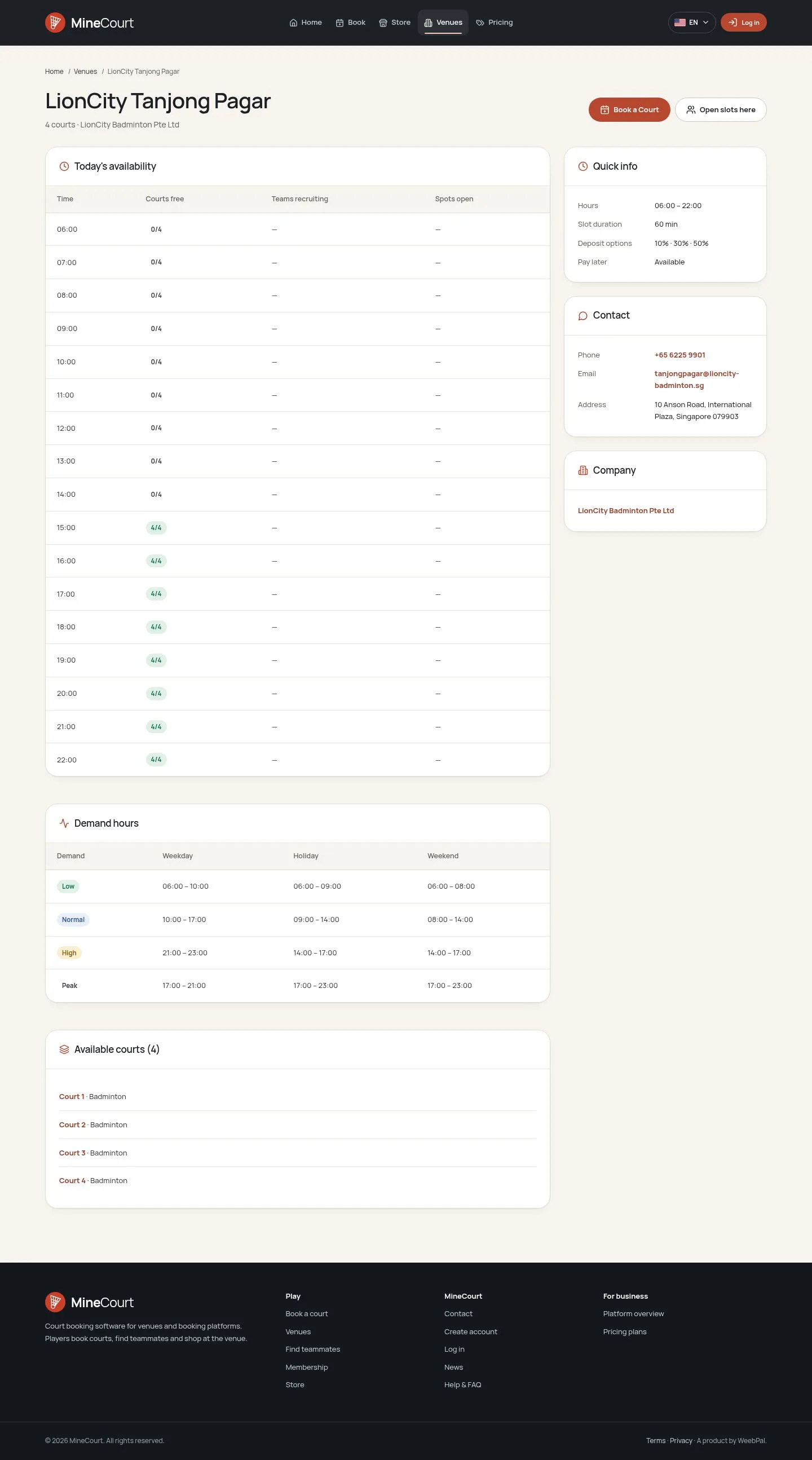
Live 15-minute grid
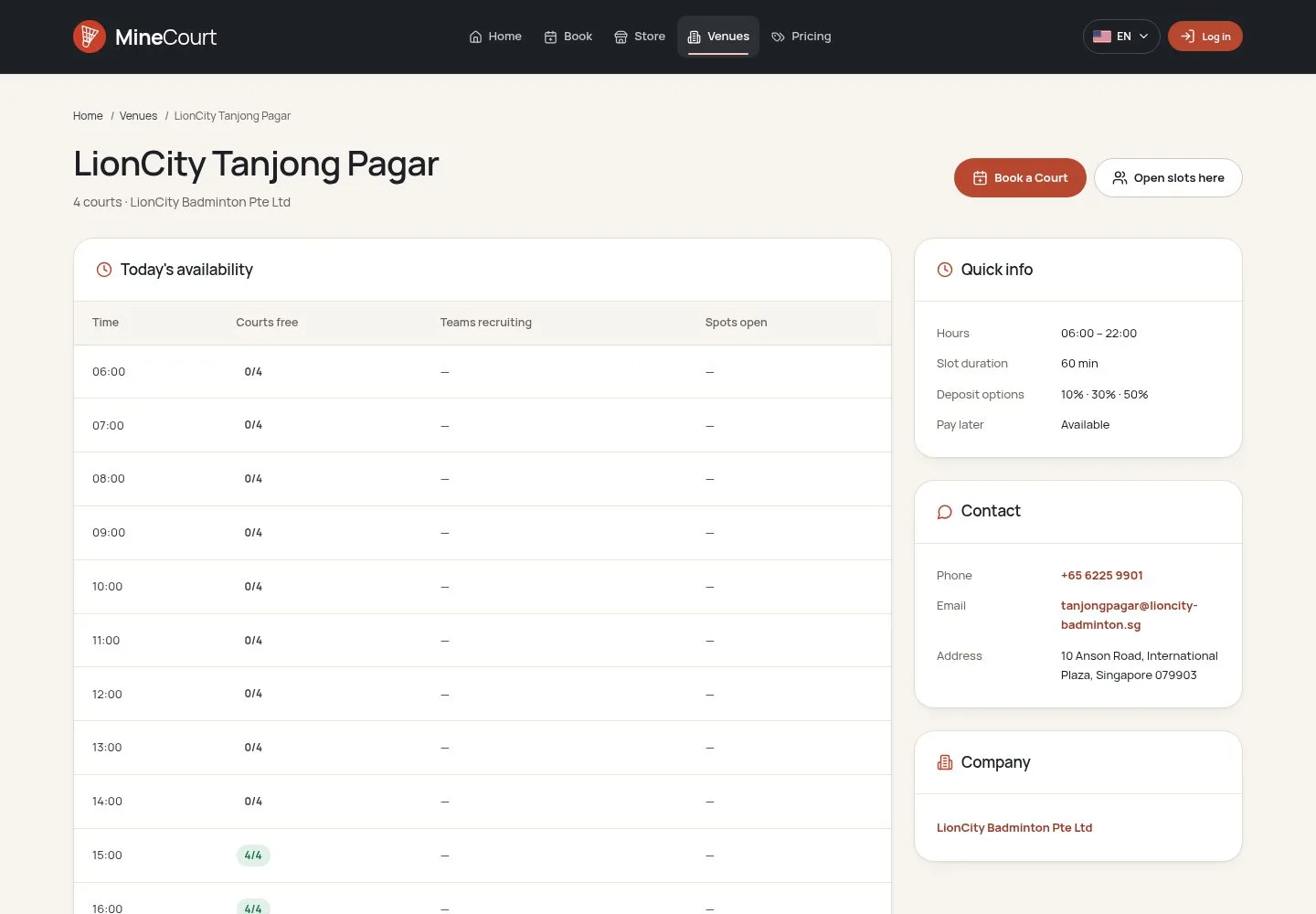
- A venue with courts, hours and prices
Player
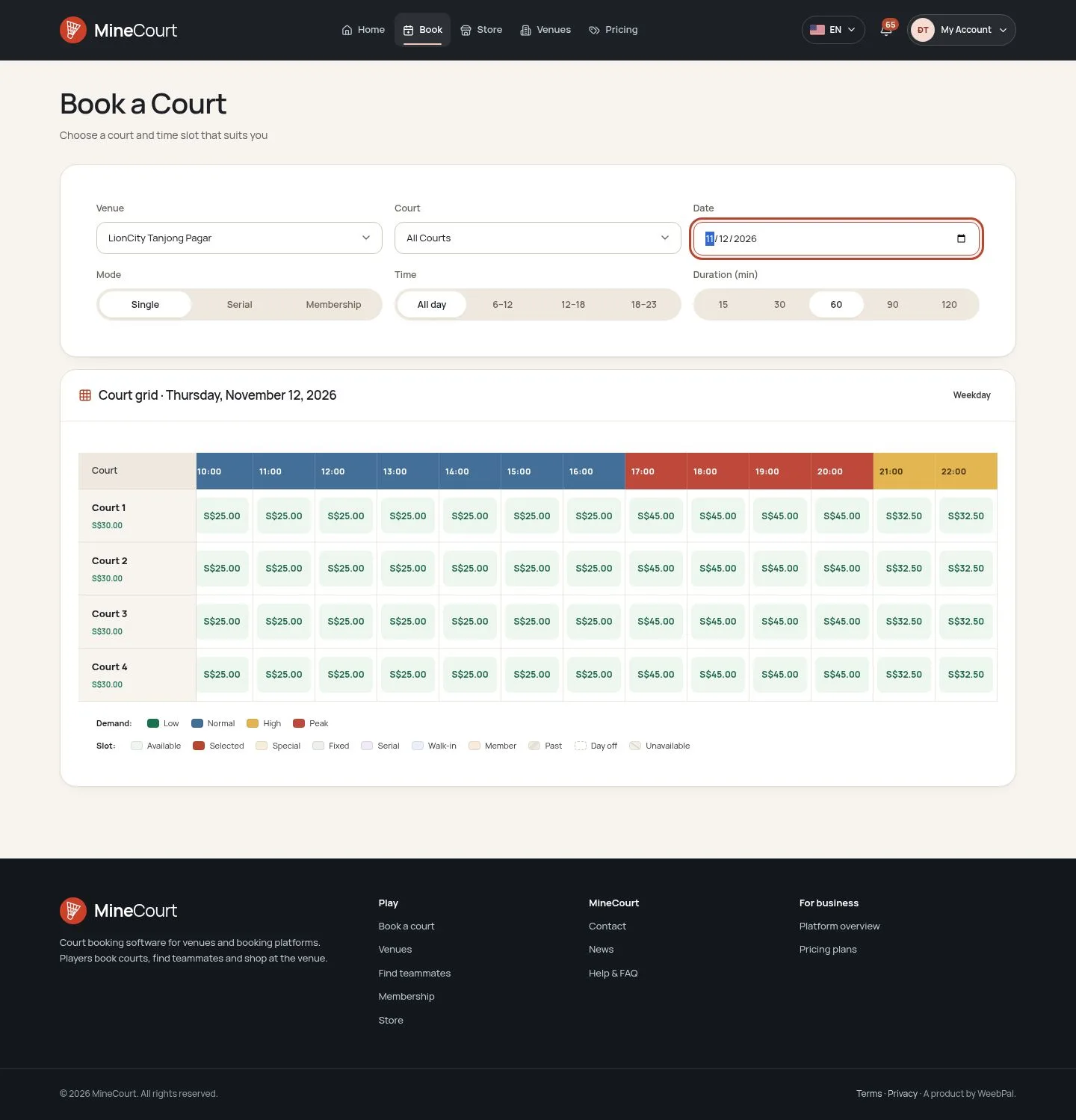
The court grid
Player
2Step 2 of 11
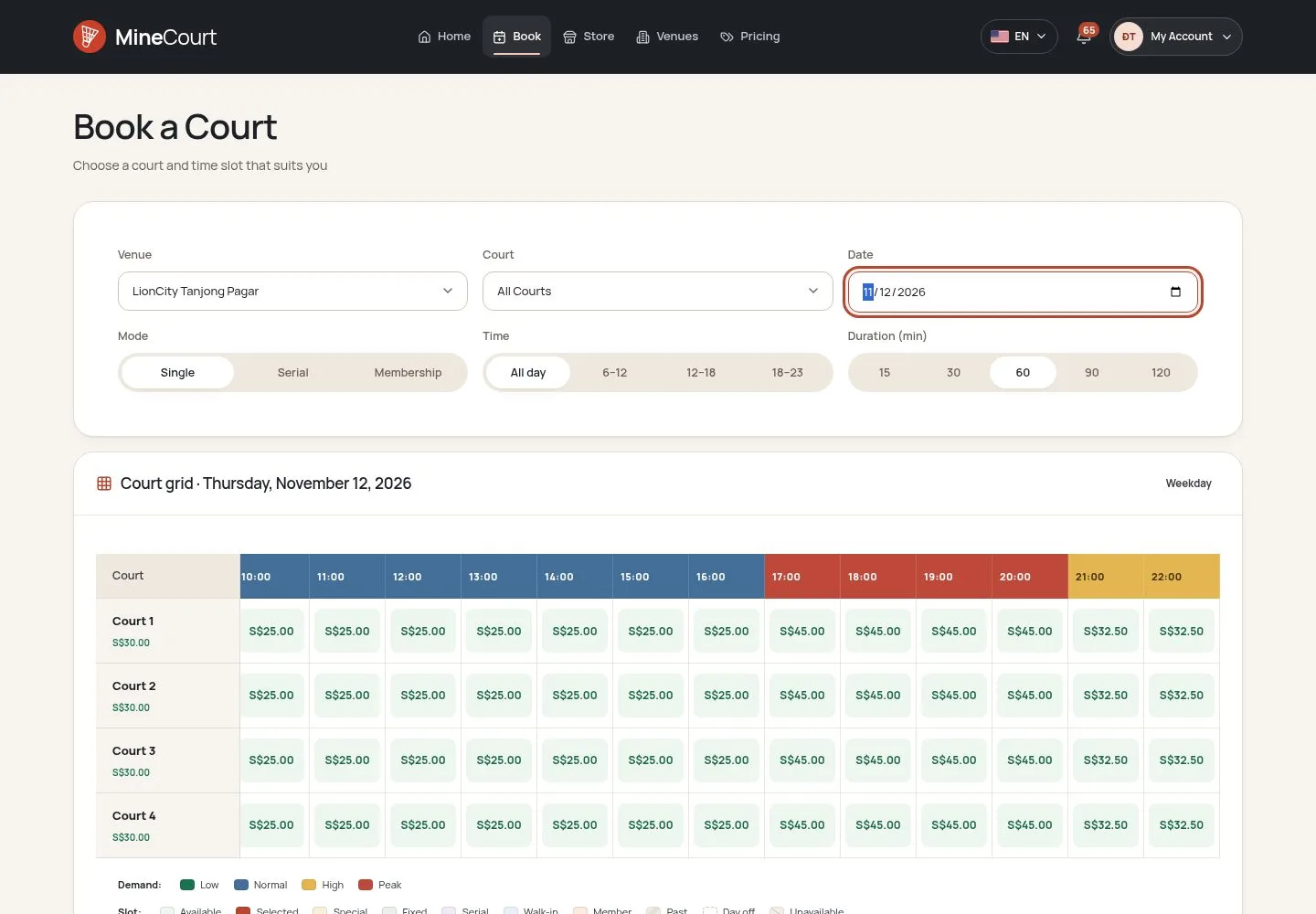
- Choose the venue, the court or All Courts, the date, the time of day and the duration.
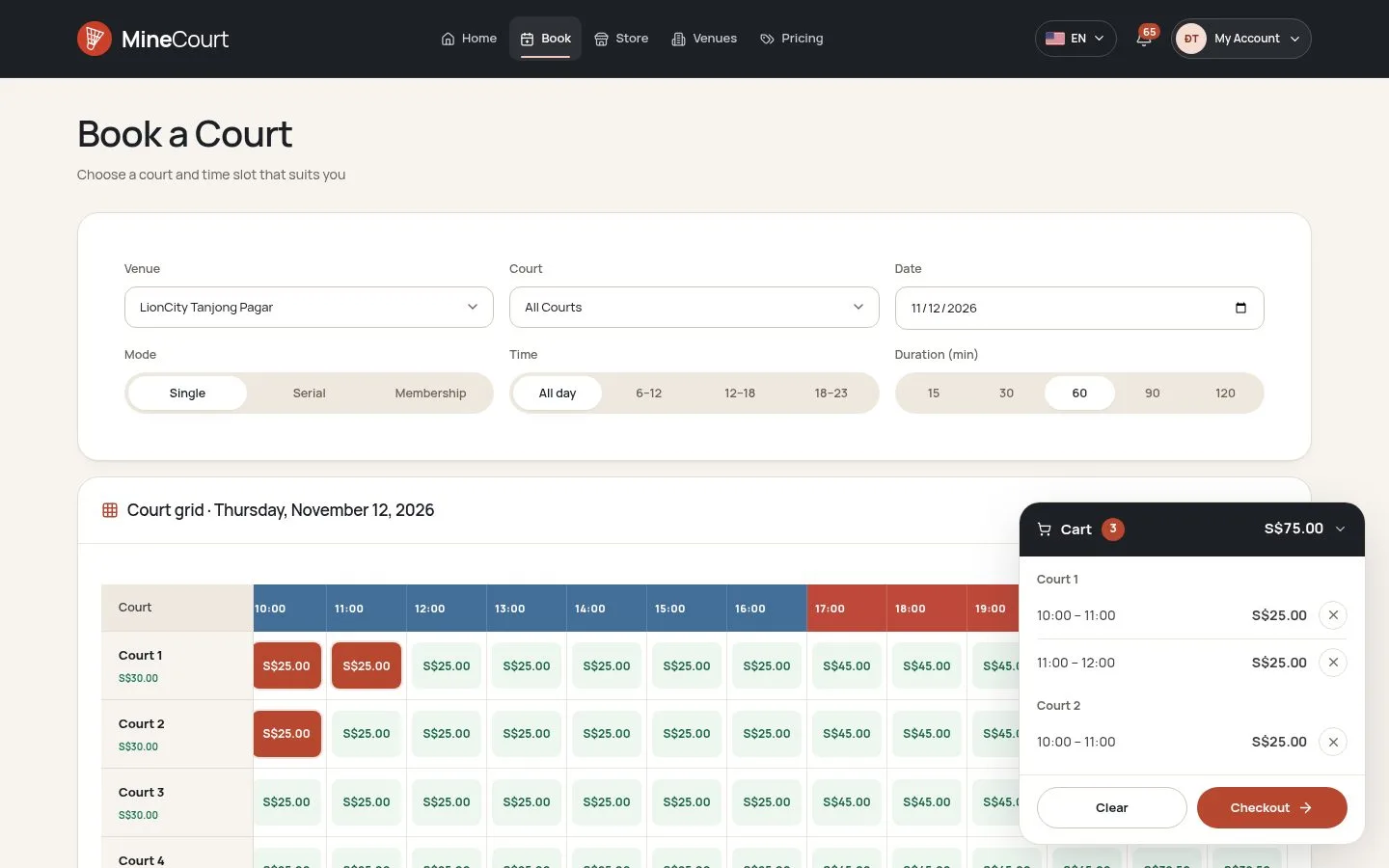
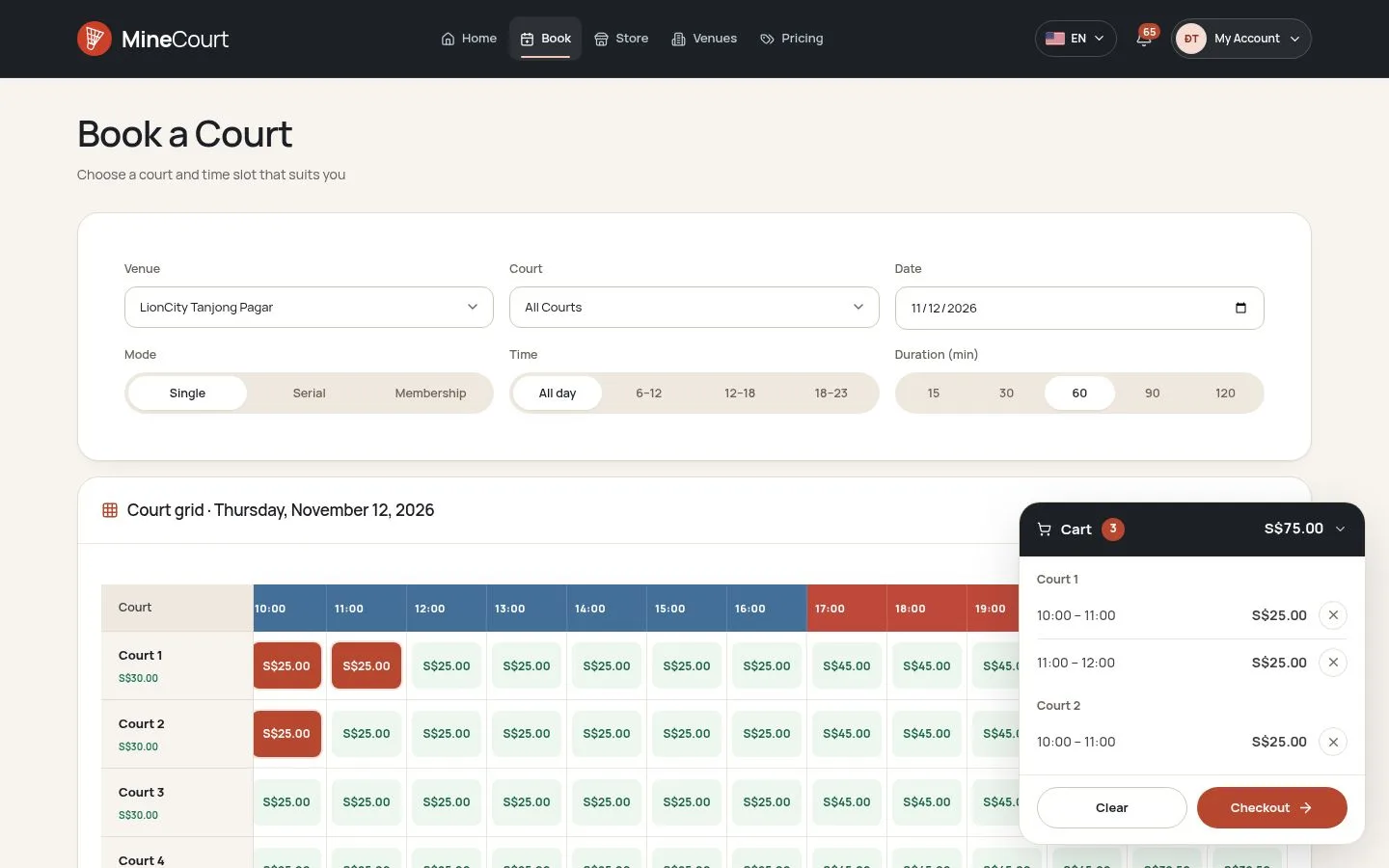
- Courts run down the grid, hours run across. Every court is sold in 15-minute slots; Duration sets the size of a cell: 15, 30, 60, 90 or 120 minutes.
- Each cell shows its price; the colour of the column shows its demand level.
- Mode switches between Single, Serial and Membership.
Blocked cells show Unavailable, and past times cannot be chosen.
Enlarge, then scroll
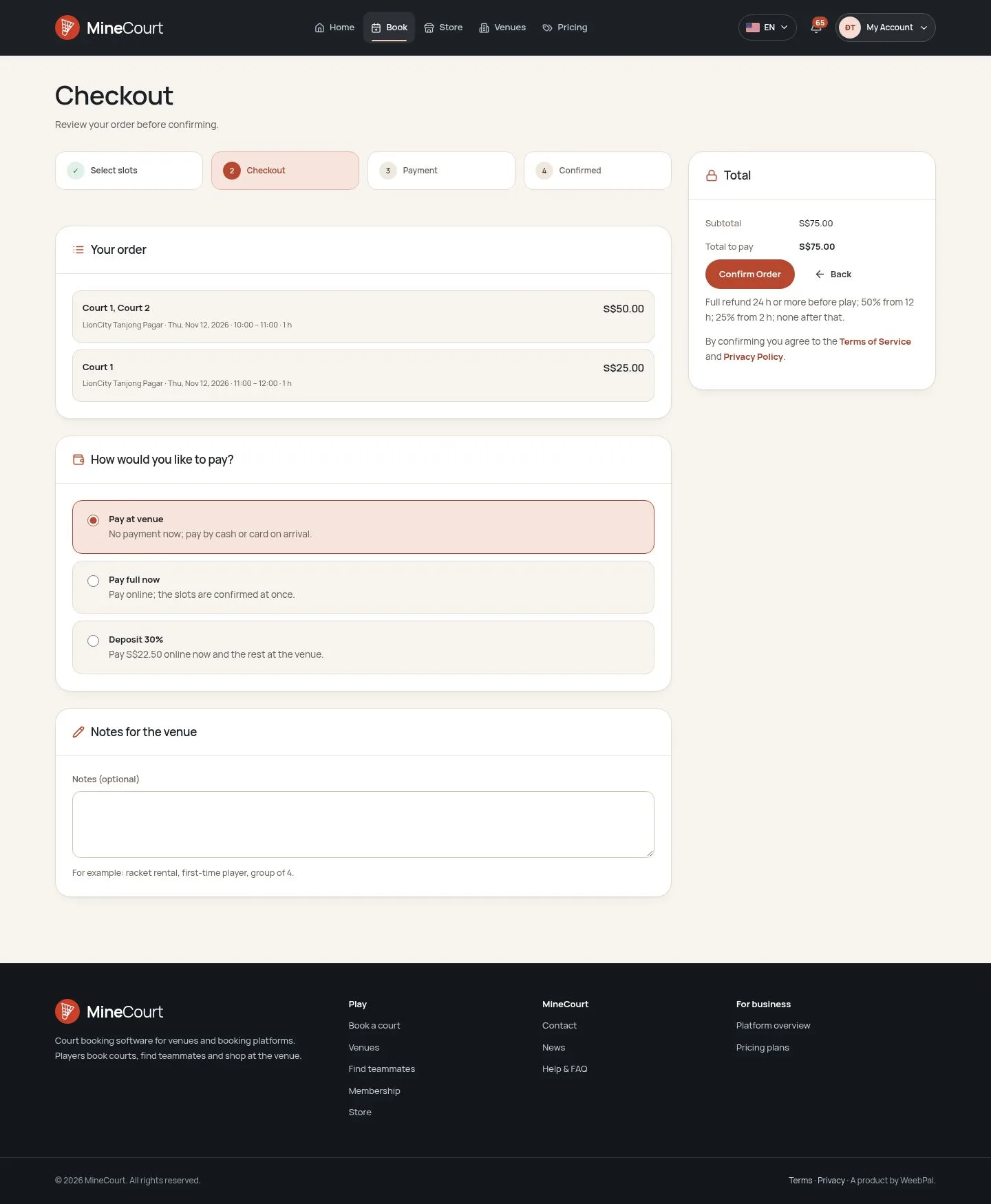
The booking policy
Company Owner
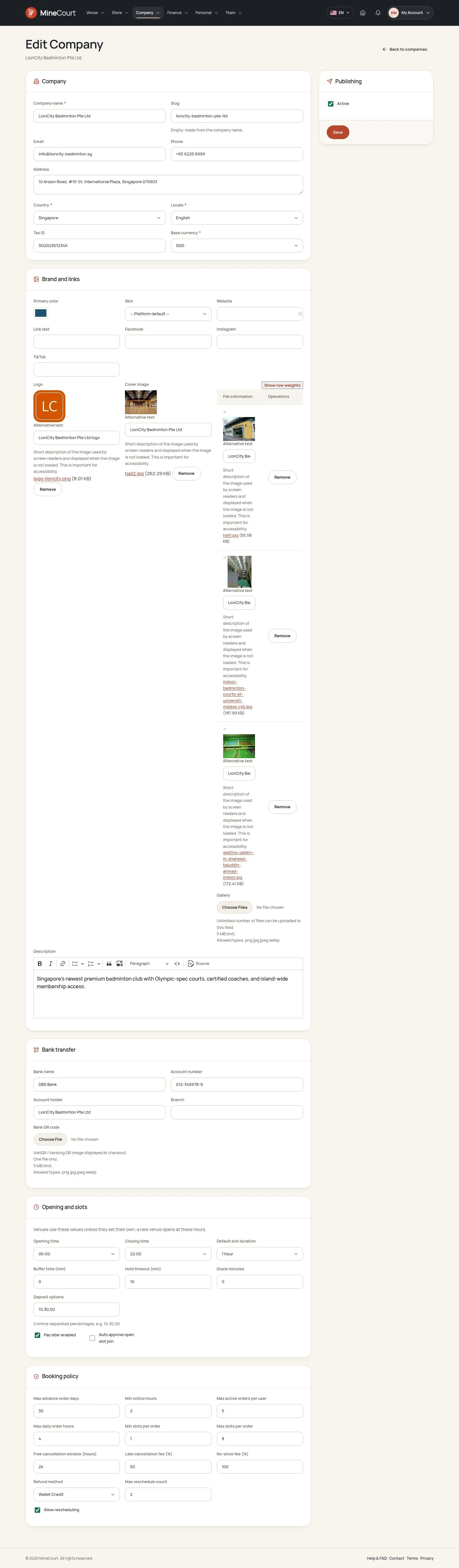
6Step 6 of 11
- The maximum days ahead and the minimum notice before play.
- The fewest and the most slots in one order.
- The open orders and the hours a day that one player may have.
- Hold timeout: how long a player has to pay.
A venue follows its company unless it sets its own value. The policy applies to online orders, not to serial bookings.
Enlarge, then scroll
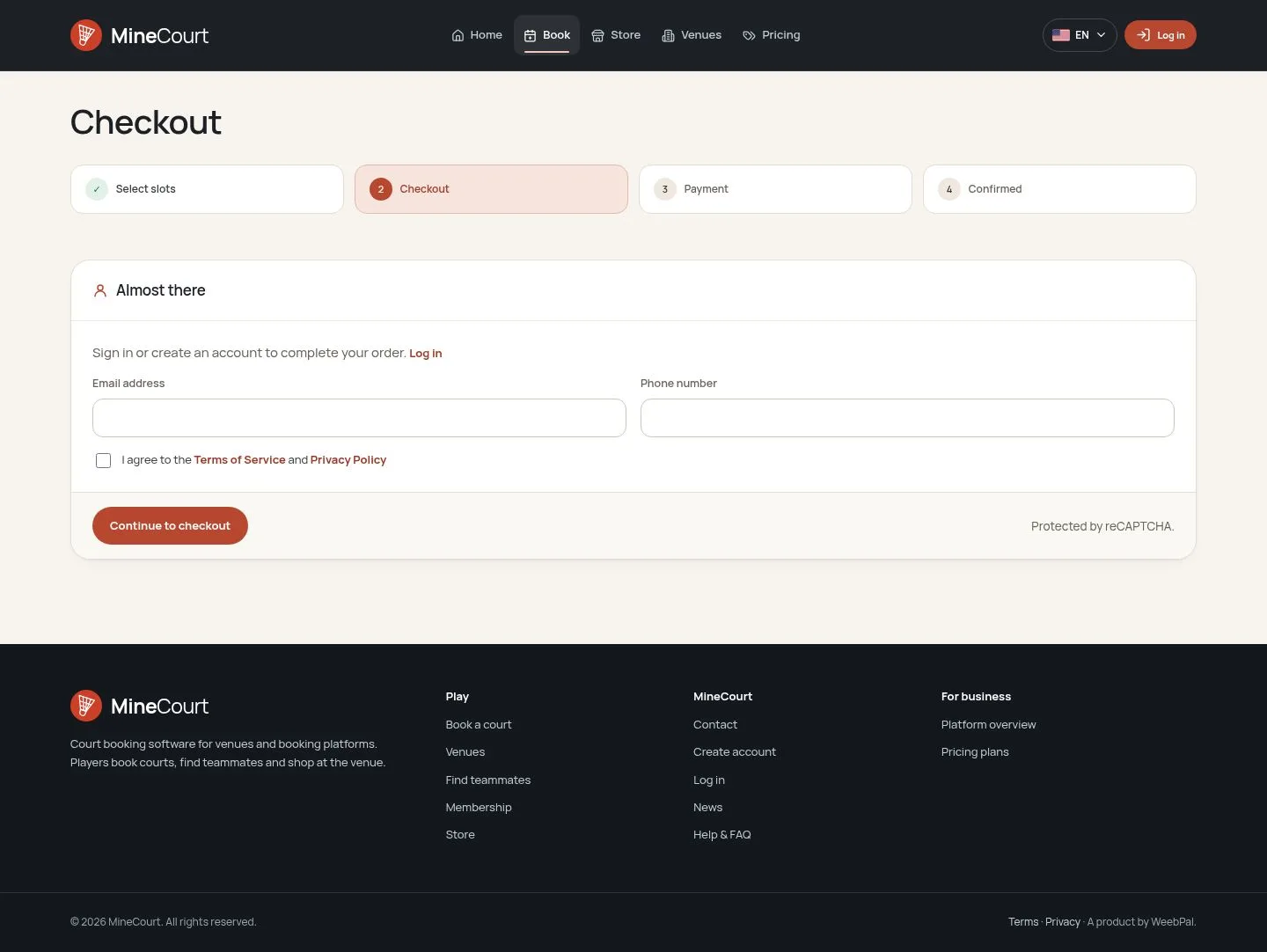
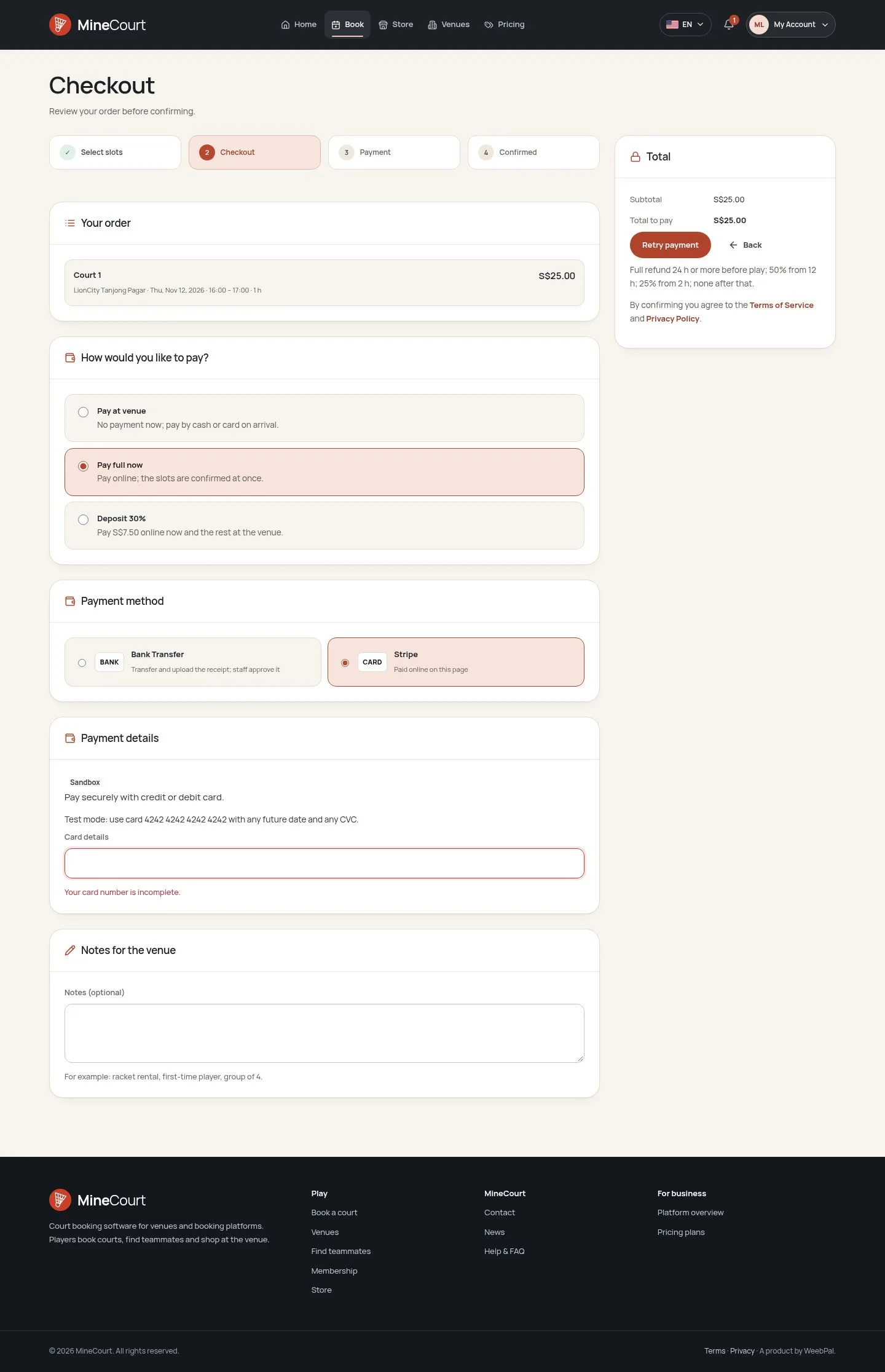
Checked before the order
Player
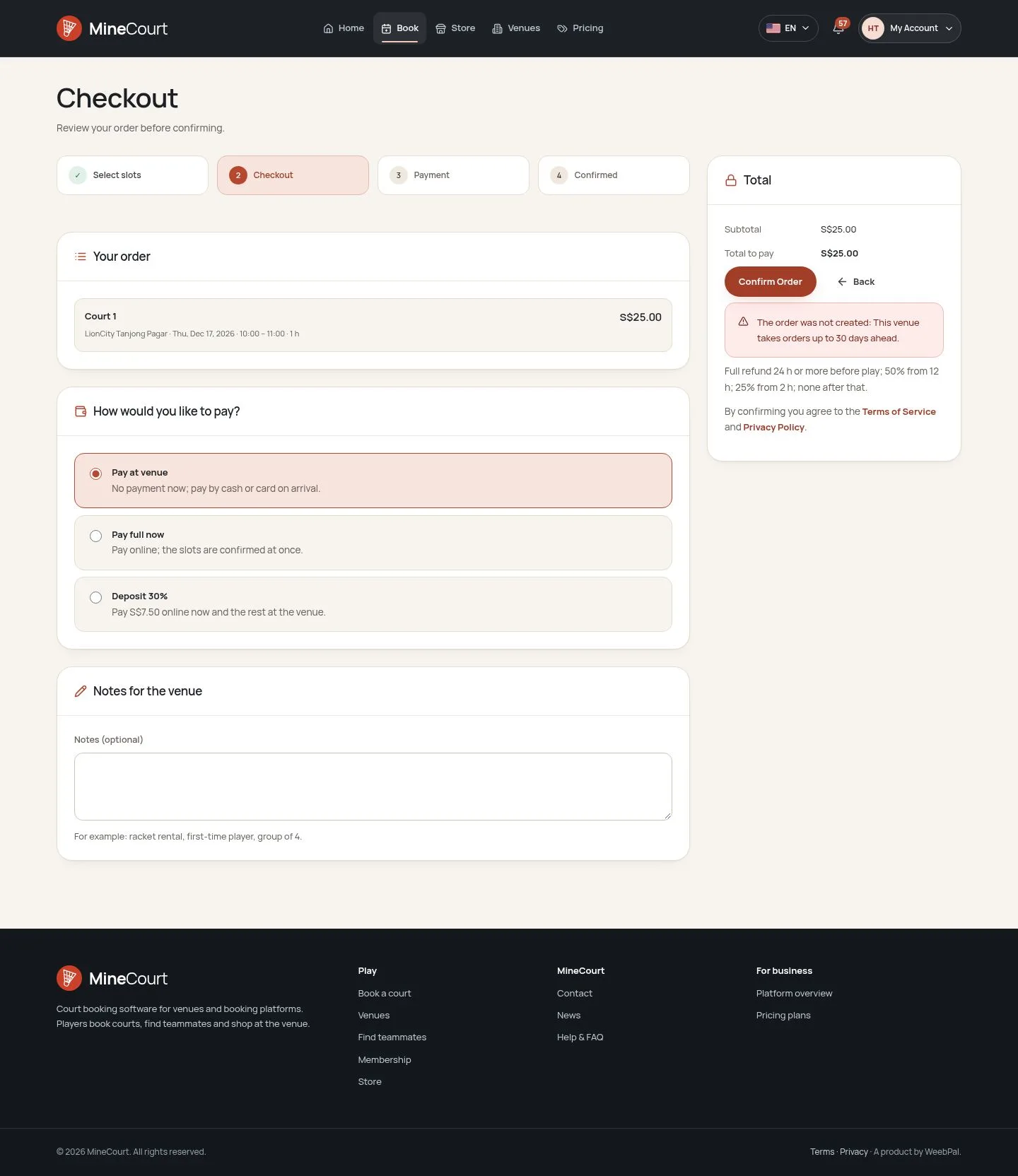
7Step 7 of 11
- Confirm Order checks the policy and states any refusal under the button.
- This venue takes orders up to … days ahead. Book at least … hours before play. An order takes at most … slots. A player books at most … h a day. You already have … orders to play at this venue.
- No order exists until every rule passes.
Enlarge, then scroll
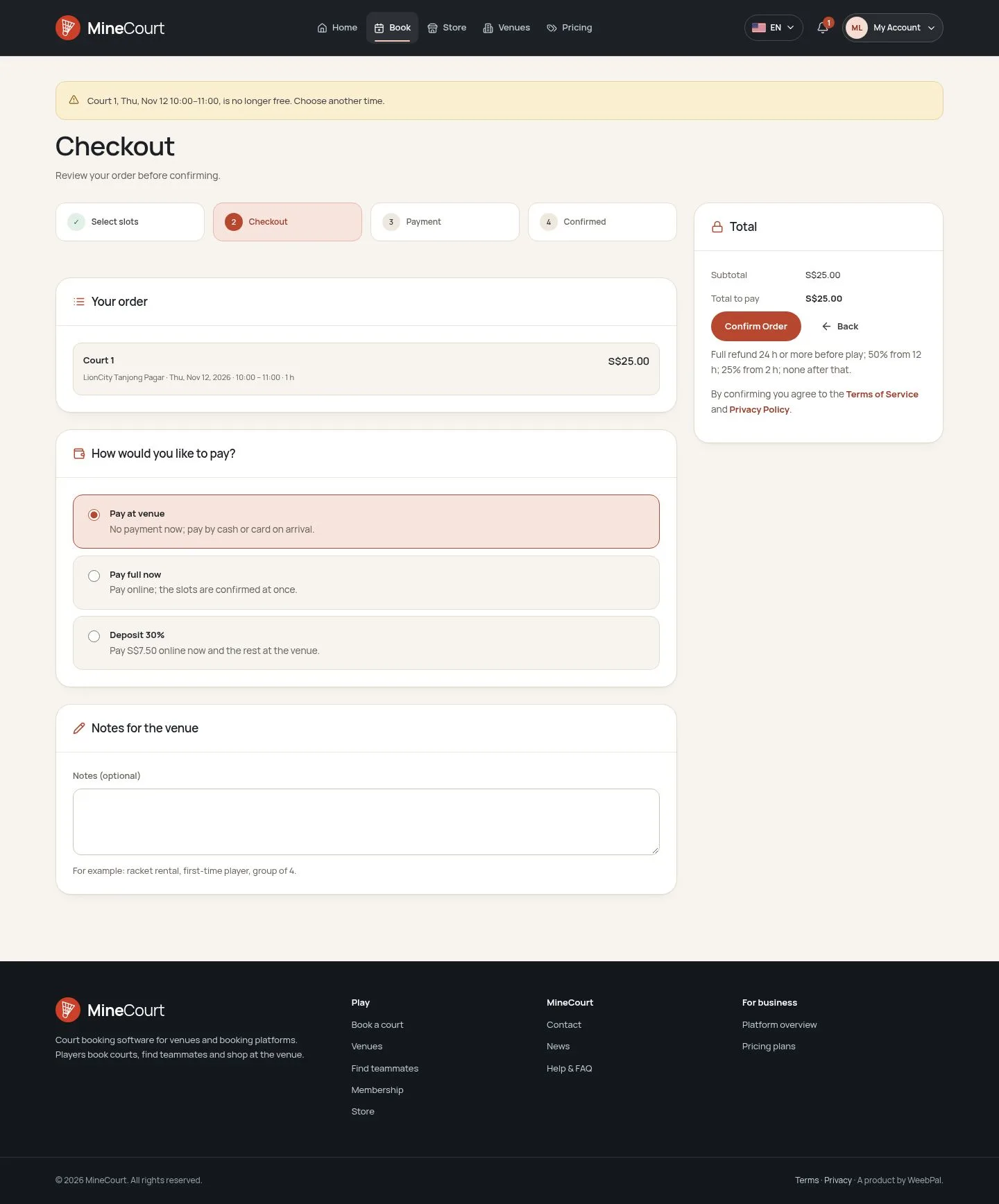
My Orders
Player

11Step 11 of 11
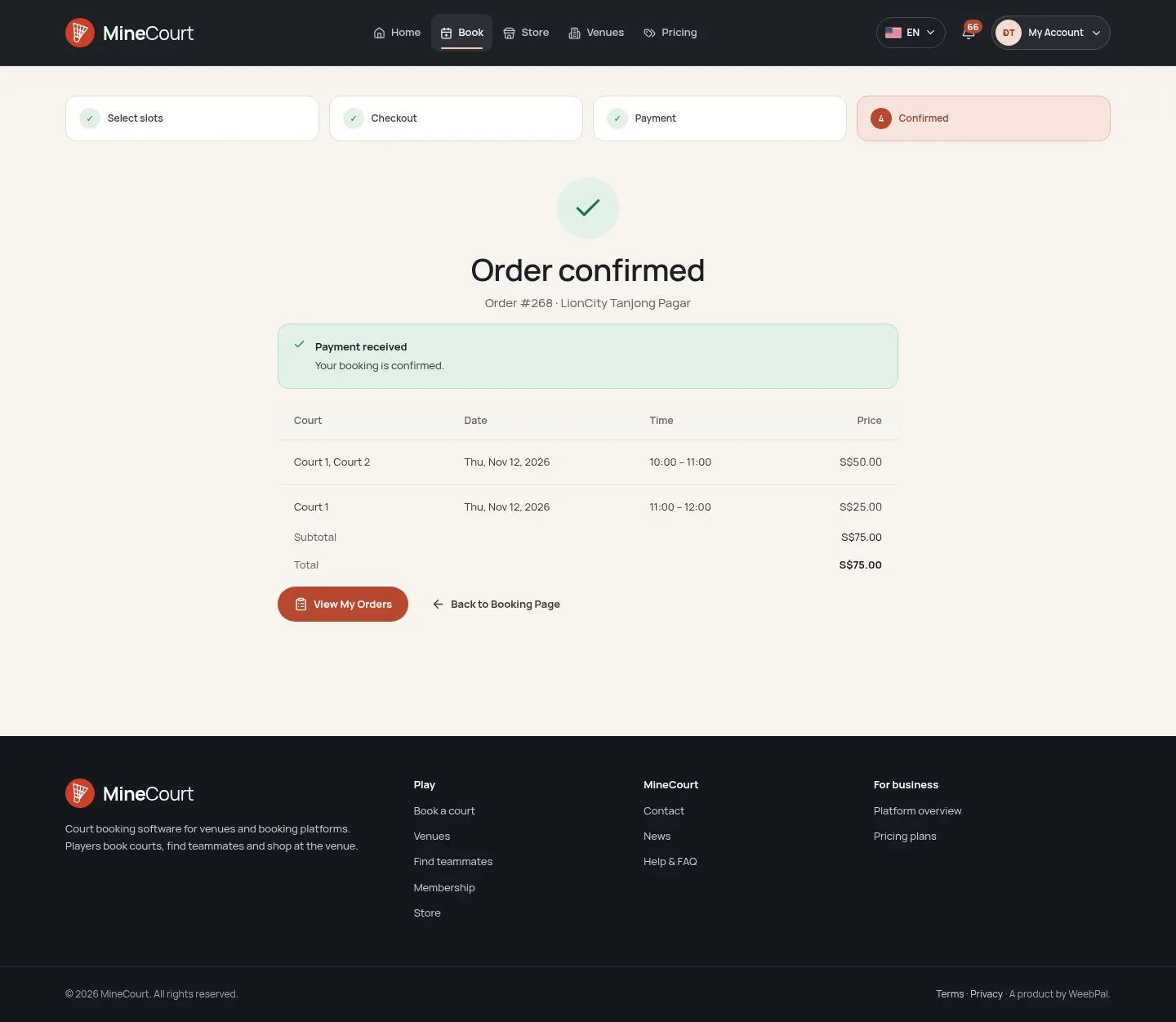
- Every order of the player, with its status and payment.
- An order opens to cancel it, or to open a slot for teammates.
- The venue sees the same order in its own list.
Enlarge, then scroll
Open illustrated screen ↗Full image ↗
Check
The order is confirmed and its slots are closed to everyone else
1 / 12