









Memberships
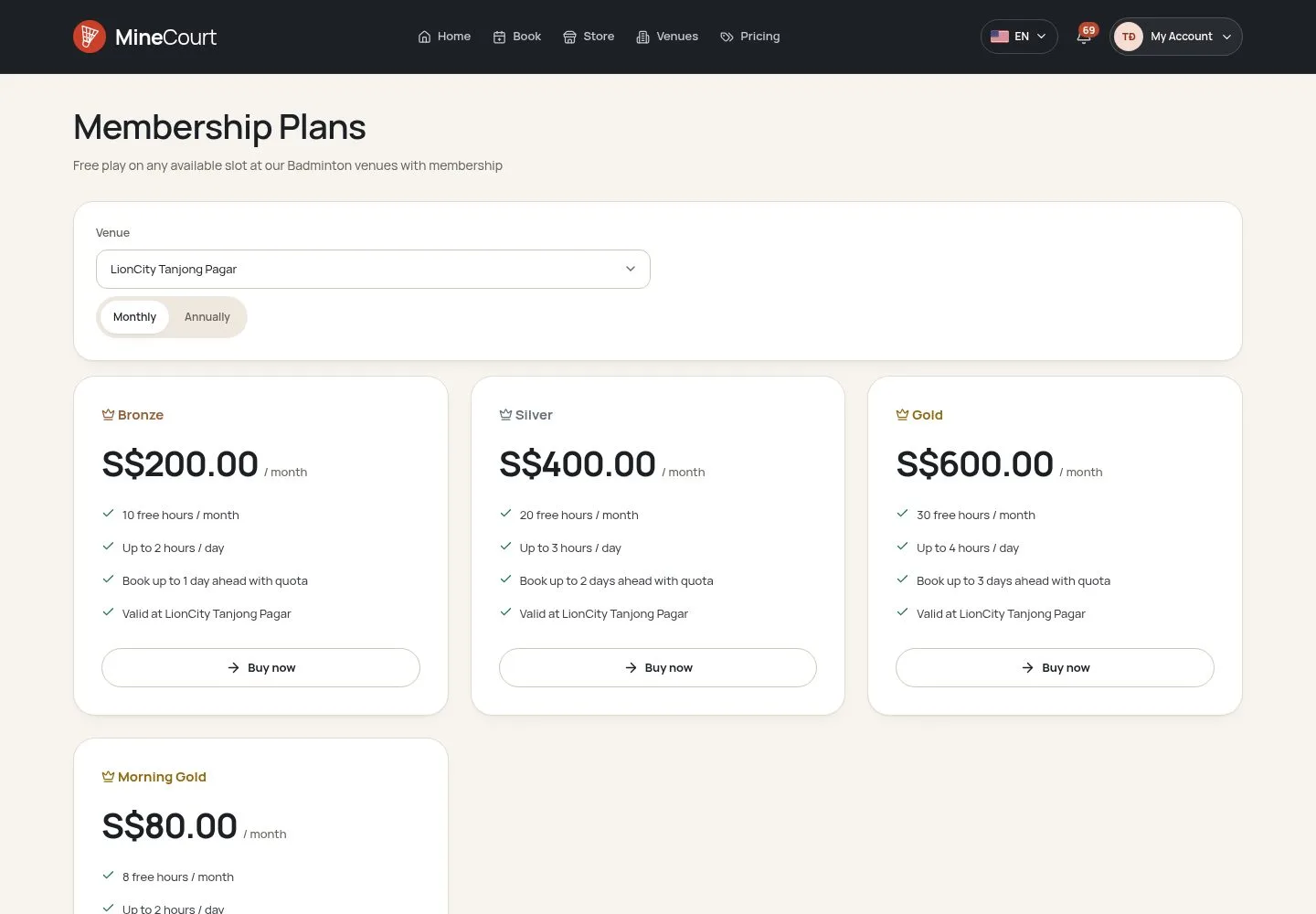
Free monthly hours, in a booking window
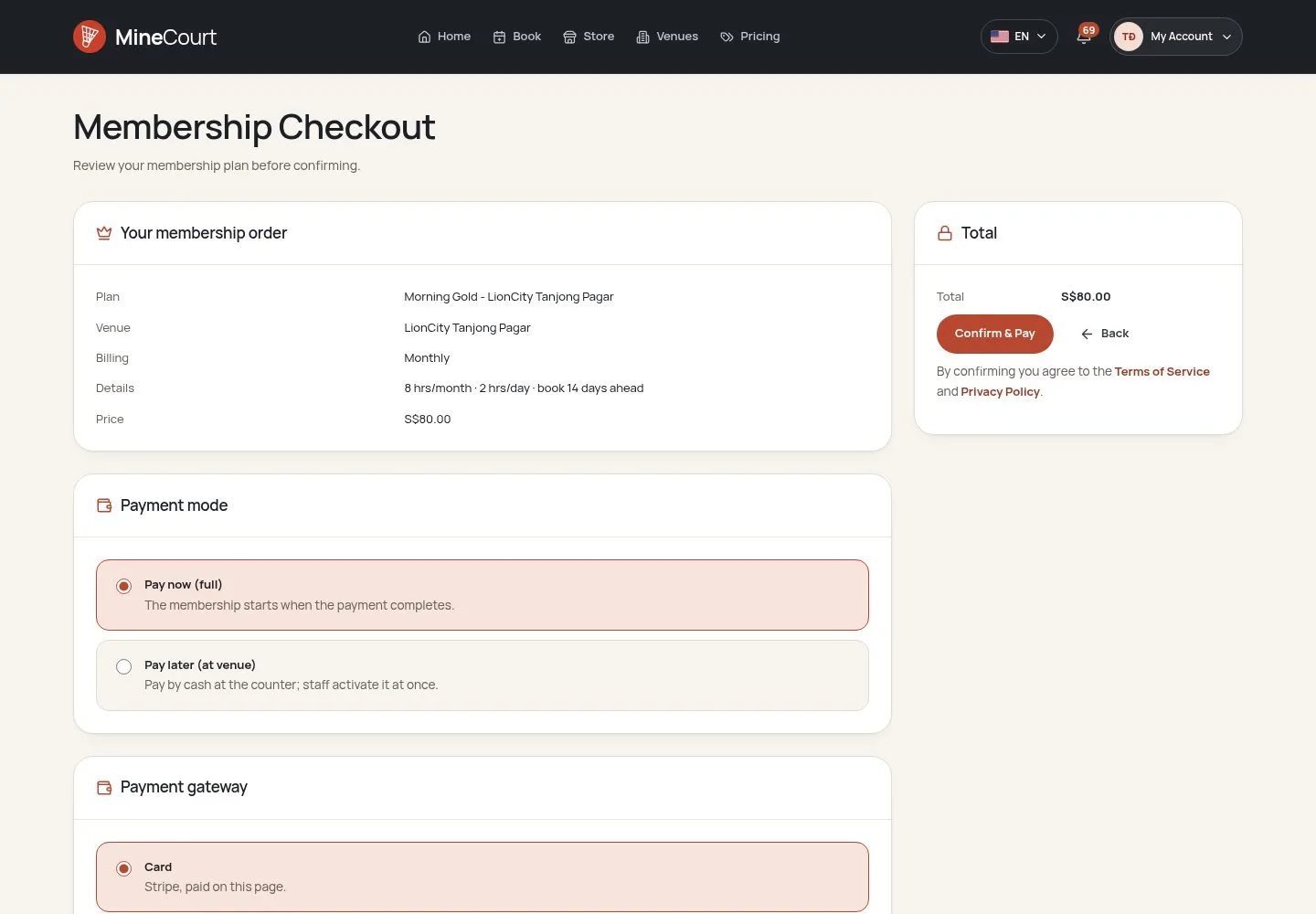
- A plan on sale at the venue
Player
The plan
Company Owner
1Step 1 of 10
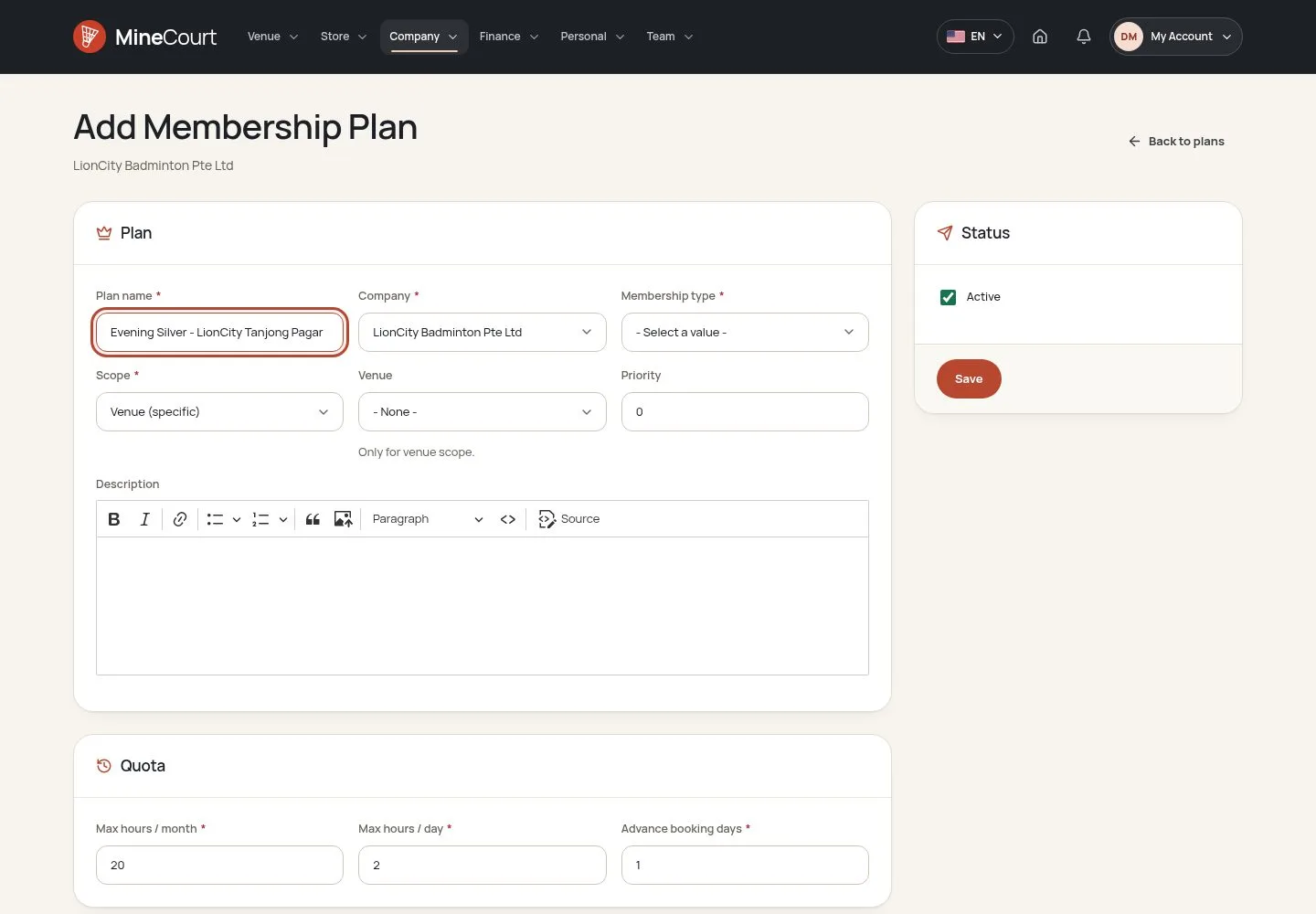
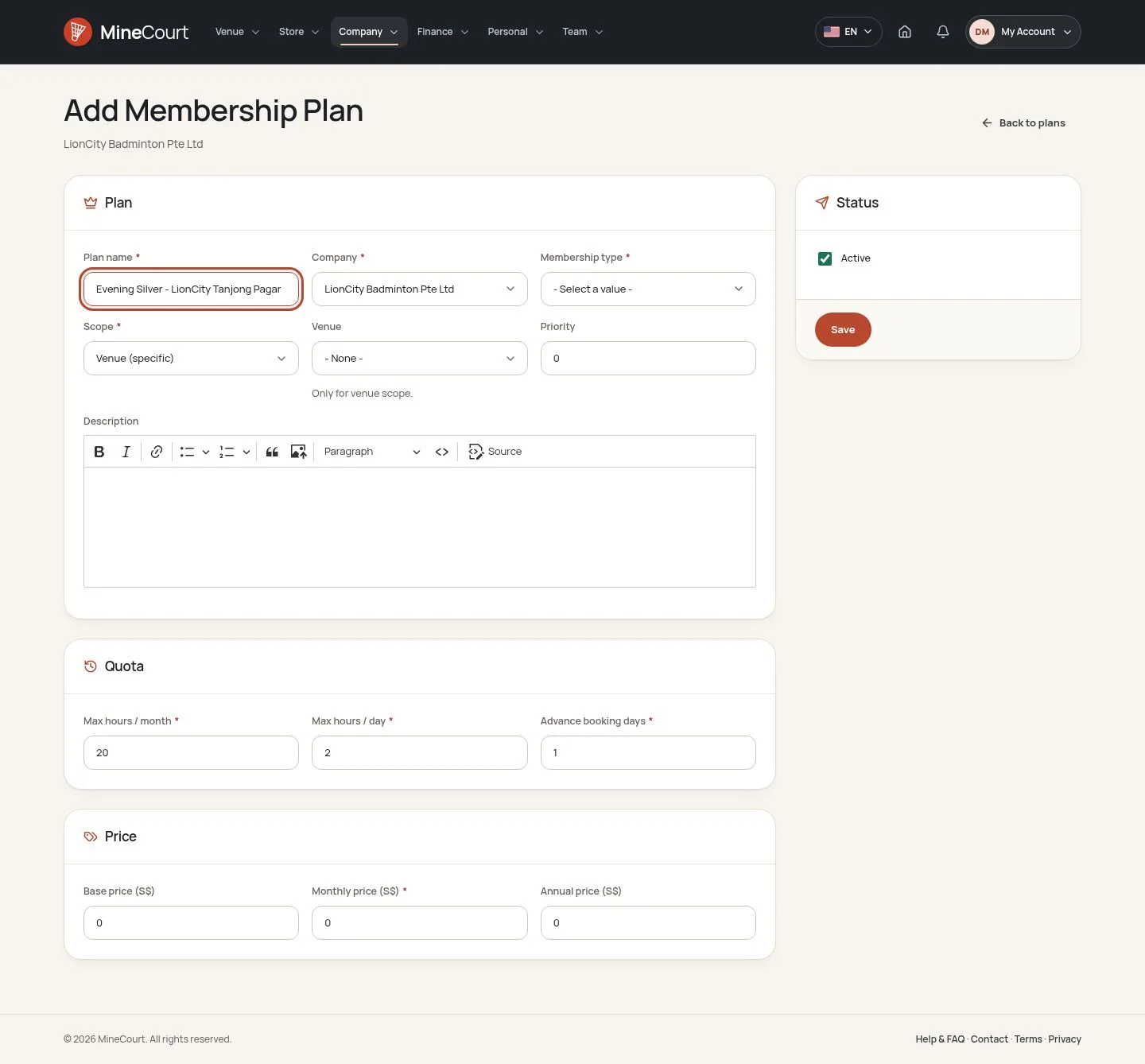
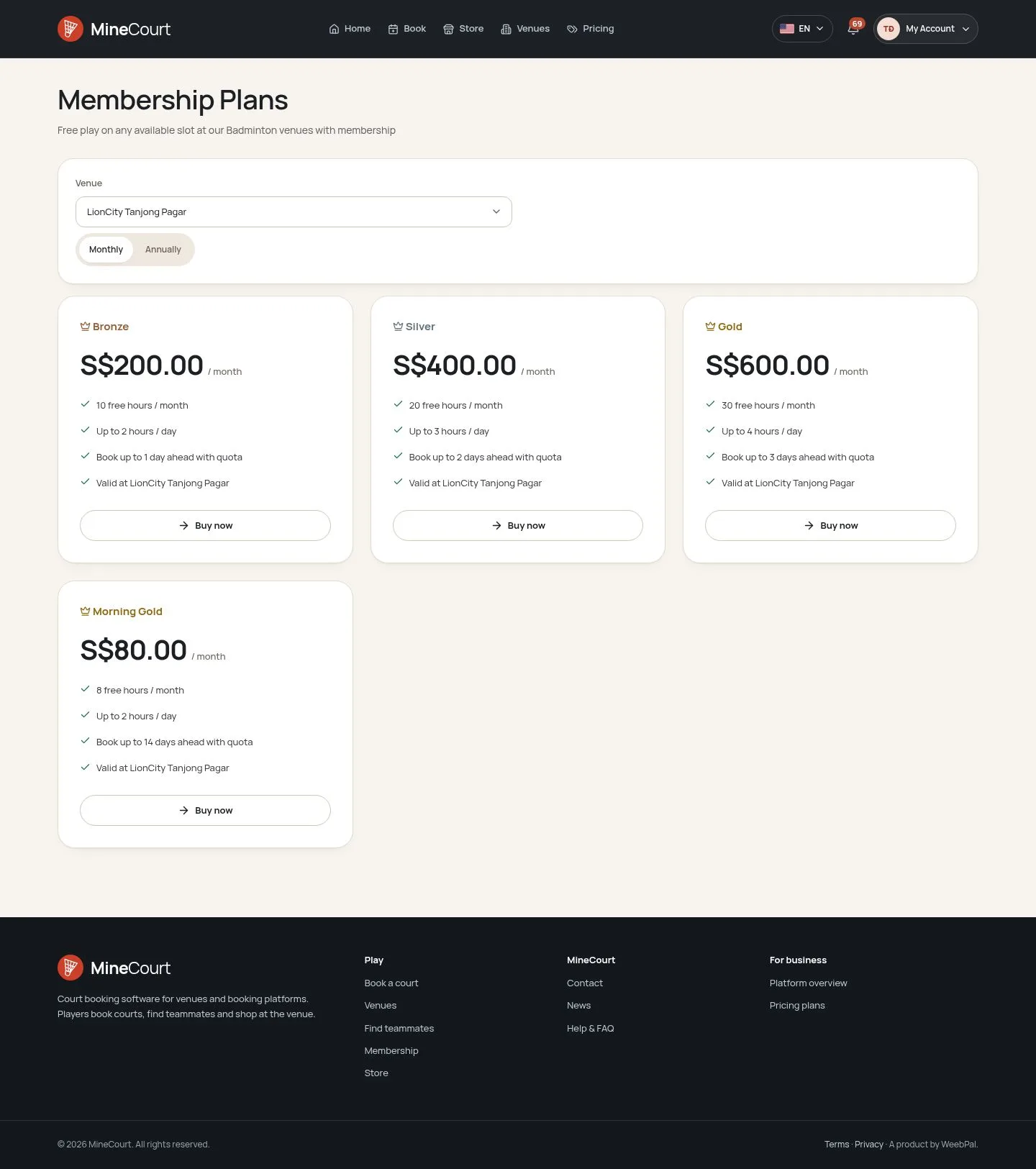
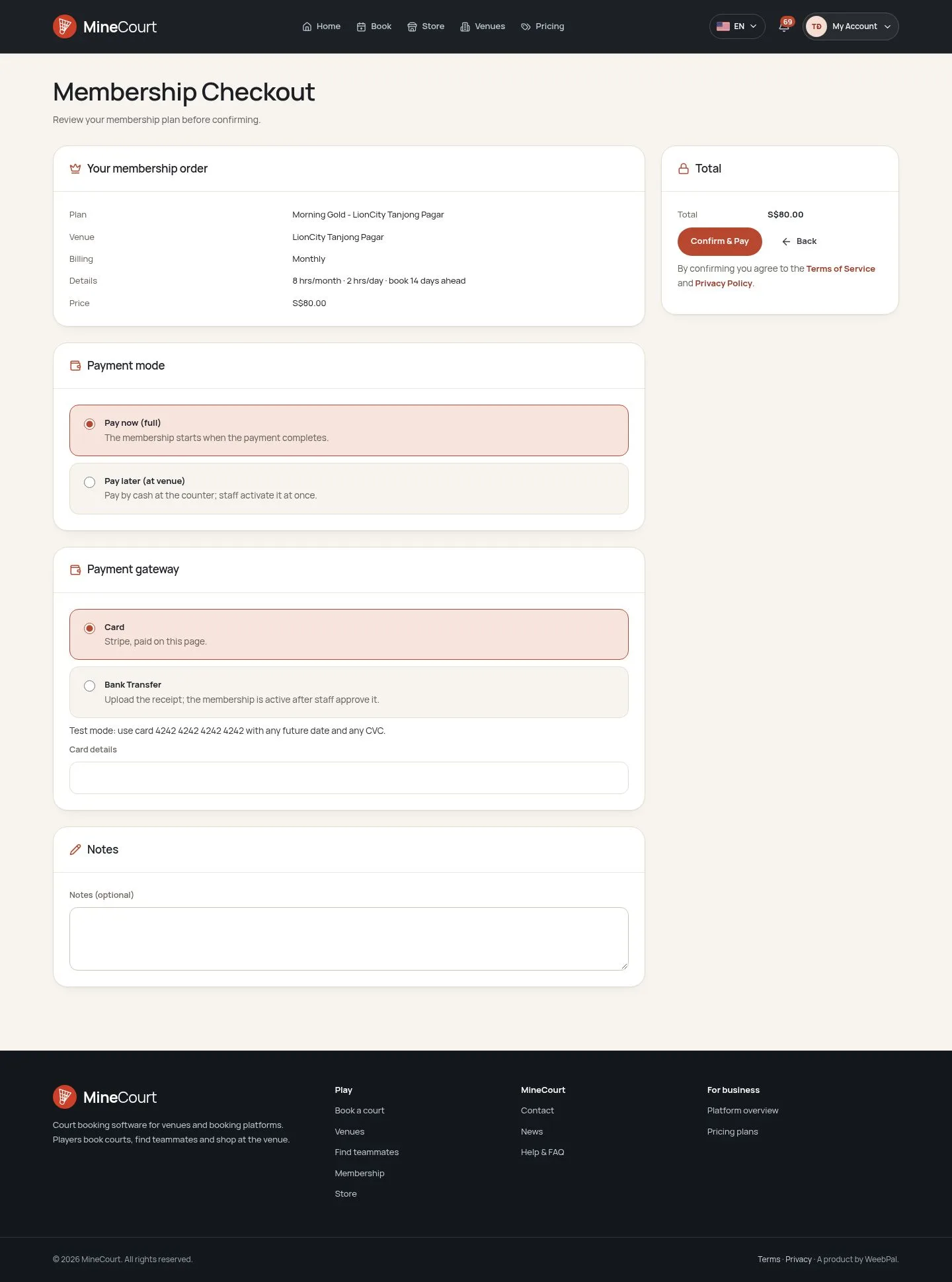
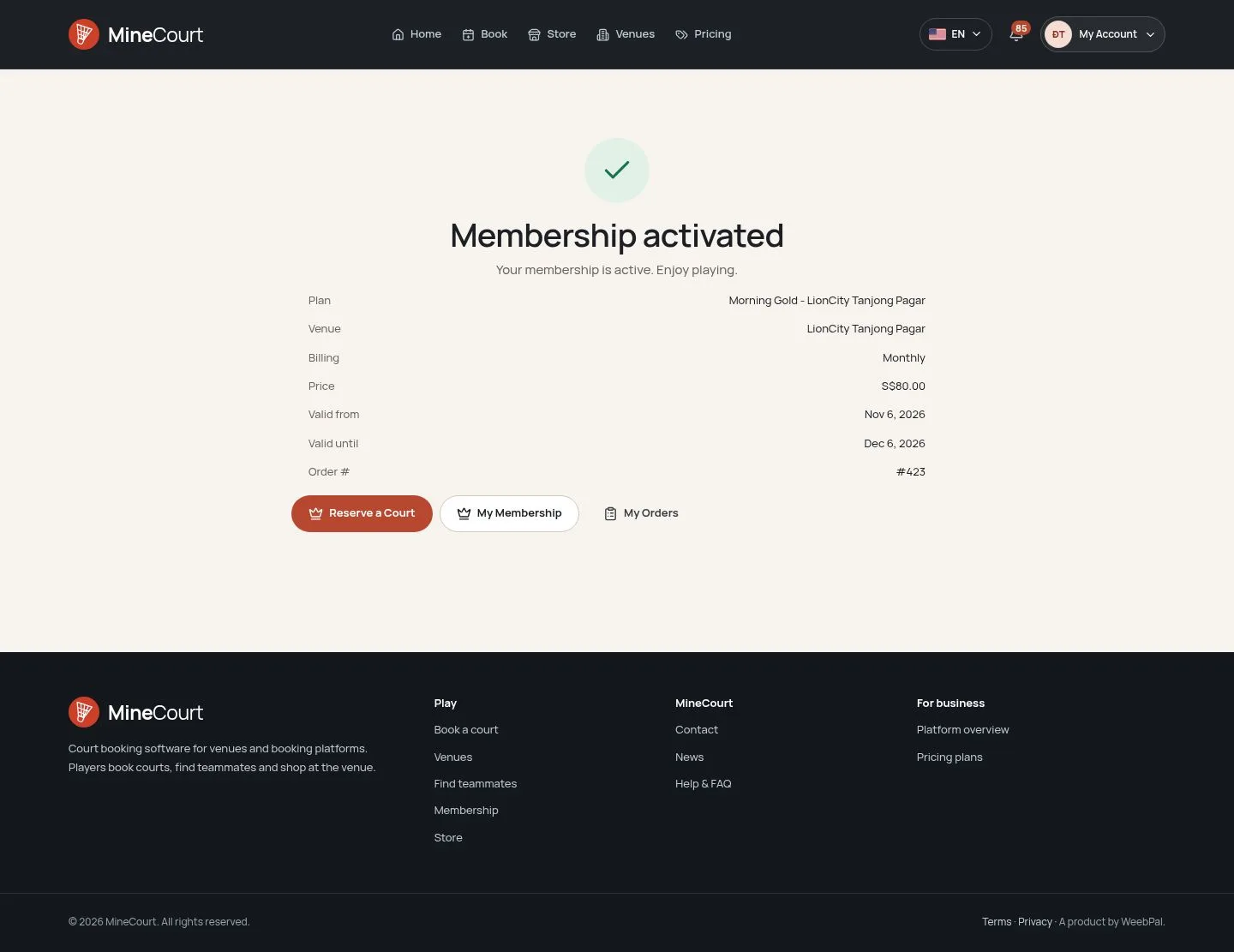
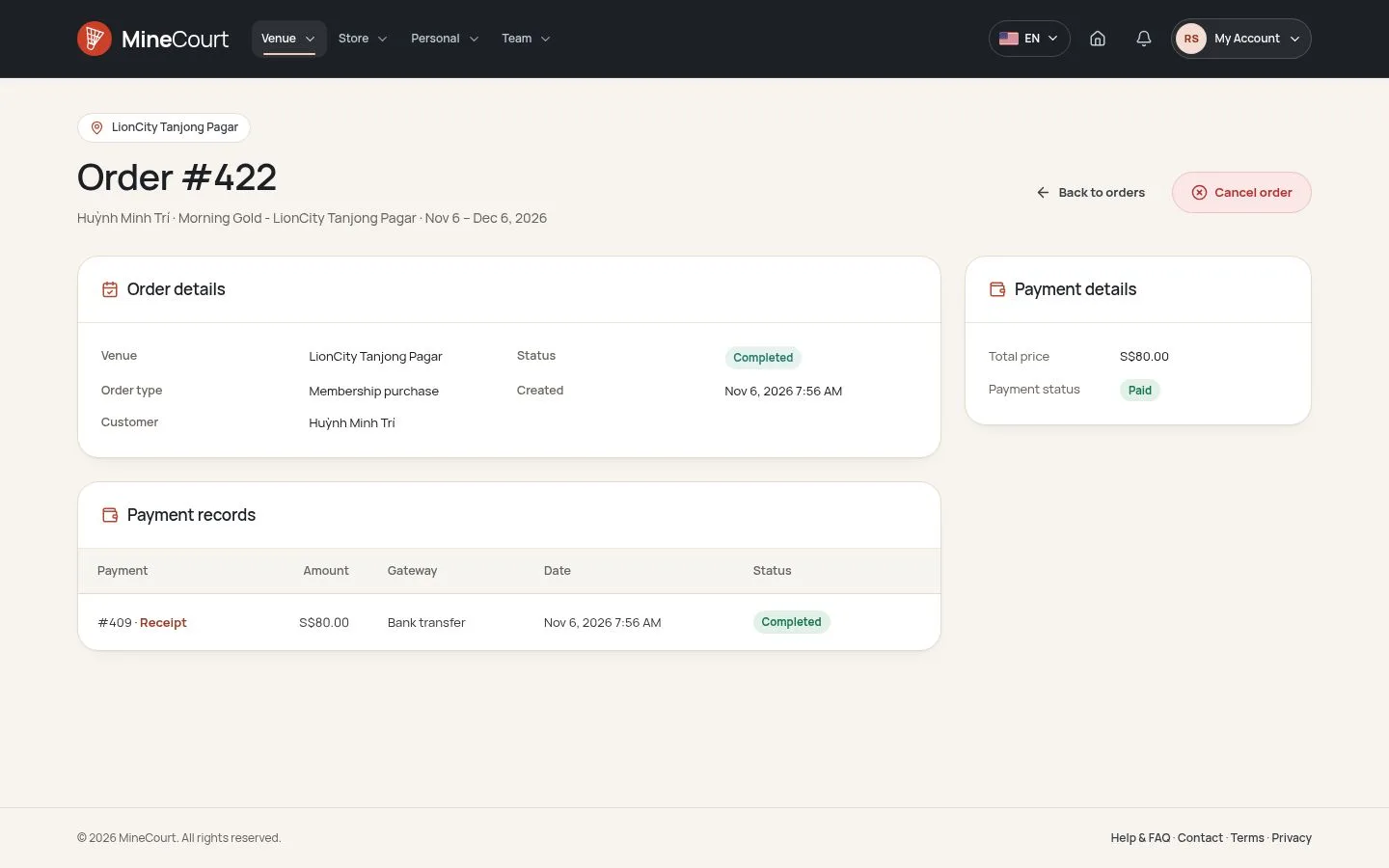
- Fill in the Plan name and the Company; Membership type is Bronze, Silver or Gold, and Scope is the whole company or one Venue.
- Quota: Max hours / month, Max hours / day and Advance booking days, the booking window of a member.
- Price: Monthly price and Annual price; then Save, with Active ticked to put the plan on sale.
A Monthly price left at 0 is the Weekday Low hourly price × Max hours / month; an Annual price left at 0 is ten months.
Enlarge, then scroll
Members at the venue
Venue Staff
6Step 6 of 10
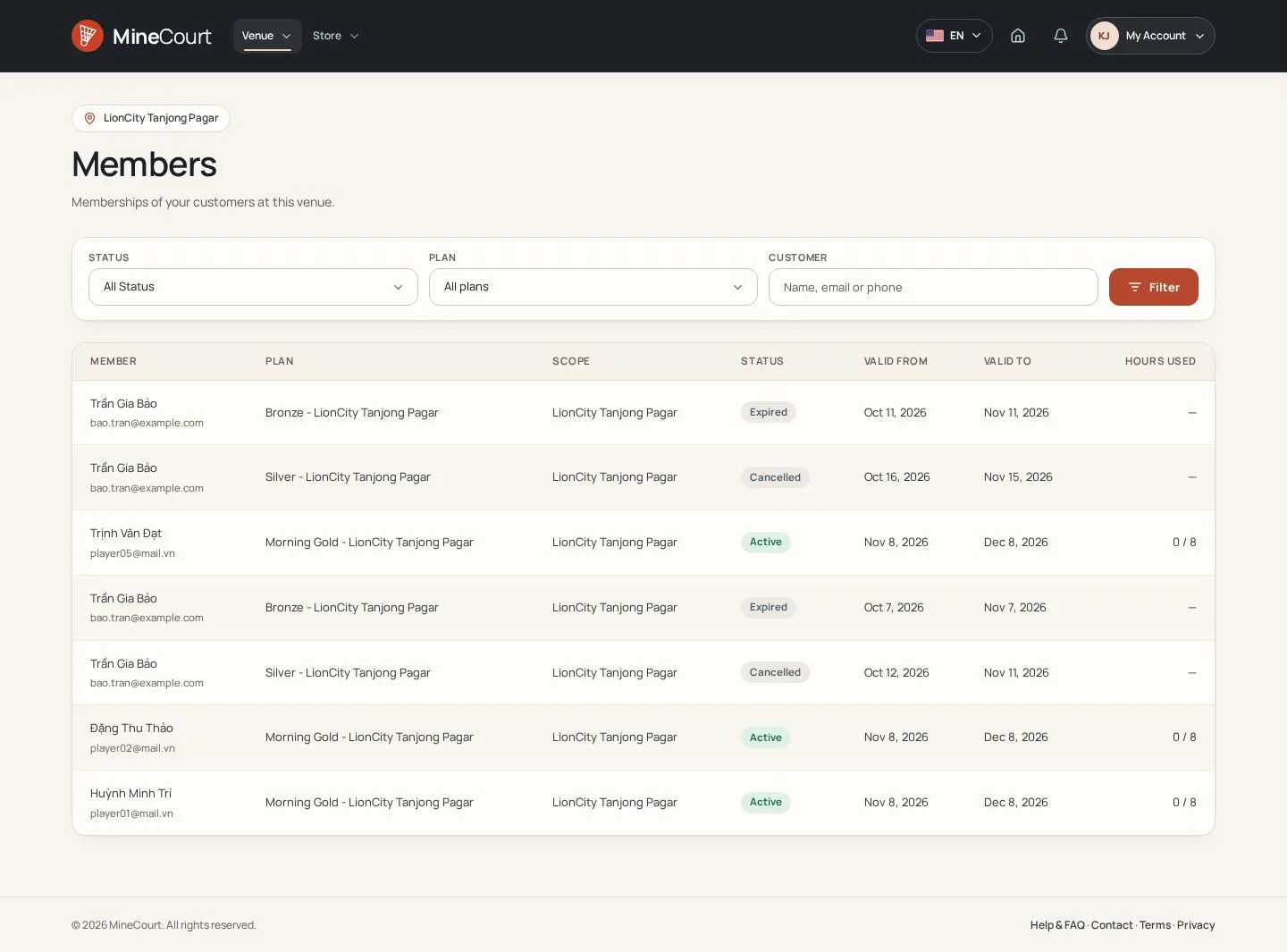
- Venue → Members lists each member with the plan, scope, status, valid from and to, and the hours used this month.
- Filter by Status and Plan, or search a customer by name, email or phone.
- It covers the plans of this venue and the company-wide plans of its company; members of other companies never show.
Enlarge, then scroll
Free slots
Player
7Step 7 of 10
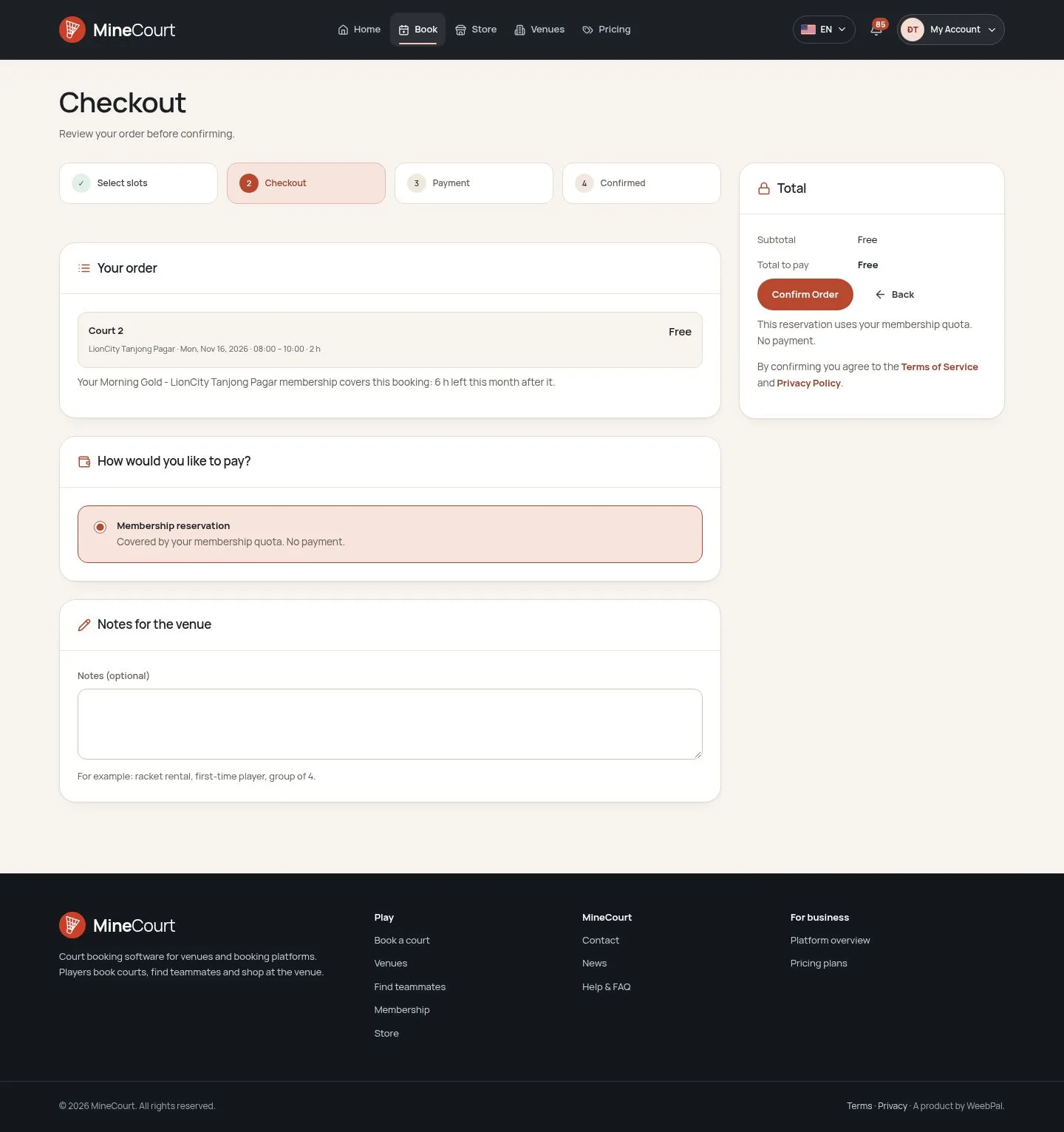
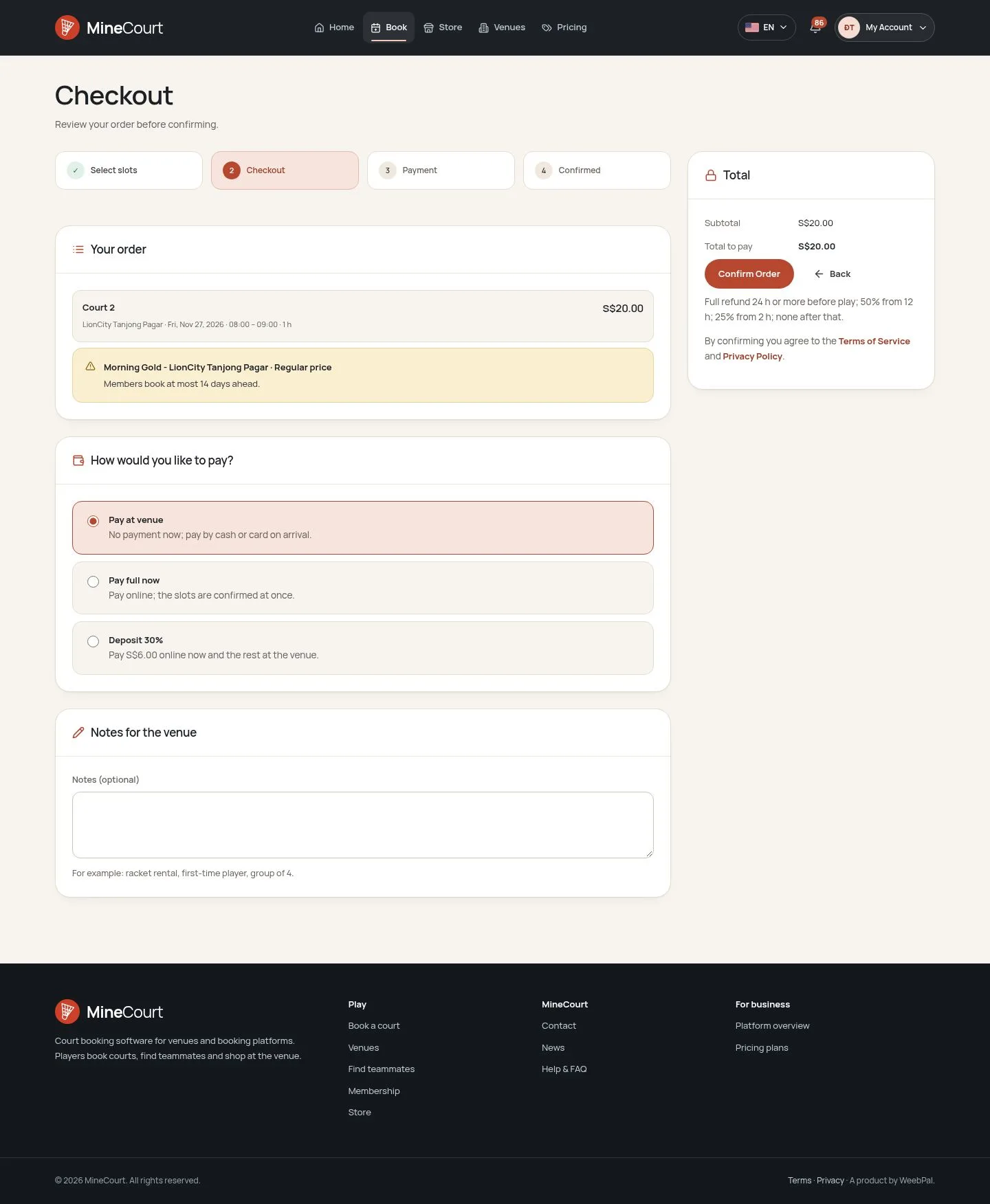
- At checkout a member sees Membership reservation when the plan covers the order: hours left this month and on the day of play, and a date inside the booking window.
- The whole order must fit; the page says how many hours are left after it.
- Confirm Order books it free of charge, and the order is completed at once.
Enlarge, then scroll
My Membership
Player
9Step 9 of 10
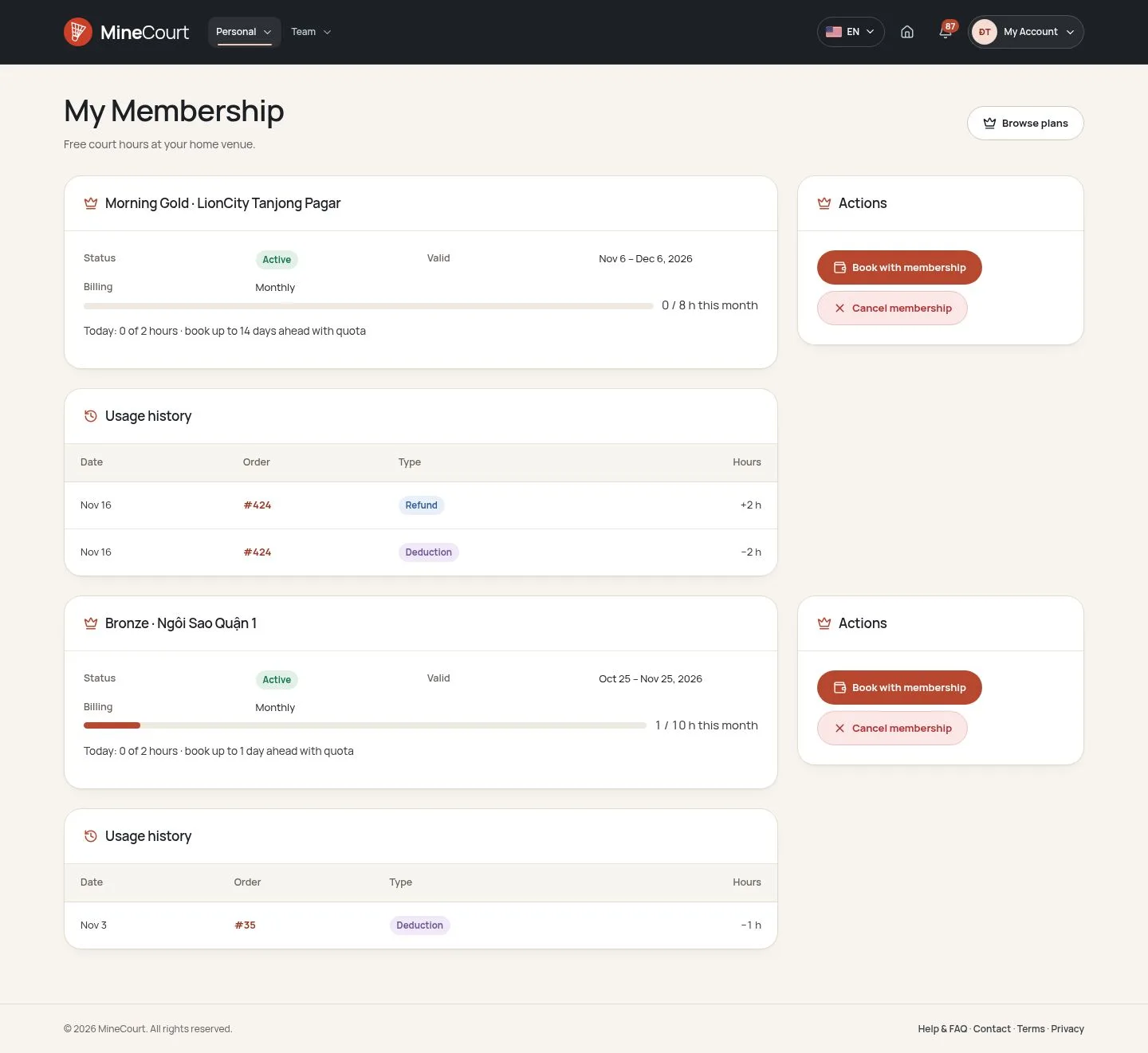
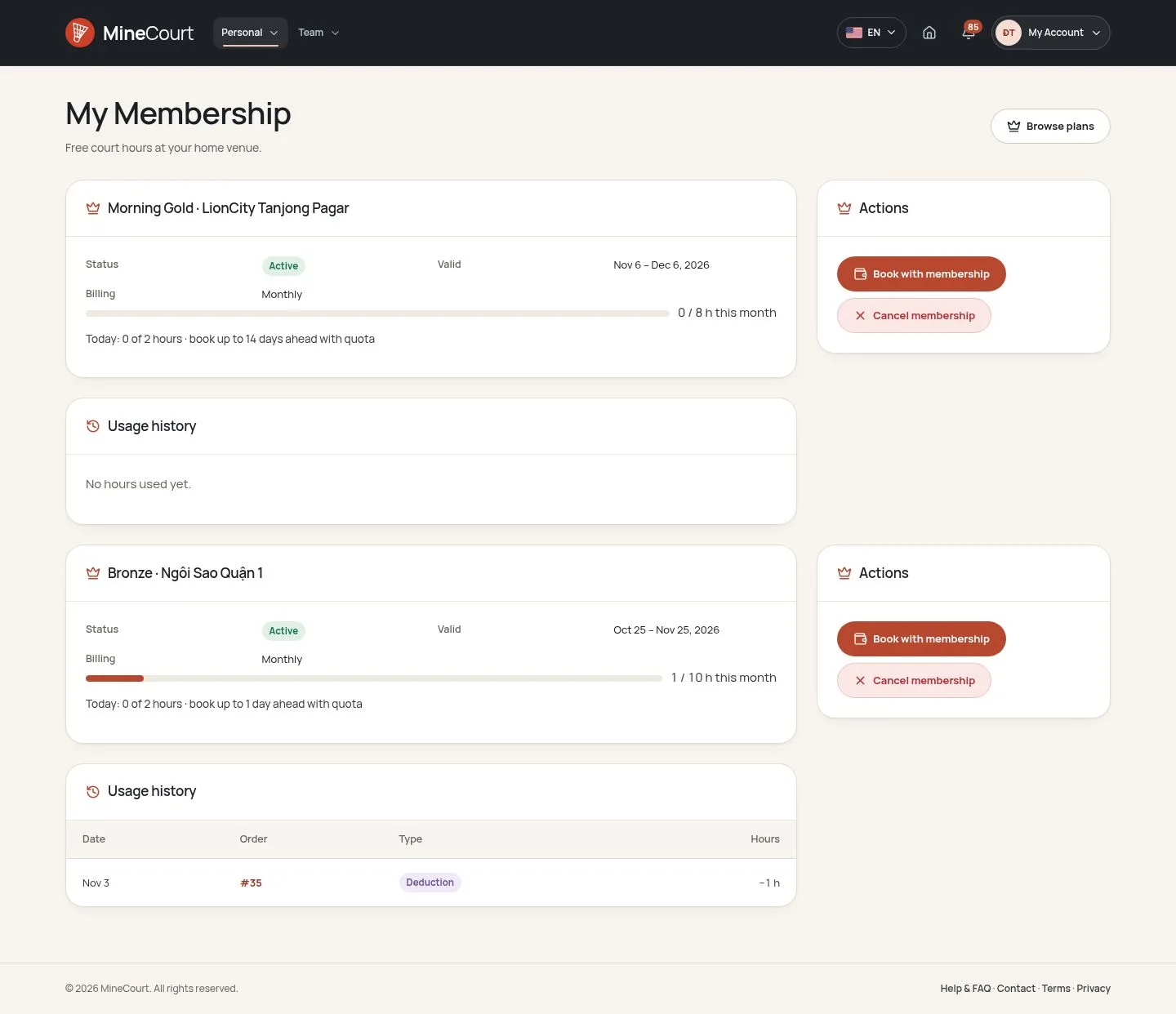
- Each active plan shows its validity, the hours used this month and today, and how many days ahead it books.
- Usage history lists every Deduction and Refund of hours; Past memberships, further down, lists the plans that ended.
- Cancelling a reservation gives its hours back by the refund rule of the venue, to the day and month they came from.
Enlarge, then scroll
When a plan ends
Player
10Step 10 of 10
- Seven days before the end date the member gets a notification and an email, once.
- After the end date the plan expires; to go on, the member buys a plan again (Browse plans).
- Cancel membership stops the plan at once: the hours left can no longer be booked.
Enlarge, then scroll
Open the function ↗Full image ↗
Check
The member books free within the plan; hours used are listed in My Membership
1 / 11