





Guide › Working with documents
Working with documents Upload · Detect · Review · Download · 8 guides
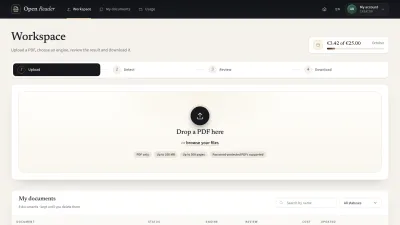
Everything you do with a PDF happens in one workspace, in four steps: upload it, choose how to read it, review and correct what was found, and download the result in the format you need.
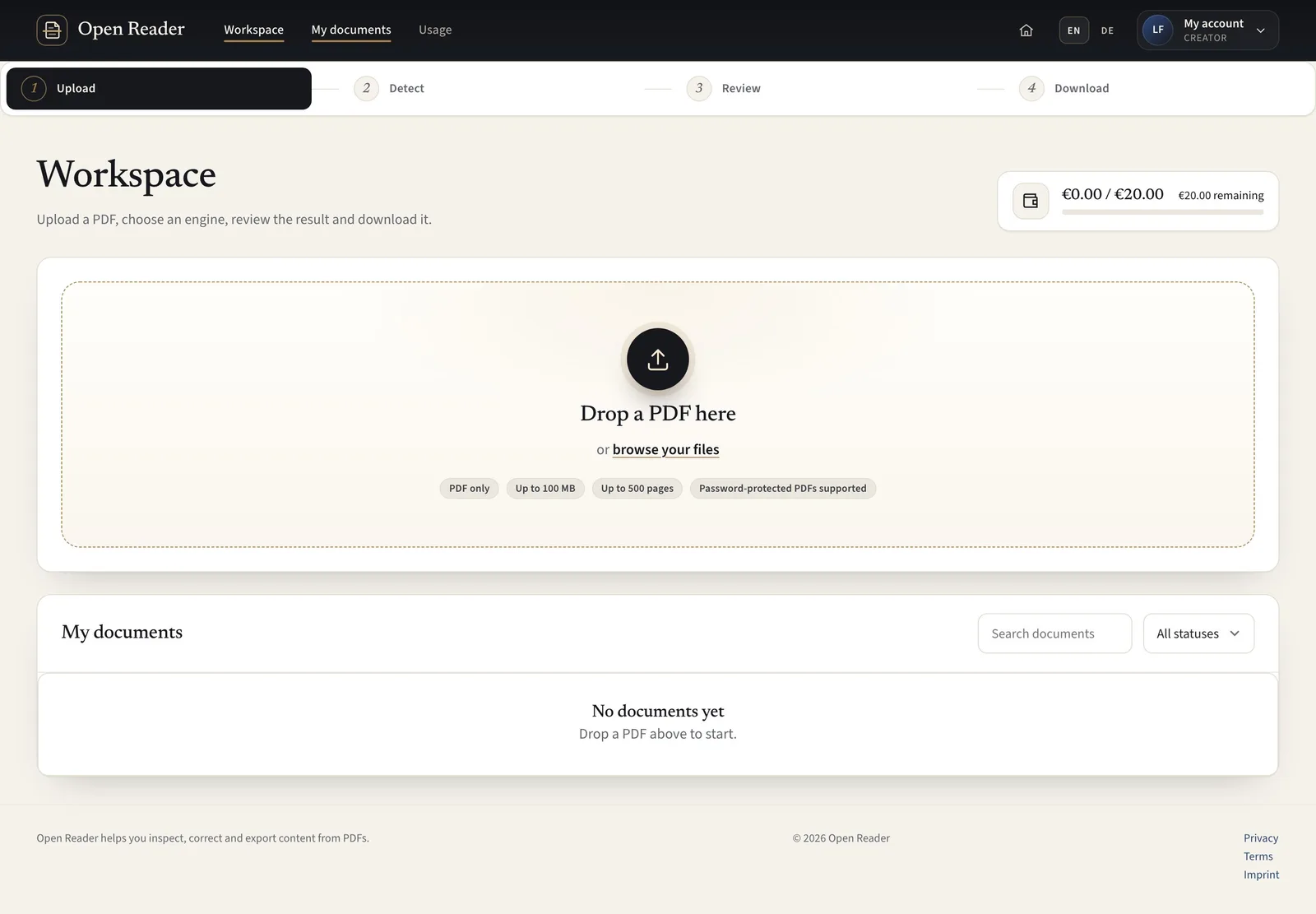 Upload and open a PDFStart with one PDF and let the quick scan check its pages before processing.CreatorContent Admin4 steps
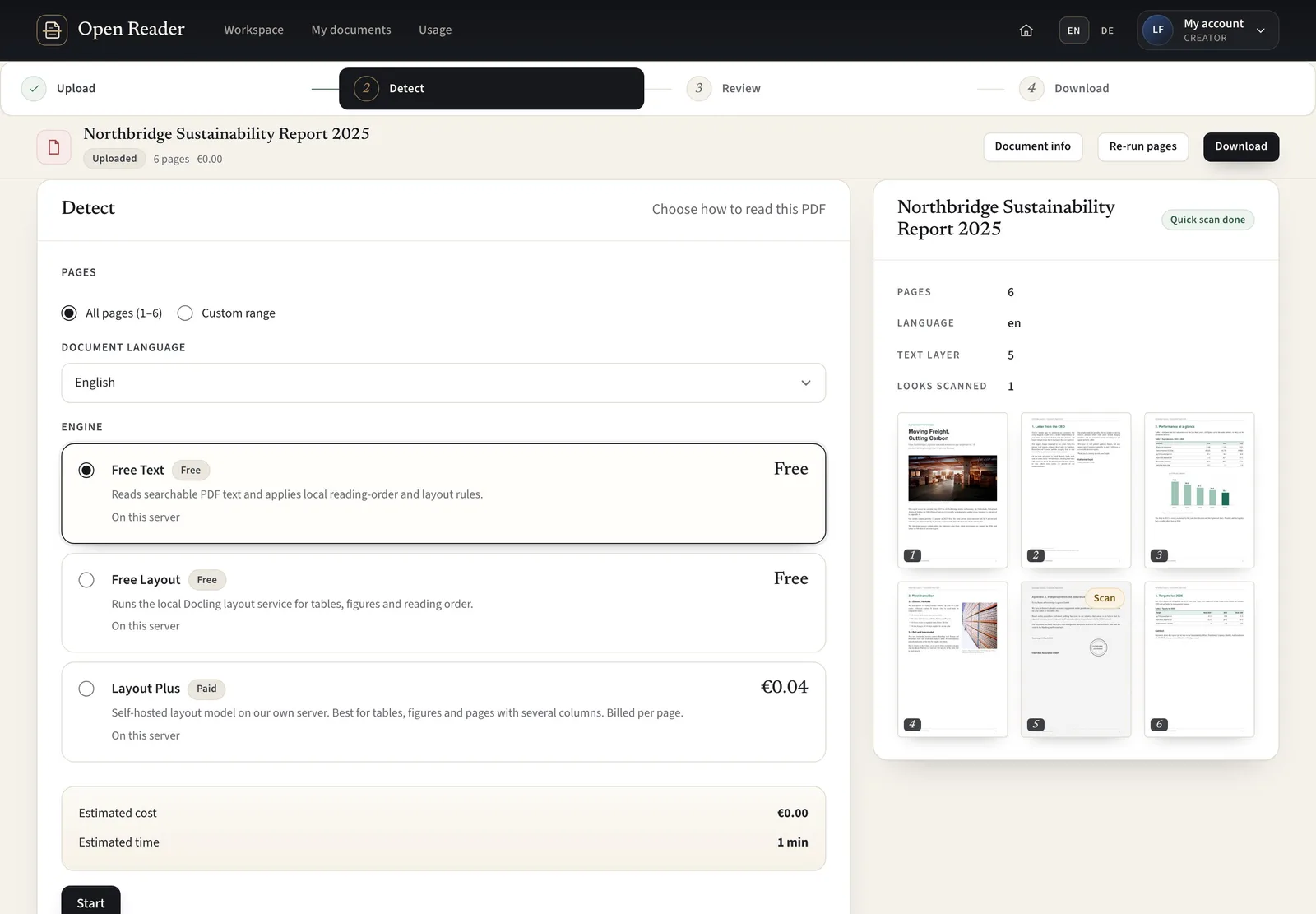 Choose pages and start detectionChoose the scope, language and engine that suit your PDF before committing to processing.CreatorContent Admin5 steps
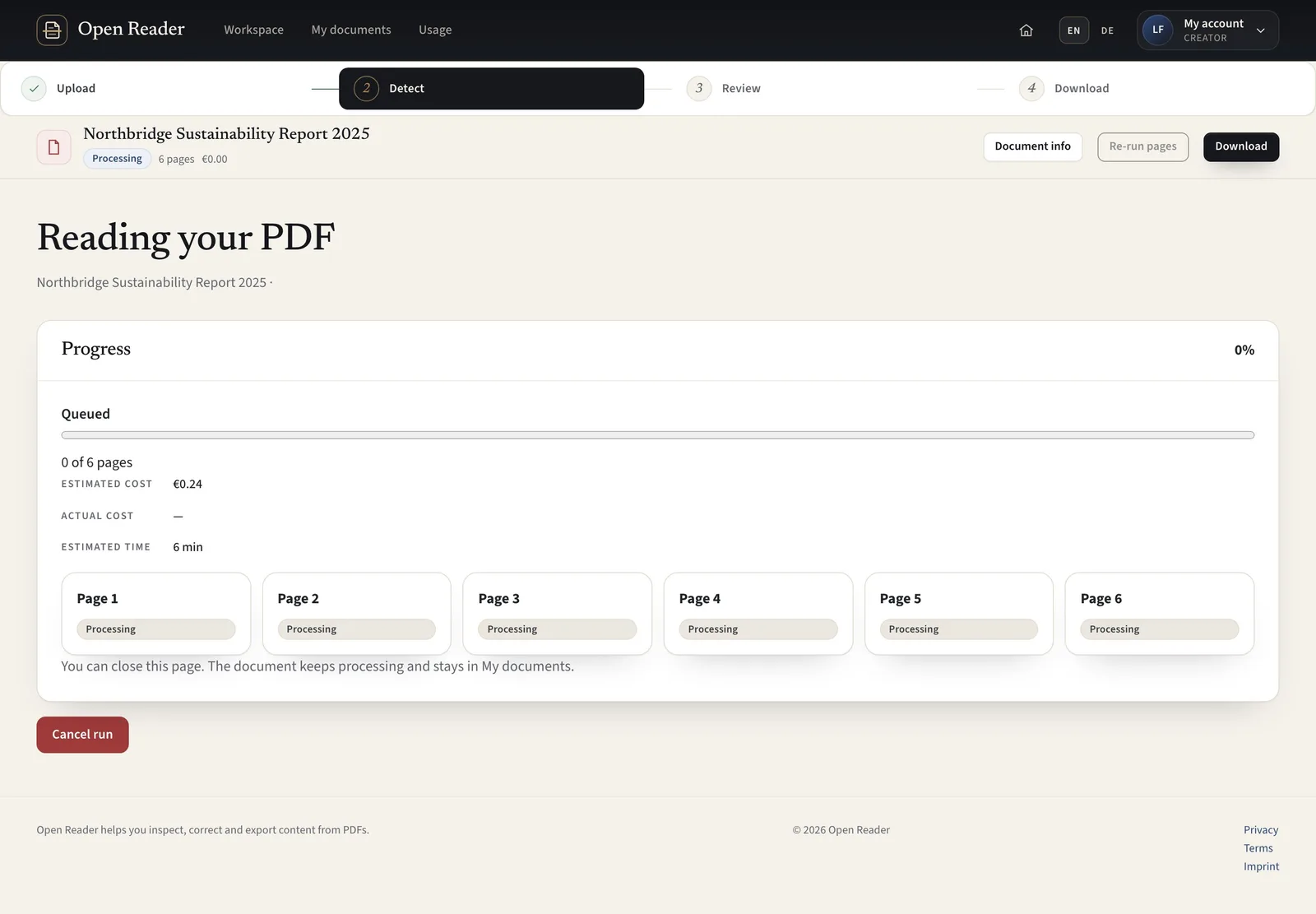 Watch processing and recover from errorsTrack page progress and keep usable results when a run is cancelled or partly fails.CreatorContent Admin4 steps
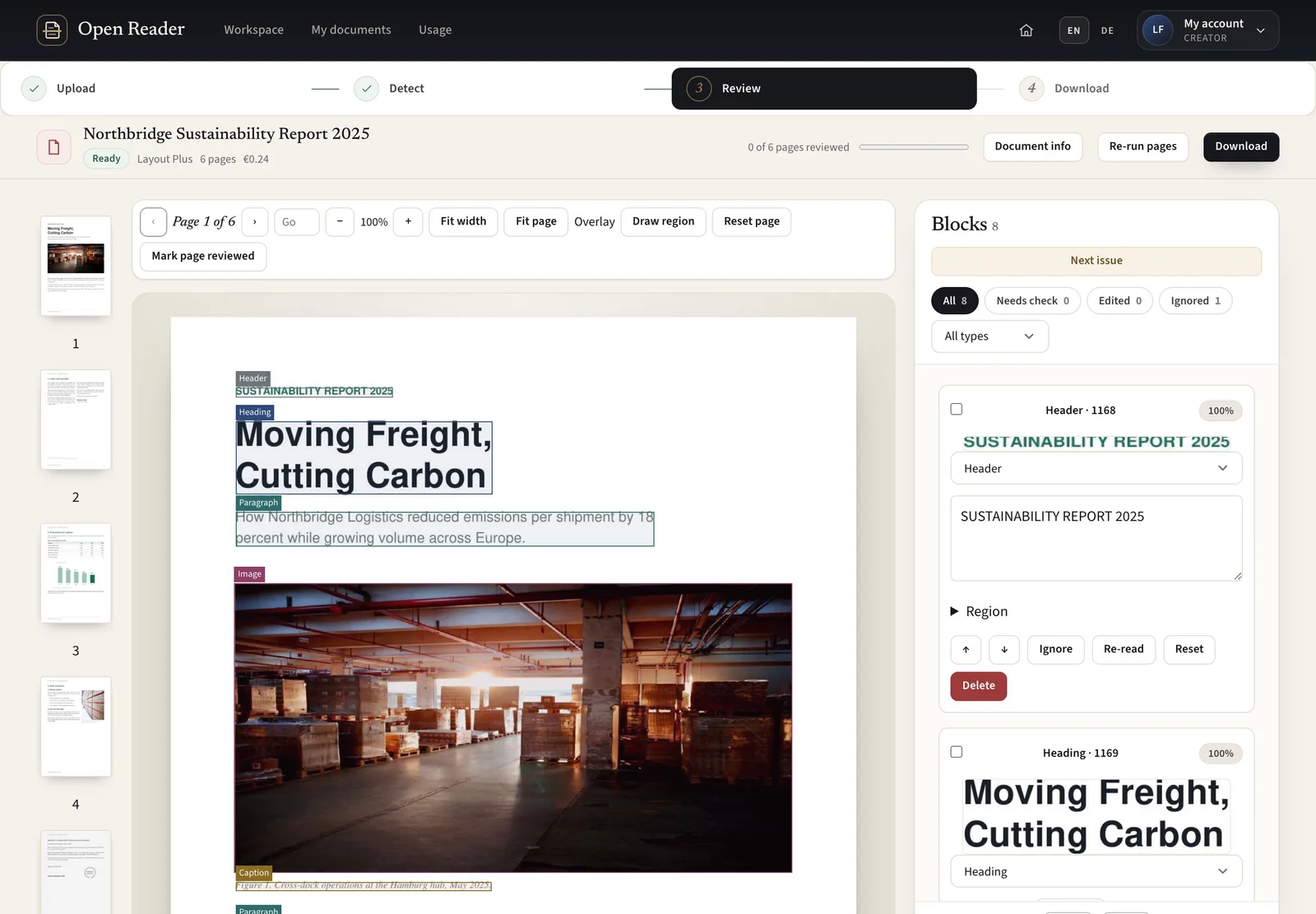 Check the extracted result page by pageCompare structured blocks with the PDF so you can find omissions and confirm the content you plan to export.CreatorContent Admin6 steps
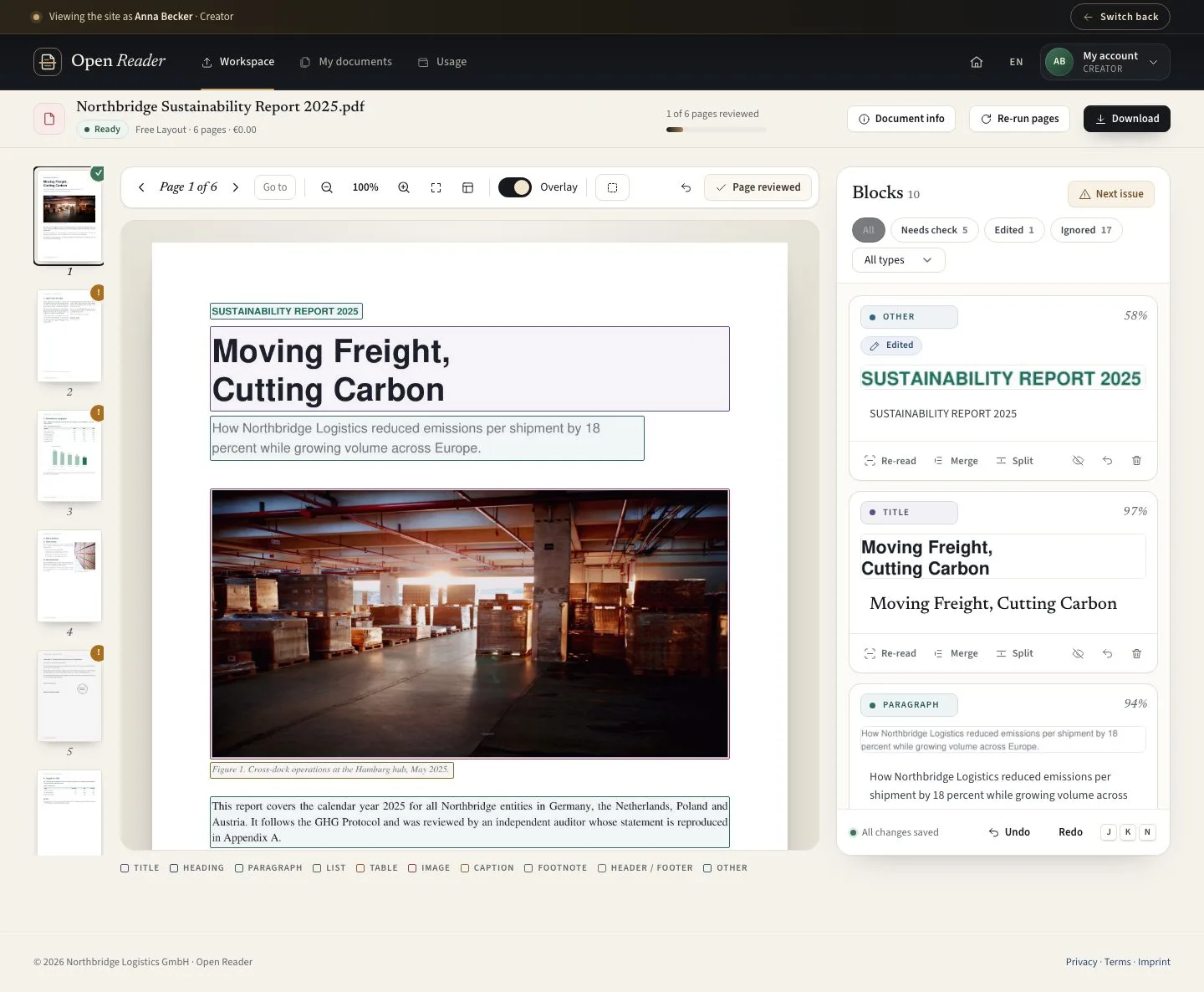 Correct text, tables and reading orderFix the content that will be used in downloaded files while keeping a reset path to detection.CreatorContent Admin5 steps
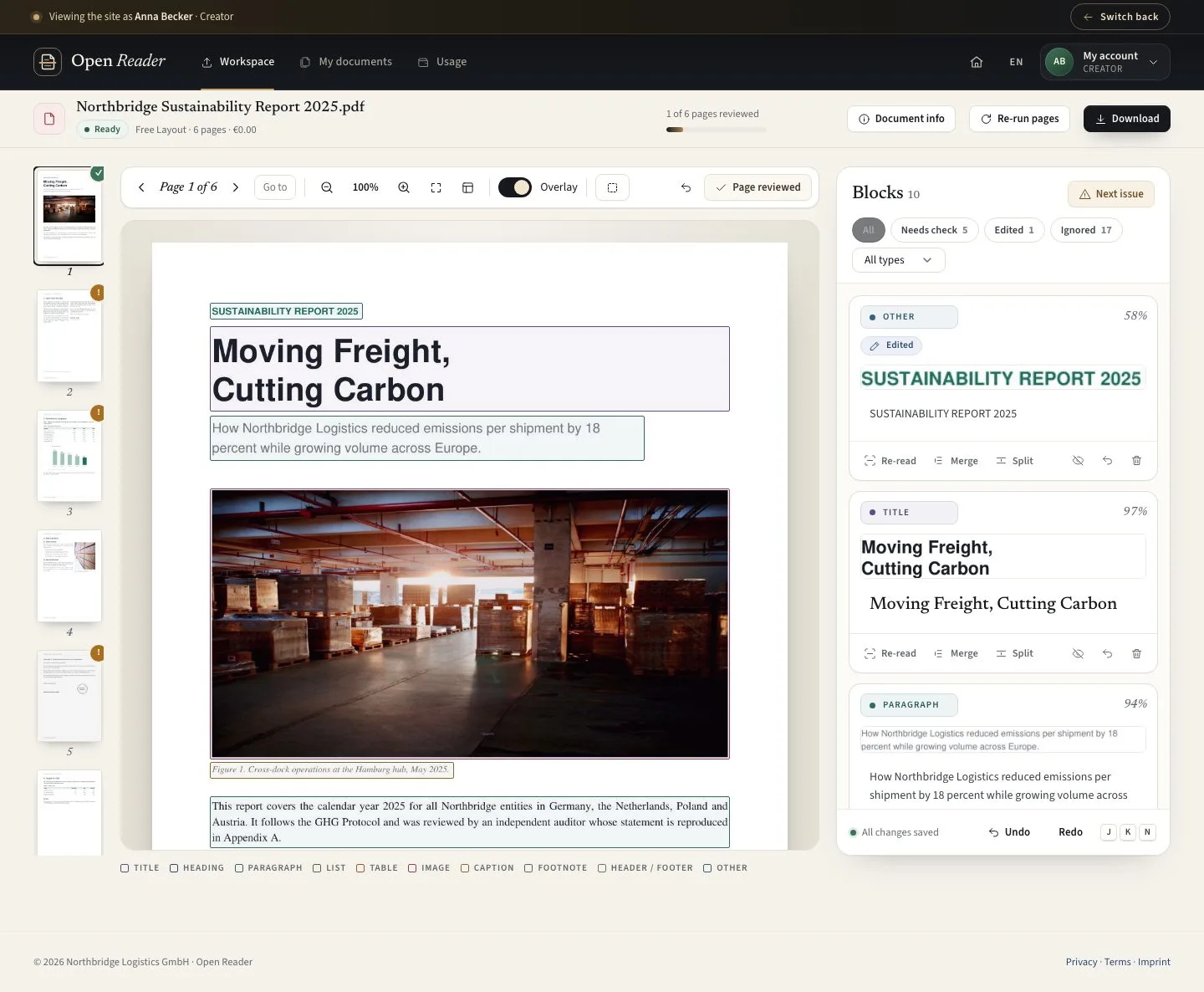 Re-read a region or run pages againUse another extraction attempt when manual corrections alone are not enough.CreatorContent Admin4 steps
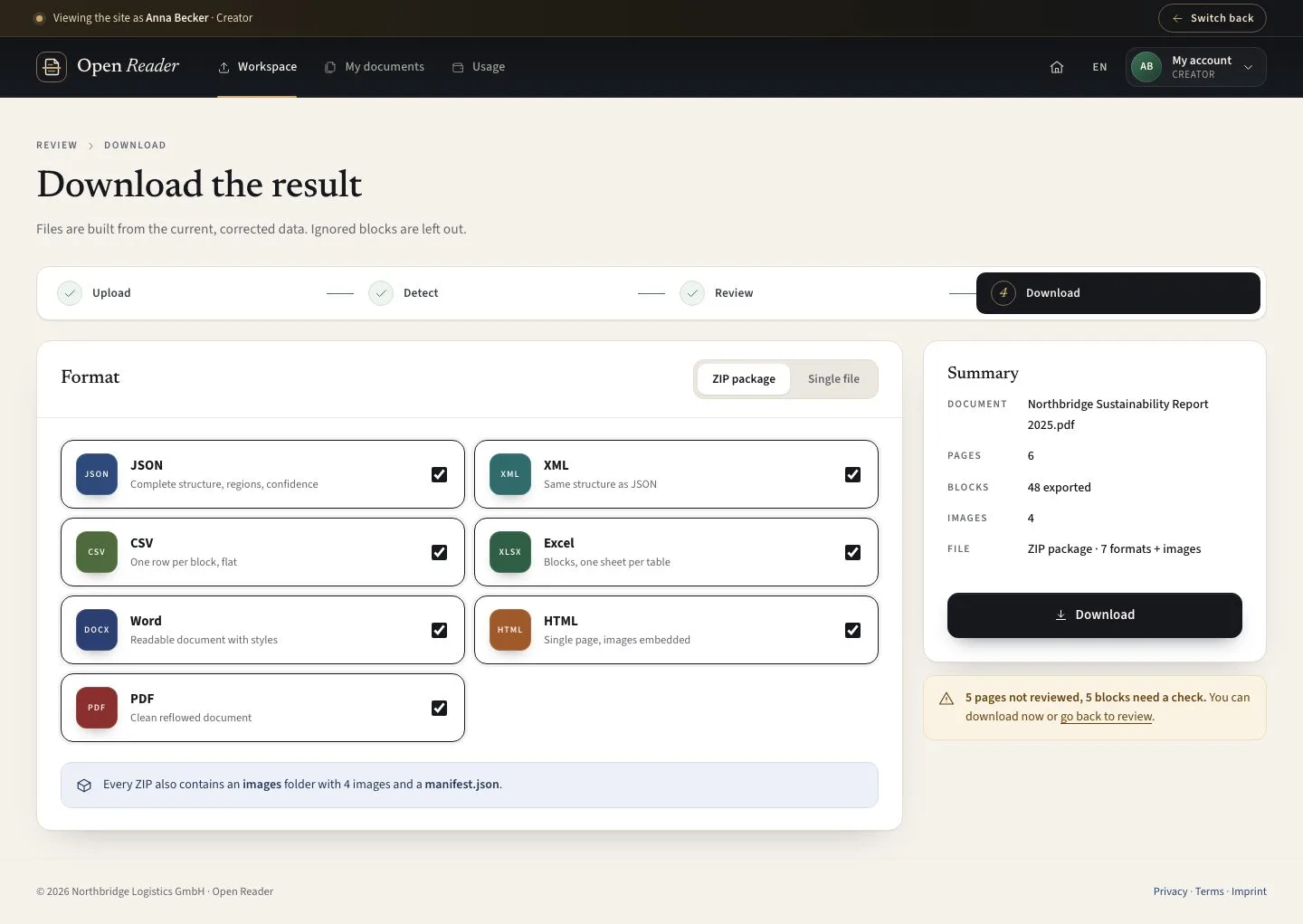 Download structured data or a readable fileChoose the format that suits your next step and export the reviewed content.CreatorContent Admin4 steps
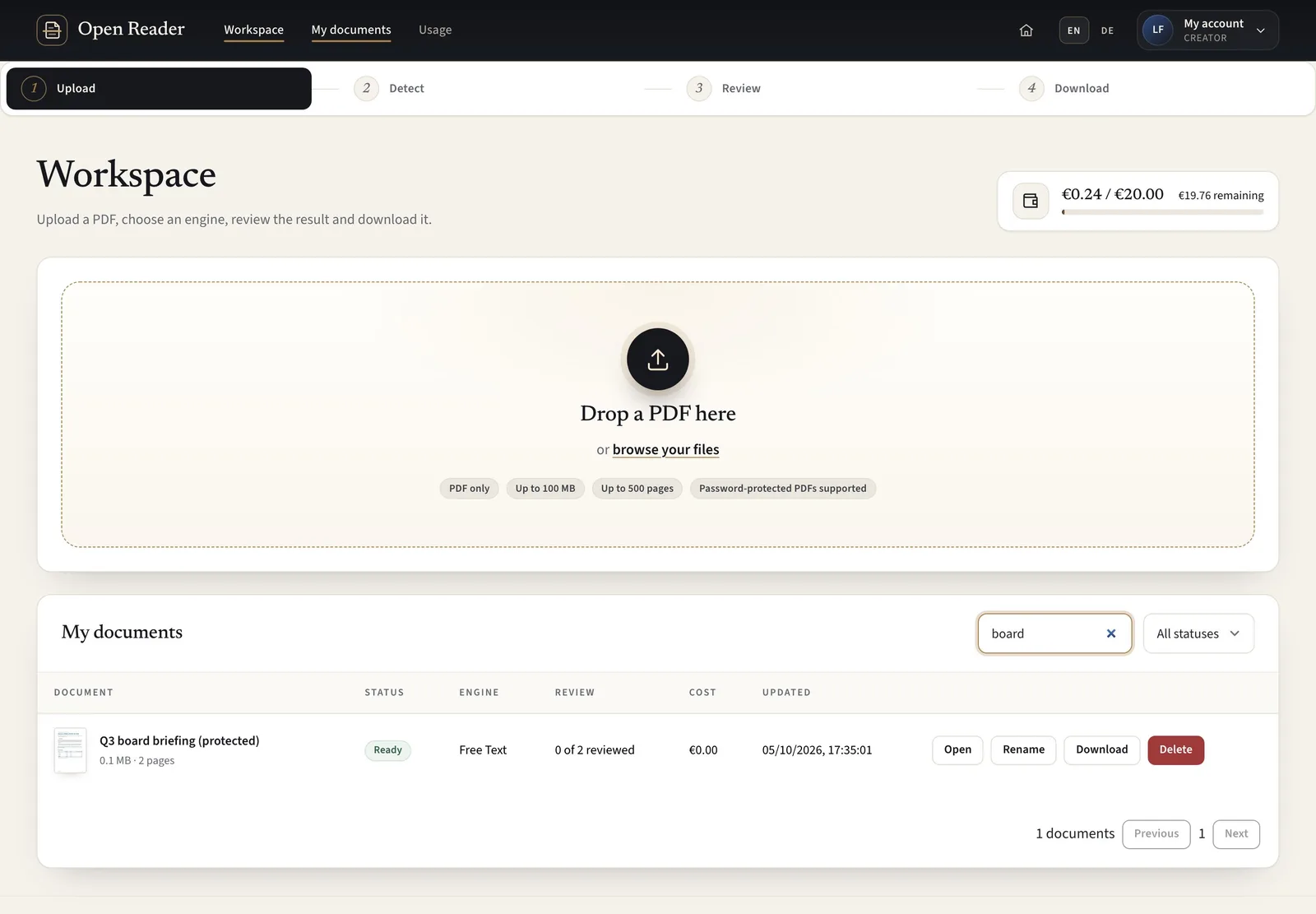 Find, rename and remove your documentsReturn to previous work and keep your own document list organised.CreatorContent Admin4 steps