Site content

Slideshow Banners · Introduction Blocks · FAQs · Glossary Terms · News

  • Manager account
Manager

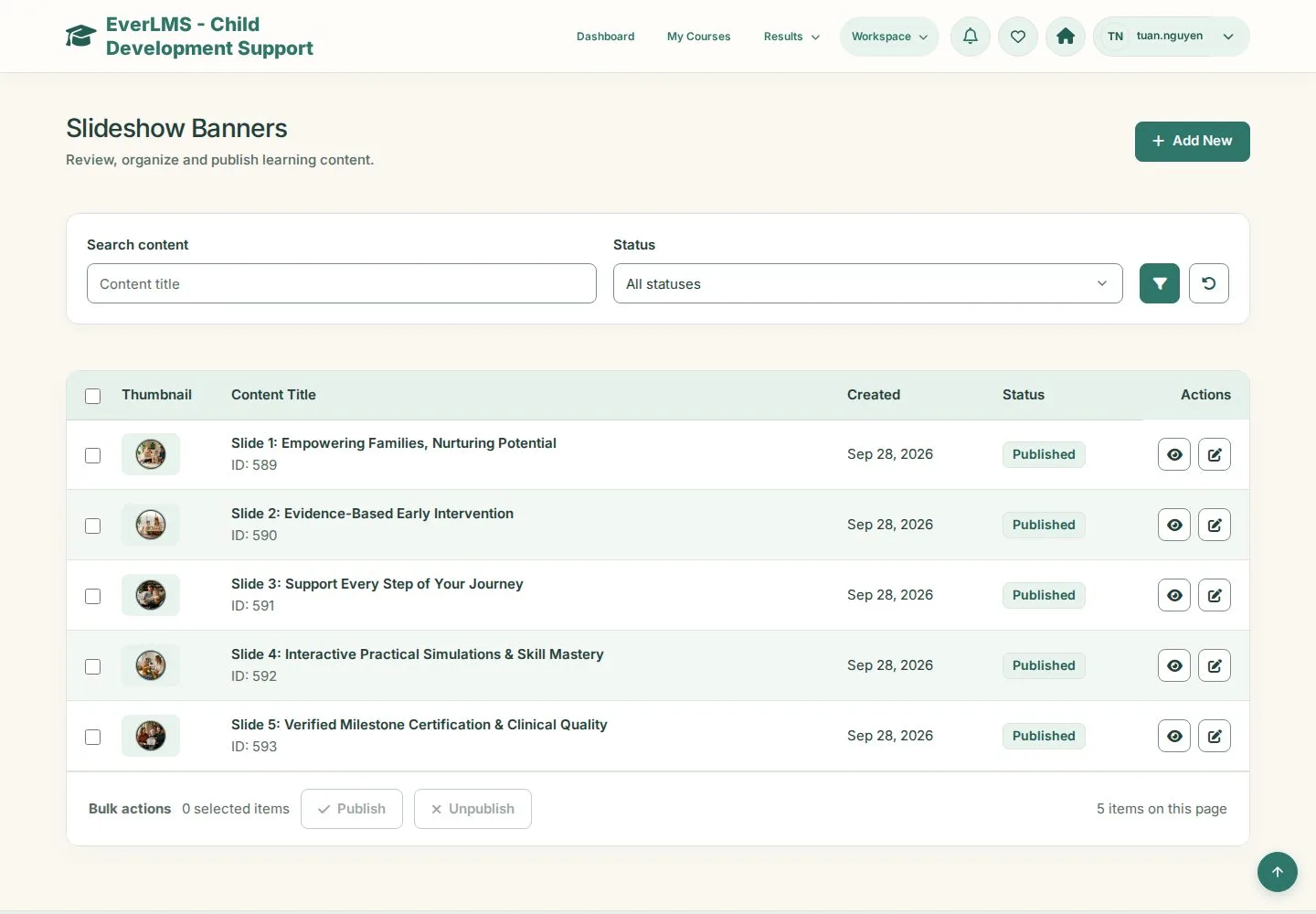
Slideshow Banners

Manager

Slideshow Banners

1Step 1 of 5

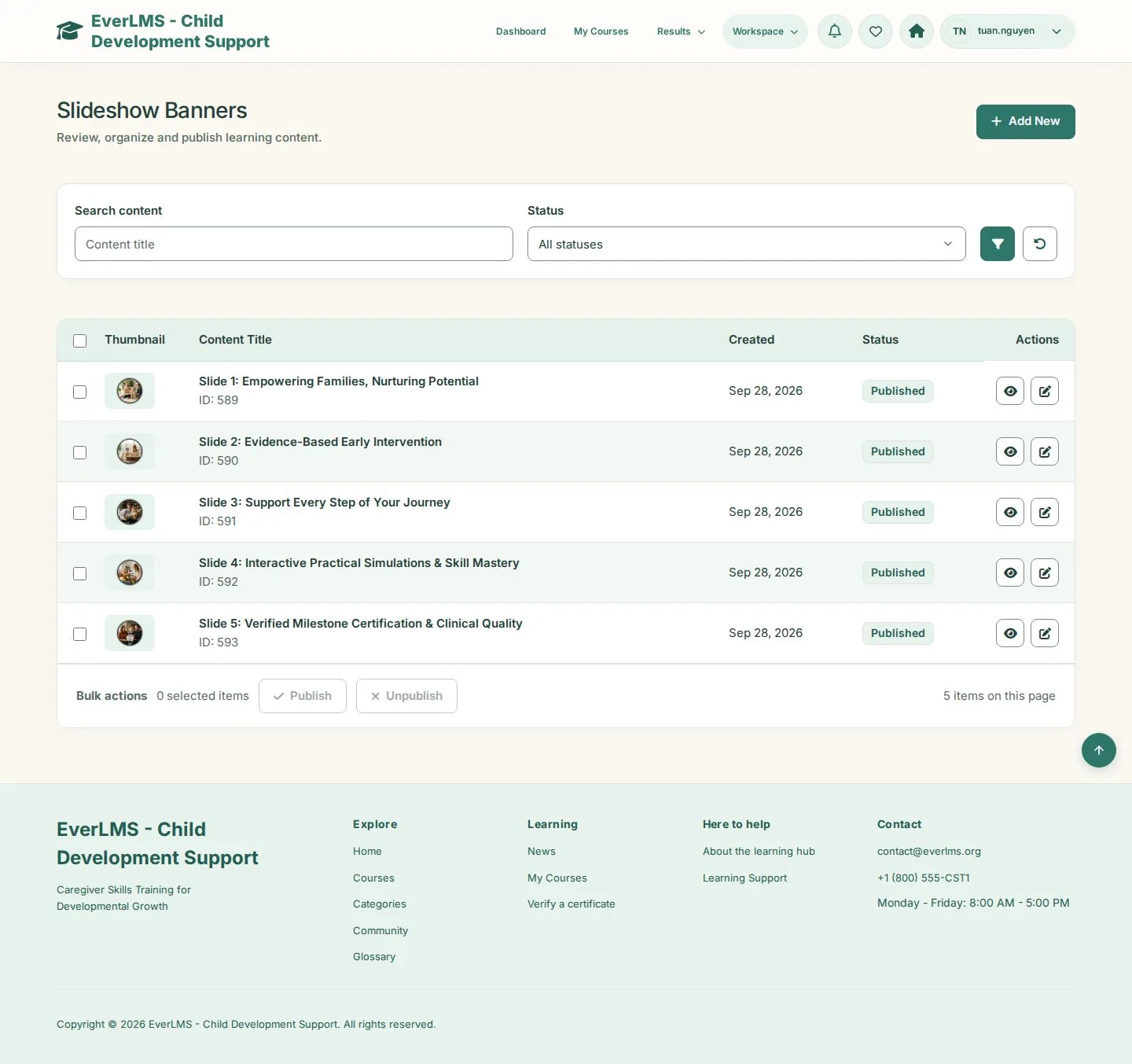
  1. Slides of the home page
  2. Add New · Publish · Unpublish

Enlarge, then scroll

Open illustrated screen ↗Full image ↗

Manager · Site content01

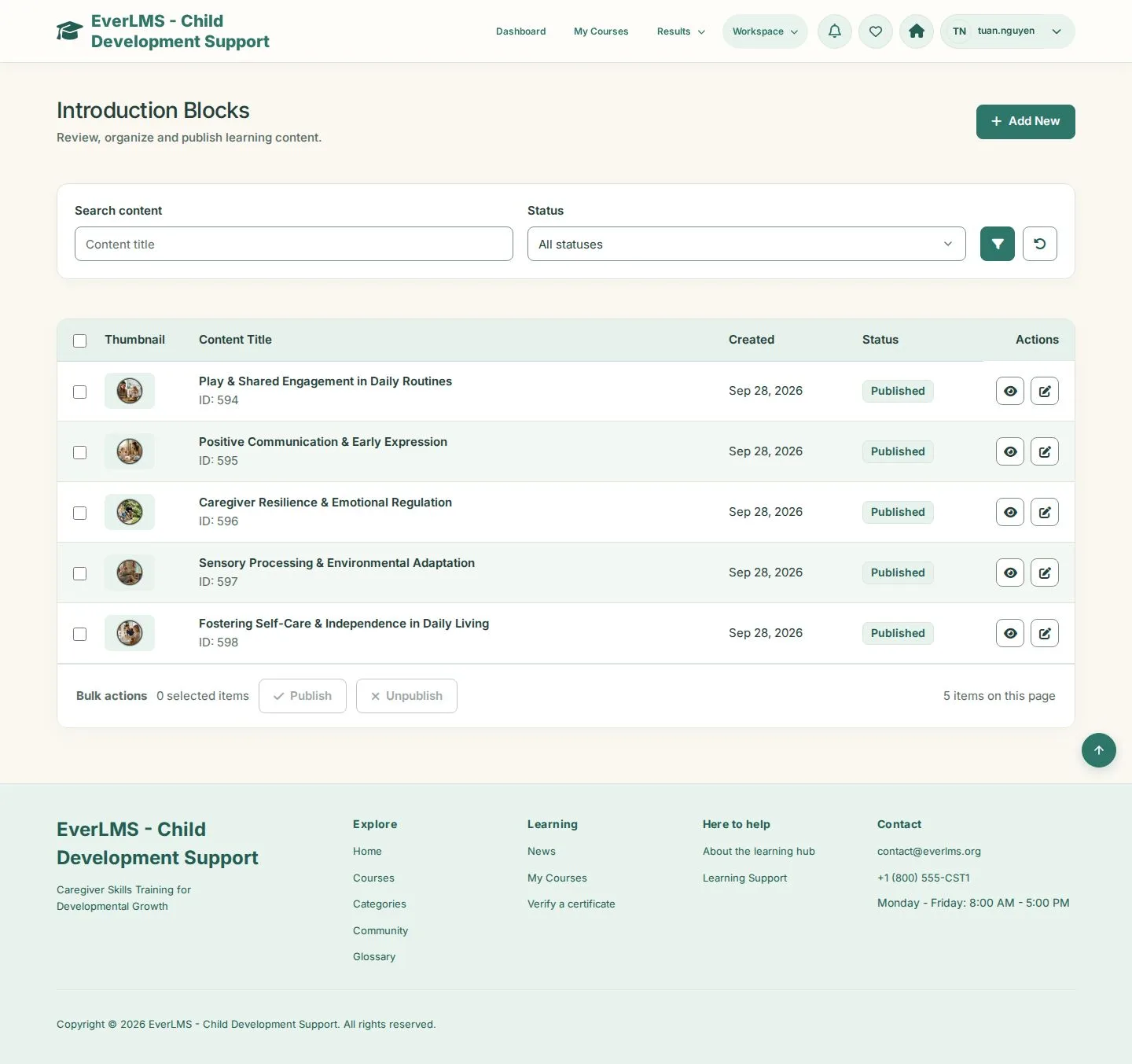
Introduction Blocks

Manager

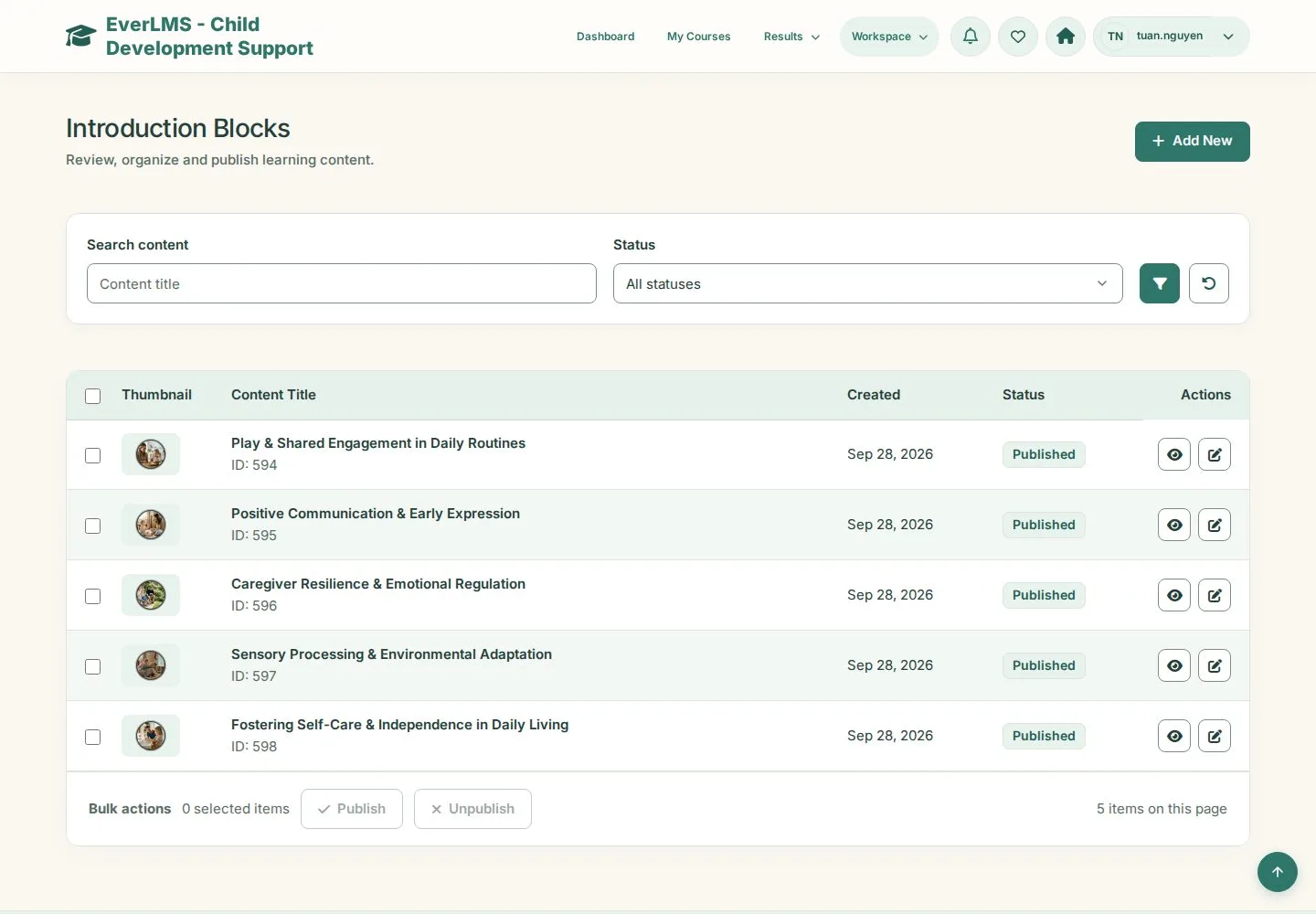
Introduction Blocks

2Step 2 of 5

  1. Blocks of the home page
  2. Add New · Edit

Enlarge, then scroll

Open illustrated screen ↗Full image ↗

Manager · Site content02

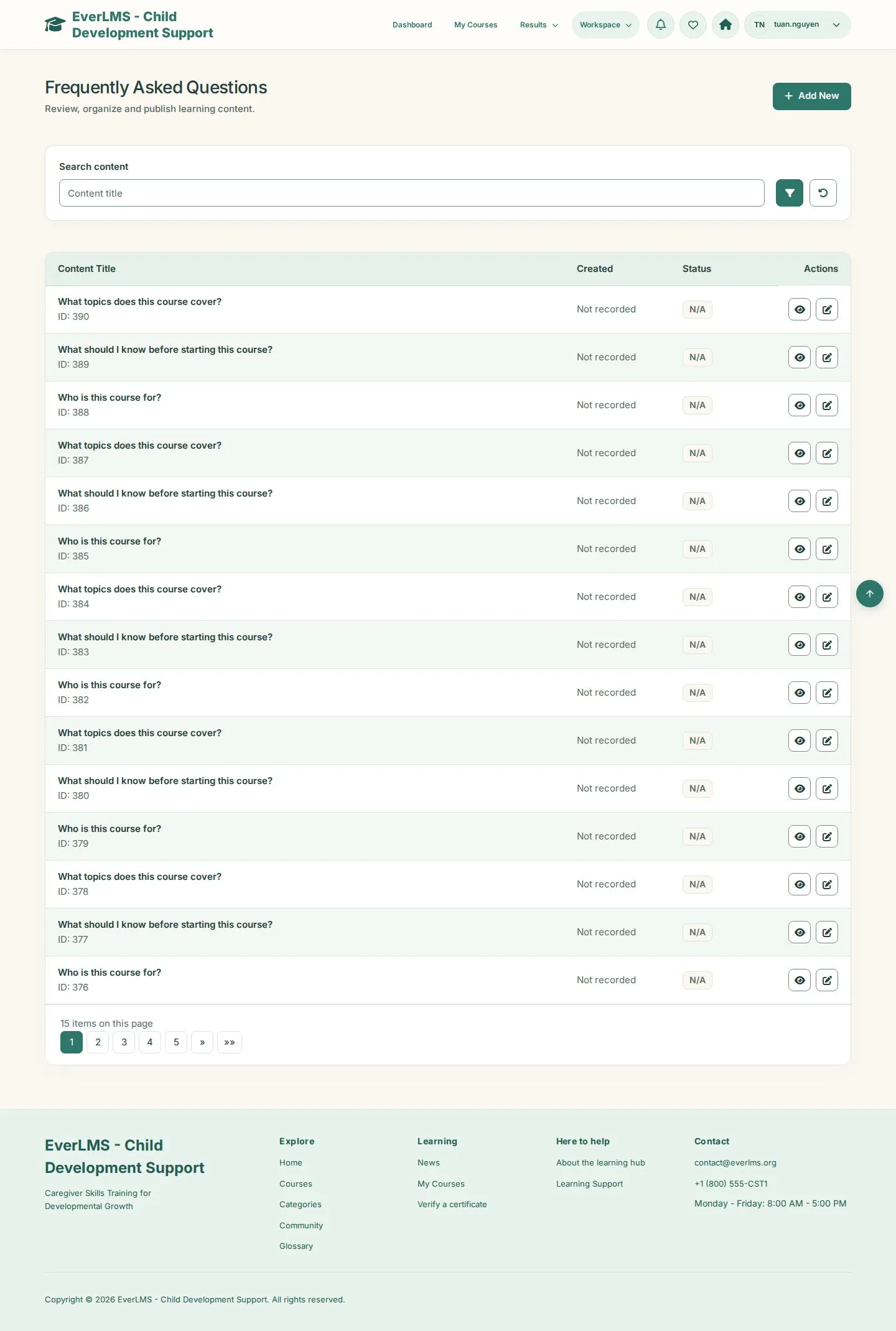
Frequently Asked Questions

Manager

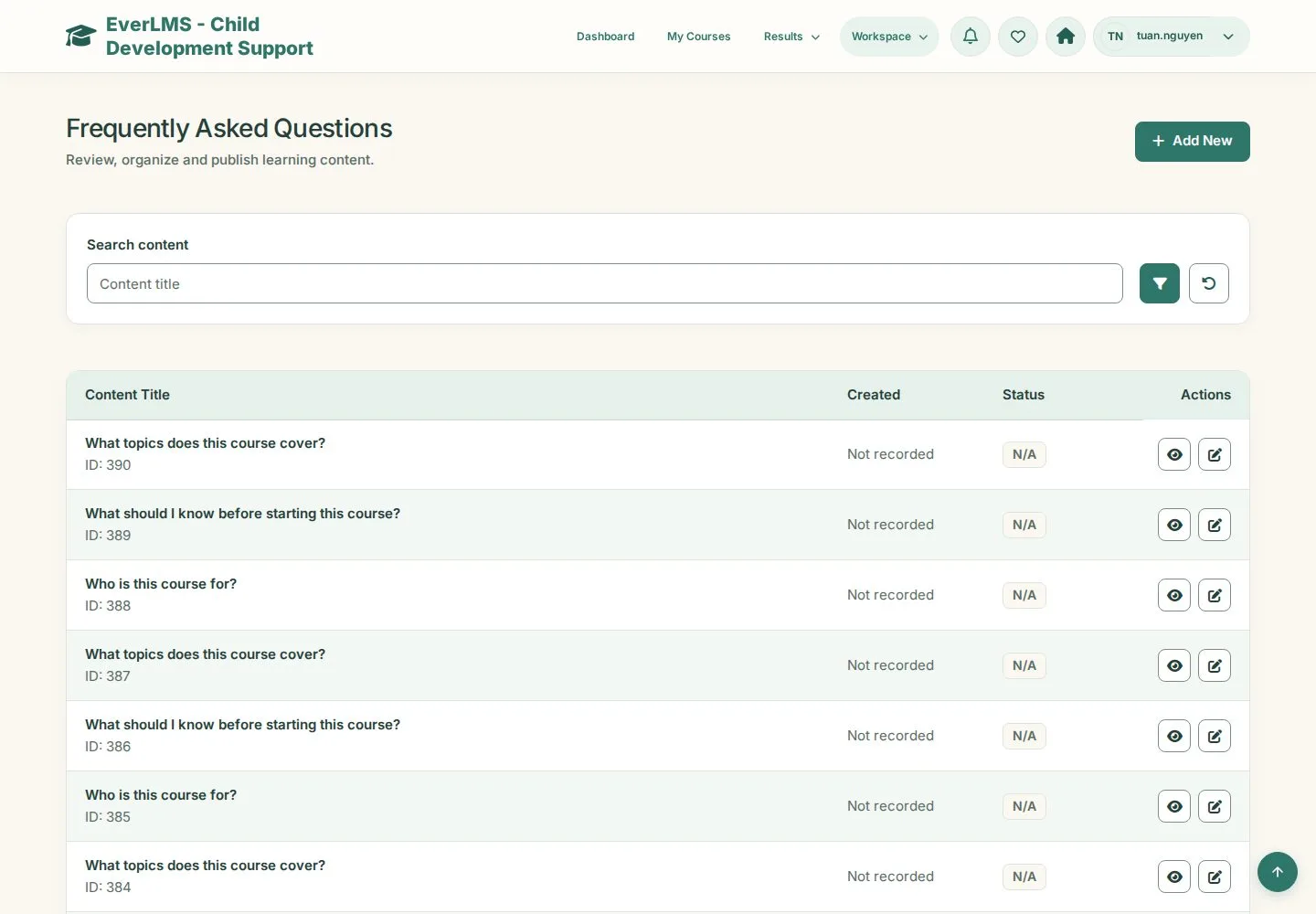
Frequently Asked Questions

3Step 3 of 5

  1. Questions of the FAQ
  2. Add New · Edit

Enlarge, then scroll

Open illustrated screen ↗Full image ↗

Manager · Site content03

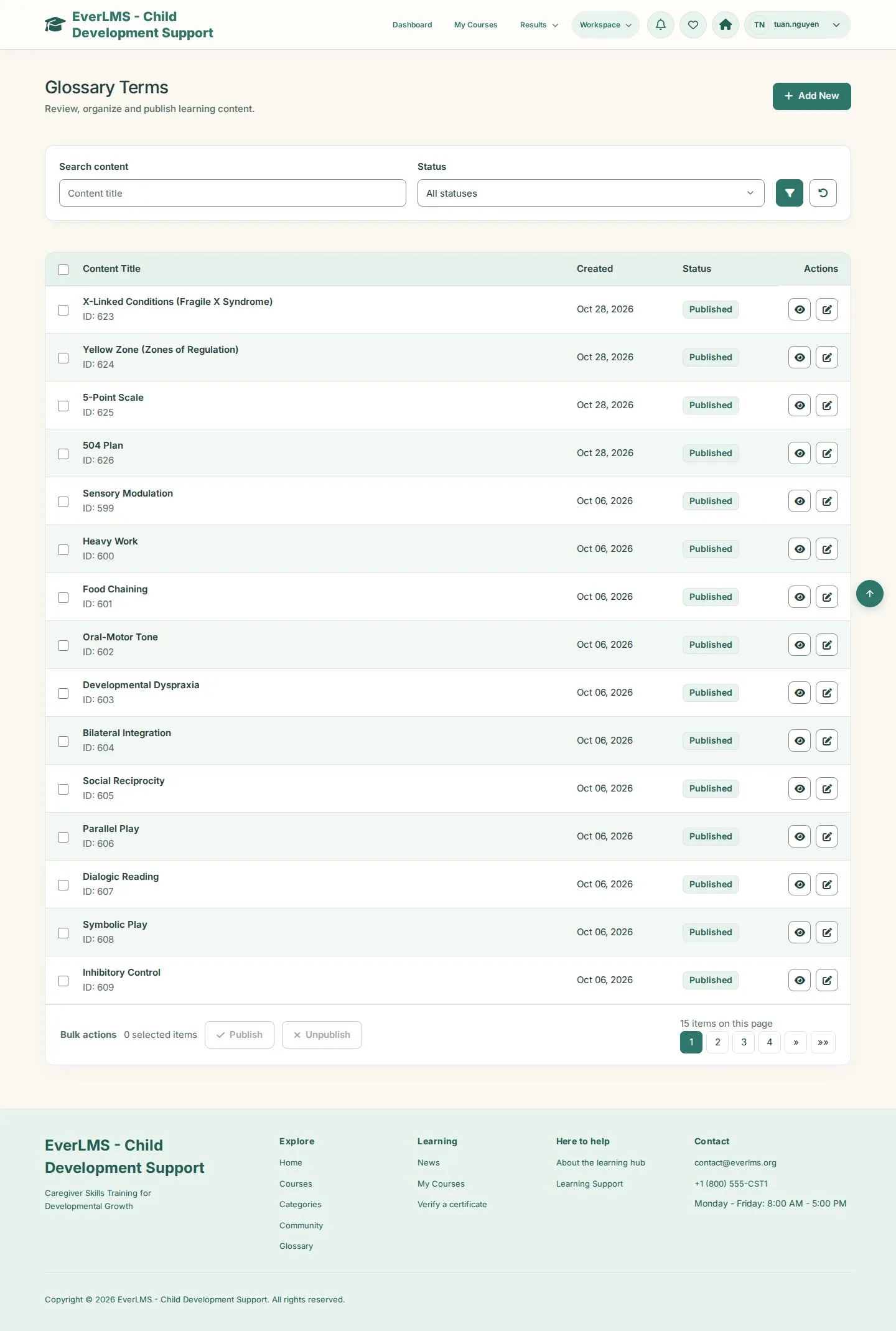
Glossary Terms

Manager

Glossary Terms

4Step 4 of 5

  1. Terms of the glossary
  2. Add New · Publish · Unpublish

Enlarge, then scroll

Open illustrated screen ↗Full image ↗

Manager · Site content04

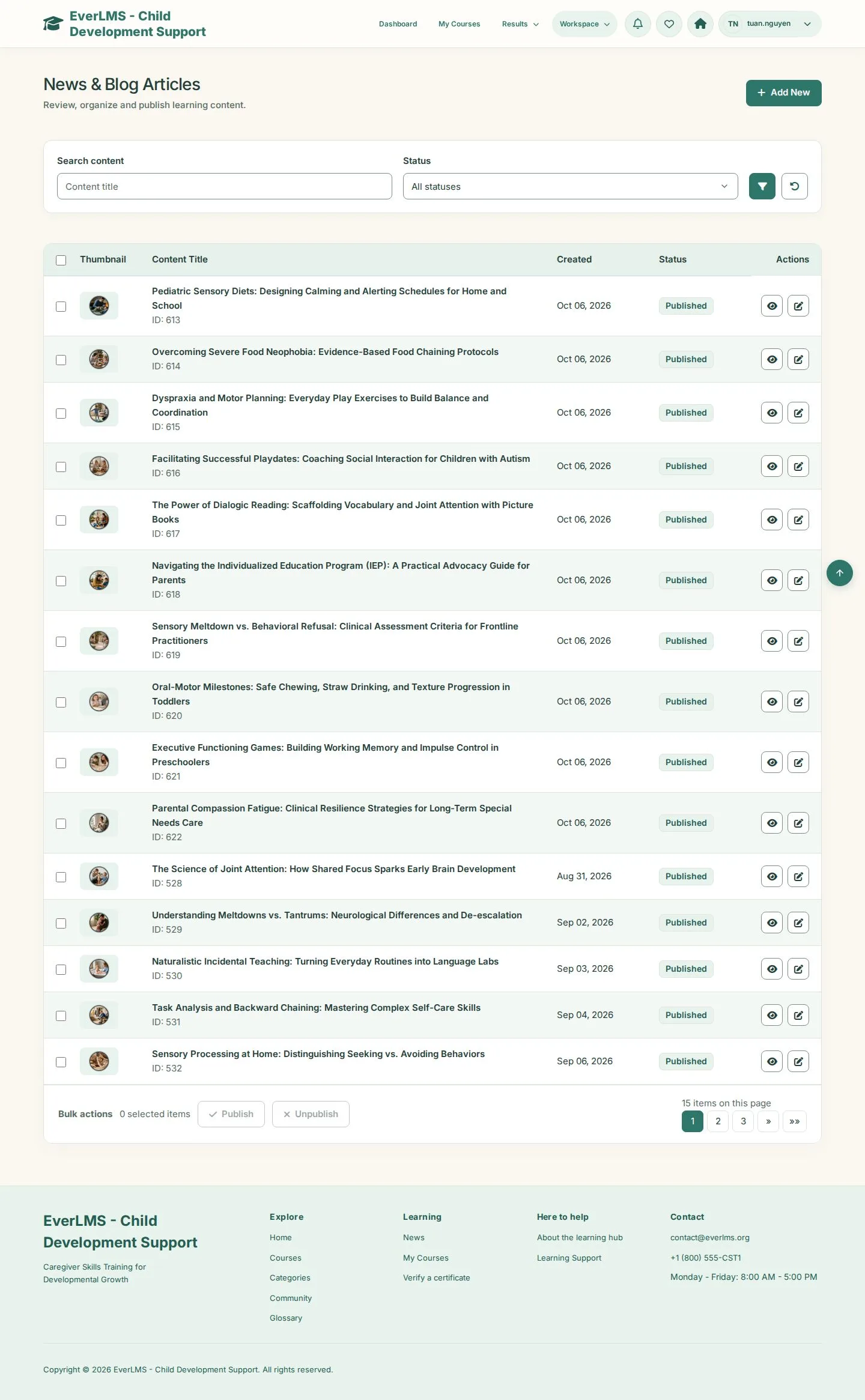
News & Blog Articles

Manager

News & Blog Articles

5Step 5 of 5

  1. Articles and family guides
  2. Add New · Publish · Unpublish

Enlarge, then scroll

Open illustrated screen ↗Full image ↗

Check

The home page, FAQ, glossary and news show your published content

Manager · Site content05
1 / 6
Privacy Terms