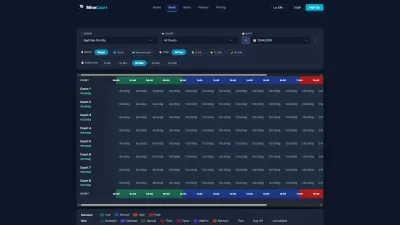





Open slots

Find Teammates · Join · Host · Participants

  • Signed in
  • Your own order to host a game
Player

Create Open Slot

Player

Create Open Slot

1Step 1 of 9

  1. Order → Create open slot
  2. Number of slots · Price per slot
  3. Skill levels · Message
  4. Auto-approve

Open illustrated screen ↗Full image ↗

Player · Open slots01

Game published

Player

Game published

2Step 2 of 9

  1. About this game
  2. Players

Enlarge, then scroll

Open illustrated screen ↗Full image ↗

Player · Open slots02

Find Teammates

Player

Find Teammates

3Step 3 of 9

  1. Availability · Skill level
  2. View & join

Open illustrated screen ↗Full image ↗

Player · Open slots03

Join this game

Player

Join this game

4Step 4 of 9

  1. Message to the host
  2. Join this slot

Enlarge, then scroll

Open illustrated screen ↗Full image ↗

Player · Open slots04

Request sent

Player

Request sent

5Step 5 of 9

  1. Waiting for approval
  2. Cancel request

Enlarge, then scroll

Open illustrated screen ↗Full image ↗

Player · Open slots05

My Open Slots

Player

Player · Open slots06

Manage Participants

Player

Manage Participants

7Step 7 of 9

  1. Message
  2. Approve · Reject · Spam

Players receive a notification of your decision.

Open illustrated screen ↗Full image ↗

Player · Open slots07

My Participations

Player

My Participations

8Step 8 of 9

  1. Open slot · When
  2. Status

Enlarge, then scroll

Open illustrated screen ↗Full image ↗

Player · Open slots08

OTT contacts

Player

OTT contacts

9Step 9 of 9

  1. Platform
  2. Contact ID · Display name
  3. Publicly visible

Open illustrated screen ↗Full image ↗

Check

Game shared; join requests decided

Player · Open slots09
1 / 10
Privacy Terms