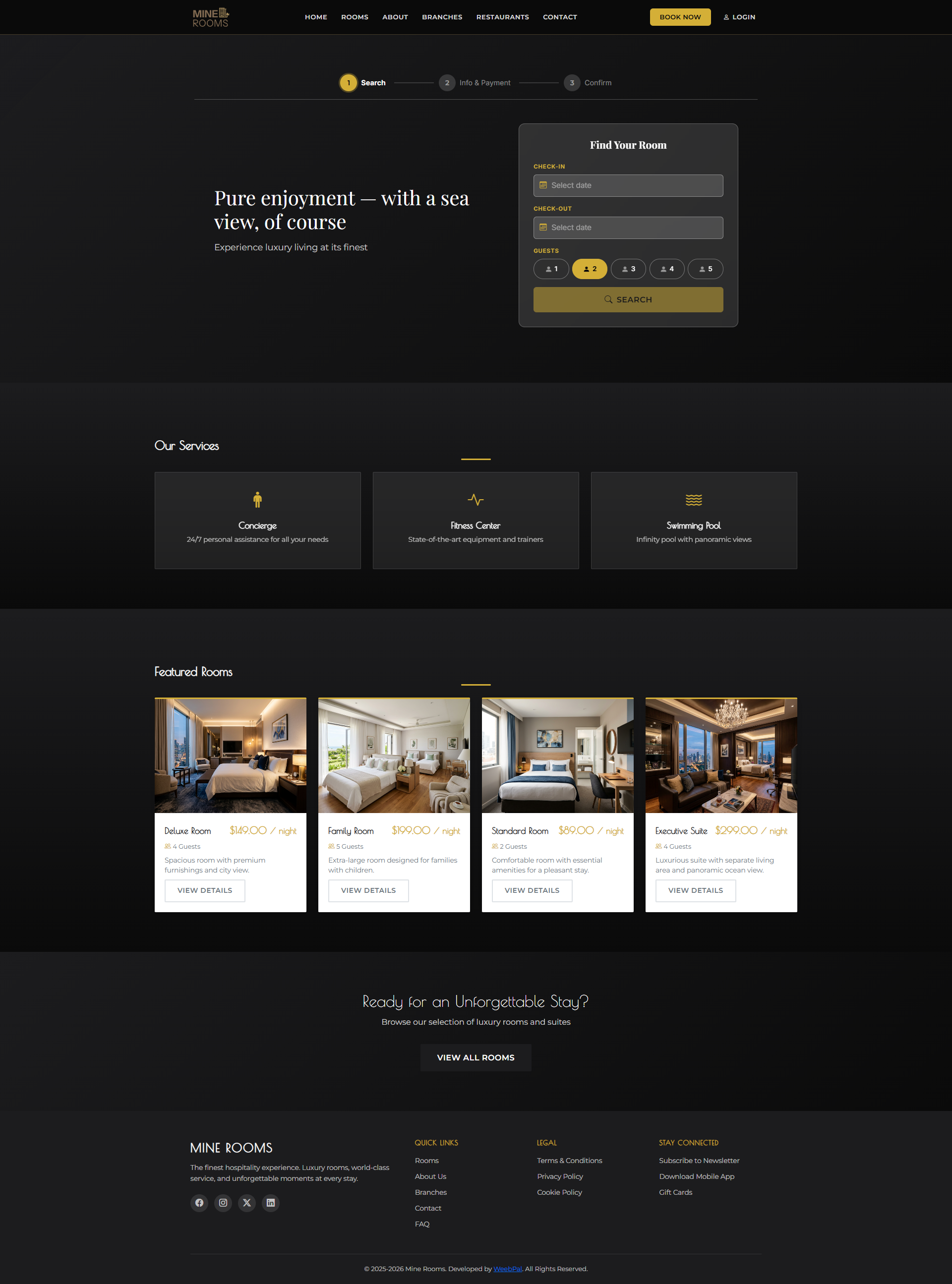
🏠 Homepage & Navigation
What it shows: Public home page with booking, featured rooms, and key services.
Navigation: Open the homepage
- Click BOOK NOW to start a reservation.
- Check Featured Rooms for room types and pricing.
- Use the Footer links for Rooms, About, Branches, Contact, and FAQ.
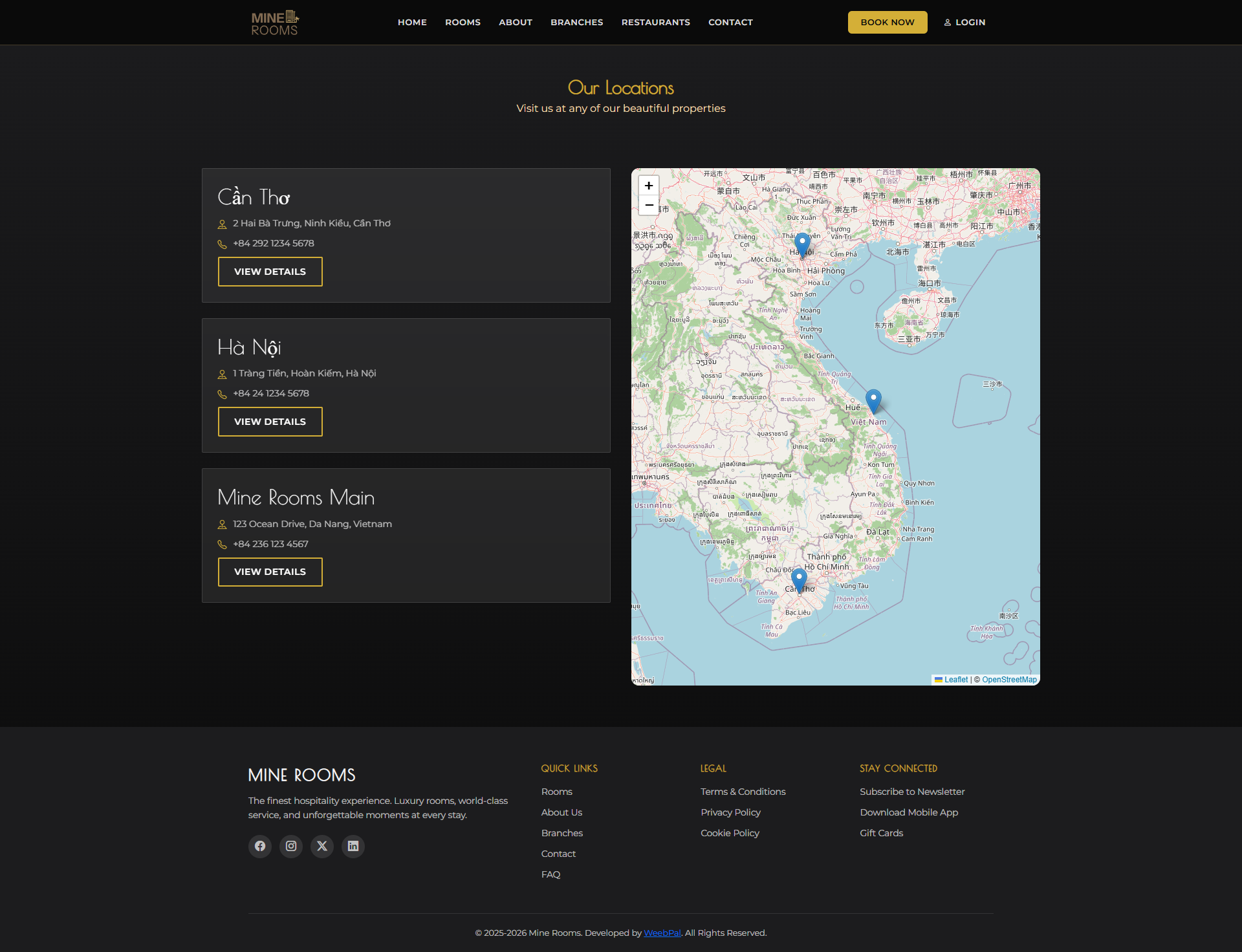
🏢 Our Branches
What it shows: A list of Mine Rooms branches with location details and map access.
Navigation: Top menu → BRANCHES
- Each branch card shows the branch name, address, and contact info.
- Click a branch card to open the full branch detail and available rooms.
- Use the interactive map to find the nearest branch.
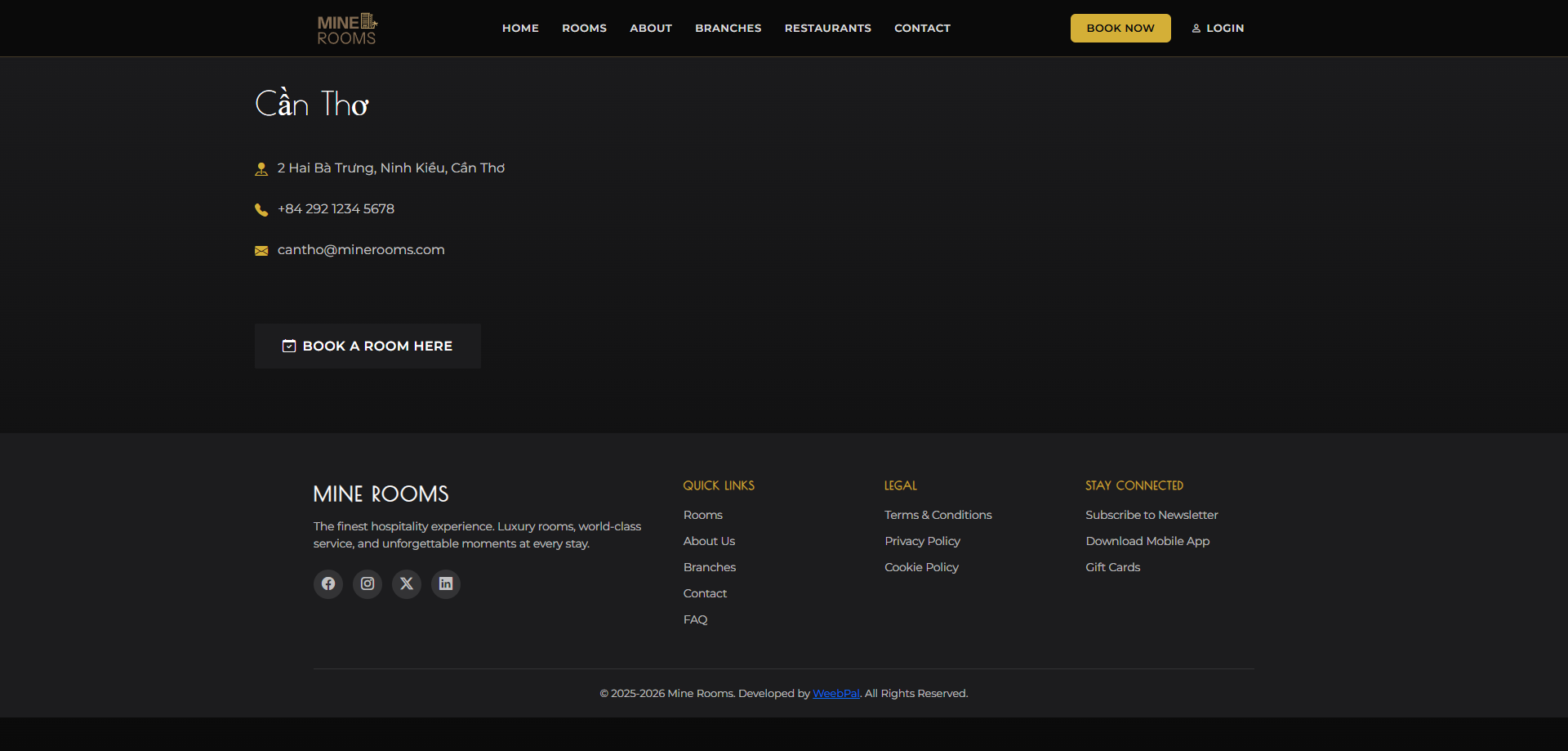
📍 Branch Detail
What it shows: Full details for a selected branch, including address, contact details, operating hours, and available room types.
Navigation: BRANCHES → Select a branch
- View the branch's full address and phone number.
- Check which room types are available at this location.
- Click Book Now on the branch page to pre-select this location.
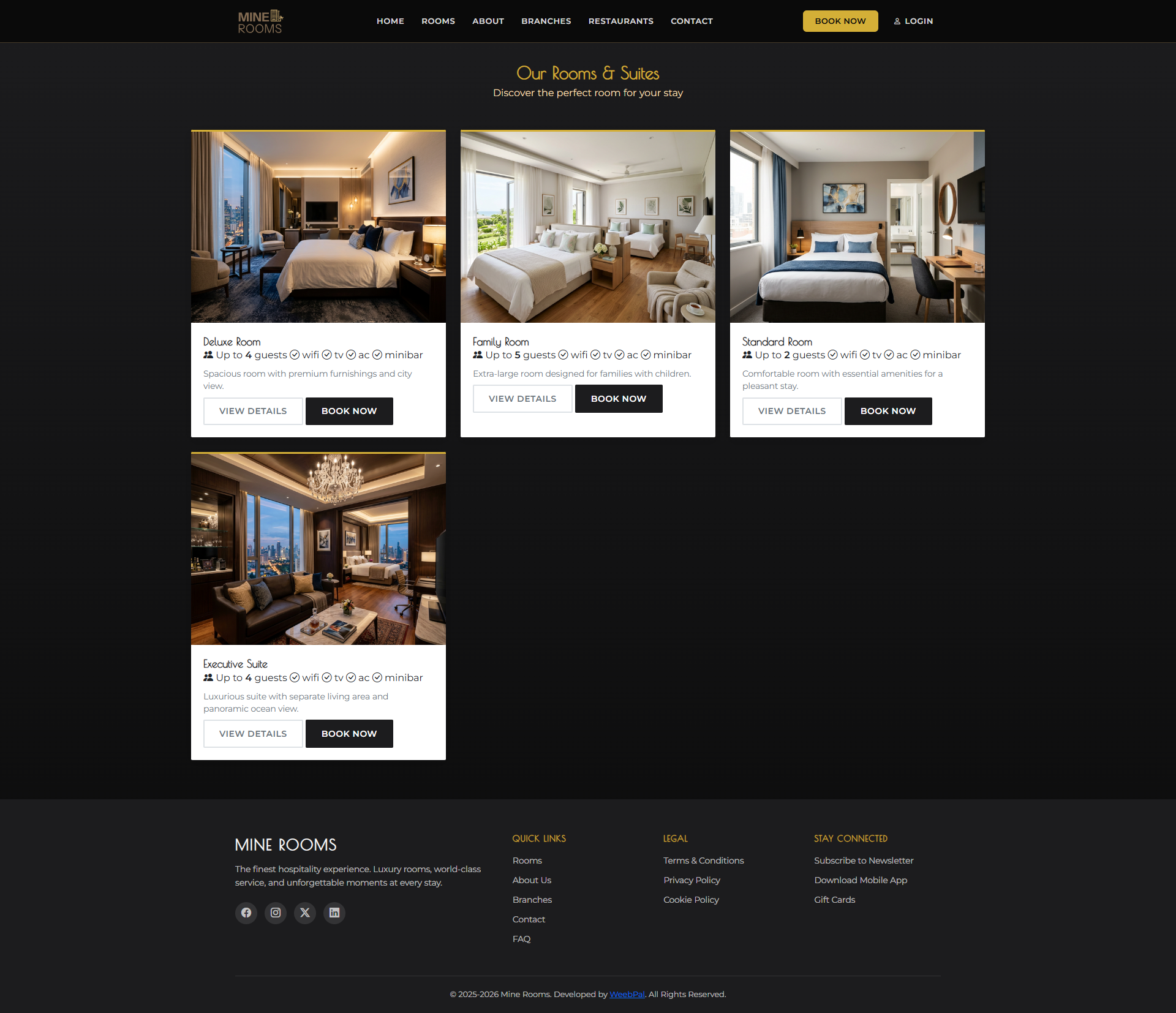
🛏️ Rooms Listing
What it shows: All available room types with pricing and key features.
Navigation: Top menu → ROOMS
- Room cards show the name, price, capacity, and key amenities.
- Click VIEW DETAILS on any room card to open the full description and photos.
- The guide covers Deluxe Room, Family Room, Standard Room, and Executive Suite.
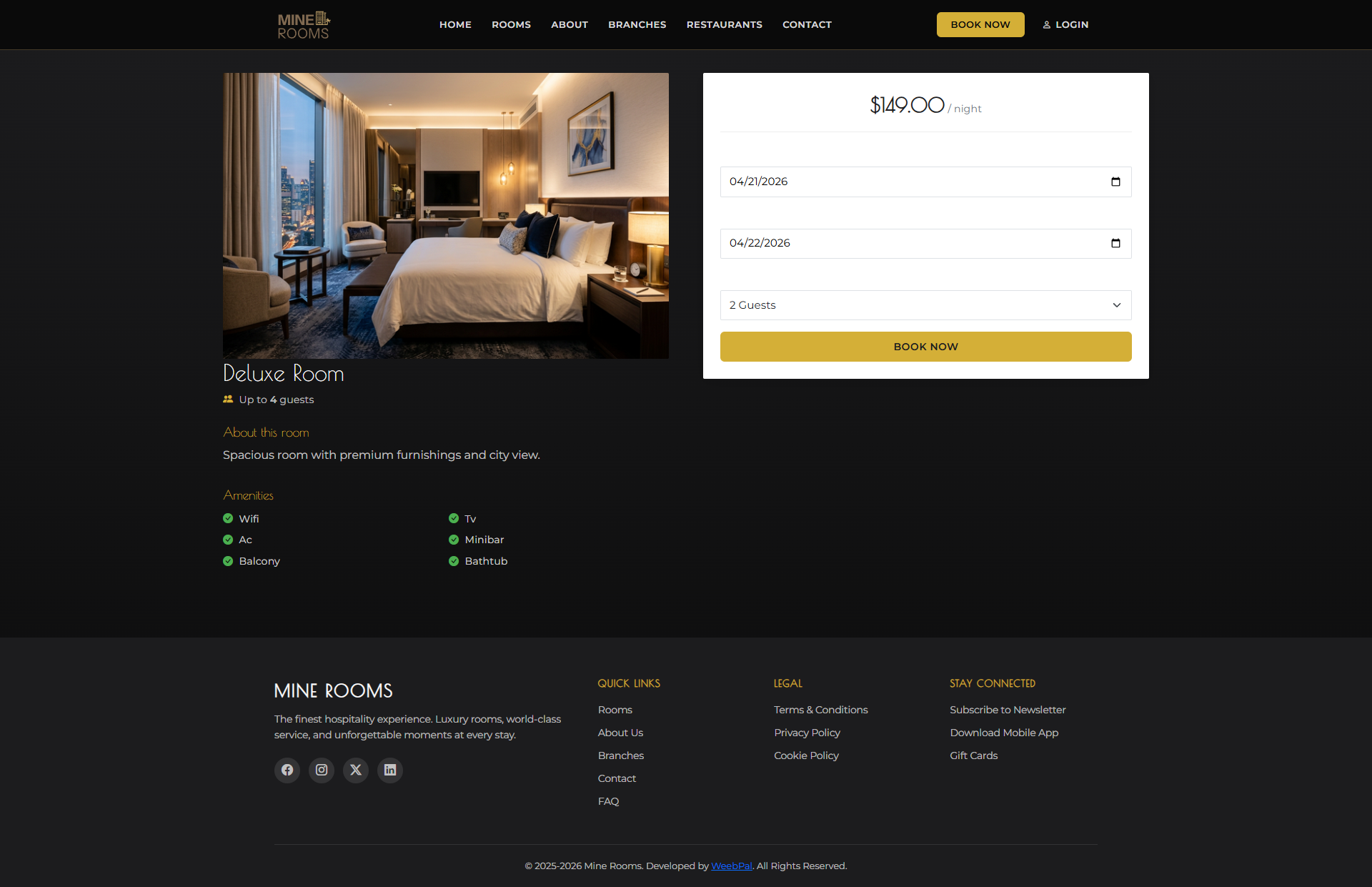
🔍 Room Detail
What it shows: Room details, gallery, amenities, and booking widget.
Navigation: ROOMS → VIEW DETAILS on any room
- Browse the photo gallery.
- Read the description and amenities.
- Use Book Now to select dates.
- Check capacity and bed type before booking.
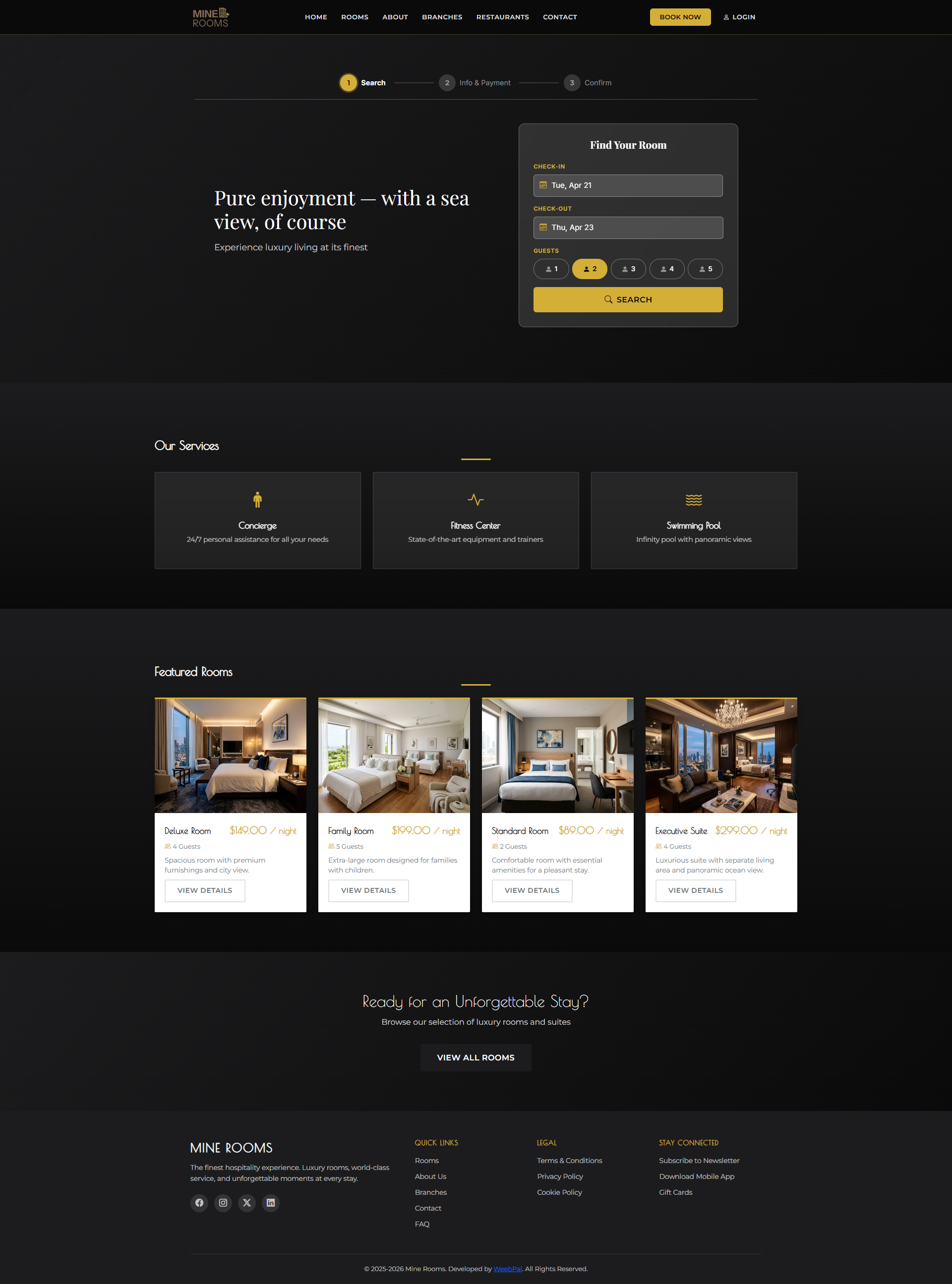
🔍 Step 1: Search Availability
What you can do: Search rooms by date, guest count, and branch.
Navigation: Click BOOK NOW (header) or HOME → Search widget
- Select Check-in and Check-out dates.
- Enter the guest count and choose a branch if needed.
- Click Search to see available rooms for your dates.
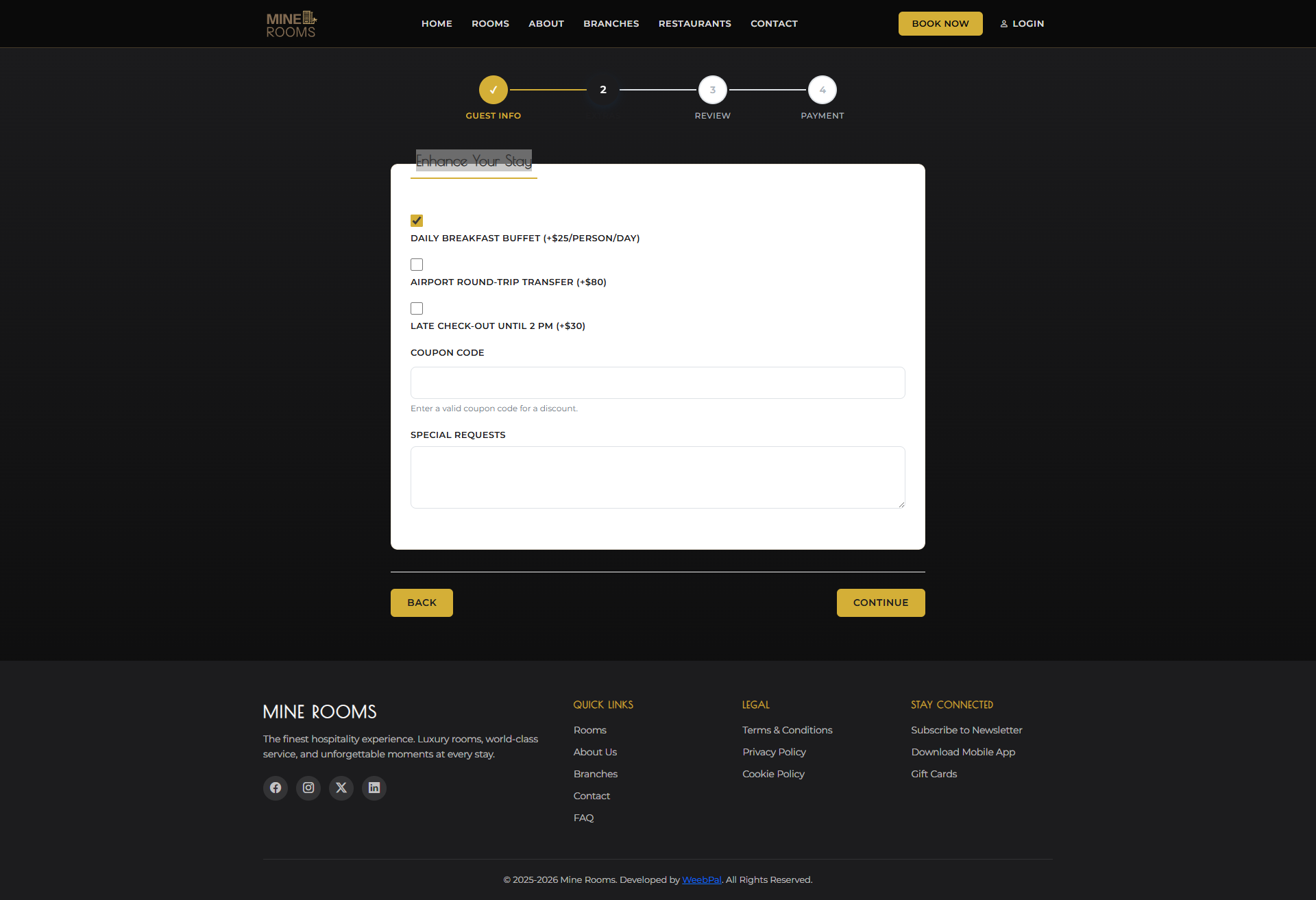
📋 Step 2: Select Room & Enter Info
What you can do: Choose a room, enter guest details, and select payment.
Navigation: After Step 1 → Step 2 shown automatically
- Click a room to highlight it.
- Fill in Full Name, Email, and Phone.
- Enter a Coupon Code if needed, then click APPLY.
- Choose Cash, Card, or MoMo, then click CONTINUE →.
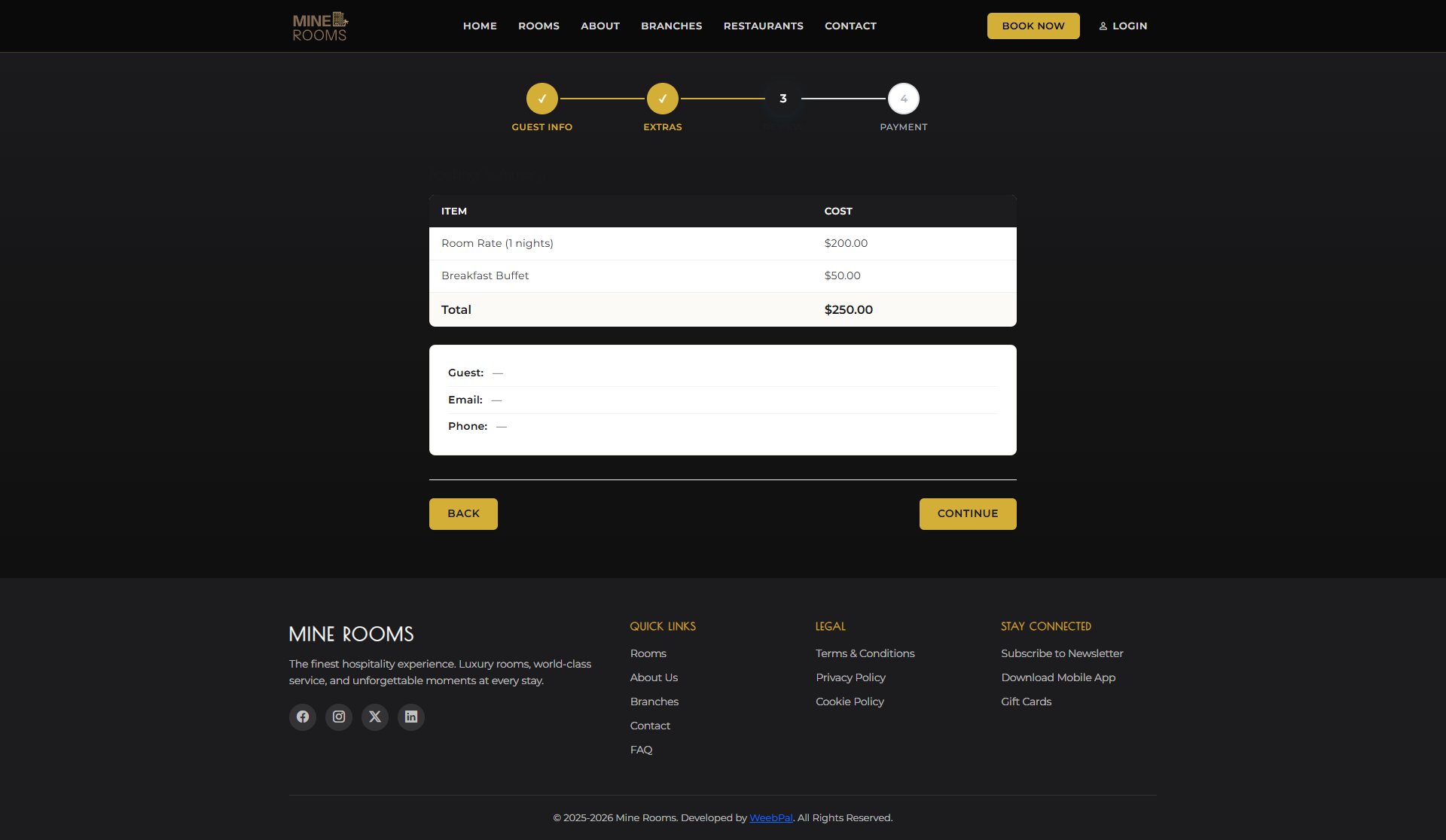
✅ Step 3: Confirm Booking
What you can do: Review your booking summary before submitting.
Navigation: After Step 2 → Step 3 automatically displayed
- Review the Room type, Dates, Guest name, and Total price.
- Verify the payment method from Step 2.
- Click ← BACK to edit or CONFIRM BOOKING to finish.
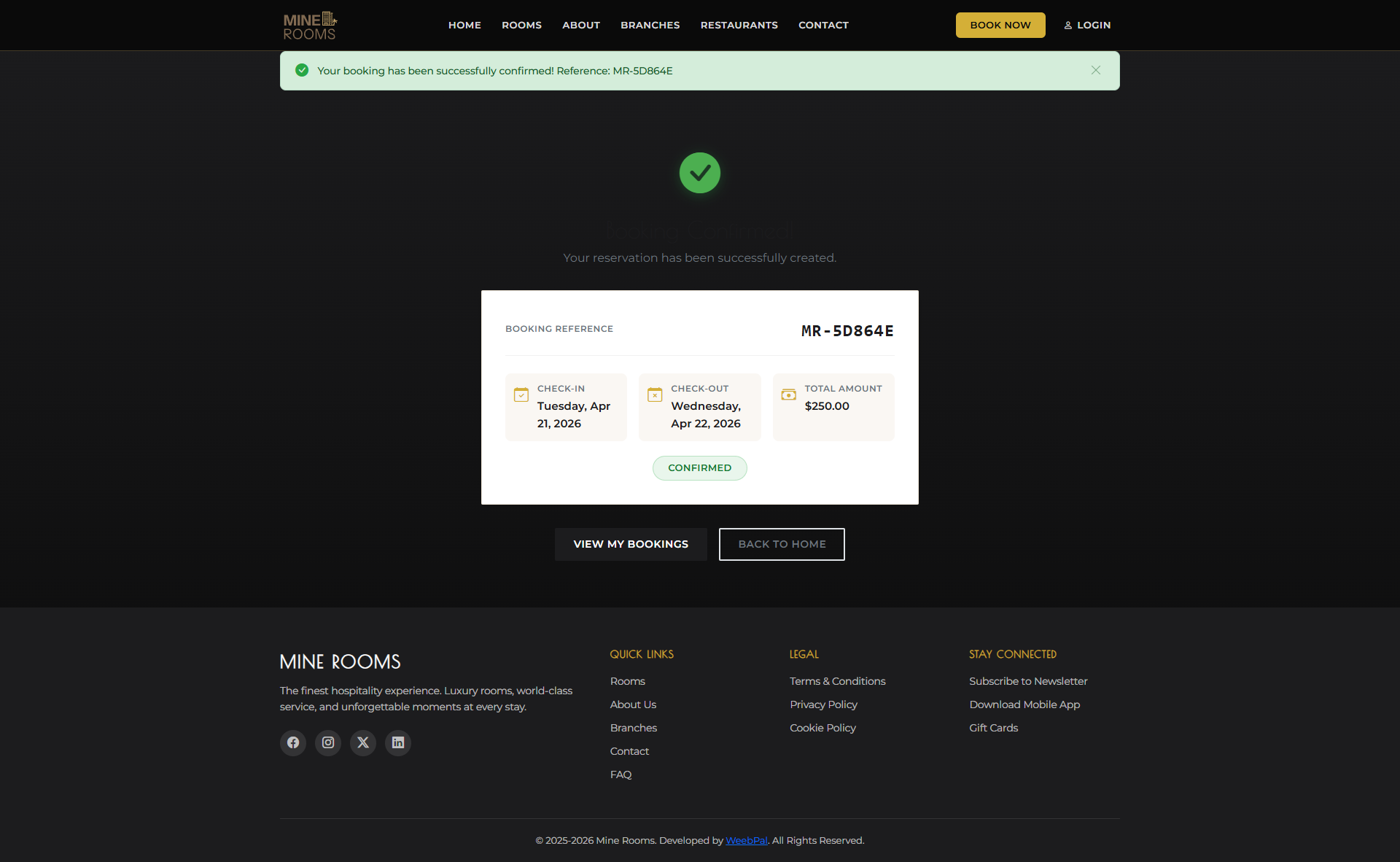
🎉 Booking Confirmation
What it shows: Your confirmation page and booking reference.
Navigation: After Step 3 Confirm → Confirmation page shown automatically
- Save the Booking Reference Number for check-in.
- A confirmation email is sent to you.
- Status starts as Pending until confirmed.
- Click VIEW MY BOOKINGS to track it later.
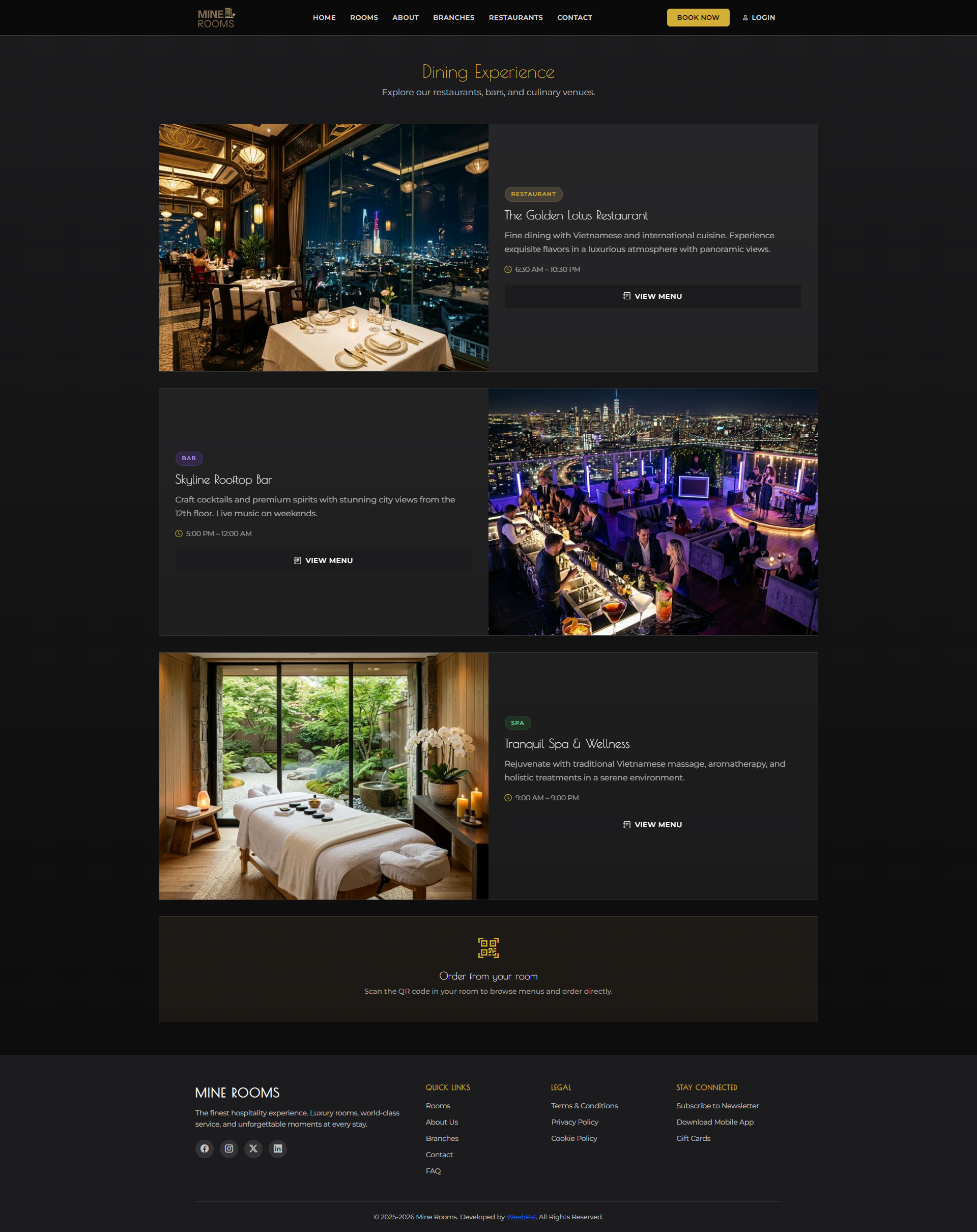
🍽️ Restaurants
What it shows: A listing of all restaurants operated by Mine Rooms hotels.
Navigation: Top menu → RESTAURANTS
- Each restaurant card shows: name, cuisine type, branch location, and a thumbnail
- Click a restaurant card to view its full menu
- Restaurants are tied to specific branches — check the branch tag on each card
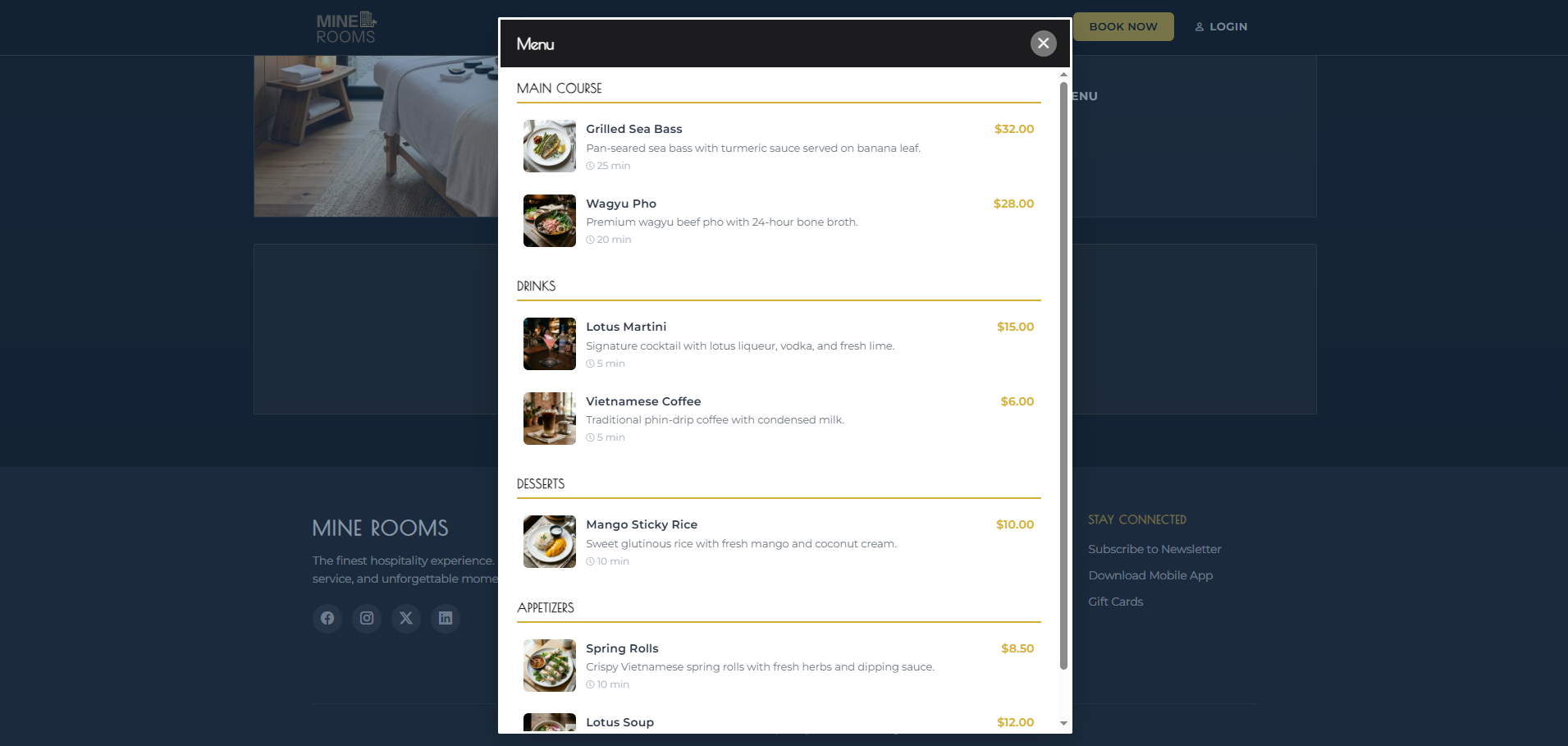
📖 View Restaurant Menu
What it shows: The full food and drink menu for a specific restaurant.
Navigation: RESTAURANTS → Click a restaurant → VIEW MENU
- Menu items are grouped by category (appetizers, mains, desserts, drinks)
- Each item shows: name, description, and price
- Logged-in guests can click Add to Cart to place in-room orders
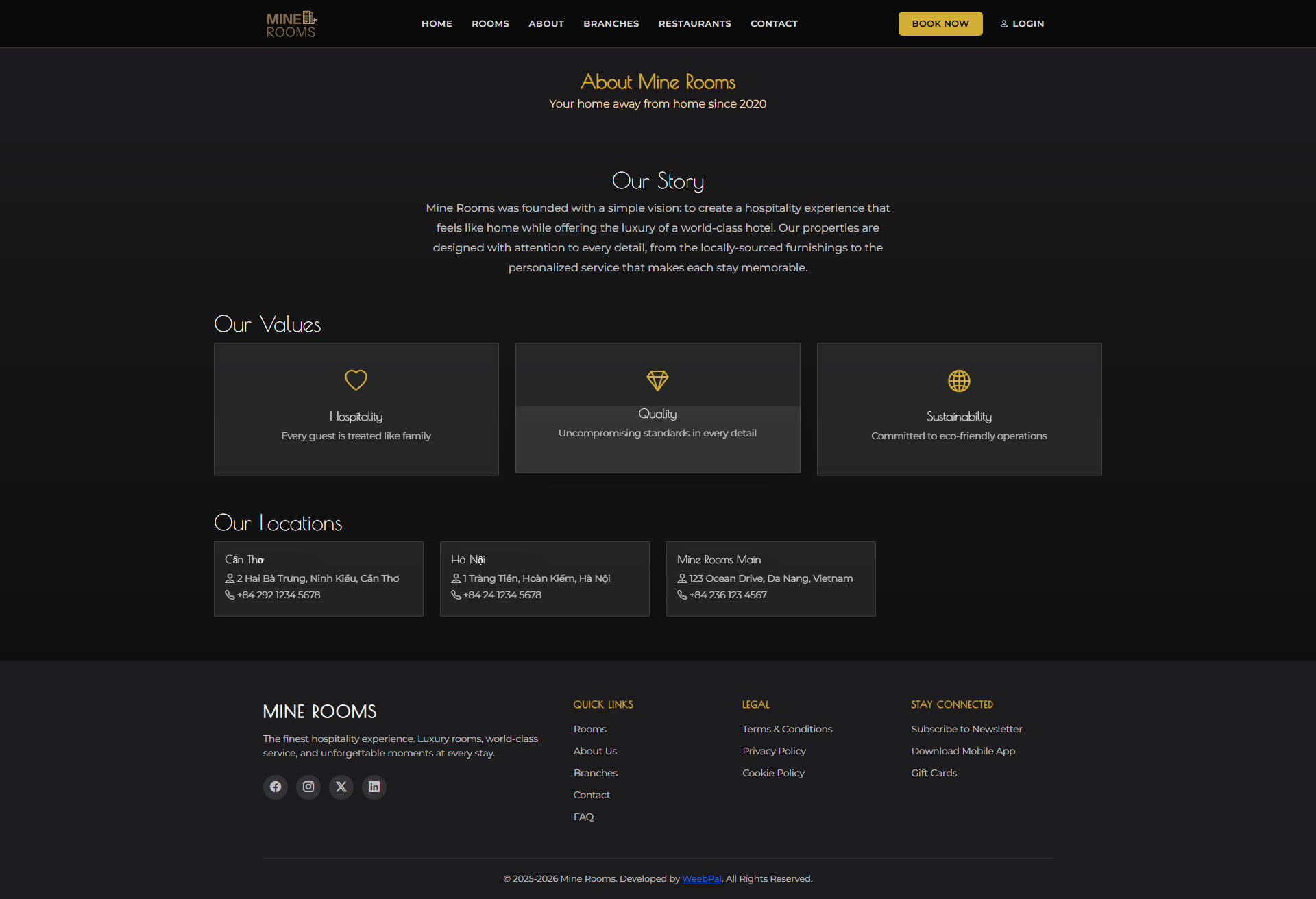
🏨 About Us
What it shows: Mine Rooms' brand story, mission, and hotel philosophy.
Navigation: Top menu → ABOUT
- Read about the hotel's founding story and hospitality vision
- Learn about the team and service standards
- Discover the locations and expansion plans
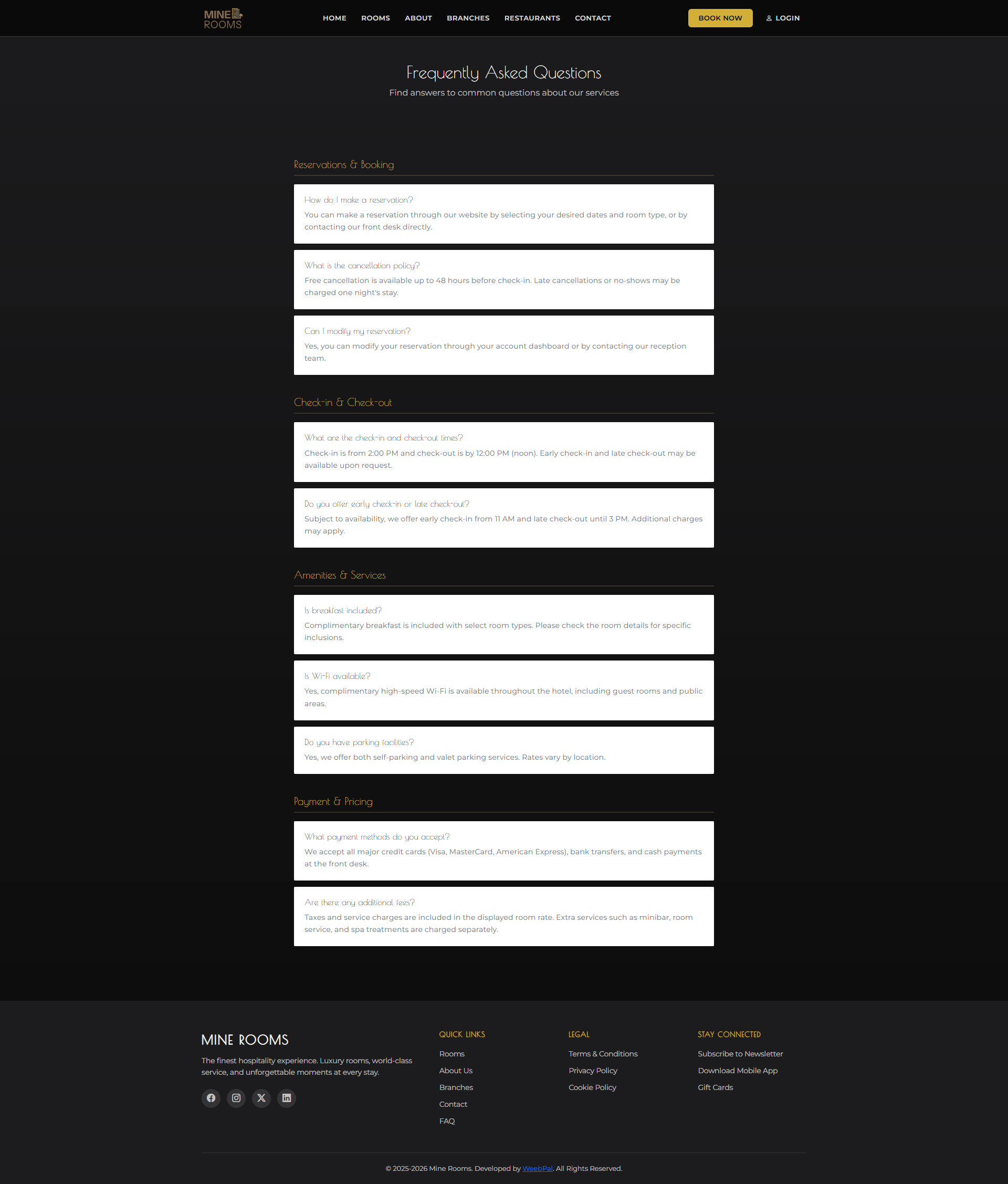
❓ FAQ
What it shows: Frequently asked questions covering bookings, check-in/out, payments, and hotel policies.
Navigation: Footer → FAQ
- Questions are organized by topic (Booking, Check-in, Payments, Amenities)
- Click a question to expand and read the full answer
- If your question isn't listed, use the Contact page to reach support
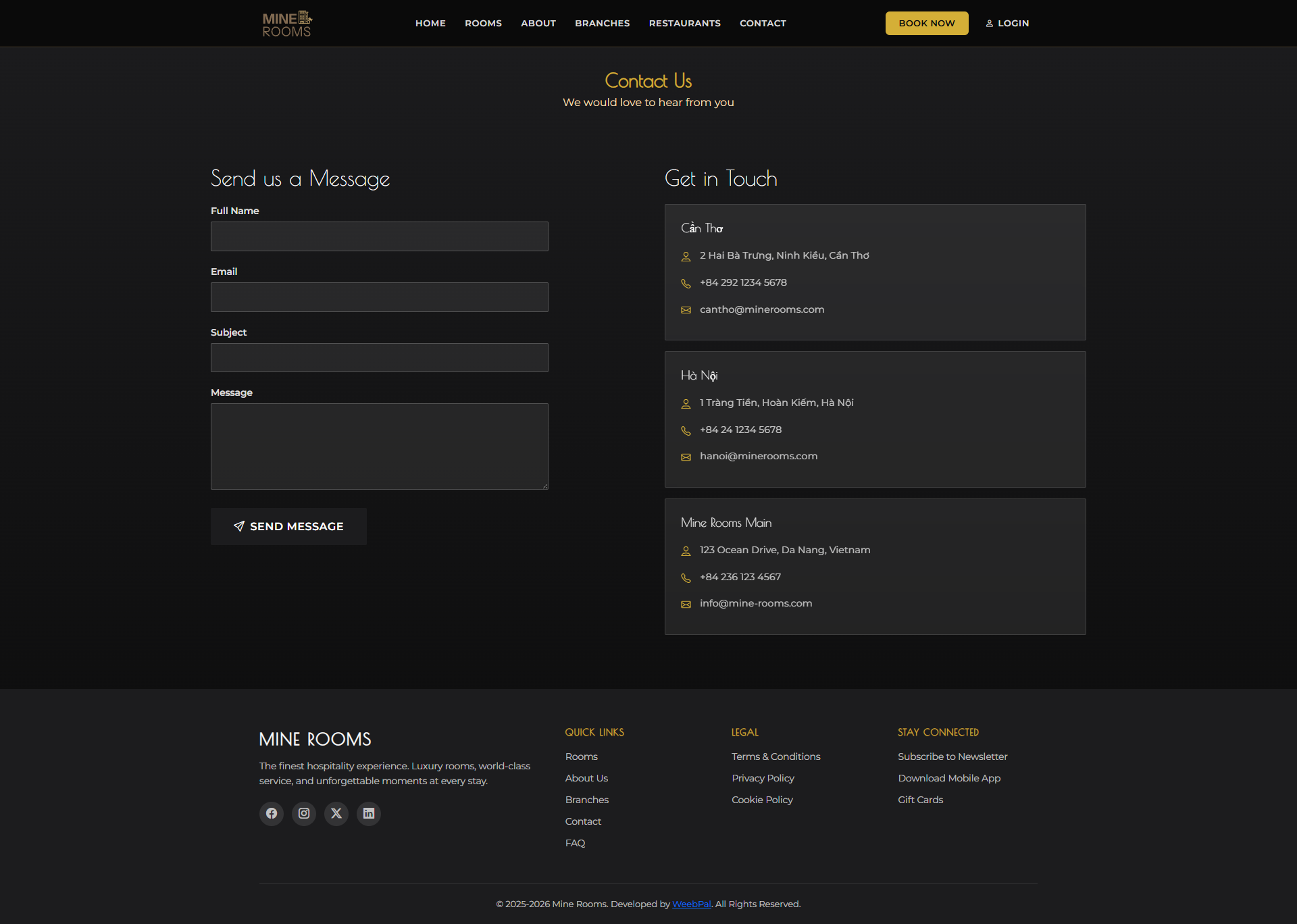
📬 Contact Us
What it shows: A contact form and hotel contact information for reaching the Mine Rooms support team.
Navigation: Top menu → CONTACT
- Fill in: Your Name, Email, Message then click Send
- Find the hotel's phone number, email address, and physical address
- View the embedded map for directions
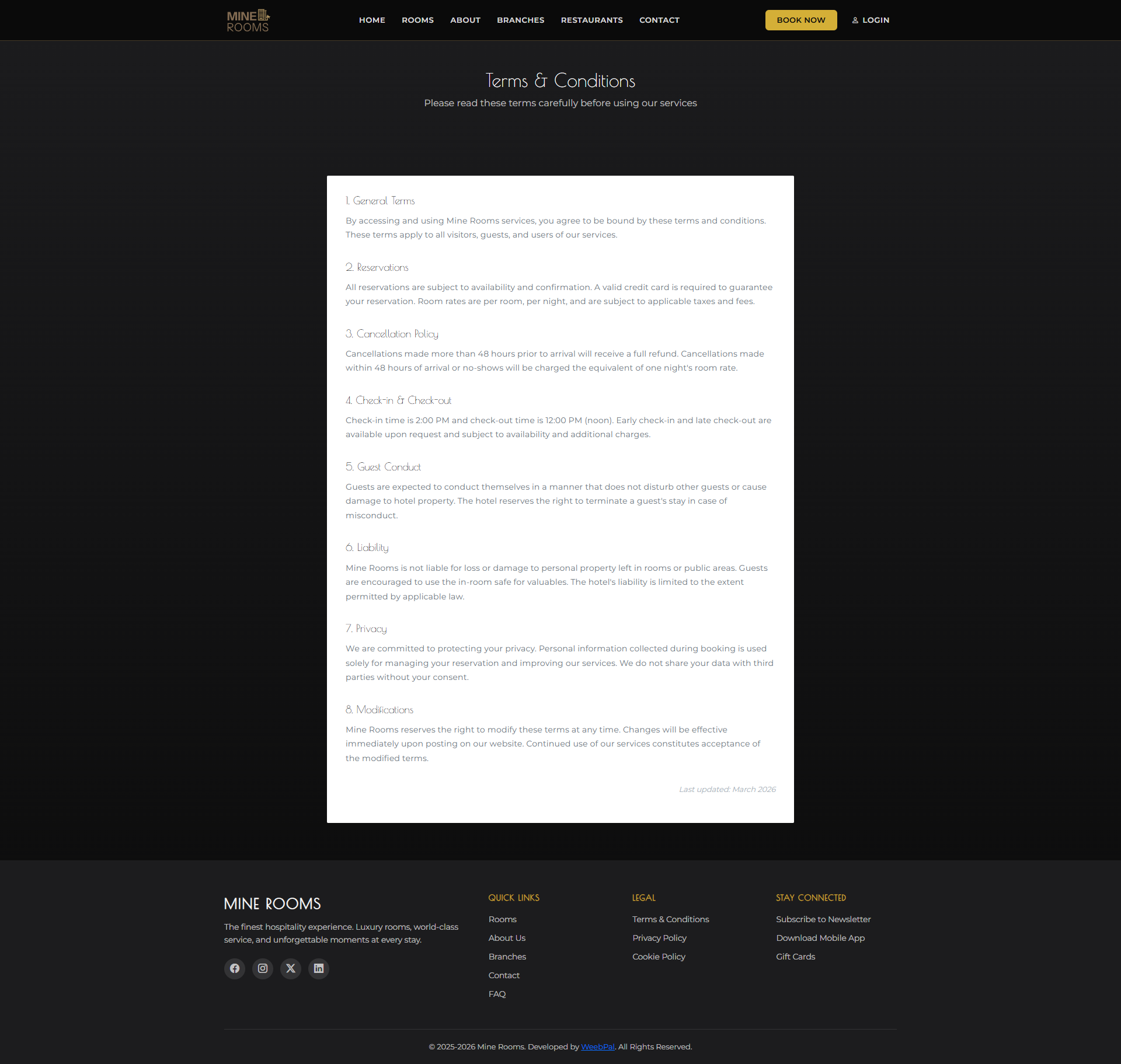
📄 Terms & Conditions
What it shows: The hotel's full terms of service, including booking policies, cancellation rules, and guest responsibilities.
Navigation: Footer → Terms & Conditions
- Read the Cancellation Policy — understand refund eligibility timelines
- Review Check-in / Check-out times and late checkout conditions
- Understand guest liability and property damage policies
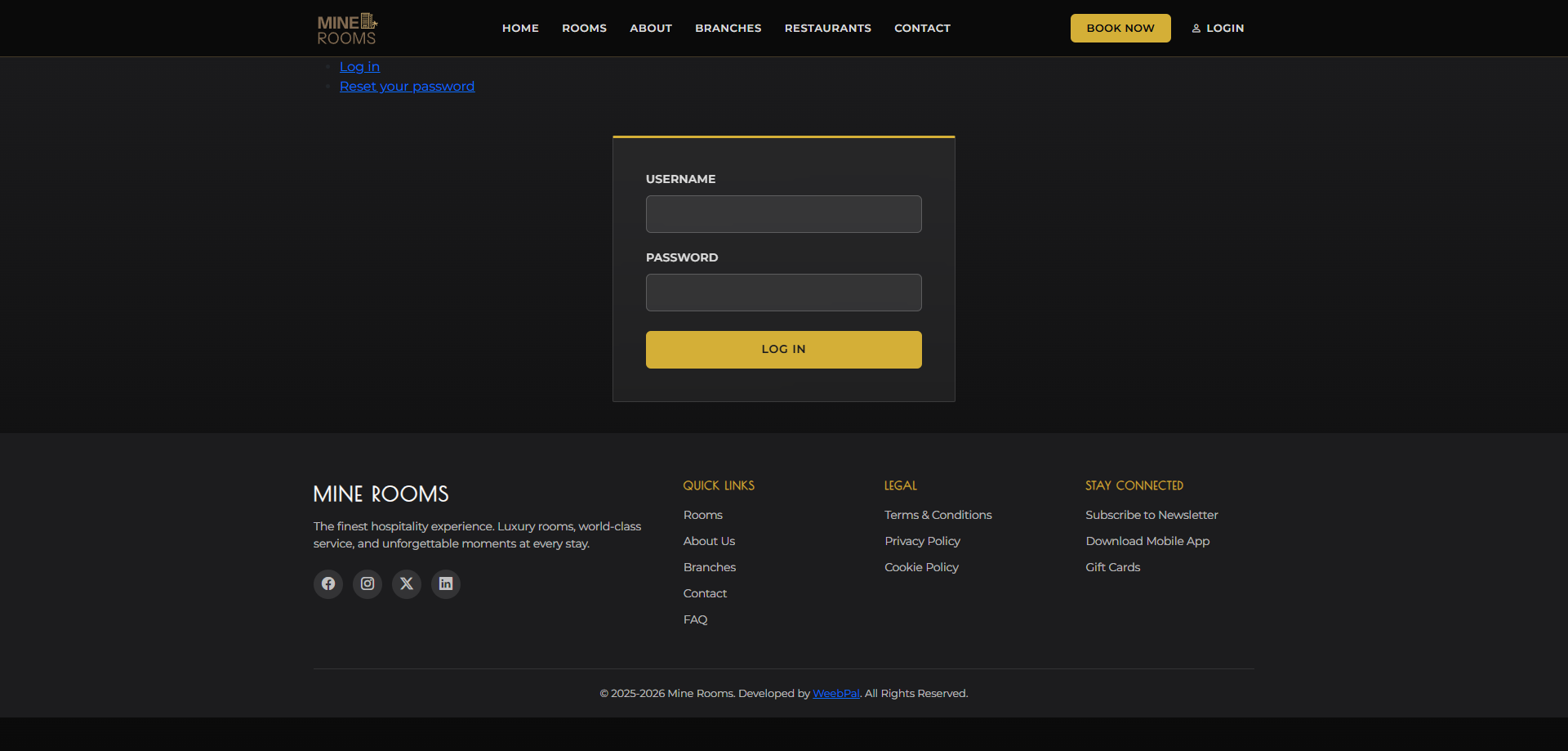
🔑 Login
What you can do: Log in to your existing Mine Rooms customer account.
Navigation: Top menu → LOGIN
- Enter your Username and Password, then click Log In
- Use Forgot Password? to recover your credentials
- New visitors: click Create Account to register
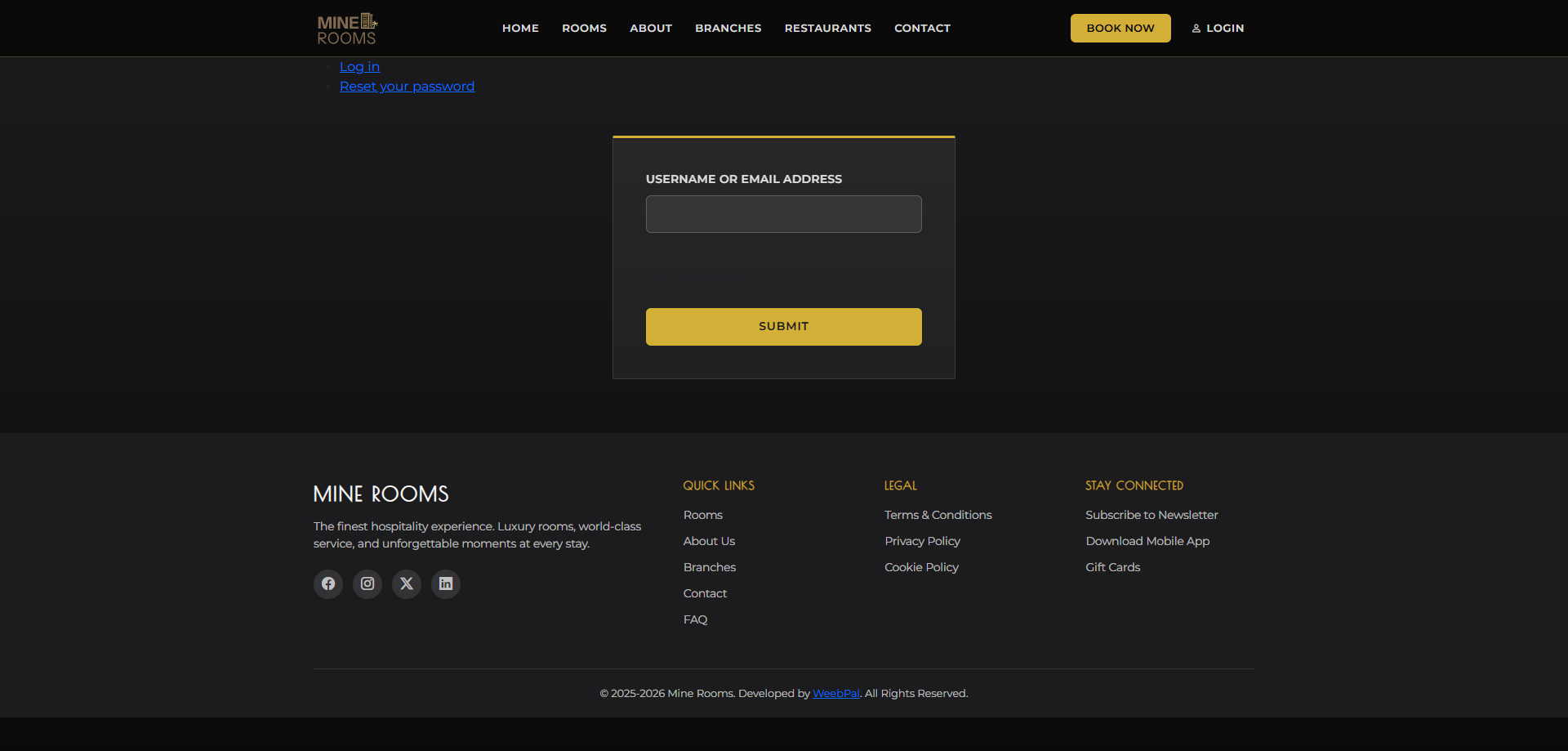
🔄 Reset Password
What you can do: Recover access to your account by resetting your password via email.
Navigation: Login page → Forgot Password?
- Enter your registered email address
- Click Submit — reset link sent to your inbox
- Check email and click link to set new password
- Return to Login page and sign in with new password