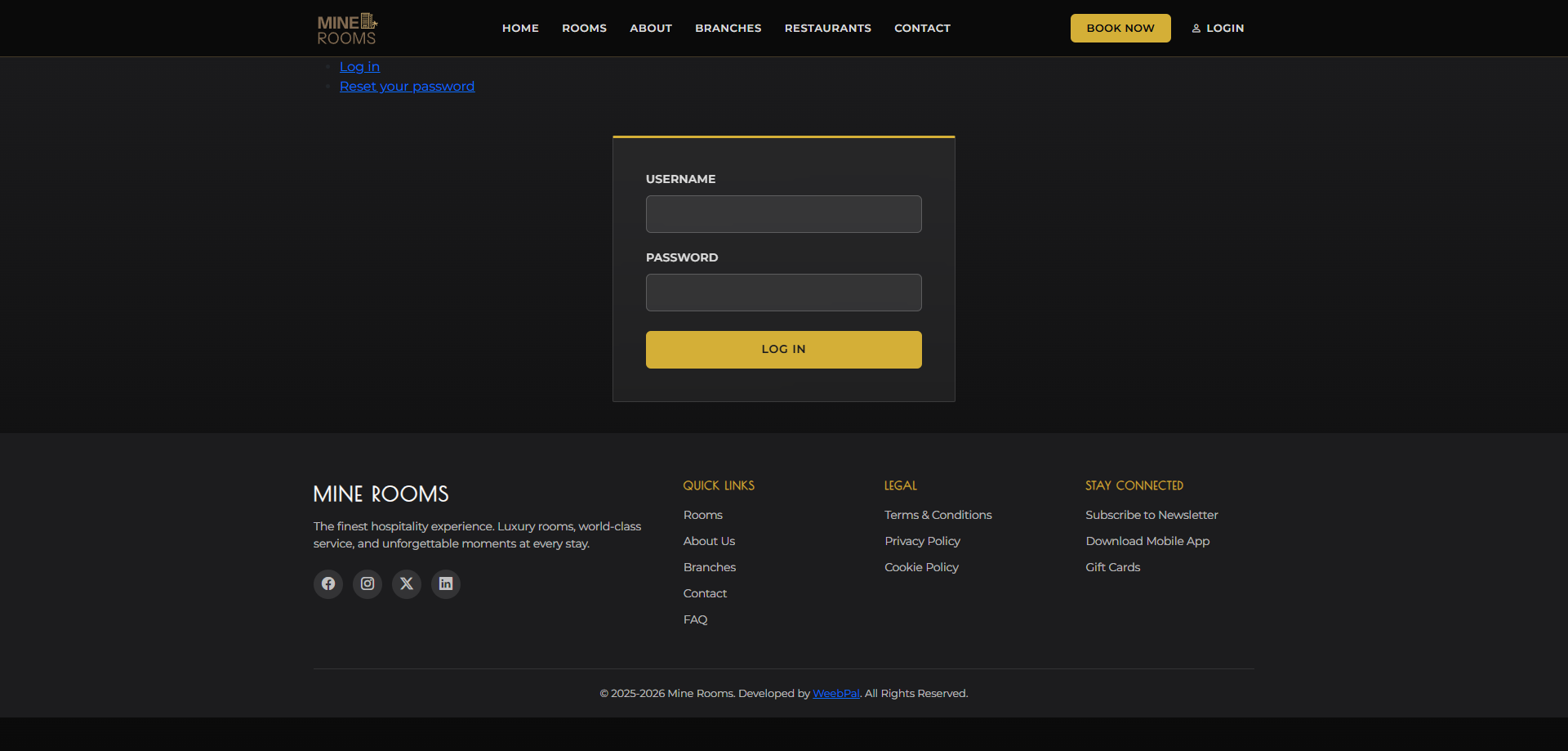
🔑 System Login
Who it’s for: Admin
Navigation: Go to the management portal login
- Enter your Username and Password, then click Log In
- Admin has access to all management features — all Receptionist functions plus admin-only tools
- The admin dashboard provides a full hotel overview on login
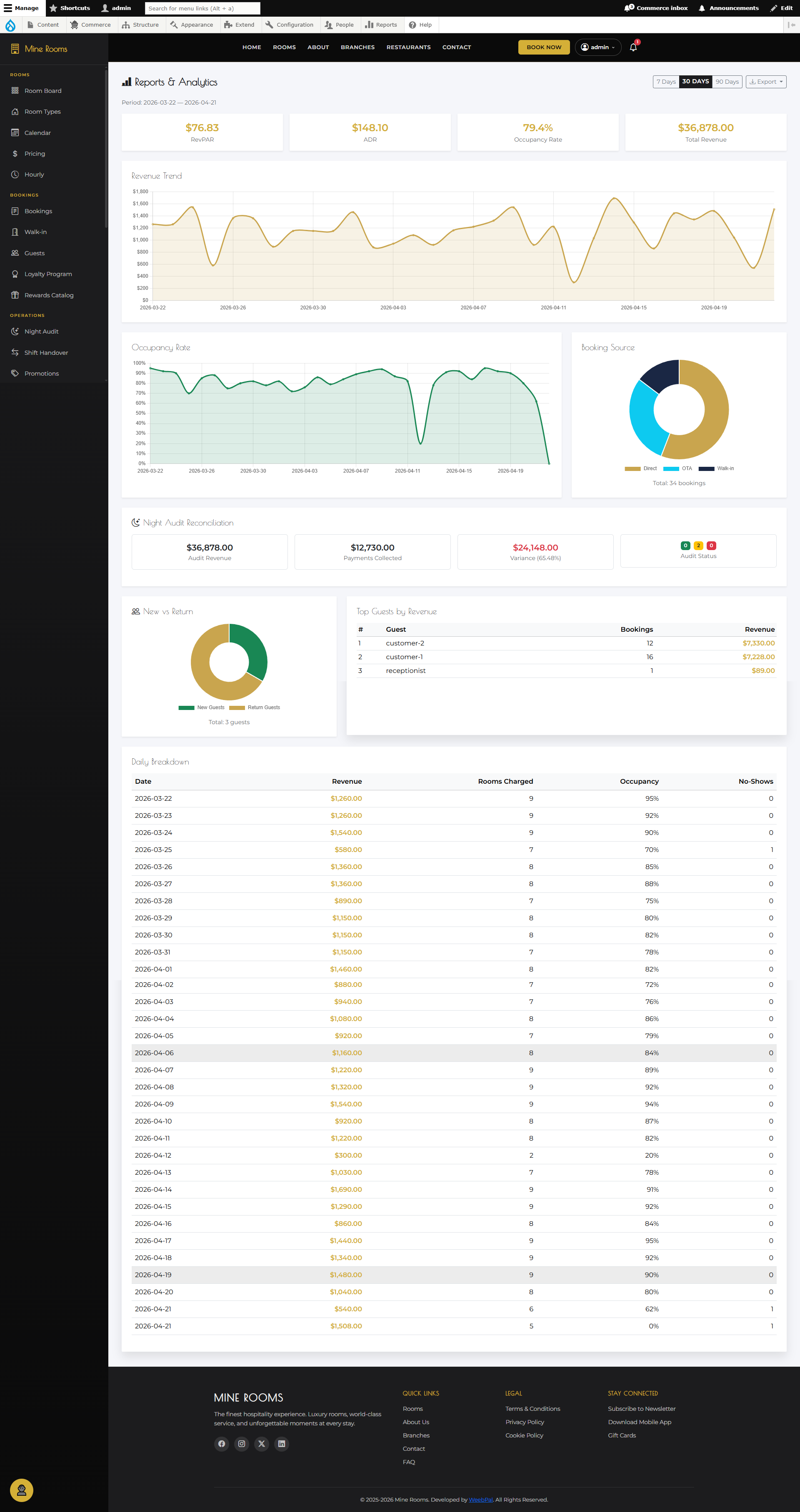
📊 Reports Dashboard
What it shows: A comprehensive overview of hotel performance, including occupancy, revenue, and booking statistics across all branches.
Navigation: Manage → Reports
- Occupancy Rate: % rooms occupied per day, week, or month.
- Total Revenue: Revenue by room type and branch.
- Booking Count: Bookings by status, including confirmed, cancelled, and completed.
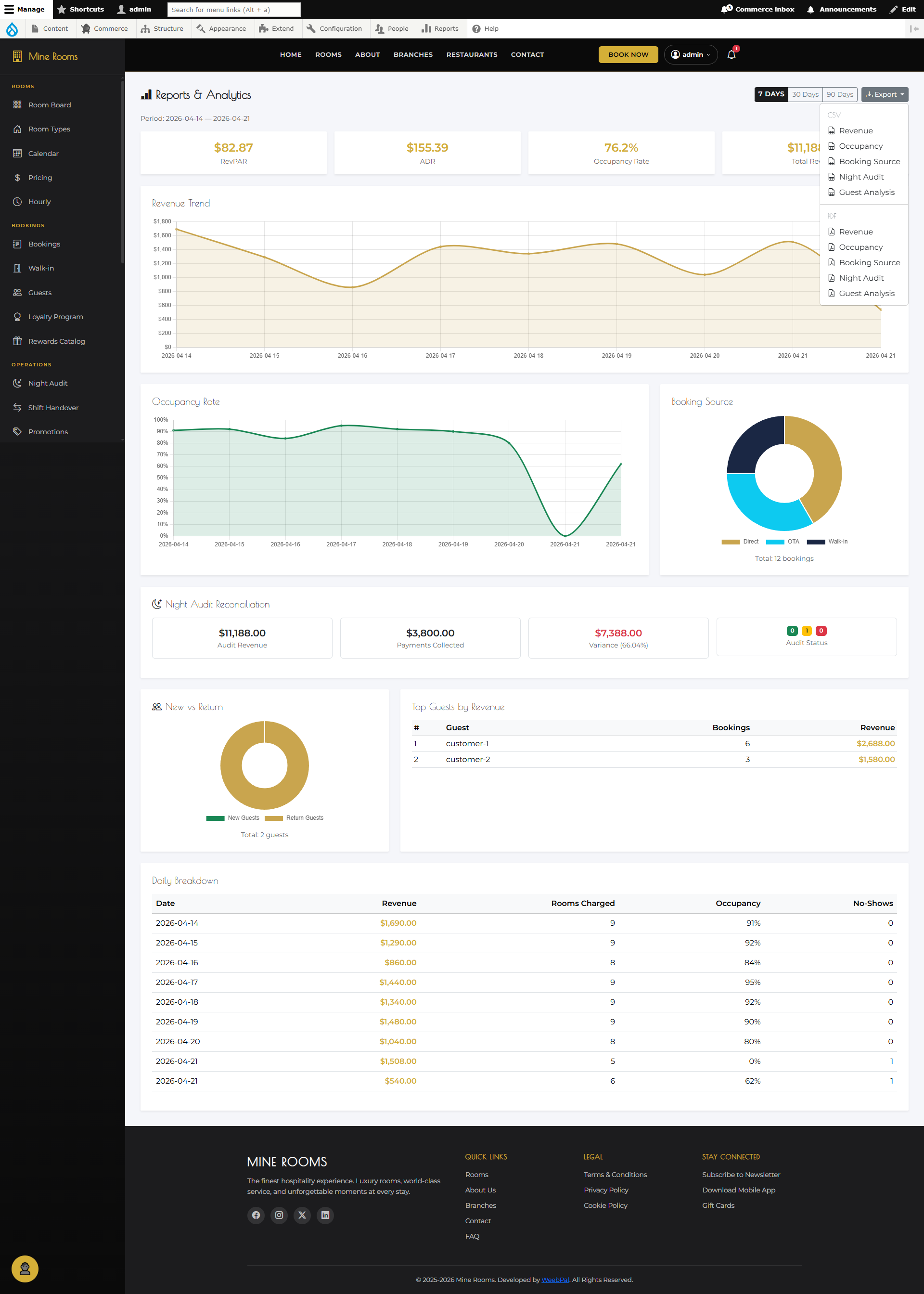
📥 Export Reports
What you can do: Export hotel performance data to a downloadable file for further analysis or record keeping.
Navigation: Manage → Reports → Export
- Select the date range and report type: Revenue · Occupancy · Bookings · Guests.
- Click Export to download the file immediately.
- Supported formats: CSV or Excel. You can also filter by branch.
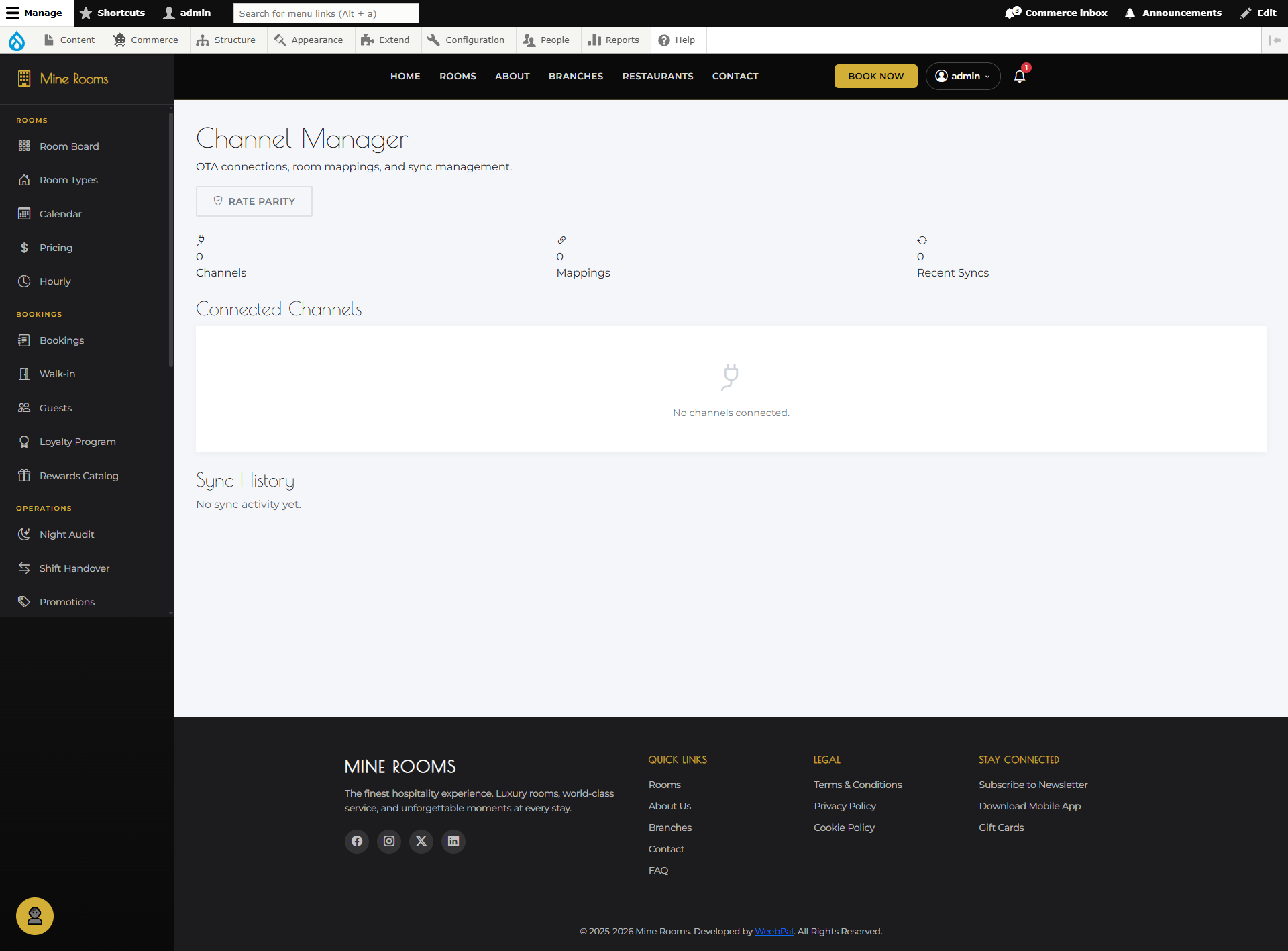
📡 Channel Management
What you can do: Connect Mine Rooms to external booking platforms (OTAs) and manage channel settings from one place.
Navigation: Manage → Channels
- View all connected channels (Booking.com, Agoda, Airbnb, etc.)
- Enable/Disable channels and set commission rates
- Monitor channel status: Connected, Pending, Error
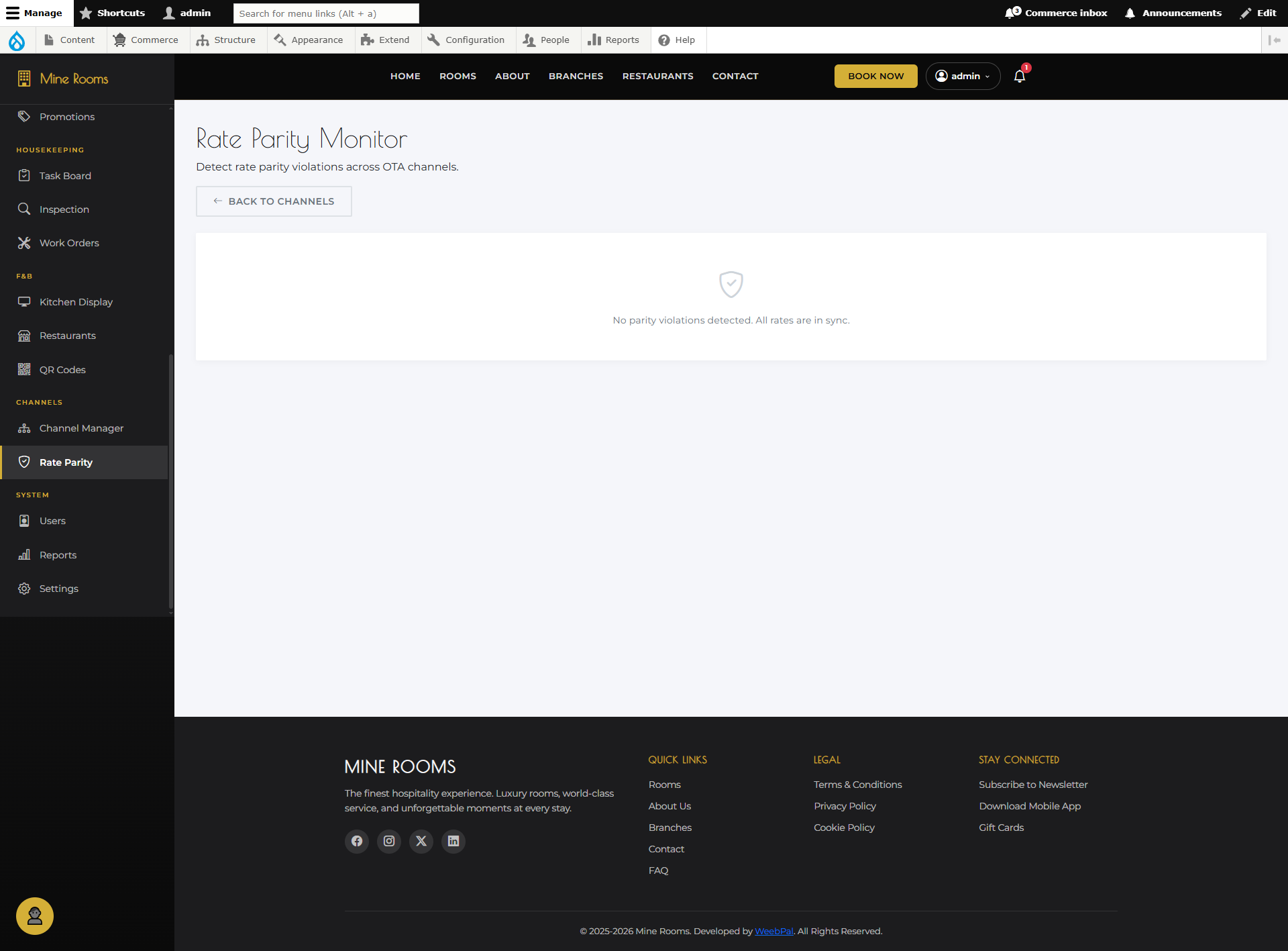
⚖️ Rate Parity
What you can do: Ensure consistent room pricing across all connected booking channels — prevent rate discrepancies that violate OTA agreements.
Navigation: Manage → Rate Parity
- View current rates for each room type across all channels
- Highlight rate mismatches and sync from single master rate
- Set channel mark-up (%) while maintaining parity
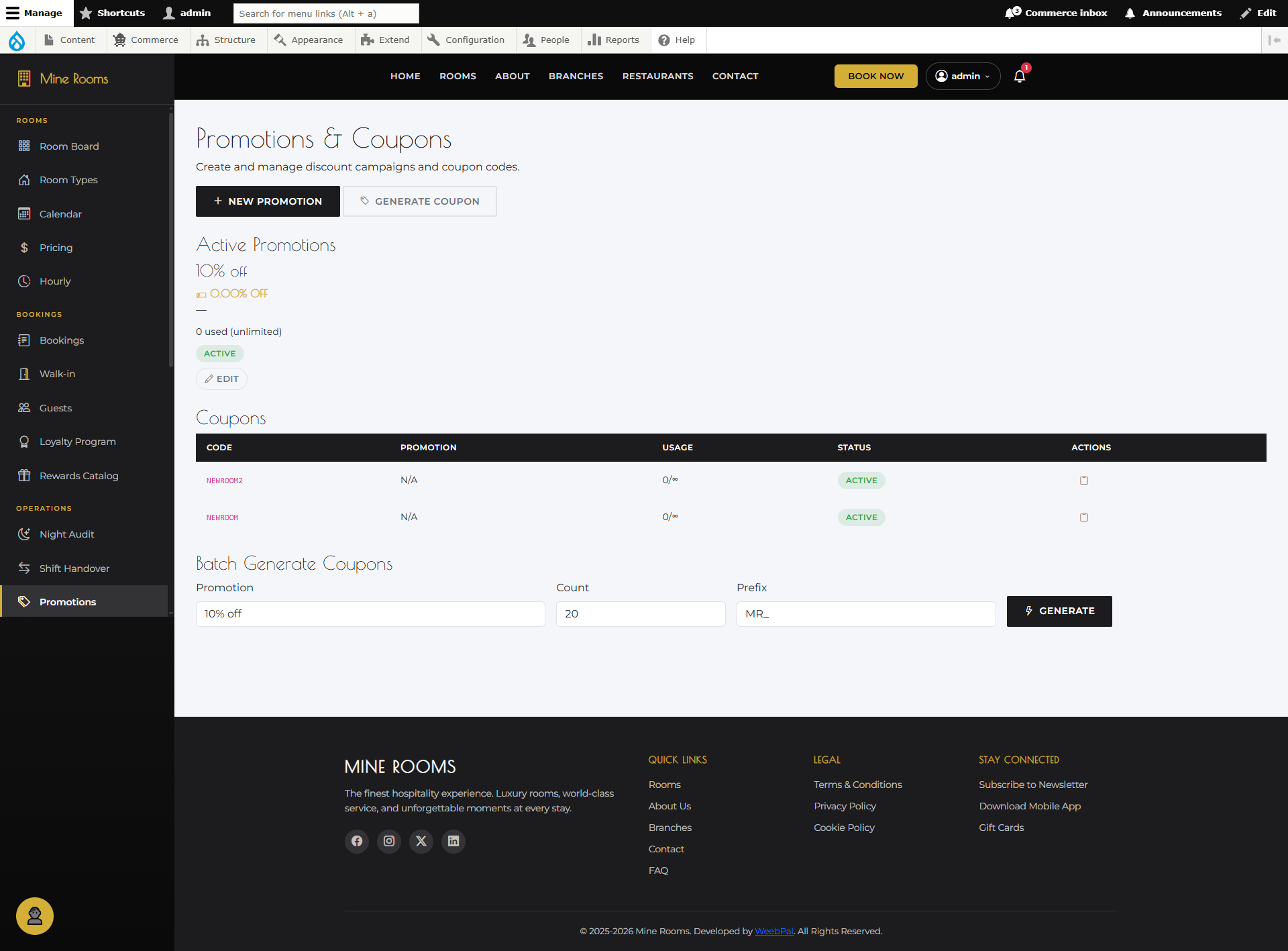
🎉 Promotions List
What it shows: All active, scheduled, and past promotions — special offers applied automatically when booking conditions are met.
Navigation: Manage → Promotions
- Each card: Name, Discount type, Validity, Status, Usage
- Status: Active · Scheduled · Expired · Disabled
- Click to view/edit or toggle to enable/disable
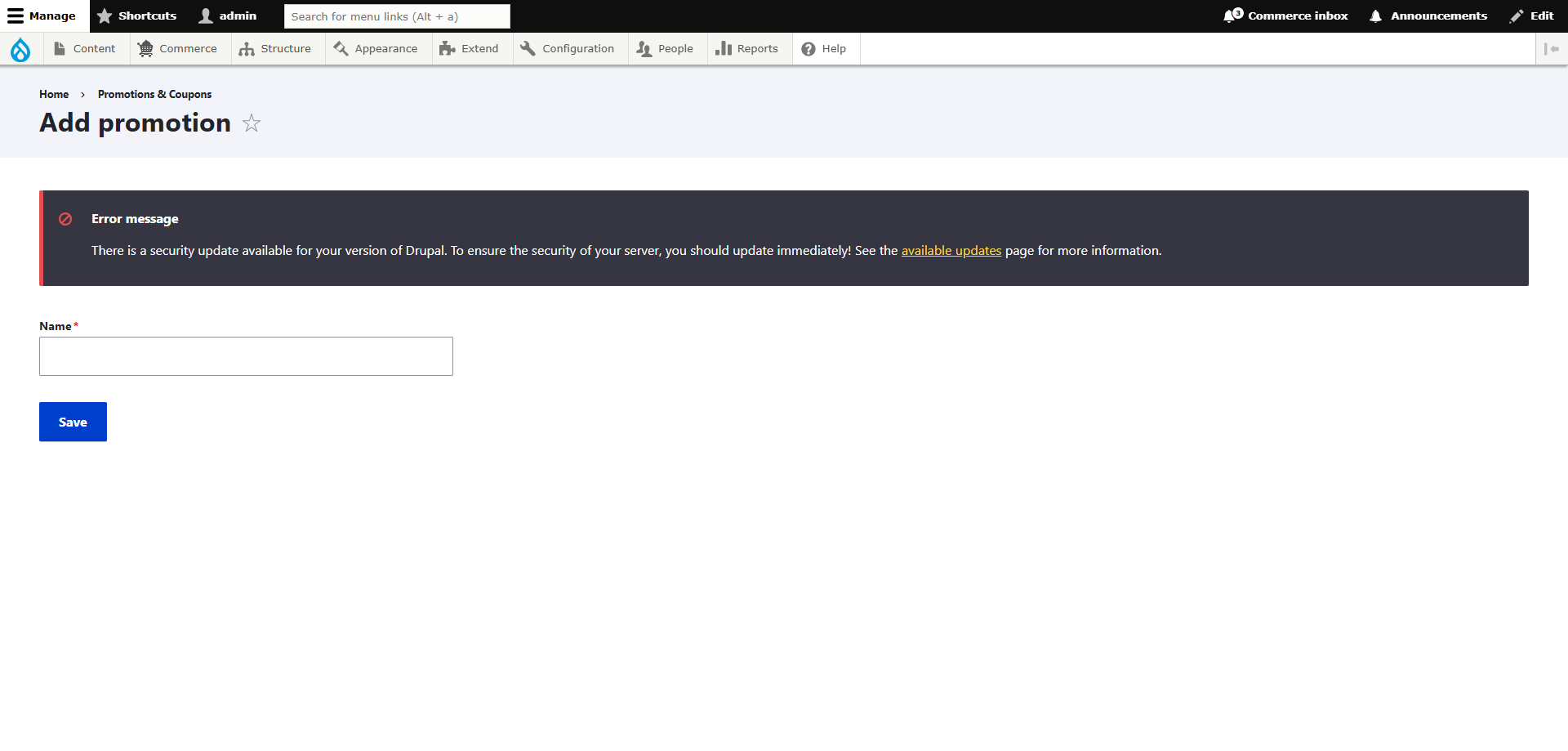
➕ Add Promotion
What you can do: Create a new automatic discount promotion that applies when booking conditions are met.
Navigation: Manage → Promotions → + Add Promotion
- Name & Discount: Clear name, select type (%/fixed), set value
- Validity & Min Stay: Set dates and minimum nights required
- Room Types & Branches: Apply to all or limit to specific ones
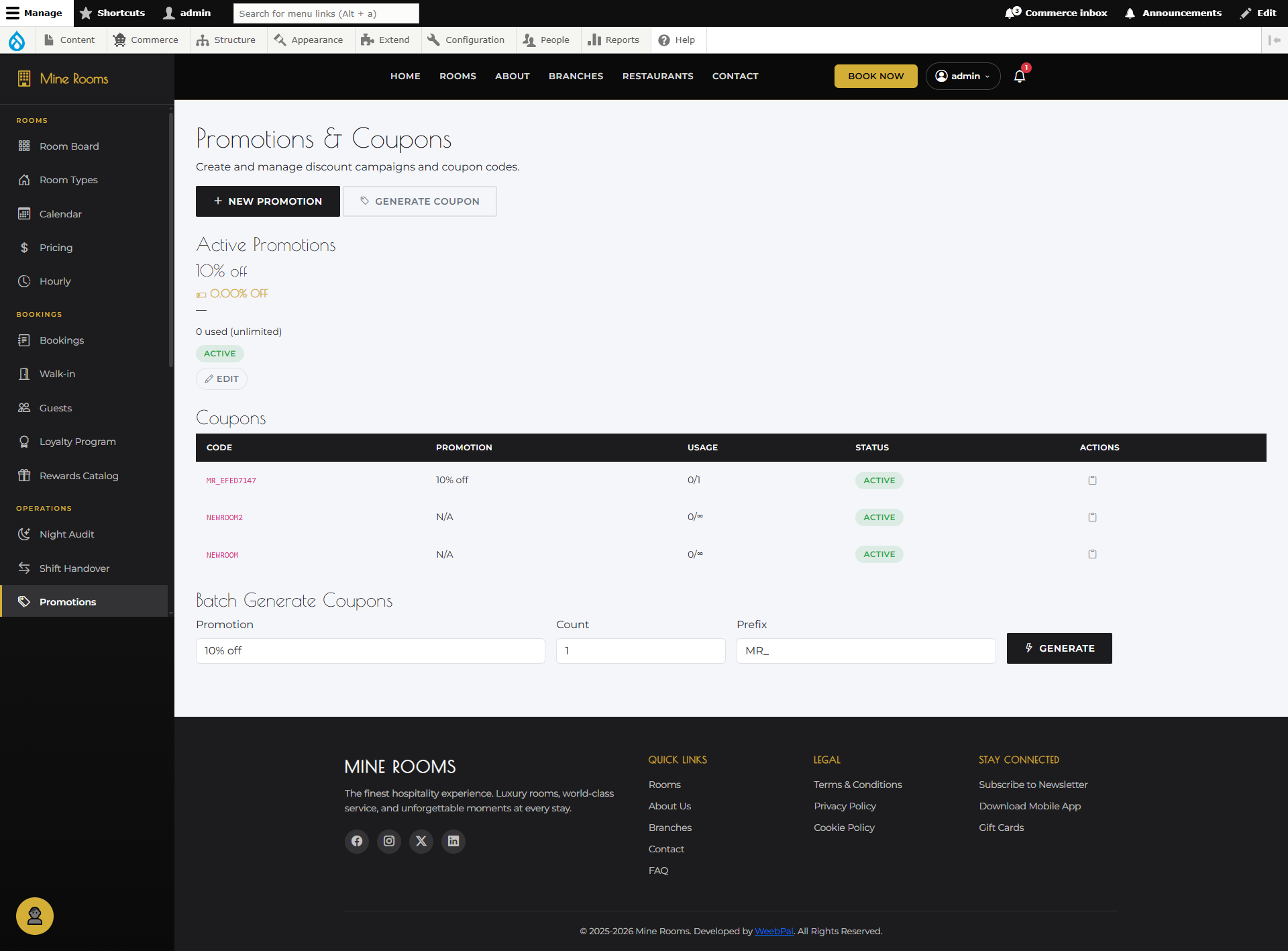
🎟️ Generate Promo Codes
What you can do: Generate a batch of unique promo codes linked to a promotion — guests enter a code at checkout to redeem the discount.
Navigation: Manage → Promotions → select promotion → Generate Codes
- Select promotion to link codes to
- Set Quantity and Usage Limit per Code (use 1 for single-use)
- Click Generate — codes created instantly, downloadable as CSV
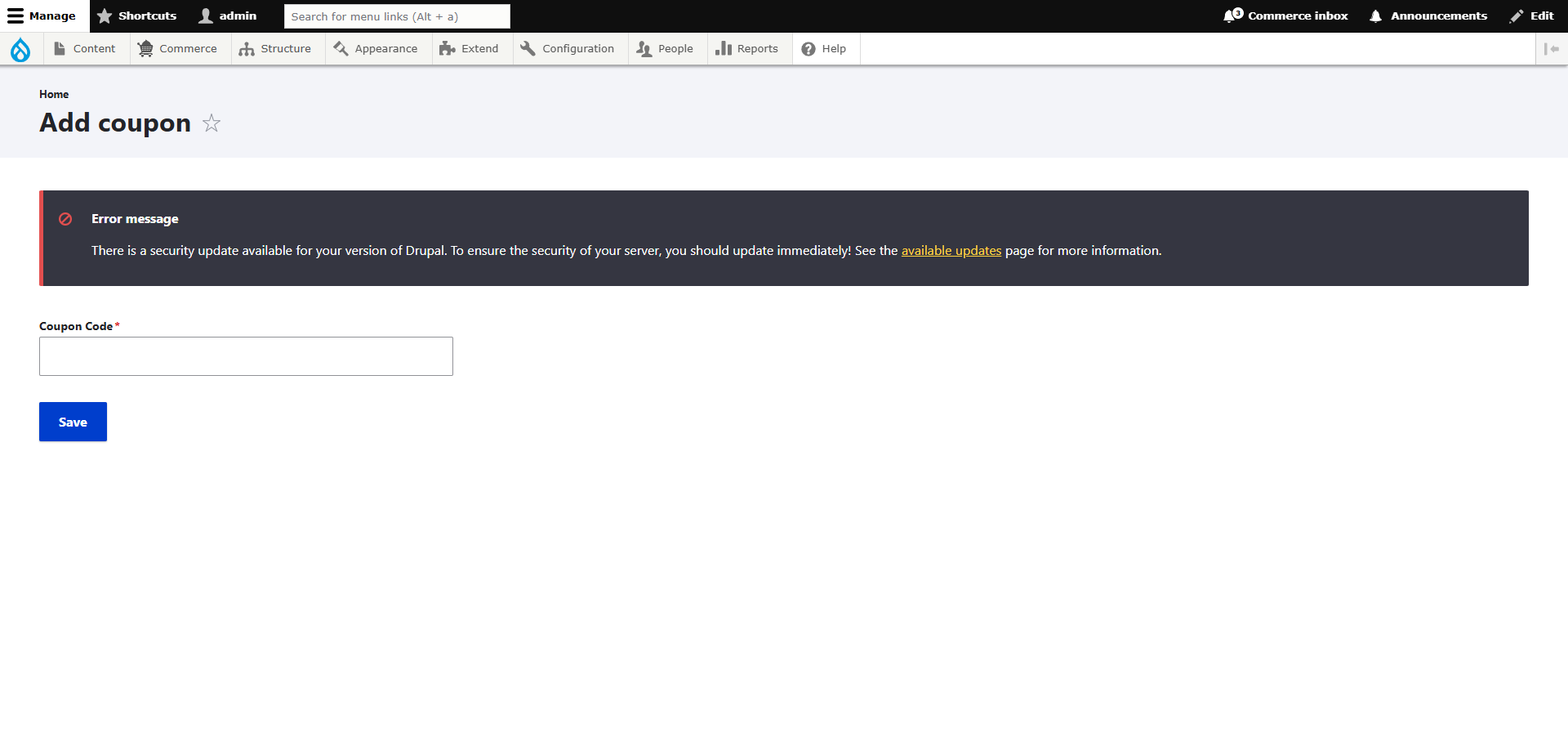
🏷️ Add Coupon
What you can do: Create a specific discount coupon with a custom code — guests enter this code during checkout to receive the discount.
Navigation: Manage → Coupons → + Add Coupon
- Coupon Code: Custom code guests enter (e.g.
WELCOME20) - Discount: Select type (%/fixed) and enter value
- Expiry & Usage Limit: When expires and max total redemptions
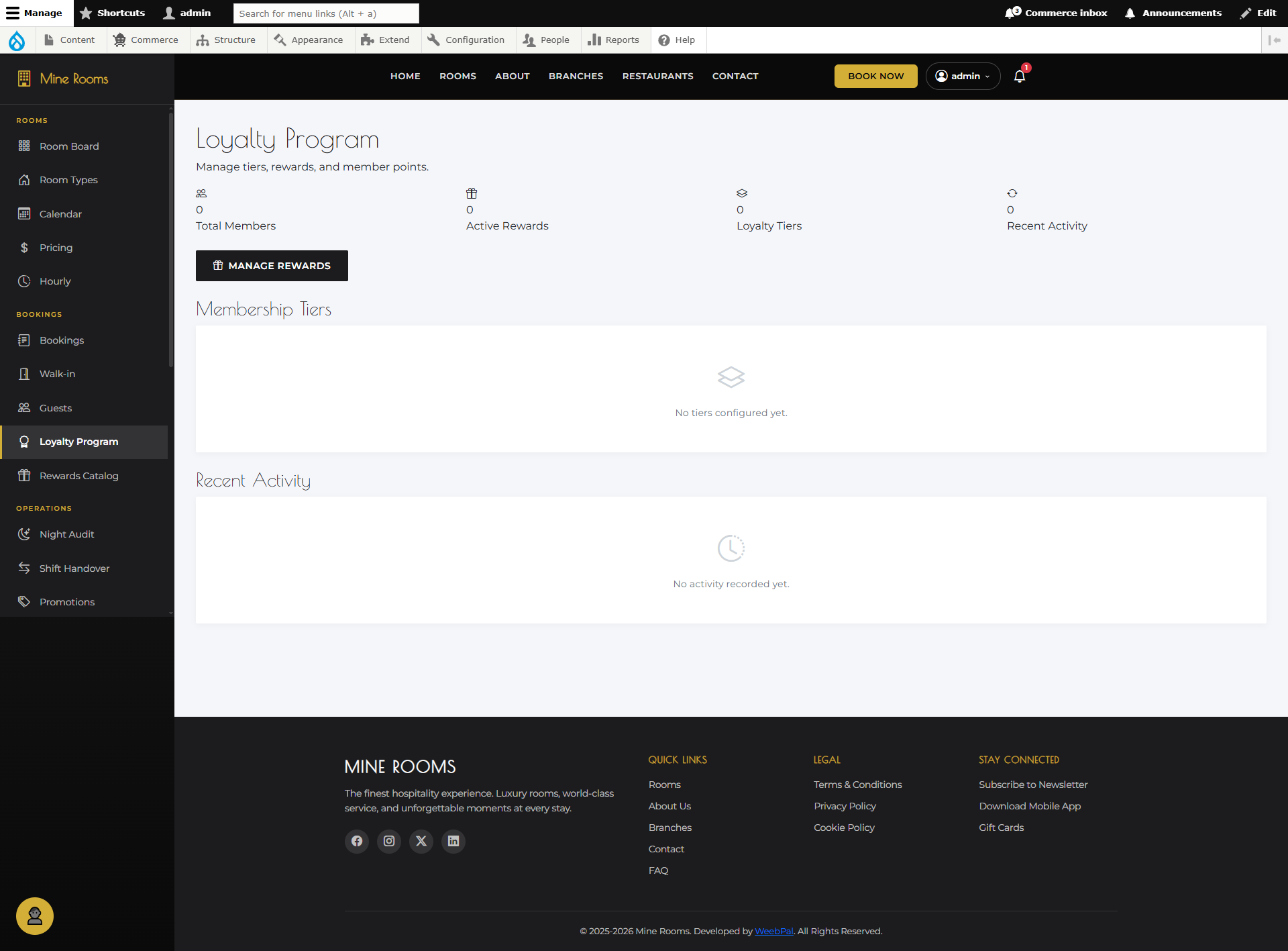
⭐ Loyalty Program Overview
What it shows: The loyalty program configuration — how points are earned per booking and the overall program settings.
Navigation: Manage → Loyalty
- Points Per Night: Points earned per room night booked
- Points Per Currency: Points per monetary unit spent
- Min Redemption & Expiry: Min balance to redeem and expiry days
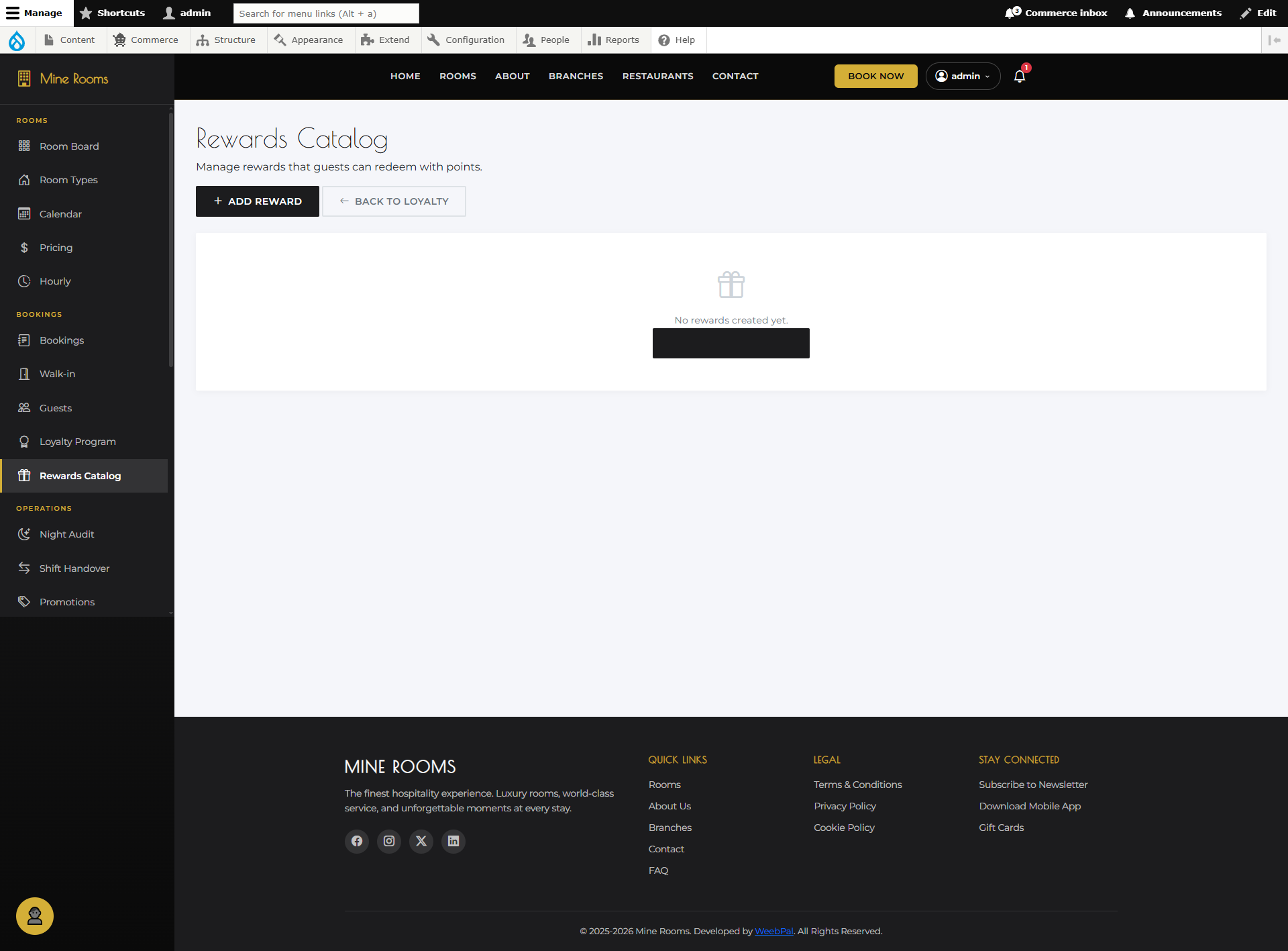
🎁 Loyalty Rewards
What it shows: All redemption rewards available to loyalty members — what guests can exchange their points for.
Navigation: Manage → Loyalty → Rewards
- Each reward: Name, Points Required, Type, Status
- Types: Free Night · Upgrade · Dining Credit · Spa · Discount
- Toggle Active/Inactive to control visibility
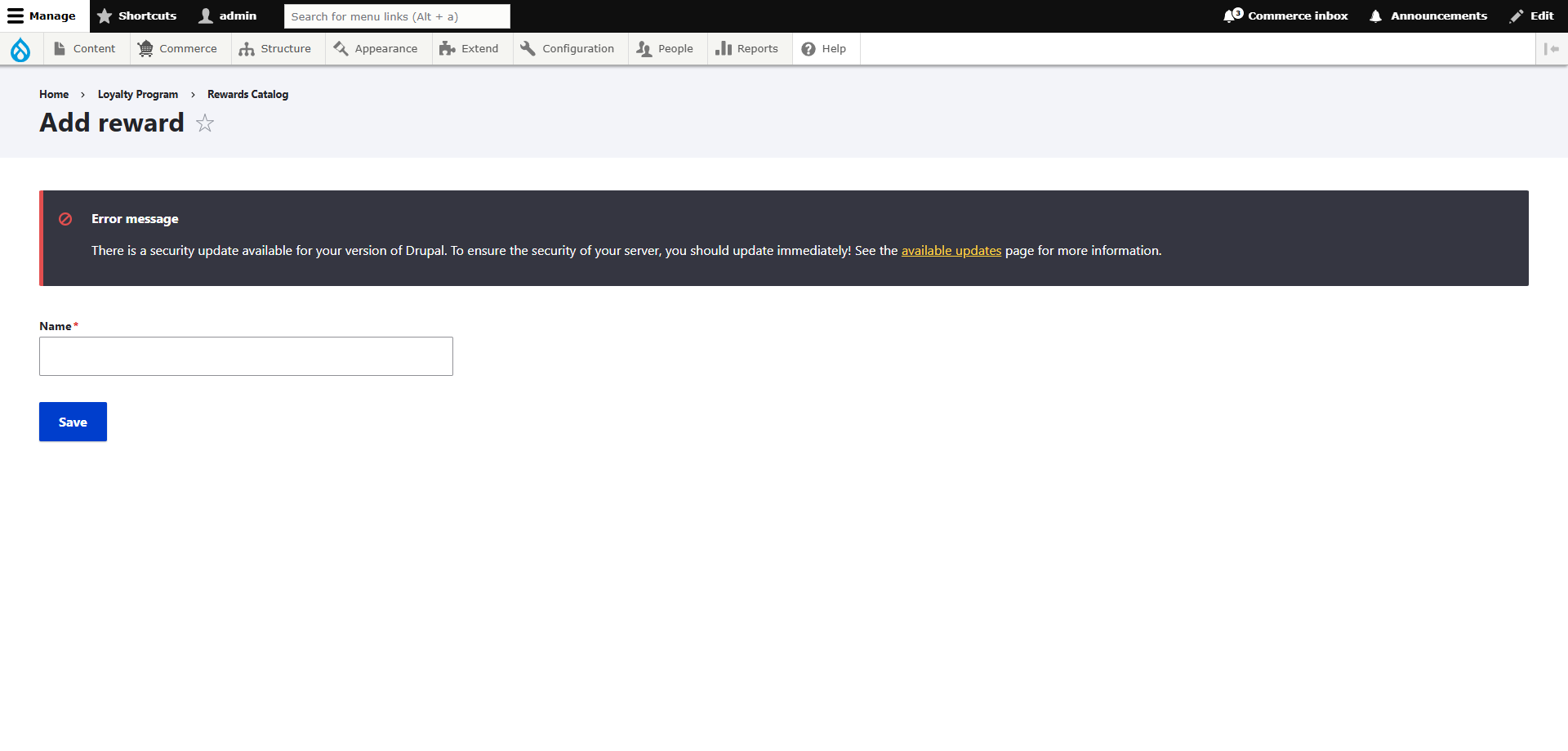
➕ Add Loyalty Reward
What you can do: Create a new redeemable reward for loyalty program members.
Navigation: Manage → Loyalty → Rewards → + Add Reward
- Name & Description: Clear label and brief description
- Points Required: Points guest must spend to redeem
- Type & Value: Select category and its monetary/room value
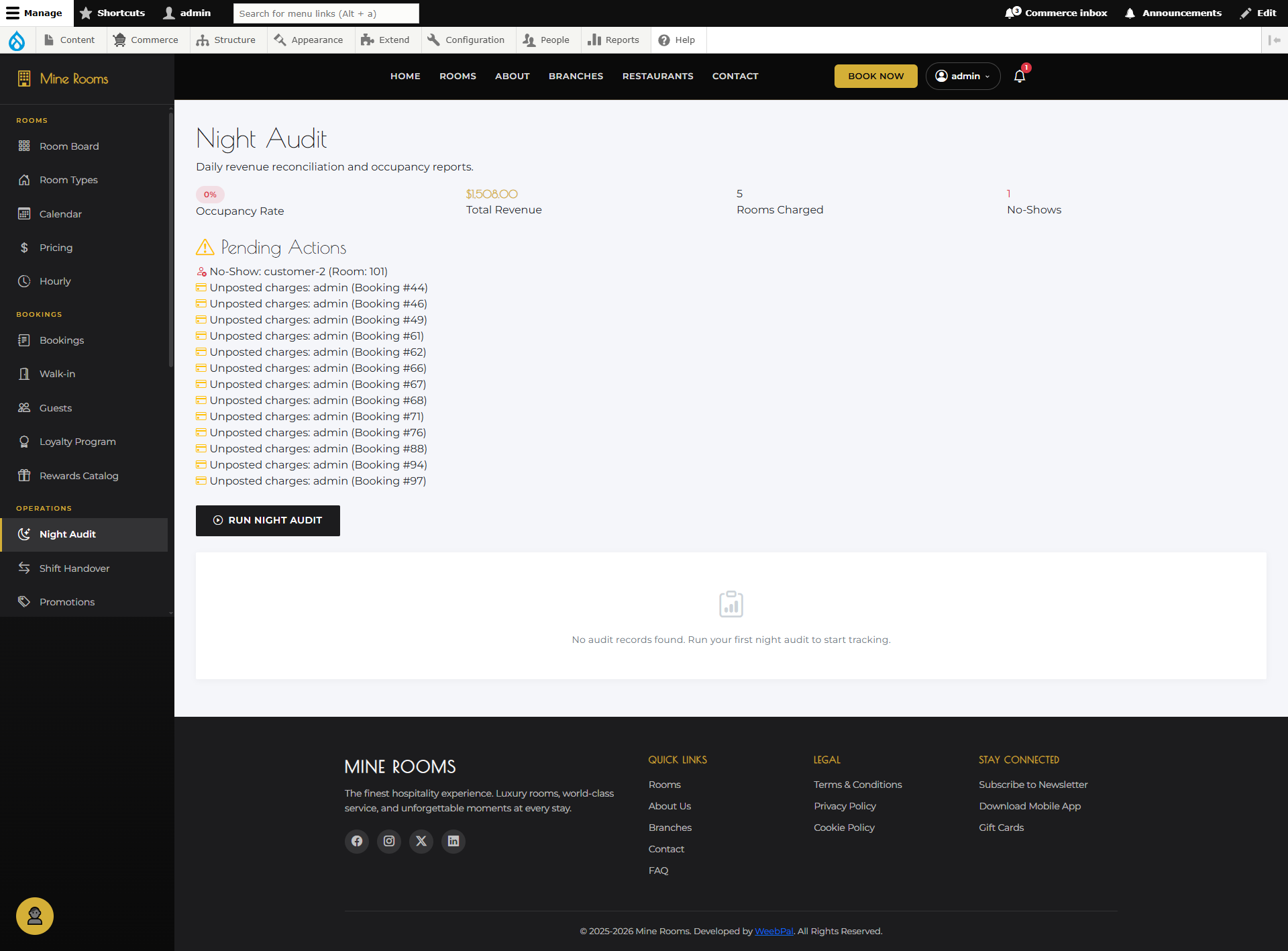
🌙 Night Audit
What you can do: Perform the end-of-day financial reconciliation — closes the current business day and rolls over to a new date.
Navigation: Manage → Night Audit
- Review today's transaction summary: bookings, payments, adjustments
- Verify check-ins/outs and resolve unsettled folios
- Click Run Night Audit to close the day
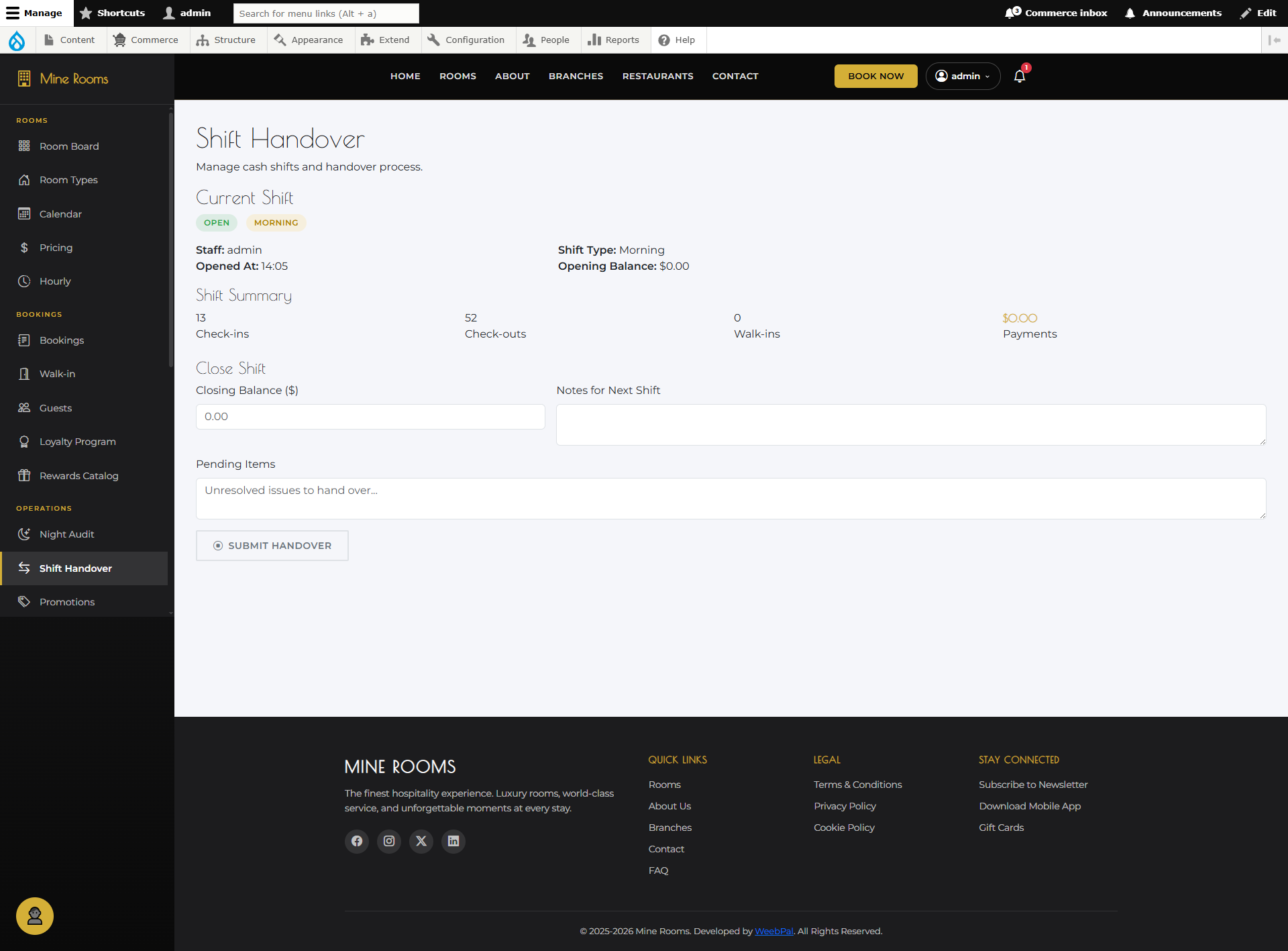
🔄 Shift Handover
What you can do: Record the handover between front desk shifts — captures cash drawer balance, key events, and notes for the incoming shift.
Navigation: Manage → Shift Handover
- Opening/Closing Balance: Cash in drawer at shift start/end
- Shift Notes: Log key events, issues, maintenance, VIP arrivals
- Pending Tasks: List unresolved items for the next shift
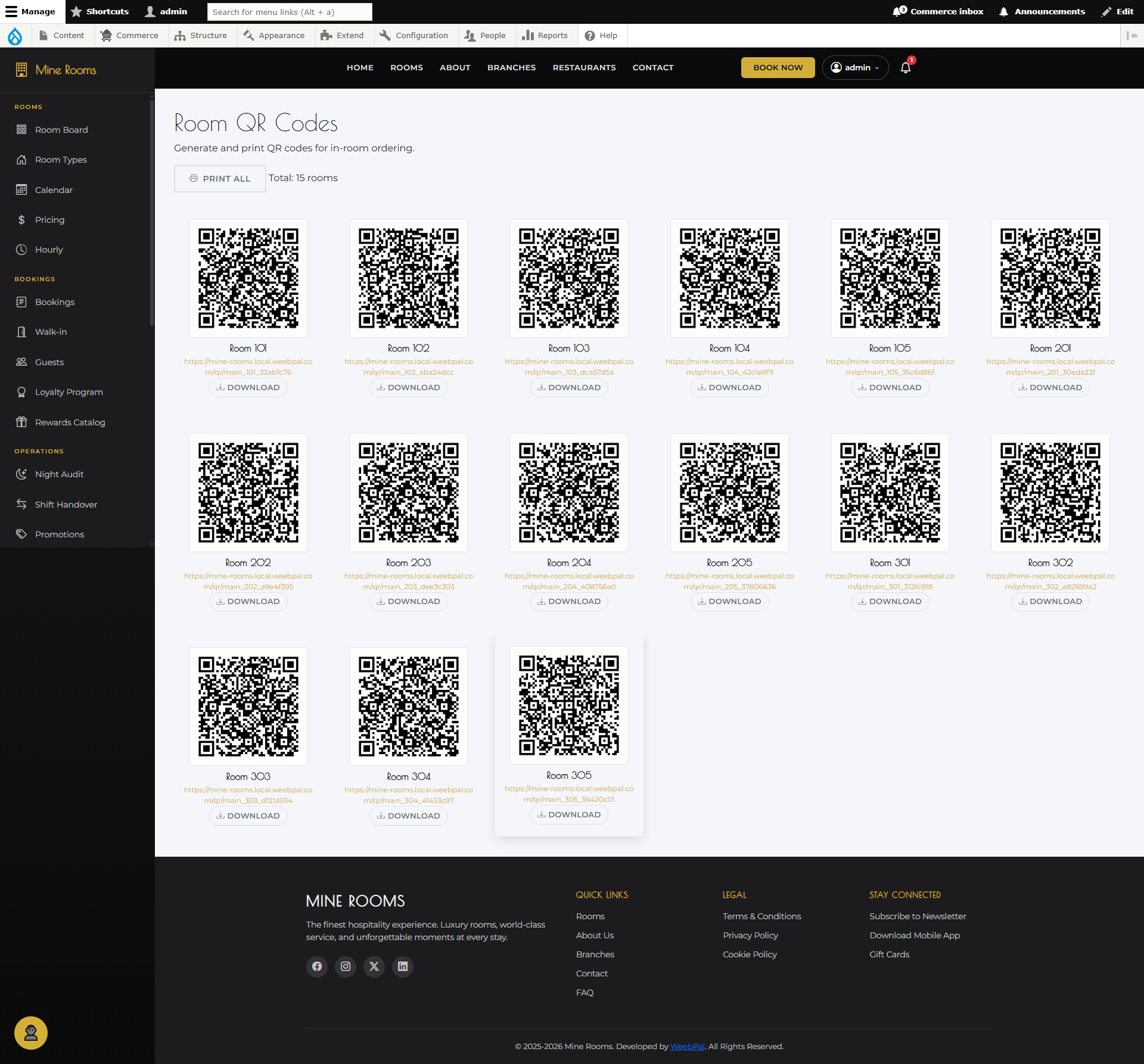
📱 Room QR Codes
What you can do: Generate and manage QR codes for each room — guests scan the code to access in-room services, menus, or their booking details.
Navigation: Manage → Room QR Codes
- Each room has a unique QR code — Download individually or in bulk
- Print and place in room (desk or door)
- Guests scan with any camera app — no app required
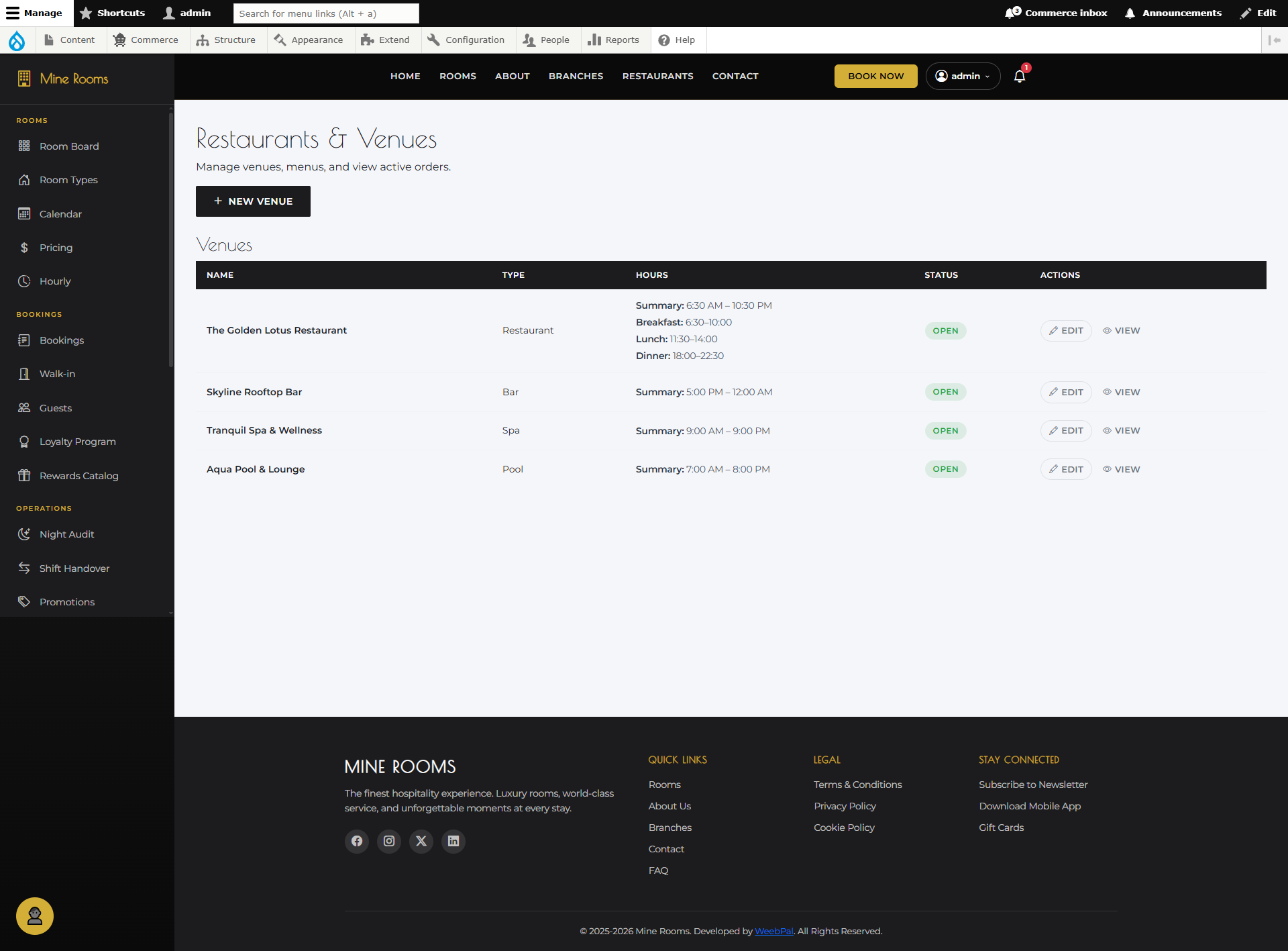
🍽️ Restaurants List
What it shows: All hotel restaurants across all branches — with their status, branch assignment, and quick management actions.
Navigation: Manage → Restaurants
- Each card: Name, Branch, Cuisine, Status, Item count
- Click to view details or Edit to update
- Toggle Active/Inactive to hide without deleting
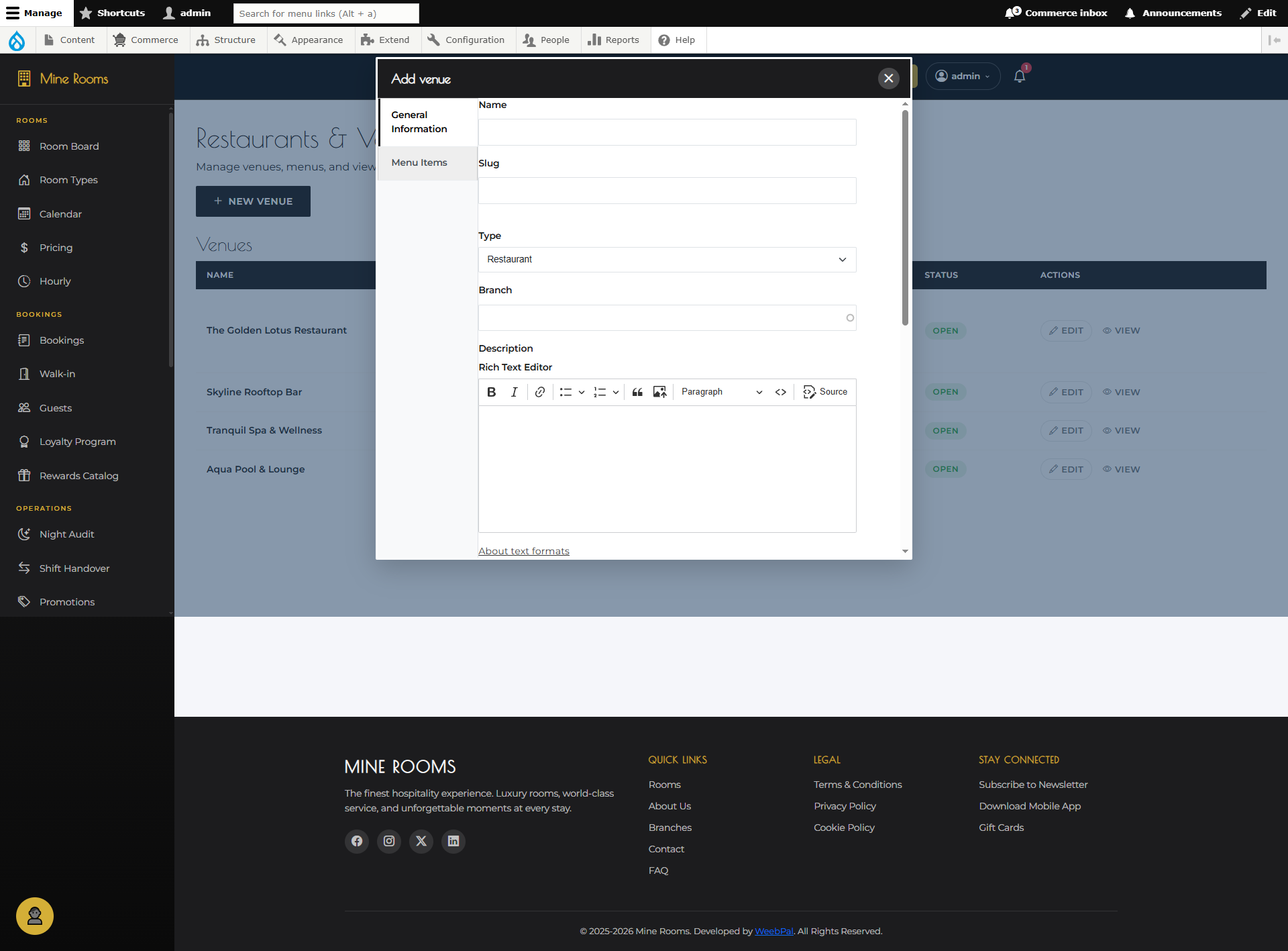
➕ Add Restaurant
What you can do: Create a new restaurant listing and assign it to a branch — guests will be able to order from it via in-room dining.
Navigation: Manage → Restaurants → + Add Restaurant
- Name & Branch: Restaurant name and hotel branch
- Cuisine & Description: Filter category and dining concept
- Hours & Cover Image: Set operating times and upload photo
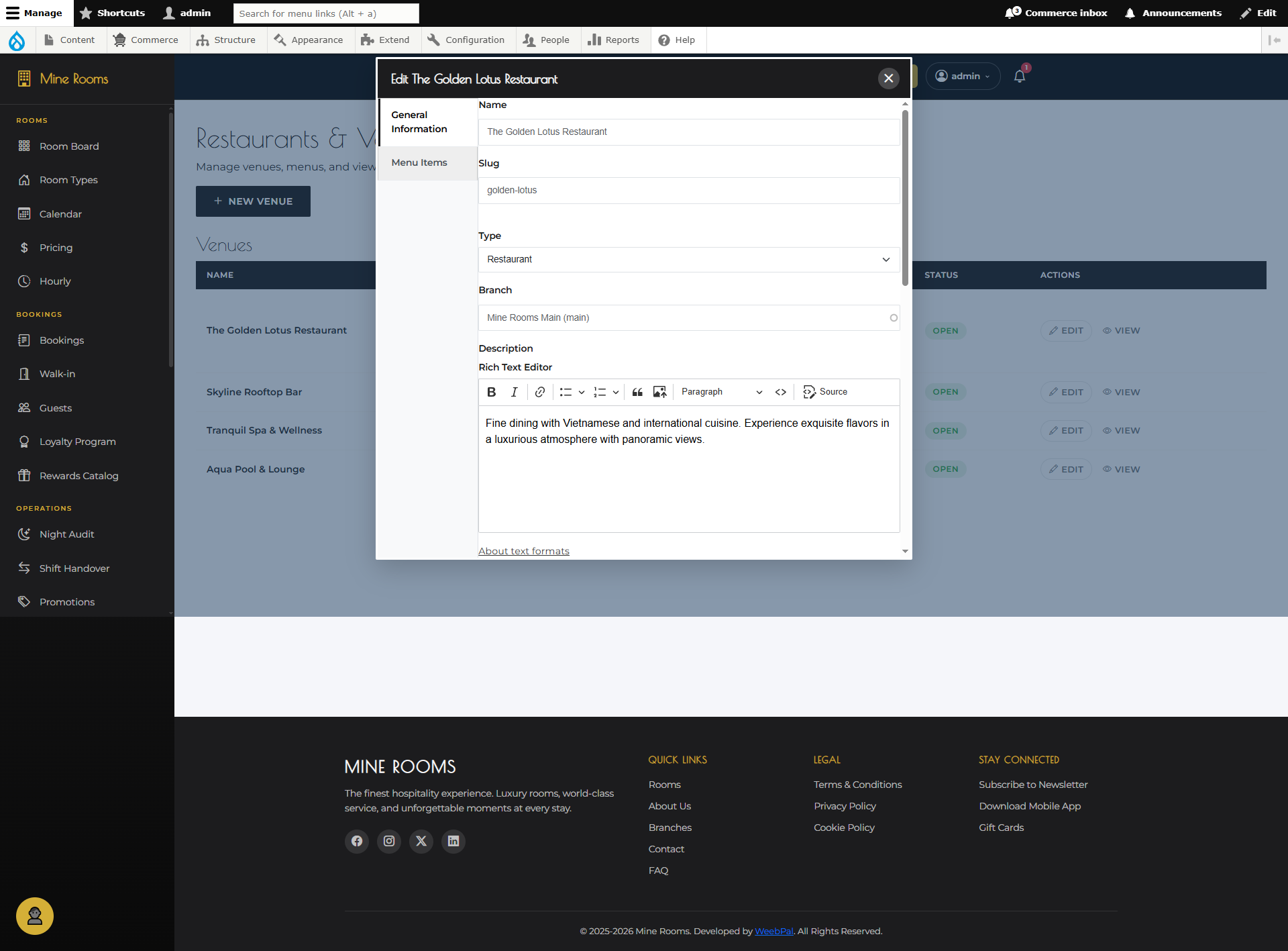
✏️ Edit Restaurant
What you can do: Update an existing restaurant's information, operating hours, menu, or branch assignment.
Navigation: Manage → Restaurants → select restaurant → Edit
- Update any field: name, description, cuisine type, hours, or image
- Add or remove menu items and set Available / Unavailable
- Toggle Active / Inactive or change branch assignment
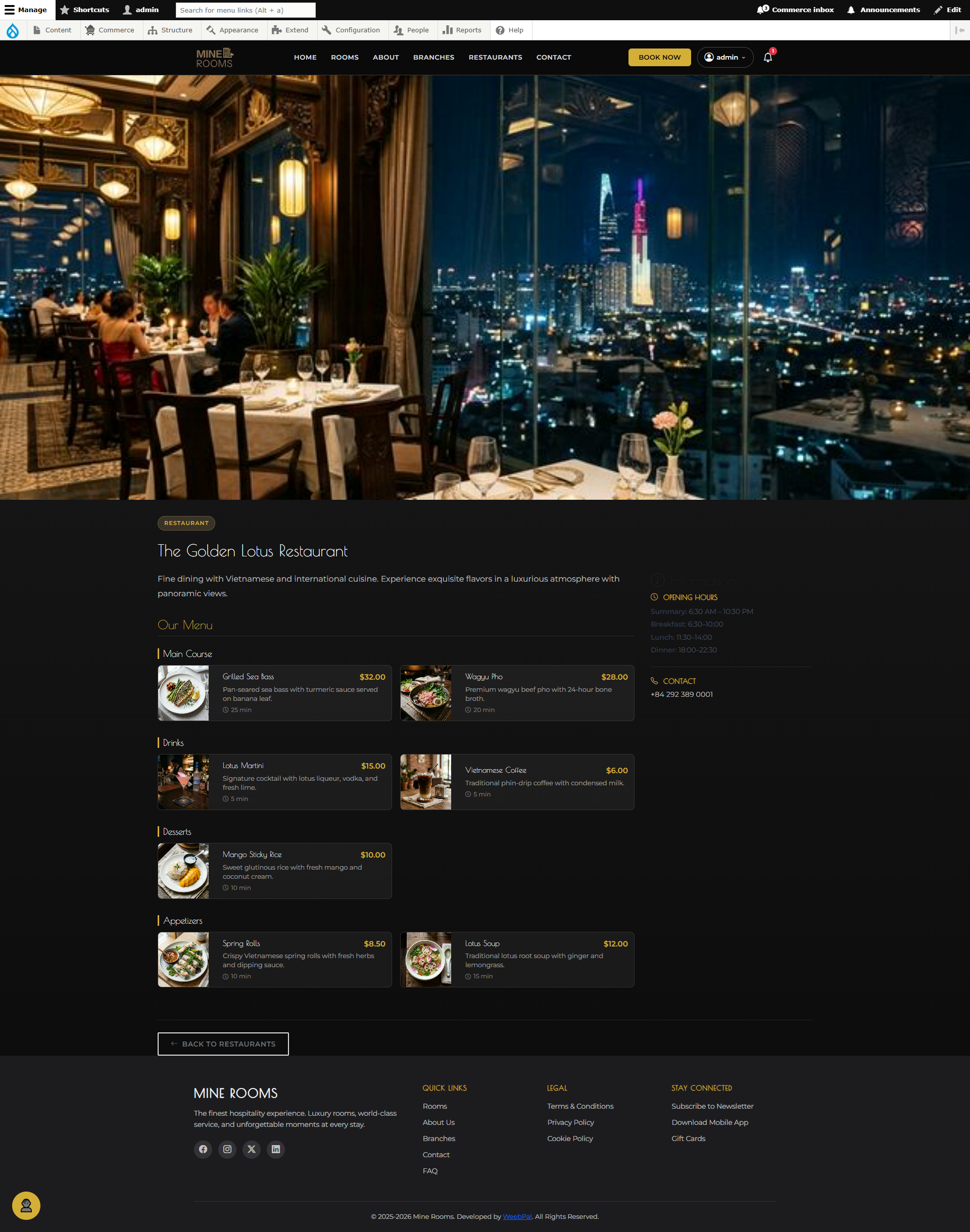
🍴 Restaurant Detail
What it shows: The public-facing restaurant detail page — exactly what guests see when browsing dining options before placing an order.
Navigation: Manage → Restaurants → select restaurant → View
- Displays: name, cuisine, description, hours, cover image
- Full menu listing organized by category tabs
- Each item shows name, description, photo, and price