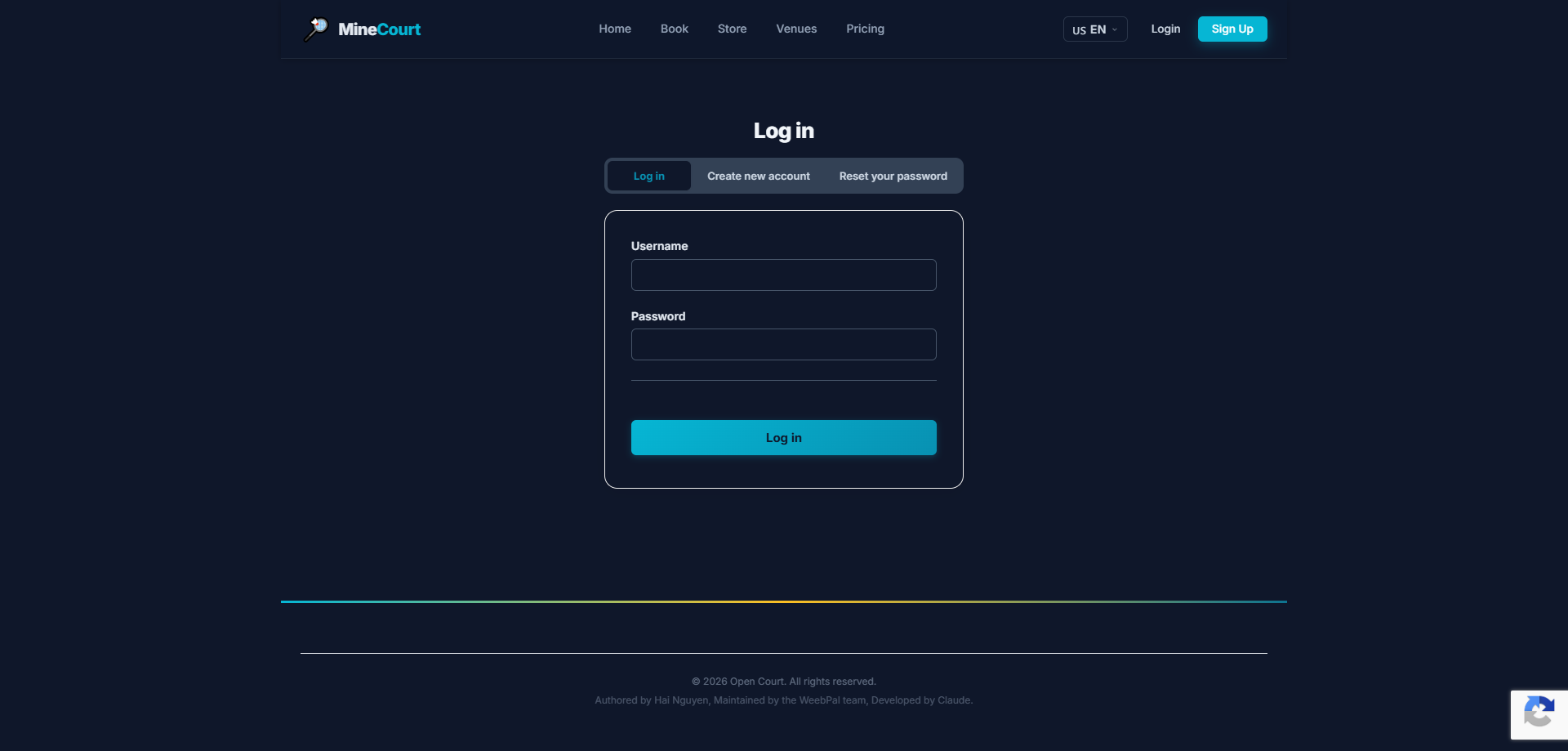
🔑 System Login
What it shows: Access the Company Owner privilege level.
Navigation: Menu → Login
- Demo access: sandbox accounts are issued on request — request a guided demo.
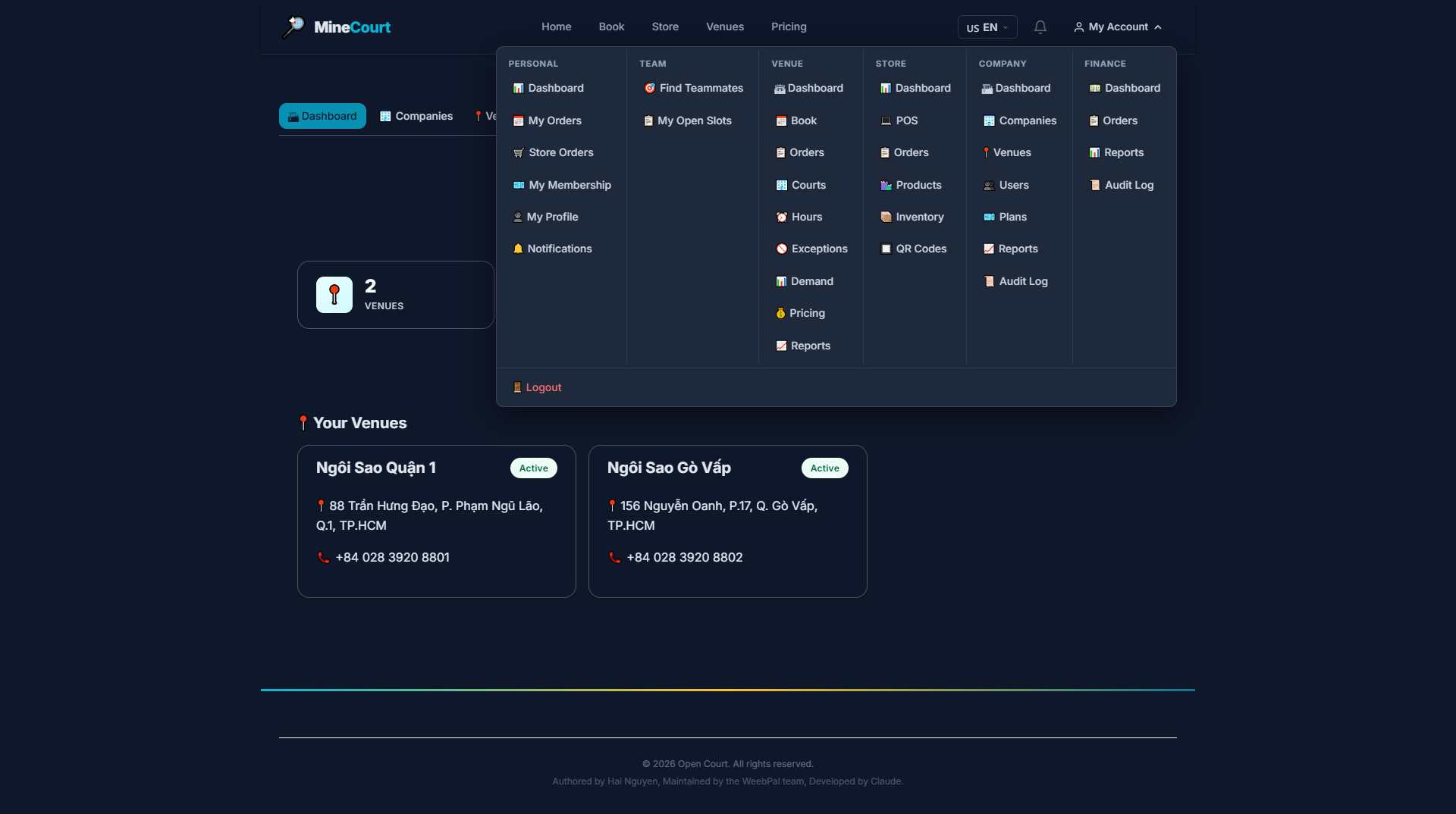
Company Owner Menu
What it shows: Dedicated navigation menu for Company Owners.
Navigation: Tap My Account in the navigation bar
- Company — Manage company organization
- Finance — Financial management & reporting
- Each section has detailed sub-menus inside
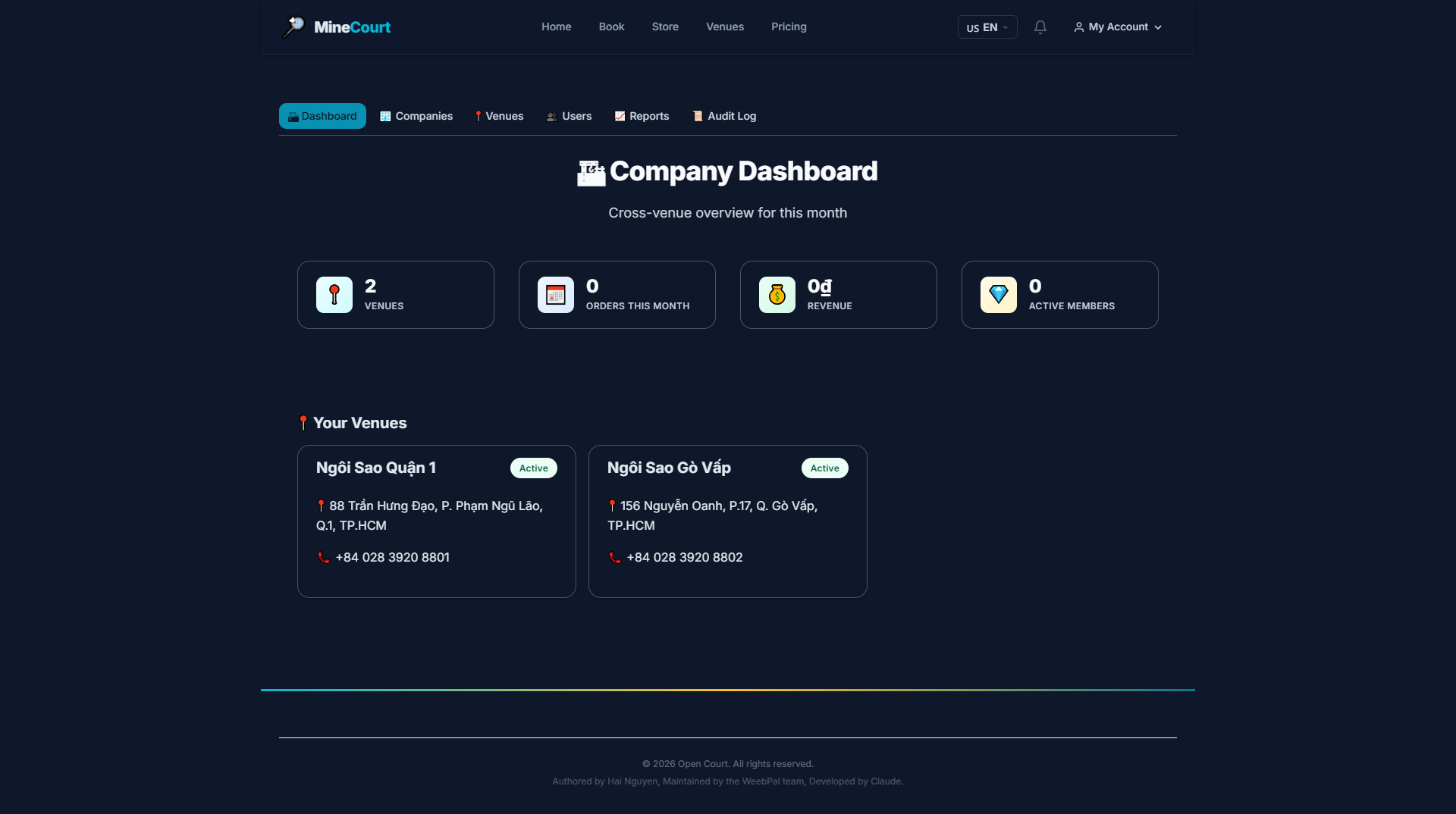
Company Dashboard
What it shows: Company dashboard displaying key metrics (total venues, orders this month, revenue, active members) plus a grid of venue cards showing name, address, phone, and status.
Navigation: Company module (default view after login)
- Quick stats: Total Venues, Orders This Month, Revenue, Active Members
- Your Venues list — all active courts
- Each venue card shows: name, address, phone, and status
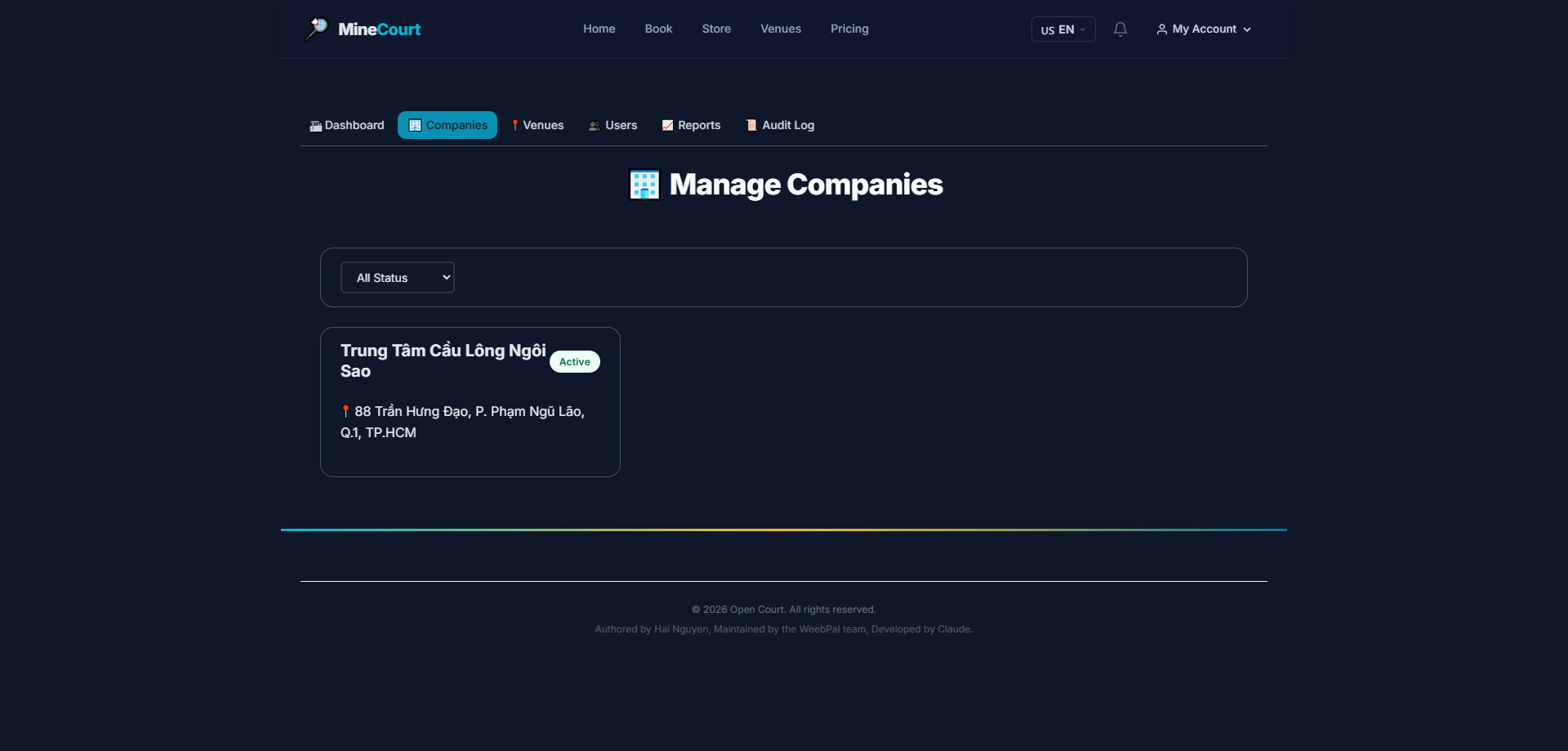
Manage Companies
What it shows: Table listing all companies in the organization hierarchy, showing company name, active status, contact email, and registered address for each entity.
Navigation: Company module → Companies tab
- View all child and parent companies in the organization
- Track active status, contact email, and registered address for each entity
- Click any row to view specific company details and branding
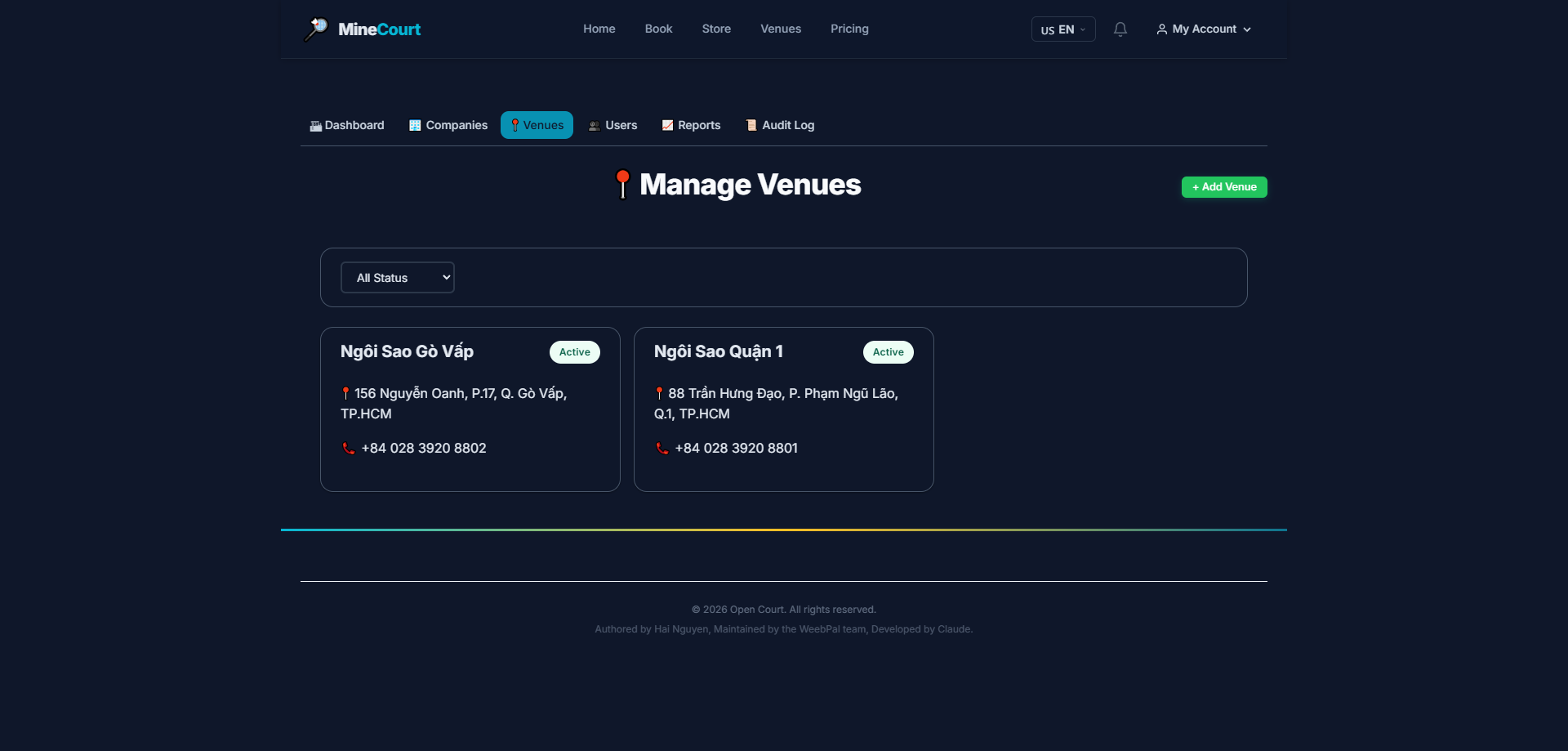
Manage Venues
What it shows: View and manage all venues belonging to your company.
Navigation: Company module → Venues tab
- Full list of your venues: name, address, phone, and status
- Click any venue to view its detailed activity data
- Click Add Venue to register a new court facility
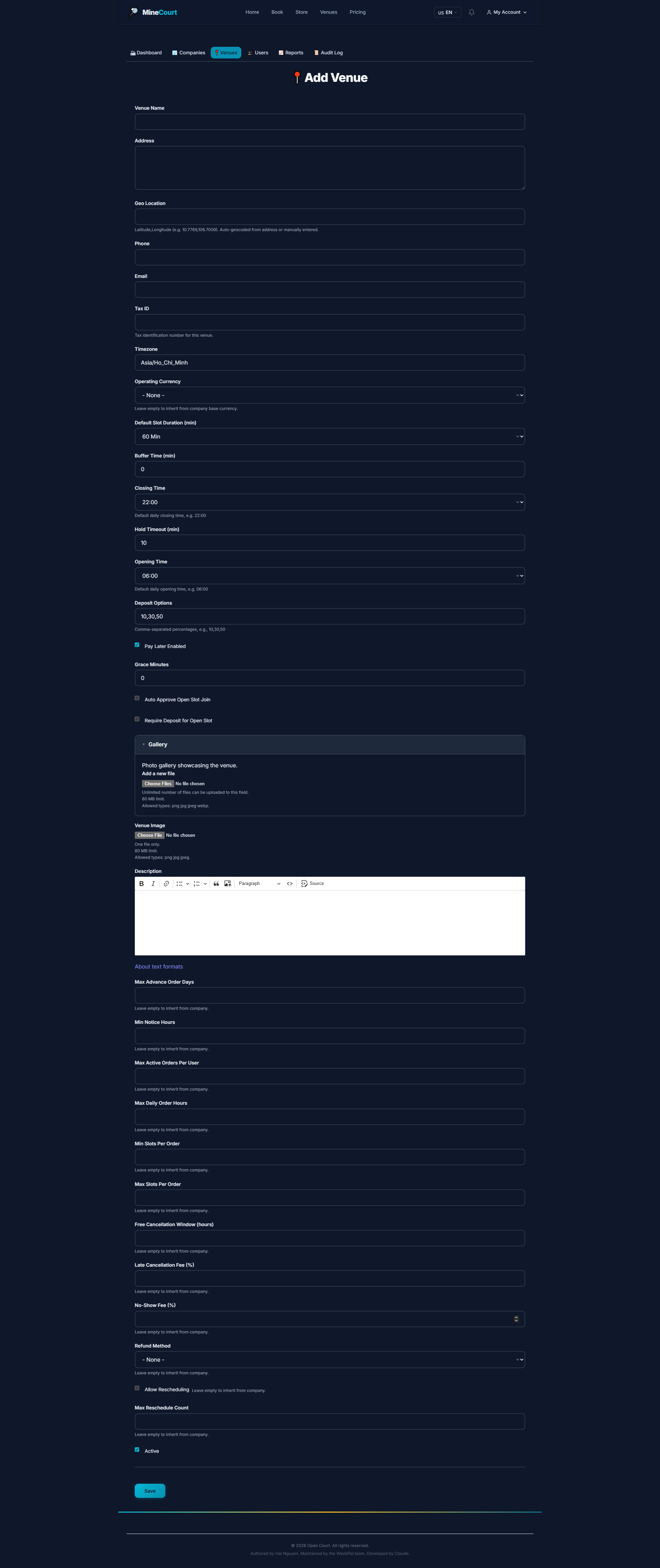
Add New Venue
What it shows: Create and register a new venue under your company.
Navigation: Venues → Add Venue
- Fill in: Venue name, Address, Phone, Email
- Upload venue banner and logo
- Select the Company that owns this venue
- Configure timezone and currency
- Click Save to create
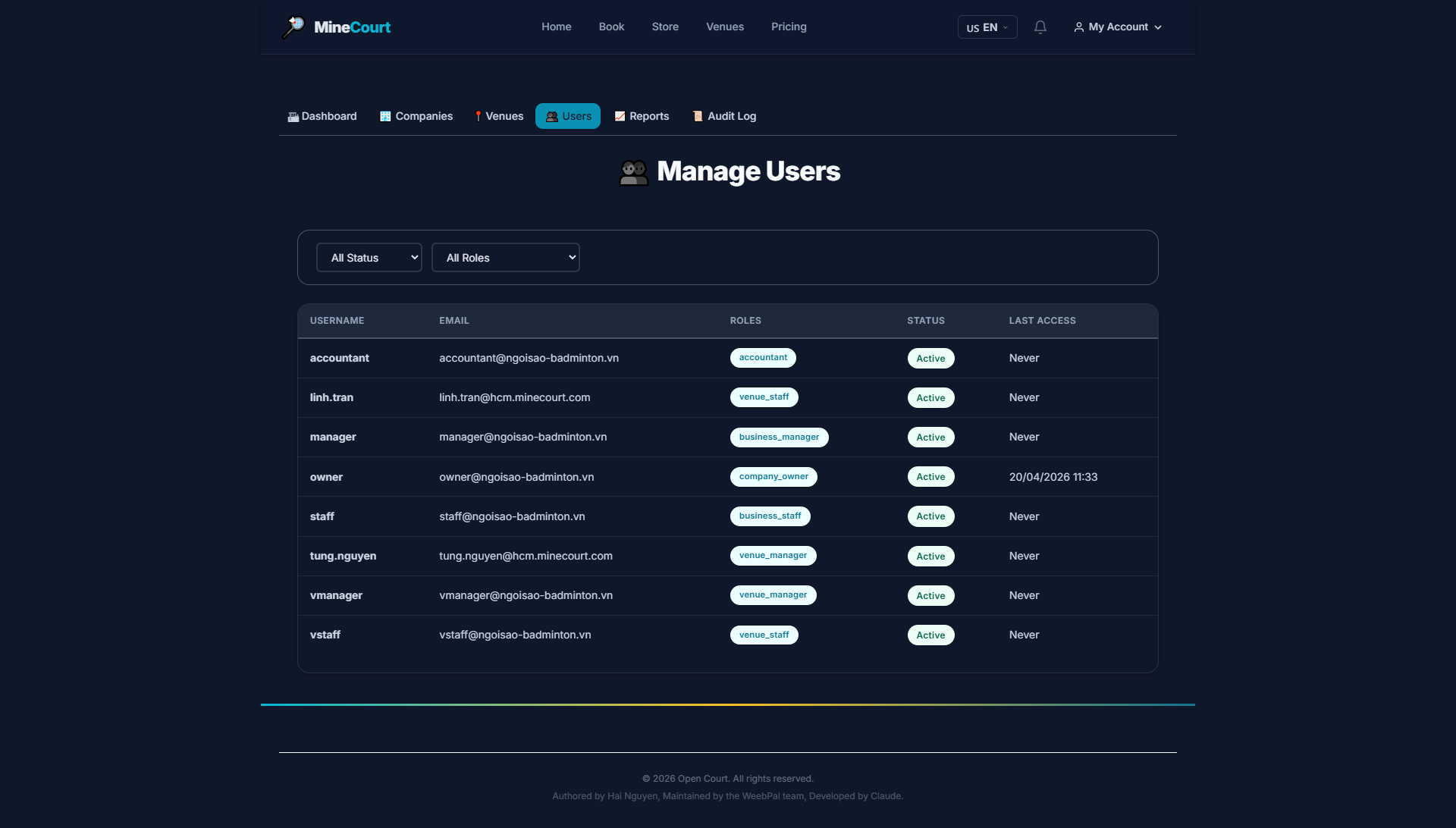
Invite & Assign Users
What it shows: Add new users or invite existing accounts, and assign roles per venue.
Navigation: Company module → Users tab
- User list shows: name, email, role, and status
- Assignable roles: Venue Manager, Venue Staff, Accountant
- Click Add User to create a new account or invite an existing user
- After adding: assign the relevant venue(s) and permissions
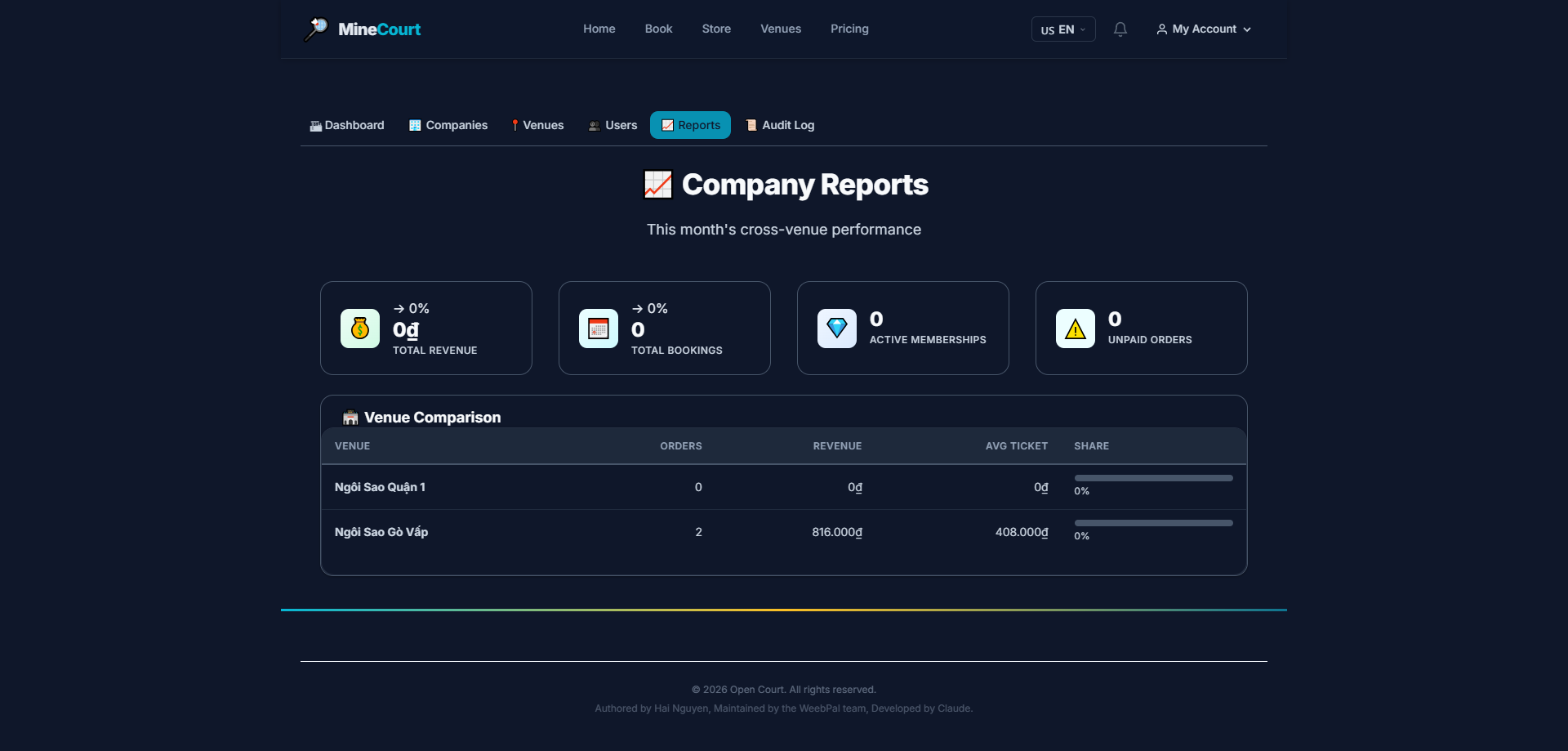
Company Reports
What it shows: Aggregated revenue and activity reports across all venues in base currency (USD).
Navigation: Company module → Reports tab
- Compare revenue between venues in the company
- Monthly breakdown: court bookings, store sales, memberships
- Customer growth chart (new registrations)
- All figures displayed in base currency for cross-venue consistency
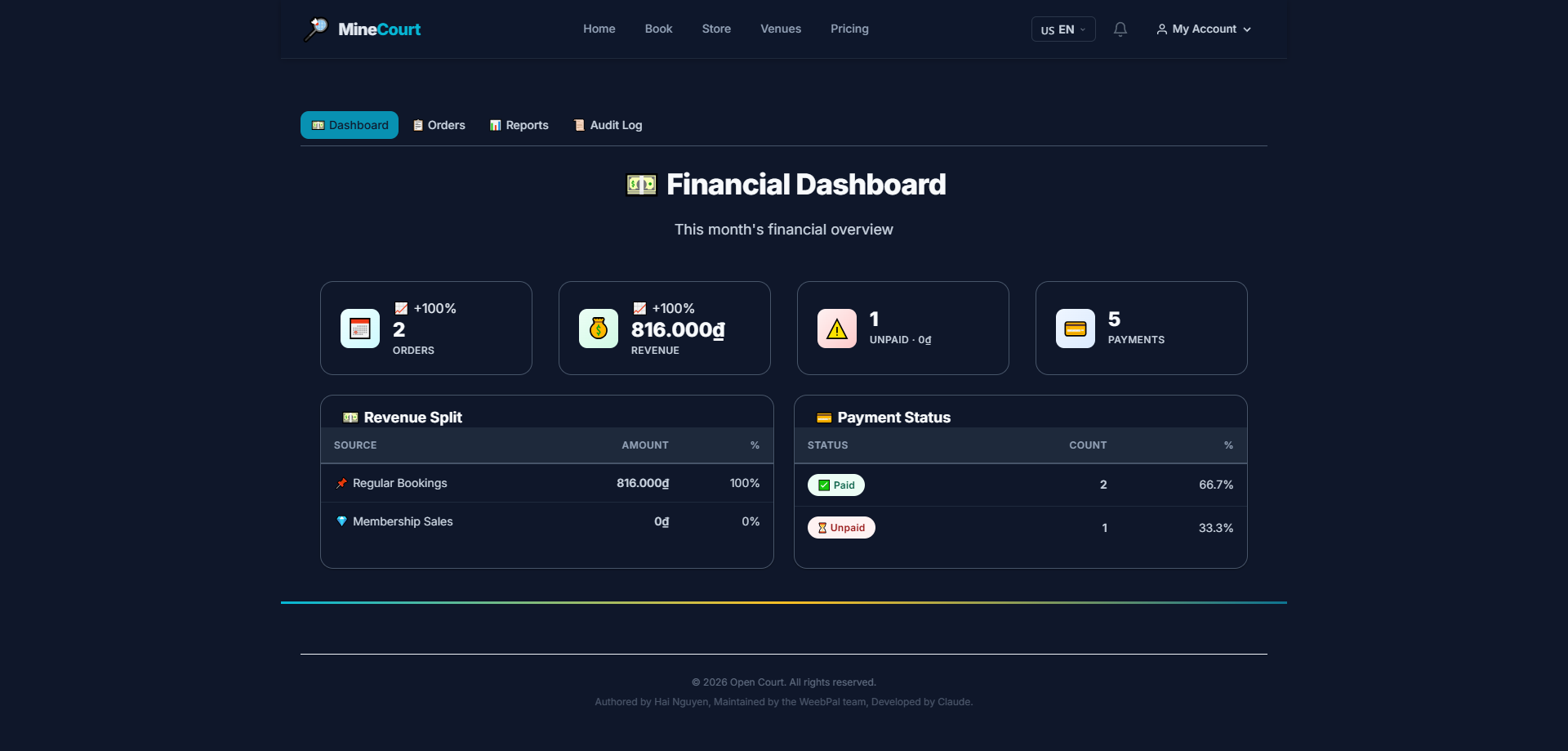
Financial Dashboard
What it shows: Company-wide financial summary — revenue from Bookings, Store, and Memberships.
Navigation: Finance module (default view)
- Revenue by day/week/month — visual chart
- Breakdown by source: Bookings — Store — Membership — Tournament
- All figures consolidated into company base currency
- Quick view: this month's total vs. previous month
Financial Reports
What it shows: Detailed financial reports — revenue from bookings and store orders.
Navigation: Finance module → Reports tab
- Filter by: date range, venue, payment method
- Breakdown by transaction type: Cash — Card — E-Wallet — Bank Transfer
- Export to CSV/Excel for use with external accounting software
Finance Orders
What it shows: Full order list from a financial perspective — essential for accounting teams.
Navigation: Finance module → Bookings tab
- Each row: order ID, customer, venue, local + base currency amount, payment status
- Payment statuses: Paid — Unpaid — Refunded — Partially Refunded
- Click any order to view transaction detail and payment history
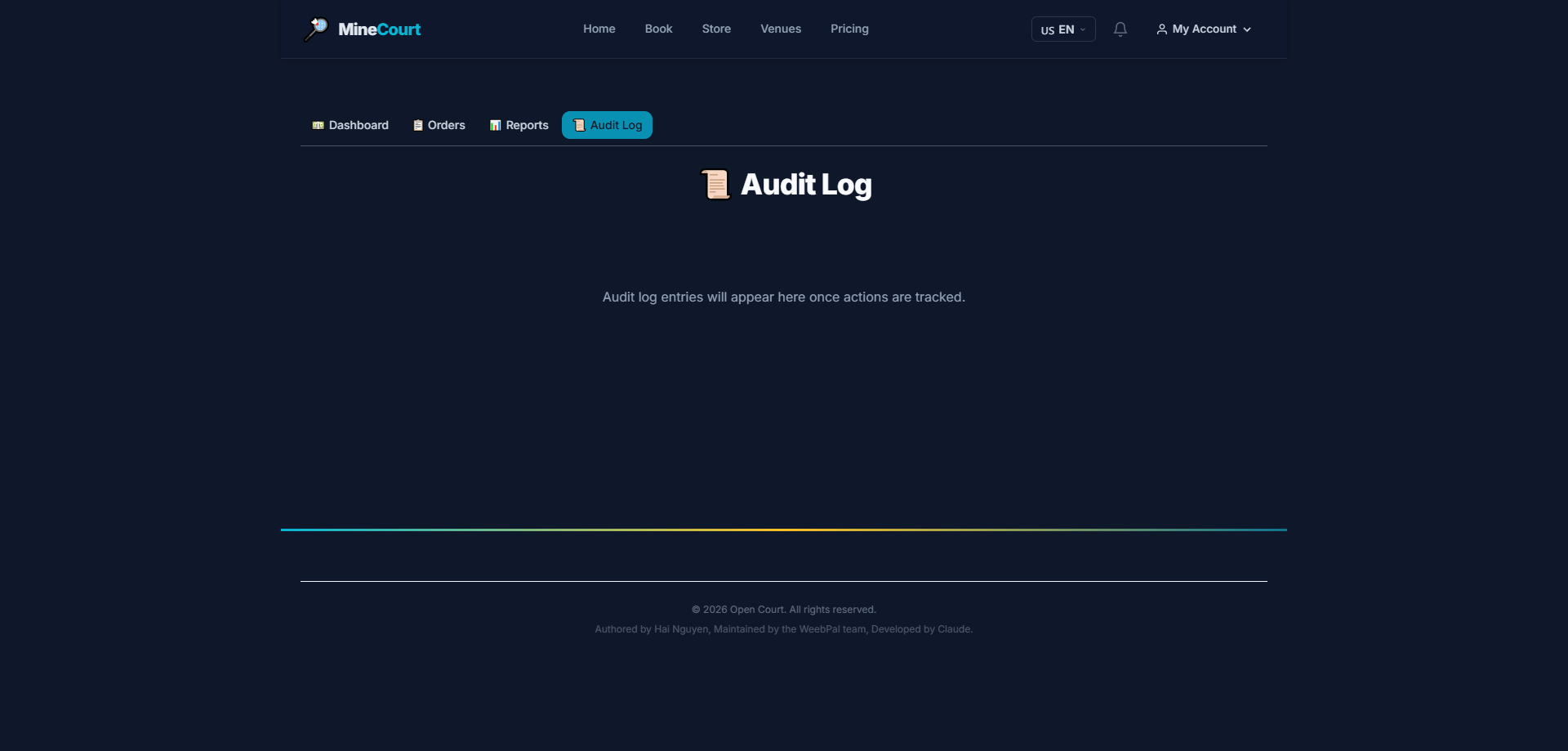
Company Audit Log
What it shows: Immutable log of all significant company actions — cannot be deleted or edited.
Navigation: Company module → Audit Log tab
- Records: Who — Did What — When — Old Value → New Value
- Events logged: venue creation/edit, staff add/remove, pricing changes, booking cancellations
- Data retained for minimum 7 years — suitable for internal audit
Finance Audit Log
What it shows: Dedicated log for financial events — refunds, price overrides, payment status changes.
Navigation: Finance module → Audit Log tab
- Records: void transactions (PIN required), wallet refunds, price overrides, gateway events
- Each entry: user, timestamp, before/after values
- Used to detect fraud, accounting discrepancies, and verify customer disputes