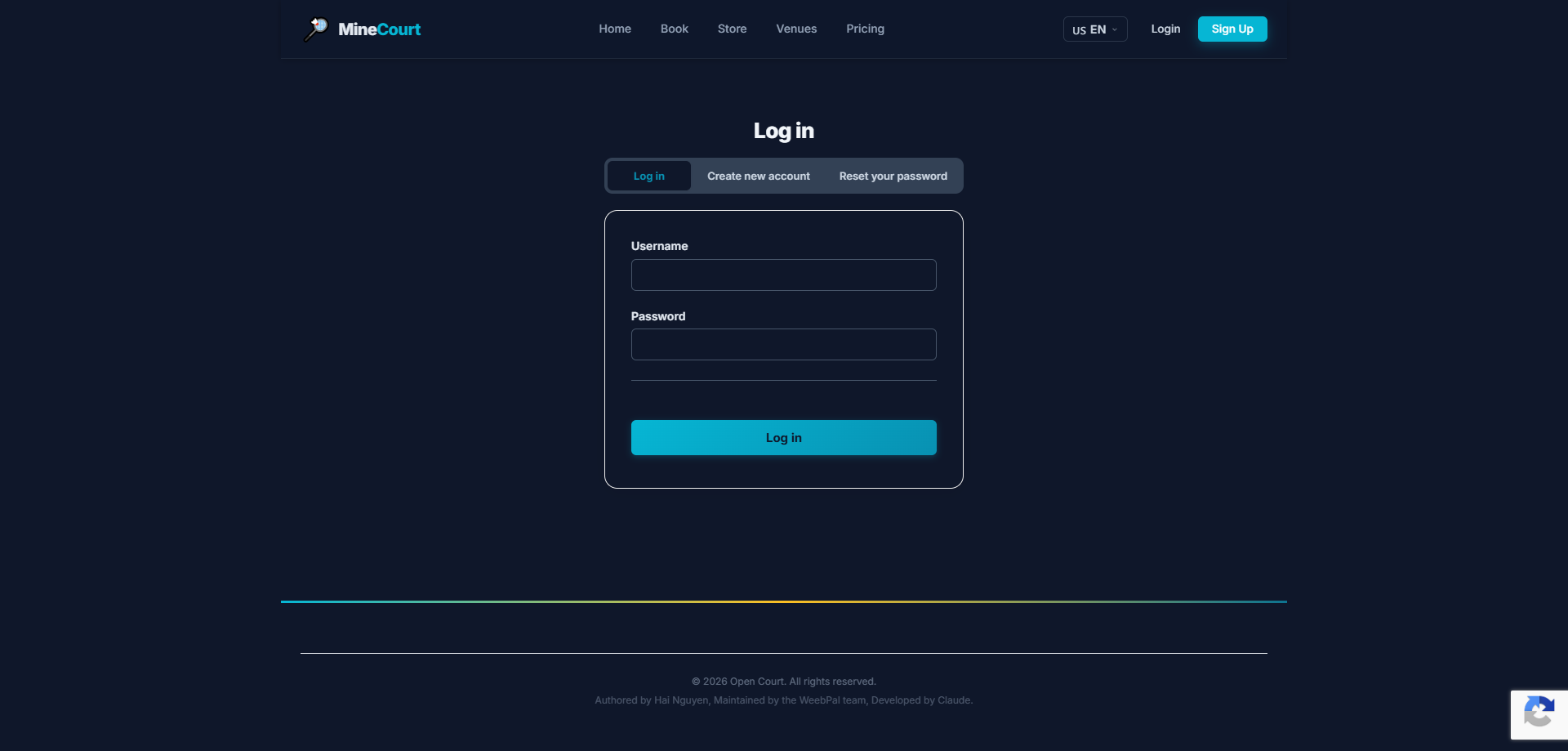
🔑 System Access
What it shows: Administrator login form with email and password fields, plus security notice restricting access to Administrator role accounts.
Navigation: Menu → Login
- Enter your Admin Email and Password
- Access is restricted to accounts with the Administrator role
- Multi-factor authentication (MFA) is recommended for all Admin accounts
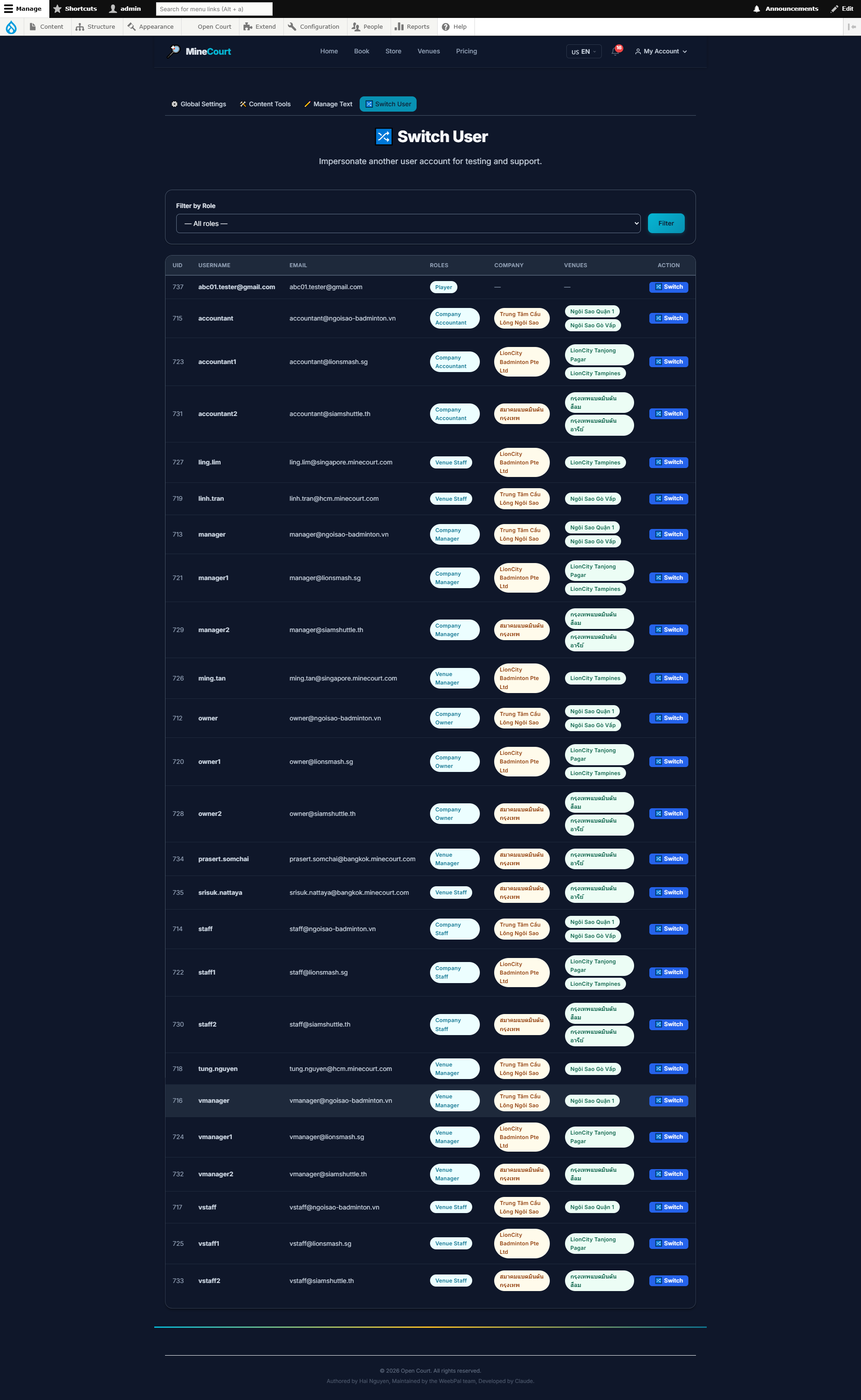
Switch User (Impersonate)
What it shows: Instantly switch to another user's perspective for troubleshooting.
Navigation: Account Icon (Top Right) → Switch User
- Search for any user account by Name or Email
- Experience the platform exactly as that user sees it
- Essential for verifying permissions or resolving customer ticket issues
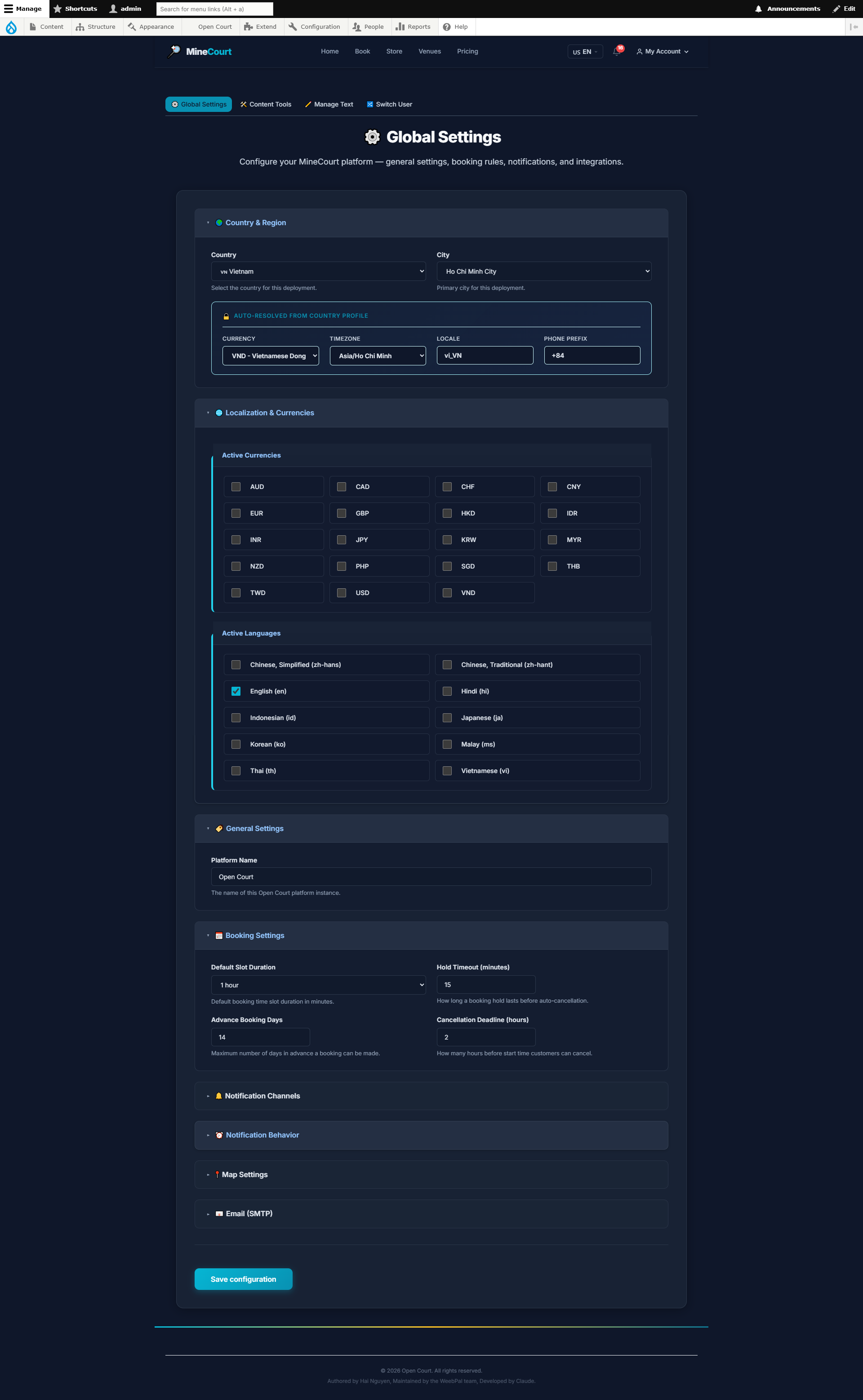
Global Settings
What it shows: Configure global parameters for the entire MineCourt platform.
Navigation: Sidebar → Global Settings
- Configure: platform name, logo, brand colors, default language
- Settings: timezone, currency, date/time formats
- Configure system notification email
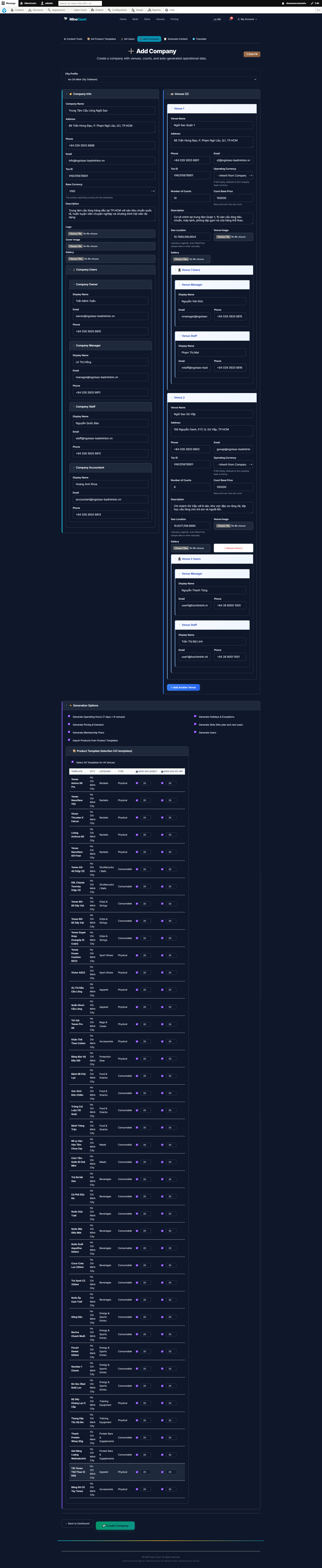
Add New Company
What it shows: Onboard a new business organization into the MineCourt ecosystem.
Navigation: Sidebar → Content Tools → Add Company
- Configure legal name, base currency, and default timezone
- Upload organization branding (Logos, Banners)
- Assign parent company for multi-entity reporting hierarchies
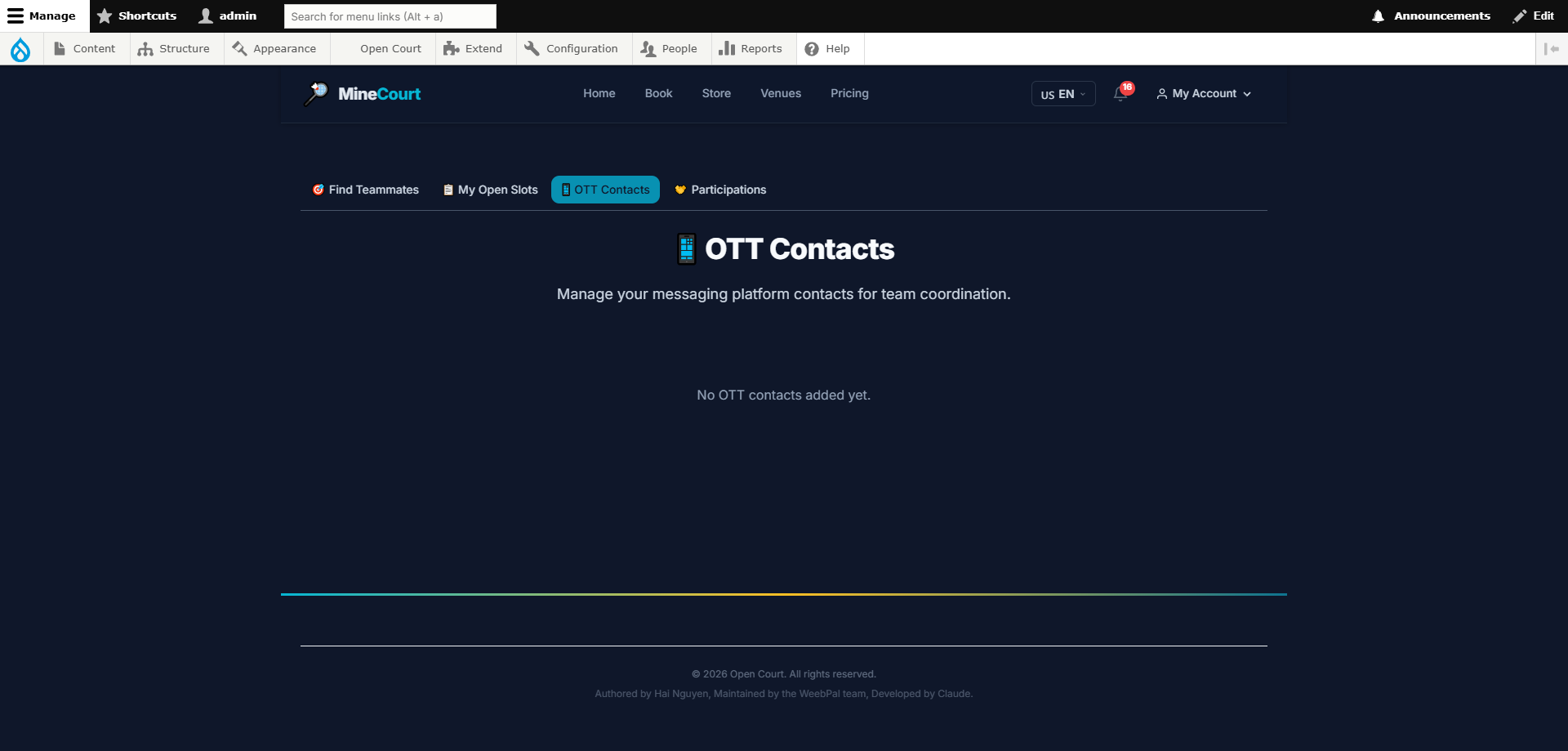
OTT Contacts
What it shows: Manage business contacts for the OTT (Over-The-Top) communication and partner registry.
Navigation: Sidebar → Admin → OTT Contacts
- Directory of external partners, operators, and integration contacts
- View contact name, organization, email, and role
- Click Add Contact to register a new OTT partner entry
- Edit or remove existing entries as partnerships change
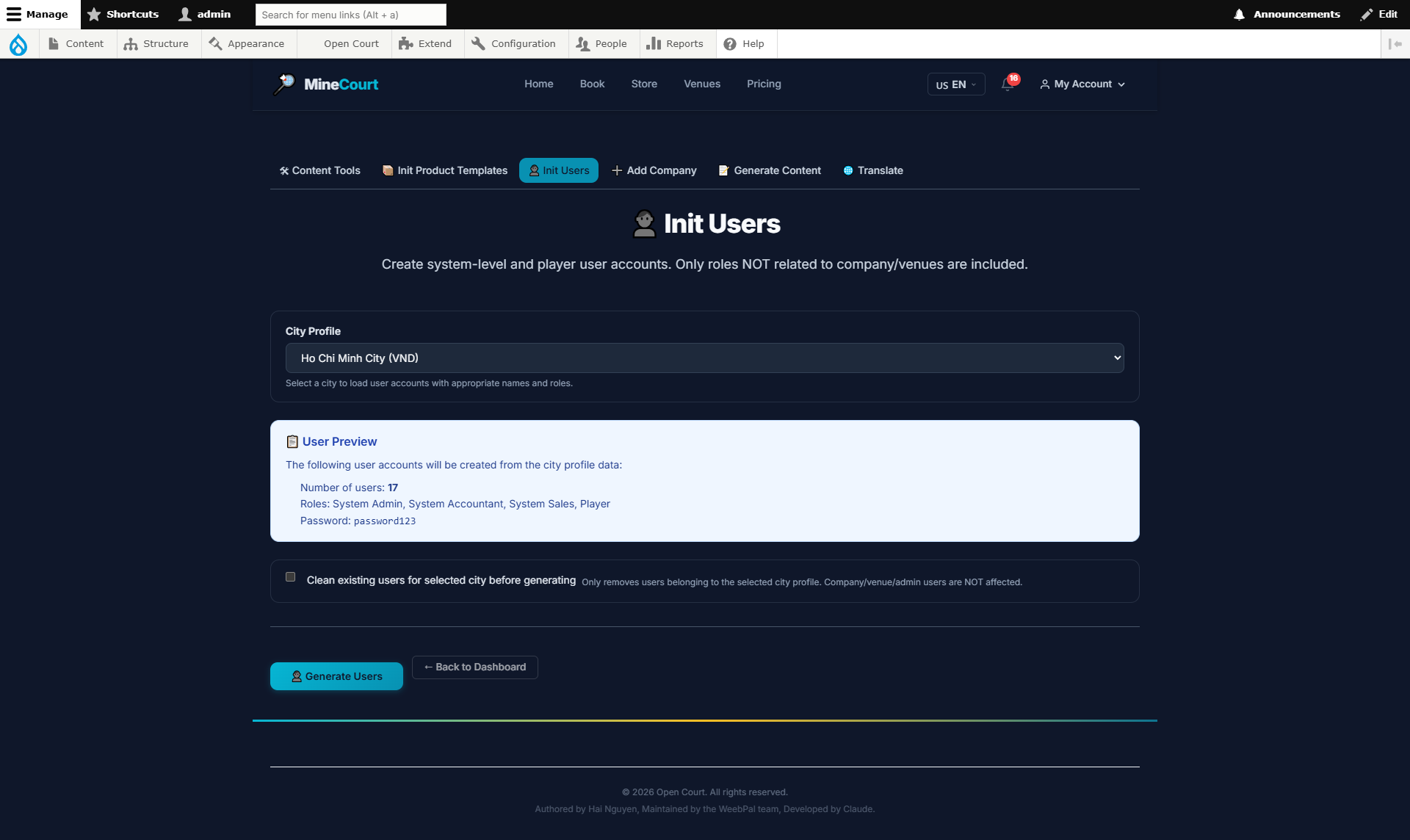
Init Users (Bulk)
What it shows: Rapidly create sample user accounts by role.
Navigation: Admin Tools → Content Tools
- Select quantity and target role: Player, Venue Manager, Company Owner...
- System auto-generates sample credentials (username, email, password)
- Use for testing or platform demonstrations
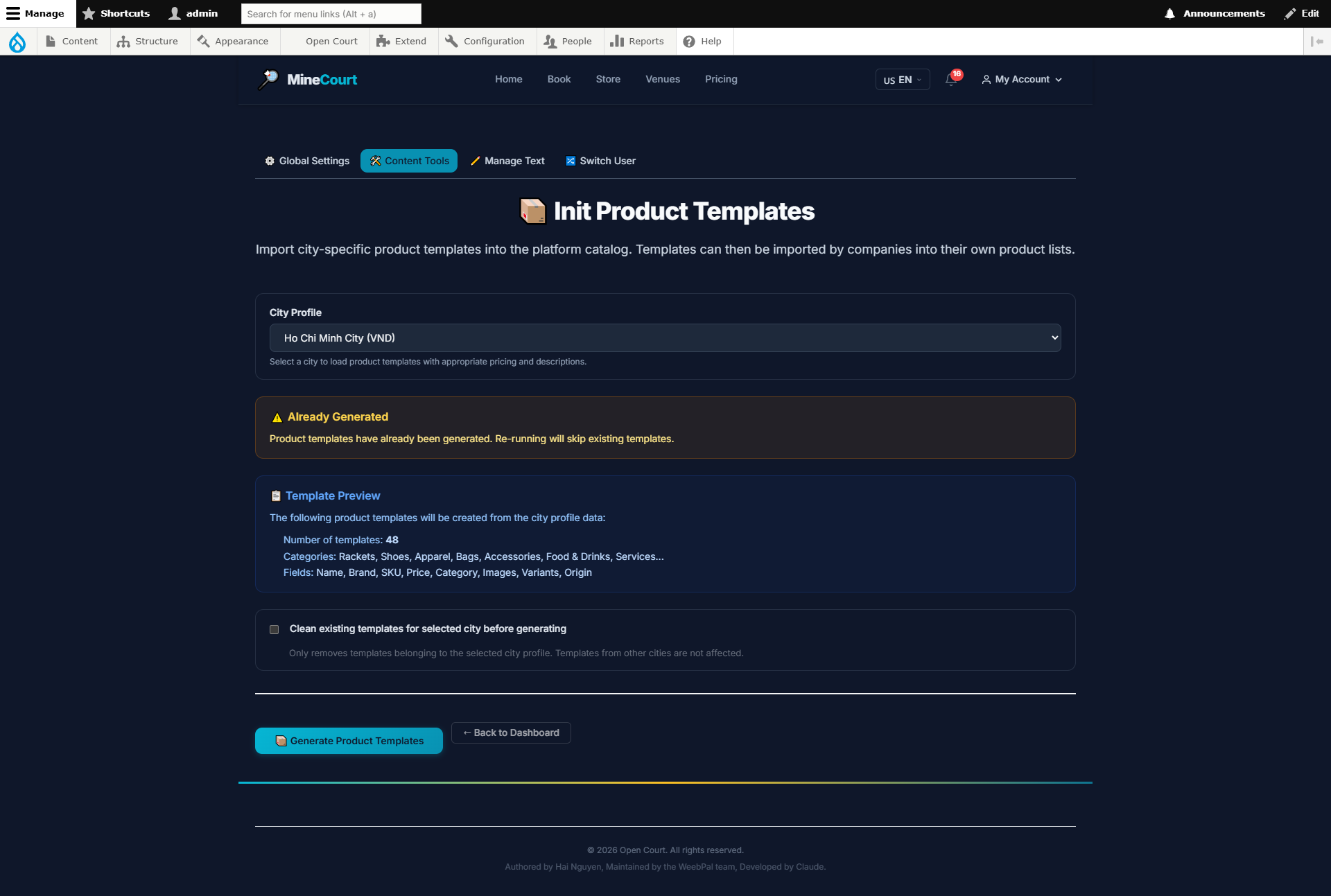
Init Product Templates
What it shows: Create sample product categories and items for store demos.
Navigation: Admin Tools → Content Tools
- Select template category: Sports Equipment, Food & Drinks, Services
- System creates categories, products, and sample prices automatically
- Venue Managers can edit after initialization
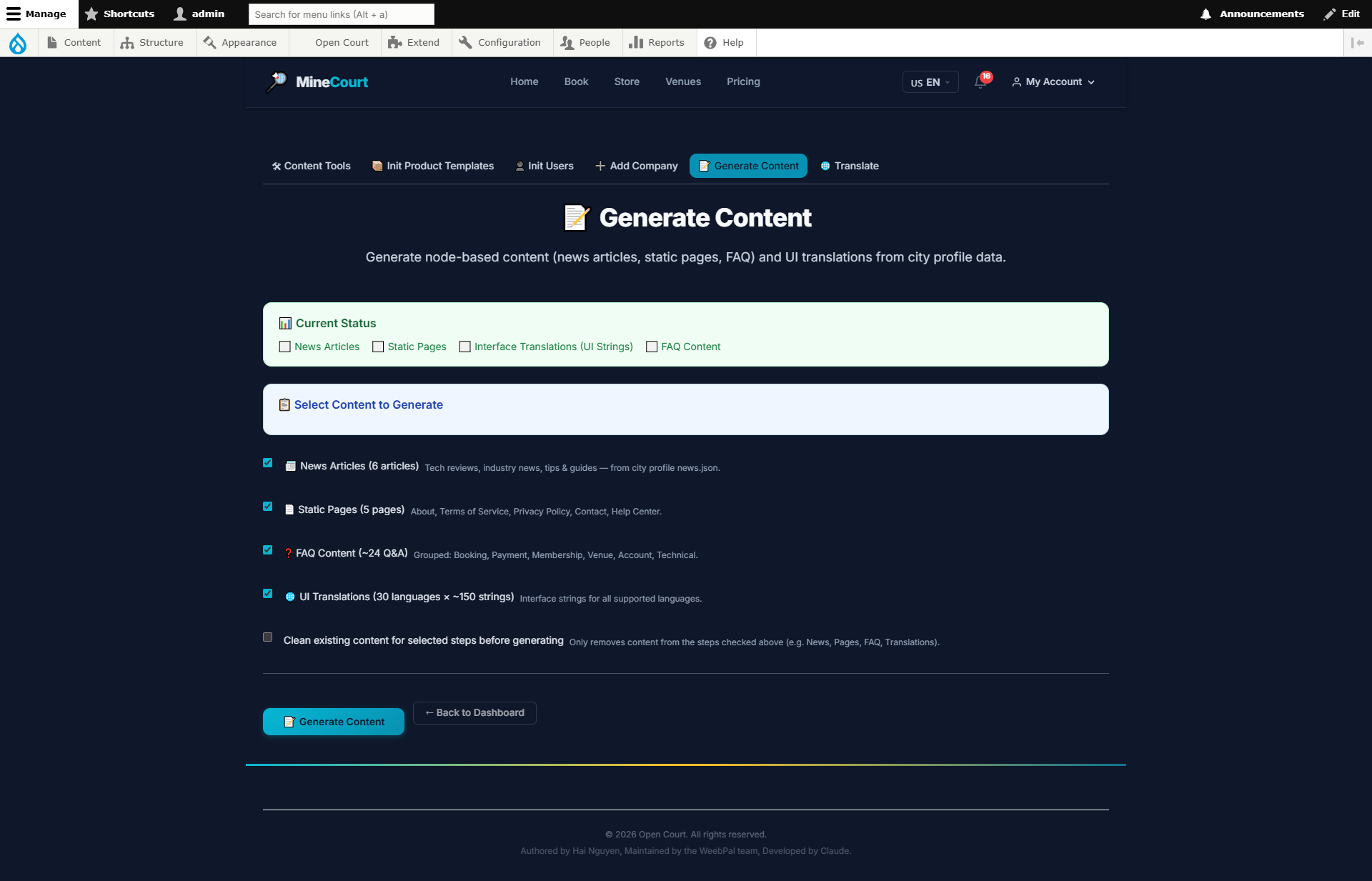
Generate Content
What it shows: Comprehensive demo data generation tool for the entire system.
Navigation: Admin Tools → Content Tools
- Generate by module: Companies, Venues, Courts, Pricing, Users...
- Select module and number of records to generate
- Results appear immediately in the interface
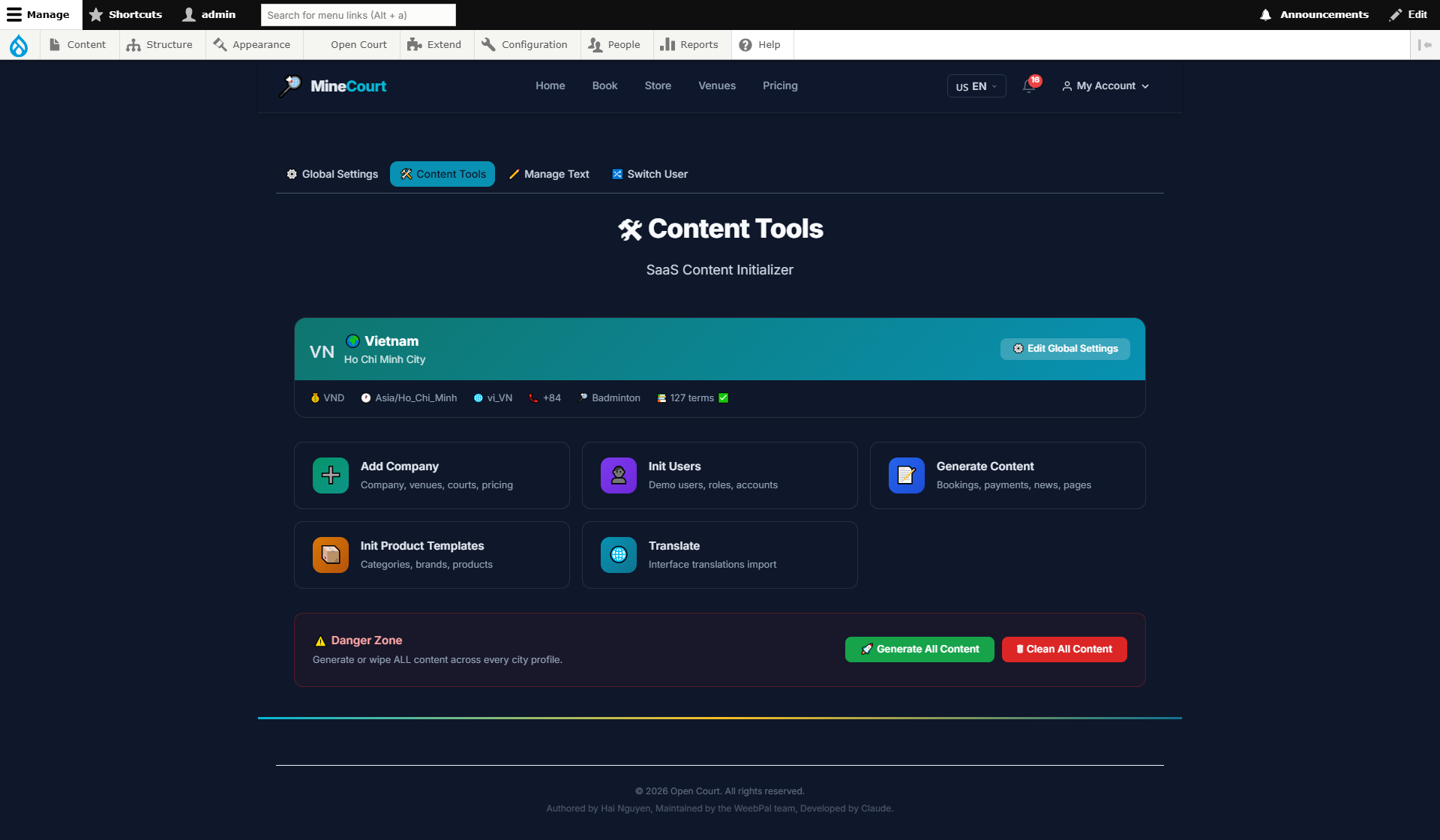
Content Tools
What it shows: Content management dashboard with sections for translating platform UI strings, managing text labels, and bulk import/export operations.
Navigation: Sidebar → Content Tools
- Translate platform UI strings between supported languages
- Manage system-wide text labels and notification templates
- Bulk operations: export strings, import translations
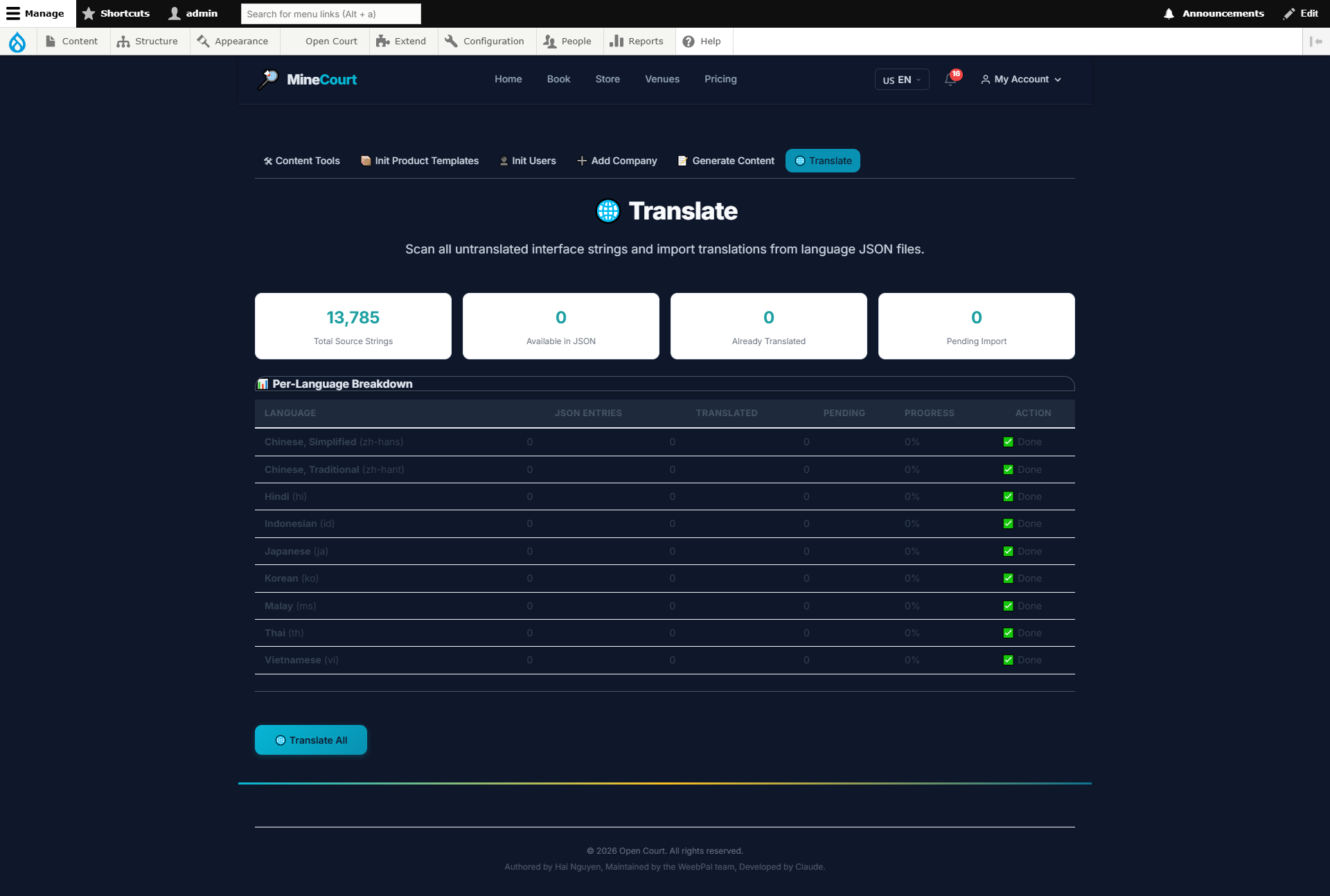
Manage Translations
What it shows: Manage interface translations for all supported platform languages.
Navigation: Sidebar → Content Tools → Translate
- Search for any UI string by key or content
- Edit translations for each language inline
- Save and publish — changes take effect immediately
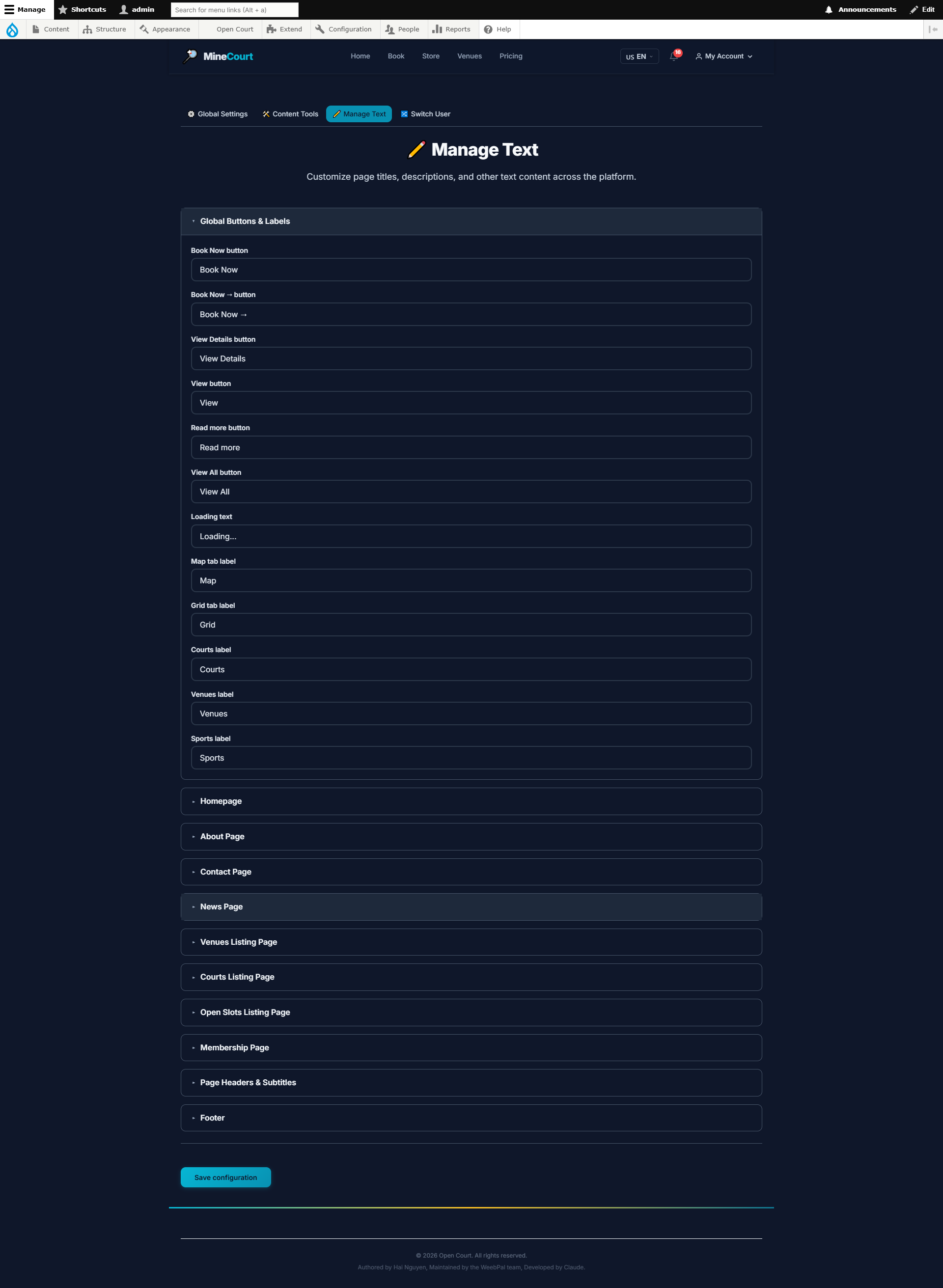
Manage Text
What it shows: Manage system-wide text labels displayed in the interface.
Navigation: Sidebar → Manage Text
- Edit button labels, placeholder text, and notification messages
- Changes apply across all instances of that UI element
- Use to customize terminology to match your brand's language style