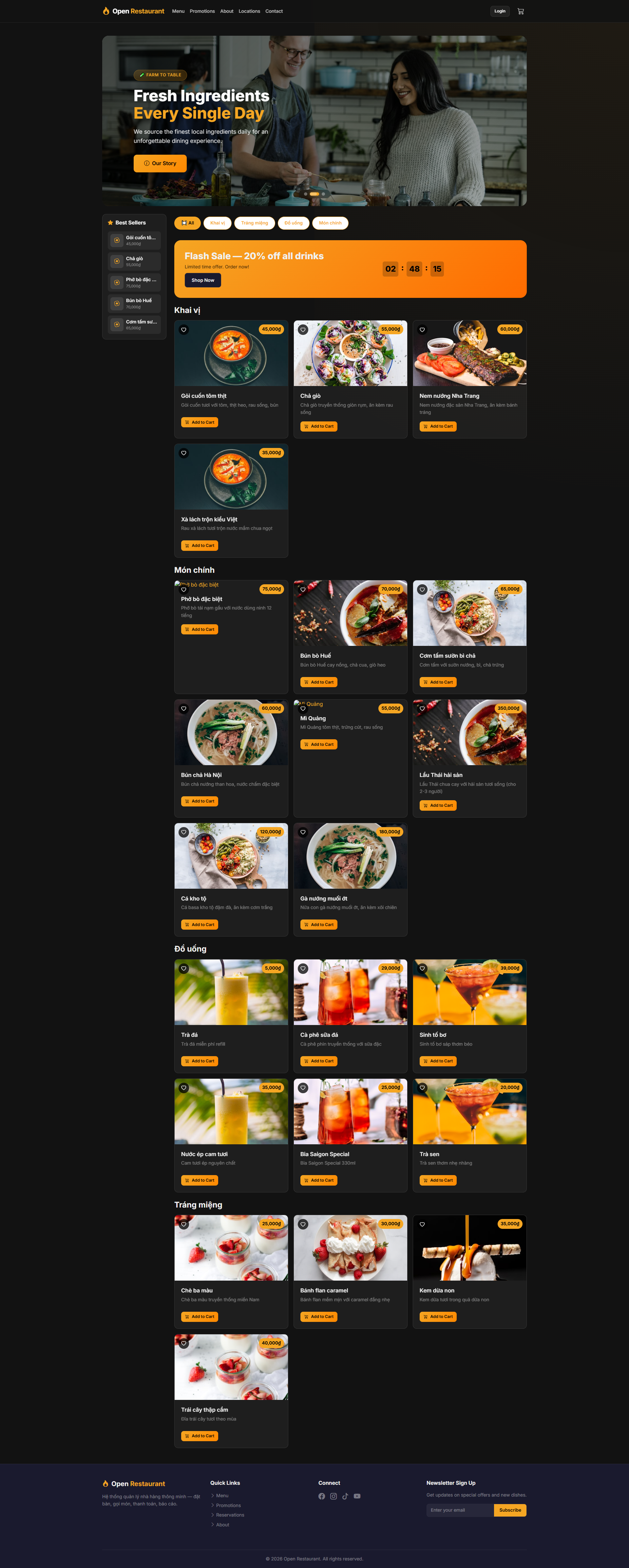
🏠 Home
What it shows: The main landing page of the system, introducing the restaurant and its key features.
Navigation: Browser → Home Page
- Menu — Access the full menu
- Promotions — View active deals and offers
- About — Learn about the restaurant
- Locations — Find branch locations
- Contact — Make reservations or get support
🎉 Promotions
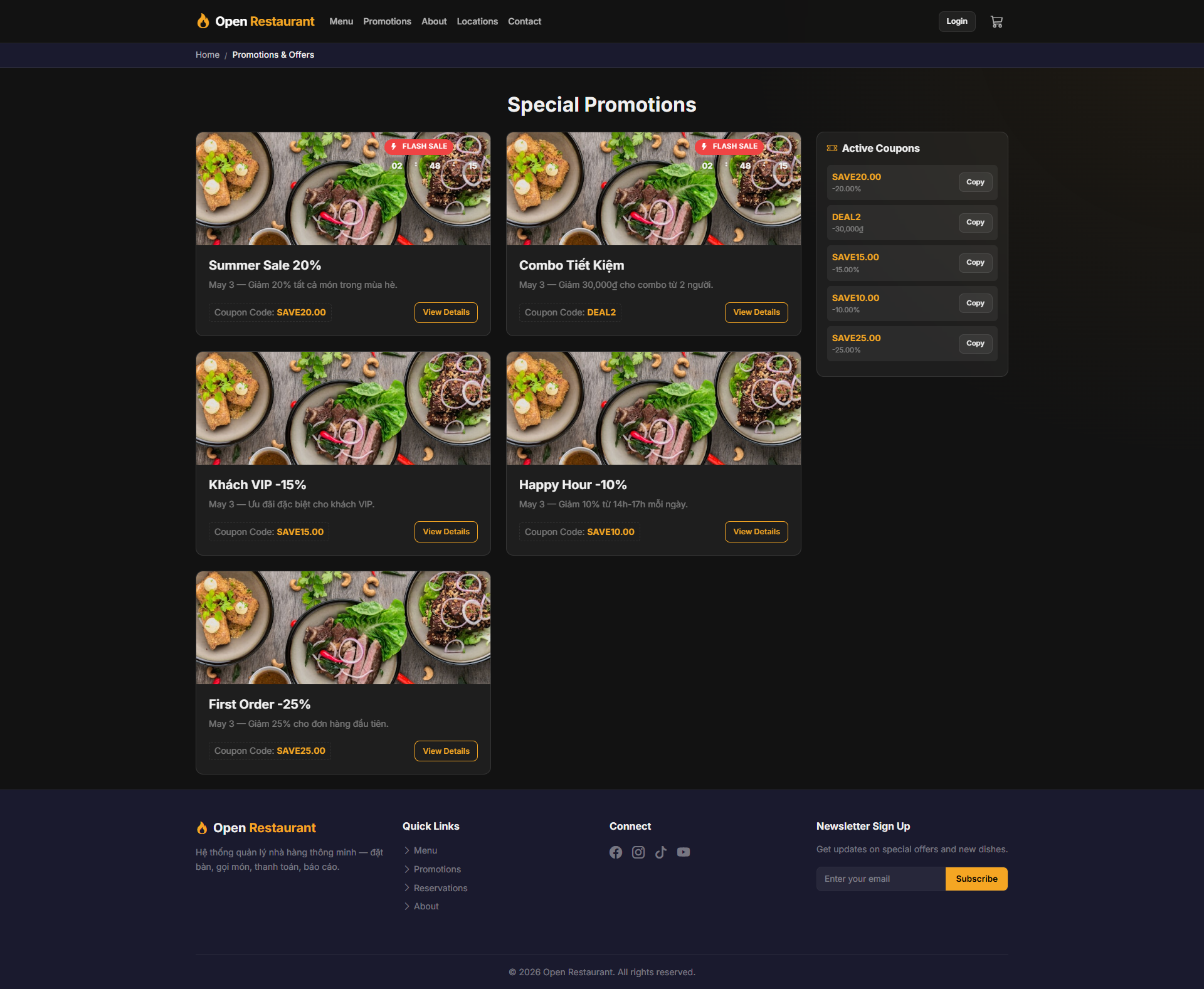
What it shows: Displays current promotions, combo deals, and active offers available at the restaurant.
Navigation: Top Menu → Promotions
- View the list of active deals and promotions
- Check terms, conditions, and expiry dates
- Copy discount codes to apply at checkout
ℹ️ About
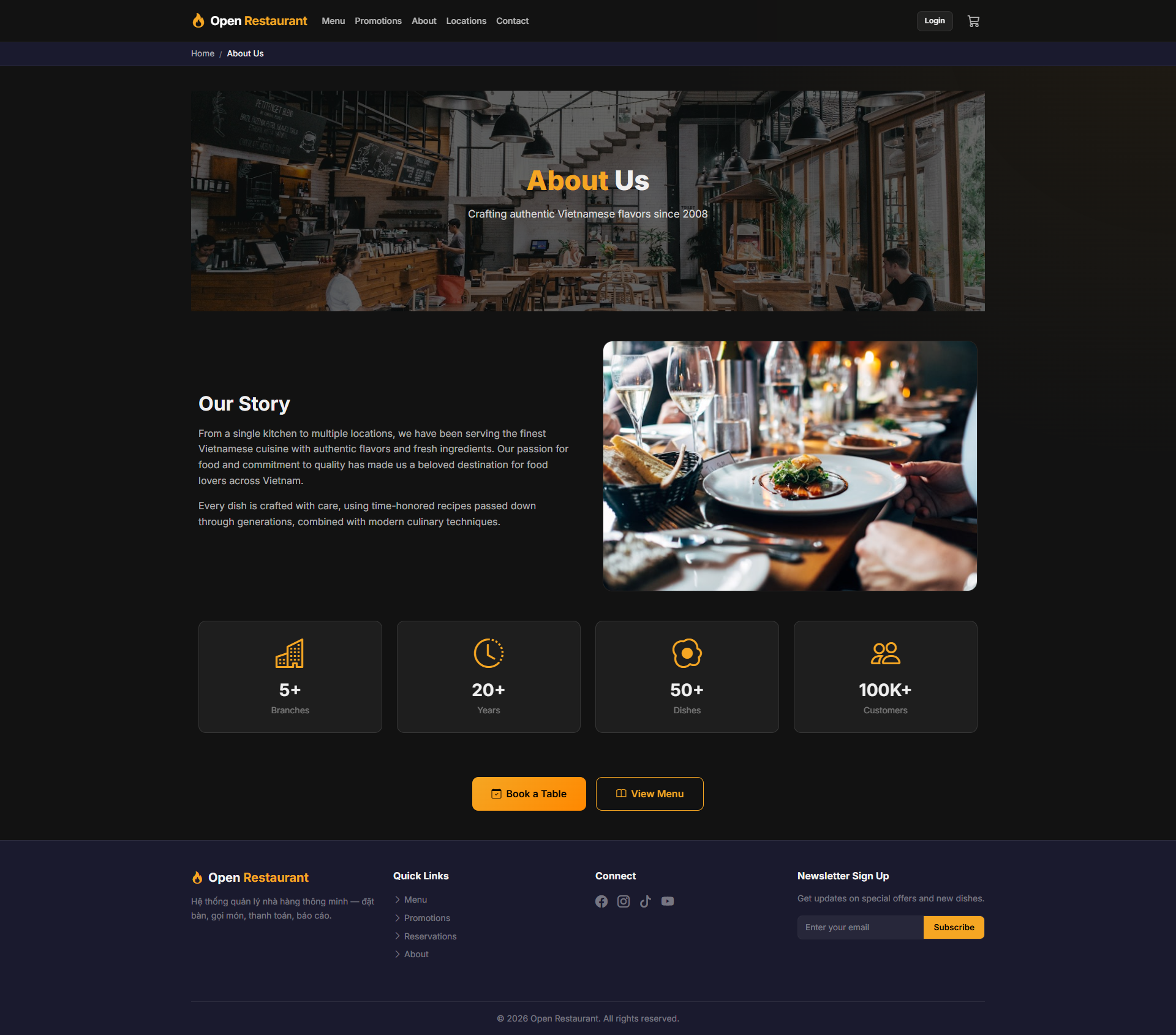
What it shows: The brand story page — showcasing the restaurant's history, vision, and core values.
Navigation: Top Menu → About
- Brand story and founding history
- Chef team and culinary style
- Commitment to ingredient quality
📅 Reservation
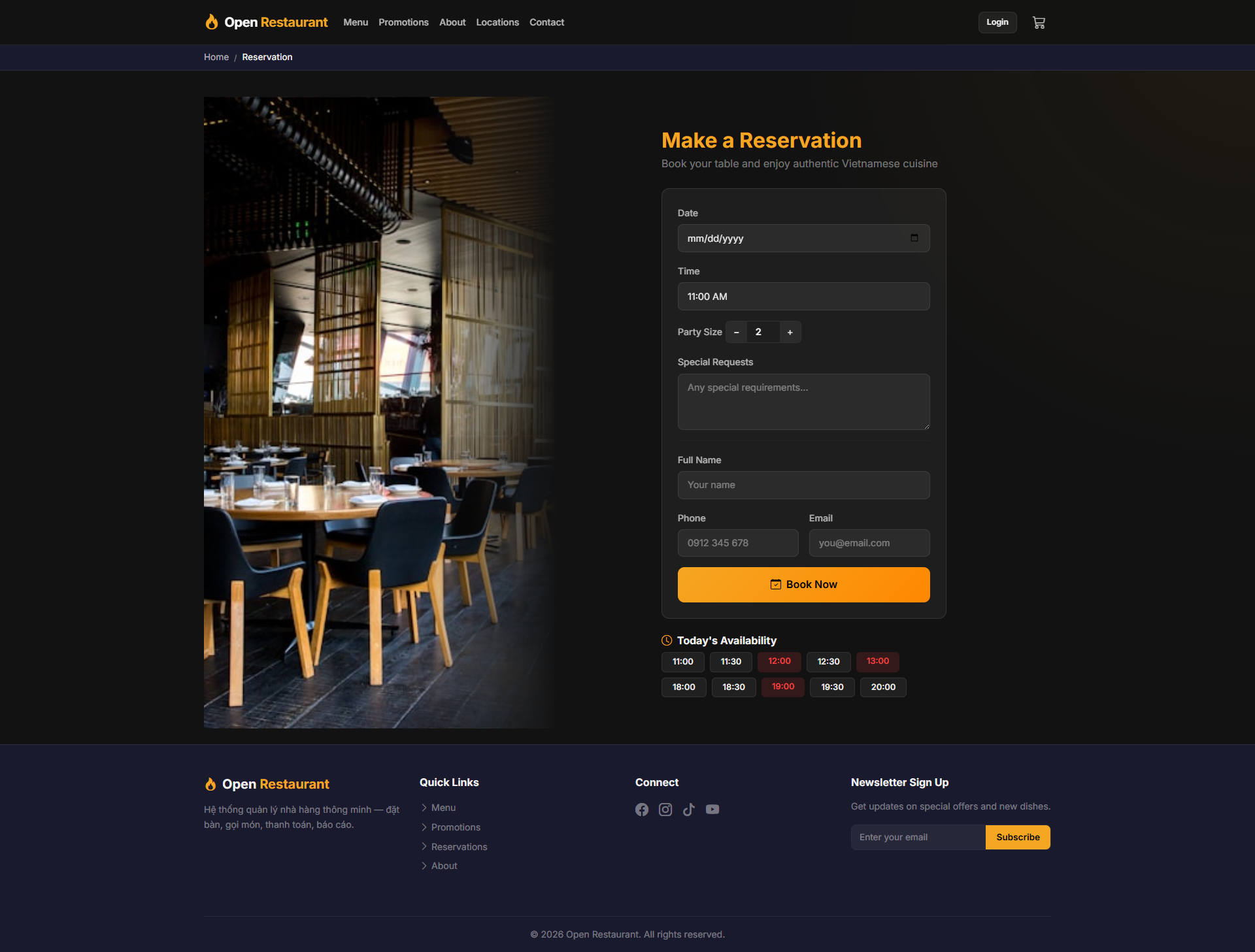
What it shows: Online table reservation form — guests enter their details and the system confirms available slots.
Navigation: Top Menu → Locations
- Select your preferred date and time
- Enter the number of guests and contact name
- Receive a booking confirmation via email or phone
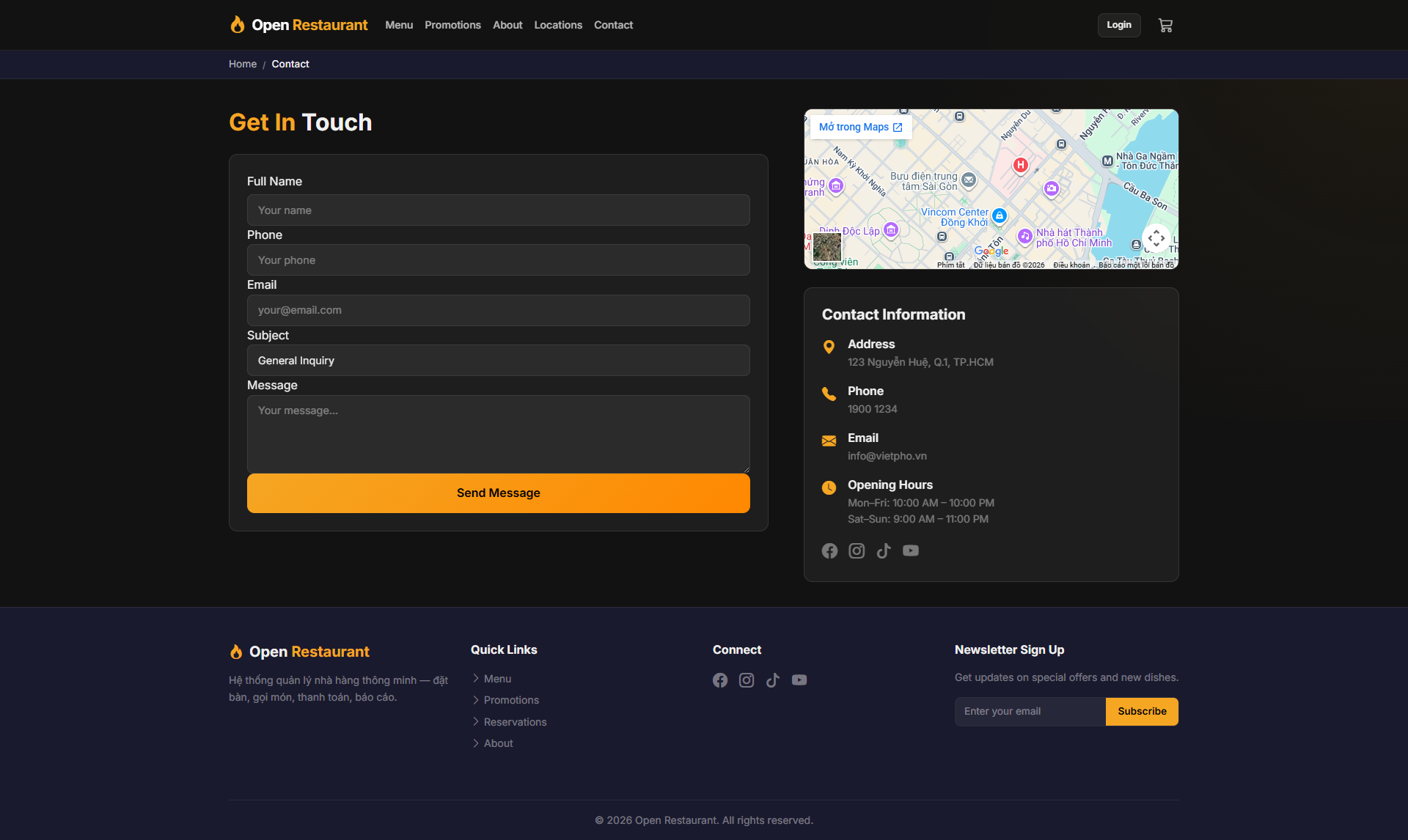
📞 Contact
What it shows: Contact page with branch addresses, phone numbers, and a direct message form to reach the restaurant.
Navigation: Top Menu → Contact
- View branch addresses and maps
- Call or send a direct message
- Submit feedback or service suggestions via the form
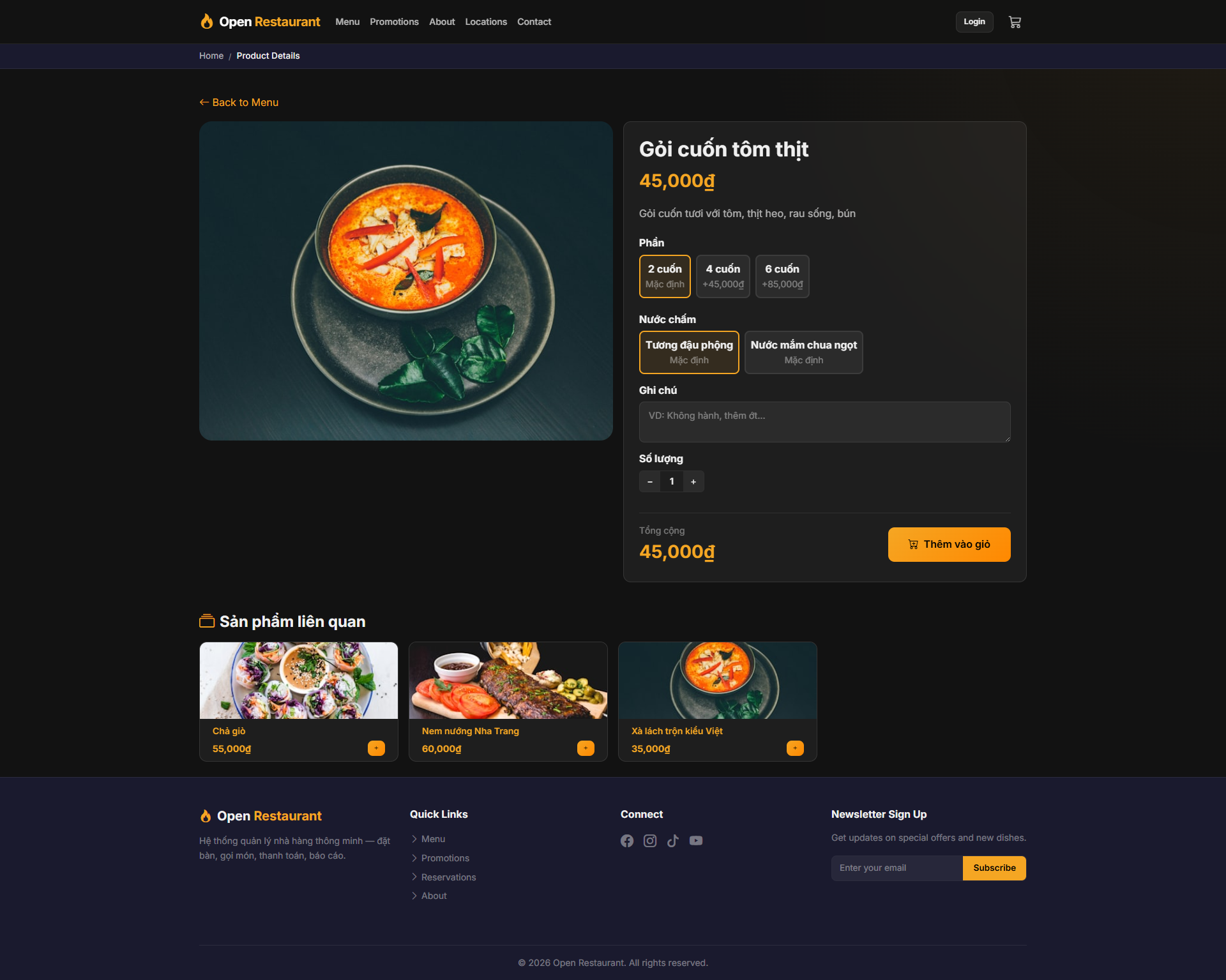
🍜 Product Detail
What it shows: Detailed page for each dish — photos, ingredients, price, and customer reviews.
Navigation: Top Menu → Menu → select any dish
- View photos, description, and price
- Select quantity before adding to cart
- Read reviews from other customers
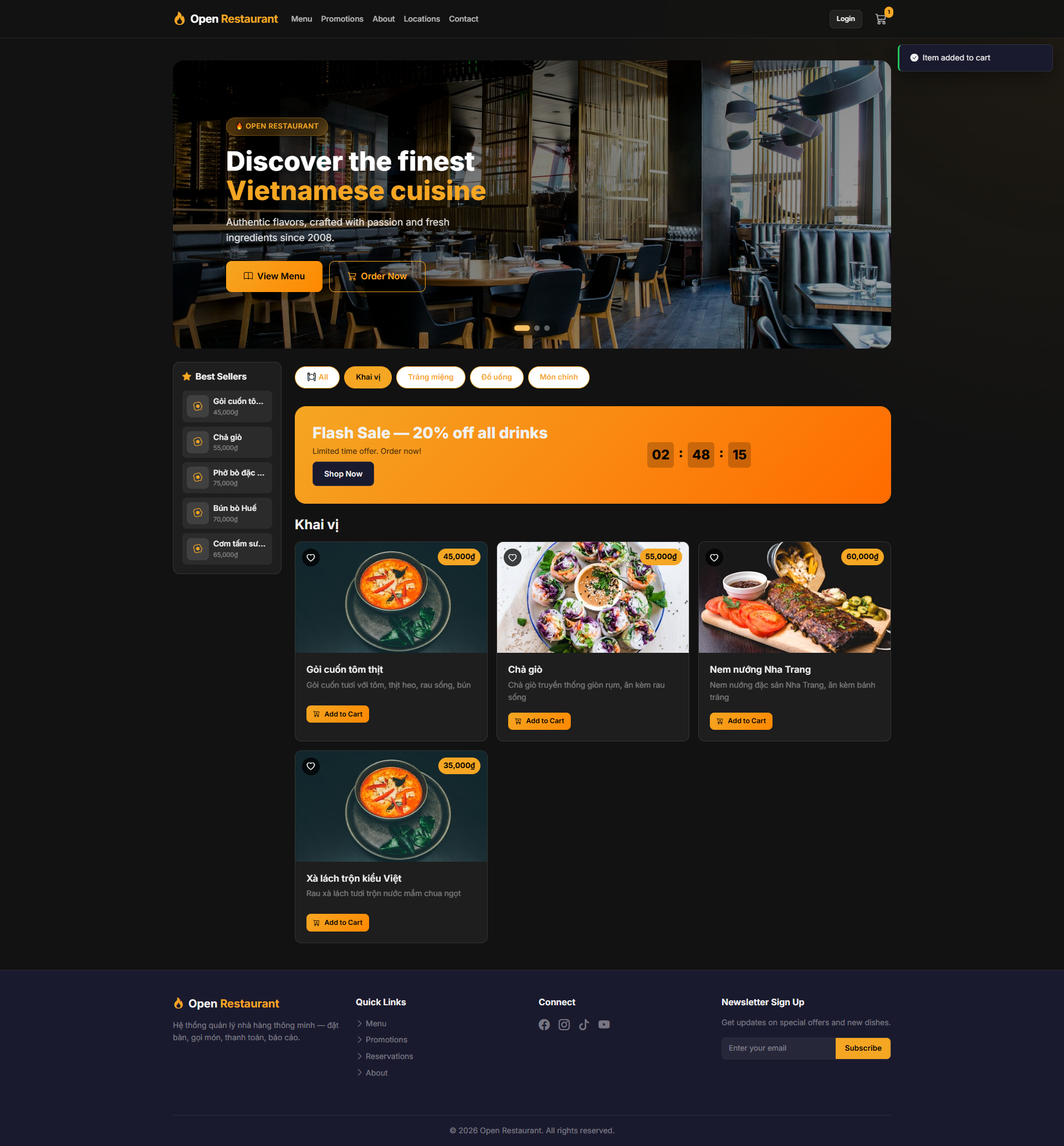
➕ Add to Cart
What it shows: Quick add screen — adjust the quantity and see the updated total price instantly.
Navigation: Product Detail → Add to Cart
- Increase or decrease quantity using the +/- buttons
- View real-time total price update
- Continue browsing or proceed to cart
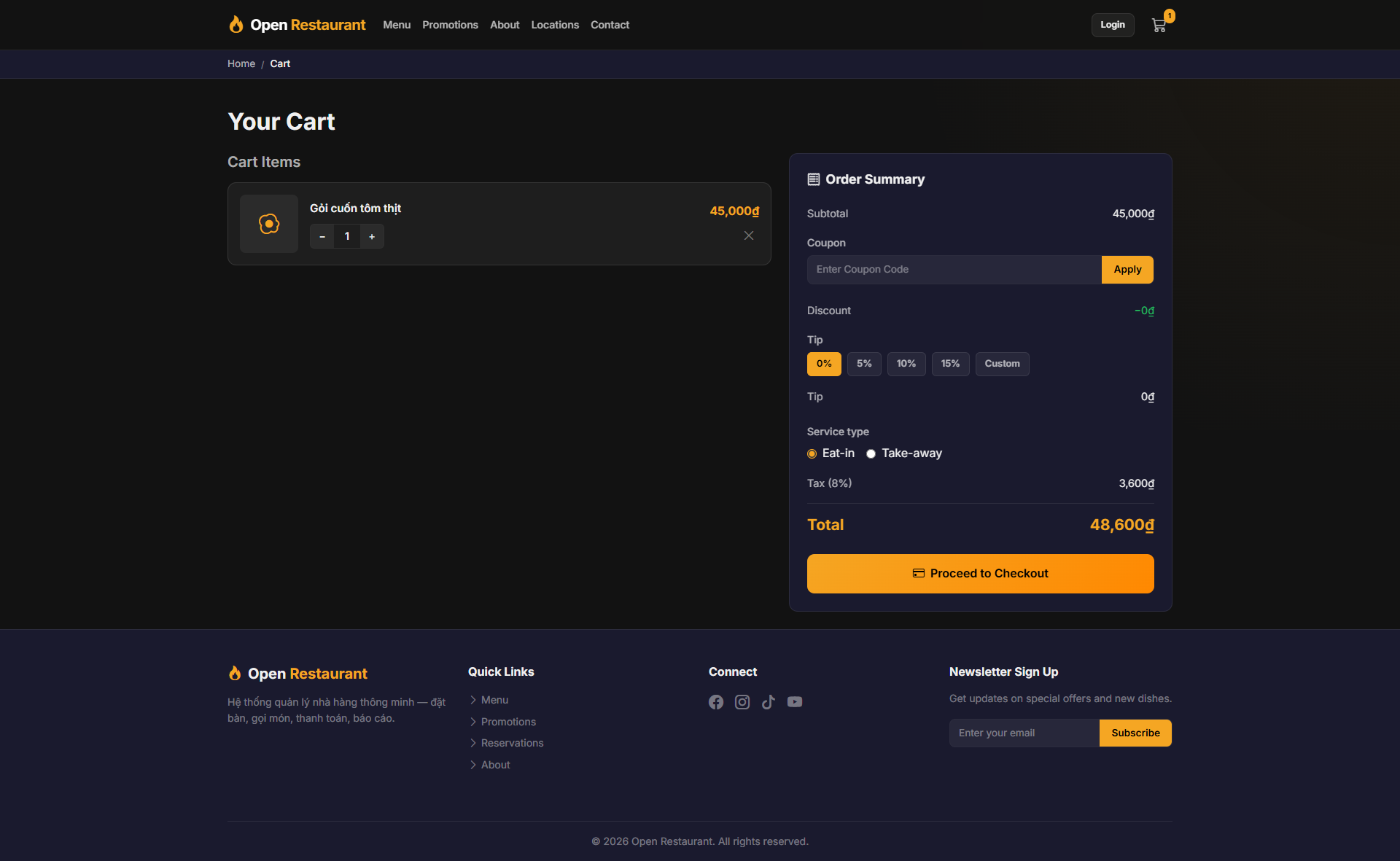
🛒 Cart
What it shows: Review all selected dishes, adjust quantities, and apply discount codes before checkout.
Navigation: Cart icon in the navigation bar
- Review all selected dishes
- Adjust quantities or remove unwanted items
- Enter a promo code (if available)
- Click Checkout to proceed to payment
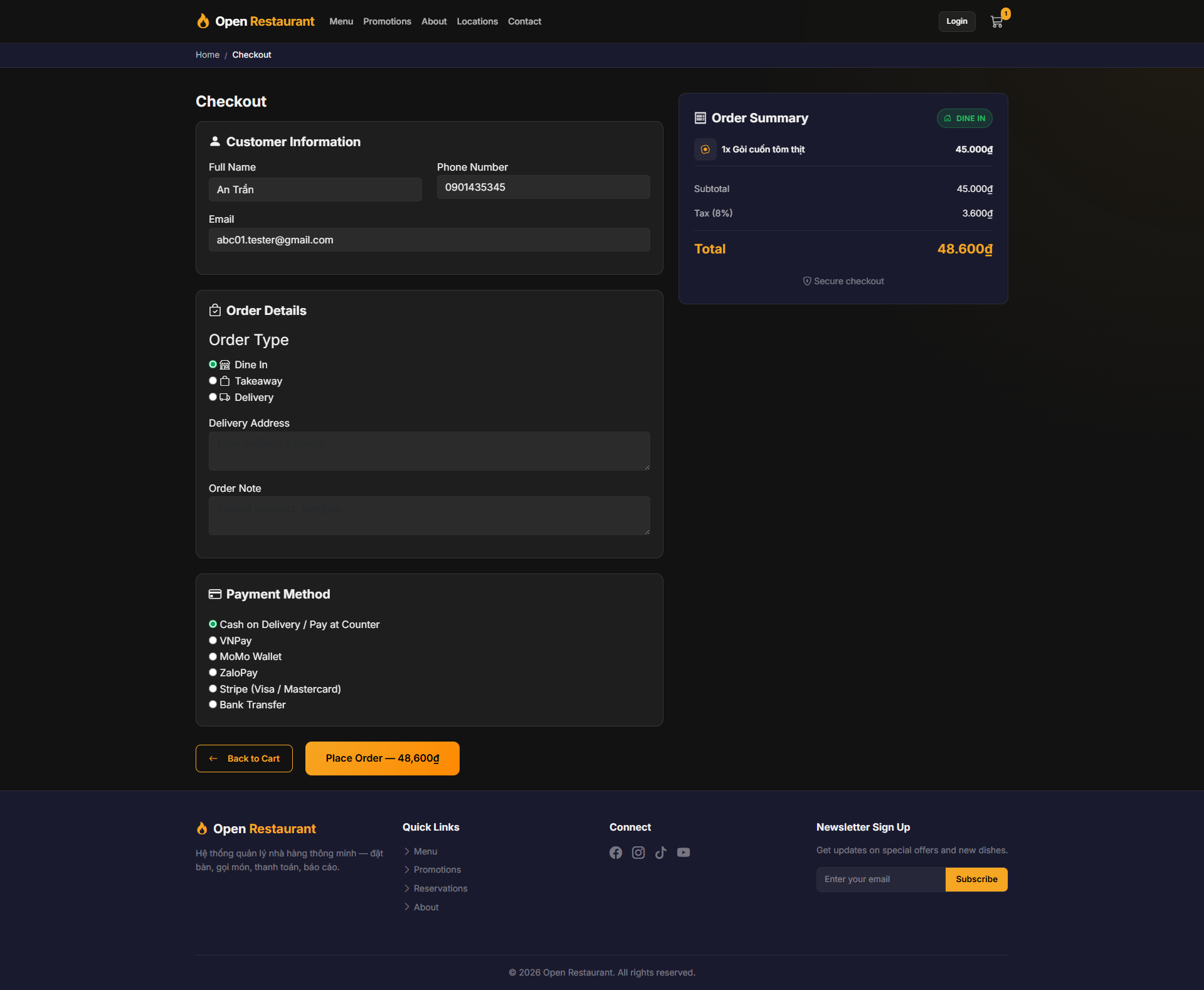
📄 Checkout
What it shows: Enter delivery information and choose a payment method to complete your order.
Navigation: Cart → Checkout
- Choose order type: Dine-in, Take-away, or Delivery
- Enter delivery address (if Delivery is selected)
- Select a payment method
- Confirm the order with Place Order
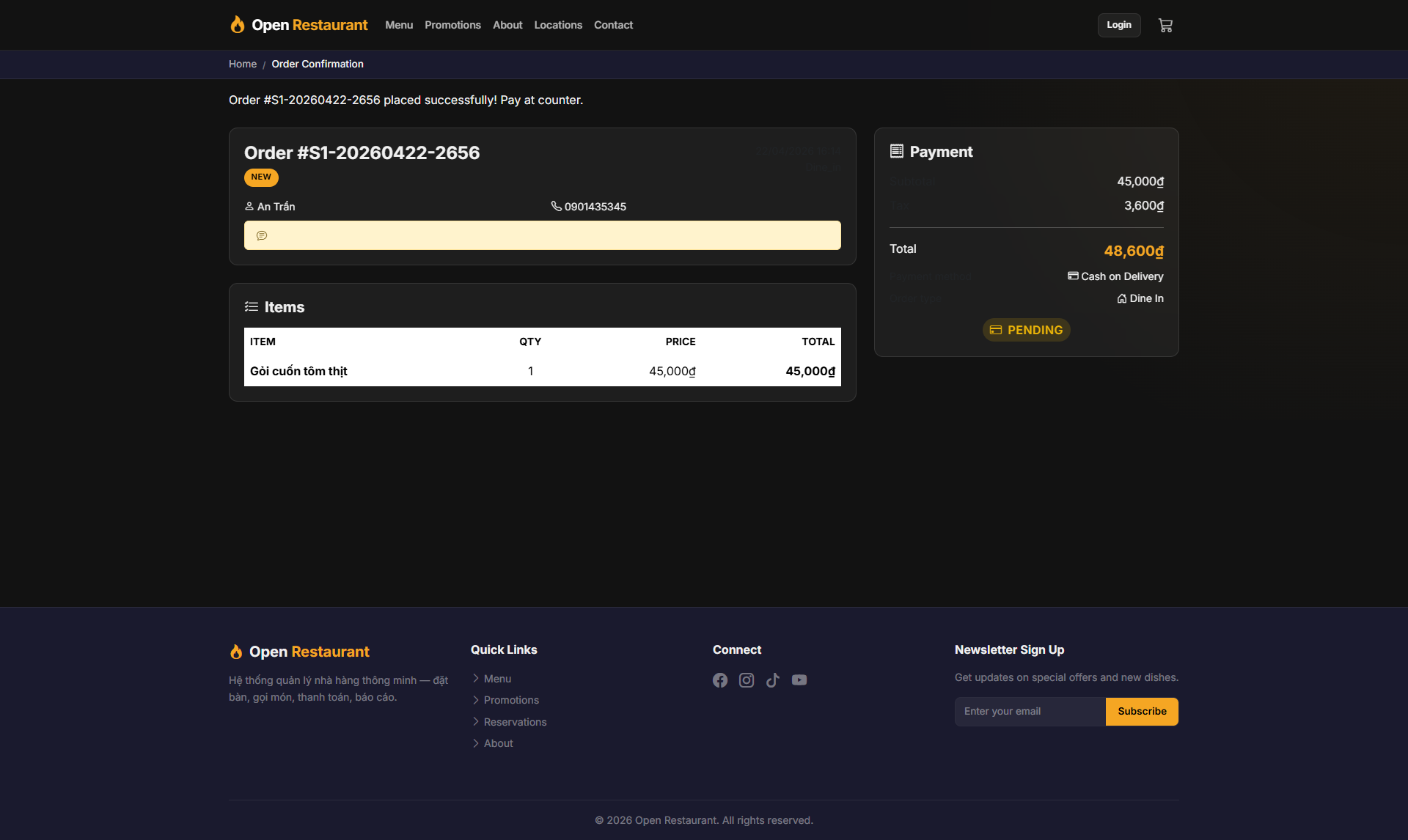
✅ Order Confirmation
What it shows: Confirmation page displayed after a successful order — shows the order code and a full summary.
Navigation: Automatically displayed after successful payment
- Displays the order code for tracking
- Summary of ordered dishes and total amount
- Estimated preparation time information
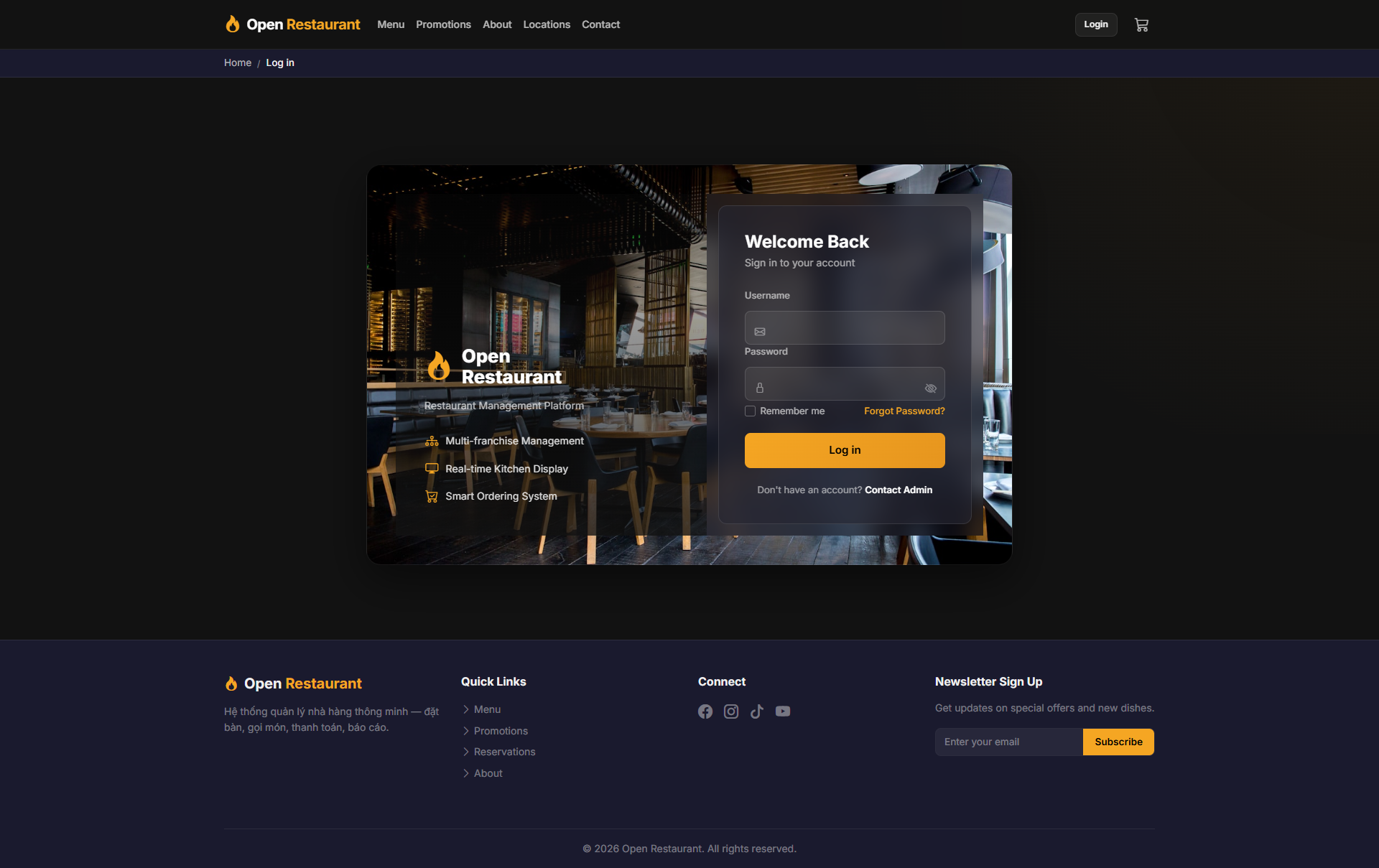
🔐 Login
What it shows: Account login page to access order history, favorites list, and member benefits.
Navigation: My Account → Login
- Enter your registered email and password
- Select Remember me to stay logged in
- Click Forgot password? if you've forgotten your password
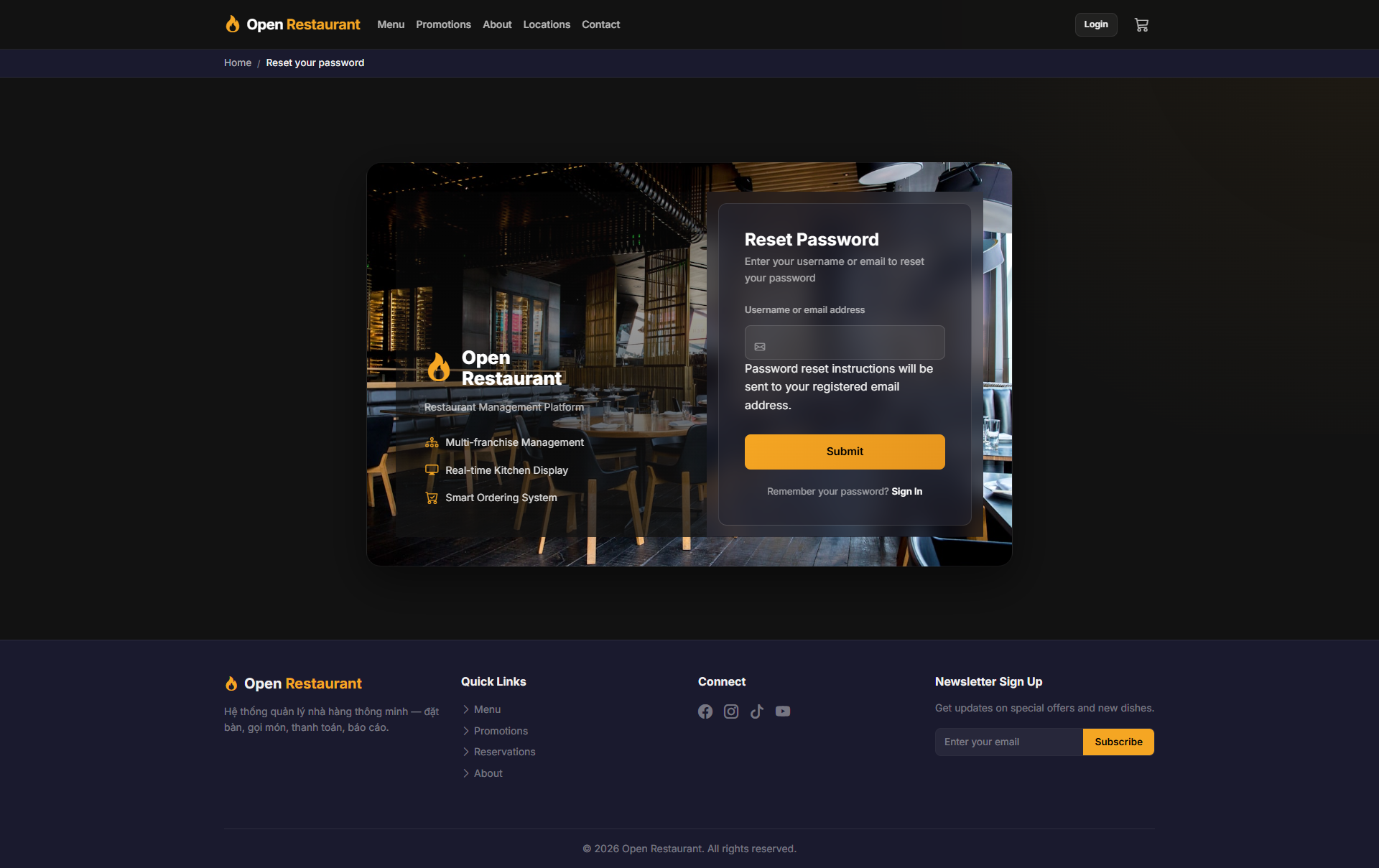
🔑 Reset Password
What it shows: Password recovery page — the system sends a reset link to your registered email address.
Navigation: Login Page → Forgot password?
- Enter your registered email address
- Check your inbox and click the reset link
- Enter a new password (minimum 8 characters)