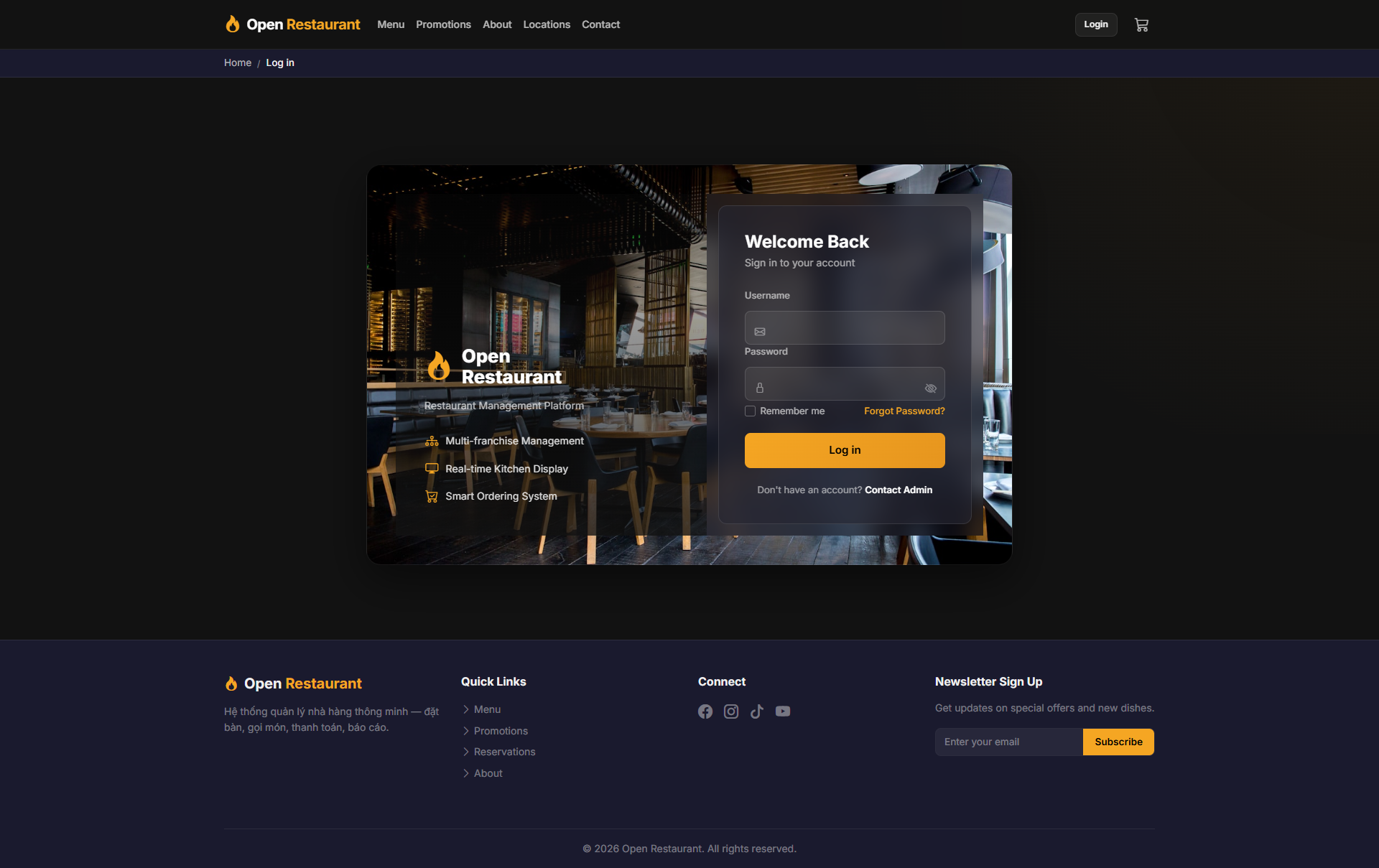
🔑 System Login
Function: Log in to access your customer account — orders, favorites, and profile.
Navigate to:
- Demo access: sandbox accounts are issued on request — request a guided demo.
- Enter credentials → click Login → redirected to your dashboard
- Click My Account to manage your profile
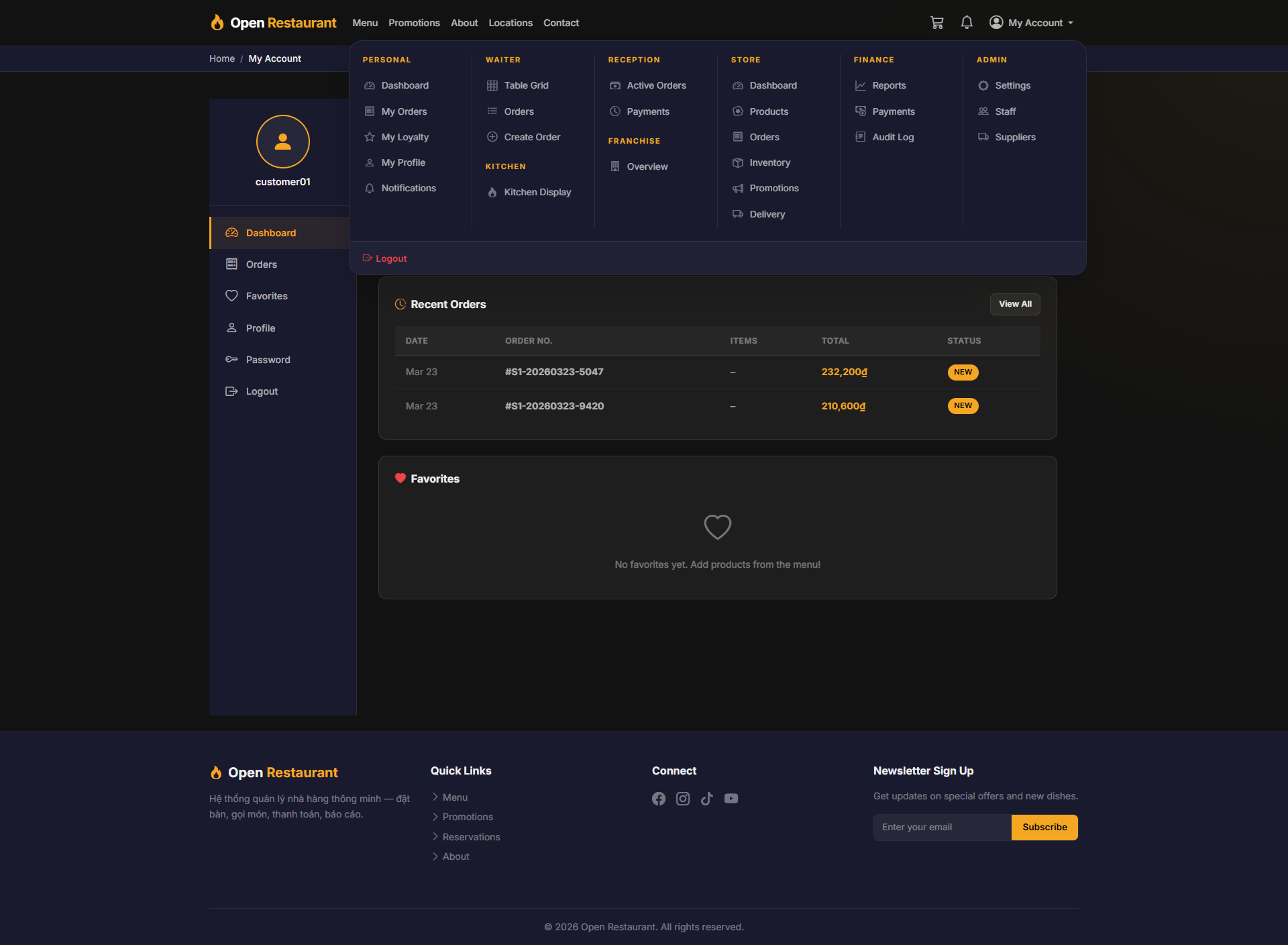
My Account
Function: Account navigation hub — access all your account features from the My Account menu.
Navigation: Top Navigation → My Account
- View account summary and loyalty points balance
- Quick access to: Dashboard, Orders, Favorites, Profile
- Manage account settings from a single menu
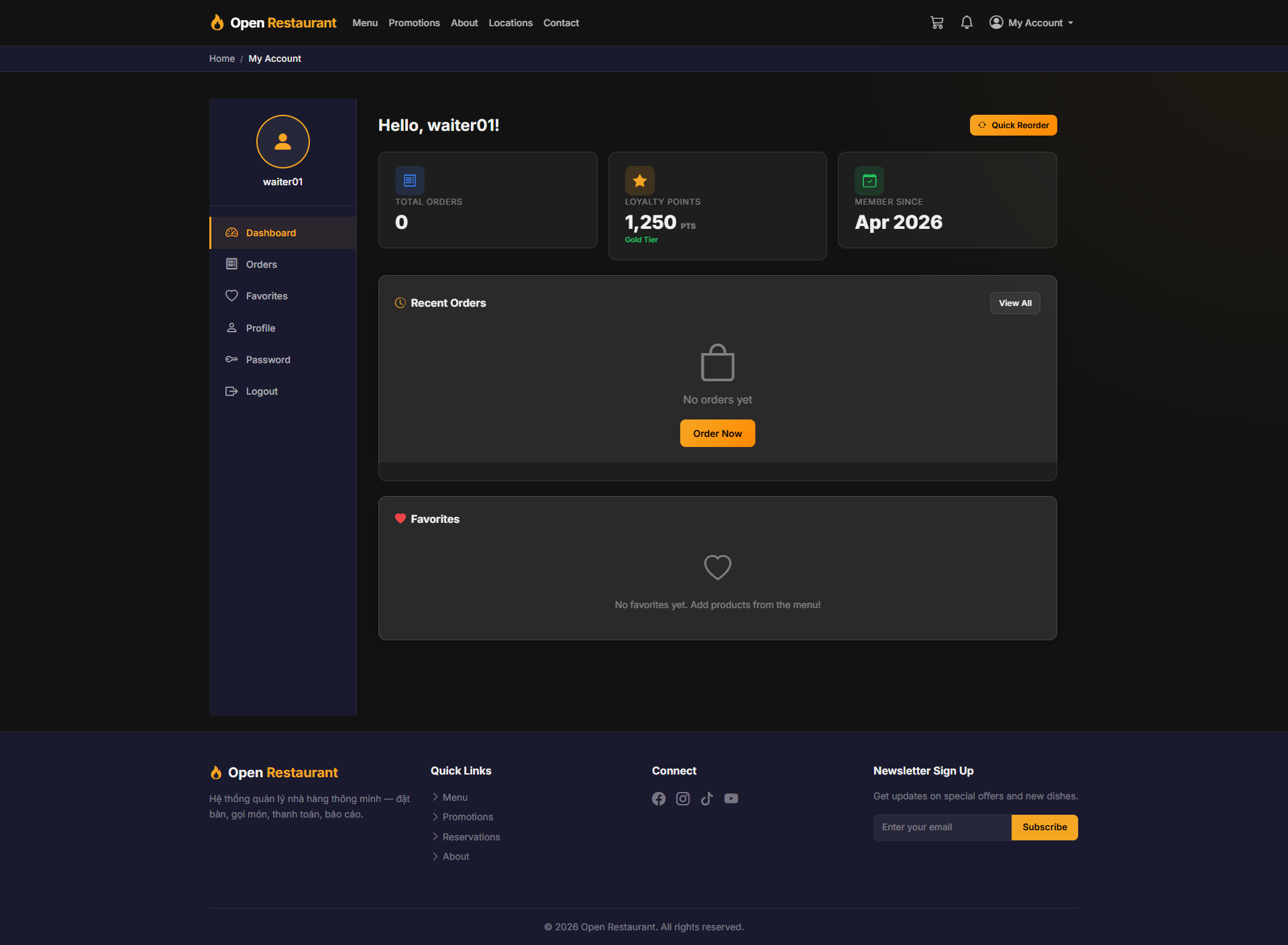
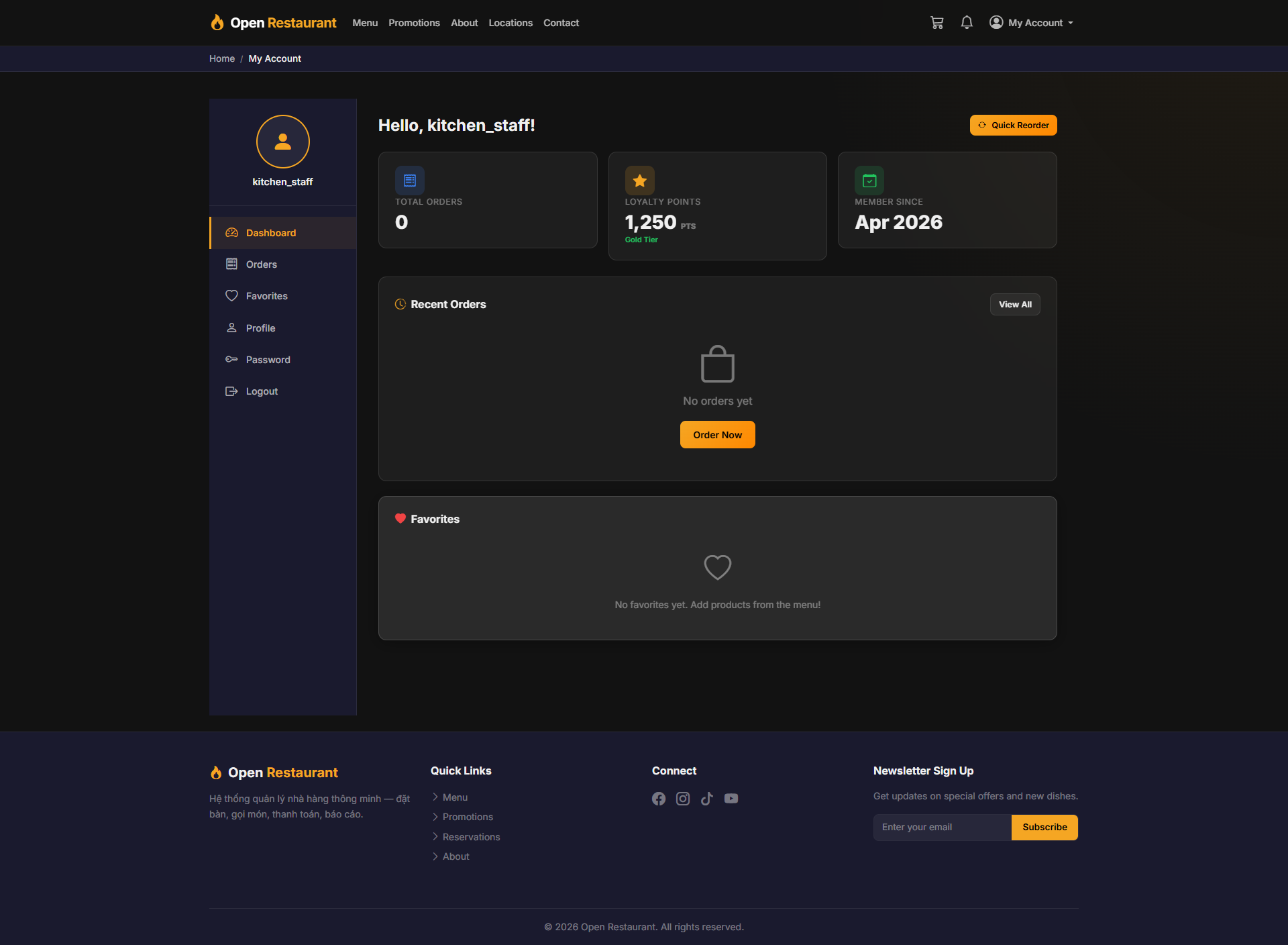
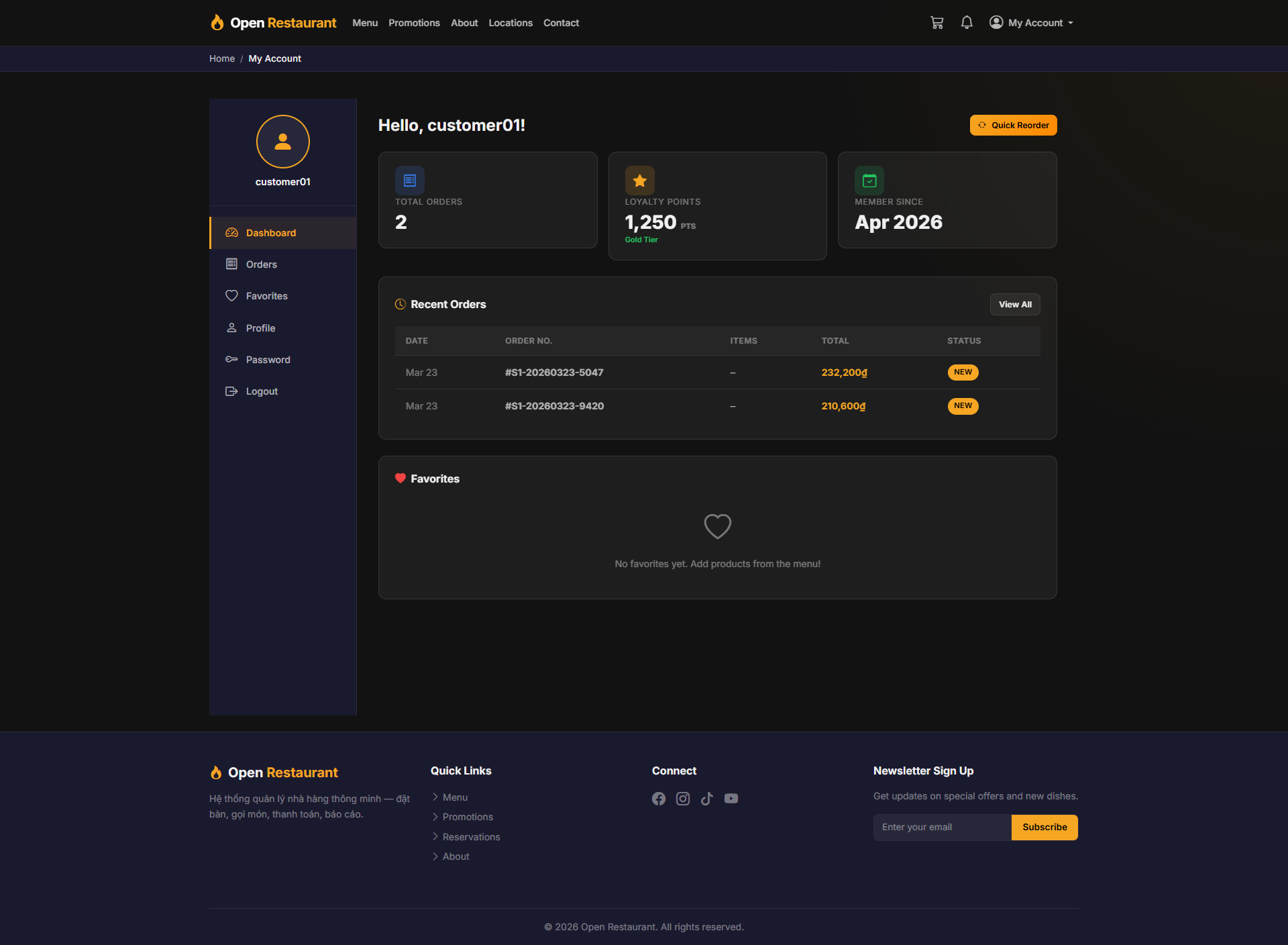
Account Overview (Dashboard)
Function: Personal overview page after login — shows order statistics and quick access to key features.
Navigation: My Account → Dashboard
- View total number of placed orders
- Total accumulated loyalty points
- Quick access to: Orders, Favorites, Profile
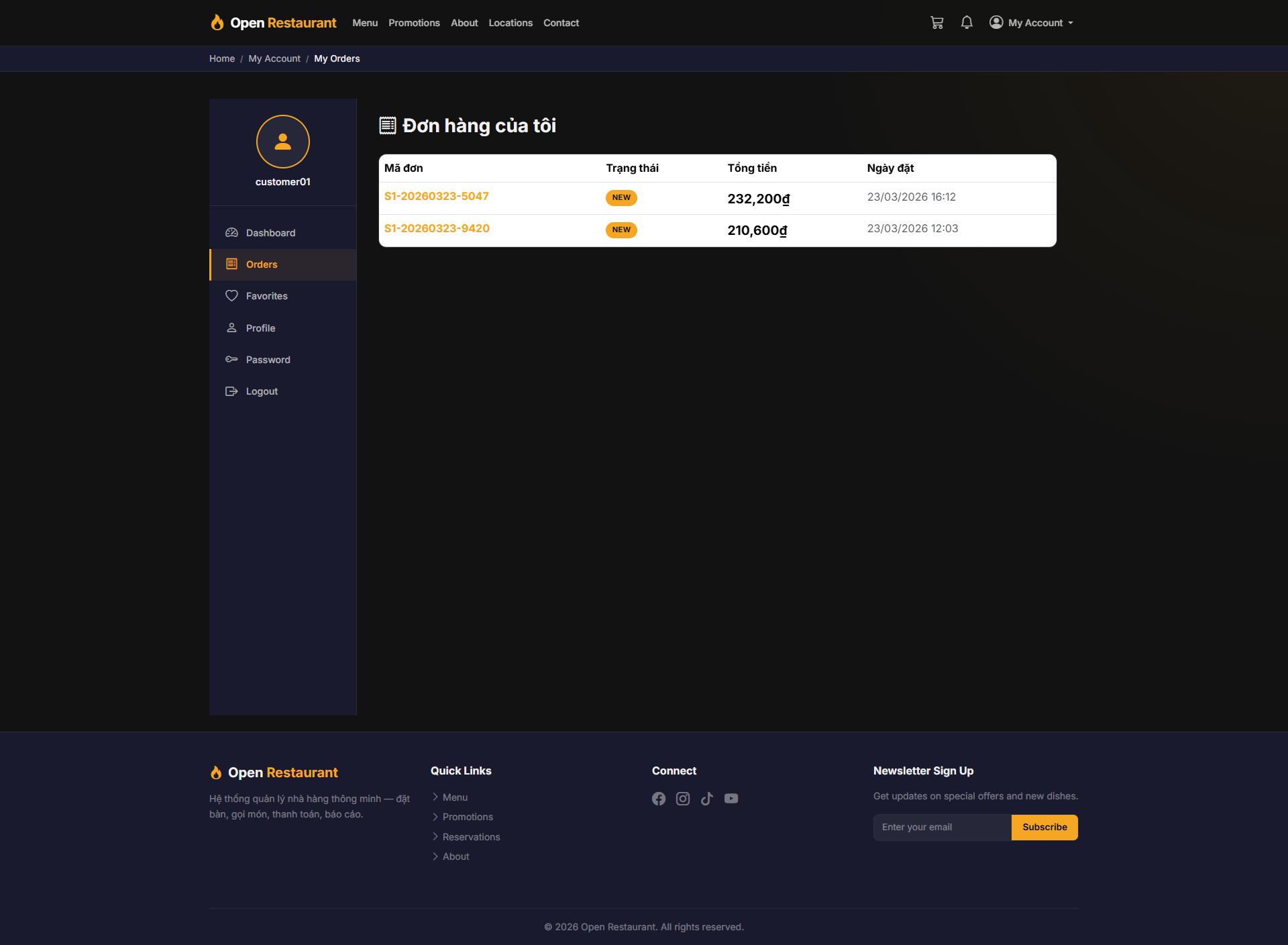
Order History (My Orders)
Function: Full list of all placed orders — track status and view details for each order.
Navigation: My Account → My Orders
- View orders listed by date
- Check status: New, In Kitchen, Ready, Completed
- Click on any order to view items and total amount
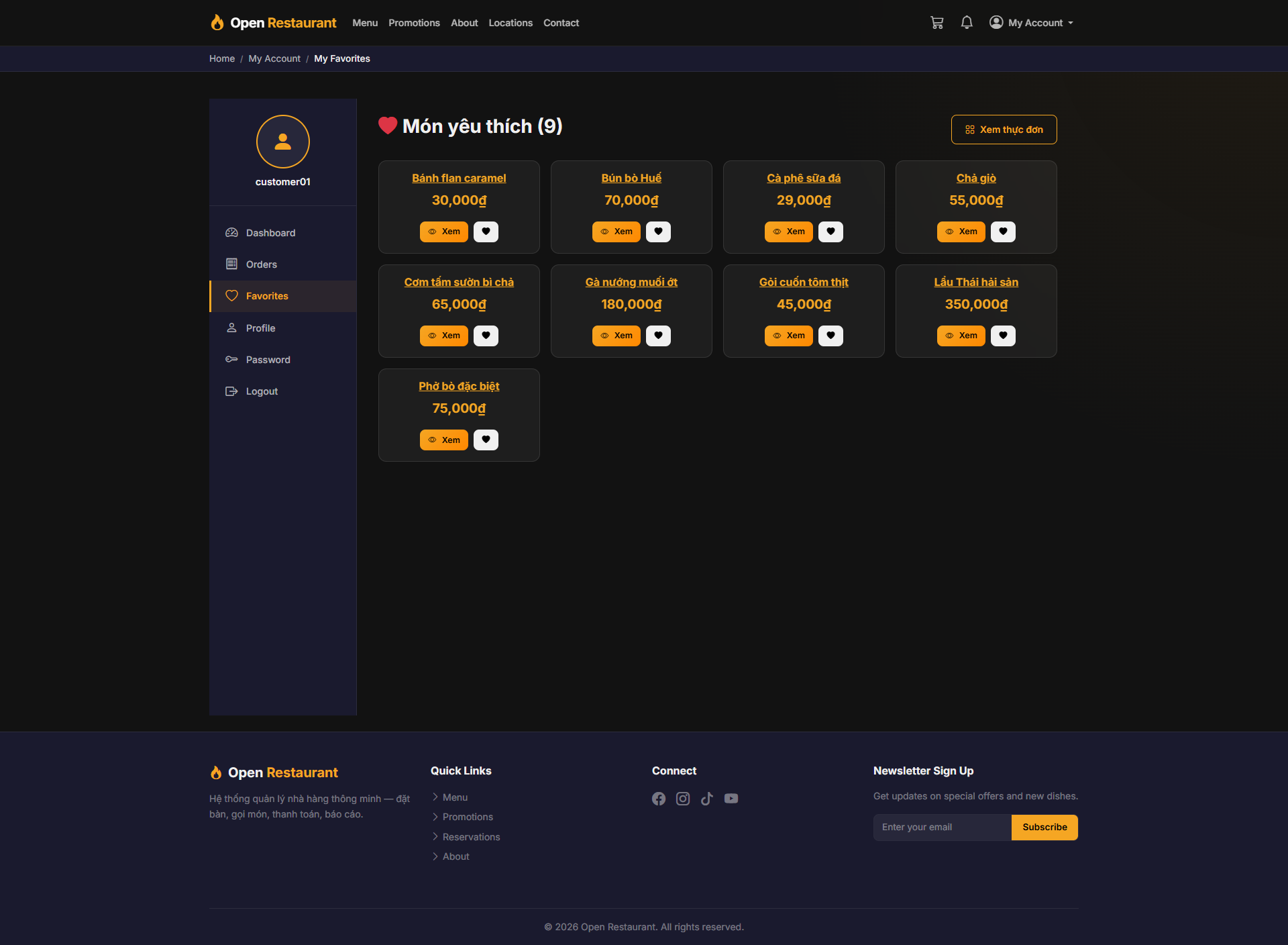
My Favorites
Function: Save your favorite dishes for quick reordering without searching the menu again.
Navigation: My Account → My Favorites
- View all saved favorite dishes
- Click Add to Cart to reorder directly from the list
- Remove dishes from favorites using the heart icon
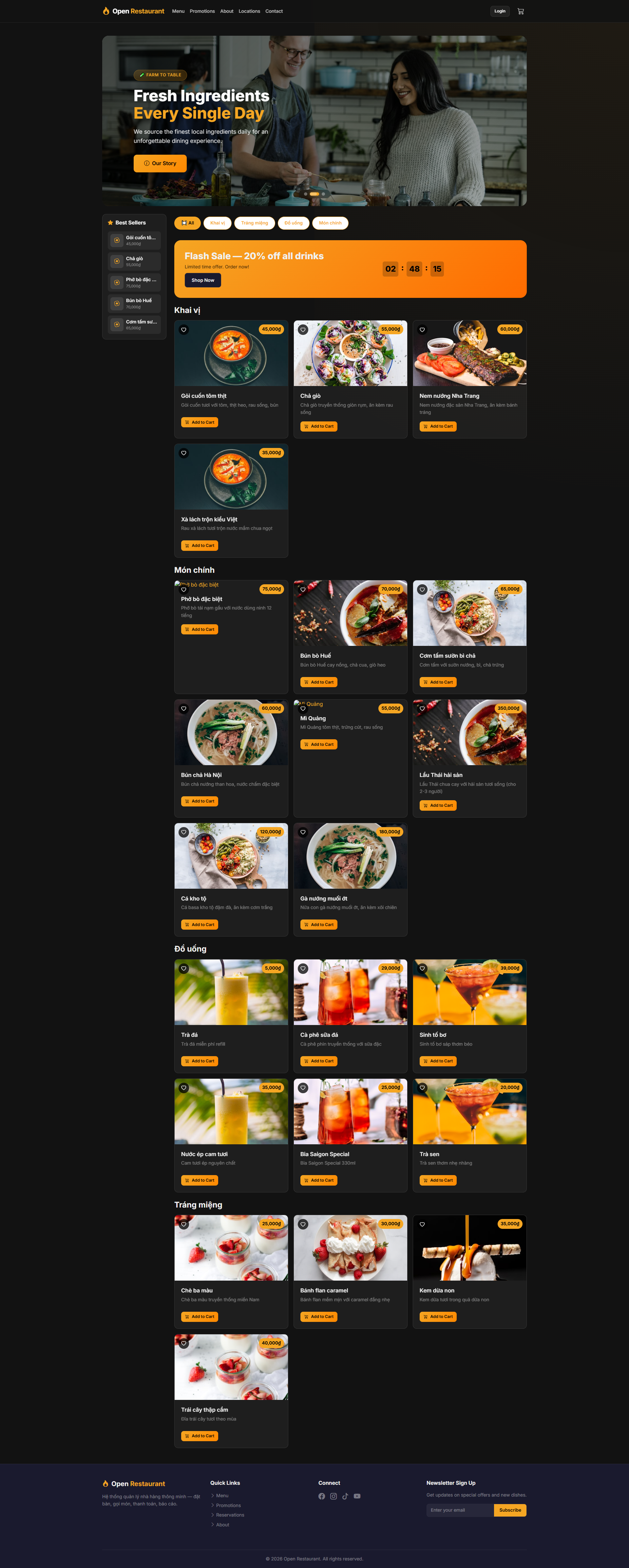
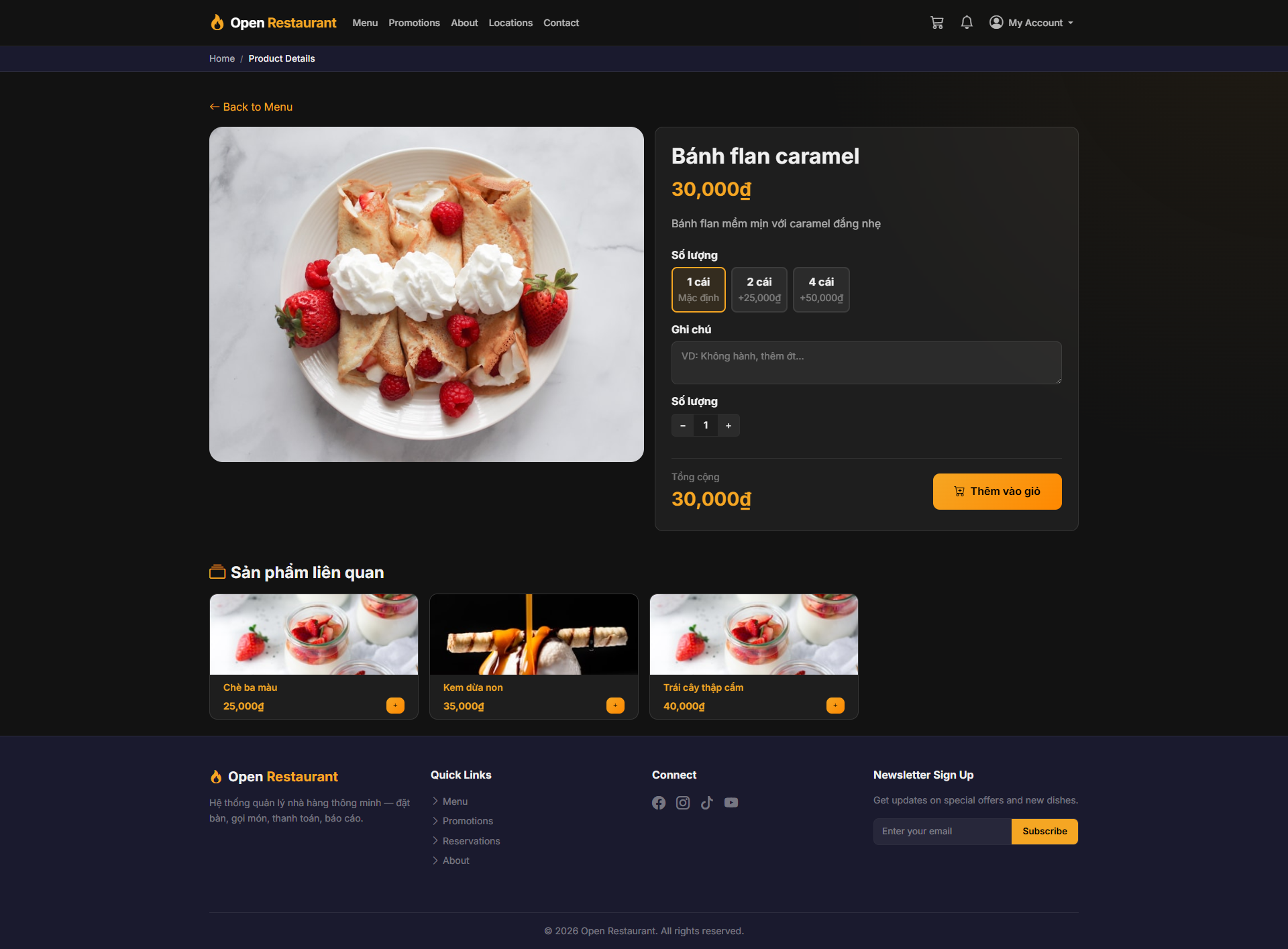
View Product Detail
Function: Full product detail page — description, ingredients, price, and Add to Cart button.
Navigation: Menu → select any dish
- View photos, description, and nutritional information
- Select quantity and click Add to Cart
- Save to favorites using the ❤️ icon
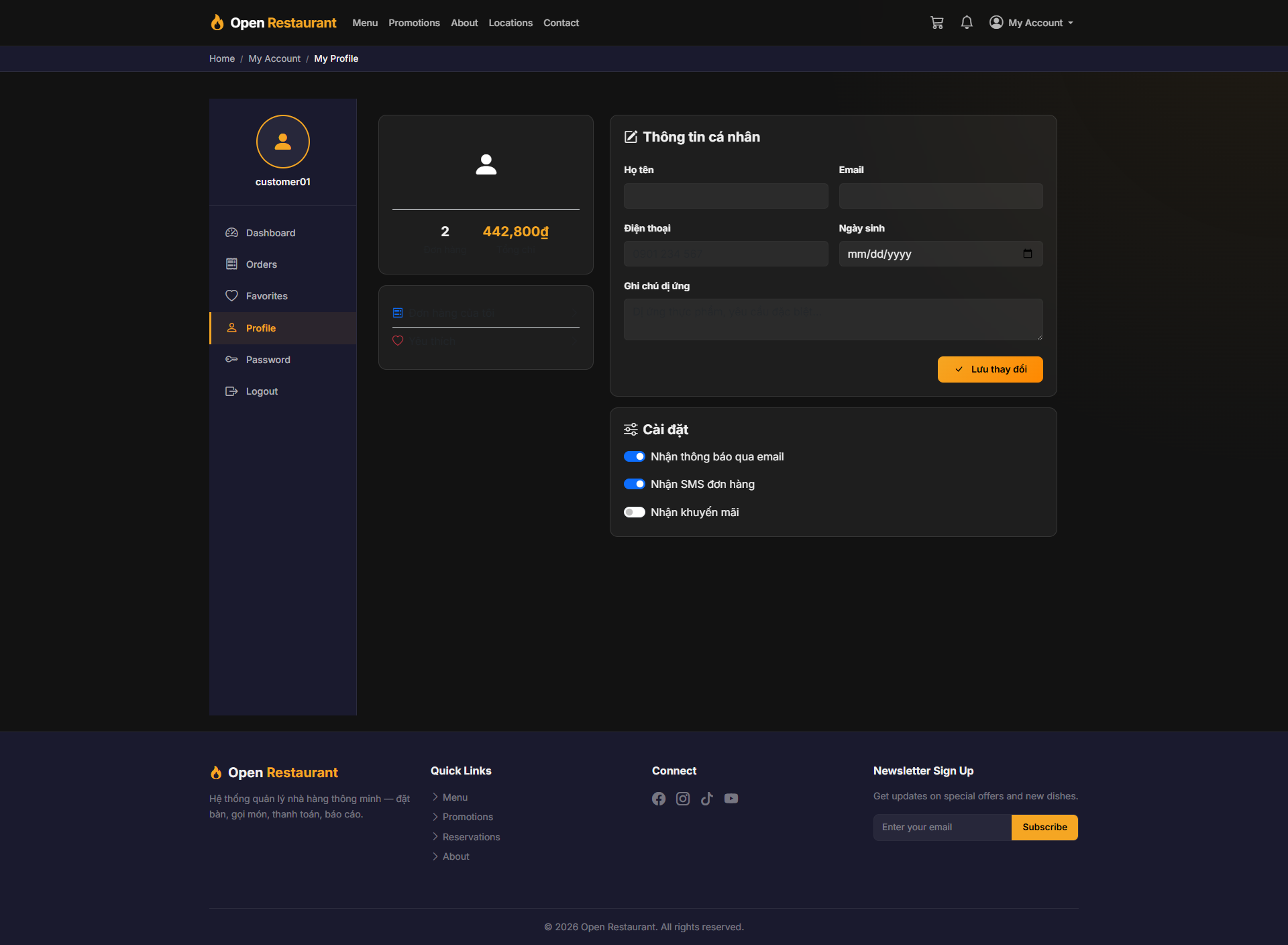
My Profile
Function: Manage your personal profile — name, email, phone number, and delivery address.
Navigation: My Account → My Profile
- Update display name and phone number
- Manage your default delivery address
- Click Save to apply changes
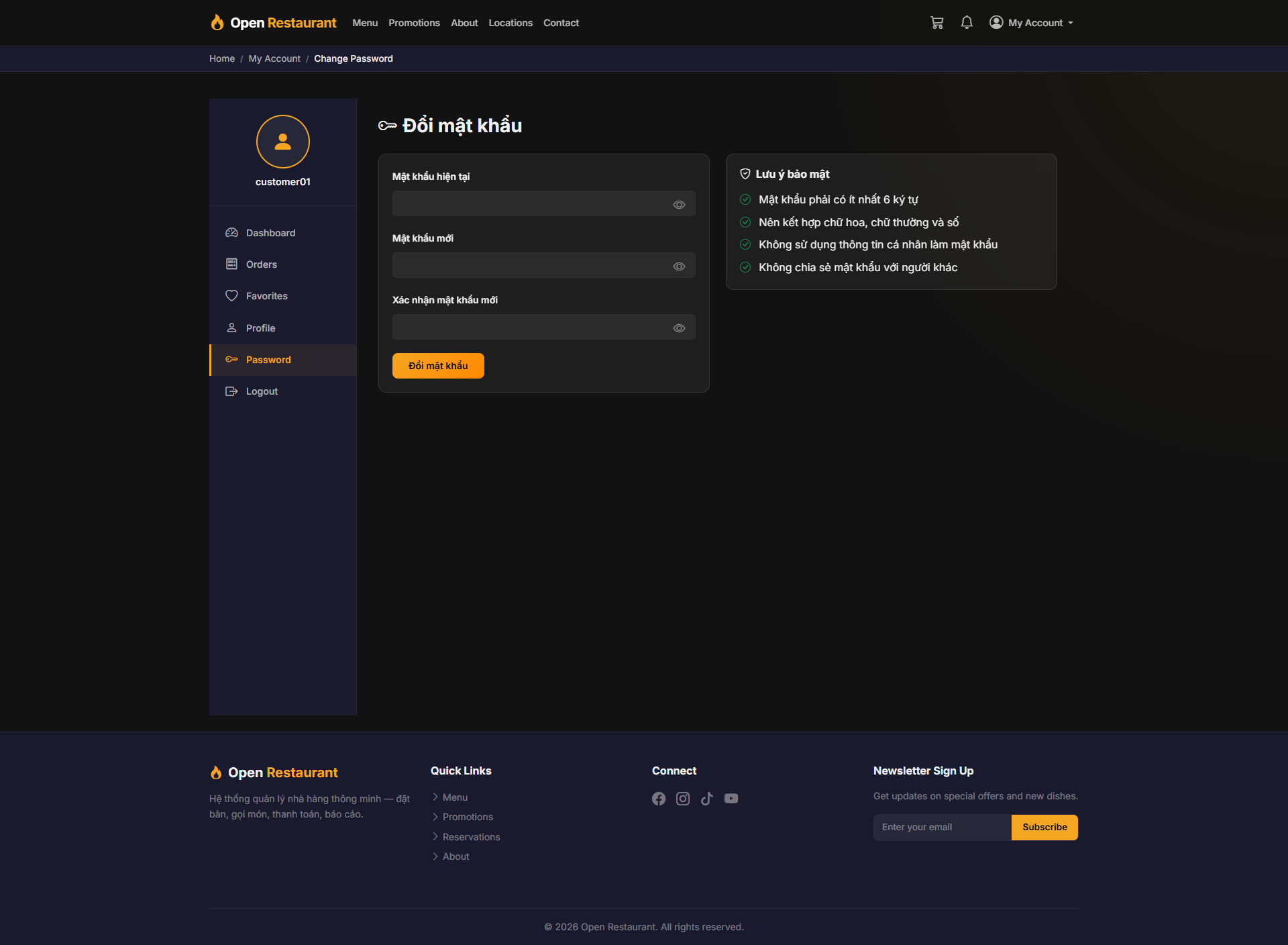
Change Password
Function: Change your login password — requires entering the current password to verify identity.
Navigation: My Account → Change Password
- Enter current password to confirm identity
- Enter new password (minimum 8 characters)
- Re-enter new password to confirm
- Click Save to update
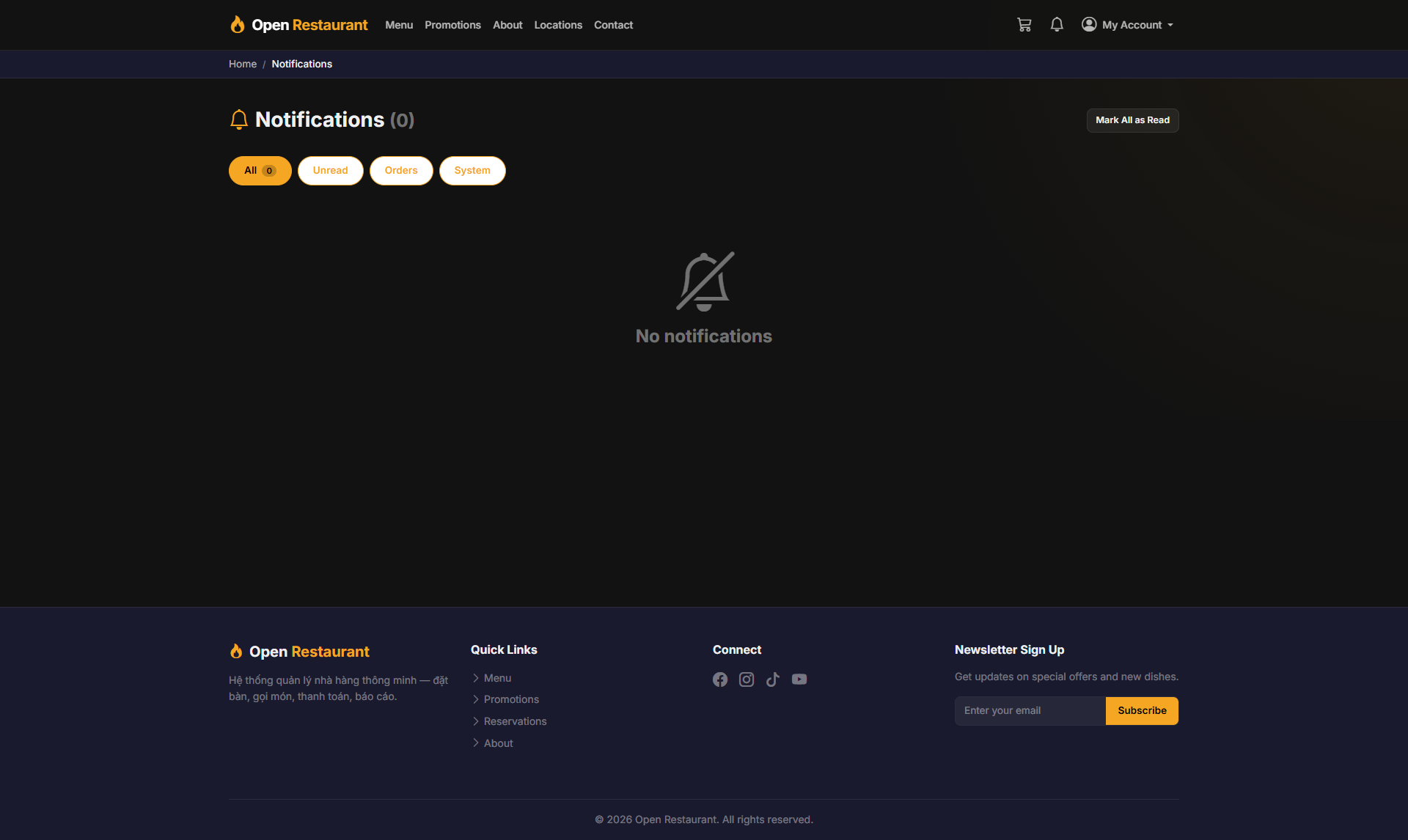
Notifications
Function: Personal notification center — receive updates on order status, promotions, and news from the restaurant.
Navigation: Bell icon 🔔 in the navigation bar
- Real-time order status updates
- Notifications about new deals and promotions
- Click any notification to view the related details