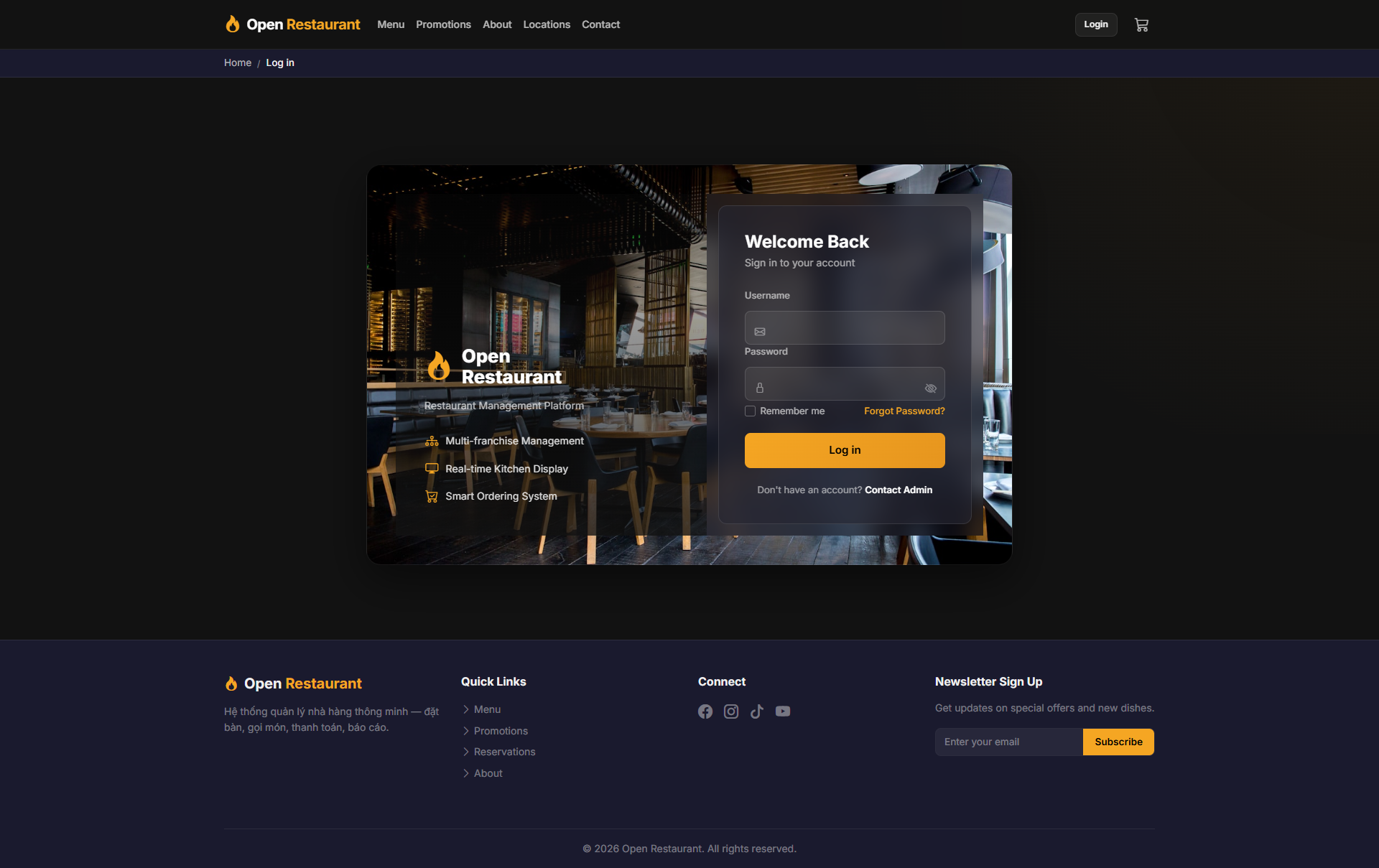
🔑 System Login
Function: Log in to access the franchise dashboard and multi-store management.
Navigate to:
- Demo access: sandbox accounts are issued on request — request a guided demo.
- Enter credentials → click Login → redirected to Franchise Dashboard
- Sidebar displays: Dashboard, Stores, Products, Promotions
Franchise Dashboard
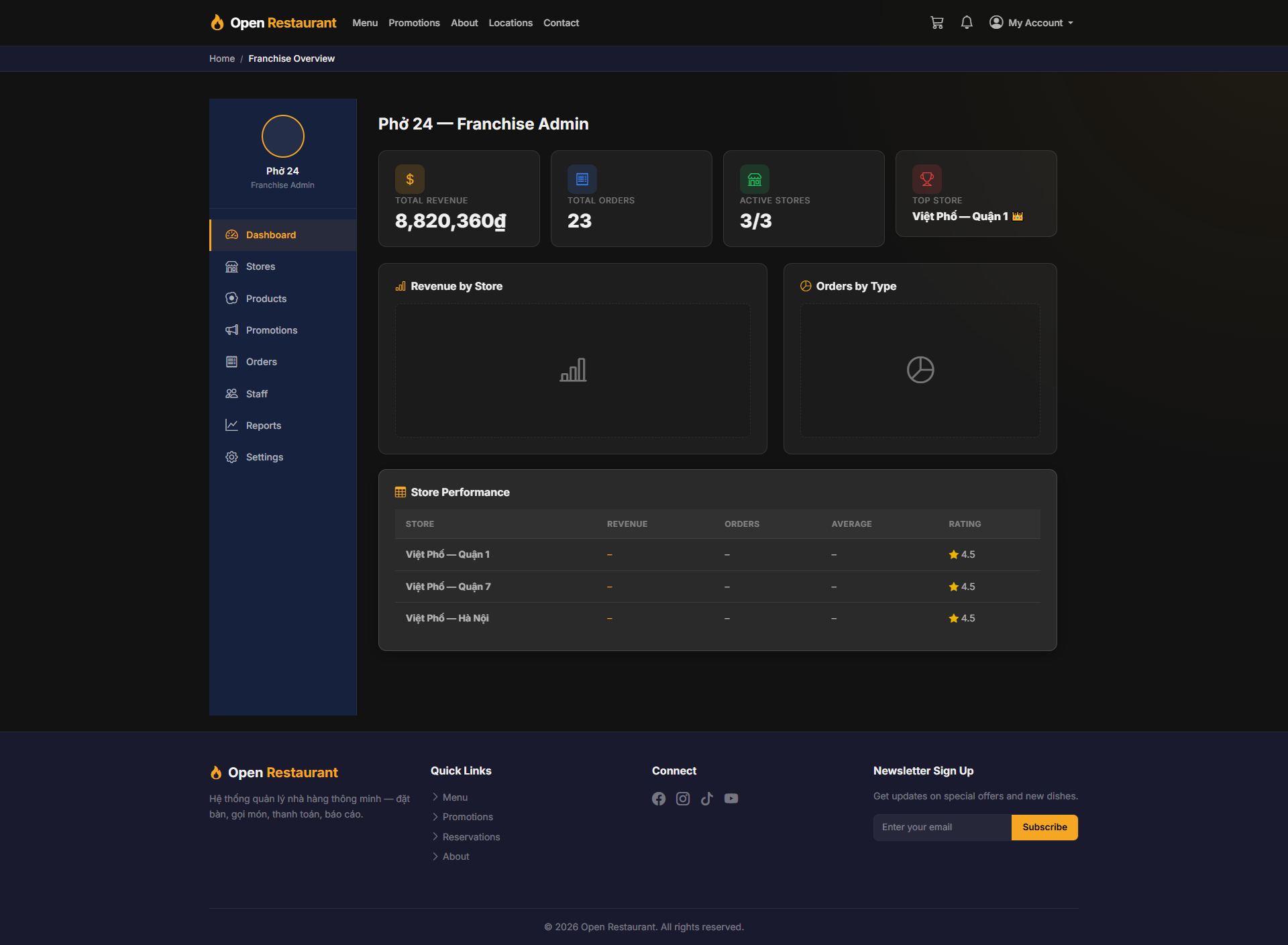
Function: Franchise-level control panel — aggregates all branch performance data in real time.
Navigation: Sidebar → Dashboard
- Total Revenue — Chain-wide total revenue
- Total Orders — Total orders processed across all branches
- Active Stores — Number of active branches (e.g. 3/3)
- Top Store — Highest revenue branch
- Revenue by Store chart and Orders by Type breakdown
Store Management
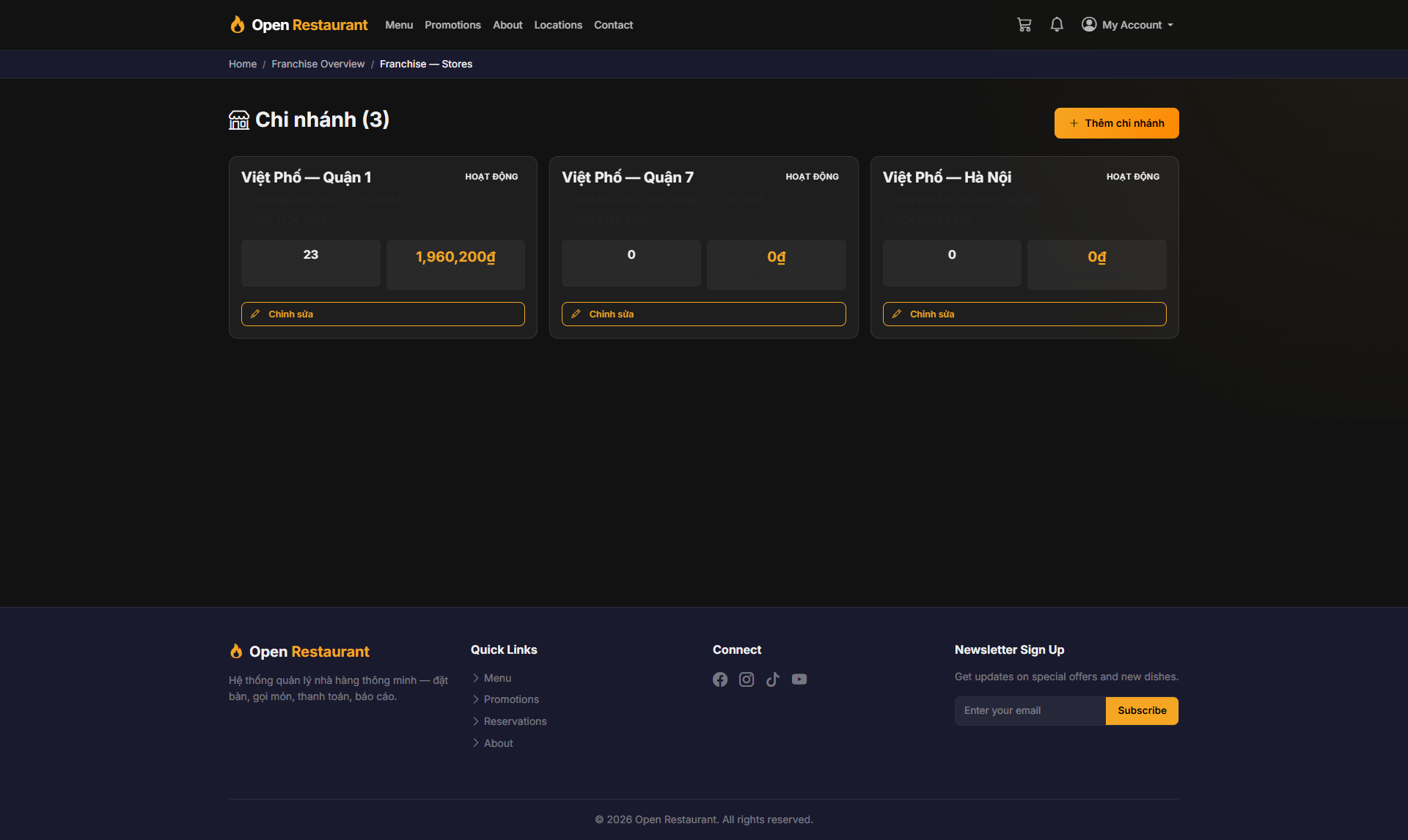
Function: View the full list of branches in the chain — status, revenue, and basic information.
Navigation: Sidebar → Stores
- Branch list: e.g. District 1, District 7, Hanoi locations
- View the operational status of each store
- See summarized revenue and order counts per branch
- Add new branches or edit existing store information
Add Stores
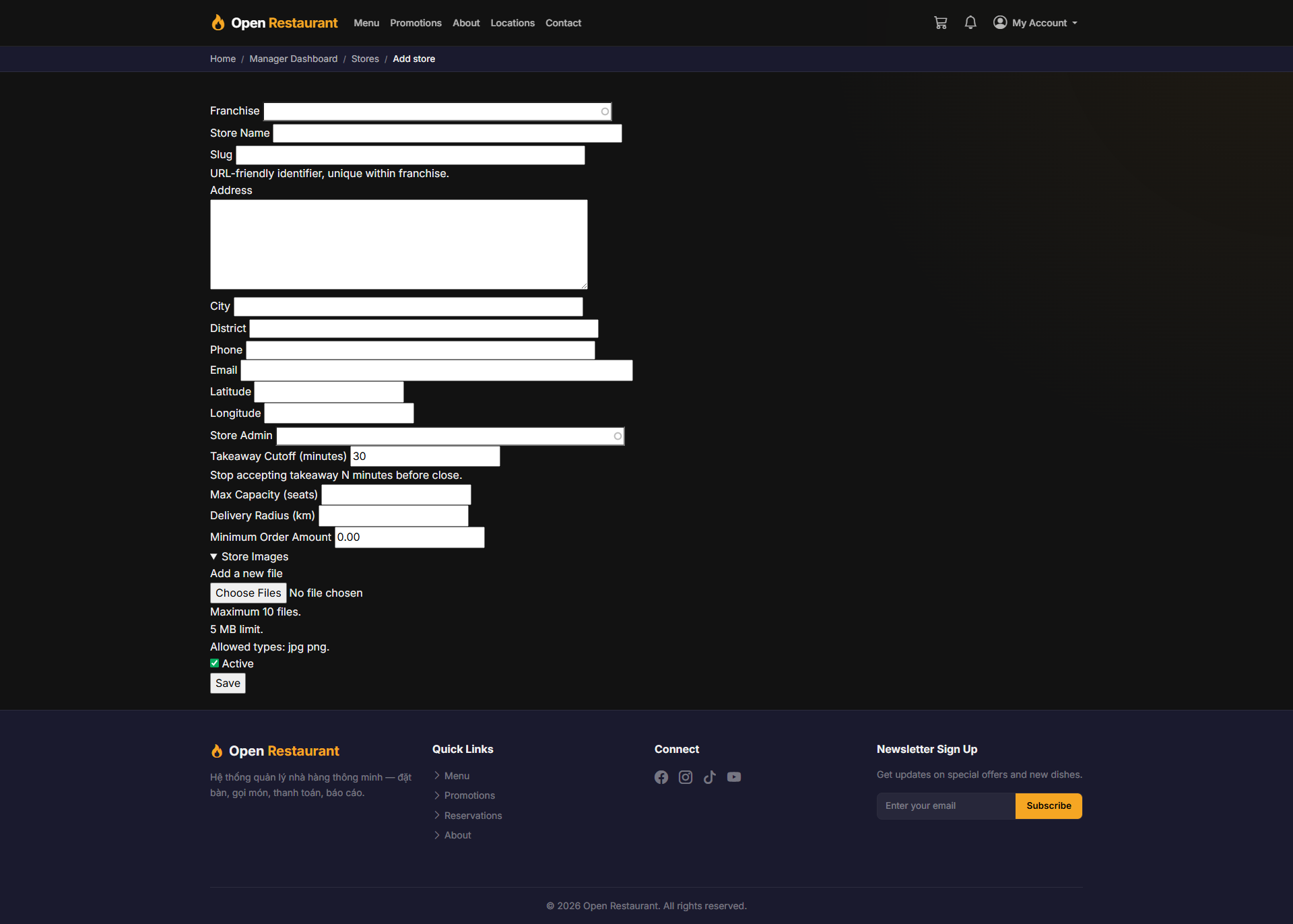
Function: Add new branches to the franchise chain.
Navigation: Stores → Add Store
- Enter branch name, address, and phone number
- Assign a Store Admin for the branch
- Set opening hours and contact details
- Click Save to add it to the chain
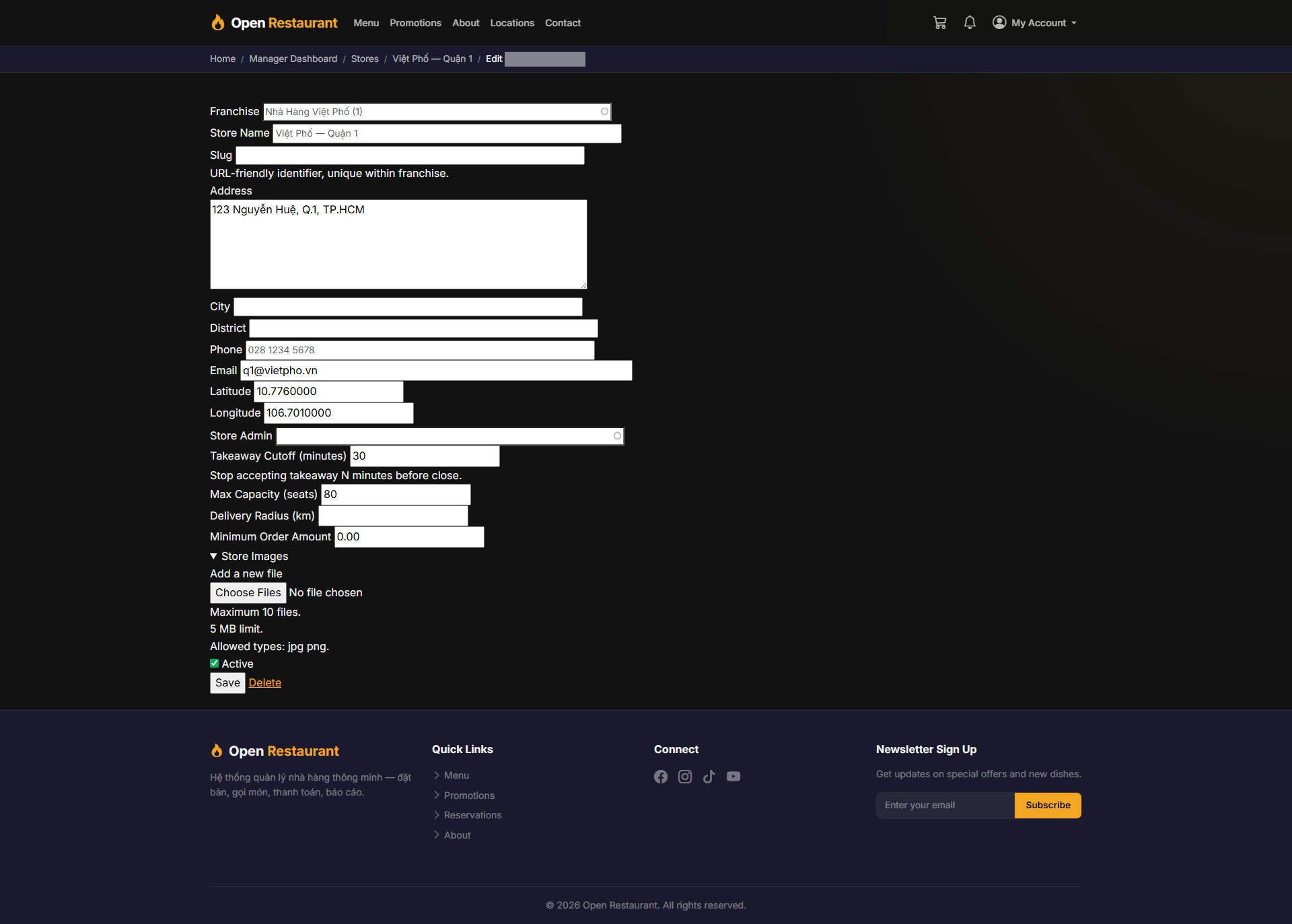
Edit Stores
Function: Update existing branch information and settings.
Navigation: Stores → [Branch] → Edit
- Update address and contact information
- Reassign the responsible Store Admin
- Enable or disable the branch's active status
- Modify opening hours and service options
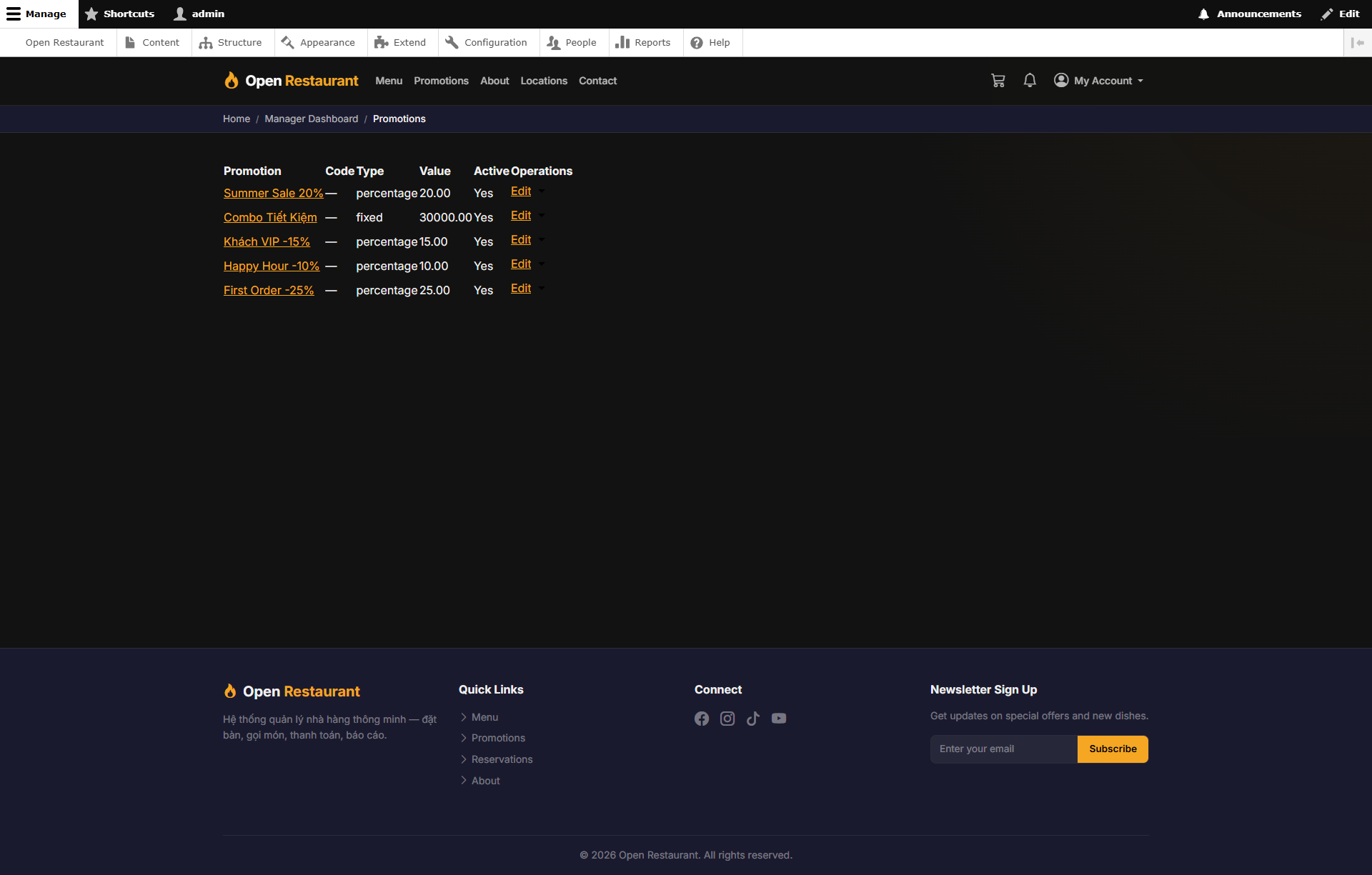
Promotions
Function: Create and manage franchise-wide promotions in one place.
Navigation: Sidebar → Promotions
- Create discount campaigns and banner promotions
- Set valid date ranges and usage conditions
- Target one or more stores in the chain
- Review active and expired promotions quickly
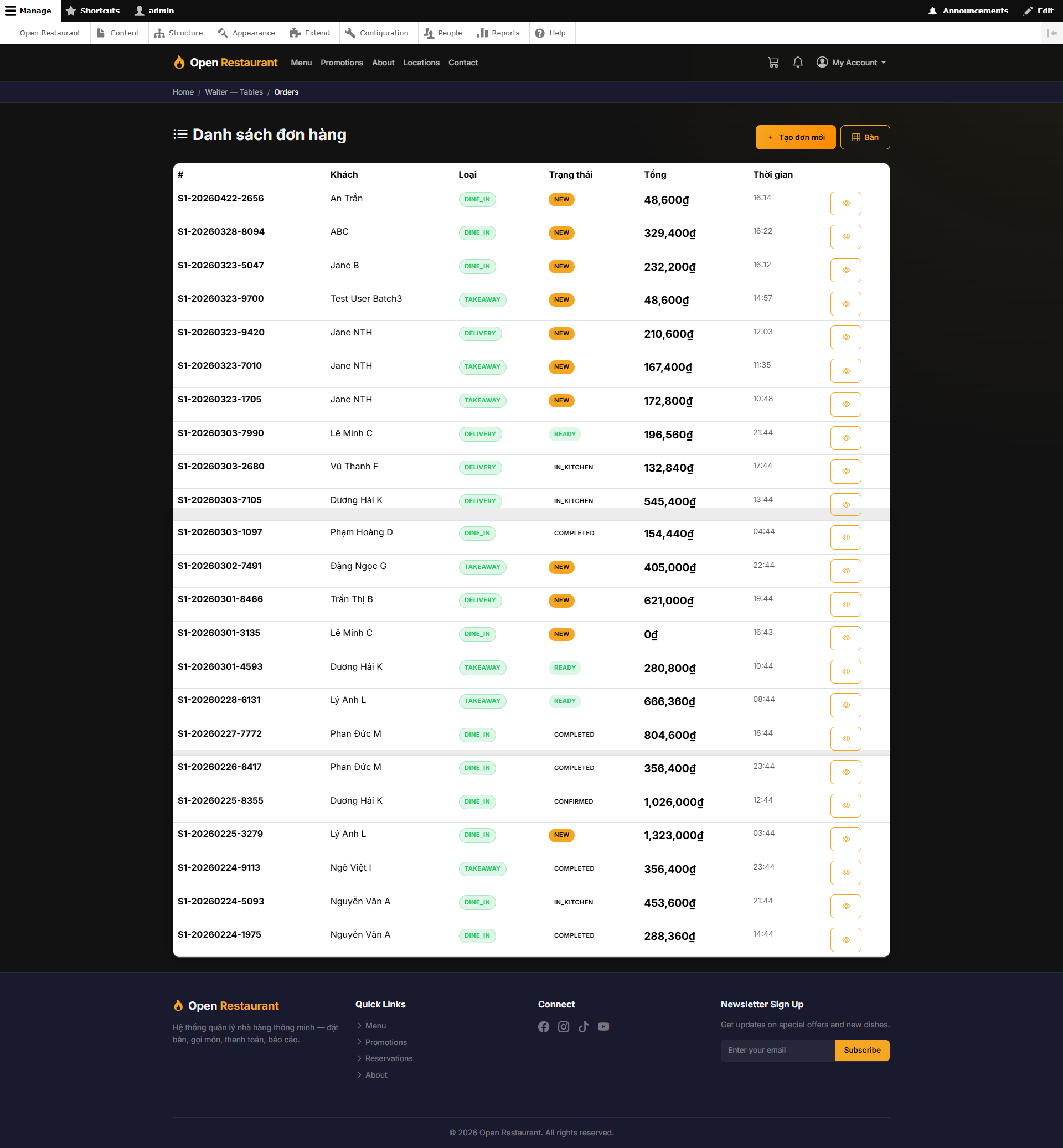
Orders
Function: Track all chain orders and monitor daily activity.
Navigation: Sidebar → Orders
- See all orders across branches in one list
- Filter by store, status, and date
- Open an order to review items and progress
- Keep an eye on workload spikes by branch
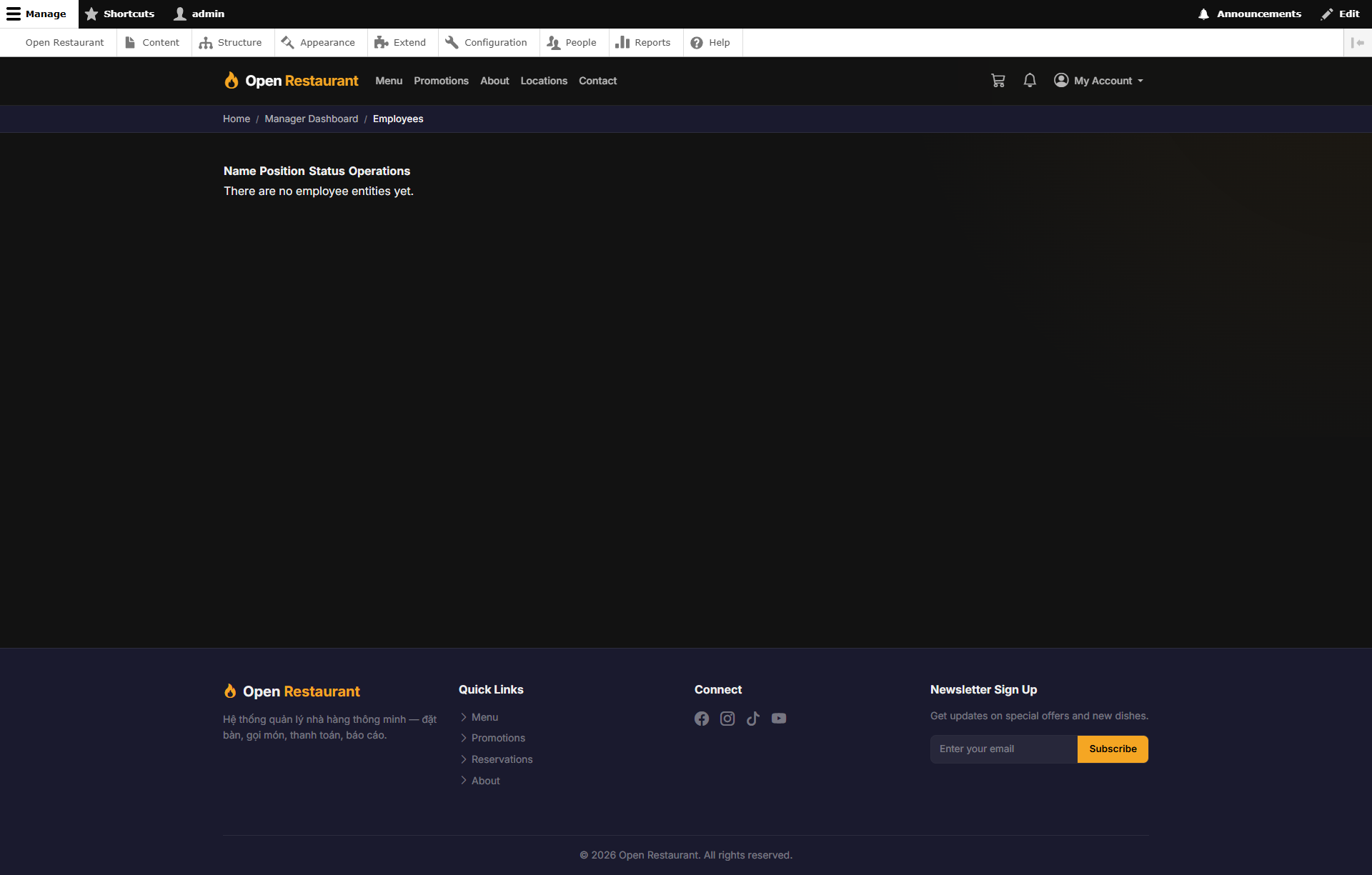
Staff
Function: Manage staff members and branch assignments.
Navigation: Sidebar → Staff
- View staff by store or role
- Add or update team member details
- Assign staff to the right branch
- Keep staffing aligned with branch workload
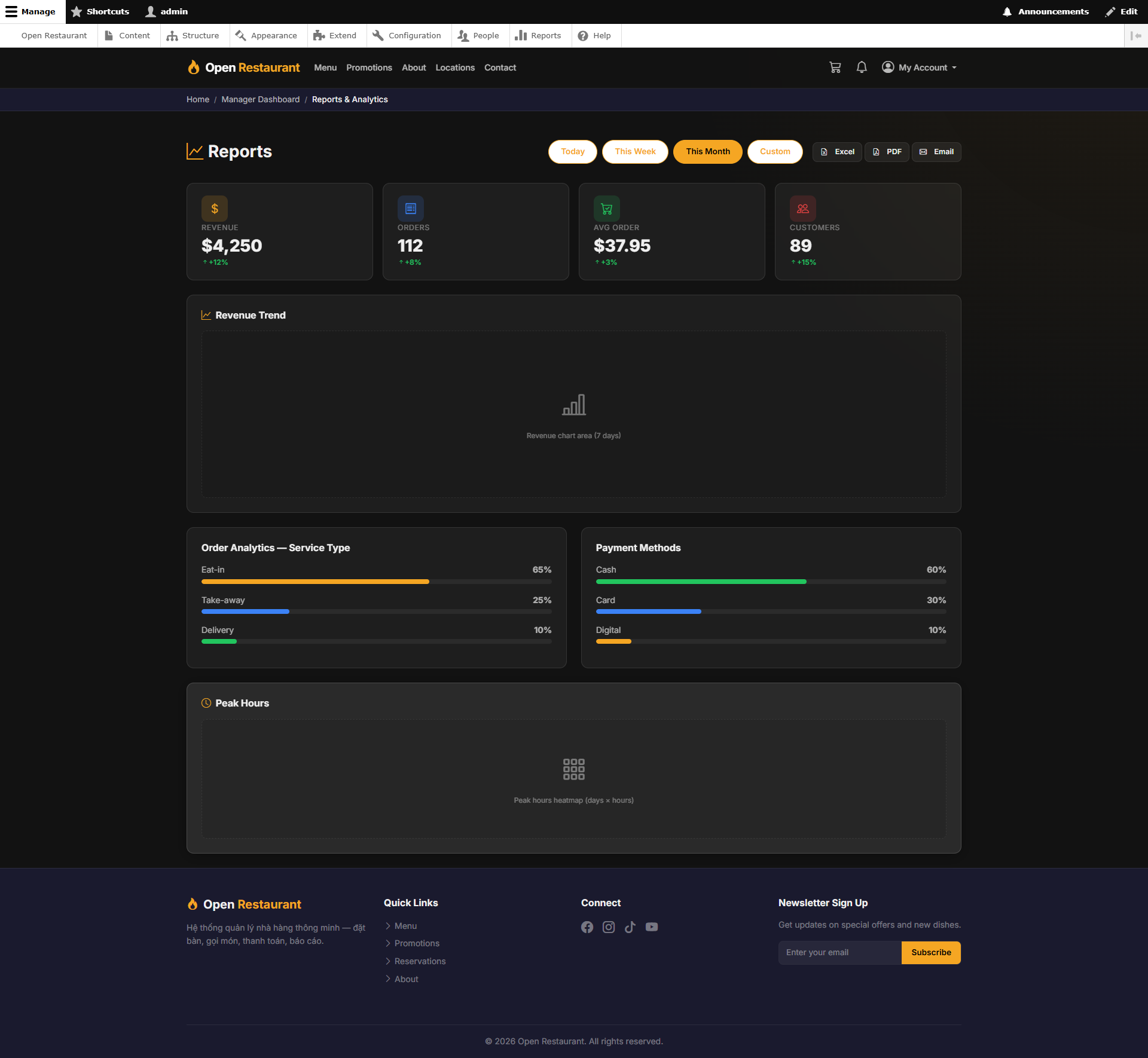
Revenue Reports
Function: Analyze chain-wide revenue over time — compare performance across branches.
Navigation: Sidebar → Reports
- Filter revenue by custom date range
- Compare revenue between branches
- Trend charts by day, week, or month
- Export reports as PDF or Excel
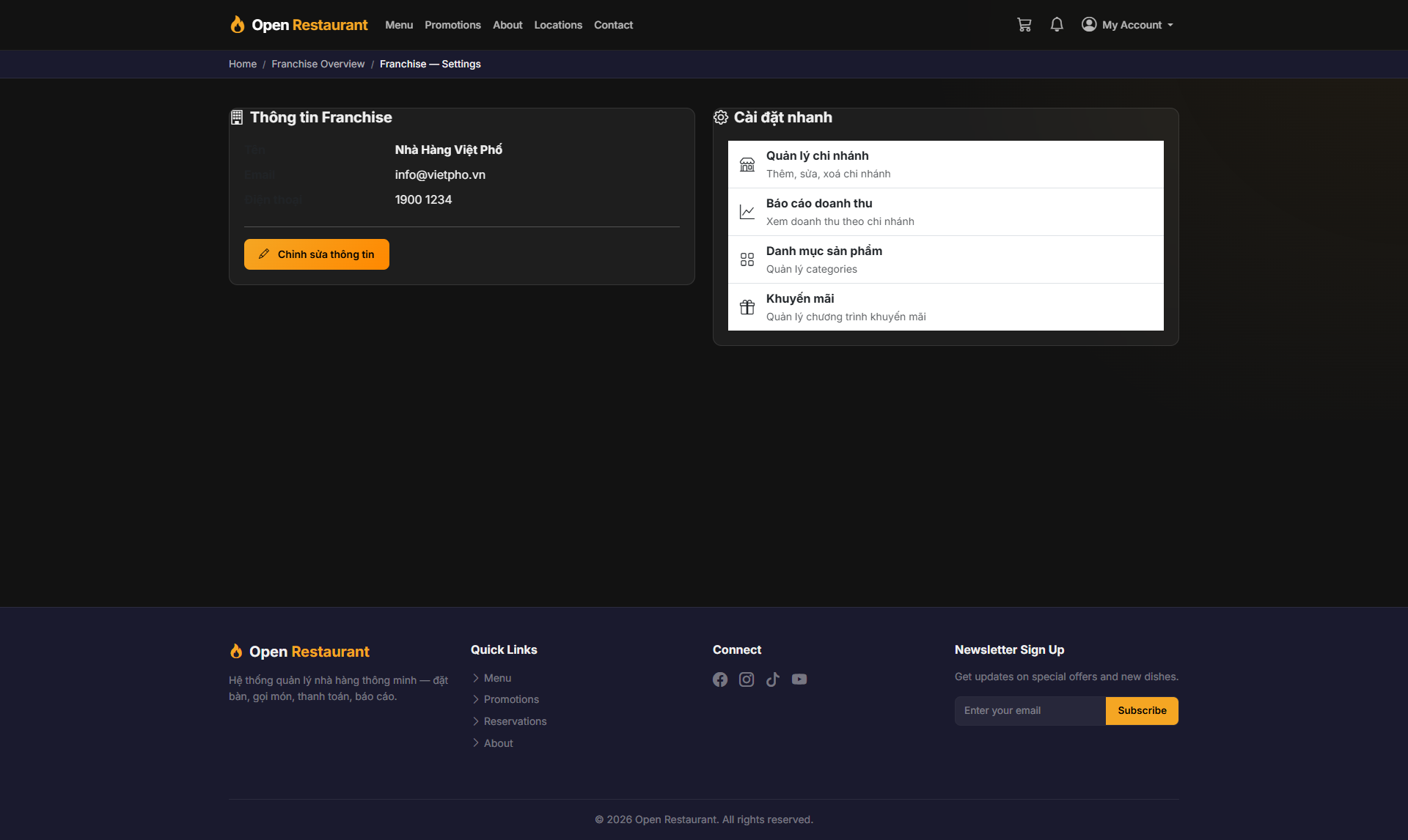
Franchise Settings
Function: Configure franchise-level settings — brand identity and chain-wide policies.
Navigation: Sidebar → Settings
- Update franchise brand name and logo
- Set chain-wide policies and defaults
- Configure default payment methods
- Manage franchise-level configurations