🔑 System Login
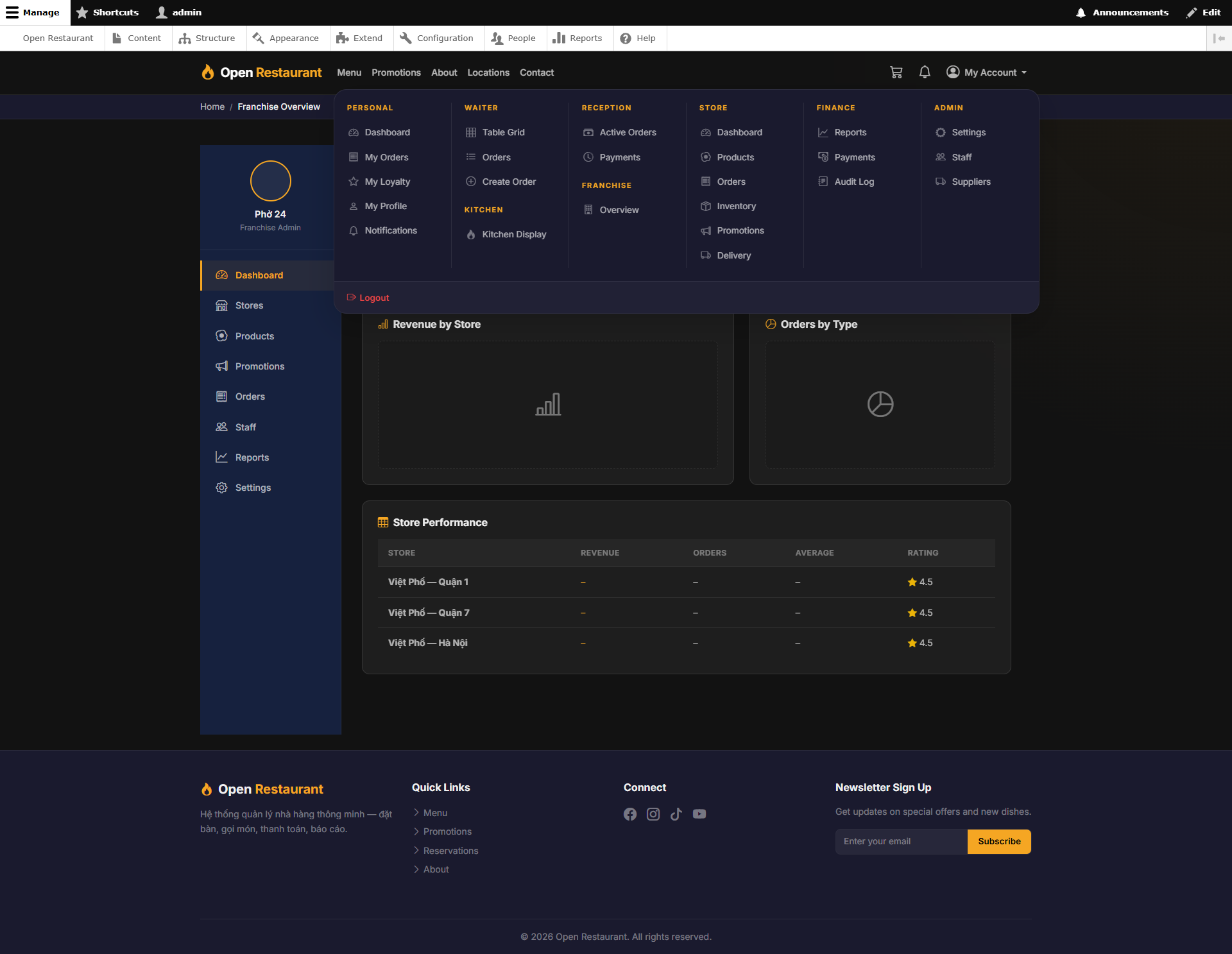
Function: Log in to access the full system administrator panel with highest-level permissions.
Navigate to:
- Username: admin · Password: Demo@1234
- Enter credentials → click Login → access all role areas
- Access: Finance, Admin, Store Manager, Reception, Kitchen, Waiter
- Admin sidebar: Reports, Payments, Audit Log, Staff, Suppliers, Settings
Finance Reports
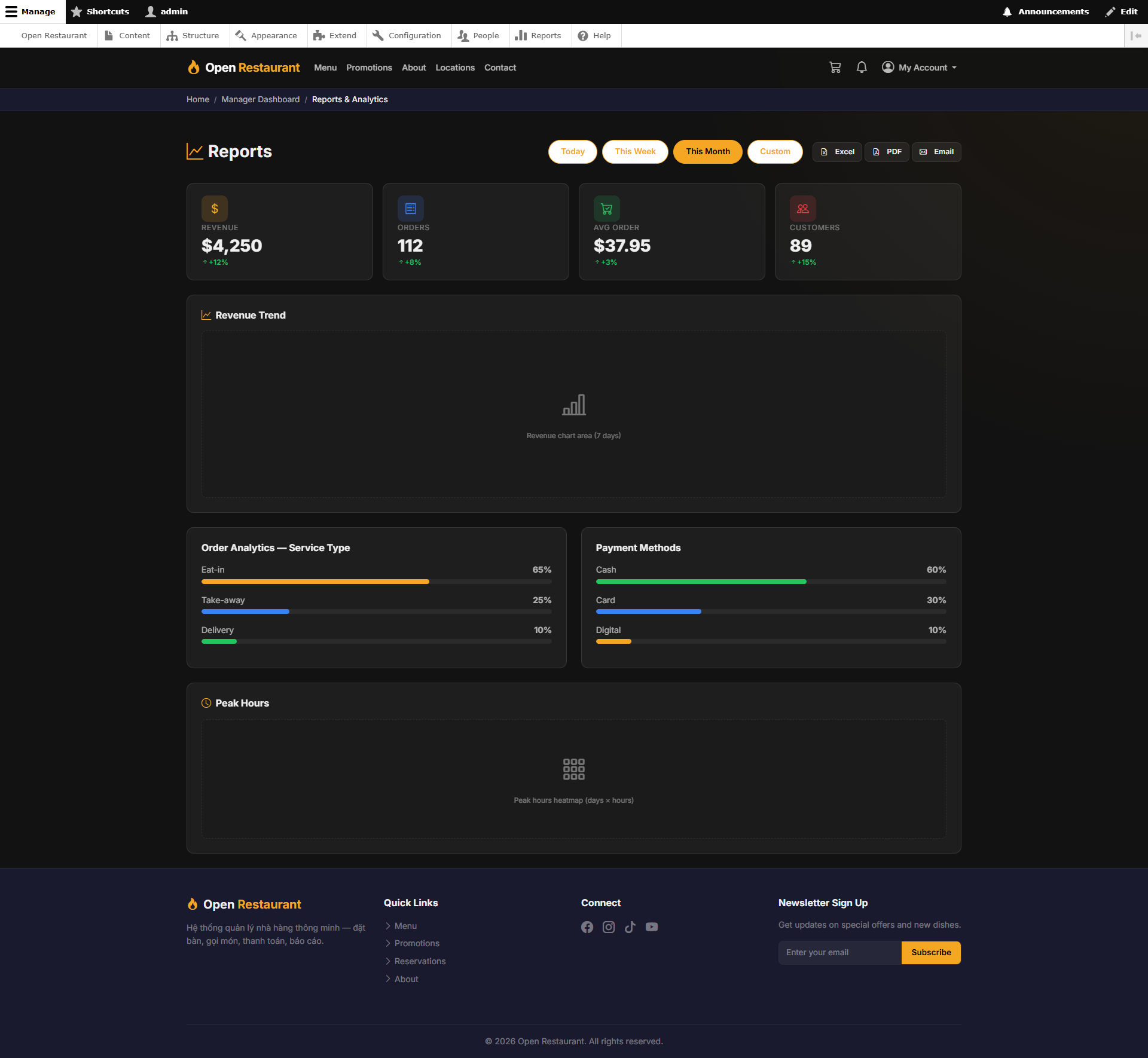
Function: View aggregated revenue reports across the entire platform — by store, time period, and order type.
Navigation: Sidebar → Finance → Reports
- Platform-wide total revenue by selected time range
- Compare performance across branches and franchises
- Revenue trend charts and analytics
- Order type breakdown: Dine-in, Take-away, Delivery
Finance Payments
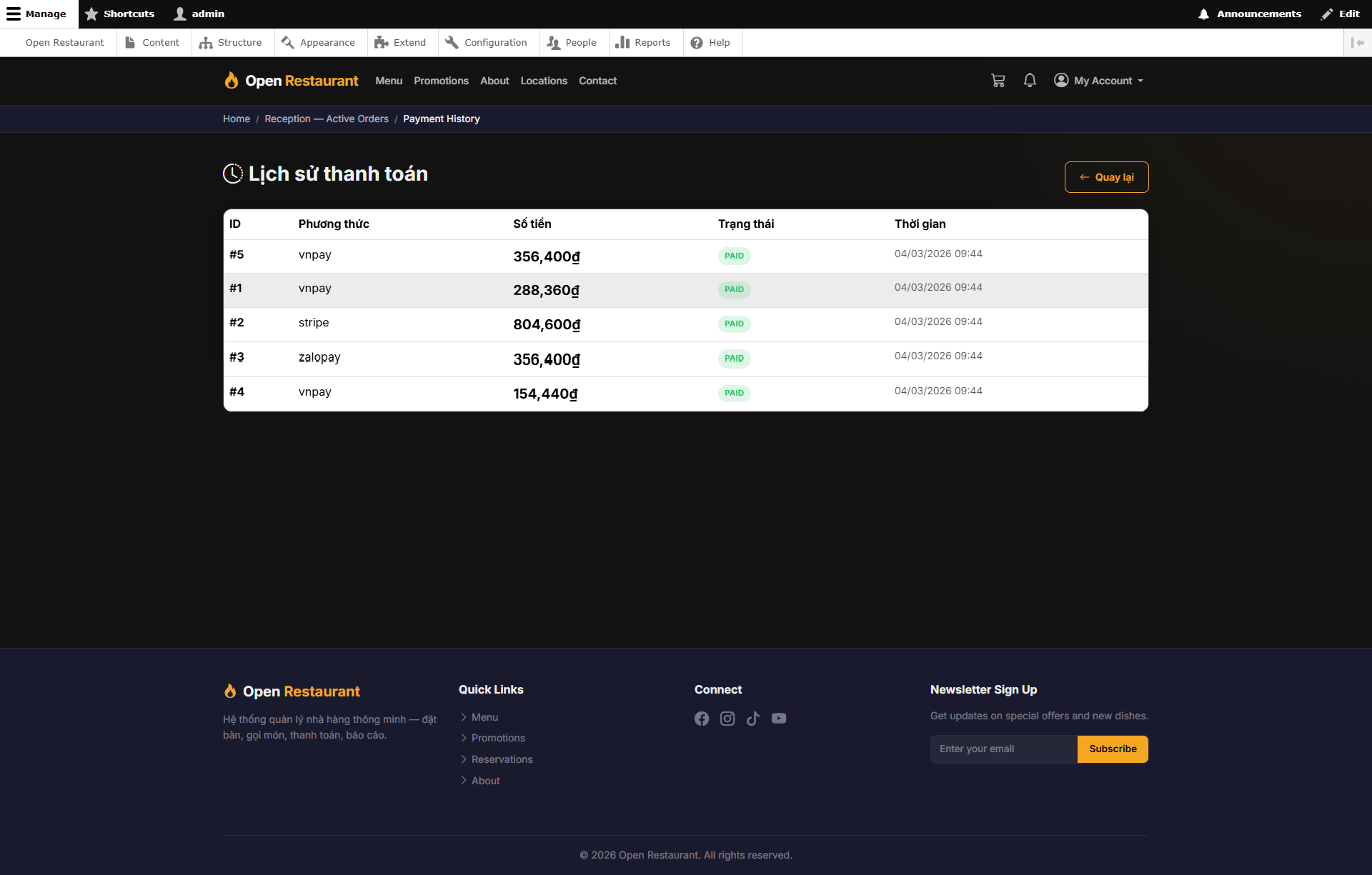
Function: View the complete payment transaction history across the system — for review and reconciliation.
Navigation: Sidebar → Finance → Payments
- Full transaction list with details: amount, method, and status
- Filter by branch, payment method, and date range
- View individual transaction details and linked orders
- Identify anomalies in payment activity
Audit Log
Function: Track all data-modifying actions across the system — who did what, and when.
Navigation: Sidebar → Finance → Audit Log
- Complete history of operations: create, edit, and delete actions
- Filter by user, time period, and action type
- View event details and changed data
- Detect abnormal behavior and system errors
Staff Management
Function: Create and manage all staff accounts on the system — assign roles and permissions.
Navigation: Sidebar → Admin → Staff
- View the full list of staff and their roles
- Create new accounts: Waiter, Kitchen Staff, Receptionist, Store Admin, Franchise Admin
- Assign each staff member to their responsible branch
- Activate or deactivate accounts as needed
Supplier Management
Function: Manage the list of ingredient and goods suppliers for the entire platform.
Navigation: Sidebar → Admin → Suppliers
- Add, edit, or remove supplier records
- Store contact details, addresses, and partnership terms
- Link suppliers to ingredient categories
- Track order history from each supplier
System Settings
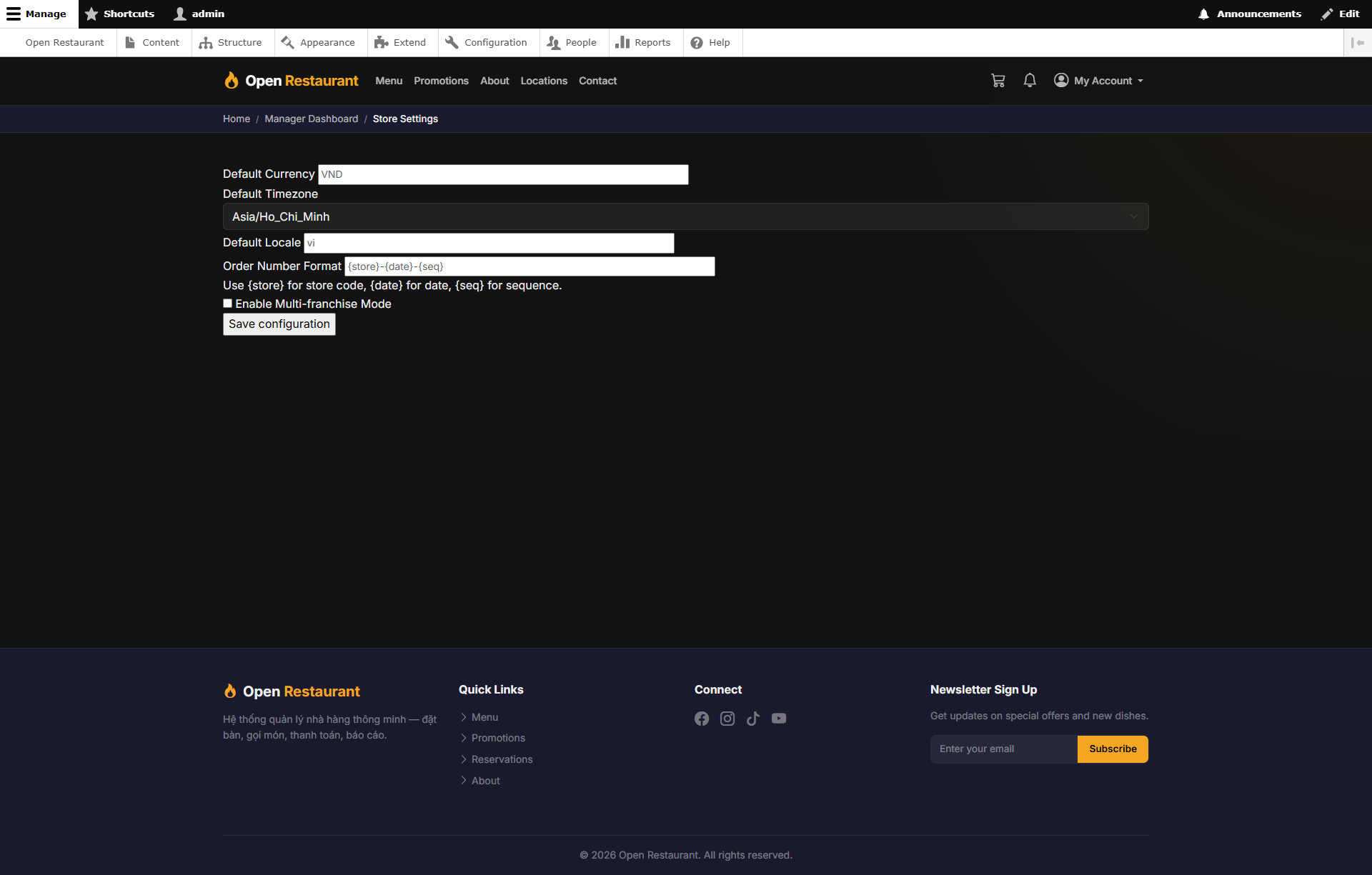
Function: Global configuration for the MenuNerds platform — applies to all branches.
Navigation: Sidebar → Admin → Settings
- Configure system brand information
- Set up integrated payment methods
- Define timezone, currency format, and language
- Manage notification emails and templates
Multi-Role Access
Function: Admin can access the screen of any role in the system for support and inspection purposes.
Navigation: Header Menu → [Select role]
- Store Manager — View dashboard, inventory, promotions, and delivery for any branch
- Reception — Check counter orders and payments
- Kitchen — Monitor kitchen display and preparation status
- Waiter — View table layout and dine-in orders