










Feedback and announcements
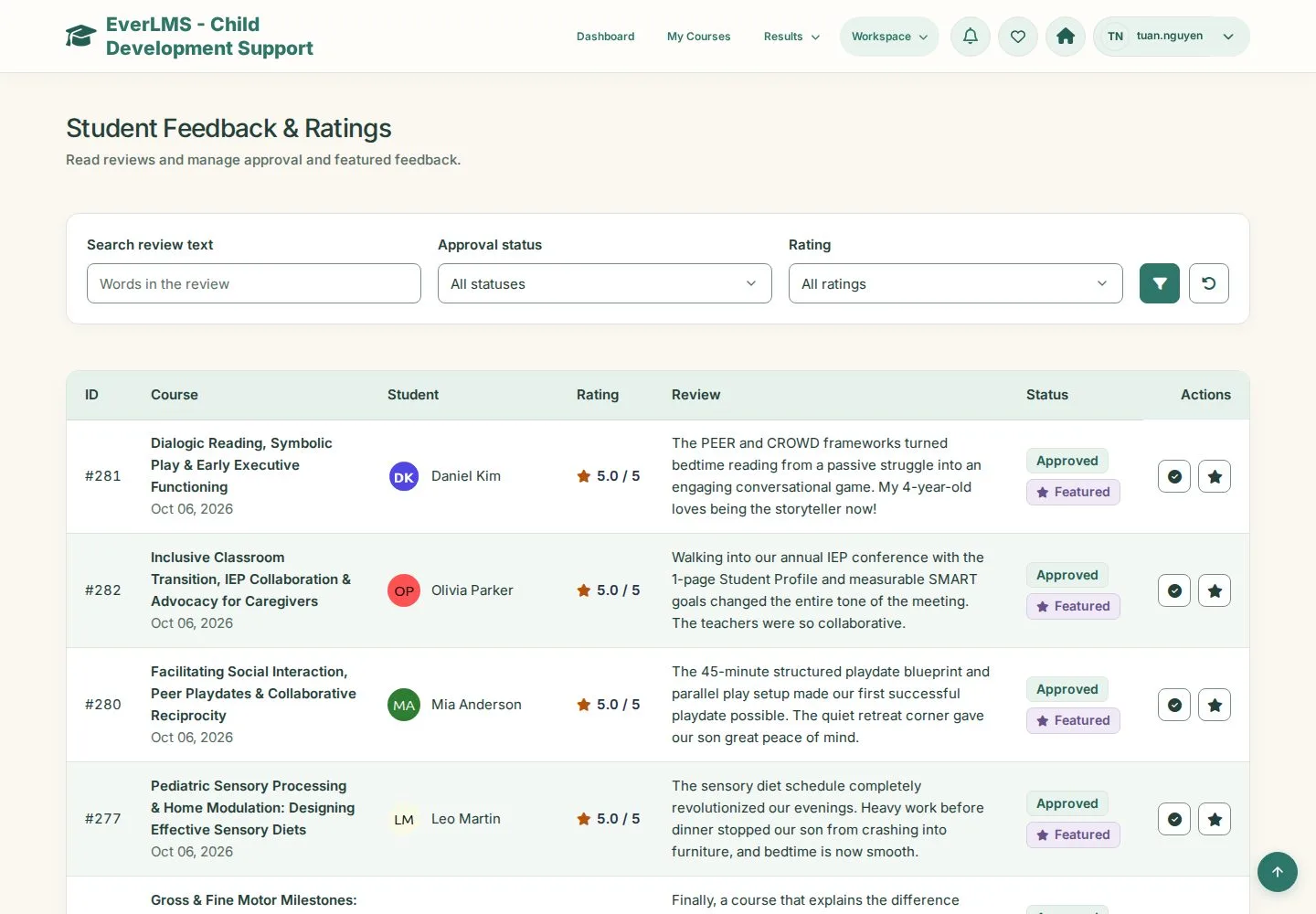
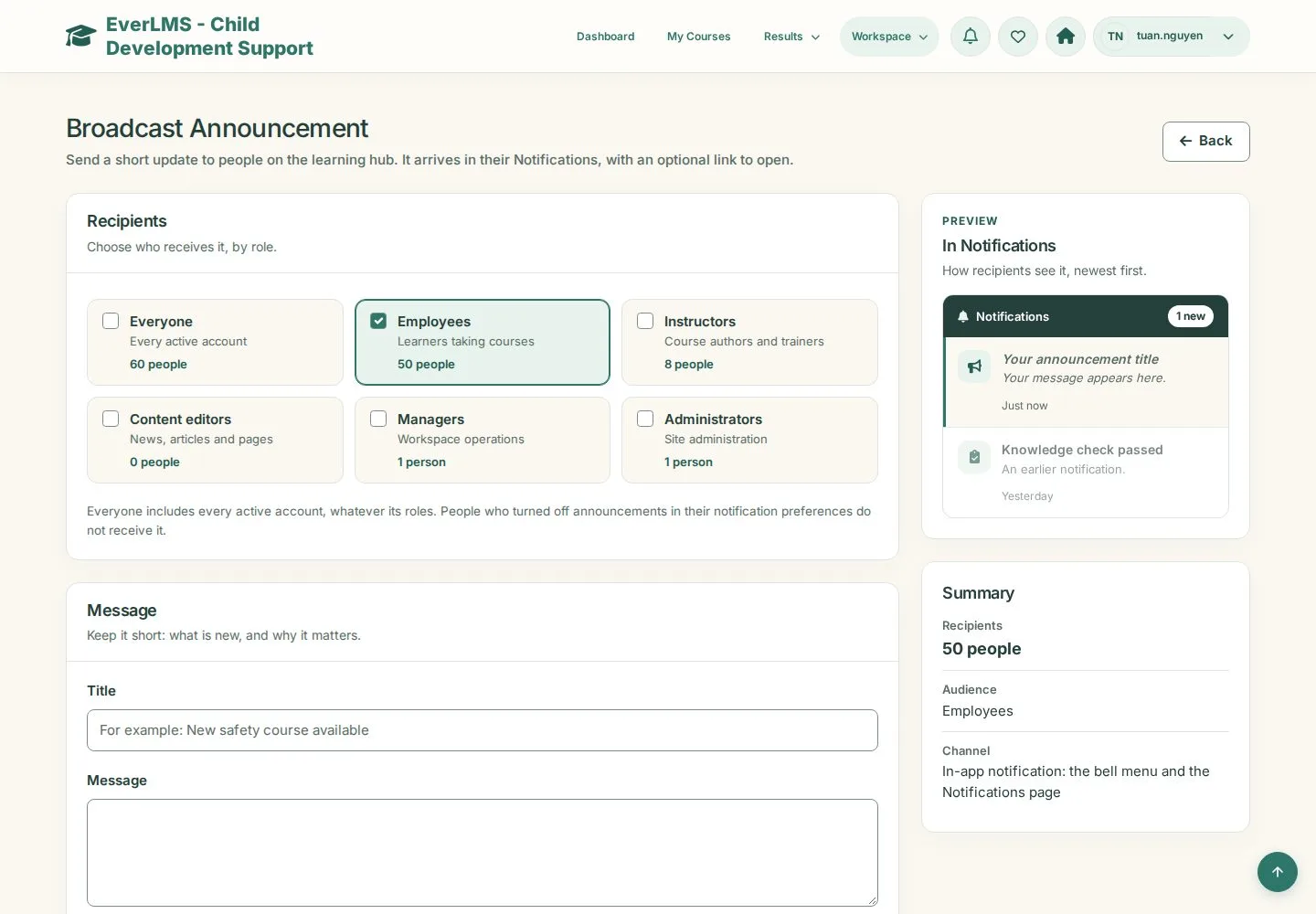
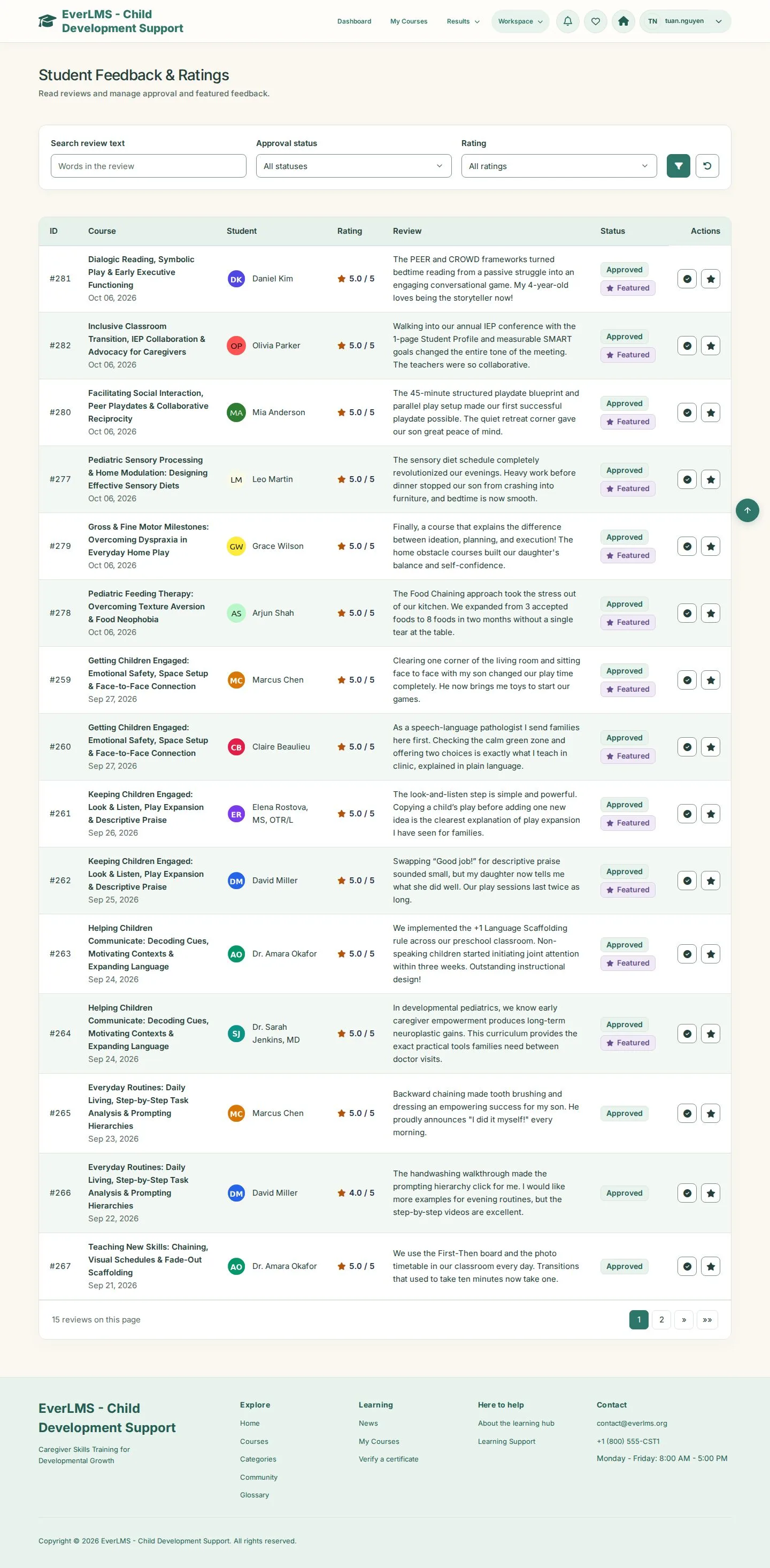
Student Feedback & Ratings · Broadcast Announcement
- Manager account
Manager
Broadcast Announcement
Manager
2Step 2 of 2
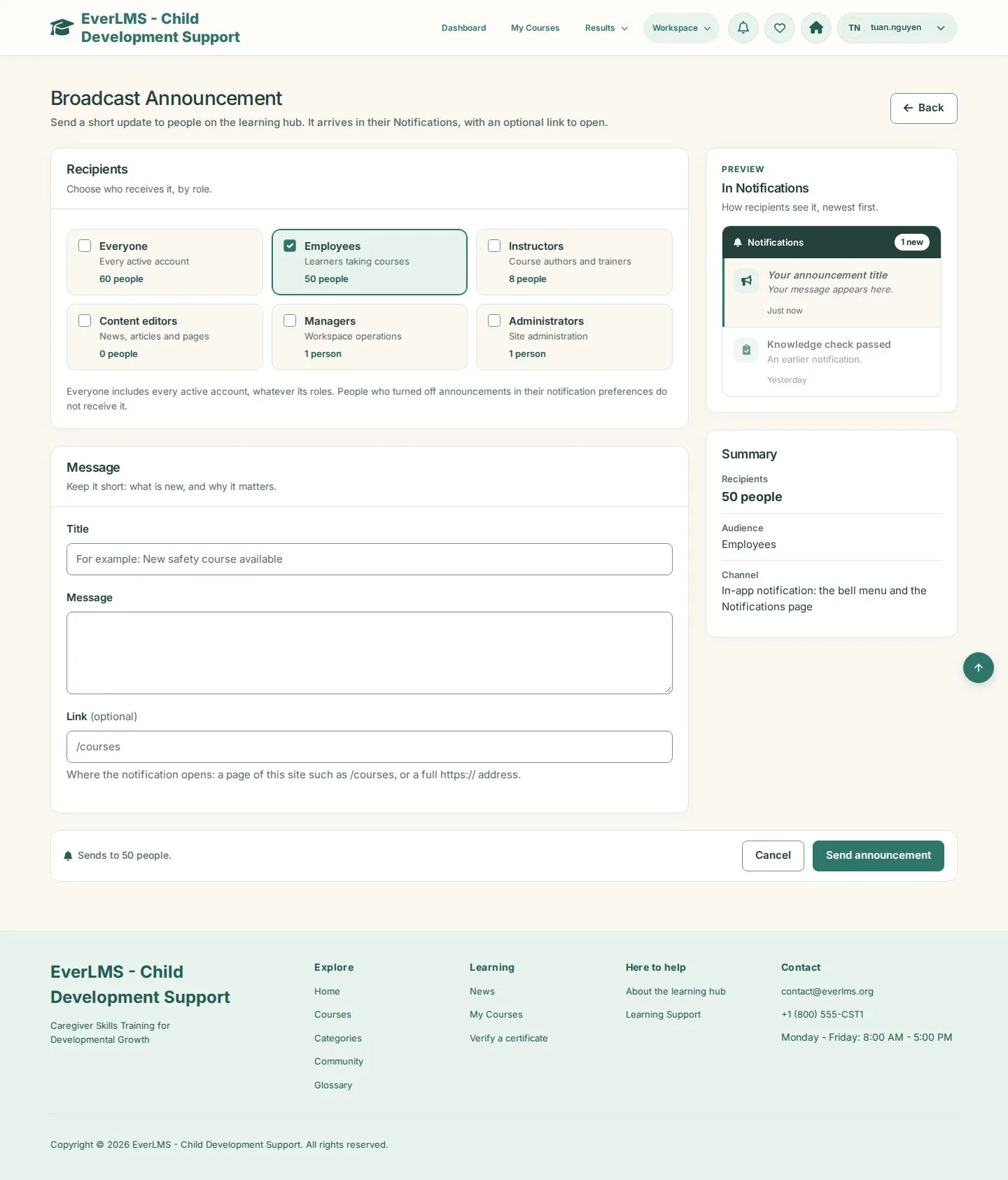
- Send to: choose the groups
- Title · Message · Link (optional)
- Send
The Summary on the right shows how many people receive it.
Enlarge, then scroll
Open illustrated screen ↗Full image ↗
Check
Approved reviews show on course pages and your announcement reaches the chosen people
1 / 3