Your learning dashboard

Continue Learning · My Courses · Quick Actions · Account menu

  • Signed in
Learner

Your learning dashboard

Learner

Your learning dashboard

1Step 1 of 4

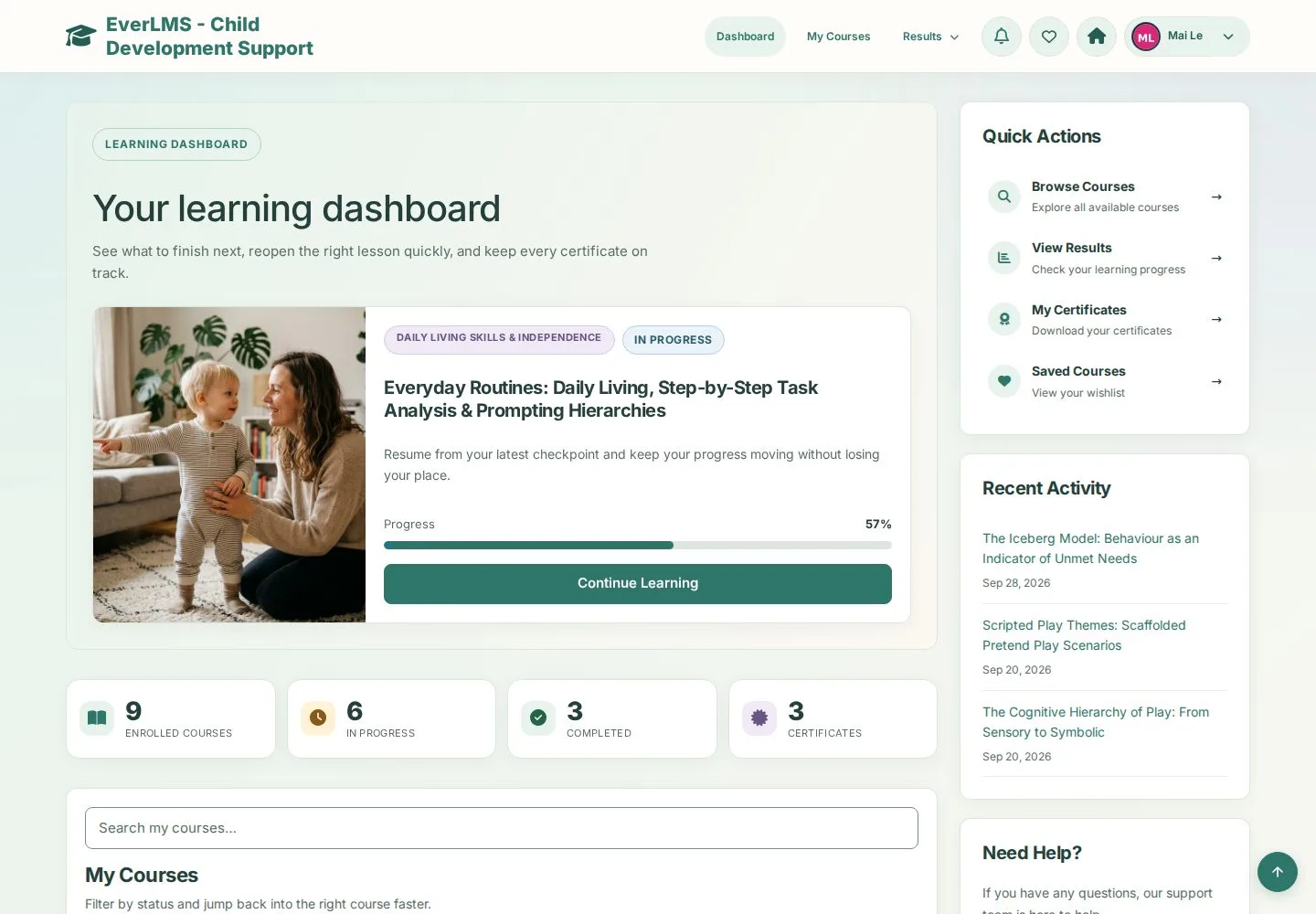
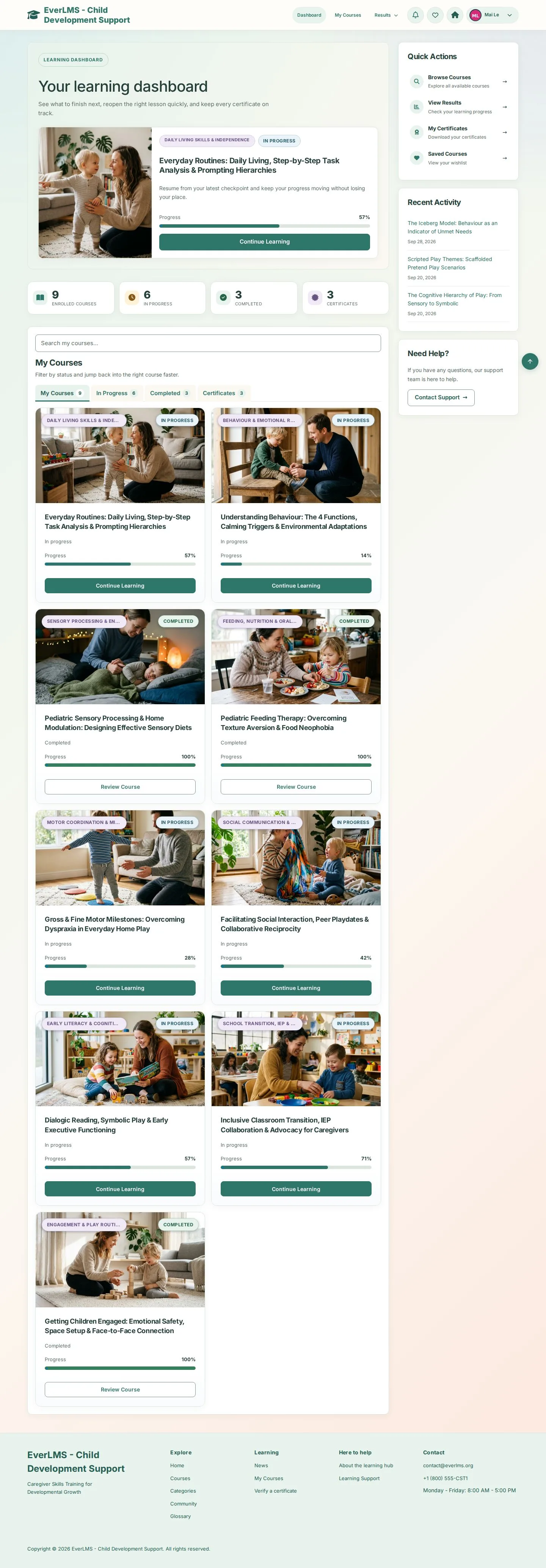
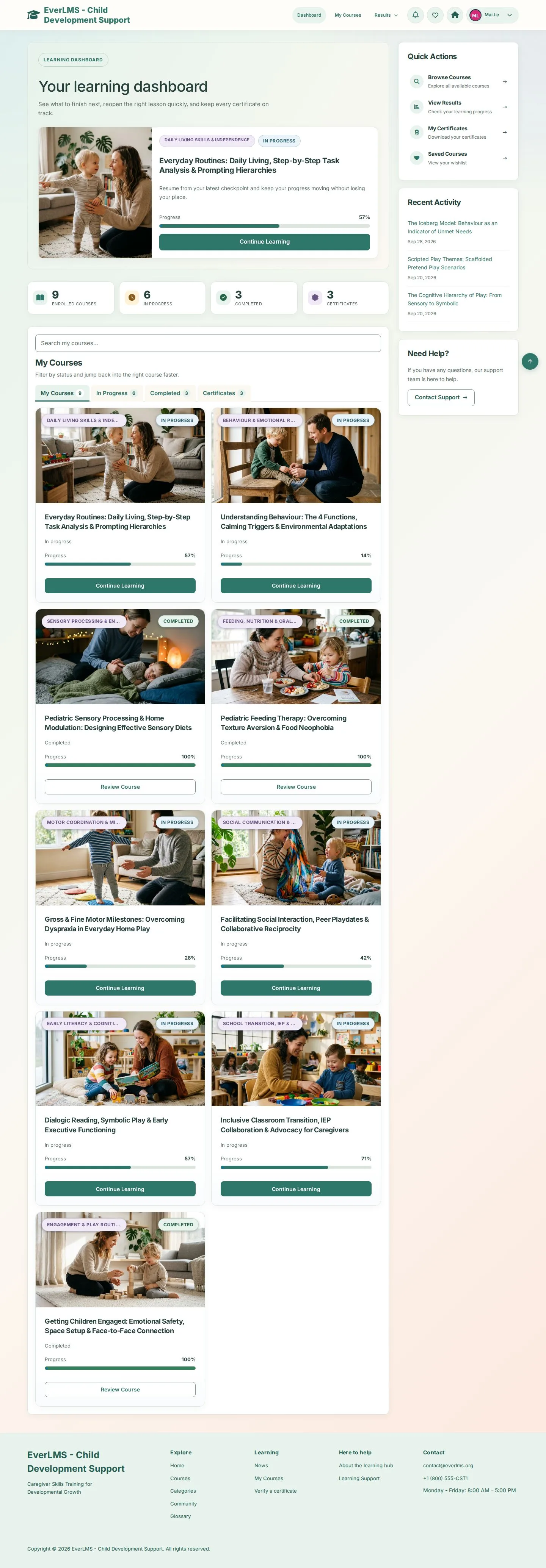
  1. Continue Learning on your latest course
  2. Enrolled courses · In progress · Completed · Certificates

Enlarge, then scroll

Open illustrated screen ↗Full image ↗

Learner · Your learning dashboard01

My Courses on the dashboard

Learner

My Courses on the dashboard

2Step 2 of 4

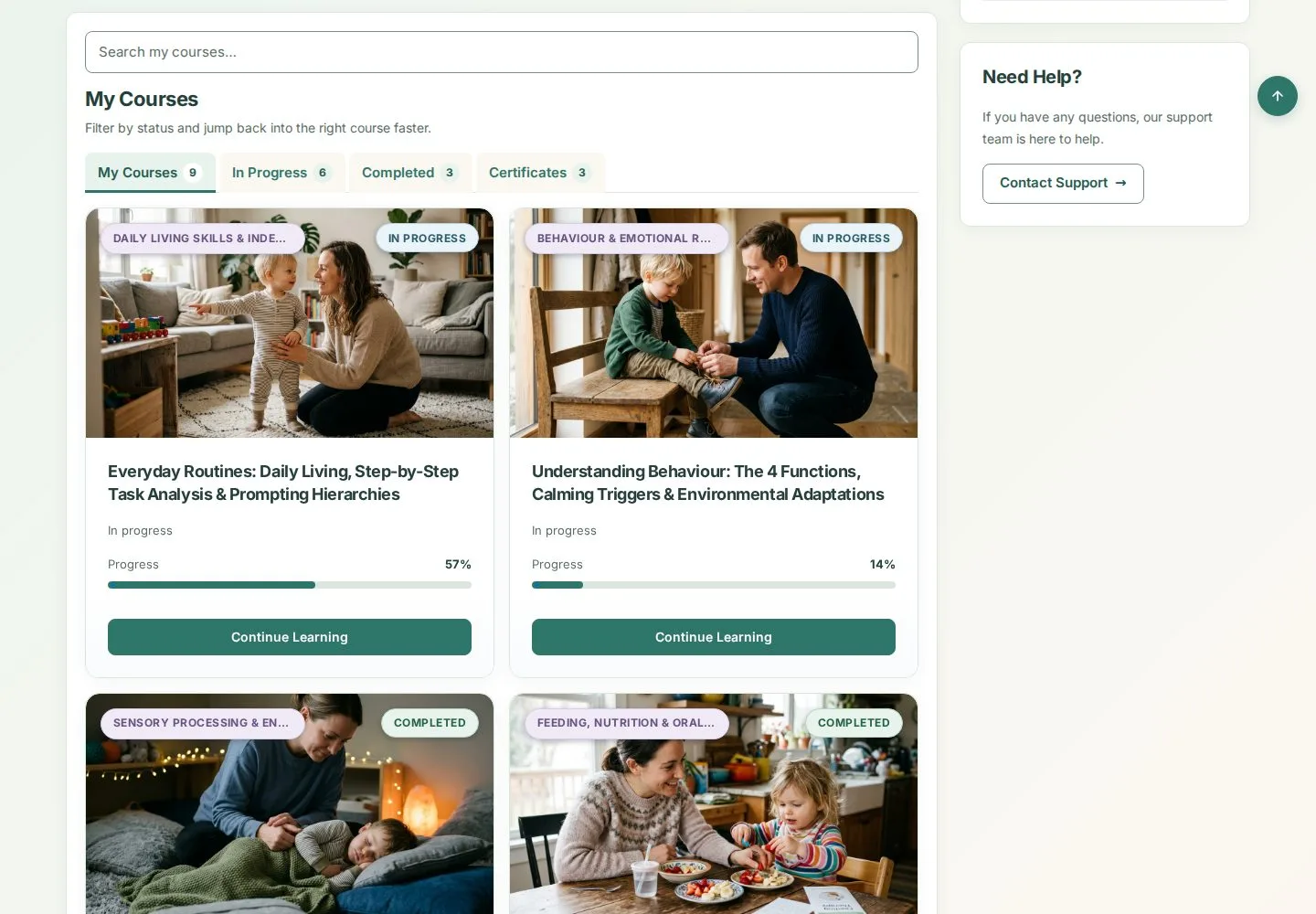
  1. Search my courses
  2. In Progress · Completed
  3. Continue Learning or Review Course

Enlarge, then scroll

Open illustrated screen ↗Full image ↗

Learner · Your learning dashboard02

Quick Actions and Recent Activity

Learner

Quick Actions and Recent Activity

3Step 3 of 4

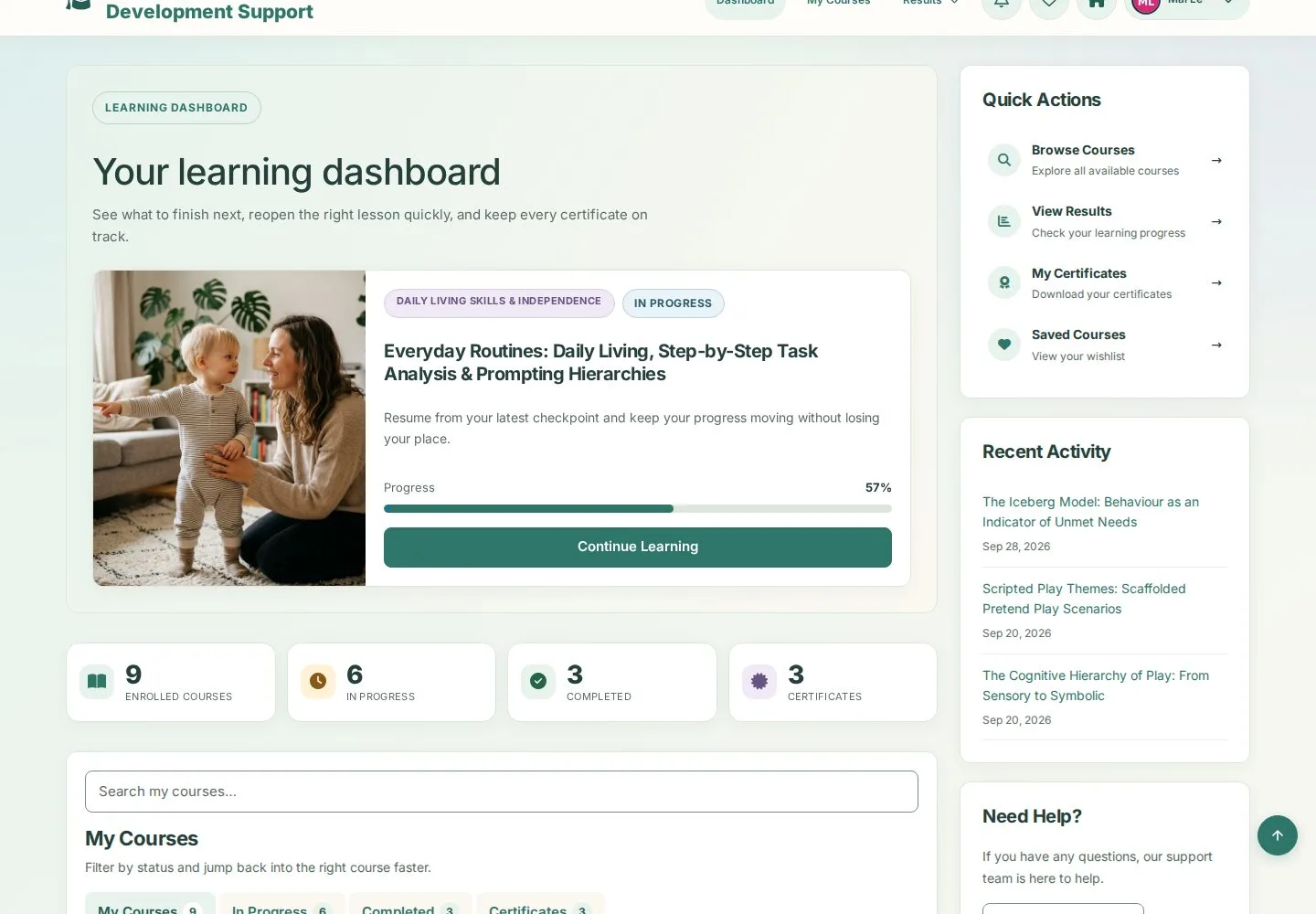
  1. Quick Actions: Browse Courses · View Results
  2. My Certificates · Saved Courses
  3. Recent Activity: reopen a recent lesson

Enlarge, then scroll

Open illustrated screen ↗Full image ↗

Learner · Your learning dashboard03

Account menu

Learner

Account menu

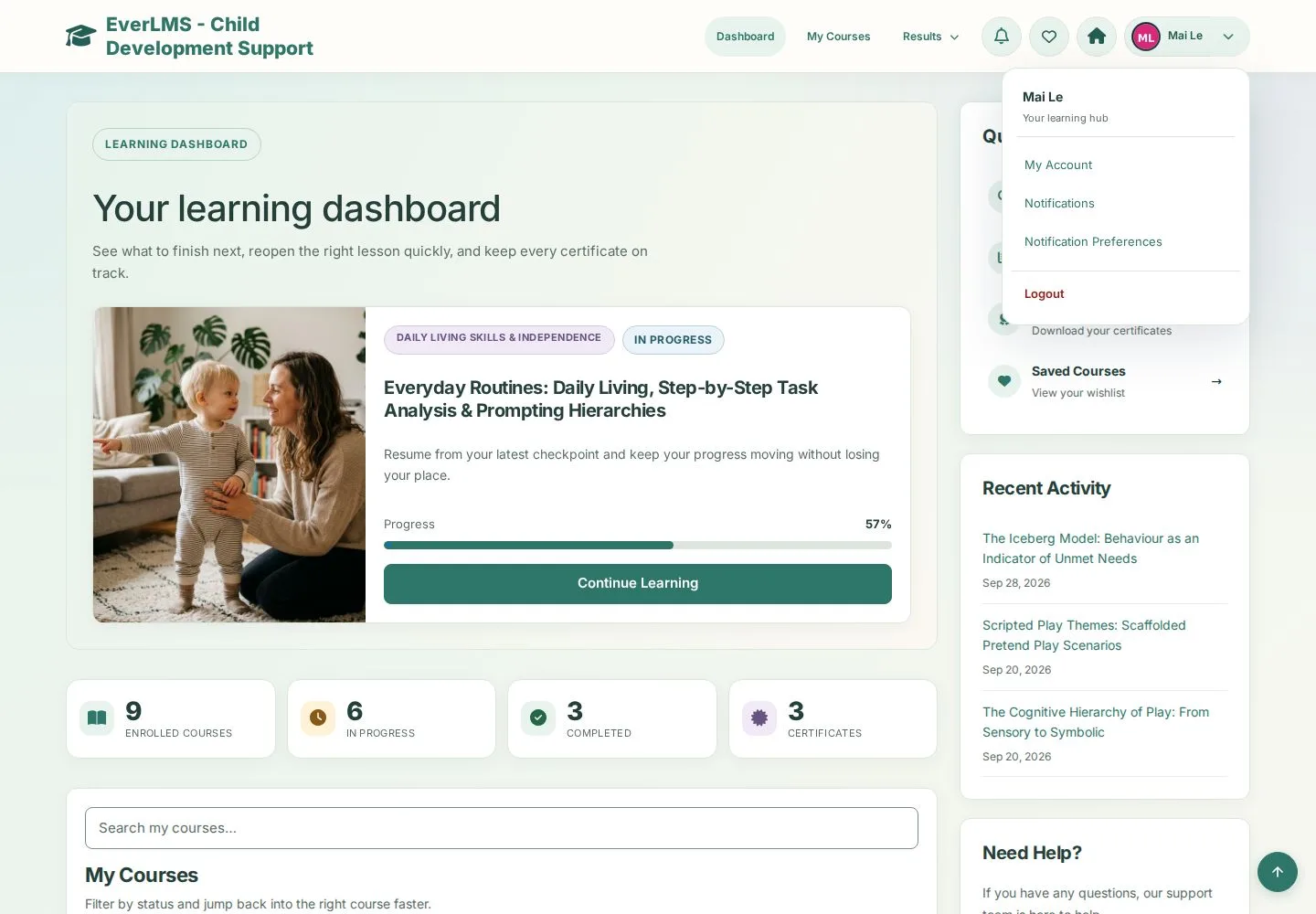
4Step 4 of 4

  1. Open your avatar menu
  2. My Account · Notifications · Notification Preferences
  3. Logout

Open illustrated screen ↗Full image ↗

Check

You continue the right course and reach every learning page from the dashboard

Learner · Your learning dashboard04
1 / 5
Privacy Terms