Learn a lesson

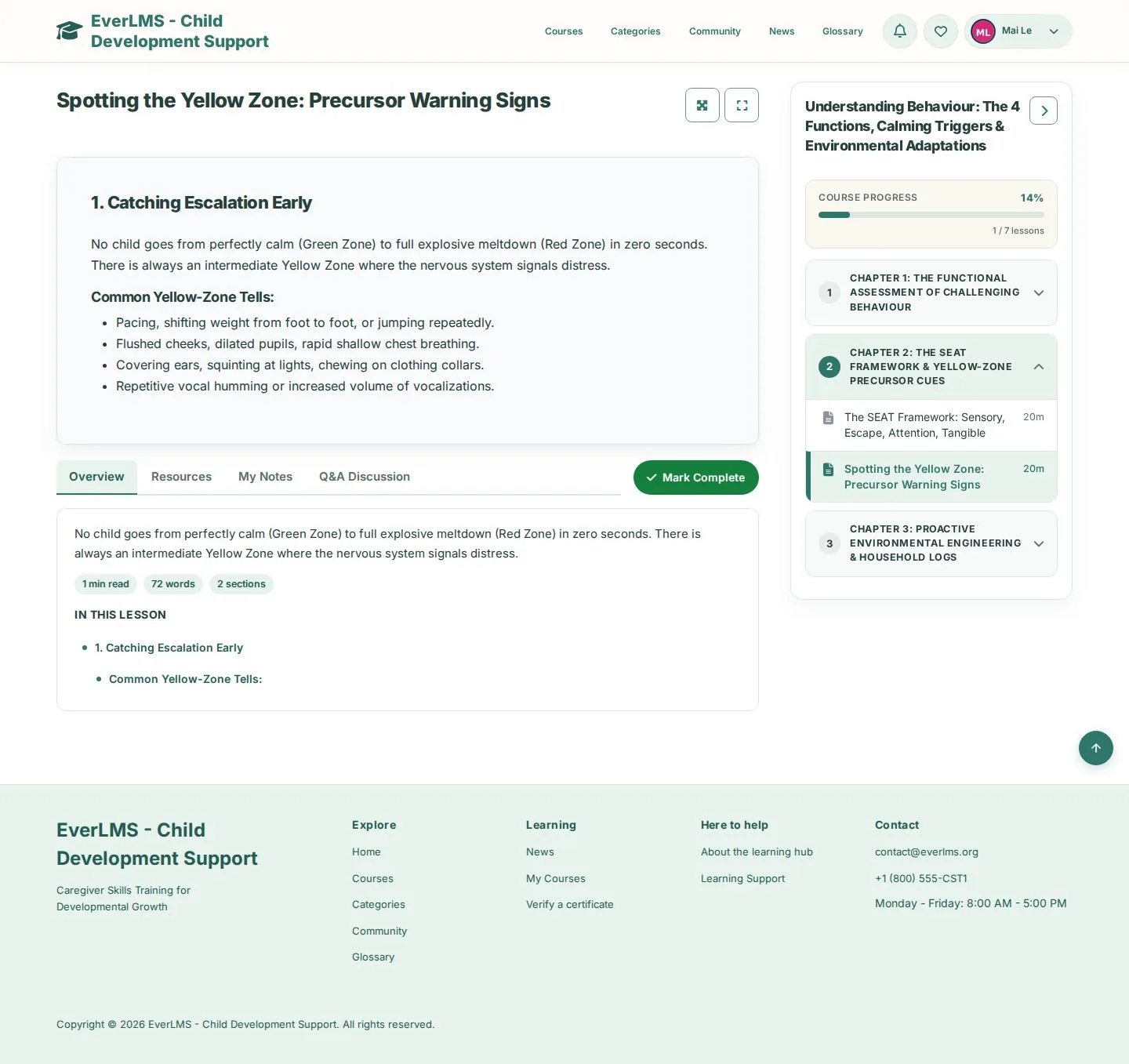
Lesson player · Course content · Overview · Theater Mode · Mark Complete

  • Enrolled in the course
Learner

A reading lesson

Learner

A reading lesson

1Step 1 of 6

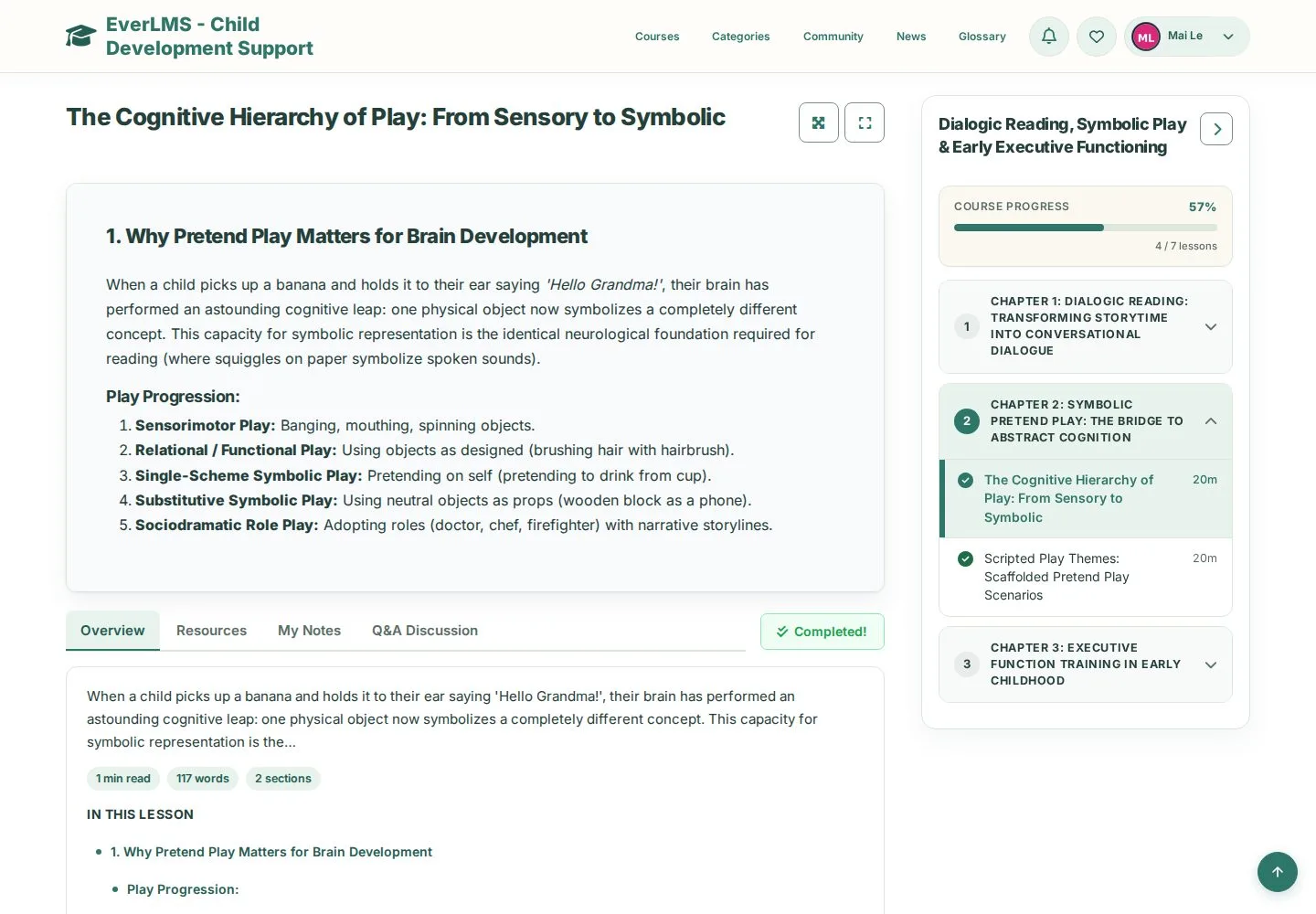
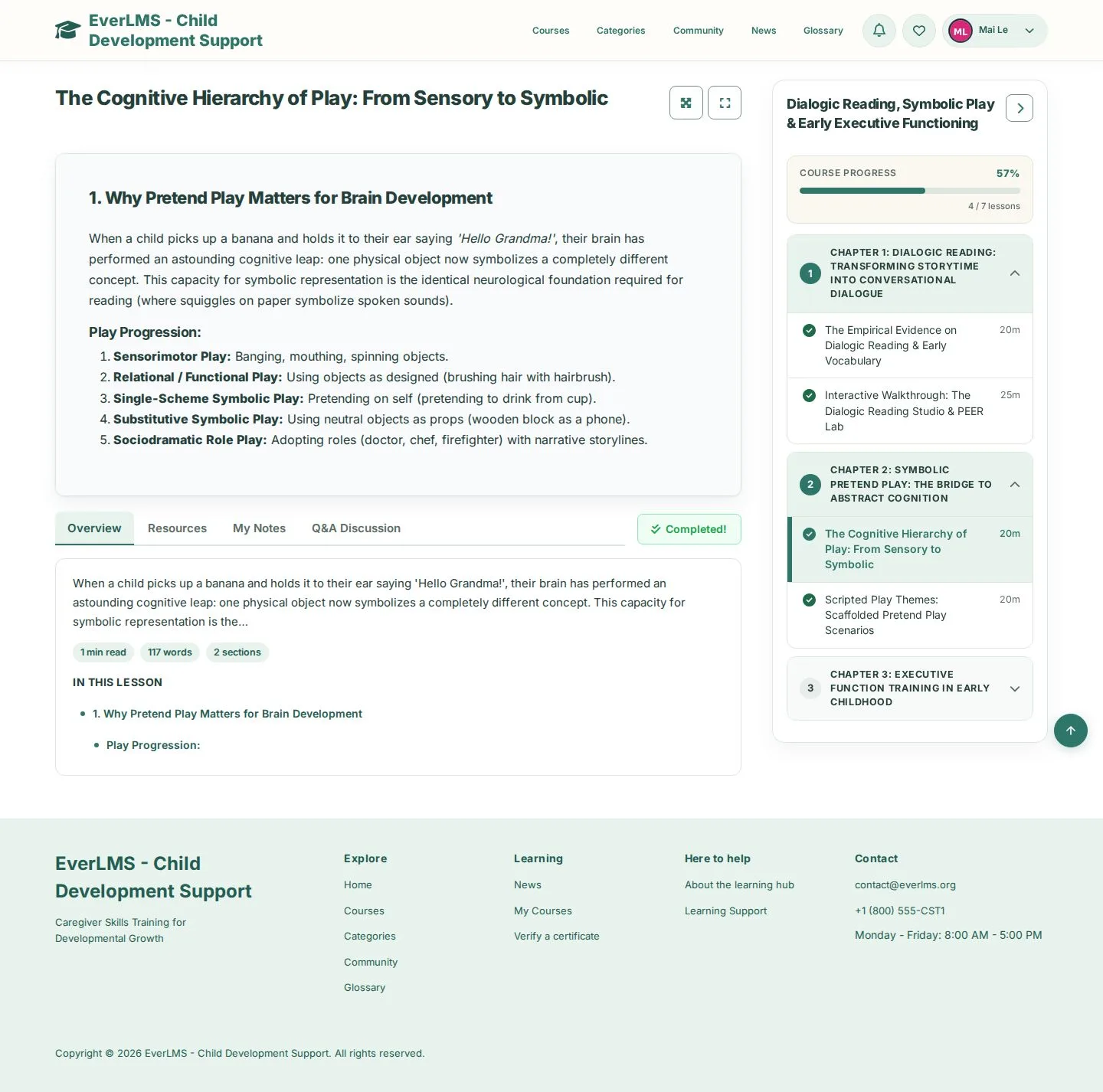
  1. Read the lesson
  2. Course progress and chapters on the right

Enlarge, then scroll

Open illustrated screen ↗Full image ↗

Learner · Learn a lesson01

Course content

Learner

Course content

2Step 2 of 6

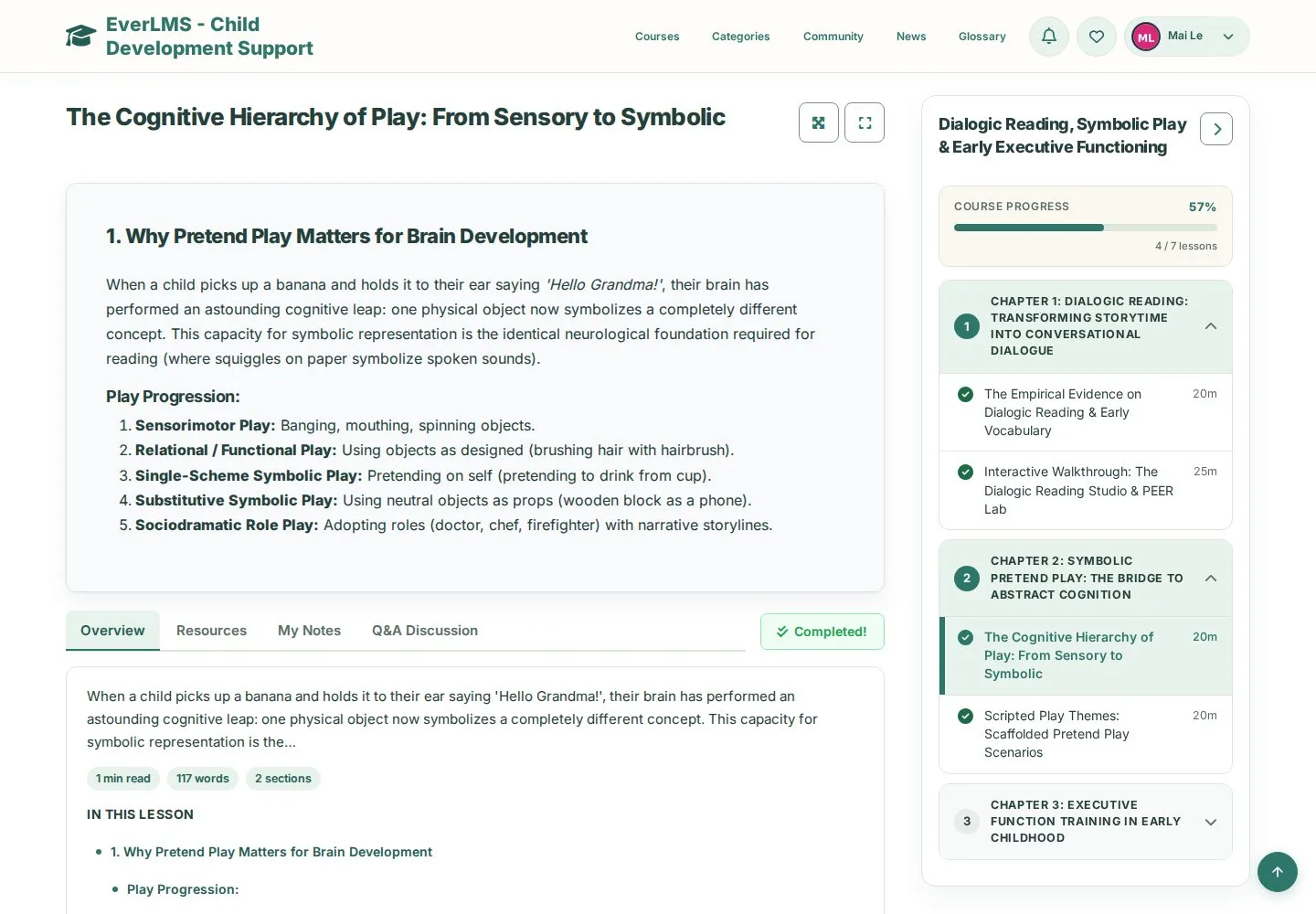
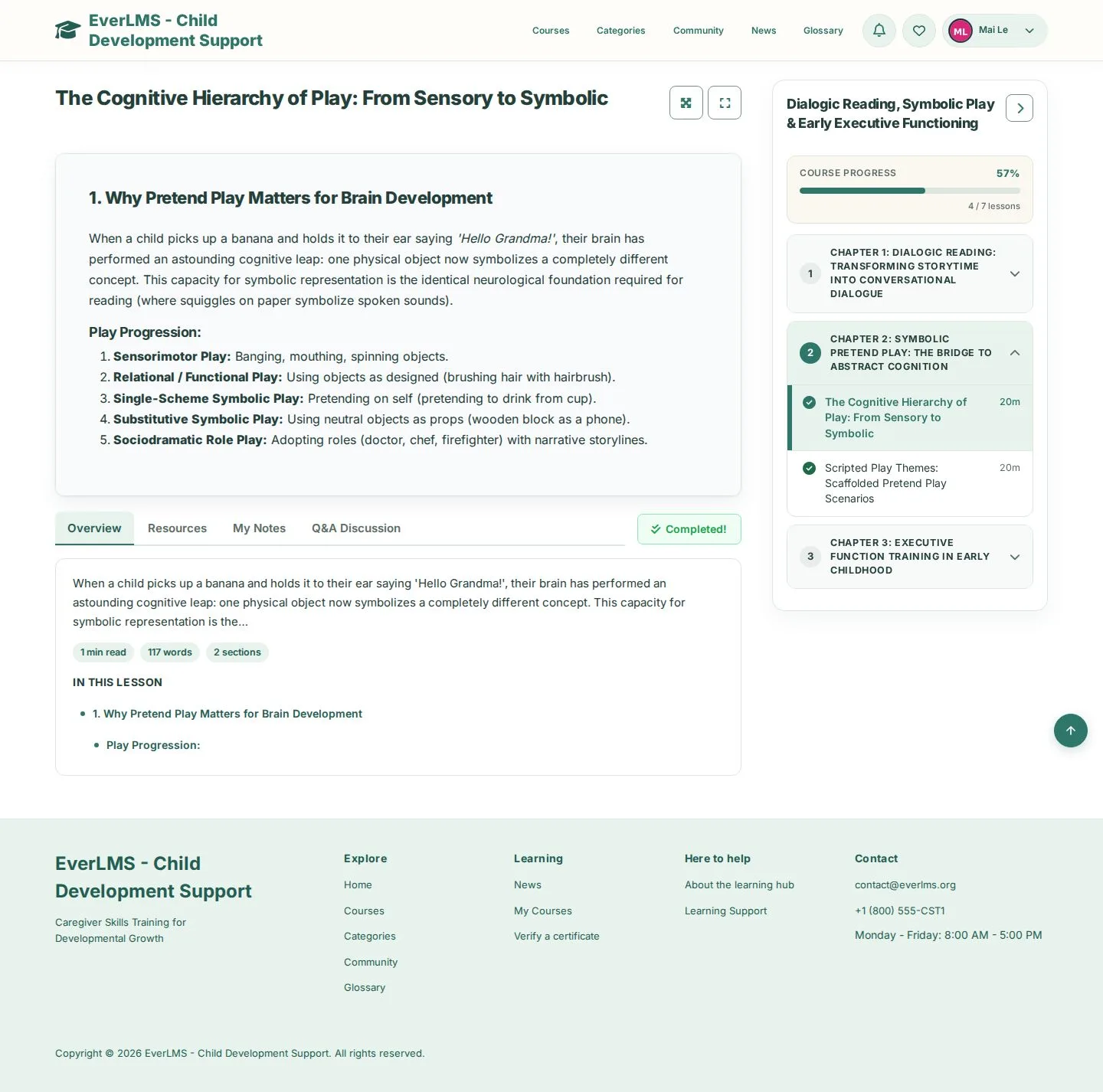
  1. Open a chapter
  2. Pick a lesson
  3. A tick marks completed lessons

Enlarge, then scroll

Open illustrated screen ↗Full image ↗

Learner · Learn a lesson02

Overview

Learner

Overview

3Step 3 of 6

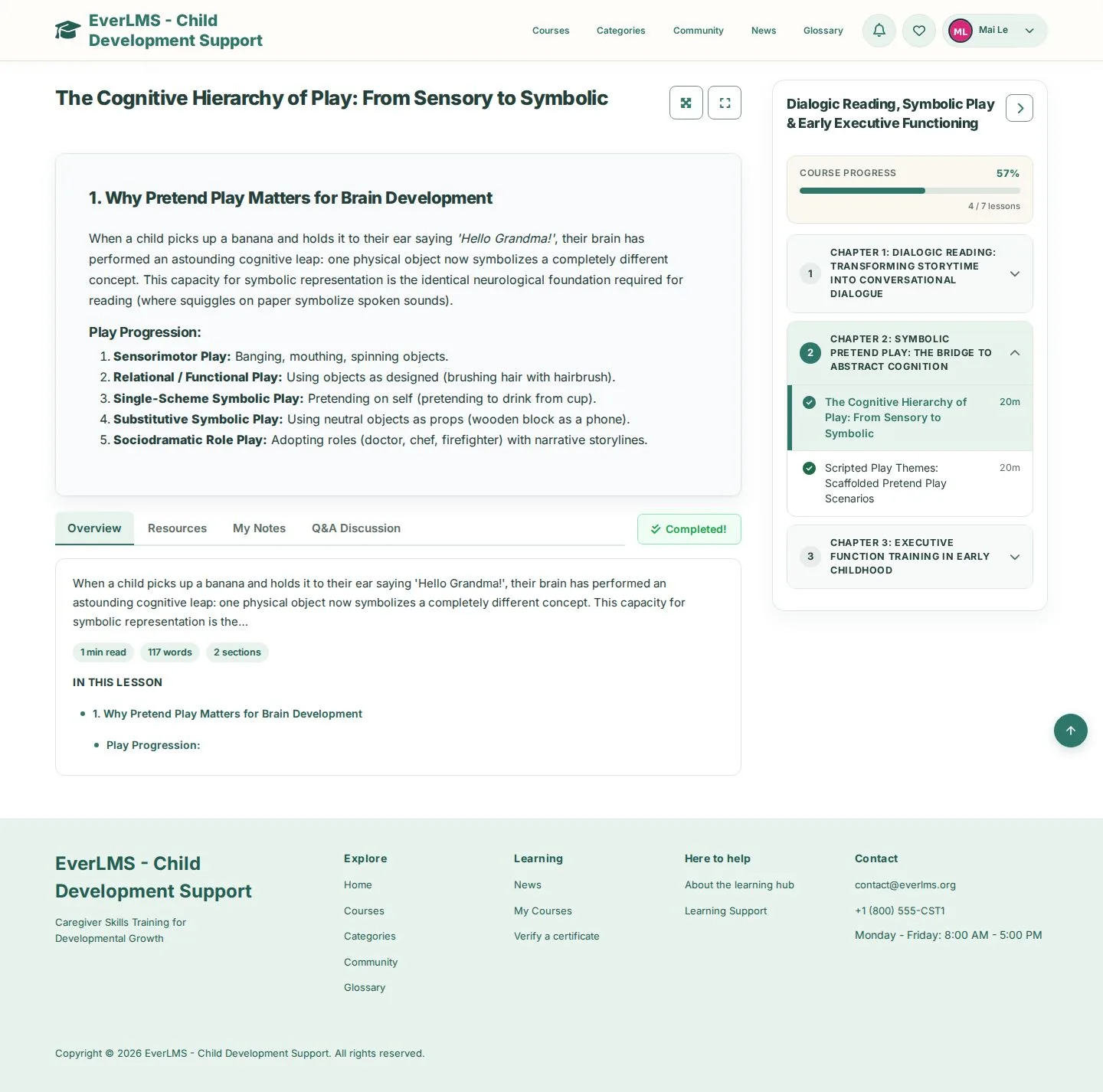
  1. Overview tab
  2. In this lesson: jump to a section

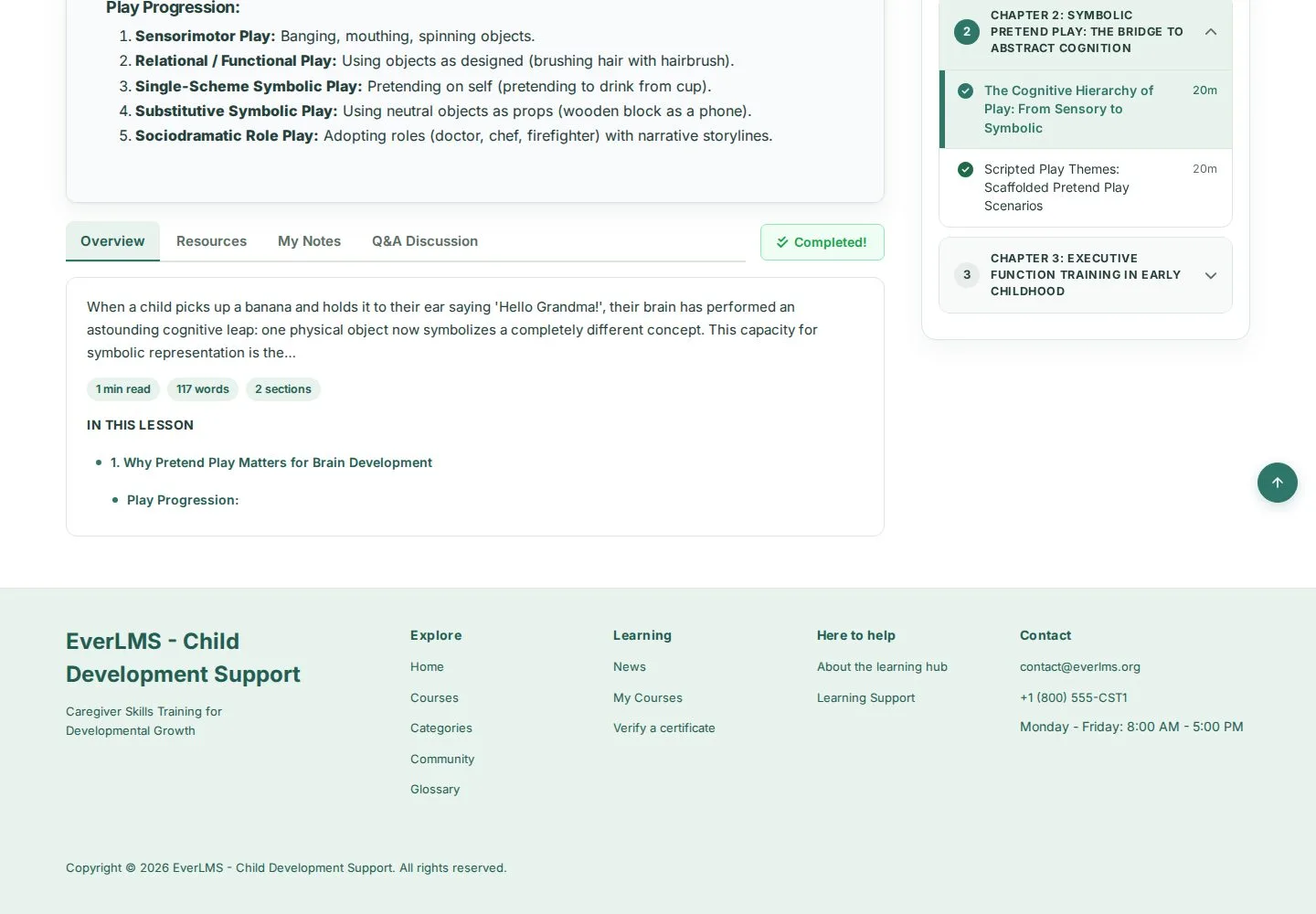
The Overview of a reading lesson summarises the lesson, its reading time and its sections.

Enlarge, then scroll

Open illustrated screen ↗Full image ↗

Learner · Learn a lesson03

Interactive lesson

Learner

Interactive lesson

4Step 4 of 6

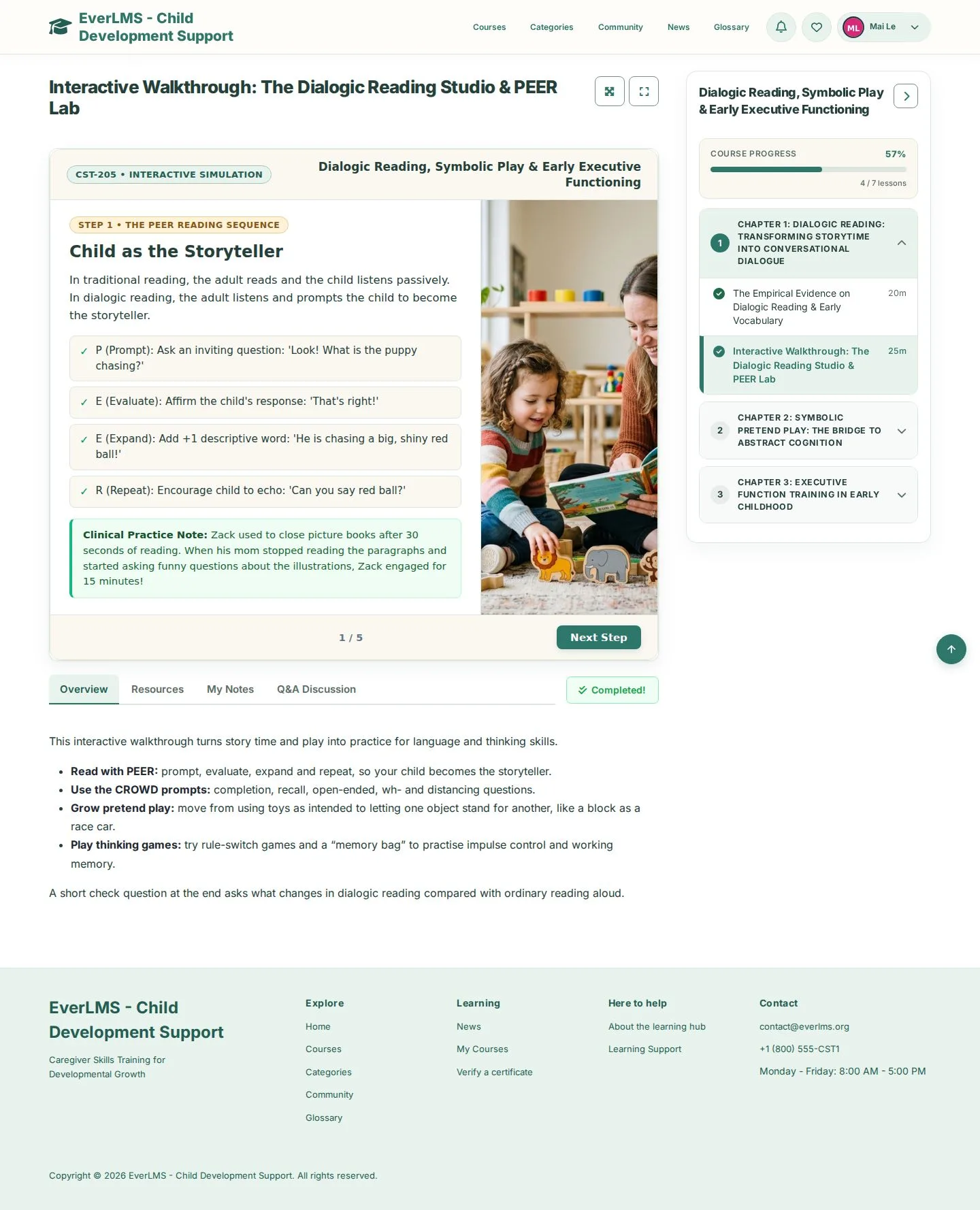
  1. Work through the activity in the frame
  2. Follow its instructions to the end

Enlarge, then scroll

Open illustrated screen ↗Full image ↗

Learner · Learn a lesson04

Theater Mode

Learner

Theater Mode

5Step 5 of 6

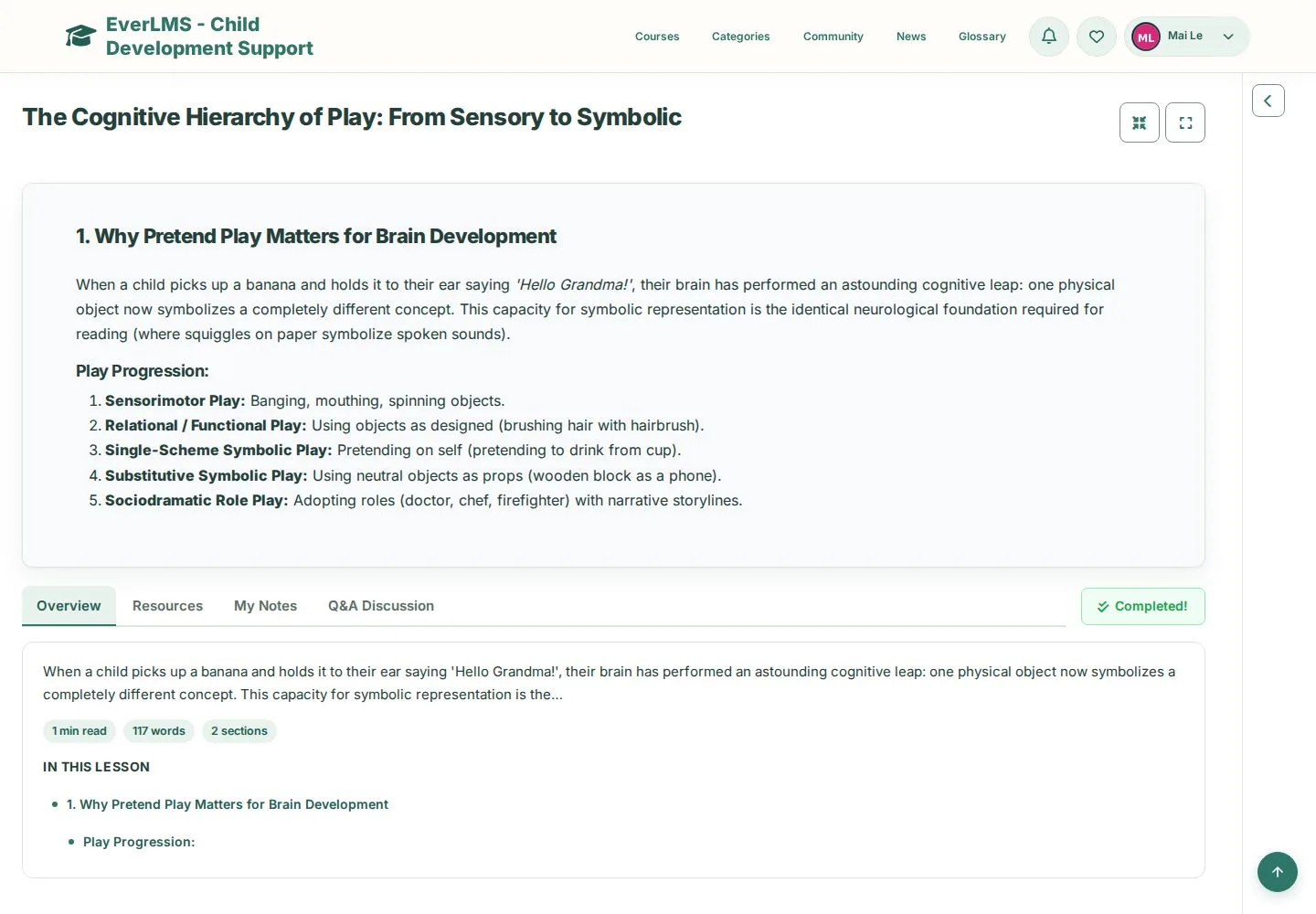
  1. Theater Mode: hide the course content
  2. Exit Theater Mode · Full Screen

Open illustrated screen ↗Full image ↗

Learner · Learn a lesson05

Mark Complete

Learner

Mark Complete

6Step 6 of 6

  1. Finish the lesson
  2. Mark Complete

A completed lesson shows Completed! instead of the button.

Enlarge, then scroll

Open illustrated screen ↗Full image ↗

Check

The lesson shows Completed! and the course progress moves on

Learner · Learn a lesson06
1 / 7
Privacy Terms