










Reports and off-cut rewards
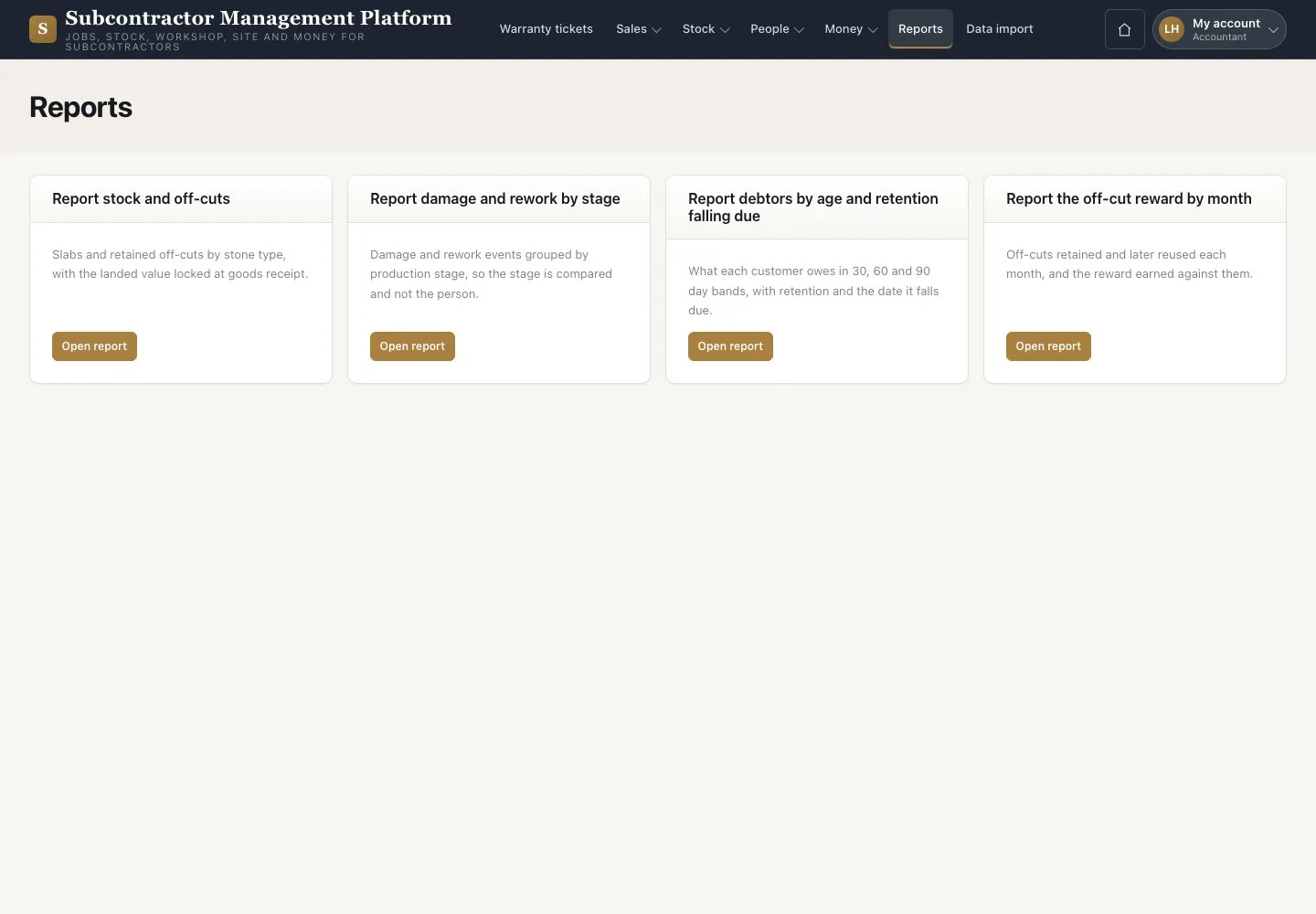
Reports · Off-cut rewards · Record payment
- Signed in on a desktop
Accountant

Off-cut rewards
Accountant

2Step 2 of 2
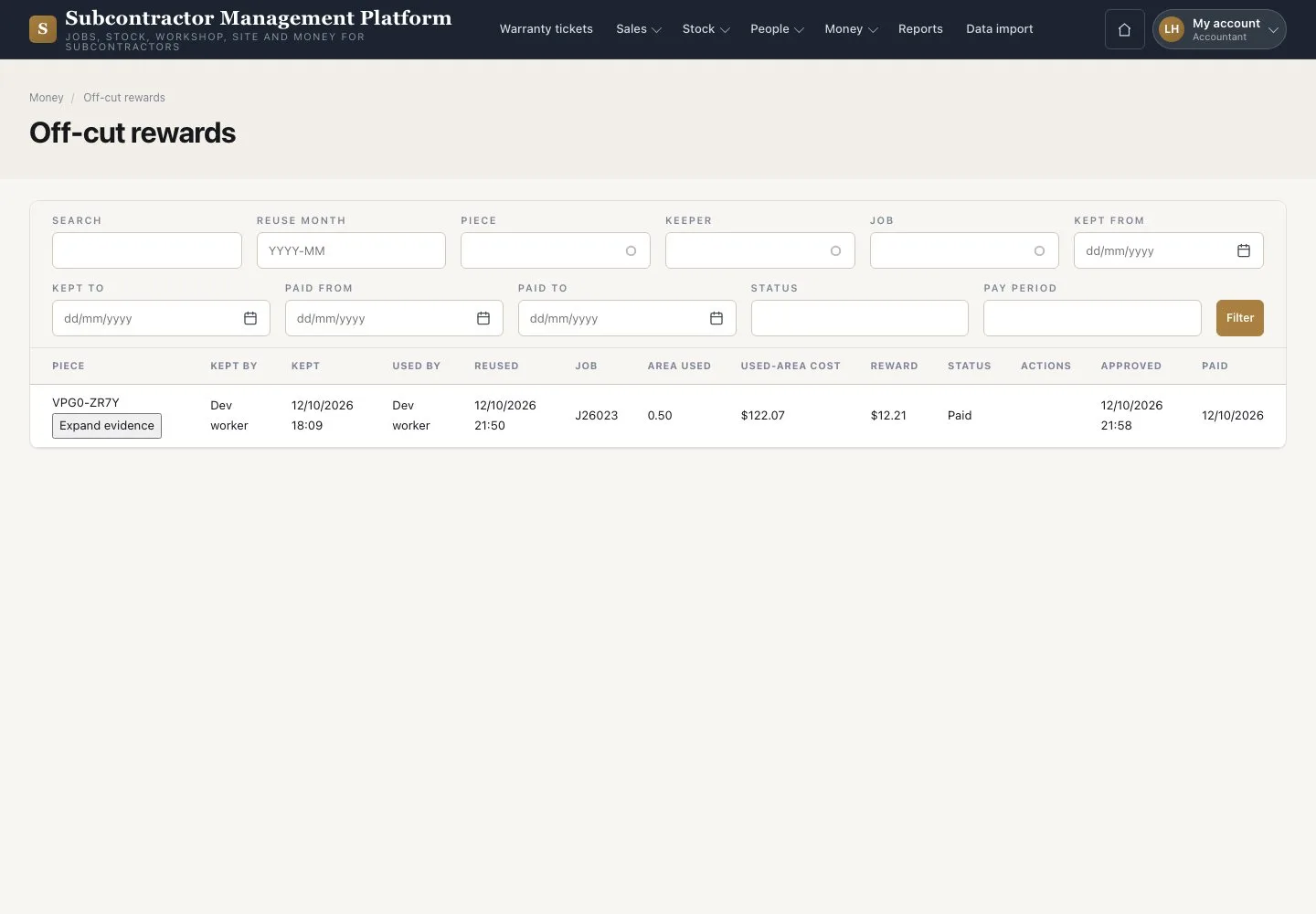
- Open Money → “Off-cut rewards”
- Open an Approved entry and press “Record payment”
- Enter “Paid on” and “Pay period”, then confirm
Open illustrated screen ↗Full image ↗
Check
Approved rewards are recorded as paid; reports show your permitted facts.
1 / 3