










Approve time and payroll hours
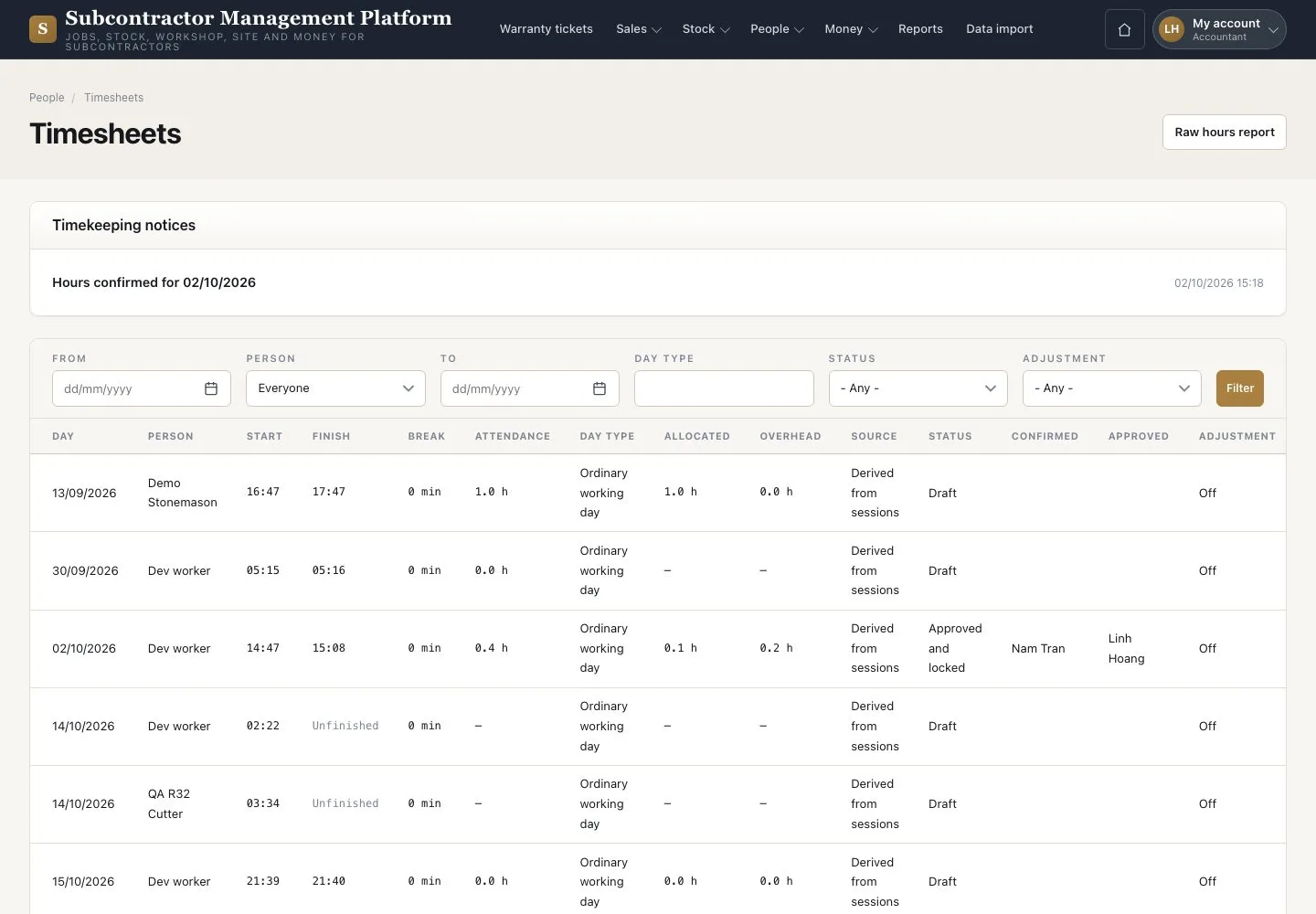
Timesheets · Review · Approve and lock · Raw hours report
- The Supervisor has confirmed the day
Accountant
Raw hours report
Accountant

2Step 2 of 2
- Set “From” to a date in the month and press “Filter”
- Check that every day is Approved and locked
- Press “Raw hours report” and send the CSV to payroll
The first download marks the month as reported. The platform does not calculate payroll.
Enlarge, then scroll
Open illustrated screen ↗Full image ↗
Check
The day is Approved and locked; the month’s raw hours go to payroll.
1 / 3