










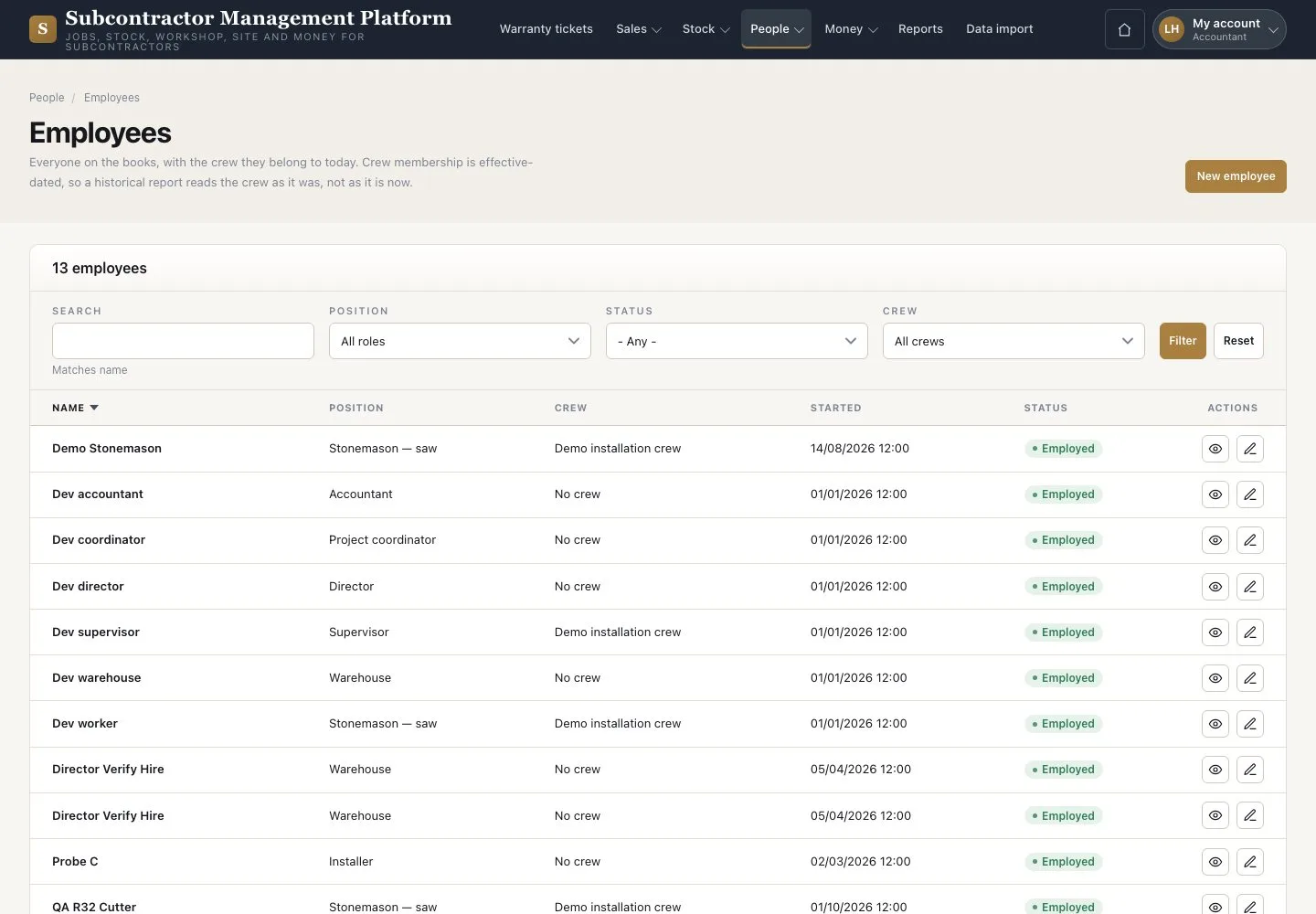
Employees
Employees · New employee · Depart
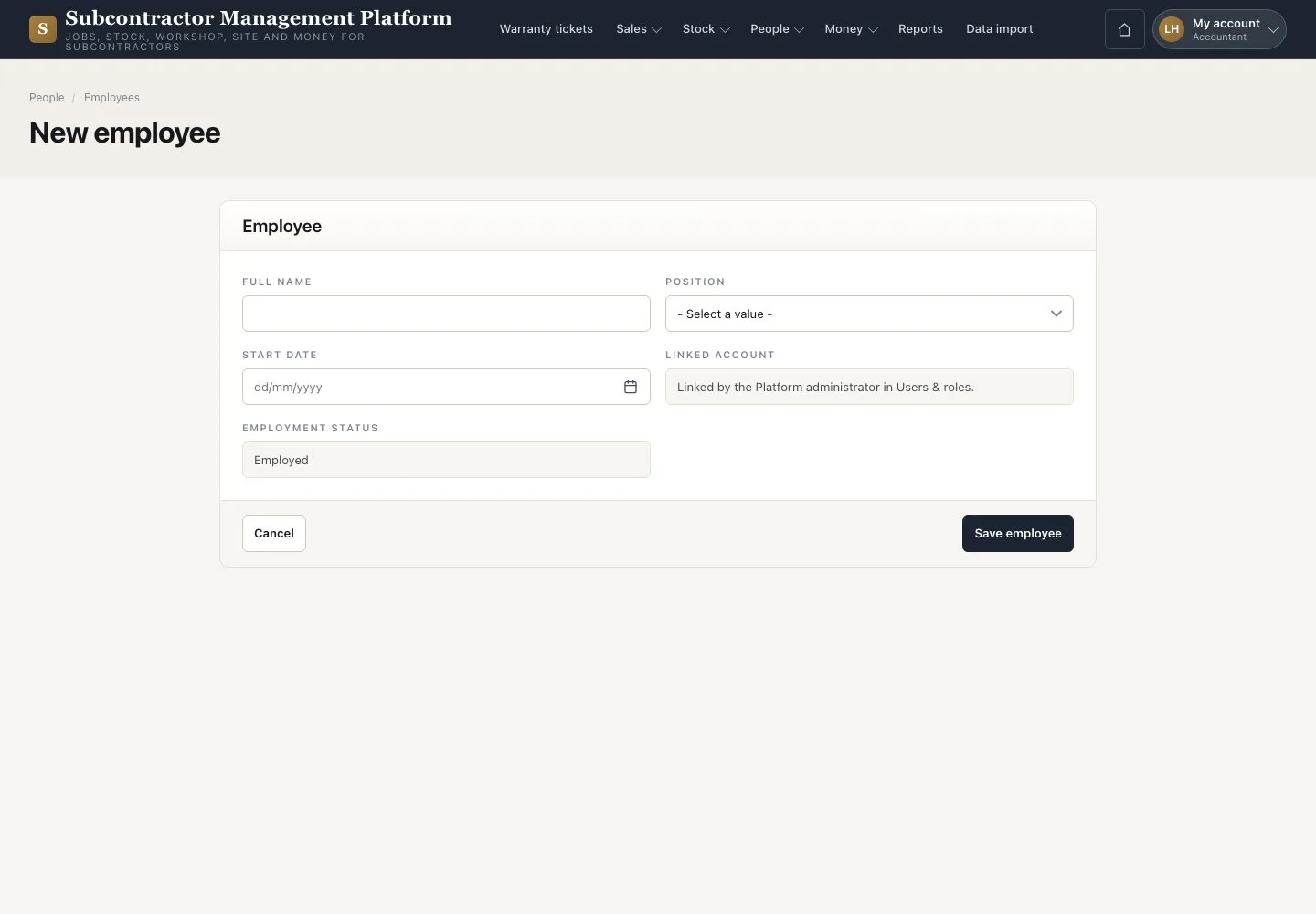
- The person’s name, position and start date
Accountant

New employee
Accountant

2Step 2 of 2
- Press “New employee”
- Enter “Full name”, “Position” and “Start date”
- Press “Save employee”
When someone leaves, open their record and press “Depart”.
Open illustrated screen ↗Full image ↗
Check
The Employee record is saved, without a personal hourly rate.
1 / 3