










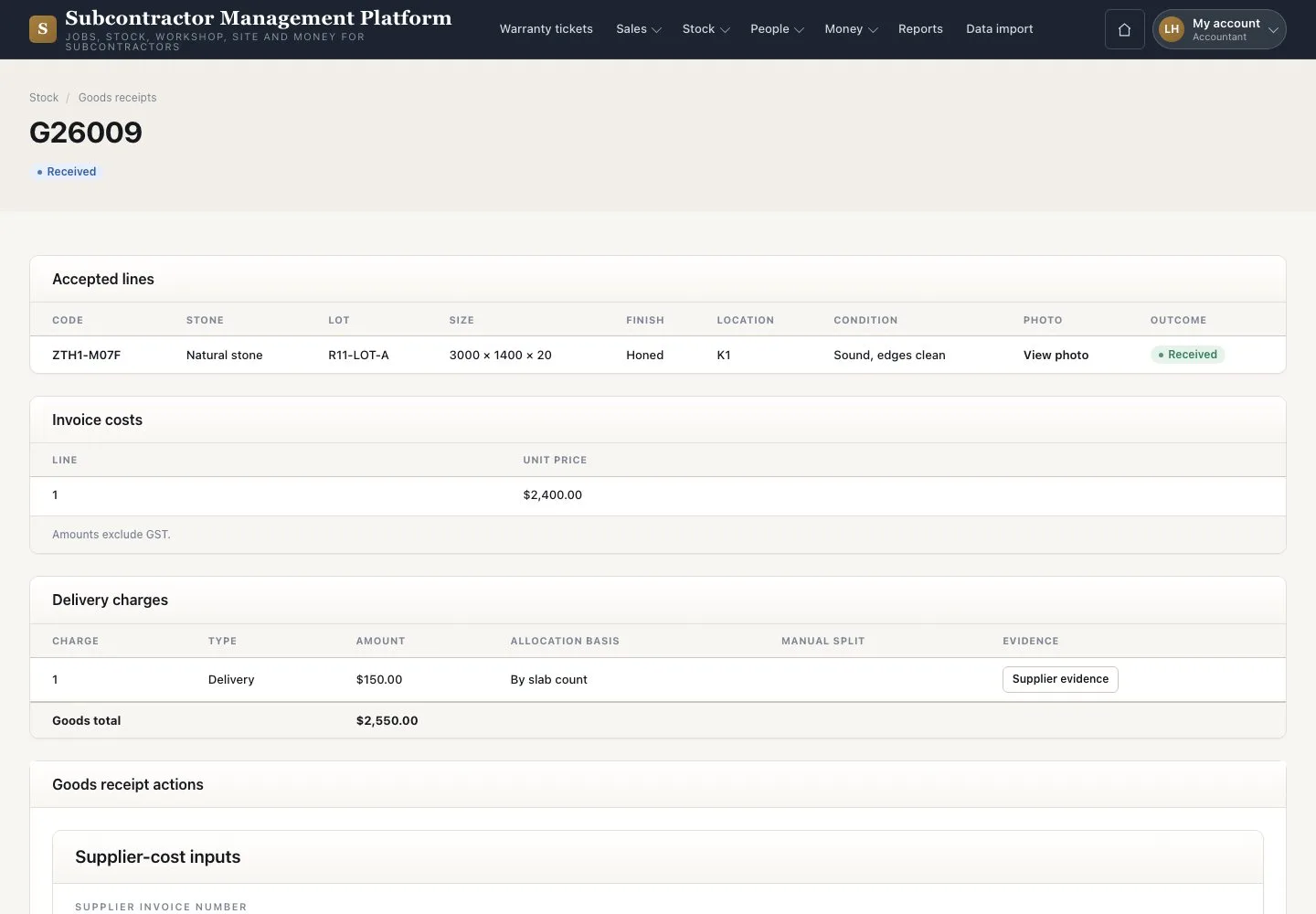
Lock landed cost
Stock notices · Invoice costs · Preview allocation · Lock cost
- The receipt is Received
- The supplier invoice and charge documents
Accountant

Lock the cost
Accountant

2Step 2 of 2
- Press “Preview allocation” and check the total
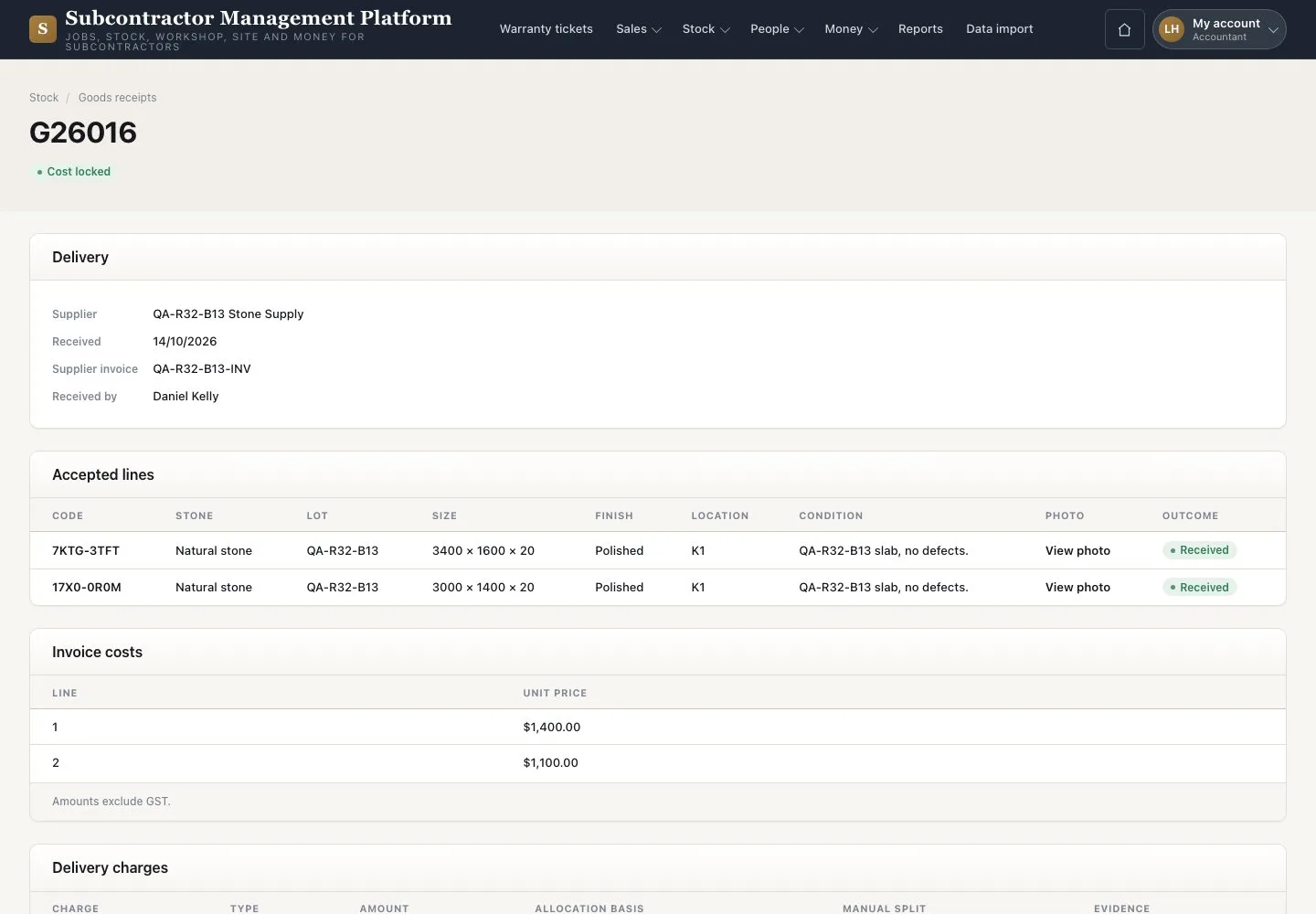
- Press “Lock cost”
- Read the “Locked line allocation”
Use “Add valuation adjustment” for a later correction.
Enlarge, then scroll
Open illustrated screen ↗Full image ↗
Check
The receipt is Cost locked.
1 / 3