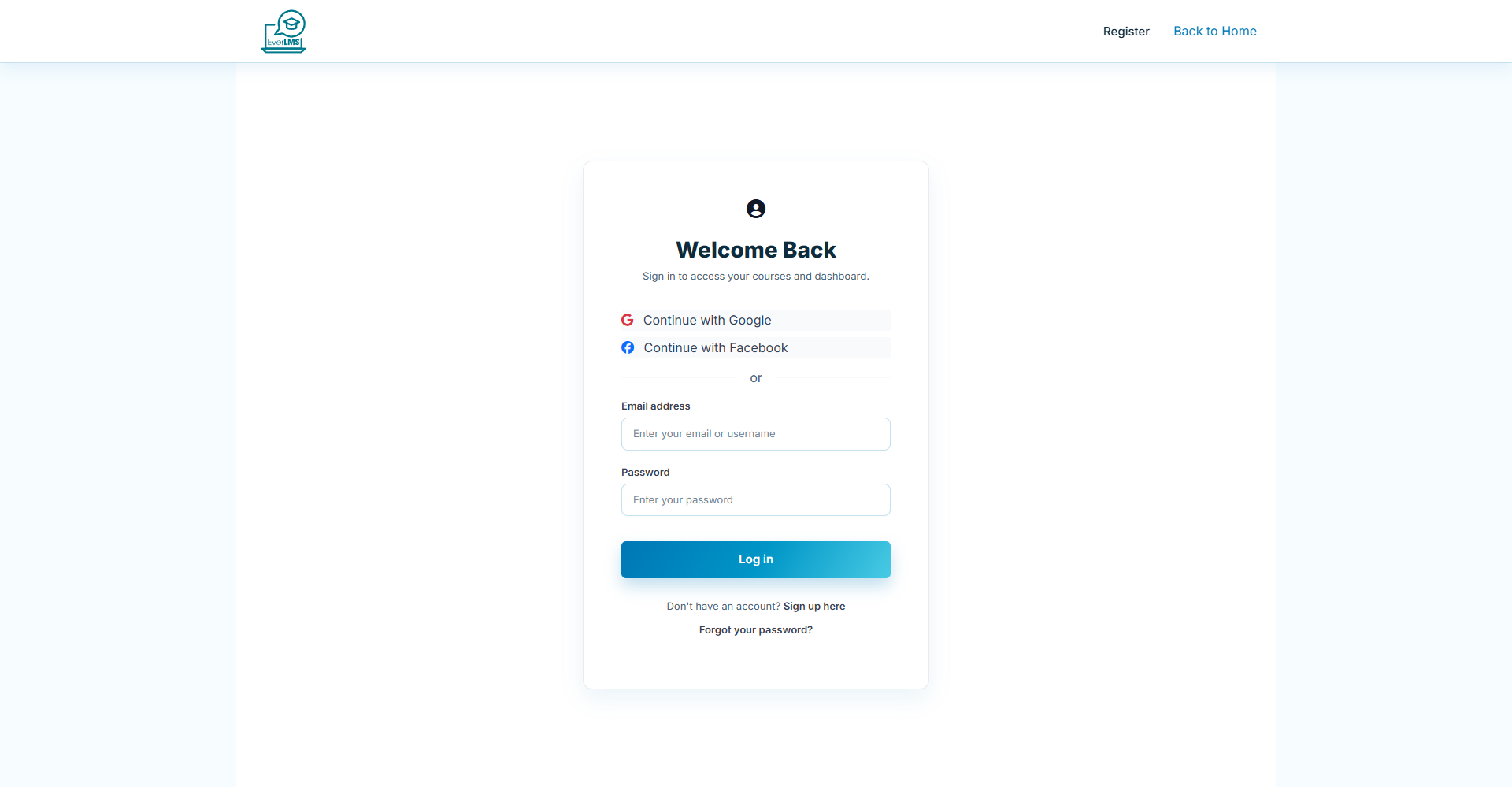
🔑 System Login
Feature: Secure entry point for Administrators.
Navigation: Homepage → Log In
- Enter Username/Email and Password
- Access restricted to Administrator role
- All actions are logged for audit
Security: Never share Admin credentials.
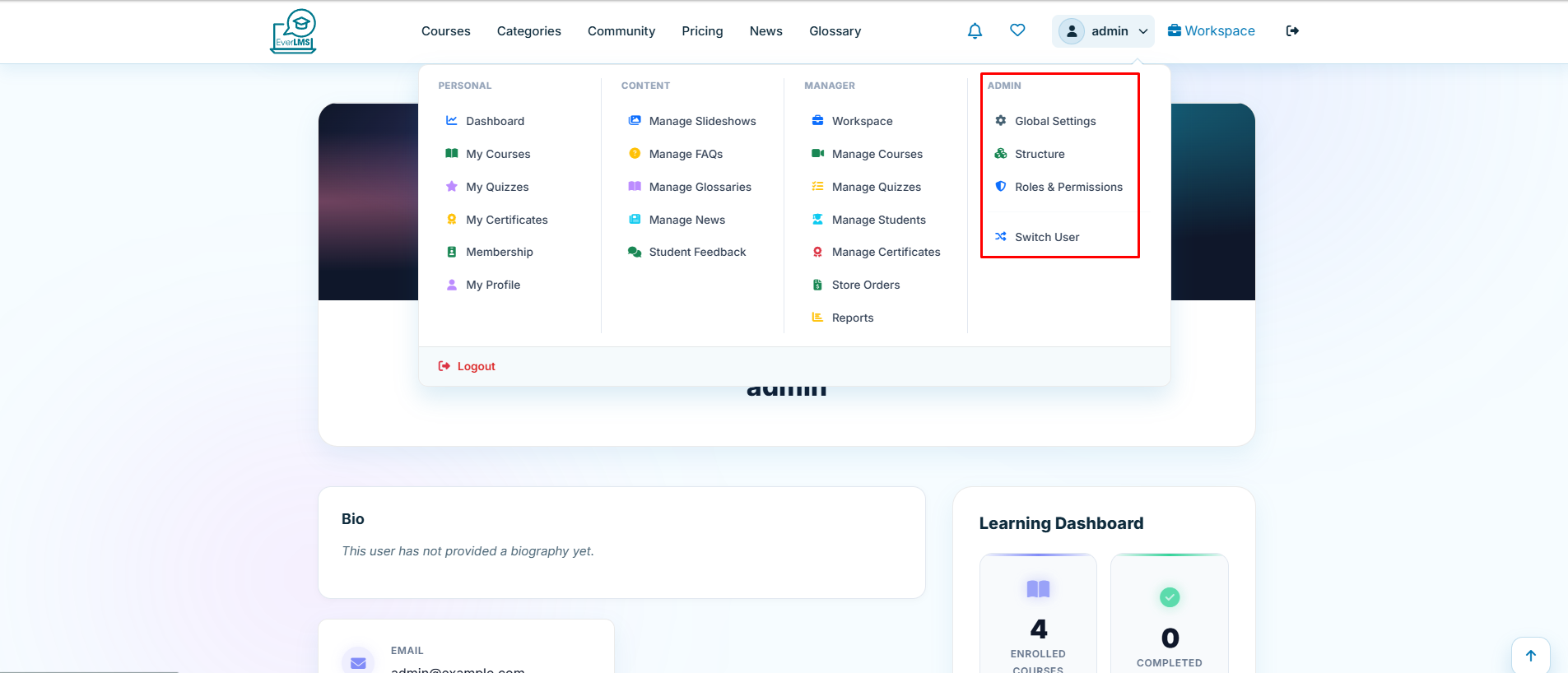
👤 Admin Account Menu
Feature: The account menu provides quick access to key areas for the logged-in admin.
Navigation: Click avatar/name in top right corner
- Workspace — Return to management area
- My Courses — Enrolled courses
- My Certificates — Earned certificates
- Profile — Edit personal info
- Switch to Learner — Student view
👥 People & Permissions
Feature: Manage which actions each user role can perform across the platform.
Navigation: Admin → People → Permissions
- Toggle permissions per role and per module
- Covers all roles: Admin, Manager, Instructor, Student
- Changes apply instantly across the platform
Caution: Test changes in staging before applying live.

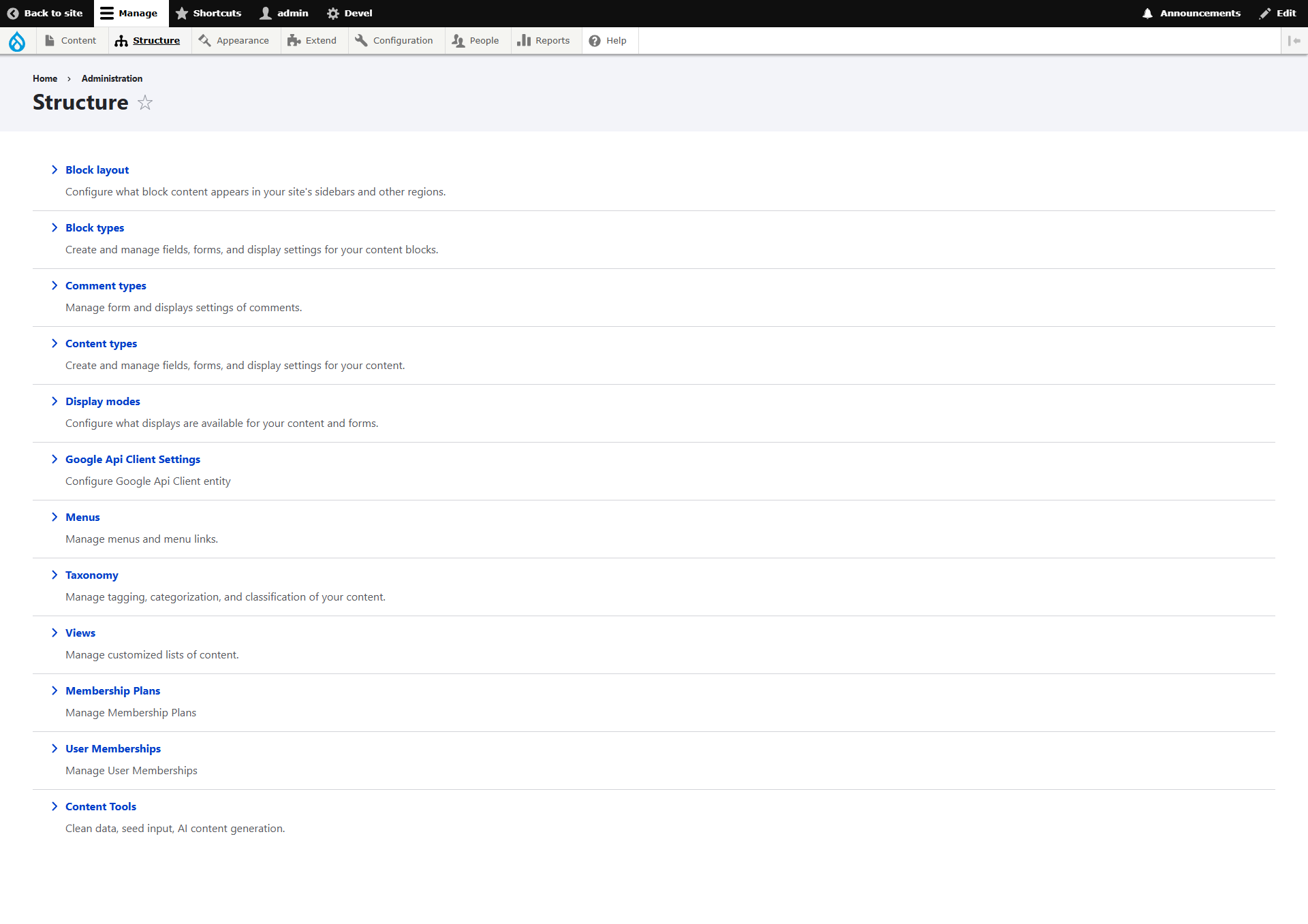
🗂️ Content Structure
Feature: The Structure menu manages content type definitions, fields, and taxonomies used across the platform.
Navigation: Admin → Structure
- Content Types — Define fields for each content type
- Taxonomy — Categories and classification terms
- Block Layout — Page regions and block placement
- Display Modes — View and form display per context
Note: Changes here may require cache clearing to take effect.