










An enquiry on a franchise's own pages or its widget
Workflow 04 · Franchise site · Enquiry form · Widget
Each franchise has its own pages on the brand site, and its enquiry form can also sit on another website as a small widget.
Either way the enquiry belongs to that franchise from the start: the address of the page decides, never anything typed in the form.
- A visitor on a franchise's pages or a website with its widget
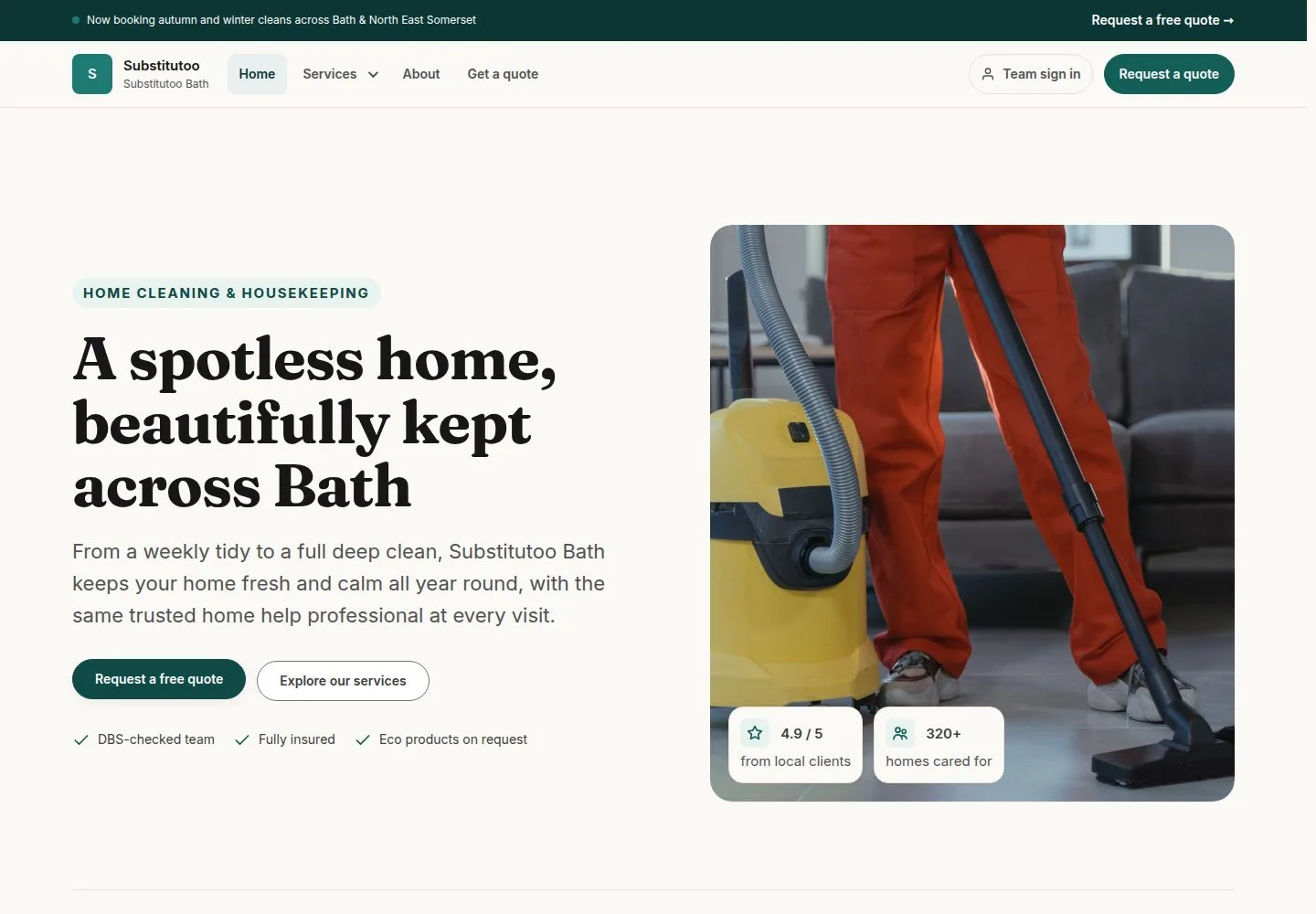
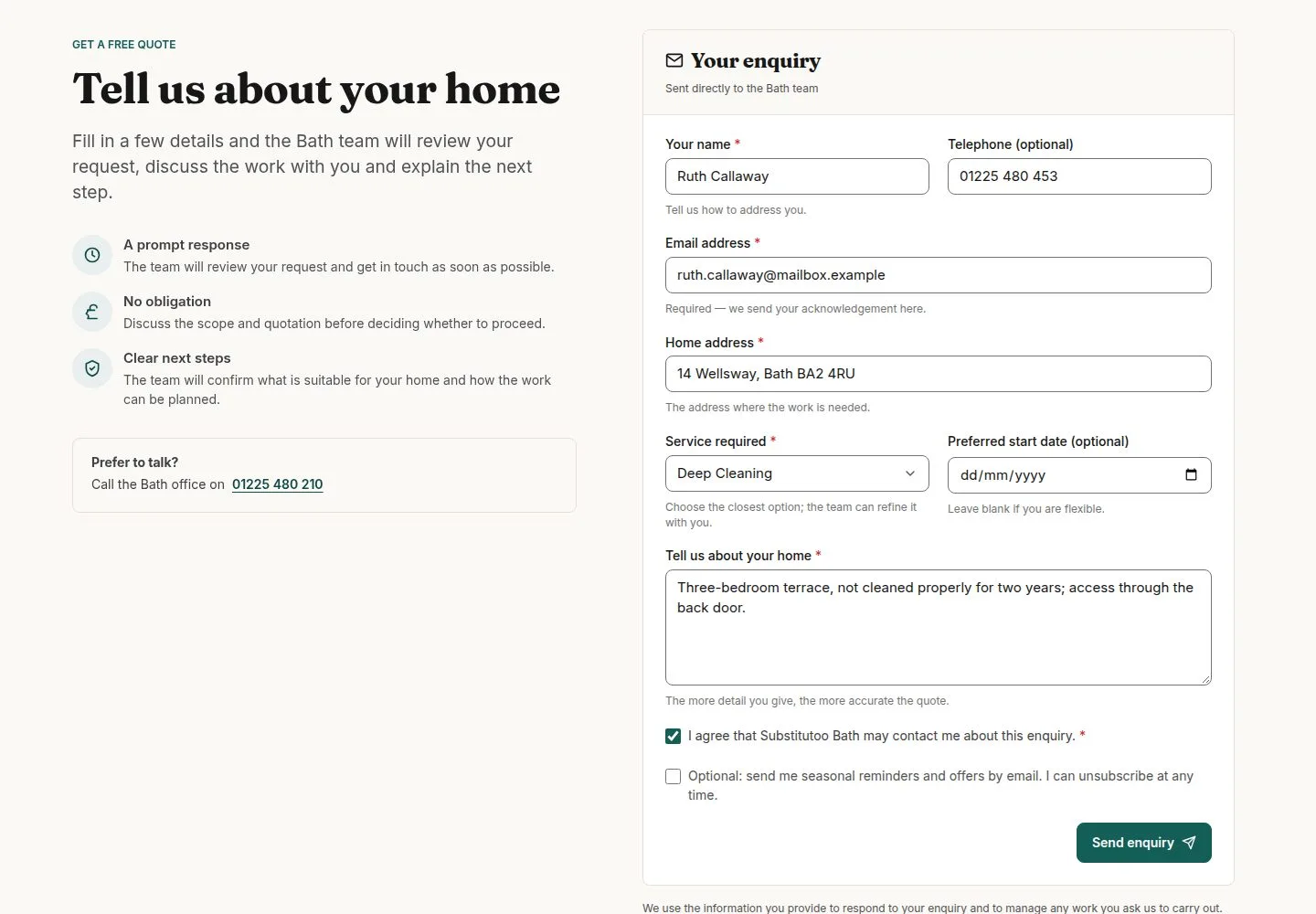


They press "Send enquiry": the thank-you page names the team and its phone
Visitor

4Step 4 of 10 · workflow step 03
- Send enquiry
- Team and phone
Enlarge, then scroll
- Stamp the enquiry with the franchise from the page address before saving; nothing sent from the form can choose the franchise, the stage, the assignee or the priority
- Save it with Website as its source and Normal priority, and email the visitor an acknowledgement


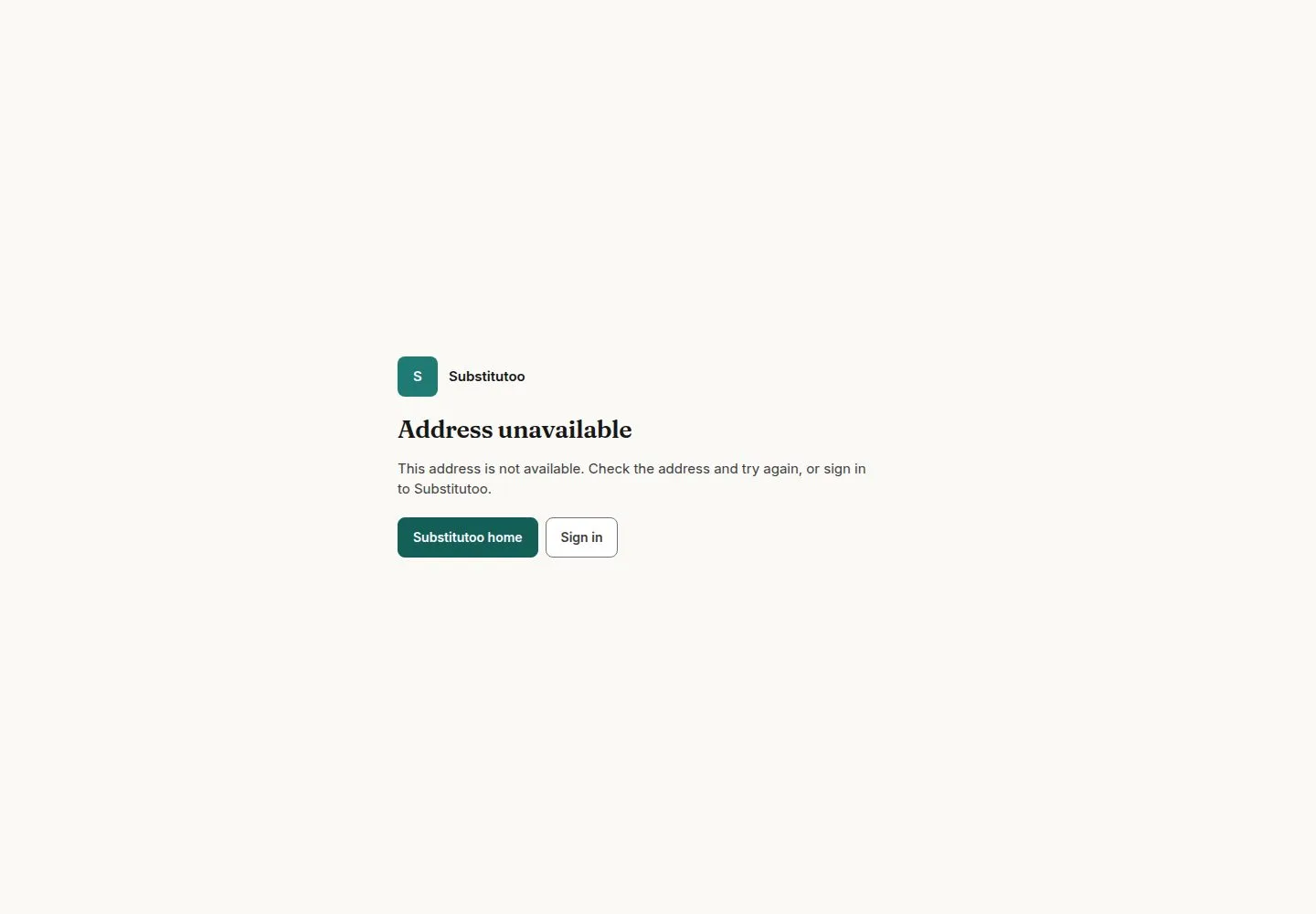
A widget that is not live says only "This form is not available."
Visitor

8Step 8 of 10 · workflow step 06.1
- This form is not available.
A draft, a disabled widget and an unknown key look the same. A website that is not on the widget's list cannot show it at all.
Enlarge, then scroll
- Apply the same checks as the direct form: required fields, the spam trap and the limit of enquiries per hour
- Tell the host website only the form's height and that it was sent, never what was typed
- Tag the enquiry with its widget and update the widget's count and last enquiry

The office finds the new enquiry under New, with nobody assigned yet
Office Administrator

10Step 10 of 10 · workflow step 08
- New column
From here the office works it in the Enquiry pipeline (workflow 05).
Enlarge, then scroll
Open illustrated screen ↗Full image ↗
Enquiry in the franchise's pipeline as New