










Operations exceptions
Workflow 15 · Exceptions · Why · Fix
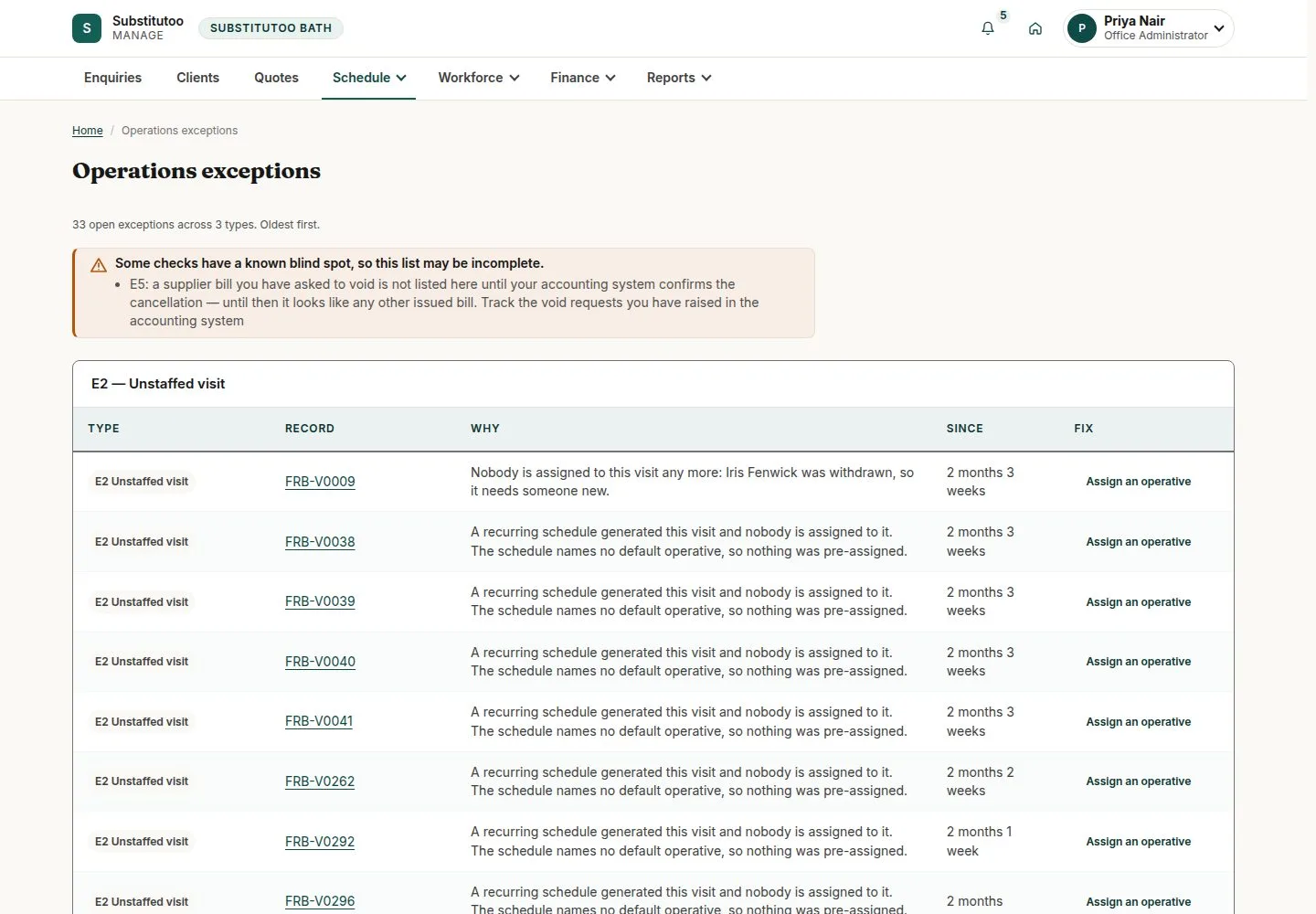
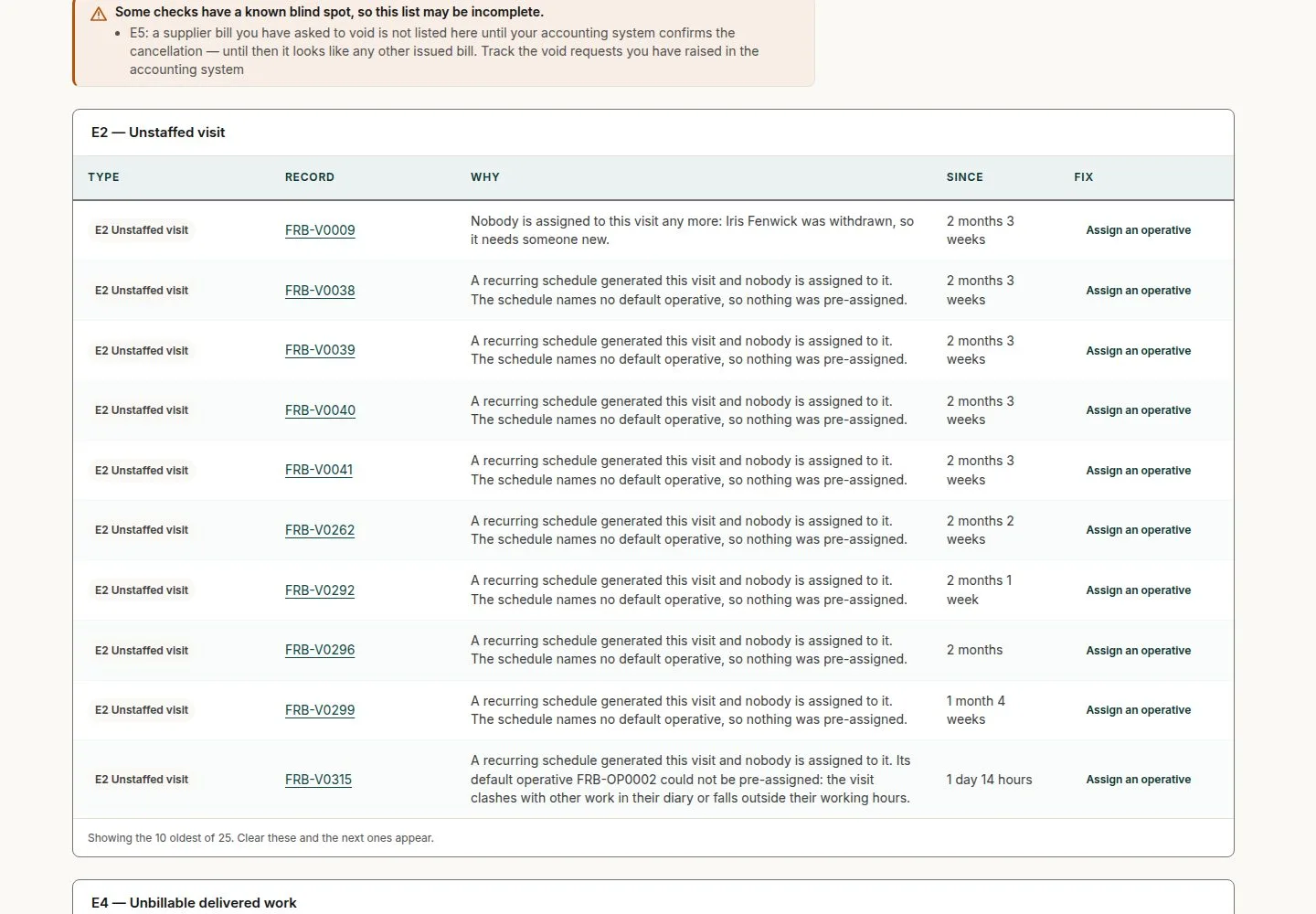
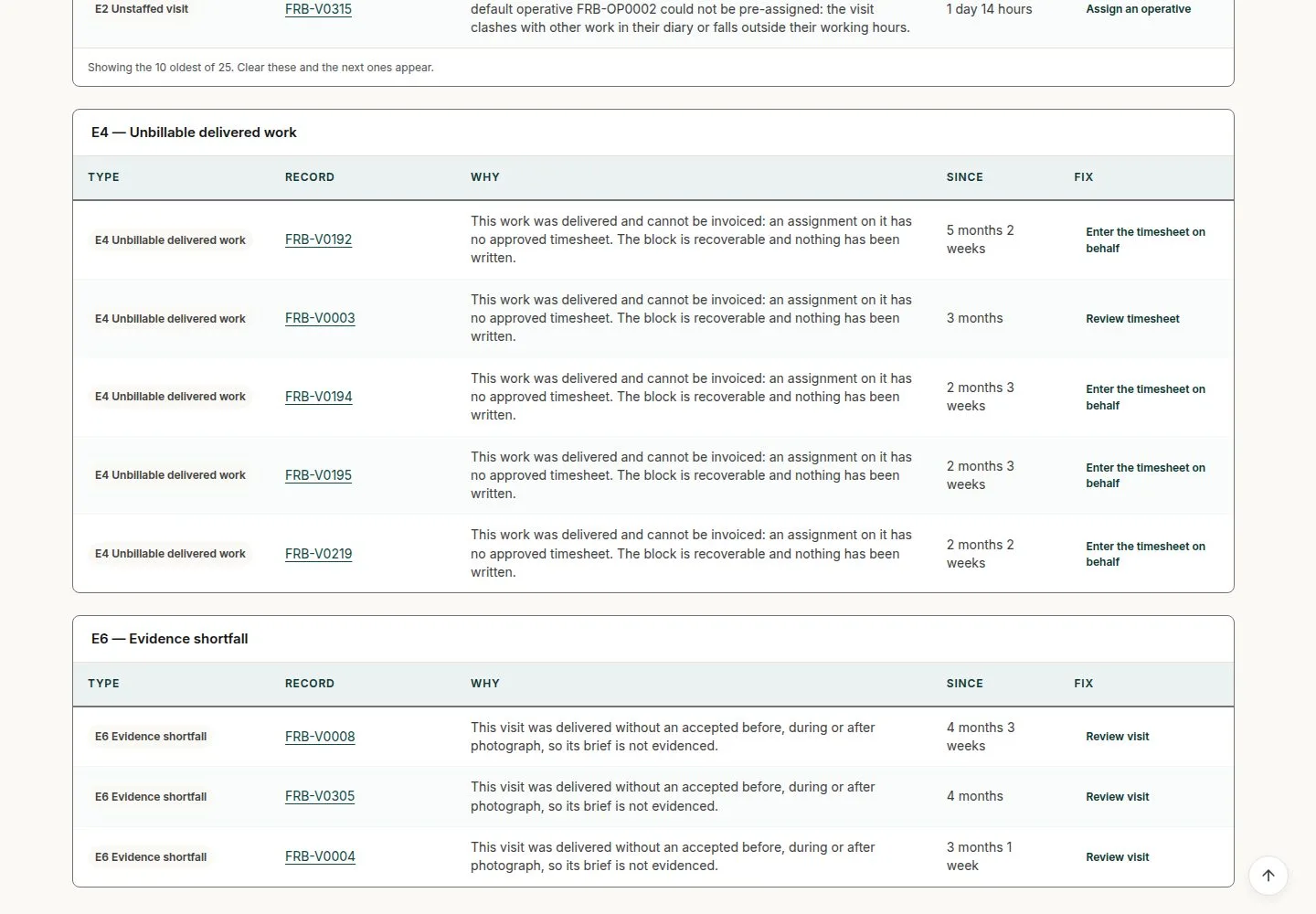
One page lists everything that needs a person: a visit with nobody on it, an accepted quote without its visit, an operative on leave with future work, work that cannot be billed yet.
Each row says why and links to the fix; the list is worked out from the records each time, so it empties only when the records are put right.
- Office Administrator or Franchise Owner
Office Administrator


Delivered without a photograph
Office Administrator

4Step 4 of 4 · workflow step 06
- Review visit
- Return for rework
Enlarge, then scroll
Open illustrated screen ↗Full image ↗
The system does this
- Accepted quote with no visit yet, an operative on leave with future work, manual finance exceptions and recurring runs that have not caught up are listed the same way
- Work the list out from the records each time: a row goes away only when its record is fixed
Check
Each row fixed at its source; the list follows the records
1 / 5