










Invoice to paid
Workflow 16 · Generate invoice · Send · Payments · Paid
Each approved visit becomes one invoice, built from what the customer accepted and the approved extra costs, each counted once.
Its status follows the payments that come back from Xero: part paid, paid or overdue, with nothing marked paid by hand.
- An approved visit with every timesheet approved
- Office Administrator; Franchise Owner for credits
Office Administrator
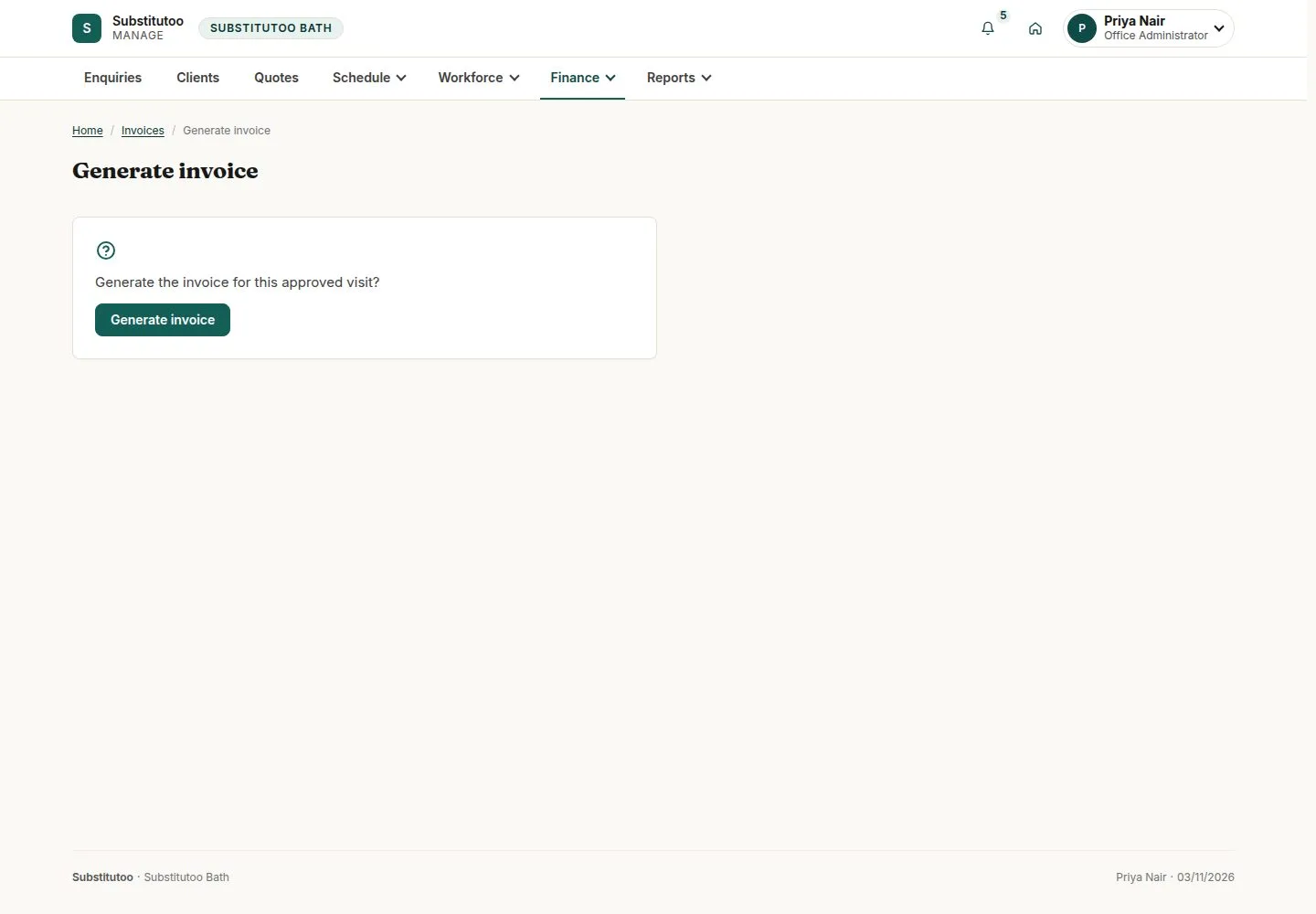
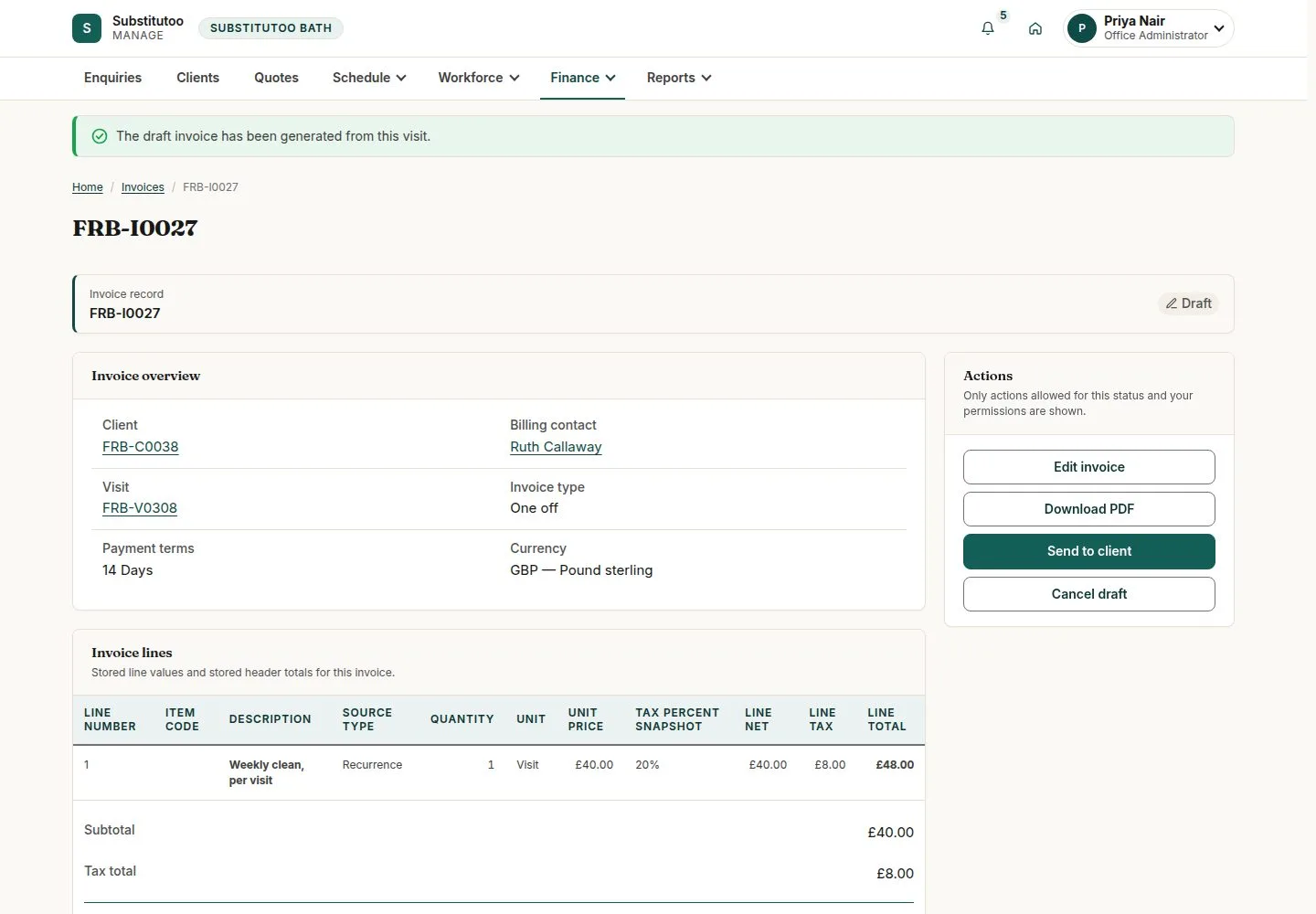
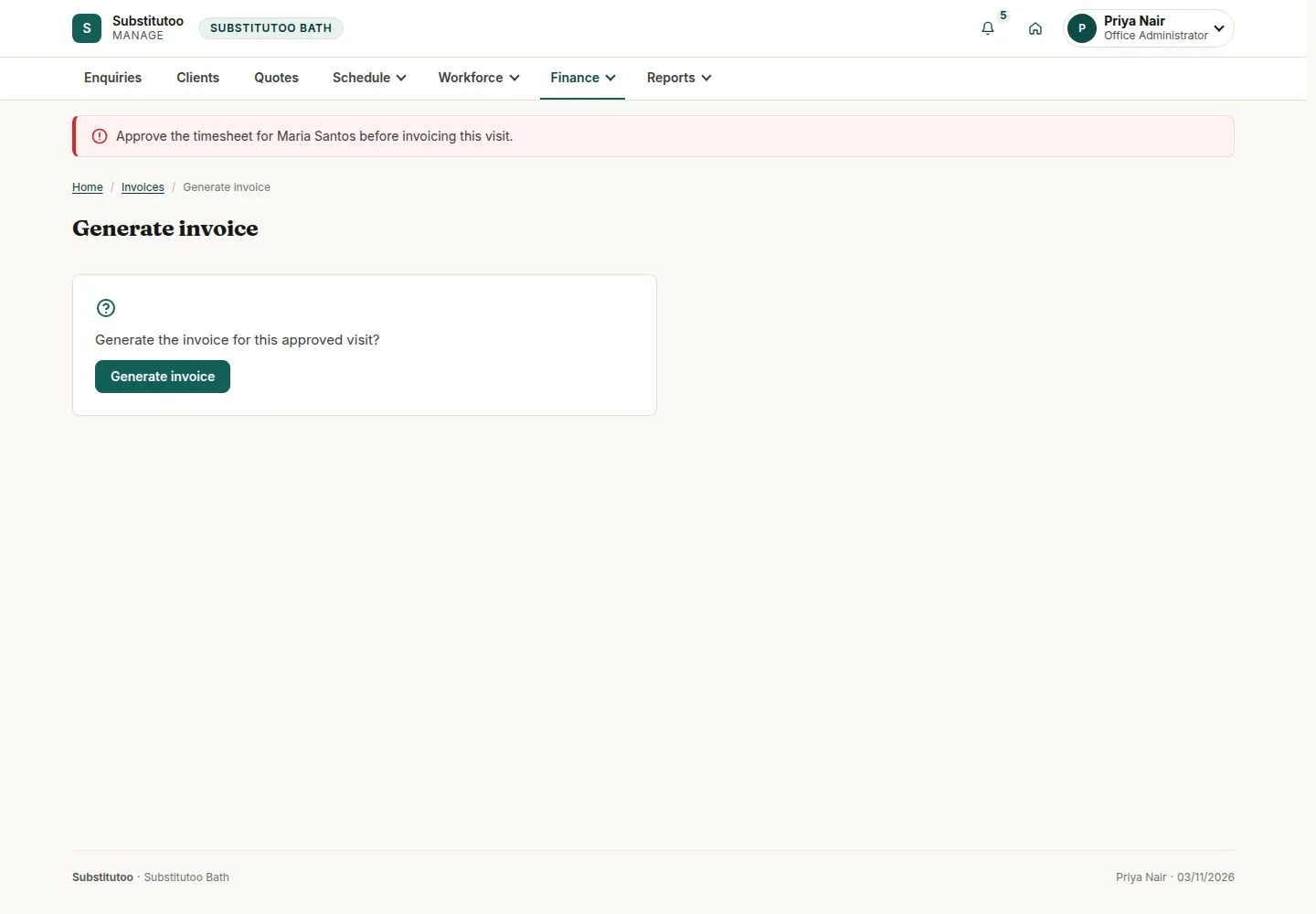


Finance, Invoices
Office Administrator

7Step 7 of 10 · workflow step 05
- Sent, Part paid, Paid, Overdue
- Outstanding
Enlarge, then scroll
Open illustrated screen ↗Full image ↗
The system does this
- Mark an invoice Overdue the day after its due date and tell the office once; no reminder goes to the customer automatically
- Fetch payments from Xero and match each one automatically when exactly one invoice clearly fits


Request full credit
Franchise Owner

10Step 10 of 10 · workflow step 09
- Franchise Owner only
- Reason
The invoice stays as issued; the credit note is created in Xero.
Enlarge, then scroll
Open illustrated screen ↗Full image ↗
Check
Invoice sent; payments matched; Paid
1 / 11