










Opening and running a franchise
Workflow 20 · Franchise register · Owner account · Activate · Suspend
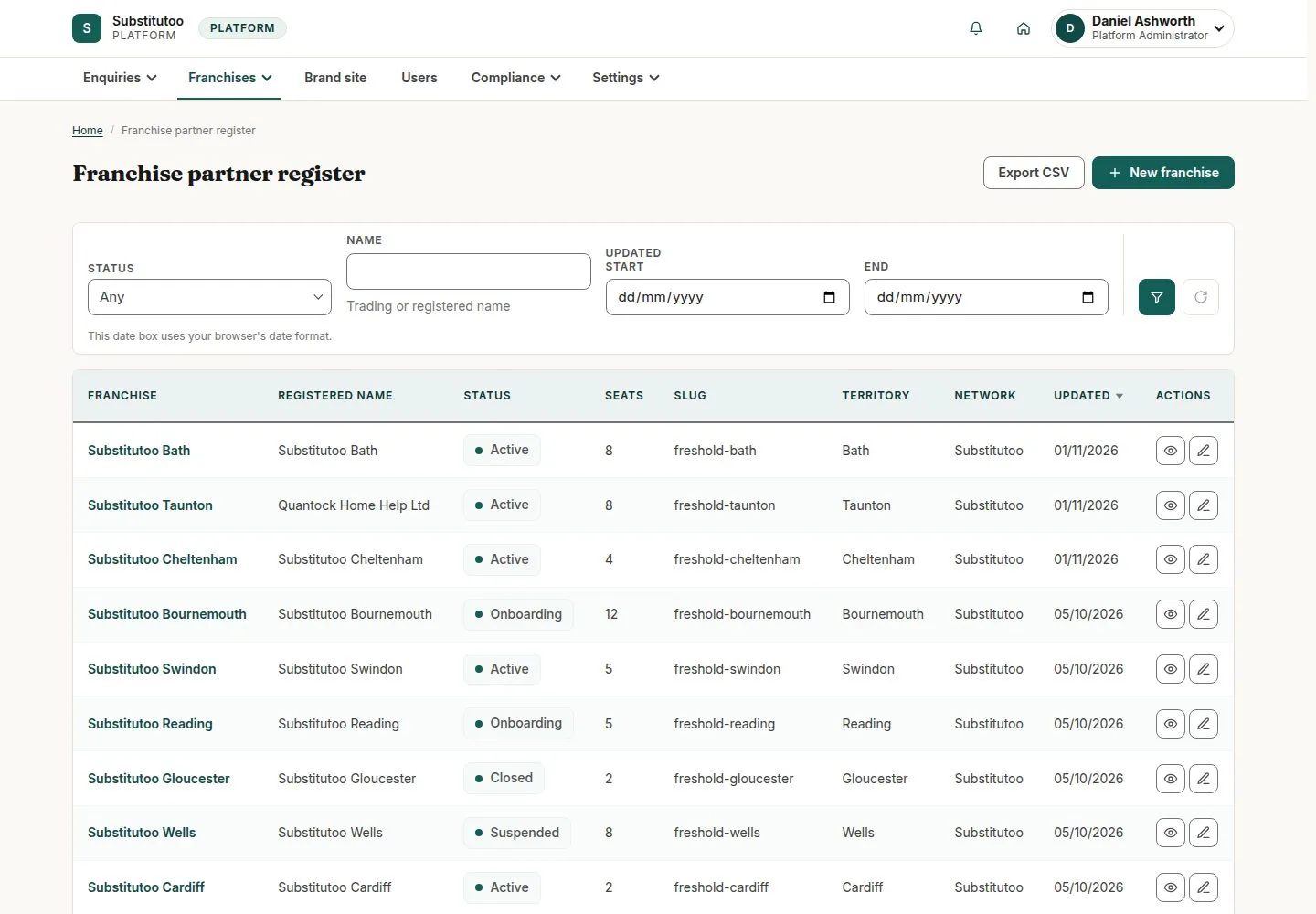
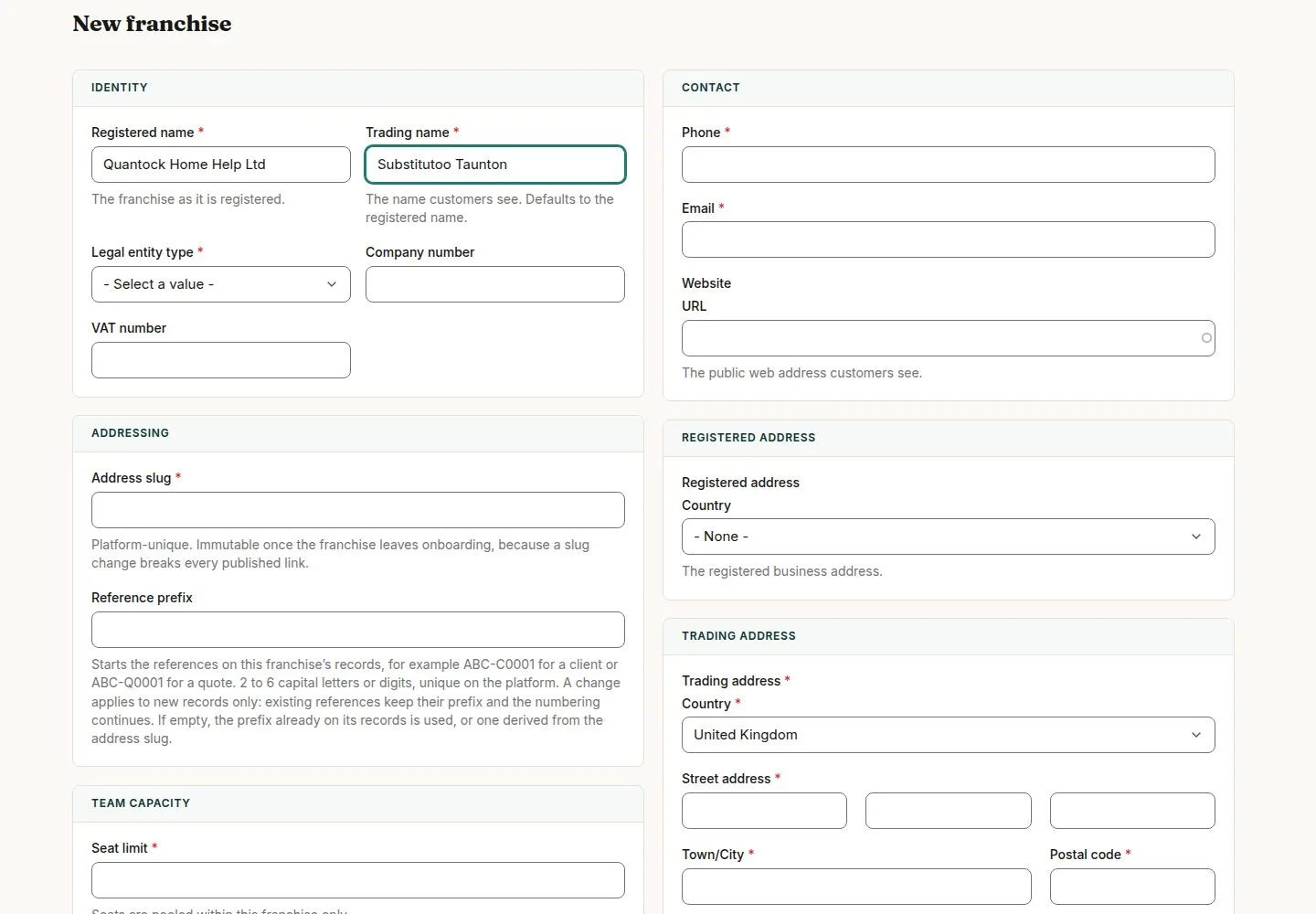
Head Office opens each franchise: its details, its owner's account, its territory and its seat limit.
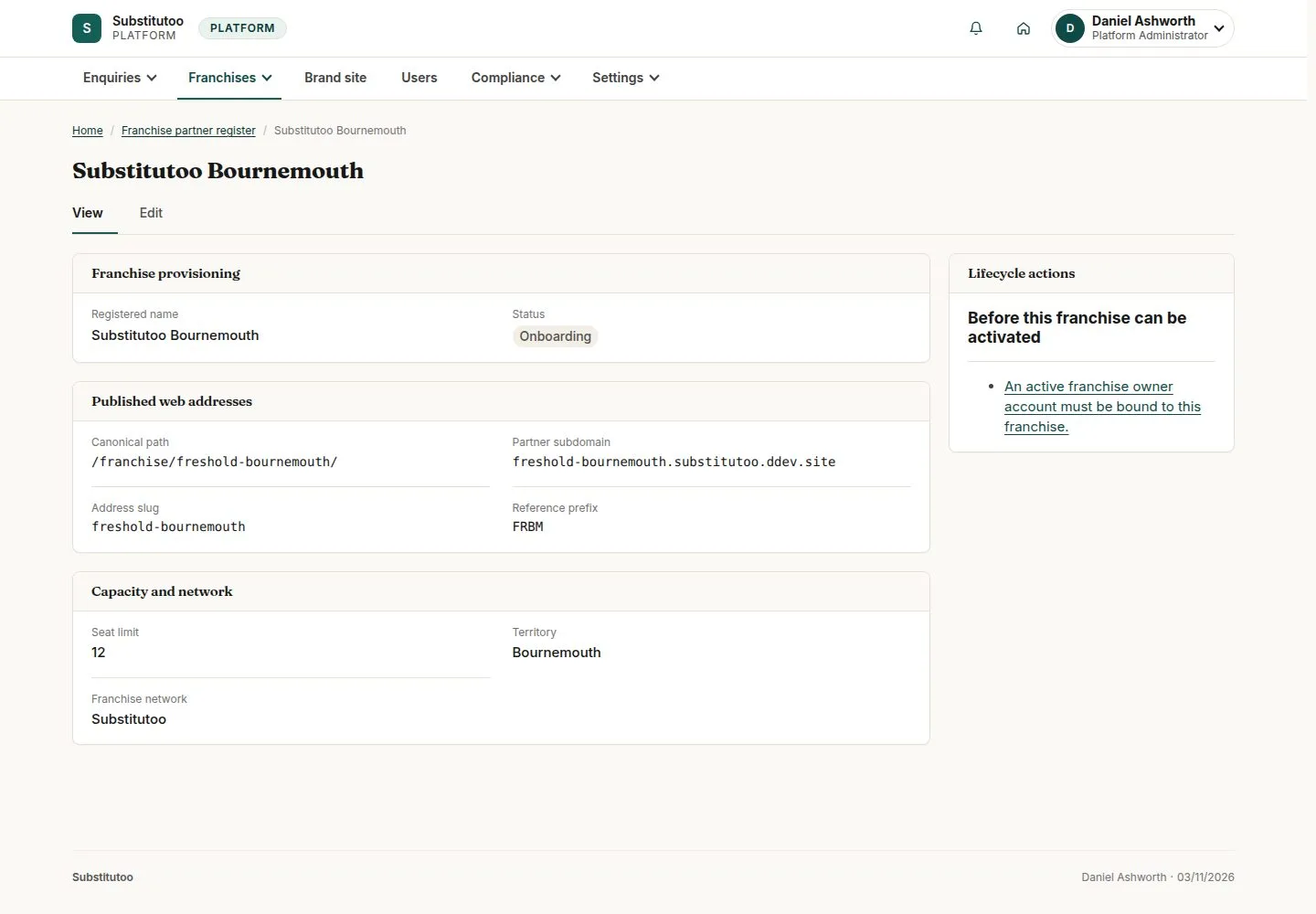
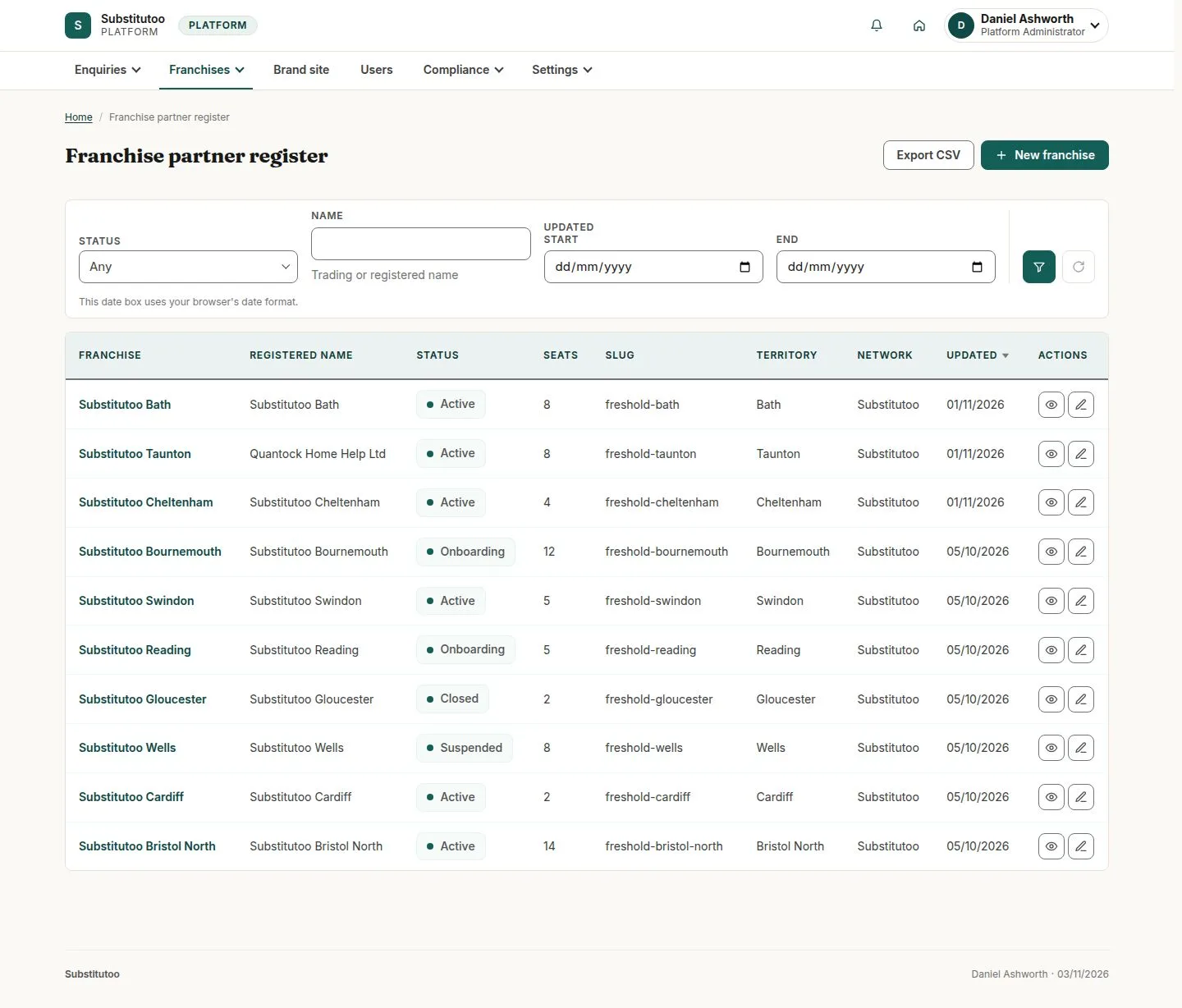
A franchise goes live only when it is activated, and Head Office can suspend or close it later; the franchise's history is always kept.
- Head Office
Head Office
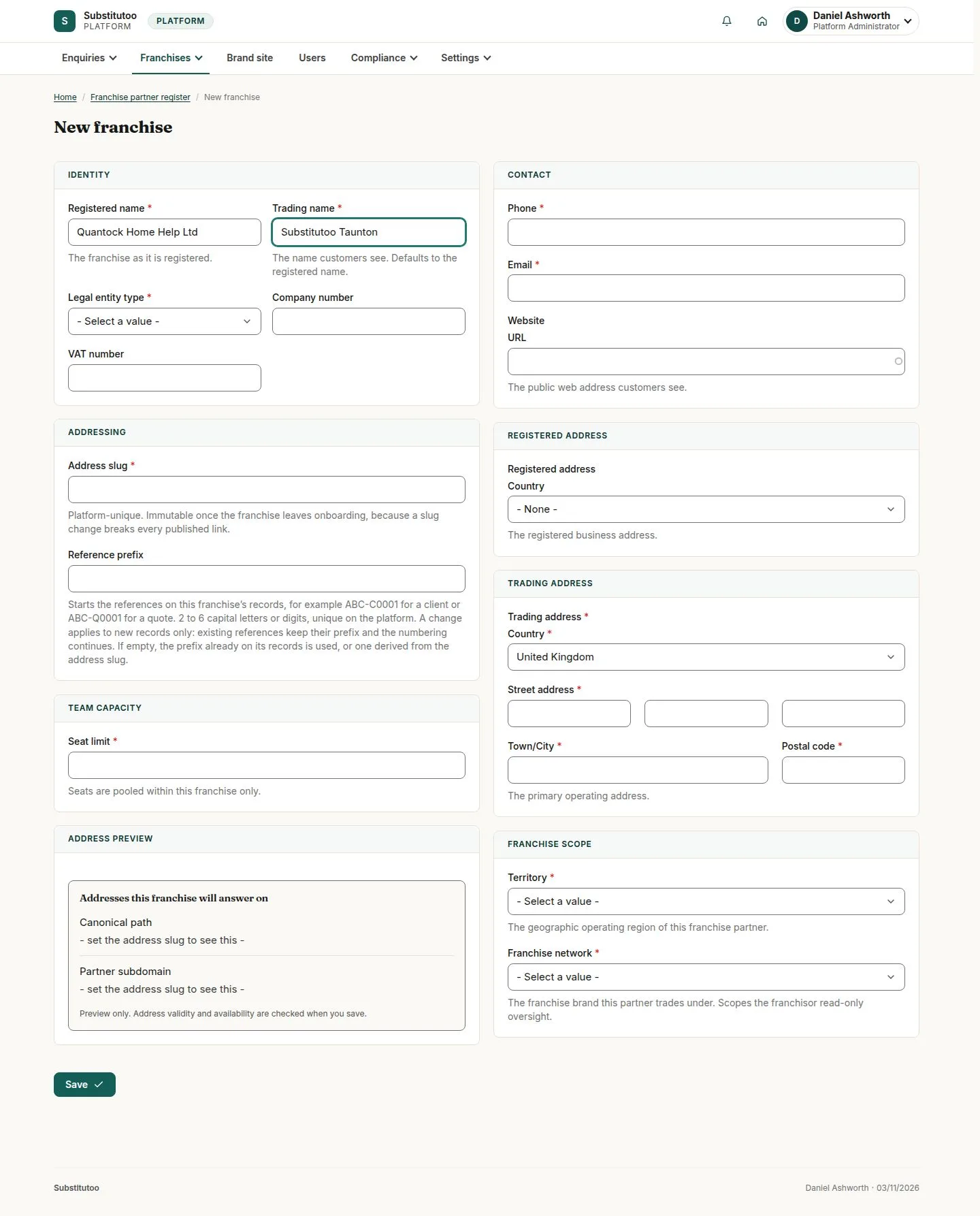
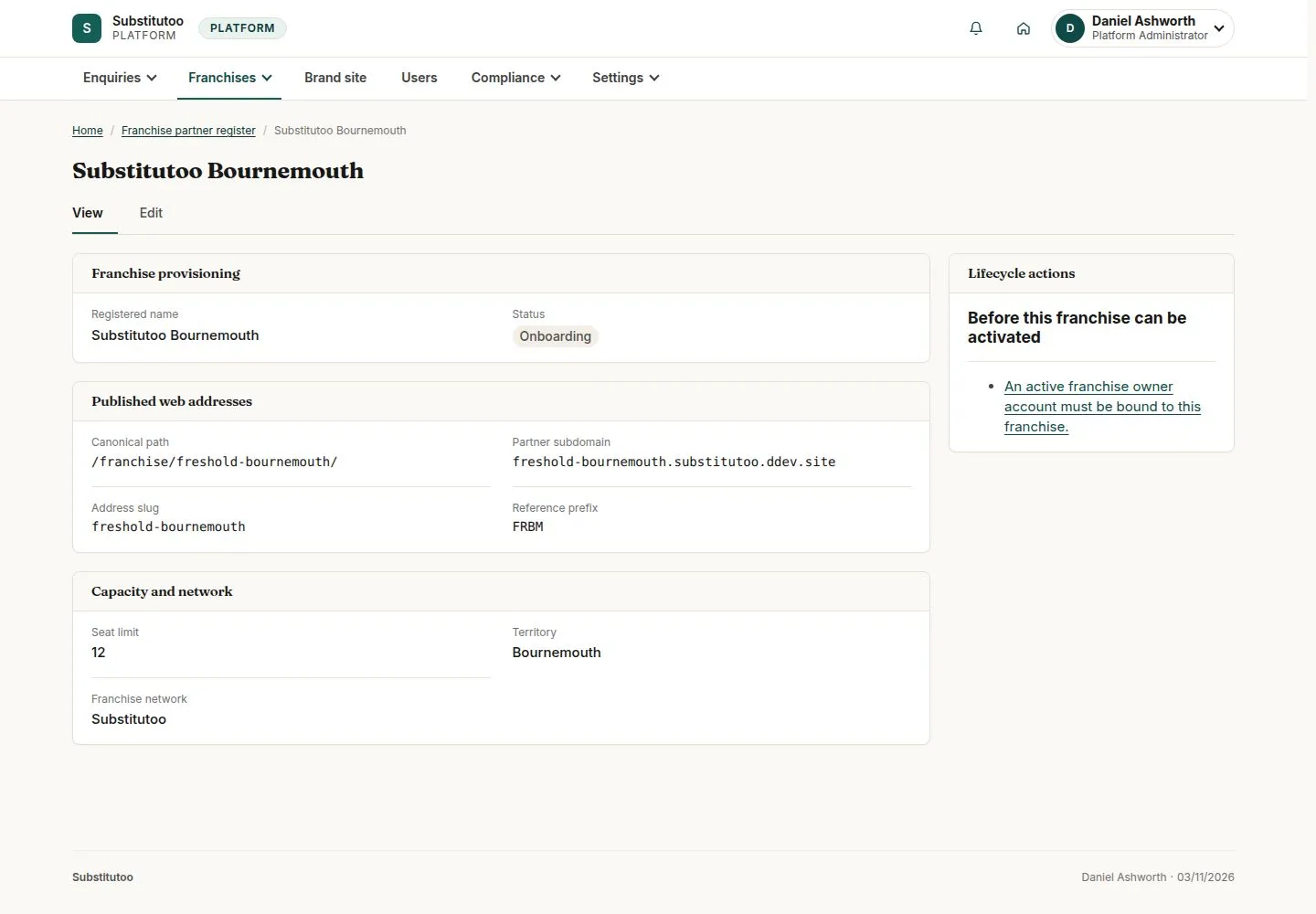
Create the owner's account
Head Office
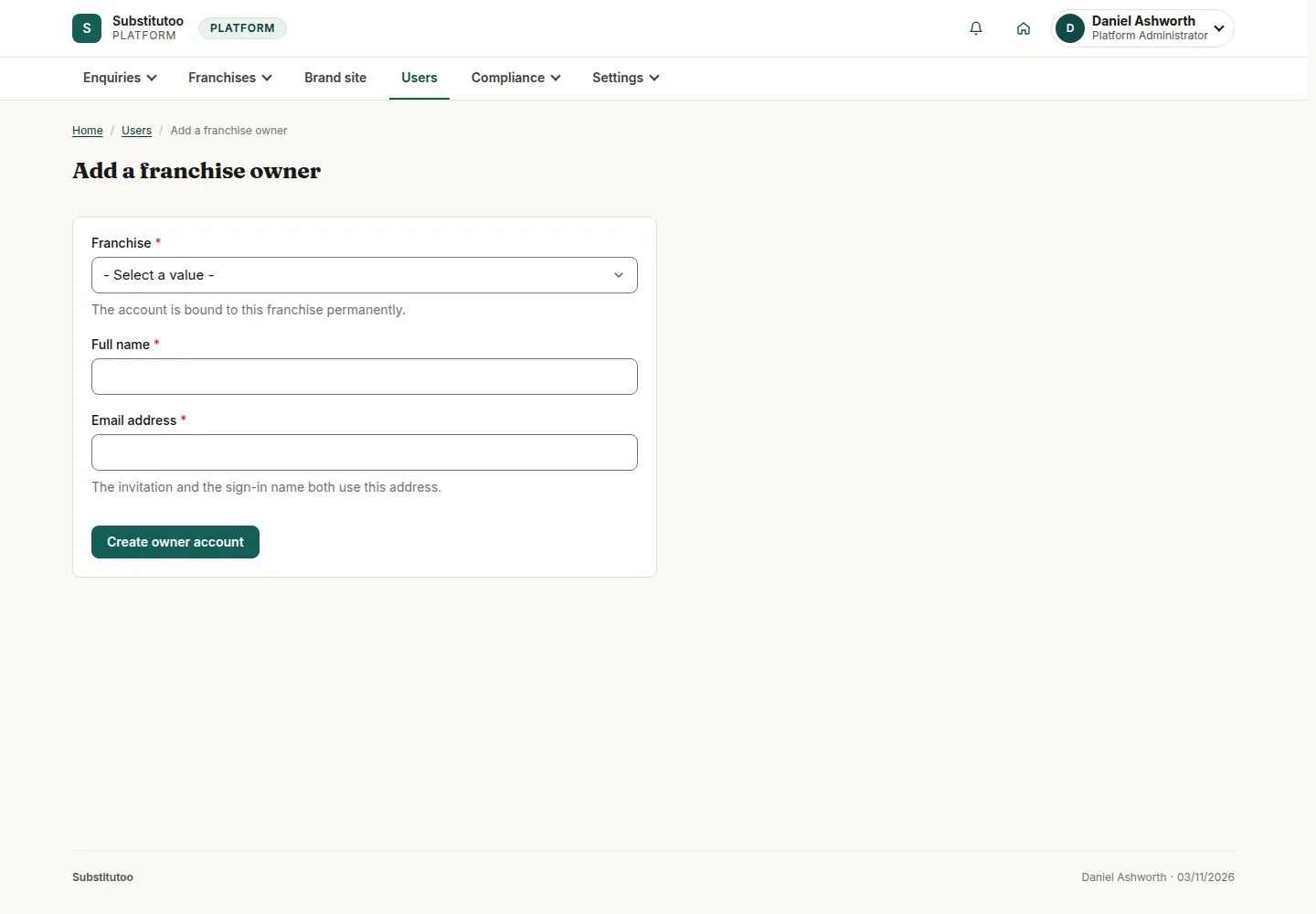
4Step 4 of 7 · workflow step 04
- Franchise
- Name and email
- Role Franchise Owner
Enlarge, then scroll
Open illustrated screen ↗Full image ↗
The system does this
- Send the owner one email to set their password; the account opens My account first
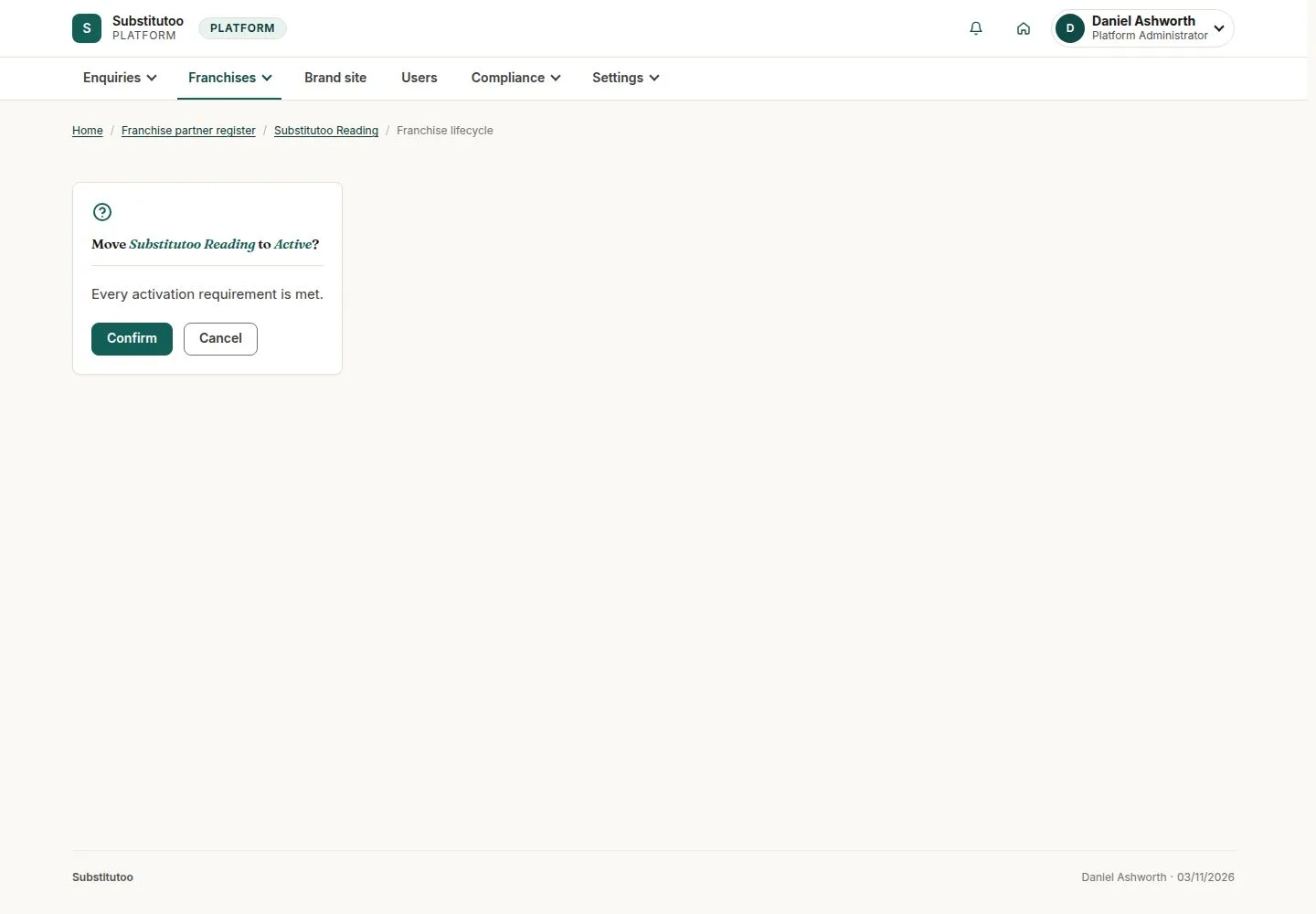
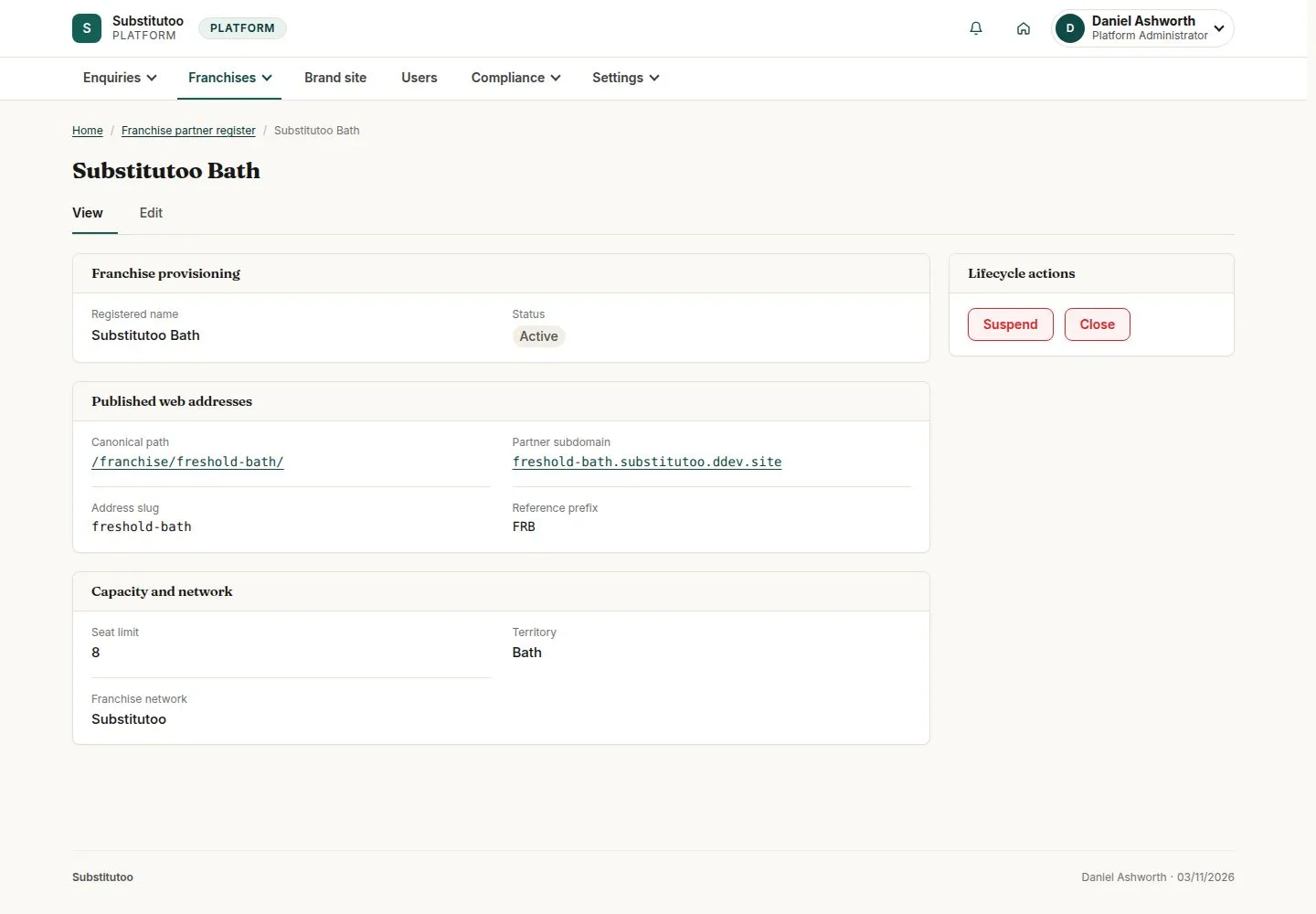
Suspend or close
Head Office
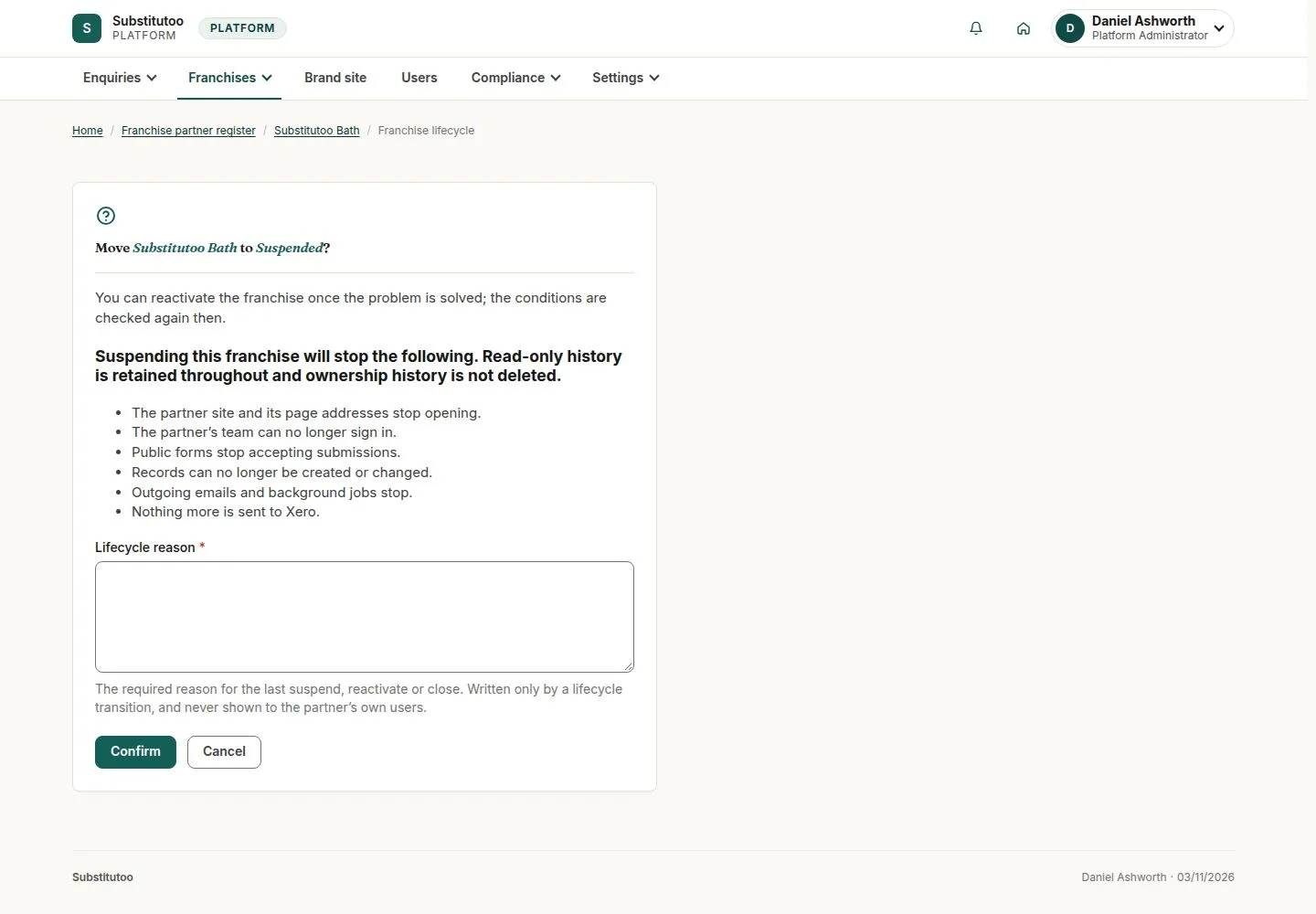
7Step 7 of 7 · workflow step 08
- Suspend
- Close
- Reason
Suspended or closed: the public pages answer Address unavailable; the owner keeps read-only access.
Enlarge, then scroll
Open illustrated screen ↗Full image ↗
Check
Franchise Active with its owner, territory and web address
1 / 8