










Notifications
Workflow 28 · Bell · Notification log · Templates
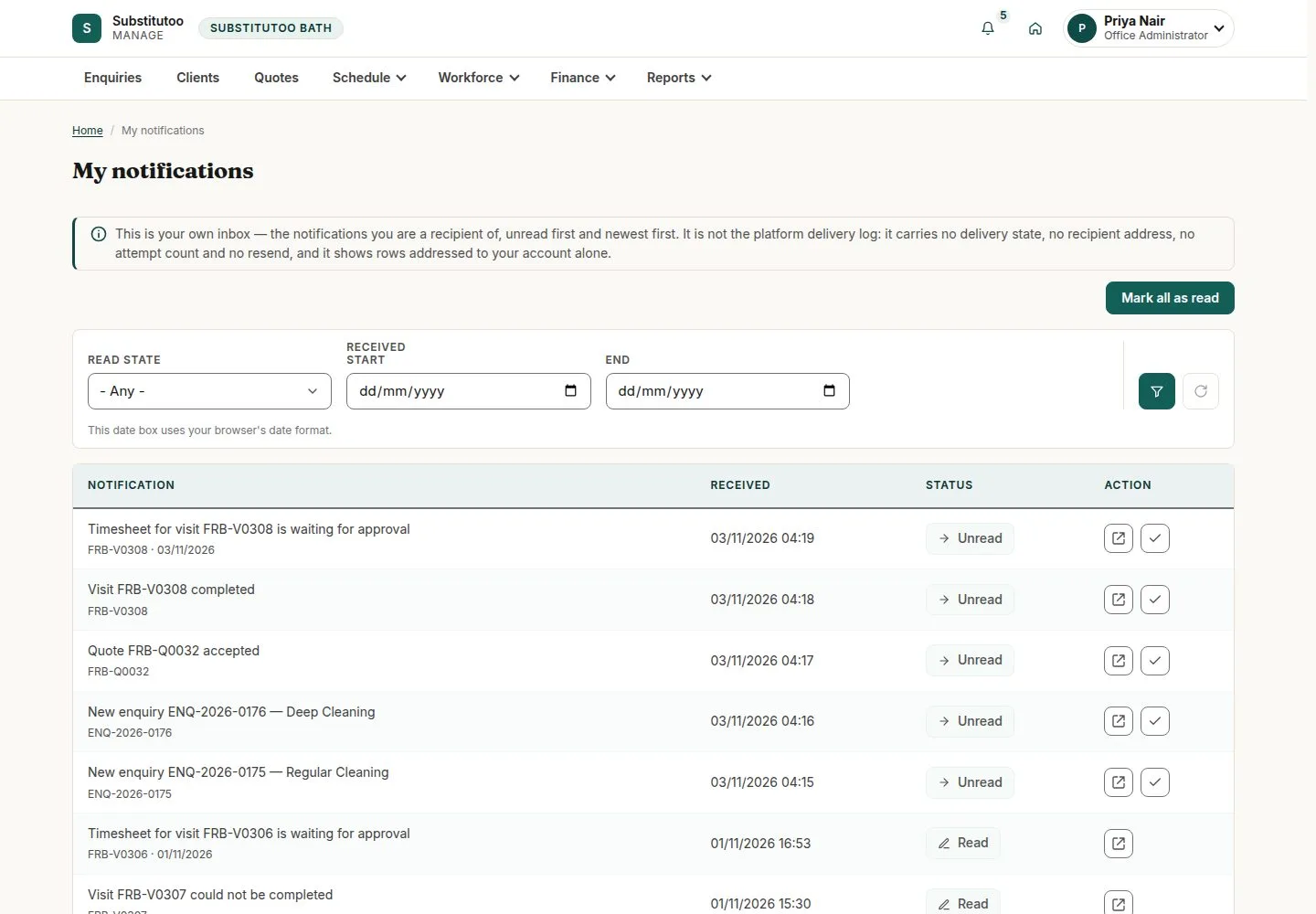
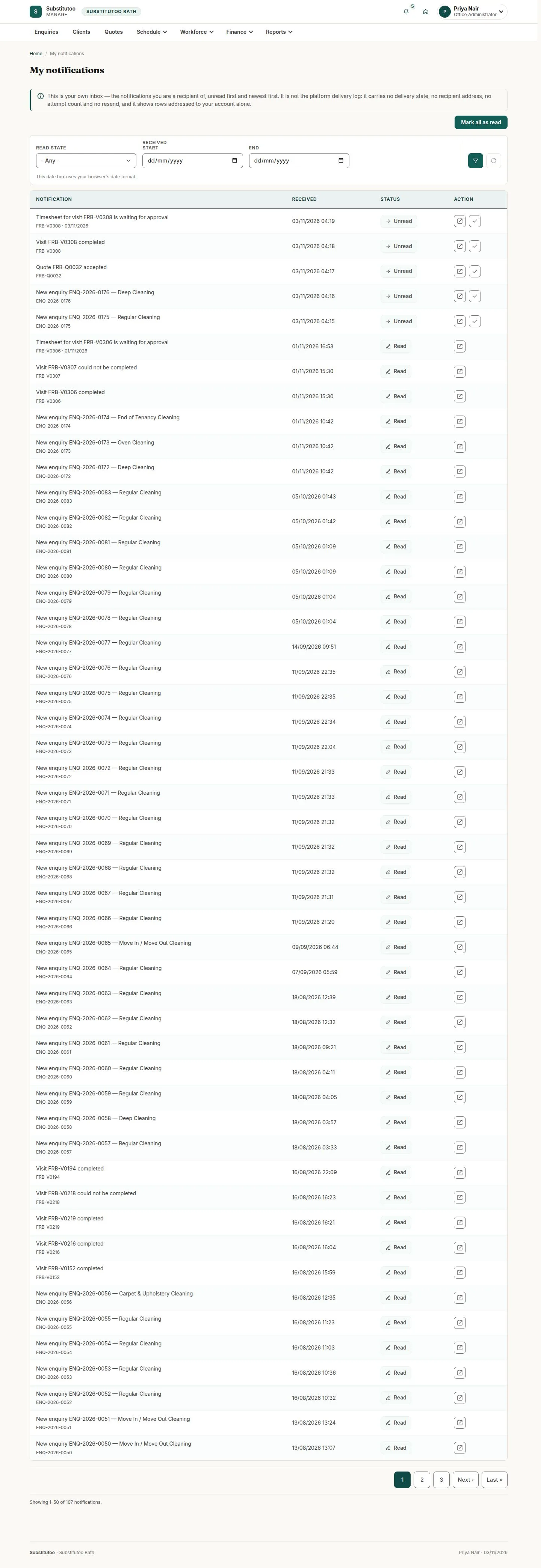
The system tells people what concerns them: an email and the bell at the top of the page.
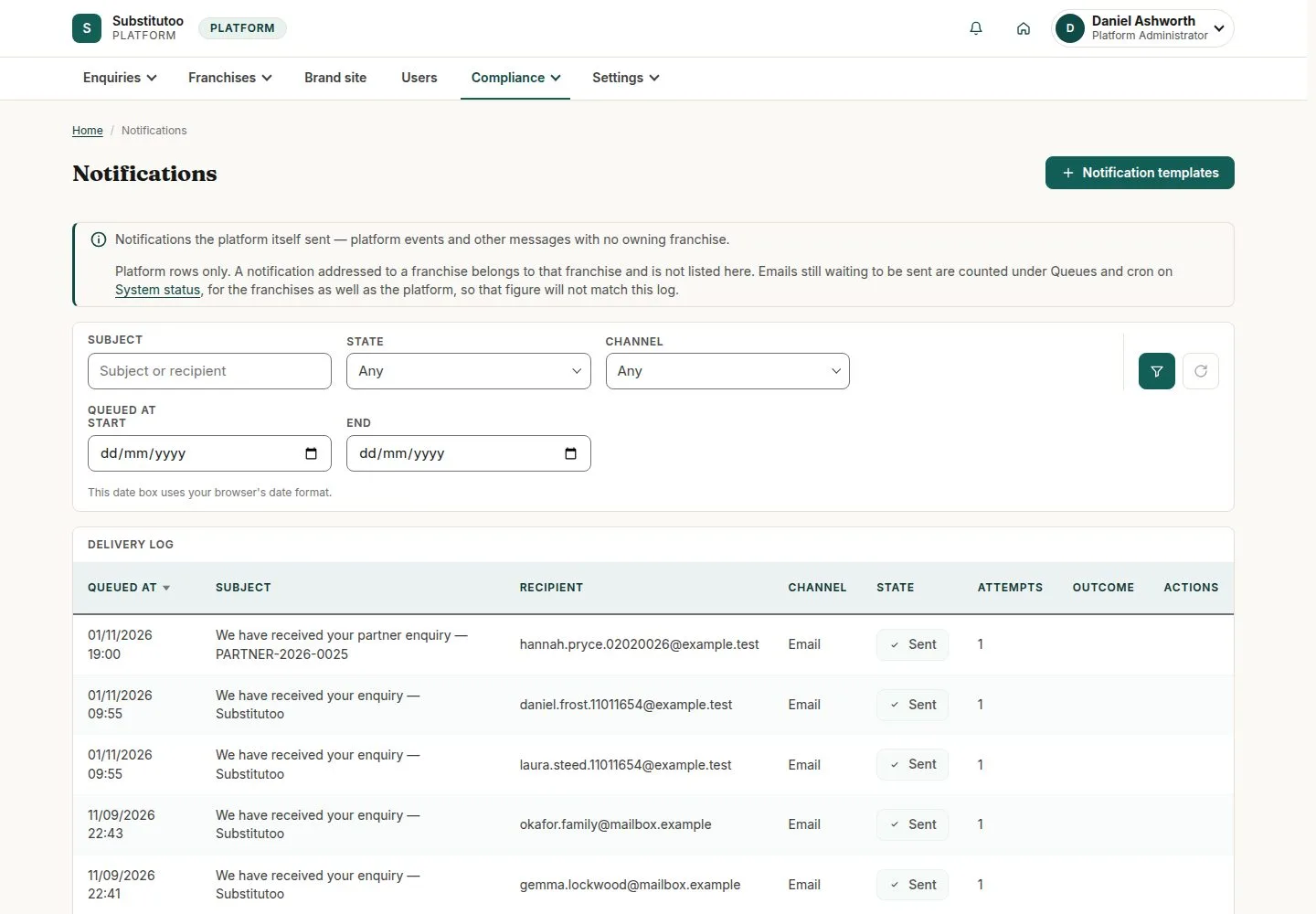
Head Office sees every message in the notification log and can change the wording of each one.
- Anyone signed in (bell)
- Head Office (log and templates)
Head Office
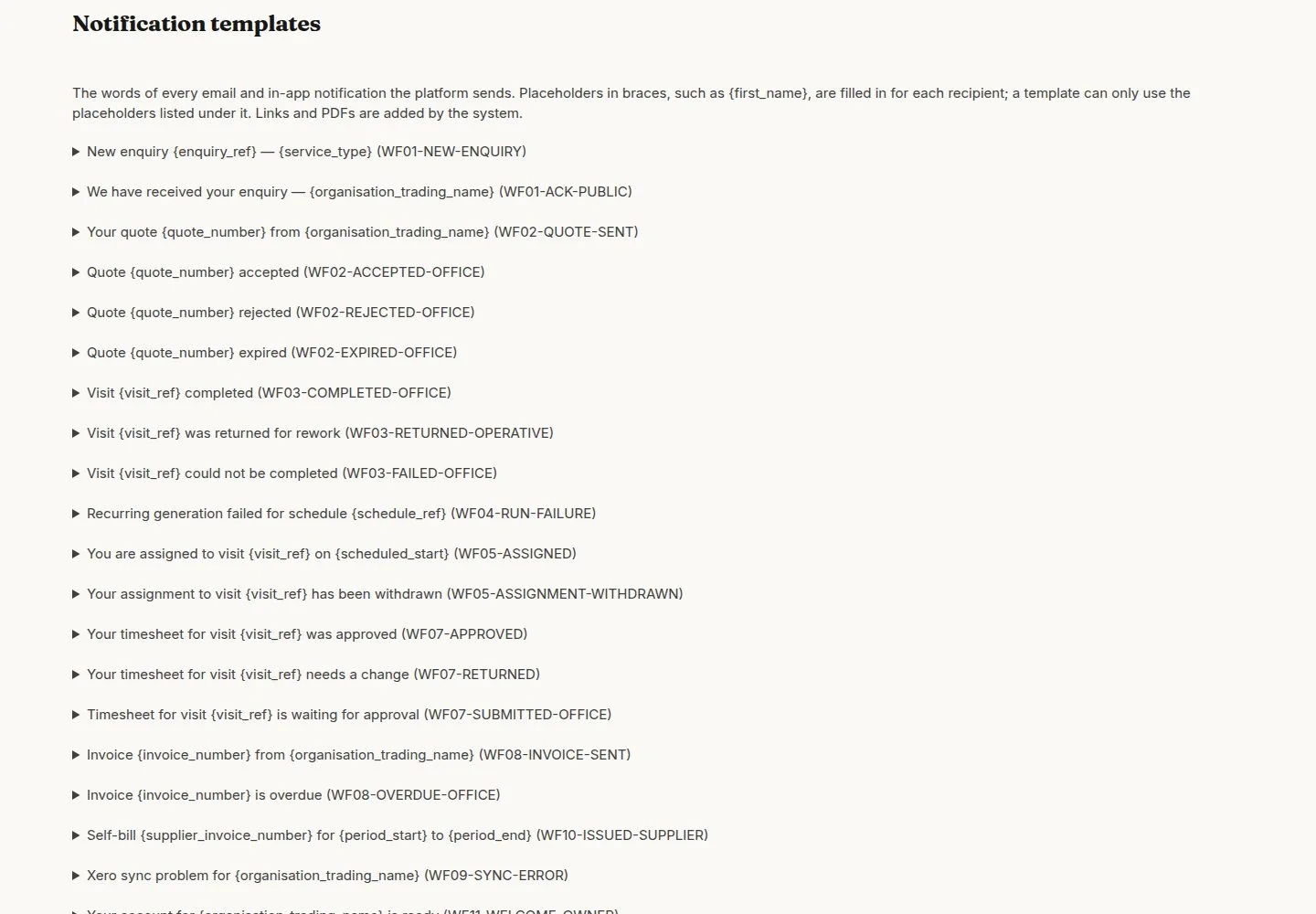
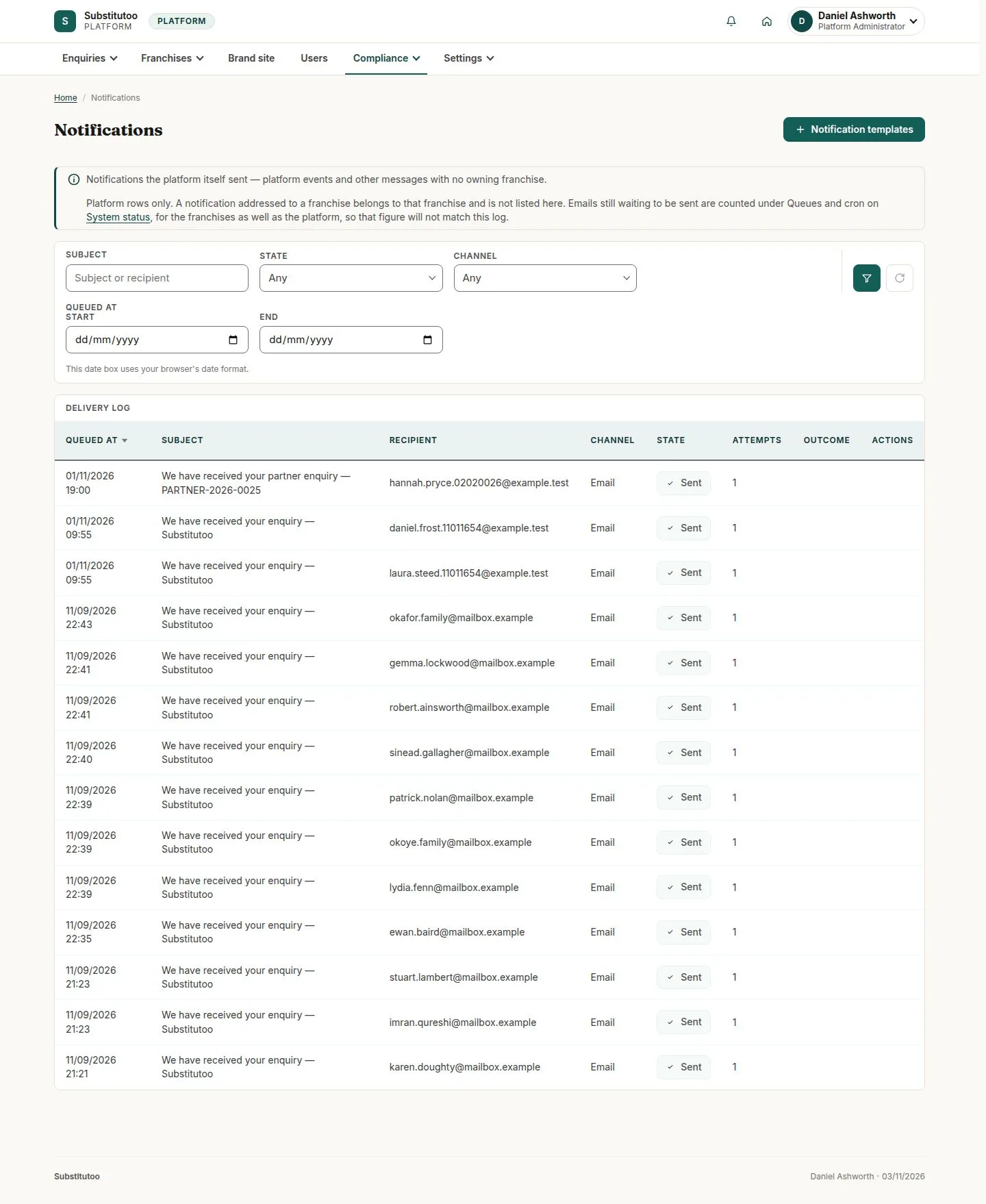
Notification templates
Head Office
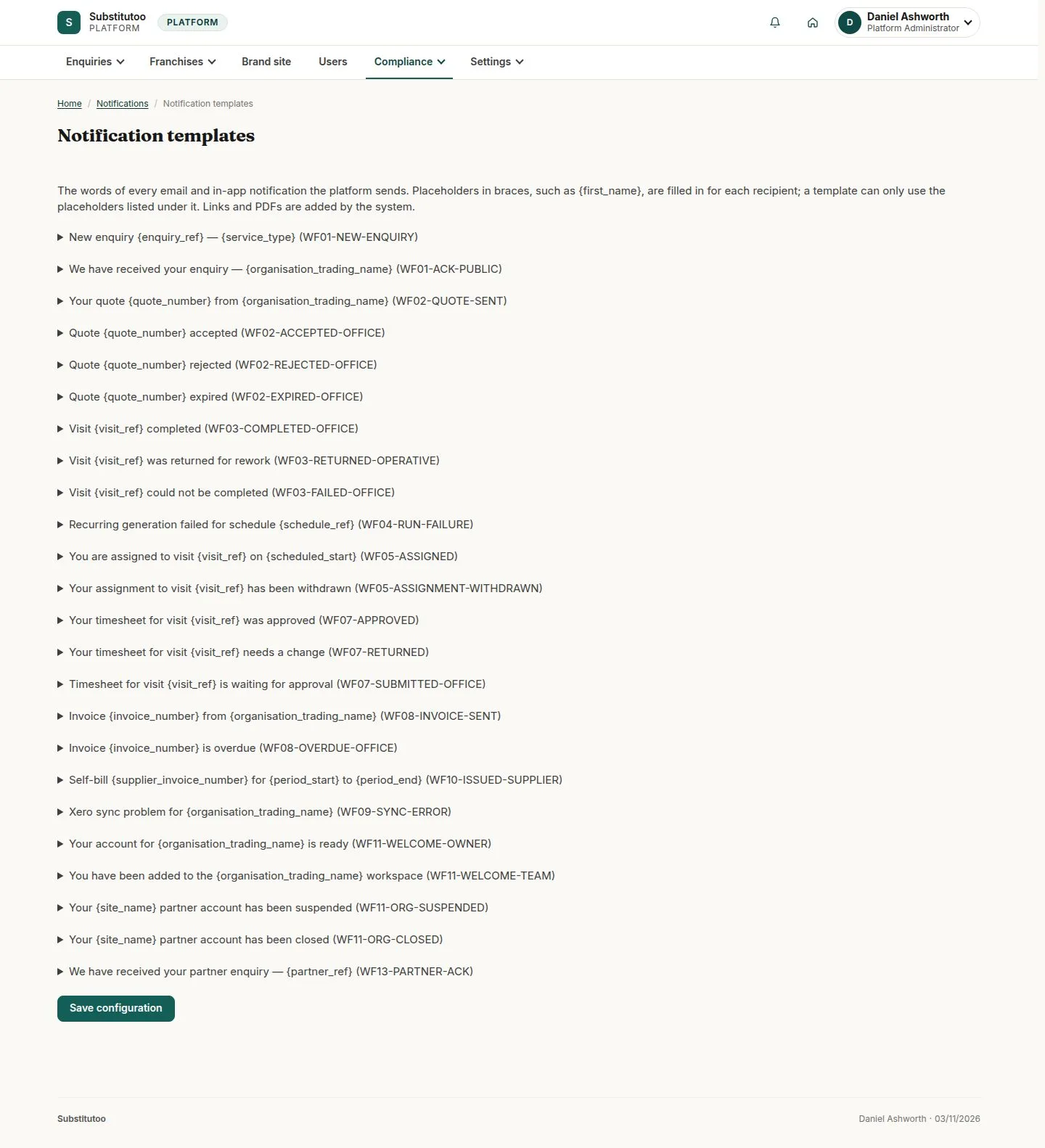
3Step 3 of 3 · workflow step 03
- Subject and body
- Placeholders
Enlarge, then scroll
Open illustrated screen ↗Full image ↗
The system does this
- Send each message once through the outbox, retry a failed one a few times, and list it as failed with the reason when it cannot be sent
Check
Messages sent once; failures visible with Resend
1 / 4